

 programming
Similar presentations:










iFrame/IMG pixel installation on the CPAExchange platform
1.
|Guide: iFrame/IMG pixel
installation on the
CPAExchange platform
2.
Tracking statistics on the CPAExchange platform.Installation of pixel
In order for an advertiser be able to track statistics on their campaigns on the CPAExchange platform,
you need to install a pixel on the conversion page of the advertiser's offer.
Installation of iframe/img pixel:
– After adding the campaign to the CPAExchange platform, The Manager will send you a pixel to
install on the conversion page.
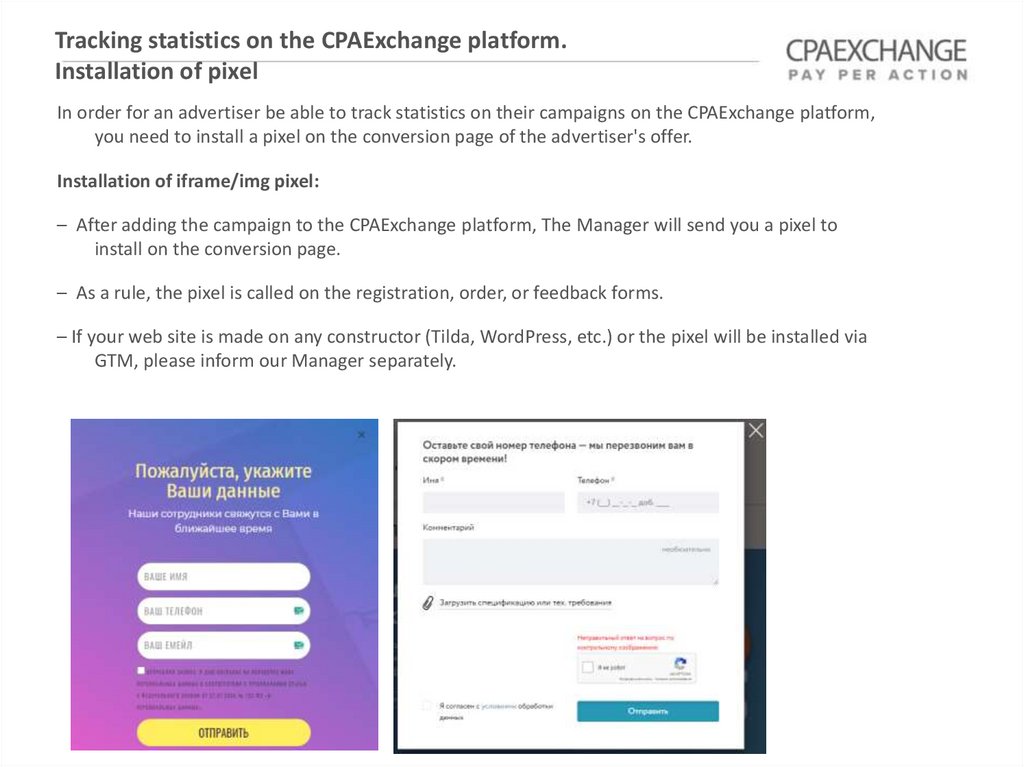
– As a rule, the pixel is called on the registration, order, or feedback forms.
– If your web site is made on any constructor (Tilda, WordPress, etc.) or the pixel will be installed via
GTM, please inform our Manager separately.
3.
Tracking statistics on the CPAExchange platform.Installation of pixel
A pixel is a function pixel() on Javascript including either <iframe src="https://partners.cpaex.ru/track/goaliframe?goal_id={goal_id}&track_id={unique_id}" height="1" width="1" frameborder="0"
scrolling="no"></iframe> or <img src="https://partners.cpaex.ru/track/goalimg?goal_id={goal_id}&track_id={unique_id}" height="1" width="1" />
To display statistics correctly, we recommend setting the pixel at the top of the page. Ideally, right after the
<boby> tag, if it doesn't break the page design. Direct the action to the "Send" button by adding the
pixel () function; via the onclick event.
{goal_id} – parameter indicating the number of the ad campaign in the CPAExchange platform. Please
note that the campaign id in the platform and pixel must match.
{track_id} –a required parameter used by the advertiser to transmit data to it, which is then used to
compare leads in the advertiser's system and in CPAExchange. The value must be unique.
For example, you can pass values:
user's phone number;
request number;
order number;
mail;
etc.
4.
Tracking statistics on the CPAExchange platform.Installation of pixel
track_id – this is what CPAExchange receives from the Customer and what helps CPAExchange check
statistics.
unique_id - this is the value that is generated on the advertiser's side.
transaction_id -this is an action performed by the user. This id is generated on the CPAExchange platform
side at the time of the click on tracking_url. When a pixel is triggered, the system determines which
transaction to fix the lead for, and the transaction status changes, becoming a lead with the panding
or approved status. Accordingly, in the future it can also be changed for this transaction.
CPAExchange can send transaction_id to the client in the link to their page (offer url) (if the client is ready
to accept), and if they provide a list of accepted and rejected leads with transaction_id, we can update
statistics on this data, as well as on track_id. But you don't need to pass the transaction_id to the pixel, we
already know it.
Track_id is easier for the advertiser (you don't need to attach any additional parameters to your link) + we
have statistics (data) of the advertiser on leads, which greatly simplifies reconciliation.
5.
CPAExchange office in Moscow+7 (495) 909-98-61
demand@cpaexchange.ru
www.cpaexchange.ru