 internet
Similar presentations:




Introduction-to-Cybersecurity-for-Everyday-Users
1.
Introduction toCybersecurity for Everyday
Users
2.
Cybersecurity is about protecting your devices, data, and online identity from digital threats. Even ordinary users face riskslike phishing, malware, and identity theft every day. You don’t need to be a tech expert to stay safe—simple habits make a big
difference. Most cyberattacks succeed because of human error, not technical flaws. Understanding basic rules helps you
browse, shop, and communicate online with confidence.
Strong Passwords and Authentication
Always use strong, unique
passwords
Avoid reusing the same
password
Enable two-factor
authentication (2FA)
For example, a mix of letters,
Across multiple accounts to
Wherever possible—it adds an
numbers, and symbols.
prevent chain breaches.
extra security layer.
A password manager can
help
Never share your passwords
Generate and store complex
Change them immediately if a
passwords securely.
service reports a breach.
3.
Safe Browsing and Email Habits• Be cautious with emails from unknown senders—especially
those with urgent requests or links.
• Hover over links to check the real URL before clicking—
phishing sites often mimic legitimate ones.
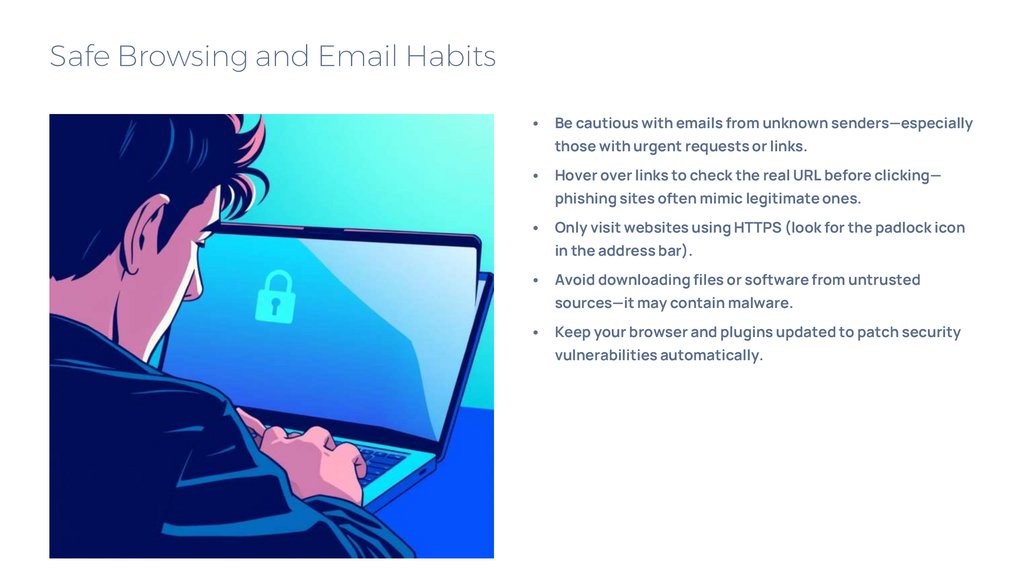
• Only visit websites using HTTPS (look for the padlock icon
in the address bar).
• Avoid downloading files or software from untrusted
sources—it may contain malware.
• Keep your browser and plugins updated to patch security
vulnerabilities automatically.
4.
Device Security and Ongoing VigilanceInstall reputable antivirus
software
Run regular scans to detect
threats early.
Always update your
operating system, apps, and
firmware
Use a firewall and avoid
public Wi-Fi
They often include critical
banking.
For sensitive activities like online
security fixes.
Regularly back up important files
Stay informed
To an external drive or cloud service to recover from
Cyber threats evolve, but awareness and caution keep
ransomware.
you protected.