



 software
Similar presentations:





System and Endpoint Protection (lecture 4)
1.
InformationSecurity
Fundamentals
Main instructor:
assistant professor, PhD Akzhibek Amirova
akzhibek.amirova@astanaitedu.kz
2.
Lecture 4System and Endpoint Protection
3.
ObjectivesEvaluate endpoint protection and the impacts of malware
Defending
Systems and
Devices
Use processes and
procedures to protect
systems.
Antimalware
Protection
Host-based Intrusion
Prevention
Application Security
Explain methods of
mitigating malware.
Recommend endpoint
security measures.
Use malware investigation
tools to learn malware
features.
4.
4.1 Defending Systems and Devices5.
Defending Systems and DevicesOperating System Security
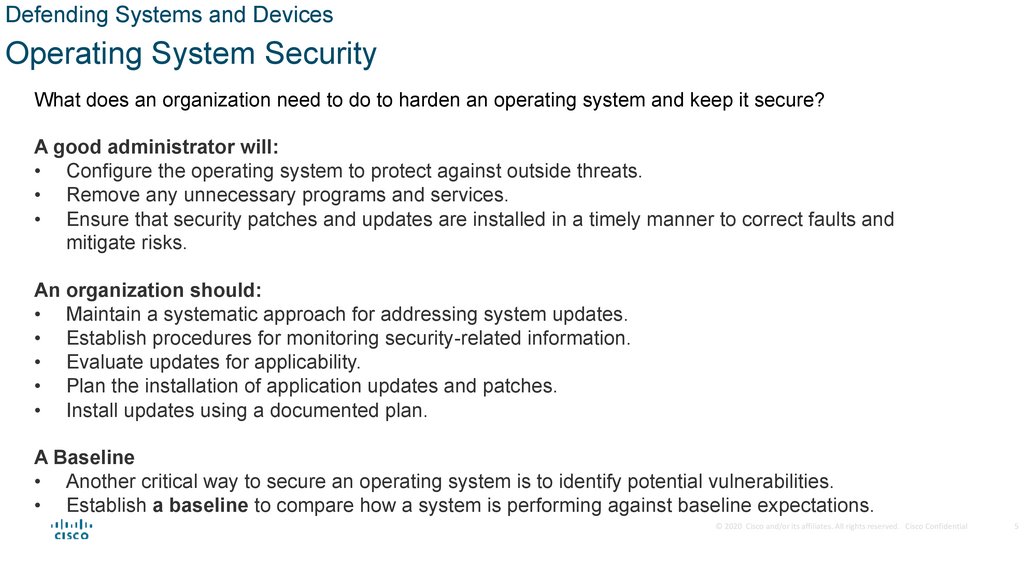
What does an organization need to do to harden an operating system and keep it secure?
A good administrator will:
• Configure the operating system to protect against outside threats.
• Remove any unnecessary programs and services.
• Ensure that security patches and updates are installed in a timely manner to correct faults and
mitigate risks.
An organization should:
• Maintain a systematic approach for addressing system updates.
• Establish procedures for monitoring security-related information.
• Evaluate updates for applicability.
• Plan the installation of application updates and patches.
• Install updates using a documented plan.
A Baseline
• Another critical way to secure an operating system is to identify potential vulnerabilities.
• Establish a baseline to compare how a system is performing against baseline expectations.
© 2020 Cisco and/or its affiliates. All rights reserved. Cisco Confidential
5
6.
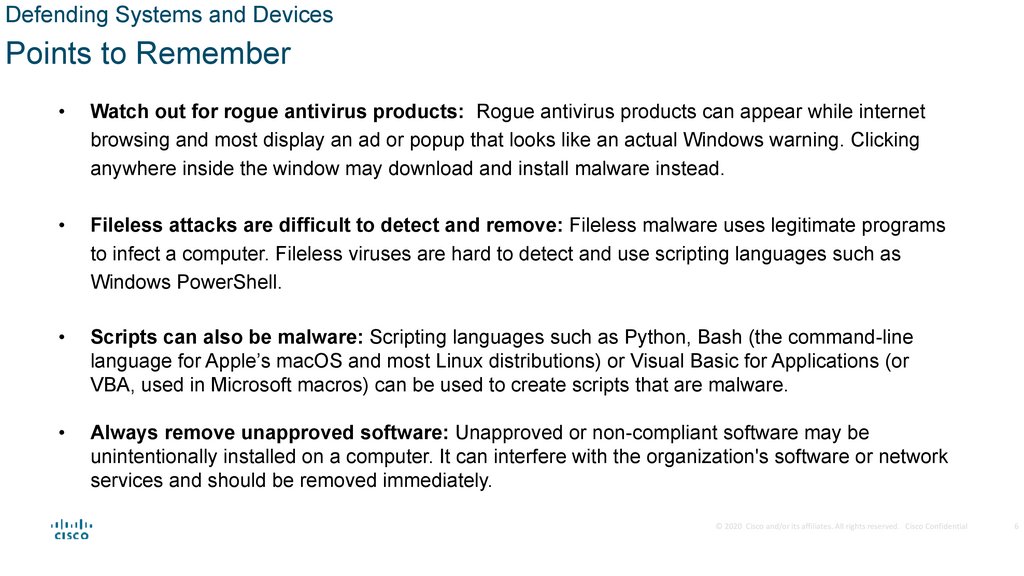
Defending Systems and DevicesPoints to Remember
Watch out for rogue antivirus products: Rogue antivirus products can appear while internet
browsing and most display an ad or popup that looks like an actual Windows warning. Clicking
anywhere inside the window may download and install malware instead.
Fileless attacks are difficult to detect and remove: Fileless malware uses legitimate programs
to infect a computer. Fileless viruses are hard to detect and use scripting languages such as
Windows PowerShell.
Scripts can also be malware: Scripting languages such as Python, Bash (the command-line
language for Apple’s macOS and most Linux distributions) or Visual Basic for Applications (or
VBA, used in Microsoft macros) can be used to create scripts that are malware.
Always remove unapproved software: Unapproved or non-compliant software may be
unintentionally installed on a computer. It can interfere with the organization's software or network
services and should be removed immediately.
© 2020 Cisco and/or its affiliates. All rights reserved. Cisco Confidential
6
7.
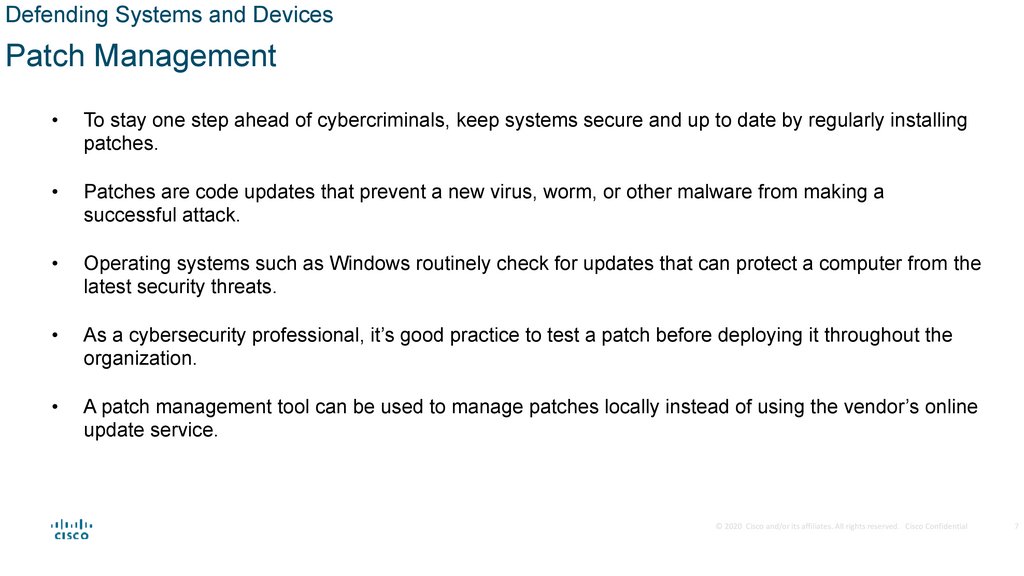
Defending Systems and DevicesPatch Management
To stay one step ahead of cybercriminals, keep systems secure and up to date by regularly installing
patches.
Patches are code updates that prevent a new virus, worm, or other malware from making a
successful attack.
Operating systems such as Windows routinely check for updates that can protect a computer from the
latest security threats.
As a cybersecurity professional, it’s good practice to test a patch before deploying it throughout the
organization.
A patch management tool can be used to manage patches locally instead of using the vendor’s online
update service.
© 2020 Cisco and/or its affiliates. All rights reserved. Cisco Confidential
7
8.
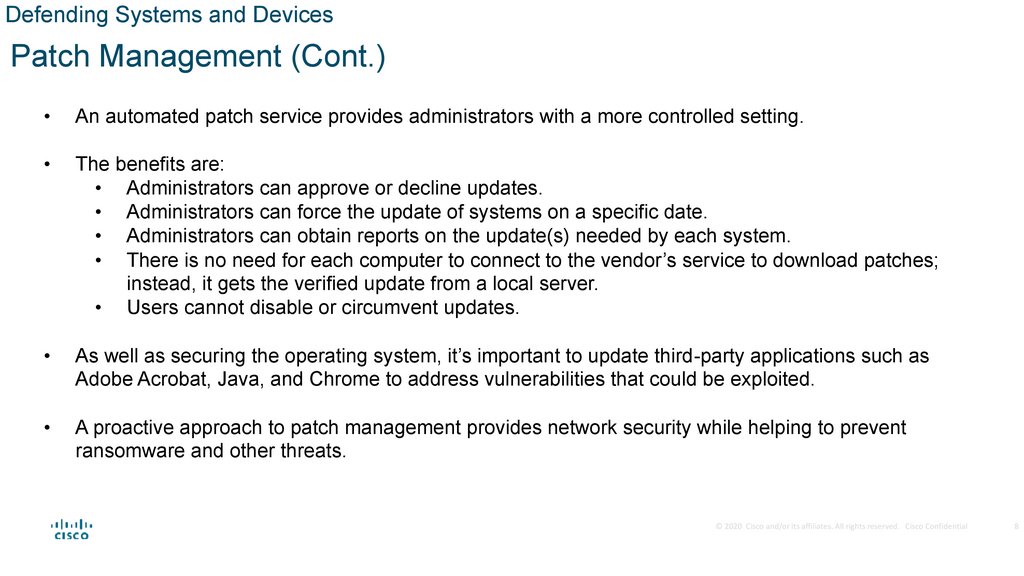
Defending Systems and DevicesPatch Management (Cont.)
An automated patch service provides administrators with a more controlled setting.
The benefits are:
• Administrators can approve or decline updates.
• Administrators can force the update of systems on a specific date.
• Administrators can obtain reports on the update(s) needed by each system.
• There is no need for each computer to connect to the vendor’s service to download patches;
instead, it gets the verified update from a local server.
• Users cannot disable or circumvent updates.
As well as securing the operating system, it’s important to update third-party applications such as
Adobe Acrobat, Java, and Chrome to address vulnerabilities that could be exploited.
A proactive approach to patch management provides network security while helping to prevent
ransomware and other threats.
© 2020 Cisco and/or its affiliates. All rights reserved. Cisco Confidential
8
9.
Defending Systems and DevicesEndpoint Security
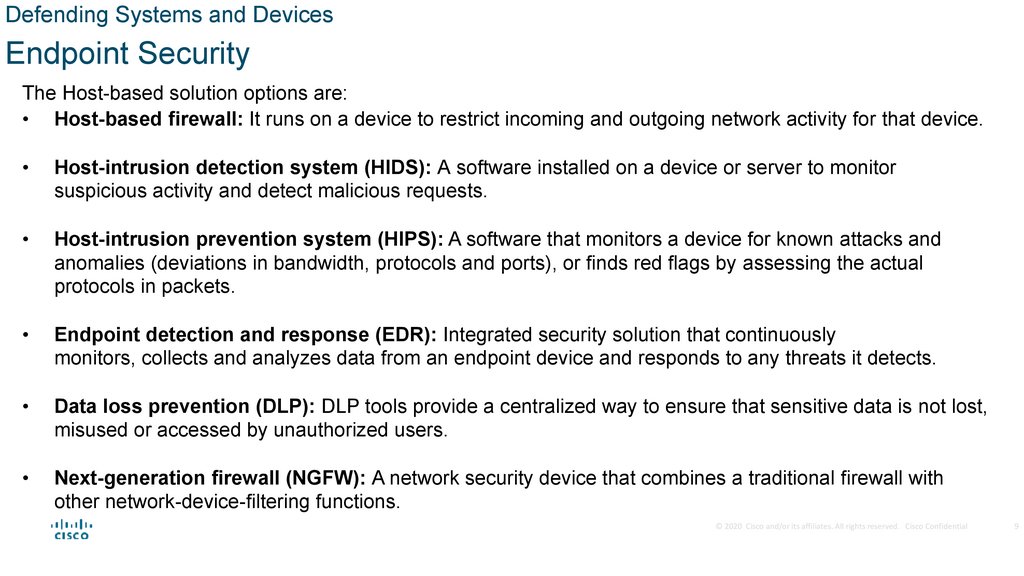
The Host-based solution options are:
• Host-based firewall: It runs on a device to restrict incoming and outgoing network activity for that device.
Host-intrusion detection system (HIDS): A software installed on a device or server to monitor
suspicious activity and detect malicious requests.
Host-intrusion prevention system (HIPS): A software that monitors a device for known attacks and
anomalies (deviations in bandwidth, protocols and ports), or finds red flags by assessing the actual
protocols in packets.
Endpoint detection and response (EDR): Integrated security solution that continuously
monitors, collects and analyzes data from an endpoint device and responds to any threats it detects.
Data loss prevention (DLP): DLP tools provide a centralized way to ensure that sensitive data is not lost,
misused or accessed by unauthorized users.
Next-generation firewall (NGFW): A network security device that combines a traditional firewall with
other network-device-filtering functions.
© 2020 Cisco and/or its affiliates. All rights reserved. Cisco Confidential
9
10.
Defending Systems and DevicesHost Encryption
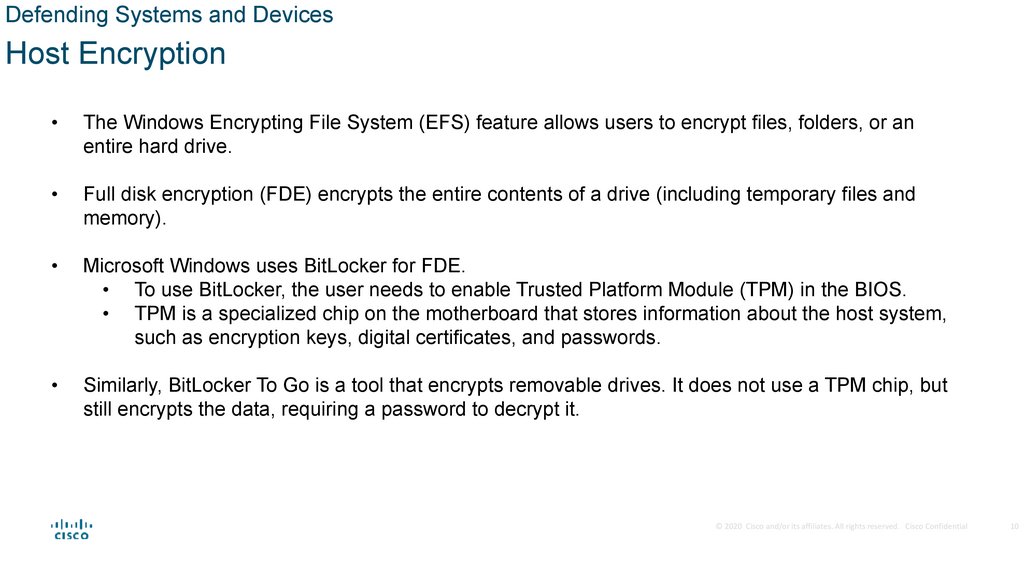
The Windows Encrypting File System (EFS) feature allows users to encrypt files, folders, or an
entire hard drive.
Full disk encryption (FDE) encrypts the entire contents of a drive (including temporary files and
memory).
Microsoft Windows uses BitLocker for FDE.
• To use BitLocker, the user needs to enable Trusted Platform Module (TPM) in the BIOS.
• TPM is a specialized chip on the motherboard that stores information about the host system,
such as encryption keys, digital certificates, and passwords.
Similarly, BitLocker To Go is a tool that encrypts removable drives. It does not use a TPM chip, but
still encrypts the data, requiring a password to decrypt it.
© 2020 Cisco and/or its affiliates. All rights reserved. Cisco Confidential
10
11.
Defending Systems and DevicesBoot Integrity
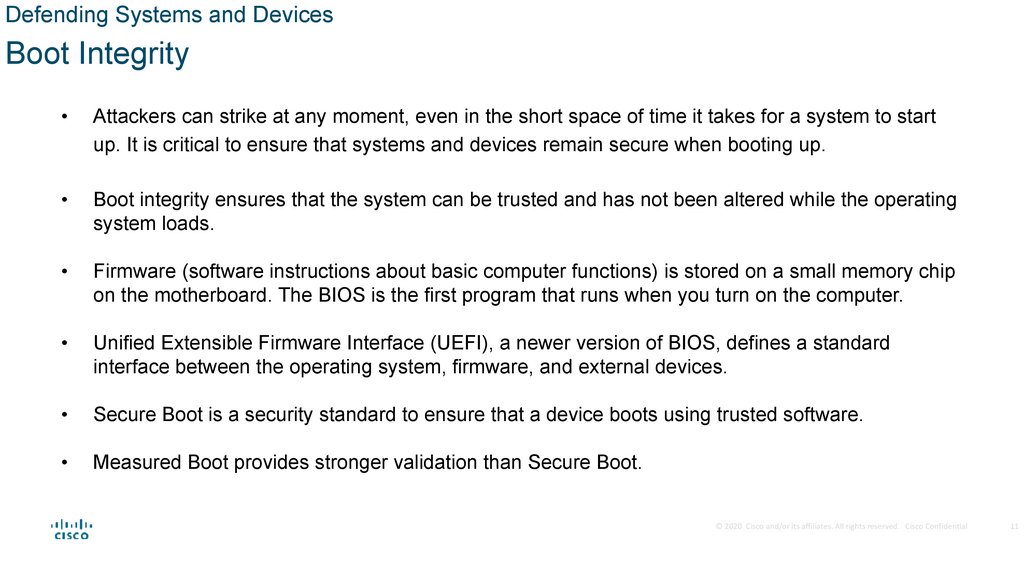
Attackers can strike at any moment, even in the short space of time it takes for a system to start
up. It is critical to ensure that systems and devices remain secure when booting up.
Boot integrity ensures that the system can be trusted and has not been altered while the operating
system loads.
Firmware (software instructions about basic computer functions) is stored on a small memory chip
on the motherboard. The BIOS is the first program that runs when you turn on the computer.
Unified Extensible Firmware Interface (UEFI), a newer version of BIOS, defines a standard
interface between the operating system, firmware, and external devices.
Secure Boot is a security standard to ensure that a device boots using trusted software.
Measured Boot provides stronger validation than Secure Boot.
© 2020 Cisco and/or its affiliates. All rights reserved. Cisco Confidential
11
12.
Defending Systems and DevicesApple System Security Features
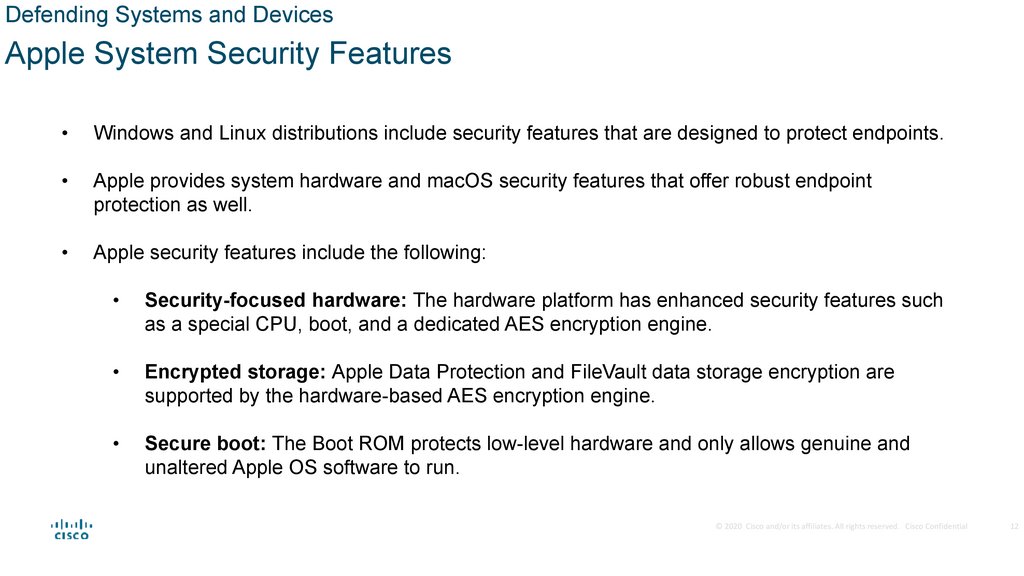
Windows and Linux distributions include security features that are designed to protect endpoints.
Apple provides system hardware and macOS security features that offer robust endpoint
protection as well.
Apple security features include the following:
Security-focused hardware: The hardware platform has enhanced security features such
as a special CPU, boot, and a dedicated AES encryption engine.
Encrypted storage: Apple Data Protection and FileVault data storage encryption are
supported by the hardware-based AES encryption engine.
Secure boot: The Boot ROM protects low-level hardware and only allows genuine and
unaltered Apple OS software to run.
© 2020 Cisco and/or its affiliates. All rights reserved. Cisco Confidential
12
13.
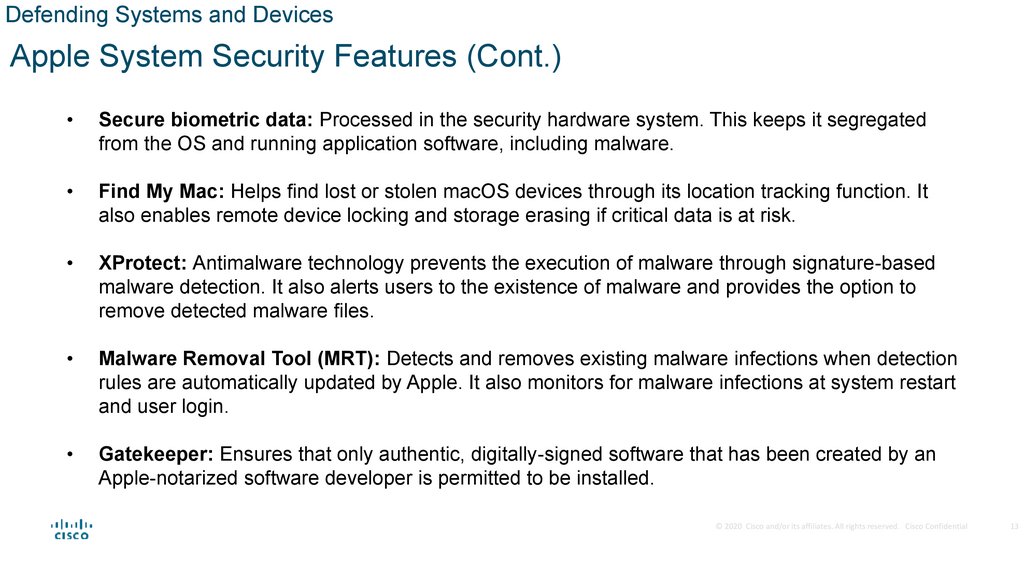
Defending Systems and DevicesApple System Security Features (Cont.)
Secure biometric data: Processed in the security hardware system. This keeps it segregated
from the OS and running application software, including malware.
Find My Mac: Helps find lost or stolen macOS devices through its location tracking function. It
also enables remote device locking and storage erasing if critical data is at risk.
XProtect: Antimalware technology prevents the execution of malware through signature-based
malware detection. It also alerts users to the existence of malware and provides the option to
remove detected malware files.
Malware Removal Tool (MRT): Detects and removes existing malware infections when detection
rules are automatically updated by Apple. It also monitors for malware infections at system restart
and user login.
Gatekeeper: Ensures that only authentic, digitally-signed software that has been created by an
Apple-notarized software developer is permitted to be installed.
© 2020 Cisco and/or its affiliates. All rights reserved. Cisco Confidential
13
14.
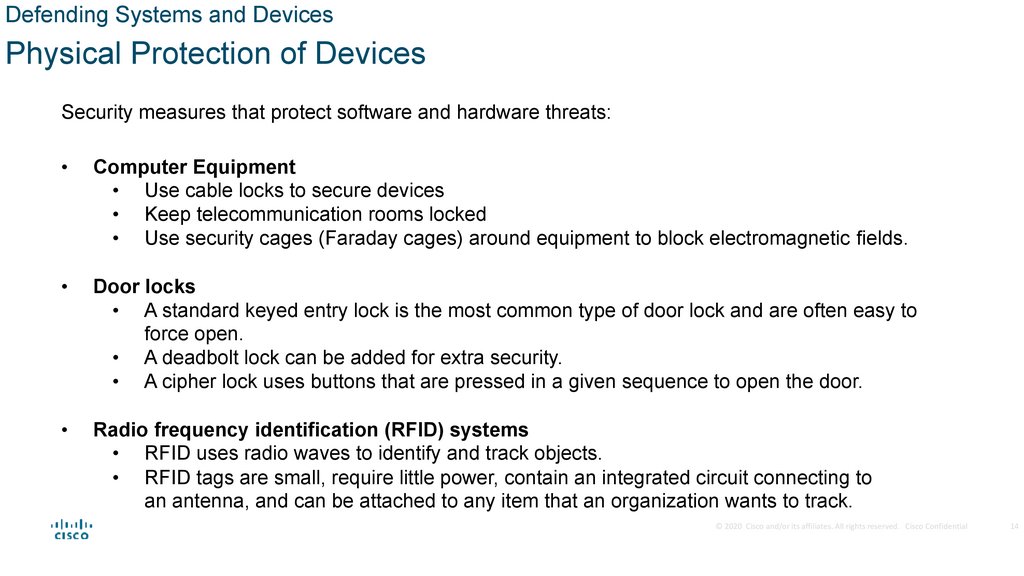
Defending Systems and DevicesPhysical Protection of Devices
Security measures that protect software and hardware threats:
Computer Equipment
• Use cable locks to secure devices
• Keep telecommunication rooms locked
• Use security cages (Faraday cages) around equipment to block electromagnetic fields.
Door locks
• A standard keyed entry lock is the most common type of door lock and are often easy to
force open.
• A deadbolt lock can be added for extra security.
• A cipher lock uses buttons that are pressed in a given sequence to open the door.
Radio frequency identification (RFID) systems
• RFID uses radio waves to identify and track objects.
• RFID tags are small, require little power, contain an integrated circuit connecting to
an antenna, and can be attached to any item that an organization wants to track.
© 2020 Cisco and/or its affiliates. All rights reserved. Cisco Confidential
14
15.
4.2 Antimalware Protection16.
Antimalware ProtectionEndpoint Threats
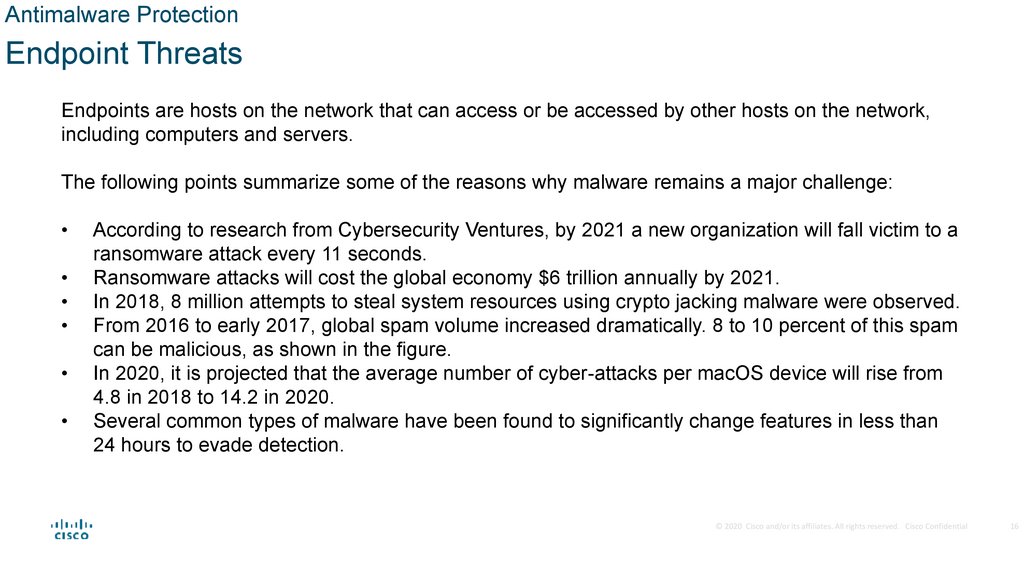
Endpoints are hosts on the network that can access or be accessed by other hosts on the network,
including computers and servers.
The following points summarize some of the reasons why malware remains a major challenge:
According to research from Cybersecurity Ventures, by 2021 a new organization will fall victim to a
ransomware attack every 11 seconds.
Ransomware attacks will cost the global economy $6 trillion annually by 2021.
In 2018, 8 million attempts to steal system resources using crypto jacking malware were observed.
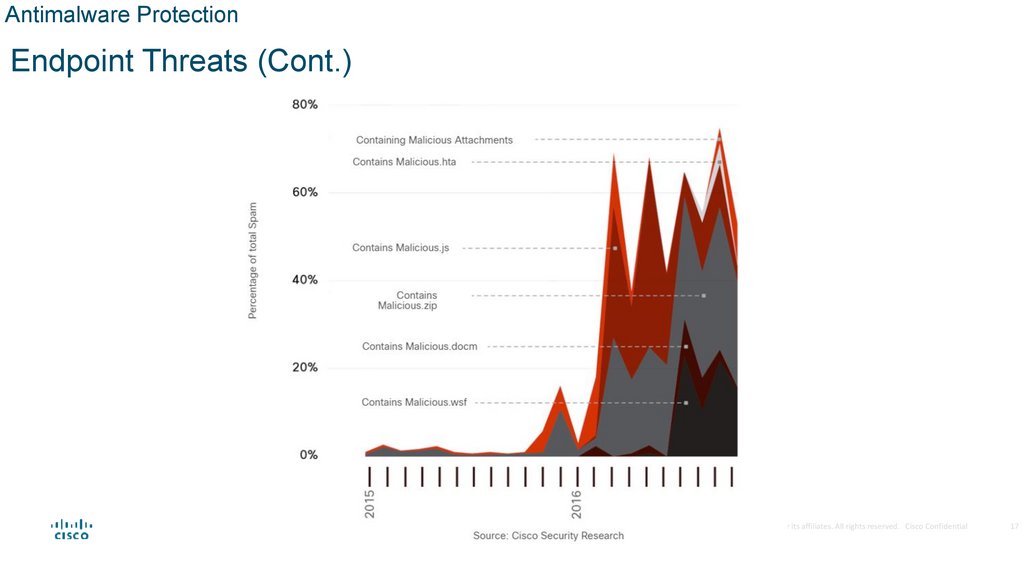
From 2016 to early 2017, global spam volume increased dramatically. 8 to 10 percent of this spam
can be malicious, as shown in the figure.
In 2020, it is projected that the average number of cyber-attacks per macOS device will rise from
4.8 in 2018 to 14.2 in 2020.
Several common types of malware have been found to significantly change features in less than
24 hours to evade detection.
© 2020 Cisco and/or its affiliates. All rights reserved. Cisco Confidential
16
17.
Antimalware ProtectionEndpoint Threats (Cont.)
© 2020 Cisco and/or its affiliates. All rights reserved. Cisco Confidential
17
18.
Antimalware ProtectionEndpoint Security
News media commonly cover external
network attacks on enterprise networks.
Some examples are:
• DoS attacks on a network to degrade or even
halt public access to it.
• Breach of a web server to deface their web
presence.
• Breach of a data servers and hosts to steal
confidential information.
Various network security devices are required
to protect the network perimeter from outside access.
These devices could include a hardened router
providing VPN services, a next generation firewall,
an IPS appliance, and an AAA services server.
© 2020 Cisco and/or its affiliates. All rights reserved. Cisco Confidential
19.
Antimalware ProtectionEndpoint Security (Cont.)
Many attacks originate from inside the network. Therefore, securing an internal LAN is nearly as
important as securing the outside network perimeter.
Without a secure LAN, users within an organization are still susceptible to network threats and outages
that can directly affect an organization’s productivity and profit margin.
Specifically, there are two internal LAN elements to secure:
Endpoints - Hosts commonly consist of laptops, desktops, printers, servers, and IP phones, all of
which are susceptible to malware-related attacks.
Network infrastructure - LAN infrastructure devices interconnect endpoints and typically include
switches, wireless devices, and IP telephony devices. Most of these devices are susceptible to
LAN-related attacks including MAC address table overflow attacks, spoofing attacks, DHCP
related attacks, LAN storm attacks, STP manipulation attacks, and VLAN attacks.
© 2020 Cisco and/or its affiliates. All rights reserved. Cisco Confidential
20.
Antimalware ProtectionHost-Based Malware Protection
People access corporate network resources with mobile devices that use remote access
technologies such as VPN.
These devices are also used on unsecured, or minimally secured, public and home networks.
Host-based antimalware/antivirus software and host-based firewalls are used to protect these
devices.
Antivirus/Antimalware software is installed on a host to detect and mitigate viruses and malware.
Antimalware programs may detect viruses using three different approaches:
• Signature-based recognizes various characteristics of known malware files.
• Heuristics-based recognizes general features shared by various types of malware.
• Behavior-based employs analysis of suspicious behavior.
© 2020 Cisco and/or its affiliates. All rights reserved. Cisco Confidential
20
21.
Antimalware ProtectionHost-Based Malware Protection (Cont.)
Host-based Firewall
• A software installed on a host.
• It restricts incoming and outgoing connections to connections initiated by that host only.
• Some firewall software can also prevent a host from becoming infected and stop infected hosts
from spreading malware to other hosts.
Host-based Security Suites
• It is recommended to install a host-based suite of security products on home networks as well
as business networks.
• They include antivirus, anti-phishing, safe browsing, Host-based intrusion prevention system,
and firewall capabilities.
• It provides a layered defense that will protect against most common threats.
The independent testing laboratory AV-TEST provides high-quality reviews of host-based protections, as
well as information about many other security products.
© 2020 Cisco and/or its affiliates. All rights reserved. Cisco Confidential
21
22.
Antimalware ProtectionNetwork-Based Malware Protection
New security architectures for the borderless network address security challenges by having
endpoints use network scanning.
Protecting endpoints in a borderless network can be accomplished using network-based, as well
as host-based techniques like next-generation firewalls, IPSs, network access control, gateway
security, and endpoint security.
Examples of devices and techniques that implement host protections at the network level are:
• Advanced Malware Protection (AMP) - This provides endpoint protection from viruses
and malware.
• Email Security Appliance (ESA) - This provides filtering of SPAM and potentially malicious
emails before they reach the endpoint. An example is the Cisco ESA.
• Web Security Appliance (WSA) - This provides filtering of websites and blocklisting to
prevent hosts from reaching dangerous locations on the web.
• Network Admission Control (NAC) - This permits only authorized and compliant systems
to connect to the network.
© 2020 Cisco and/or its affiliates. All rights reserved. Cisco Confidential
22
23.
Antimalware ProtectionNetwork-Based Malware Protection (Cont.)
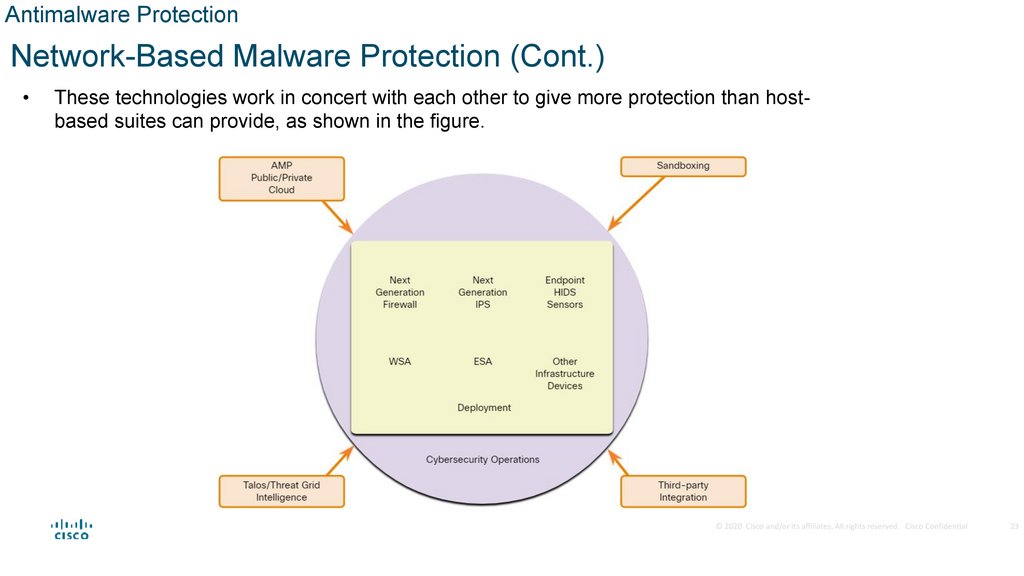
These technologies work in concert with each other to give more protection than hostbased suites can provide, as shown in the figure.
© 2020 Cisco and/or its affiliates. All rights reserved. Cisco Confidential
23
24.
4.3 Host-Based Intrusion Prevention25.
Host-Based Intrusion PreventionHost-Based Firewalls
Host-based personal firewalls are standalone software programs that control traffic entering or
leaving a computer.
Host-based firewalls may use a set of predefined policies, or profiles, to control packets entering
and leaving a computer.
Host-based firewall applications can also be configured to issue alerts to users if suspicious
behavior is detected.
Distributed firewalls combine features of host-based firewalls with centralized management.
© 2020 Cisco and/or its affiliates. All rights reserved. Cisco Confidential
25
26.
Host-Based Intrusion PreventionHost-Based Firewalls (Cont.)
Whether installed completely on the host or distributed, host-based firewalls are an important layer
of network security along with network-based firewalls.
Here are some examples of host-based firewalls:
Windows Defender Firewall uses a profile-based approach to firewall functionality.
iptables is an application that allows Linux system administrators to configure network
access rules that are part of the Linux kernel Netfilter modules.
nftables is a Linux firewall application that uses a simple virtual machine in the Linux
kernel.
TCP Wrappers is a rule-based access control and logging system for Linux.
© 2020 Cisco and/or its affiliates. All rights reserved. Cisco Confidential
26
27.
Host-Based Intrusion PreventionHost-Based Intrusion Detection
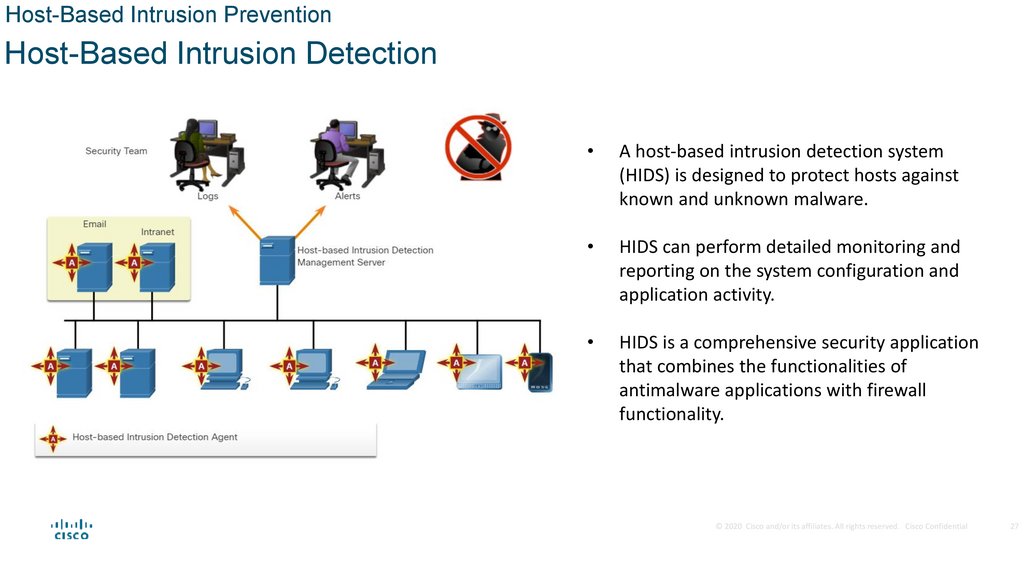
A host-based intrusion detection system
(HIDS) is designed to protect hosts against
known and unknown malware.
HIDS can perform detailed monitoring and
reporting on the system configuration and
application activity.
HIDS is a comprehensive security application
that combines the functionalities of
antimalware applications with firewall
functionality.
© 2020 Cisco and/or its affiliates. All rights reserved. Cisco Confidential
27
28.
Host-Based Intrusion PreventionHIDS Operation
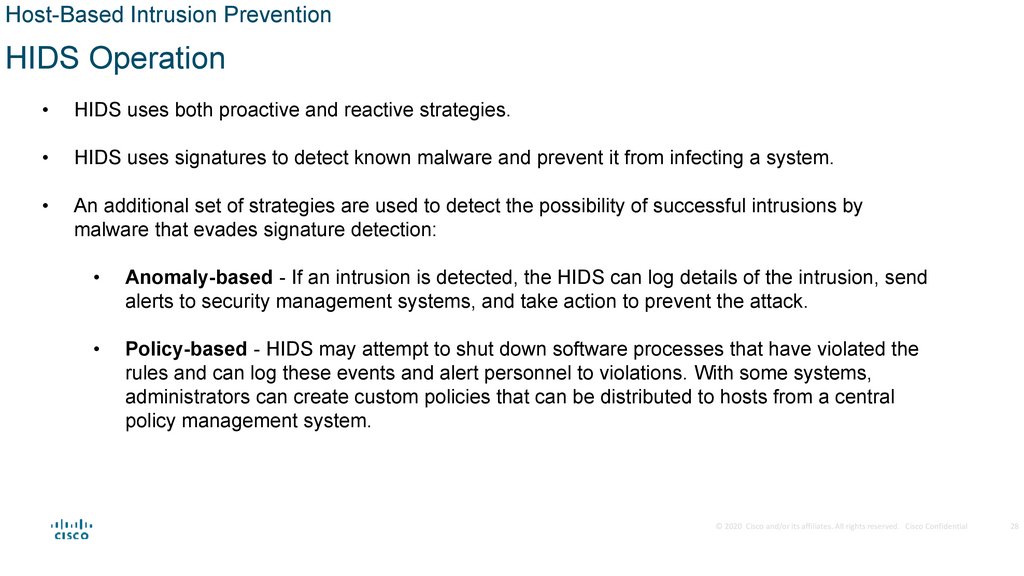
HIDS uses both proactive and reactive strategies.
HIDS uses signatures to detect known malware and prevent it from infecting a system.
An additional set of strategies are used to detect the possibility of successful intrusions by
malware that evades signature detection:
Anomaly-based - If an intrusion is detected, the HIDS can log details of the intrusion, send
alerts to security management systems, and take action to prevent the attack.
Policy-based - HIDS may attempt to shut down software processes that have violated the
rules and can log these events and alert personnel to violations. With some systems,
administrators can create custom policies that can be distributed to hosts from a central
policy management system.
© 2020 Cisco and/or its affiliates. All rights reserved. Cisco Confidential
28
29.
Host-Based Intrusion PreventionHIDS Products
HIDS products utilize software on the host and some sort of centralized security management
functionality that allows integration with network security monitoring services and threat
intelligence.
Some examples are:
• Cisco AMP
• AlienVault USM
• Tripwire
• Open Source HIDS SECurity (OSSEC).
OSSEC uses a central manager server and agents that are installed on individual hosts and
can receive and analyze alerts from a variety of network devices and firewalls over syslog.
© 2020 Cisco and/or its affiliates. All rights reserved. Cisco Confidential
29
30.
4.4 Application Security31.
Application SecurityAttack Surface
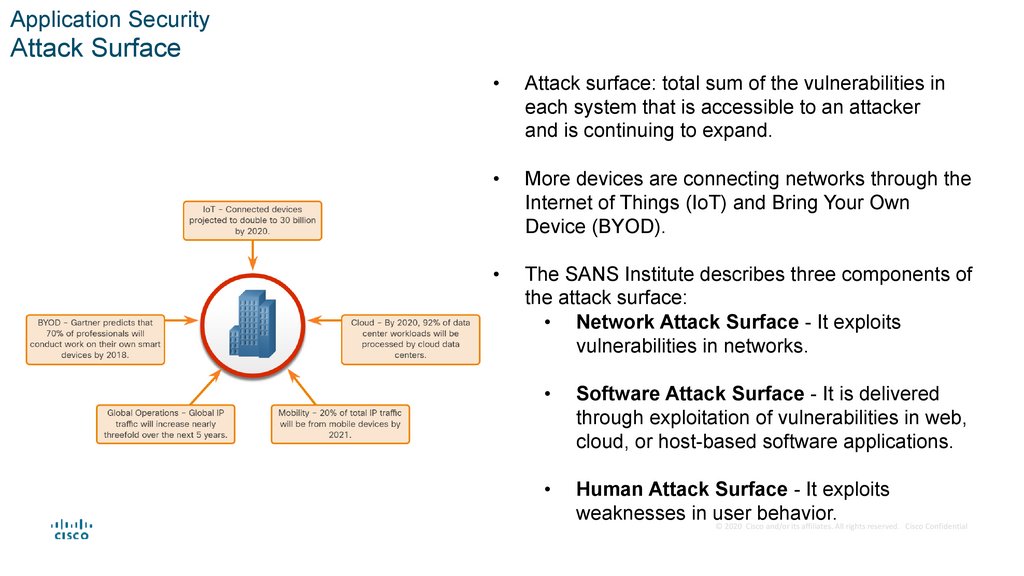
Attack surface: total sum of the vulnerabilities in
each system that is accessible to an attacker
and is continuing to expand.
More devices are connecting networks through the
Internet of Things (IoT) and Bring Your Own
Device (BYOD).
The SANS Institute describes three components of
the attack surface:
• Network Attack Surface - It exploits
vulnerabilities in networks.
Software Attack Surface - It is delivered
through exploitation of vulnerabilities in web,
cloud, or host-based software applications.
Human Attack Surface - It exploits
weaknesses in user
behavior.
© 2020 Cisco and/or its affiliates. All rights reserved. Cisco Confidential
32.
Application SecurityApplication Block List and Allow List
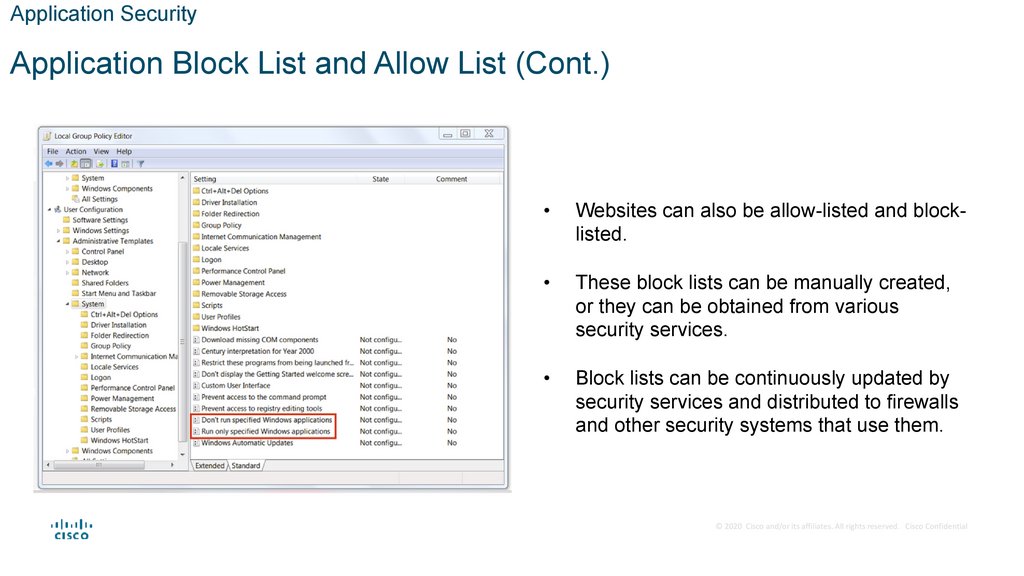
Blocklisting: limit access to potential threats by
creating lists of prohibited applications.
Application block lists can dictate which user
applications are not permitted to run on a computer.
Similarly, allow lists can specify which programs are
allowed to run, as shown in the figure.
The figure shows the Windows Local Group Policy
Editor block list and allow list settings.
© 2020 Cisco and/or its affiliates. All rights reserved. Cisco Confidential
32
33.
Application SecurityApplication Block List and Allow List (Cont.)
Websites can also be allow-listed and blocklisted.
These block lists can be manually created,
or they can be obtained from various
security services.
Block lists can be continuously updated by
security services and distributed to firewalls
and other security systems that use them.
© 2020 Cisco and/or its affiliates. All rights reserved. Cisco Confidential
34.
Application SecuritySystem-Based Sandboxing
Sandboxing is a technique that allows suspicious files to be executed and analyzed in a safe
environment.
Malware will enter the network despite the most robust perimeter and host-based security
systems.
HIDS and other detection systems can create alerts on suspected malware that may have entered
the network and executed on a host.
Cuckoo Sandbox is a popular free malware analysis system sandbox.
© 2020 Cisco and/or its affiliates. All rights reserved. Cisco Confidential
34
35.
Application SecuritySystem-Based Sandboxing (Cont.)
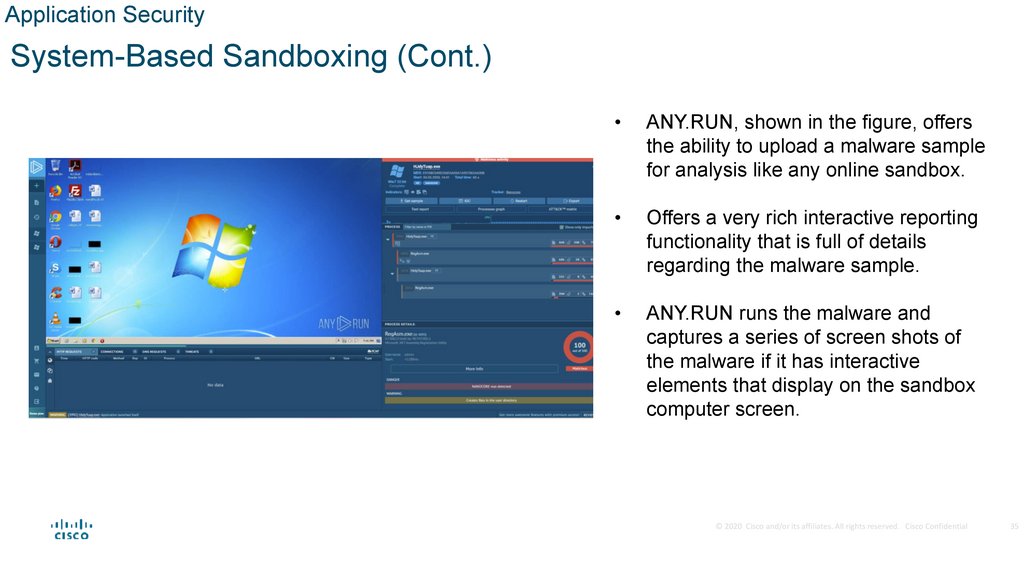
ANY.RUN, shown in the figure, offers
the ability to upload a malware sample
for analysis like any online sandbox.
Offers a very rich interactive reporting
functionality that is full of details
regarding the malware sample.
ANY.RUN runs the malware and
captures a series of screen shots of
the malware if it has interactive
elements that display on the sandbox
computer screen.
© 2020 Cisco and/or its affiliates. All rights reserved. Cisco Confidential
35
36.
System andEndpoint
Protection
Summary
37.
What Did I Learn ?• To secure an operating system, administrators should remove any unnecessary programs and services, and
ensure that security patches and updates are installed.
• Malware includes viruses, worms, Trojan horses, keyloggers, spyware and adware.
• Patches are code updates that prevent malware from making a successful attack.
• A host-based firewall runs on a device to restrict incoming and outgoing network activity for it.
• HIDS software monitor system calls and file system access to detect malicious requests.
• HIPS monitors a device for known attacks and anomalies.
• EDR continuously monitors and collects data from an endpoint device, and then analyzes the data and responds
to any threats.
• DLP tools ensure that sensitive data is not lost or accessed by unauthorized users.
• NGFW combines a traditional firewall with other network-device-filtering functions.
• Encryption is a tool used to protect data by using an algorithm to make data unreadable.
• The Windows EFS feature allows users to encrypt files, folders, or an entire hard drive.
• Boot integrity ensures that the system can be trusted and has not been altered while the operating system loads.
• Endpoints are hosts on the network that can access (or be accessed by) other hosts on the network.
• Antivirus/Antimalware software is installed on a host to detect and mitigate viruses and malware.