 internet
Similar presentations:





Data protection measures
1. Data protection measures
Learning objectives:• 12.1.2.1 describe data and computer systems protection measures such as:
physical risks, inter-network screens, information encryption, biometrics,
computer virus (antivirus)
• 12.1.2.3 protect data from unauthorised access
2. Vocabulary
1. Data protection2. Unauthorized
access
3. Confidentiality
4. Data privacy
5. Physical
protection
6. Firewall
7. Encryption
8. Decryption
9. Biometrics
10.Password
11.Two-factor authentication
(2FA)
12.Backup
13.Computer virus
14.Antivirus
15.Malware
16.Hacker
17.Data breach
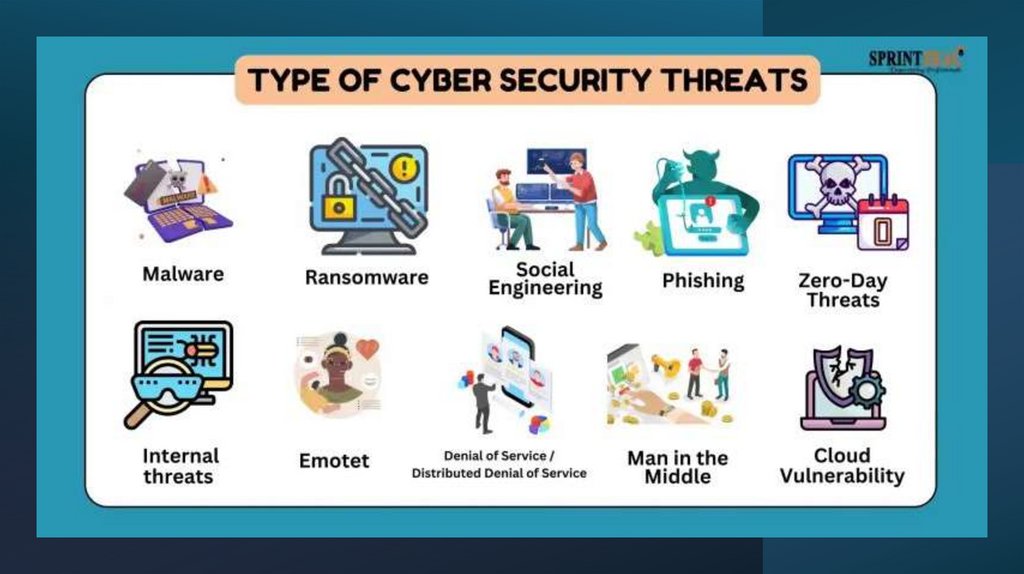
3. Let’s discuss
Why data protectionmatters?
What threatens the safety
of your data on the
internet or on your
4. Assessment Criteria:
• explain the volnurability method and how itworks (definition + mechanism);
• give real-life examples of its use;
• describe how we can avoid, and solve problem if
it happens;
• present clearly and show equal participation of
all group members.
5.
6. Since we know about security threats, let’s talk about protection measures
describe data and computer systems protection measures such as:• physical risks
• inter-network screens
• information encryption
• biometrics
• Antivirus/antimalware systems
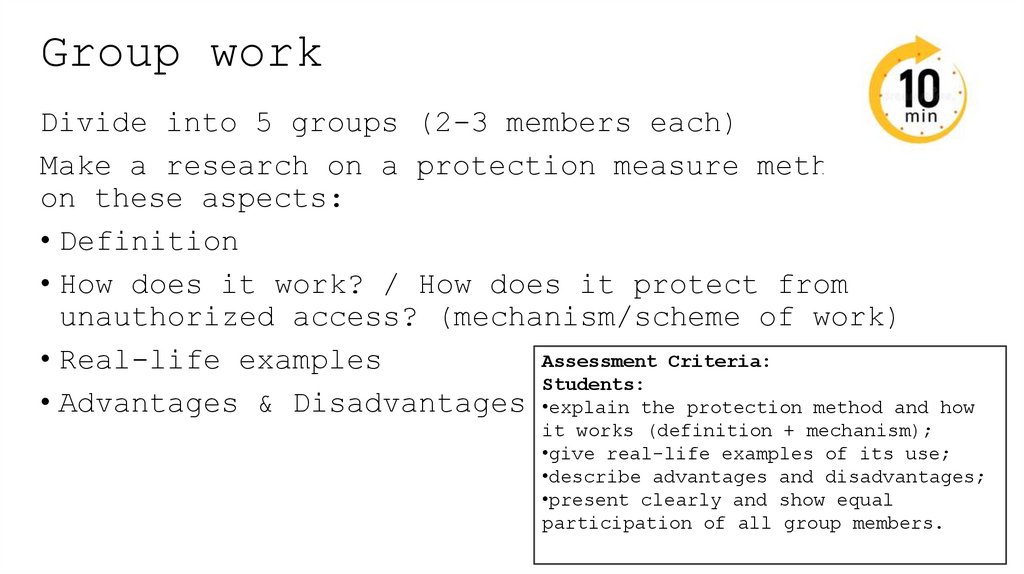
7. Group work
Divide into 5 groups (2-3 members each)Make a research on a protection measure method
on these aspects:
• Definition
• How does it work? / How does it protect from
unauthorized access? (mechanism/scheme of work)
Assessment Criteria:
• Real-life examples
Students:
• Advantages & Disadvantages •explain the protection method and how
it works (definition + mechanism);
•give real-life examples of its use;
•describe advantages and disadvantages;
•present clearly and show equal
participation of all group members.
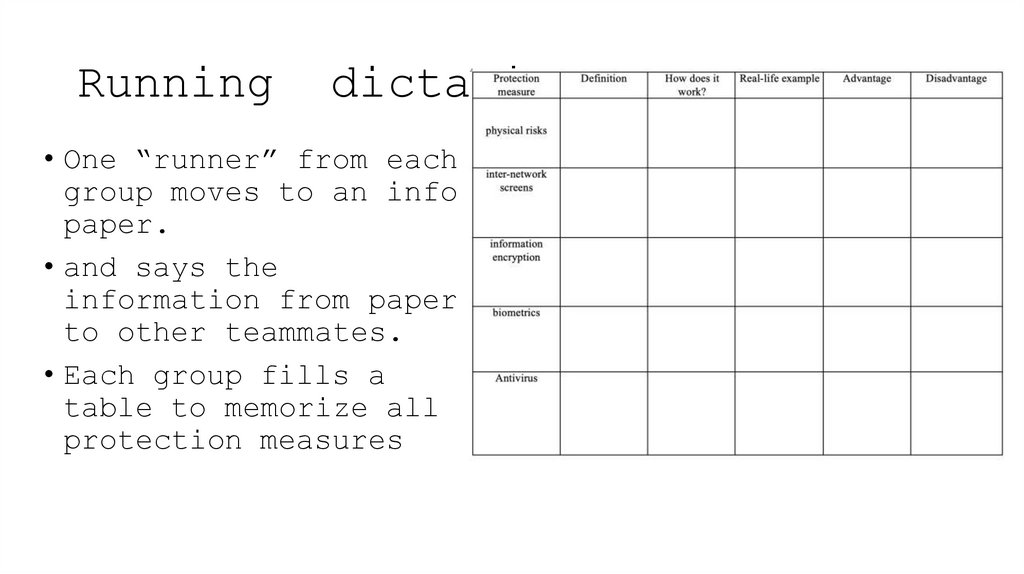
8. Running dictation
• One “runner” from eachgroup moves to an info
paper.
• and says the
information from paper
to other teammates.
• Each group fills a
table to memorize all
protection measures
9. Pair work
• Will be given 10 scenarios for each pair, thinkabout the security issue and give protection
measure to solve it (handout-2)
• After discussing scenarios, switch your partner
and explain to new one what kind of measure you
applied and why do you think it would work
better than another methods?
Assessment Criteria:
Students:
•correctly identify the security issue and suggest a suitable protection
measure;
•explain how the chosen measure works and why it is effective;
•justify their choice by comparing it with other possible methods during
partner discussion.
10. Scenario 1
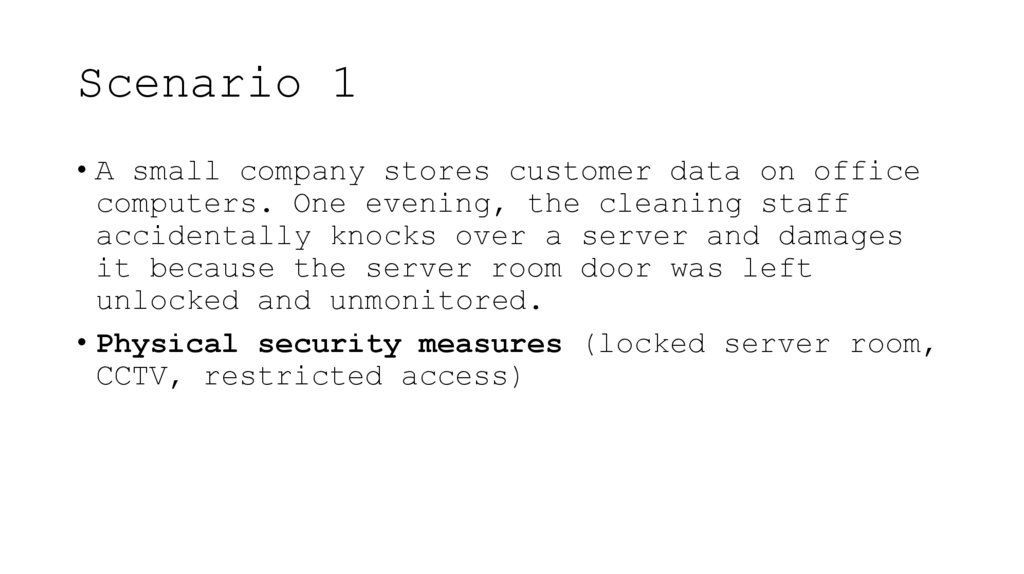
• A small company stores customer data on officecomputers. One evening, the cleaning staff
accidentally knocks over a server and damages
it because the server room door was left
unlocked and unmonitored.
• Physical security measures (locked server room,
CCTV, restricted access)
11. Scenario 2
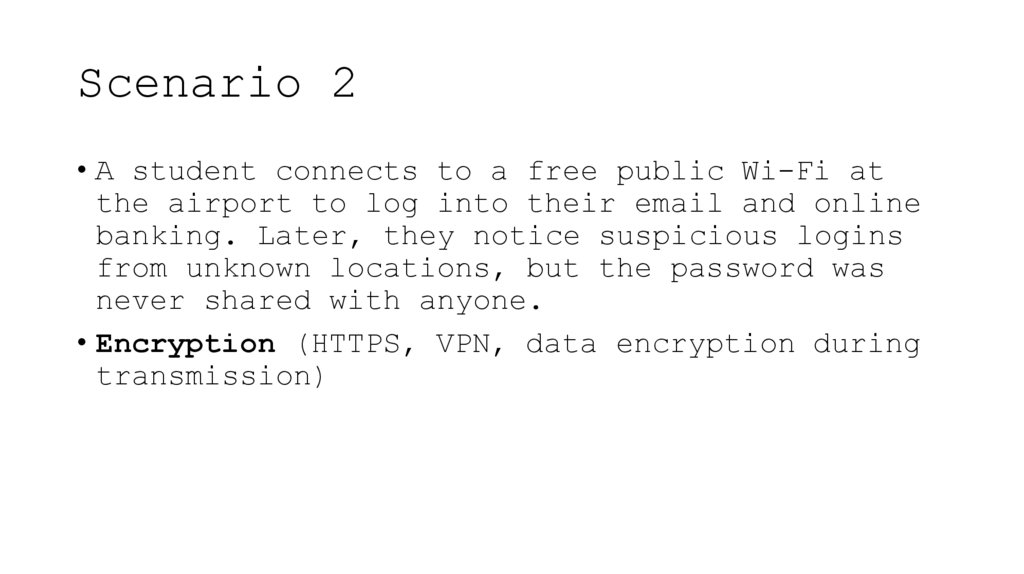
• A student connects to a free public Wi-Fi atthe airport to log into their email and online
banking. Later, they notice suspicious logins
from unknown locations, but the password was
never shared with anyone.
• Encryption (HTTPS, VPN, data encryption during
transmission)
12. Scenario 3
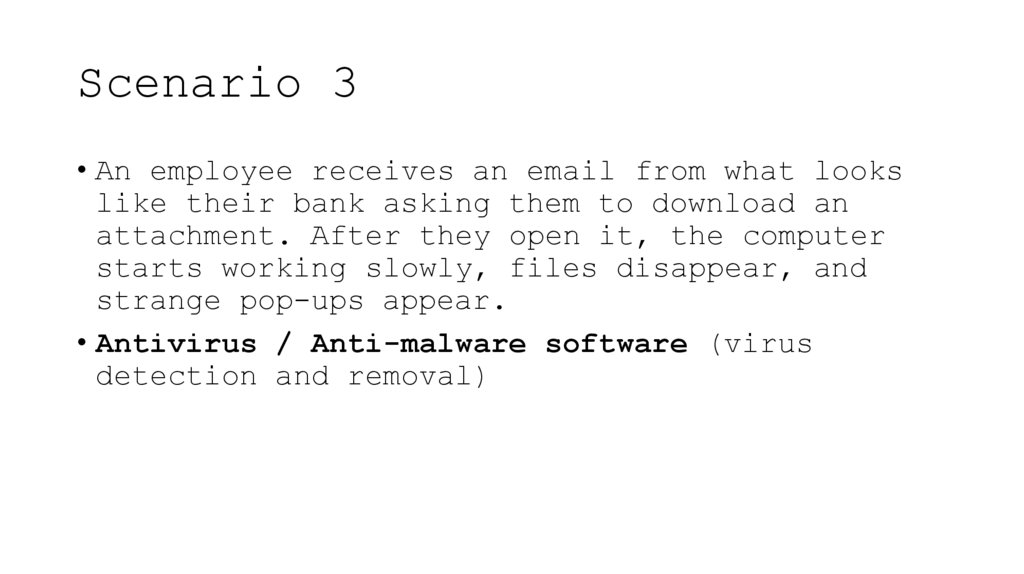
• An employee receives an email from what lookslike their bank asking them to download an
attachment. After they open it, the computer
starts working slowly, files disappear, and
strange pop-ups appear.
• Antivirus / Anti-malware software (virus
detection and removal)
13. Scenario 4
• In a hospital, doctors use tablets to accesspatient medical records. One tablet is stolen
from a car. The device has no screen lock, and
the files inside can be opened offline.
• Device encryption + authentication
(password/biometric lock)
14. Scenario 5
• A group of hackers tries to enter the internalnetwork of a university to access exam results.
They attack the system from outside using
different IP addresses and attempt to bypass
the network gateway.
• Firewall / Network security system (internetwork screen)
15. Scenario 6
• A student writes their password on a stickynote and leaves it on their desk. A classmate
finds it and logs into their account, reading
private messages and sending messages
pretending to be them.
• Strong authentication practices / Password
protection (or biometrics)
16. Scenario 7
• A software company regularly sends confidentialdesign files to another company by email. One
day, the files are intercepted during
transmission, and a competitor publishes
similar designs first.
• Data encryption during transmission (e.g.,
email encryption, SSL/TLS)
17. Scenario 8
• A high-security laboratory uses a keycardsystem to enter the research room. However,
someone steals an employee’s keycard and uses
it to access the room without permission.
• Biometric access control or multi-factor
authentication
18. Scenario 9
• A teacher stores all student grades andpersonal data on an external hard drive. The
drive falls and becomes unreadable because
there was no backup or physical protection.
• Physical protection + data backup systems
19. Scenario 10
• A gaming company’s server suddenly startssending out large amounts of spam and slows
down. IT staff later find a hidden program
installed that was collecting user login
information and sending it to an unknown
server.
• Antivirus / Anti-spyware + Intrusion Detection
System (IDS)
20. True or False
If data is encrypted, thereis no need to use passwords.
TRUE
FALSE
21. True or False
A firewall can protect against bothnetwork attacks and physical breakins.
TRUE
FALSE
22. True or False
Encryption protects data even ifsomeone successfully hacks into the
system and steals the files.
TRUE
FALSE
23. True or False
Antivirus software can detect allviruses that could possibly exist.
TRUE
FALSE
24. True or False
Using biometrics is the strongestsecurity method.
TRUE
FALSE
25. True or False
A strong password is useless ifsomeone watches you type it.
TRUE
FALSE
26. True or False
Two people with the same fingerprintcan both access a fingerprint-based
system.
TRUE
FALSE
27. True or False
Backing up data to an external harddrive is completely safe even if the
drive is never locked or protected.
TRUE
FALSE
28. True or False
If the firewall is enabled, data cannever leak outside the network.
TRUE
FALSE
29. True or False
Using secure websites with “https://”helps protect data during online
transactions.
TRUE
FALSE
30. Reflection
• “Today I learned that…”• “The most effective protection measure, in my
opinion, is…”
• “In real life I will use…”
31.
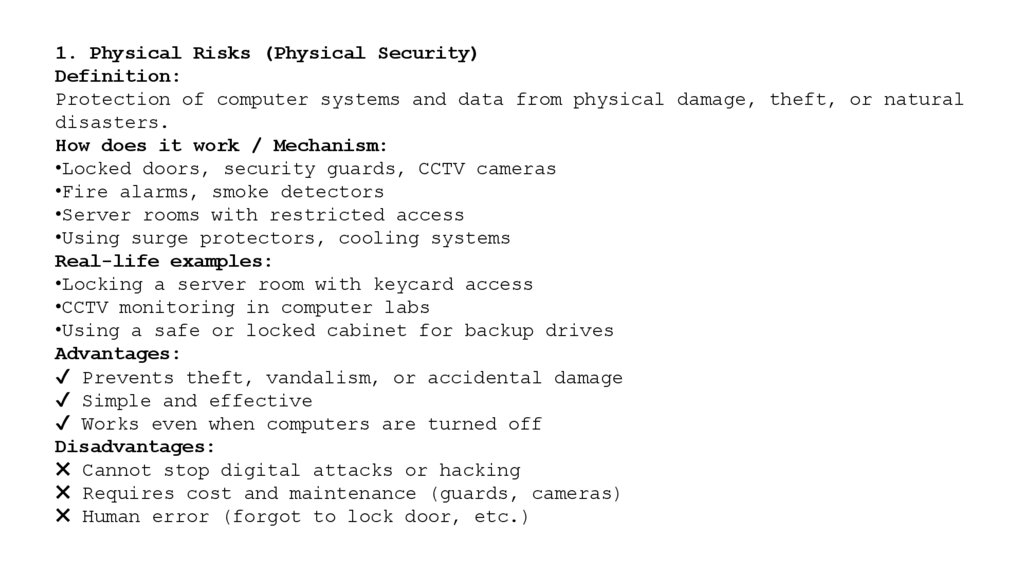
1. Physical Risks (Physical Security)Definition:
Protection of computer systems and data from physical damage, theft, or natural
disasters.
How does it work / Mechanism:
•Locked doors, security guards, CCTV cameras
•Fire alarms, smoke detectors
•Server rooms with restricted access
•Using surge protectors, cooling systems
Real-life examples:
•Locking a server room with keycard access
•CCTV monitoring in computer labs
•Using a safe or locked cabinet for backup drives
Advantages:
✔ Prevents theft, vandalism, or accidental damage
✔ Simple and effective
✔ Works even when computers are turned off
Disadvantages:
✖ Cannot stop digital attacks or hacking
✖ Requires cost and maintenance (guards, cameras)
✖ Human error (forgot to lock door, etc.)
32.
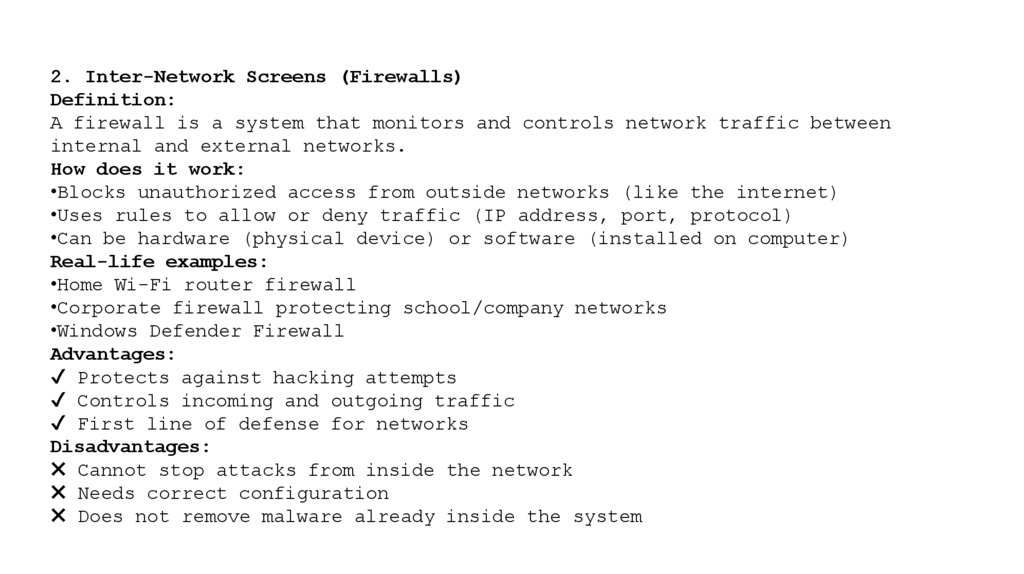
2. Inter-Network Screens (Firewalls)Definition:
A firewall is a system that monitors and controls network traffic between
internal and external networks.
How does it work:
•Blocks unauthorized access from outside networks (like the internet)
•Uses rules to allow or deny traffic (IP address, port, protocol)
•Can be hardware (physical device) or software (installed on computer)
Real-life examples:
•Home Wi-Fi router firewall
•Corporate firewall protecting school/company networks
•Windows Defender Firewall
Advantages:
✔ Protects against hacking attempts
✔ Controls incoming and outgoing traffic
✔ First line of defense for networks
Disadvantages:
✖ Cannot stop attacks from inside the network
✖ Needs correct configuration
✖ Does not remove malware already inside the system
33.
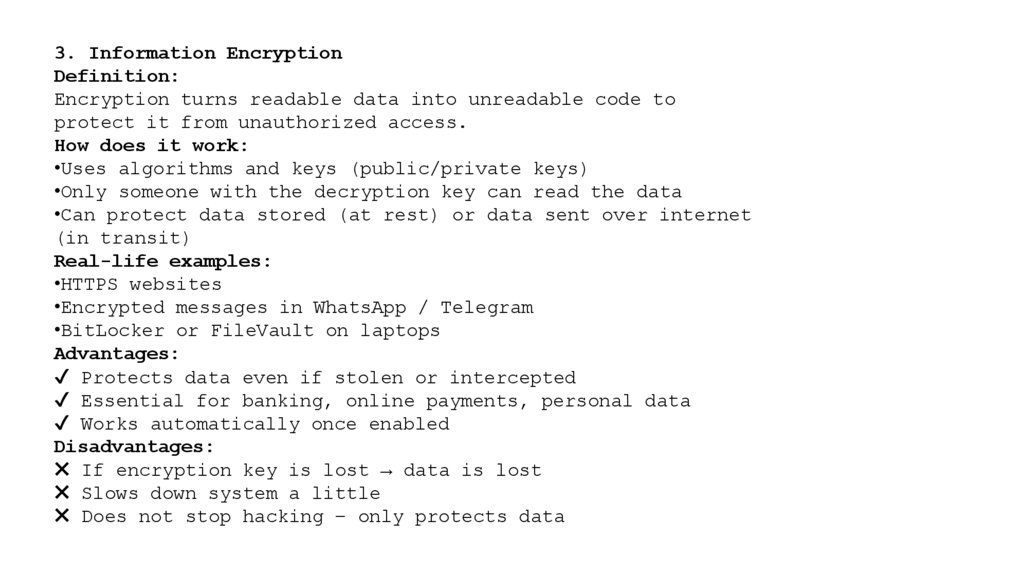
3. Information EncryptionDefinition:
Encryption turns readable data into unreadable code to
protect it from unauthorized access.
How does it work:
•Uses algorithms and keys (public/private keys)
•Only someone with the decryption key can read the data
•Can protect data stored (at rest) or data sent over internet
(in transit)
Real-life examples:
•HTTPS websites
•Encrypted messages in WhatsApp / Telegram
•BitLocker or FileVault on laptops
Advantages:
✔ Protects data even if stolen or intercepted
✔ Essential for banking, online payments, personal data
✔ Works automatically once enabled
Disadvantages:
✖ If encryption key is lost → data is lost
✖ Slows down system a little
✖ Does not stop hacking – only protects data
34.
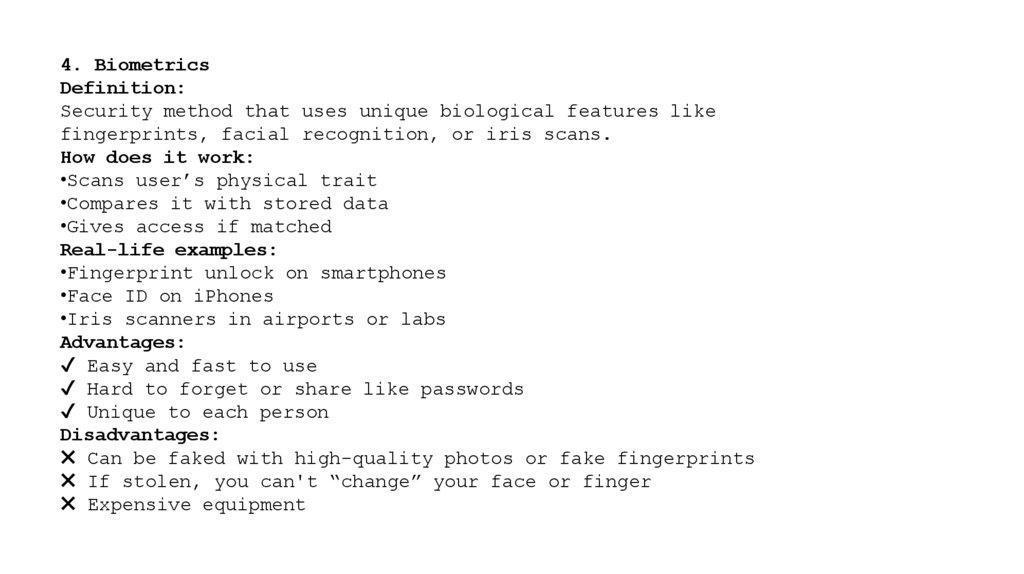
4. BiometricsDefinition:
Security method that uses unique biological features like
fingerprints, facial recognition, or iris scans.
How does it work:
•Scans user’s physical trait
•Compares it with stored data
•Gives access if matched
Real-life examples:
•Fingerprint unlock on smartphones
•Face ID on iPhones
•Iris scanners in airports or labs
Advantages:
✔ Easy and fast to use
✔ Hard to forget or share like passwords
✔ Unique to each person
Disadvantages:
✖ Can be faked with high-quality photos or fake fingerprints
✖ If stolen, you can't “change” your face or finger
✖ Expensive equipment
35.
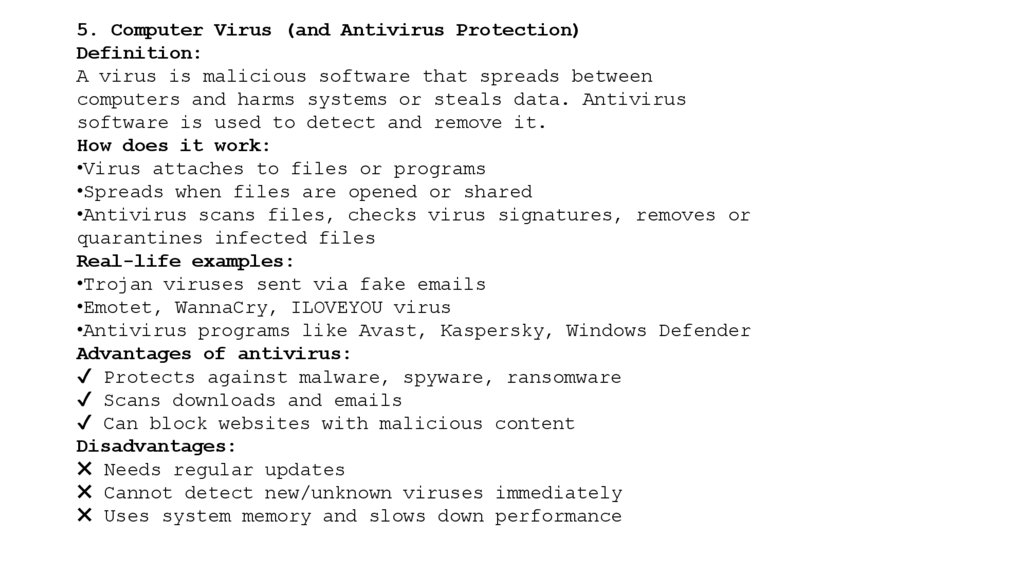
5. Computer Virus (and Antivirus Protection)Definition:
A virus is malicious software that spreads between
computers and harms systems or steals data. Antivirus
software is used to detect and remove it.
How does it work:
•Virus attaches to files or programs
•Spreads when files are opened or shared
•Antivirus scans files, checks virus signatures, removes or
quarantines infected files
Real-life examples:
•Trojan viruses sent via fake emails
•Emotet, WannaCry, ILOVEYOU virus
•Antivirus programs like Avast, Kaspersky, Windows Defender
Advantages of antivirus:
✔ Protects against malware, spyware, ransomware
✔ Scans downloads and emails
✔ Can block websites with malicious content
Disadvantages:
✖ Needs regular updates
✖ Cannot detect new/unknown viruses immediately
✖ Uses system memory and slows down performance