
 programming
Similar presentations:




Application software
1.
Application software:3rd year student,
group IVM-133,
Polina Kostiura
2.
Introduction toVirtualBox
Oracle VM VirtualBox is a cross-platform
virtualization solution that allows running
multiple operating systems on a single computer.
This free and open-source software supports
Windows, Linux, macOS, and other OSes, providing
isolated environments for testing, development,
and education.
3.
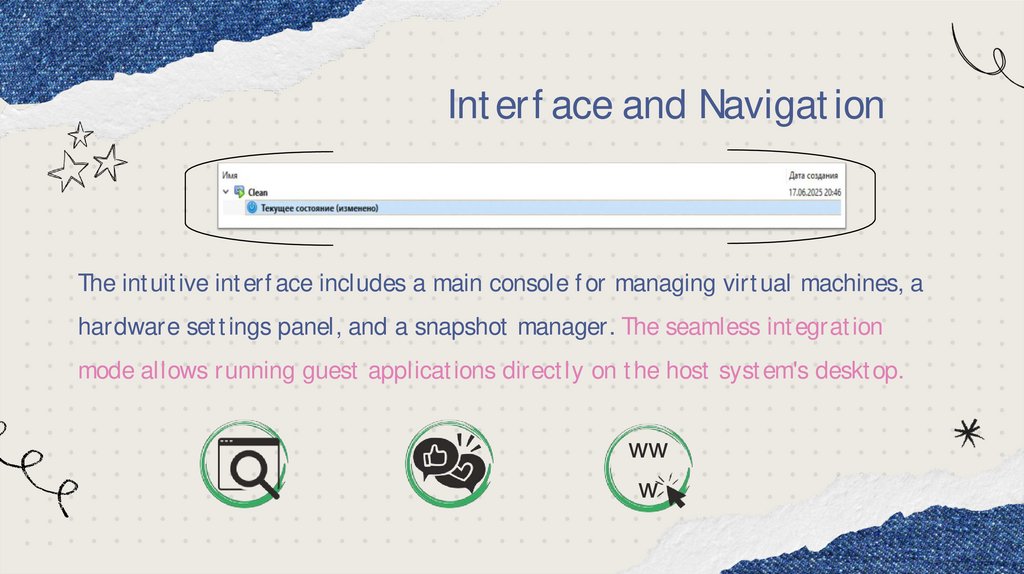
Interface and NavigationThe intuitive interface includes a main console for managing virtual machines, a
hardware settings panel, and a snapshot manager. The seamless integration
mode allows running guest applications directly on the host system's desktop.
ww
w
4.
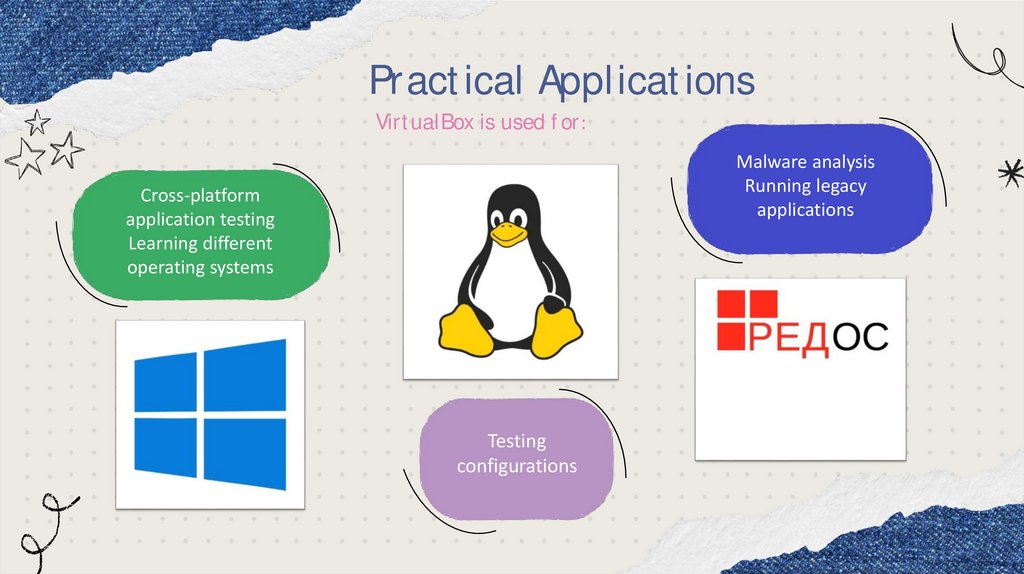
Practical ApplicationsVirtualBox is used for:
Malware analysis
Running legacy
applications
Cross-platform
application testing
Learning different
operating systems
Testing
configurations
5.
System RequirementsVirtualBox requires a processor with Intel VT-x/AMD-V
support and at least 2 GB of RAM (4+ GB recommended for
multiple virtual machines). The installation requires 200 MB
of space, plus 10-30 GB for each virtual machine. It supports
Windows, macOS, Linux, and Solaris
For optimal performance,
virtualization must be
enabled in BIOS/UEFI.
6.
Interesting FactsVirtualBox combines free distribution with professional virtualization capabilities. The
platform suits various tasks - from software testing to deploying server environments.
VirtualBox was originally developed by the German company
Innotek GmbH and later acquired by Oracle.
It has over 150 million downloads worldwide.
The platform also supports nested virtualization - running
VirtualBox inside a virtual machine.
It can import virtual machines from VMware and Hyper-V.
Translated into 25+ languages, these facts demonstrate the
platform's global popularity.
VS