 programming
Similar presentations:



PostgreSQL DML Lecture Filtering, Aggregation, Grouping & Sorting
1. PostgreSQL DML Lecture
Filtering, Aggregation, Grouping &Sorting
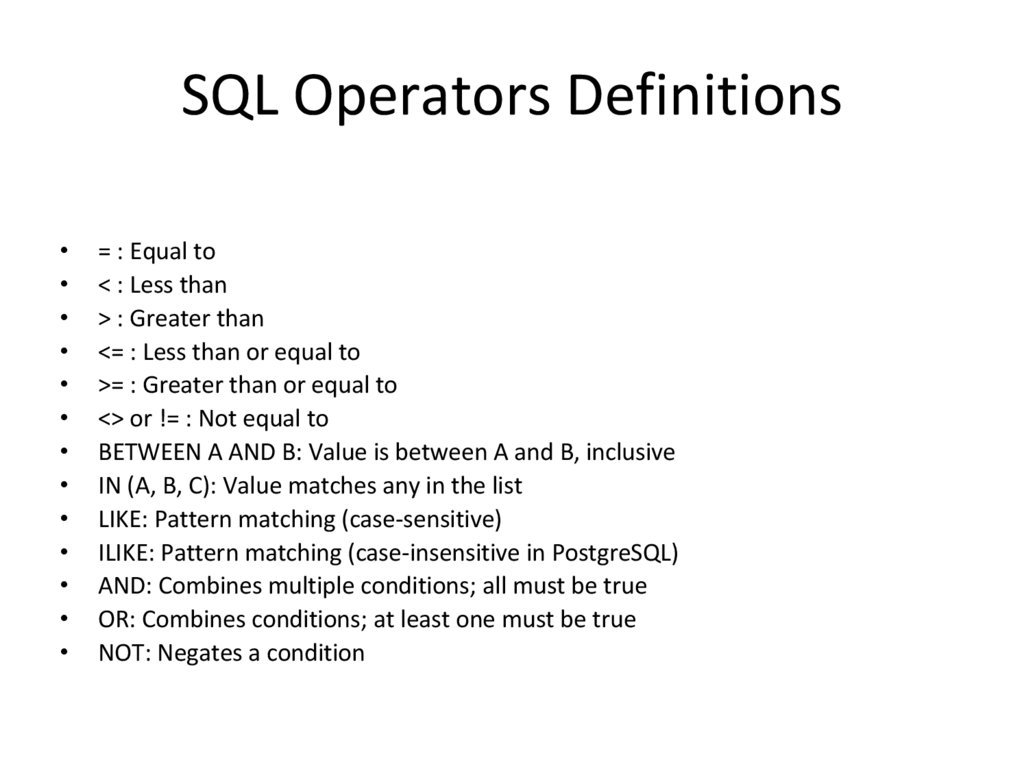
2. SQL Operators Definitions
= : Equal to
< : Less than
> : Greater than
<= : Less than or equal to
>= : Greater than or equal to
<> or != : Not equal to
BETWEEN A AND B: Value is between A and B, inclusive
IN (A, B, C): Value matches any in the list
LIKE: Pattern matching (case-sensitive)
ILIKE: Pattern matching (case-insensitive in PostgreSQL)
AND: Combines multiple conditions; all must be true
OR: Combines conditions; at least one must be true
NOT: Negates a condition
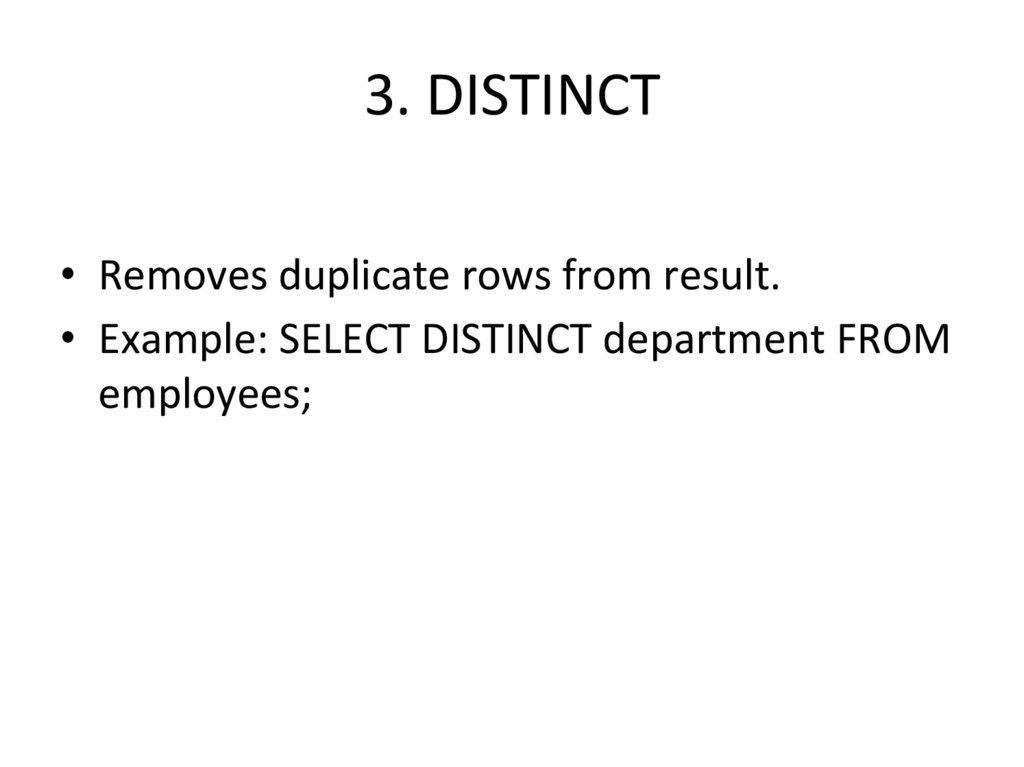
3. 3. DISTINCT
• Removes duplicate rows from result.• Example: SELECT DISTINCT department FROM
employees;
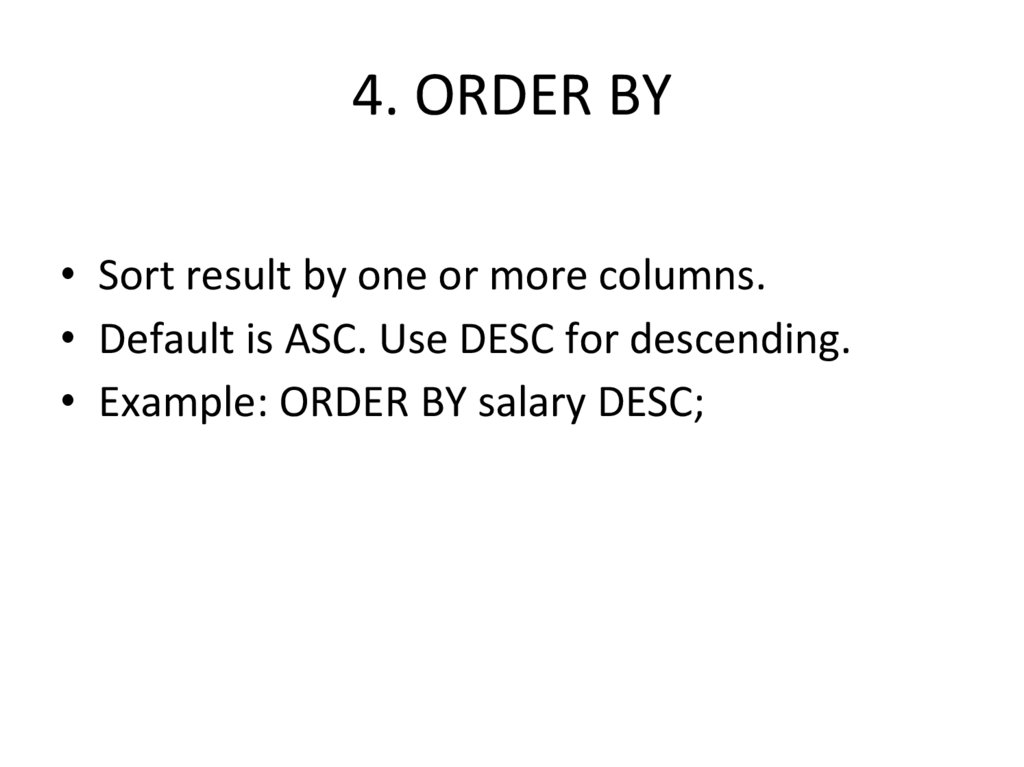
4. 4. ORDER BY
• Sort result by one or more columns.• Default is ASC. Use DESC for descending.
• Example: ORDER BY salary DESC;
5. 6. GROUP BY
• Group rows with the same value foraggregation.
• Often used with COUNT(), AVG(), etc.
• Example: GROUP BY department;
6. 7. HAVING
• Filter results after GROUP BY.• Used with aggregate conditions.
• Example: HAVING AVG(salary) > 40000;
7. Aggregate Functions Definitions
COUNT(): Returns the number of rows.
SUM(column): Calculates the total sum of a numeric column.
AVG(column): Returns the average value of a numeric column.
MIN(column): Finds the smallest value in a column.
MAX(column): Finds the largest value in a column.
8. AND Operator
• AND: Returns TRUE if both conditions aretrue.
• Example: SELECT * FROM employees WHERE
salary > 50000 AND department = 'IT';
9. OR Operator
• OR: Returns TRUE if at least one condition istrue.
• Example: SELECT * FROM employees WHERE
department = 'IT' OR department = 'HR';
10. BETWEEN Operator
• BETWEEN: Checks if a value is within a range(inclusive).
• Example: SELECT * FROM employees WHERE
salary BETWEEN 30000 AND 60000;
11. NOT BETWEEN Operator
• NOT BETWEEN: Checks if a value is outside arange.
• Example: SELECT * FROM employees WHERE
salary NOT BETWEEN 30000 AND 60000;
12. IN Operator
• IN: Checks if a value matches any value in alist.
• Example: SELECT * FROM employees WHERE
department IN ('IT', 'HR', 'Sales');
13. NOT IN Operator
• NOT IN: Checks if a value is not in a list.• Example: SELECT * FROM employees WHERE
department NOT IN ('Finance', 'Legal');
14. LIKE Operator
• LIKE: Pattern match (case-sensitive). Uses %and _ as wildcards.
• Example: SELECT * FROM employees WHERE
name LIKE 'A%';
15. ILIKE Operator
• ILIKE: Pattern match (case-insensitive). Uses %and _ as wildcards.
• Example: SELECT * FROM employees WHERE
name ILIKE ‘%manager%';
16. PostgreSQL-Specific Functions
• COALESCE(a, b): Returns 'a' if not NULL,otherwise 'b'.
• EXTRACT(field FROM source): Gets a specific part
(like year, month) from a date.
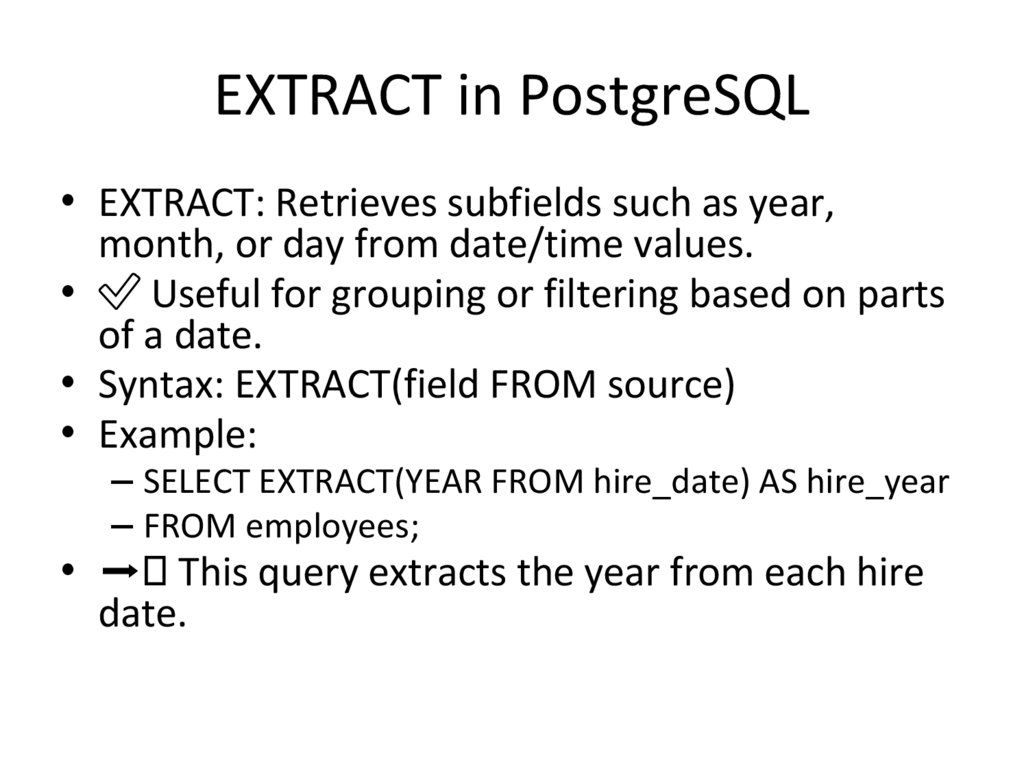
17. EXTRACT in PostgreSQL
• EXTRACT: Retrieves subfields such as year,month, or day from date/time values.
• ✅ Useful for grouping or filtering based on parts
of a date.
• Syntax: EXTRACT(field FROM source)
• Example:
– SELECT EXTRACT(YEAR FROM hire_date) AS hire_year
– FROM employees;
• ➡ This query extracts the year from each hire
date.
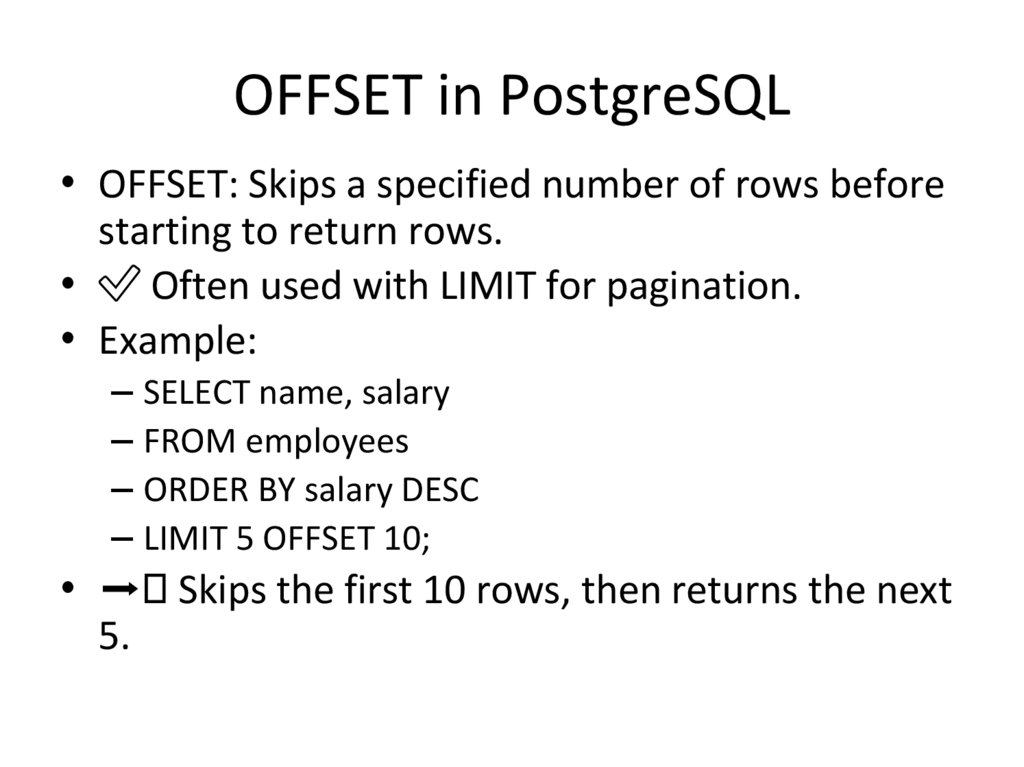
18. OFFSET in PostgreSQL
• OFFSET: Skips a specified number of rows beforestarting to return rows.
• ✅ Often used with LIMIT for pagination.
• Example:
– SELECT name, salary
– FROM employees
– ORDER BY salary DESC
– LIMIT 5 OFFSET 10;
• ➡ Skips the first 10 rows, then returns the next
5.
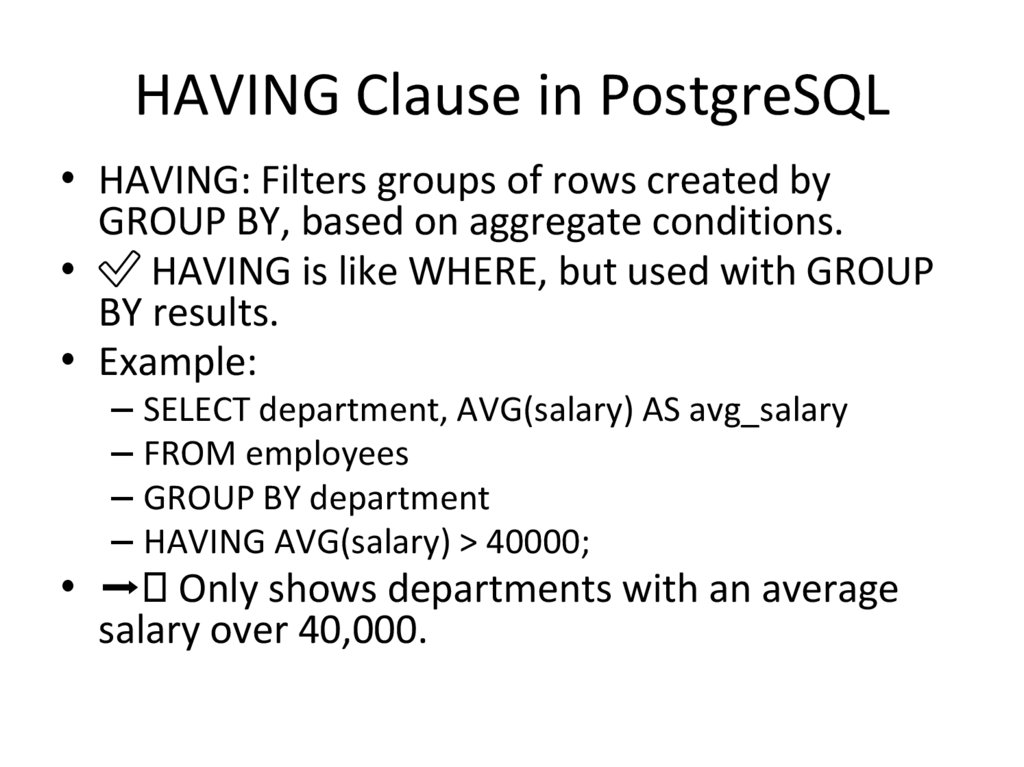
19. HAVING Clause in PostgreSQL
• HAVING: Filters groups of rows created byGROUP BY, based on aggregate conditions.
• ✅ HAVING is like WHERE, but used with GROUP
BY results.
• Example:
– SELECT department, AVG(salary) AS avg_salary
– FROM employees
– GROUP BY department
– HAVING AVG(salary) > 40000;
• ➡ Only shows departments with an average
salary over 40,000.
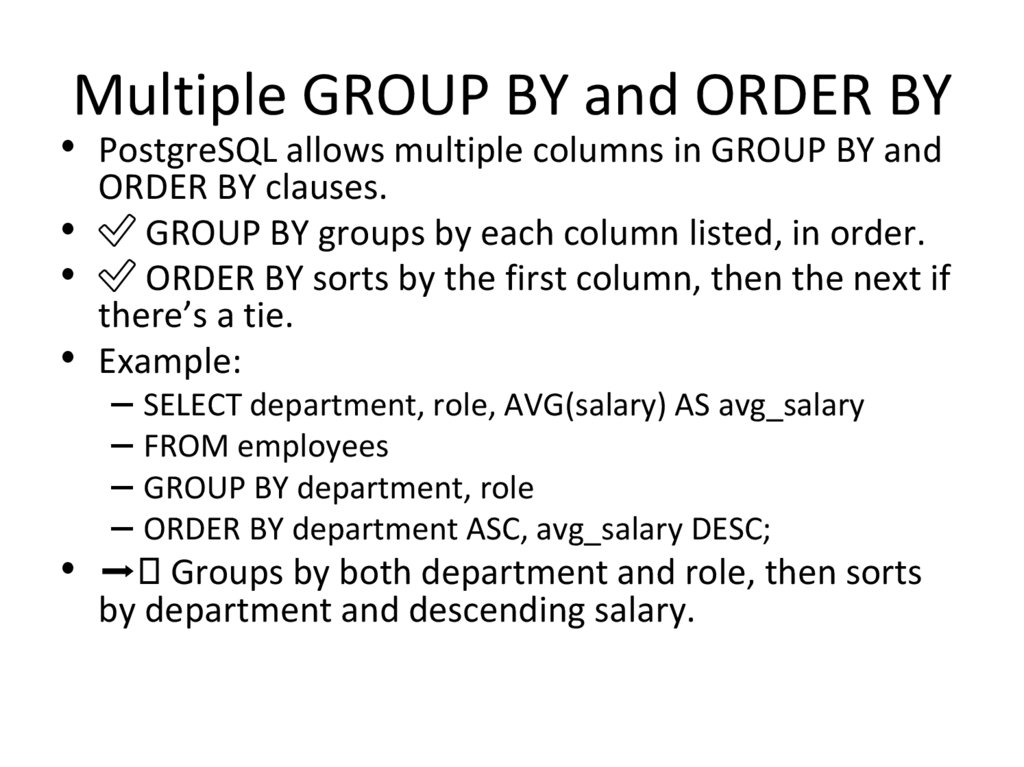
20. Multiple GROUP BY and ORDER BY
• PostgreSQL allows multiple columns in GROUP BY andORDER BY clauses.
• ✅ GROUP BY groups by each column listed, in order.
• ✅ ORDER BY sorts by the first column, then the next if
there’s a tie.
• Example:
– SELECT department, role, AVG(salary) AS avg_salary
– FROM employees
– GROUP BY department, role
– ORDER BY department ASC, avg_salary DESC;
• ➡ Groups by both department and role, then sorts
by department and descending salary.
21.
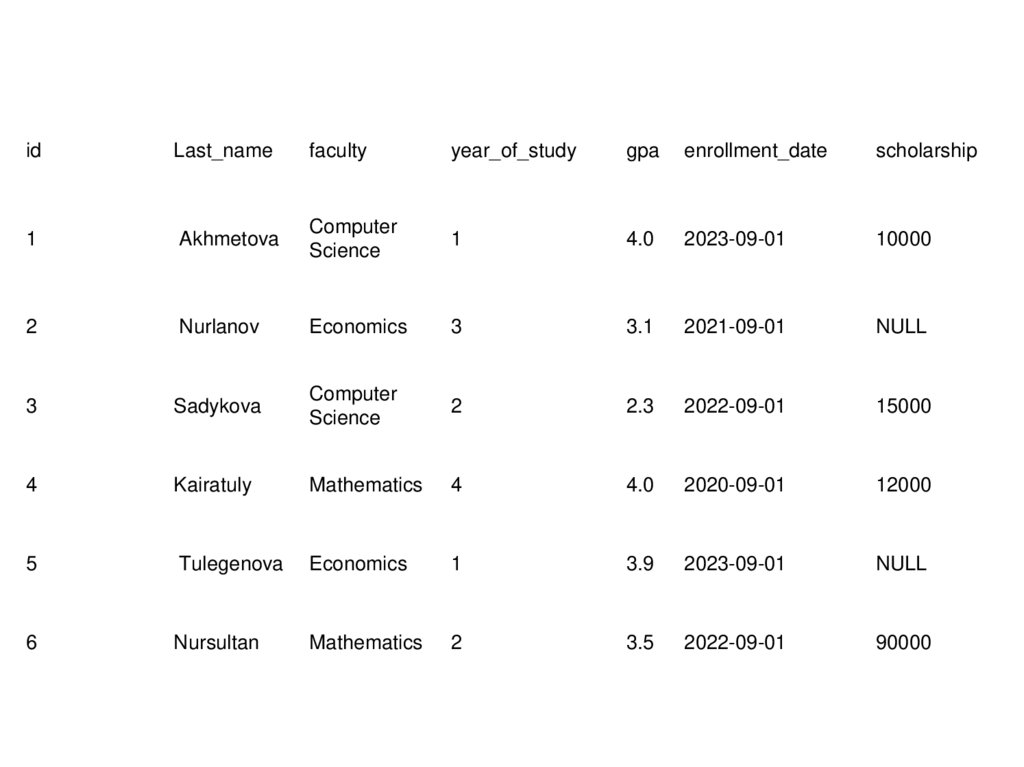
idLast_name
faculty
year_of_study
gpa
enrollment_date
scholarship
1
Akhmetova
Computer
Science
1
4.0
2023-09-01
10000
2
Nurlanov
Economics
3
3.1
2021-09-01
NULL
3
Sadykova
Computer
Science
2
2.3
2022-09-01
15000
4
Kairatuly
Mathematics
4
4.0
2020-09-01
12000
5
Tulegenova
Economics
1
3.9
2023-09-01
NULL
6
Nursultan
Mathematics
2
3.5
2022-09-01
90000