 english
Similar presentations:










Human-Computer Interaction
1.
Human-ComputerInteraction
Rules and Responsibilities
for Safe and Efficient Work
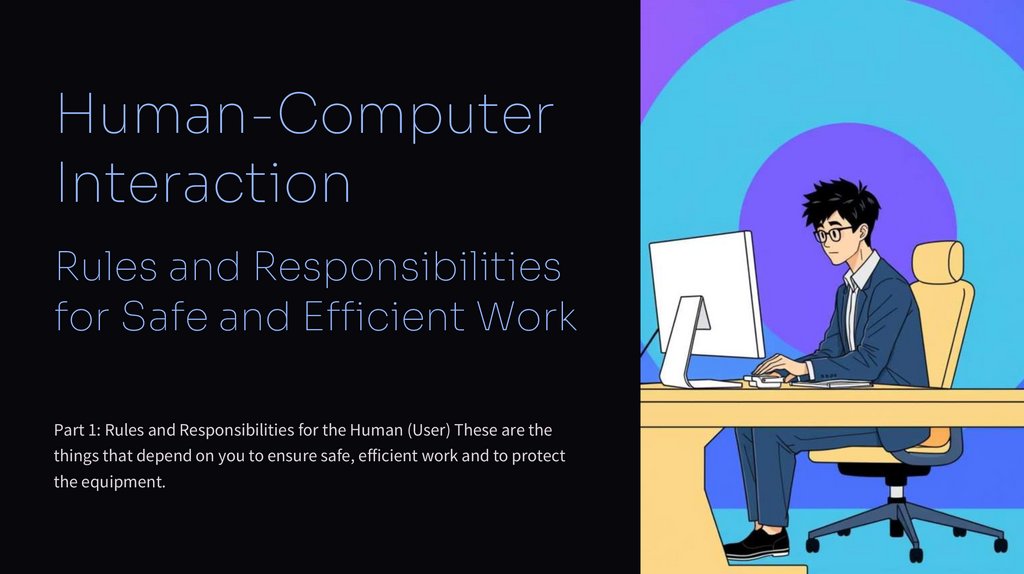
Part 1: Rules and Responsibilities for the Human (User) These are the
things that depend on you to ensure safe, efficient work and to protect
the equipment.
2.
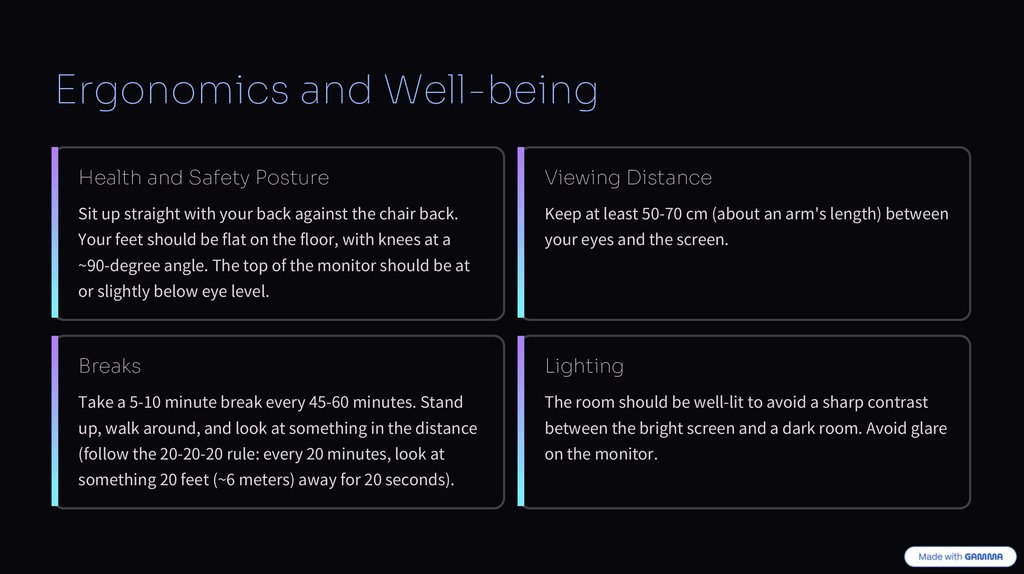
Ergonomics and Well-beingHealth and Safety Posture
Viewing Distance
Sit up straight with your back against the chair back.
Keep at least 50-70 cm (about an arm's length) between
Your feet should be flat on the floor, with knees at a
your eyes and the screen.
~90-degree angle. The top of the monitor should be at
or slightly below eye level.
Breaks
Lighting
Take a 5-10 minute break every 45-60 minutes. Stand
The room should be well-lit to avoid a sharp contrast
up, walk around, and look at something in the distance
between the bright screen and a dark room. Avoid glare
(follow the 20-20-20 rule: every 20 minutes, look at
on the monitor.
something 20 feet (~6 meters) away for 20 seconds).
3.
Proper EquipmentHandling
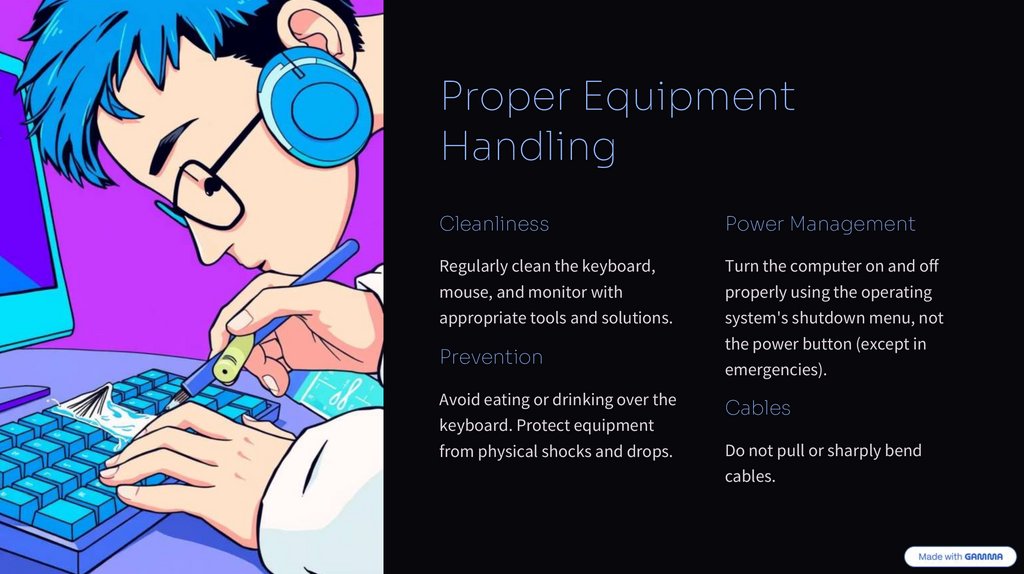
Cleanliness
Power Management
Regularly clean the keyboard,
Turn the computer on and off
mouse, and monitor with
properly using the operating
appropriate tools and solutions.
system's shutdown menu, not
Prevention
Avoid eating or drinking over the
keyboard. Protect equipment
from physical shocks and drops.
the power button (except in
emergencies).
Cables
Do not pull or sharply bend
cables.
4.
Software and CybersecurityPasswords
Software
Use strong, unique passwords for important services. Never
Install programs only from trusted sources. Do not open
share them.
suspicious email attachments or links.
Backups
Antivirus
Regularly back up important files to an external hard drive or
Use and regularly update reputable antivirus software.
cloud storage.
5.
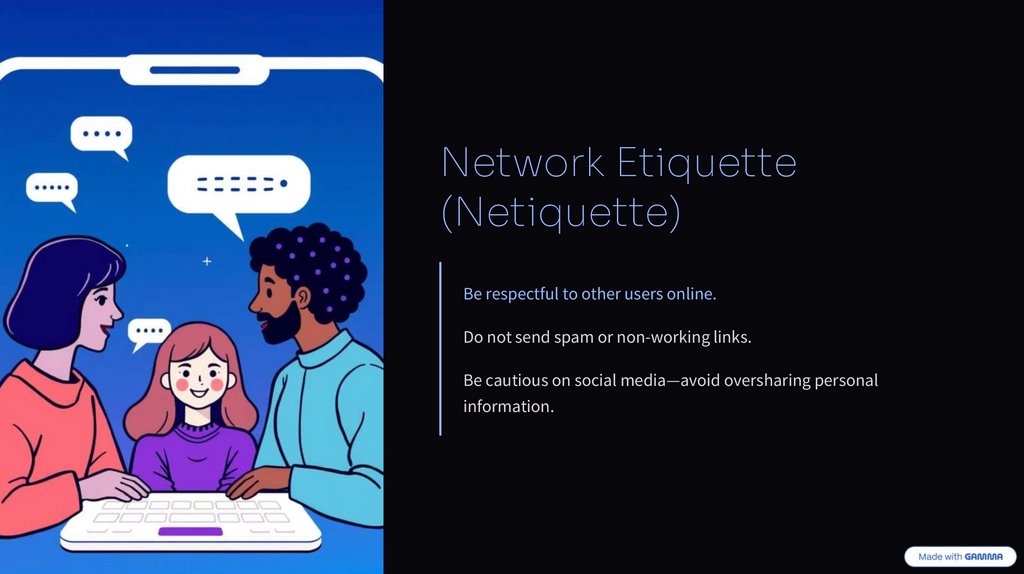
Network Etiquette(Netiquette)
Be respectful to other users online.
Do not send spam or non-working links.
Be cautious on social media—avoid oversharing personal
information.
6.
Part 2: What the Machine (Computer) Should DoPrinciples for a UserFriendly System
These are the principles the system should follow to be user-friendly and effective
for the human.
1. Reliability and Availability
• Stability: The system should run stably without frequent crashes, freezes, or
fatal errors.
• Error Handling: If an error occurs, the program should suggest solutions or
recovery options, not just close.
• Accessibility: The system must be accessible to people with disabilities (support
for screen readers, full keyboard navigation, etc.).
7.
2. UsabilityIntuitiveness
Feedback
The interface should be easy to understand, even for a
The system must provide clear feedback for user actions (e.g., a
beginner. Buttons and actions should be predictable.
loading cursor, a sound when a key is pressed, a confirmation
message).
Consistency
Efficiency
The same elements and actions should look and work the same
The system should execute commands quickly and minimize
way throughout the entire program (e.g., the "Save" button is
user wait times.
always in the same place).
3. System Security
• Data Protection: The computer must ensure the confidentiality and integrity of user data (e.g., through encryption and access controls).
• Updates: The system should receive regular updates to patch security vulnerabilities.
• Access Control: Provide tools for managing user permissions (e.g., Administrator, Standard User, Guest).
8.
The Key Principle of Human-Computer InteractionIt is a dialogue, not a monologue.
The Human
The Machine
providing clear and understandable commands.
clearly and understandably communicating the results of its
actions, its current status, and any potential errors.
Successful interaction is based on:
When these rules are followed by both sides, working with a computer becomes comfortable, safe, and productive.