 software
Similar presentations:






AGM X6 Detailed steps for software upgrade operation
1.
AGM X6 Detailed steps for softwareupgrade operation
2.
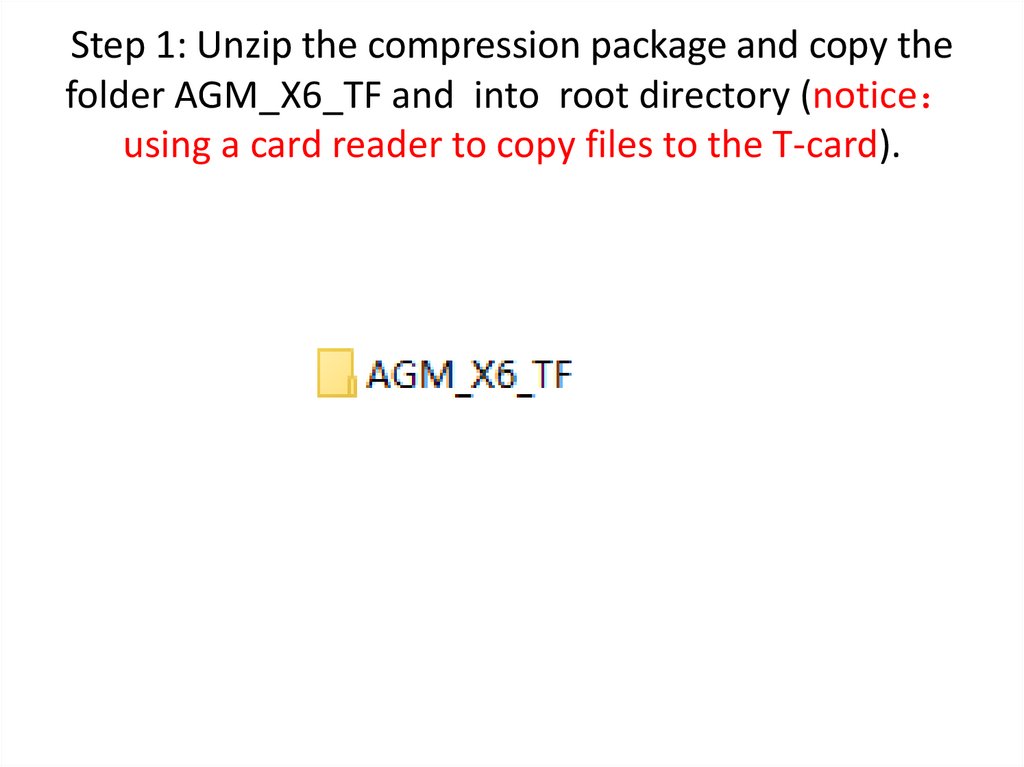
Step 1: Unzip the compression package and copy thefolder AGM_X6_TF and into root directory (notice
using a card reader to copy files to the T-card).
3.
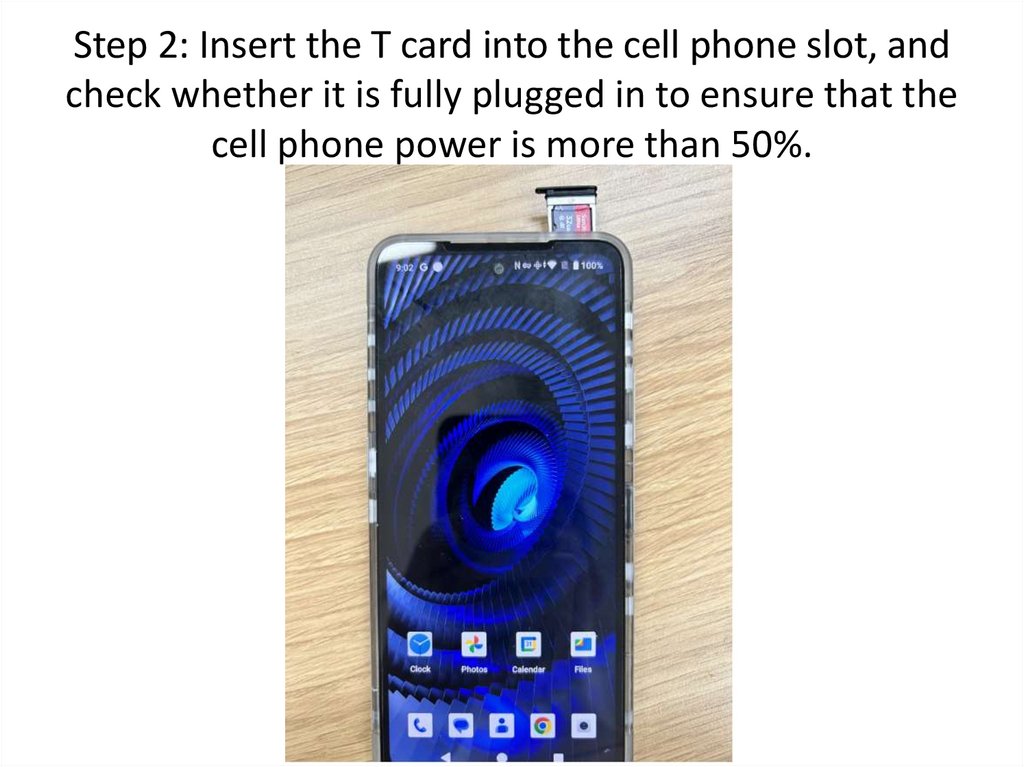
Step 2: Insert the T card into the cell phone slot, andcheck whether it is fully plugged in to ensure that the
cell phone power is more than 50%.
4.
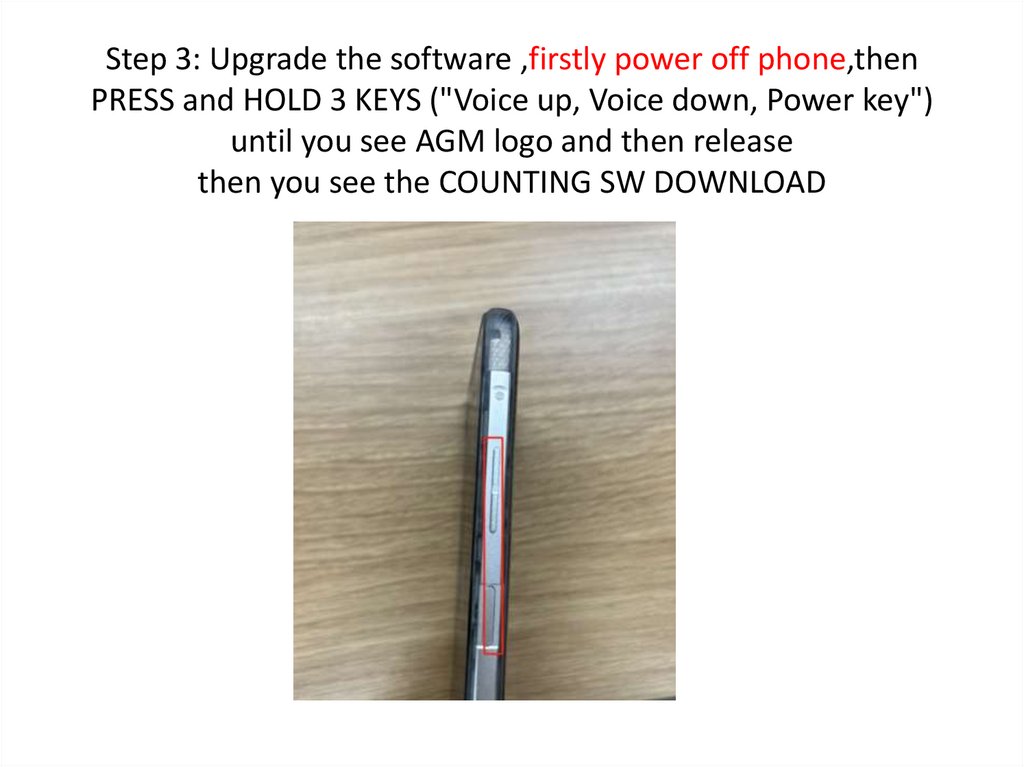
Step 3: Upgrade the software ,firstly power off phone,thenPRESS and HOLD 3 KEYS ("Voice up, Voice down, Power key")
until you see AGM logo and then release
then you see the COUNTING SW DOWNLOAD
5.
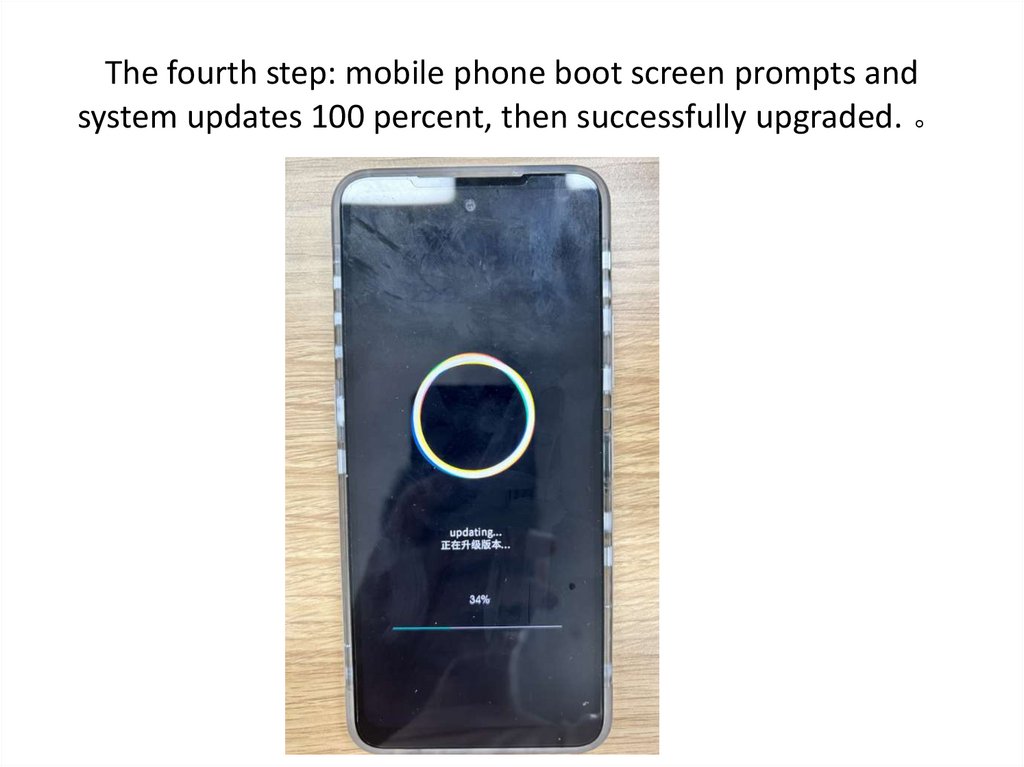
The fourth step: mobile phone boot screen prompts andsystem updates 100 percent, then successfully upgraded. 。
6.
Fifth step: mobile phones must not be switched offfrom battery to touch button during upgrading. 。
7.
Step 6: The prompt operation "Update Successfully,the system will restart automatically after 3 seconds"
and will restart automatically later. 。
8.
The seventh step: after the screen is restarted,the mobile phone can be used normally. 。