 programming
Similar presentations:







Человеко-машинное взаимодействие
1.
Человеко-машинноевзаимодействие
Лекция 7
Мерзлякова Екатерина Юрьевна
к.т.н. доцент ПМиК
2.
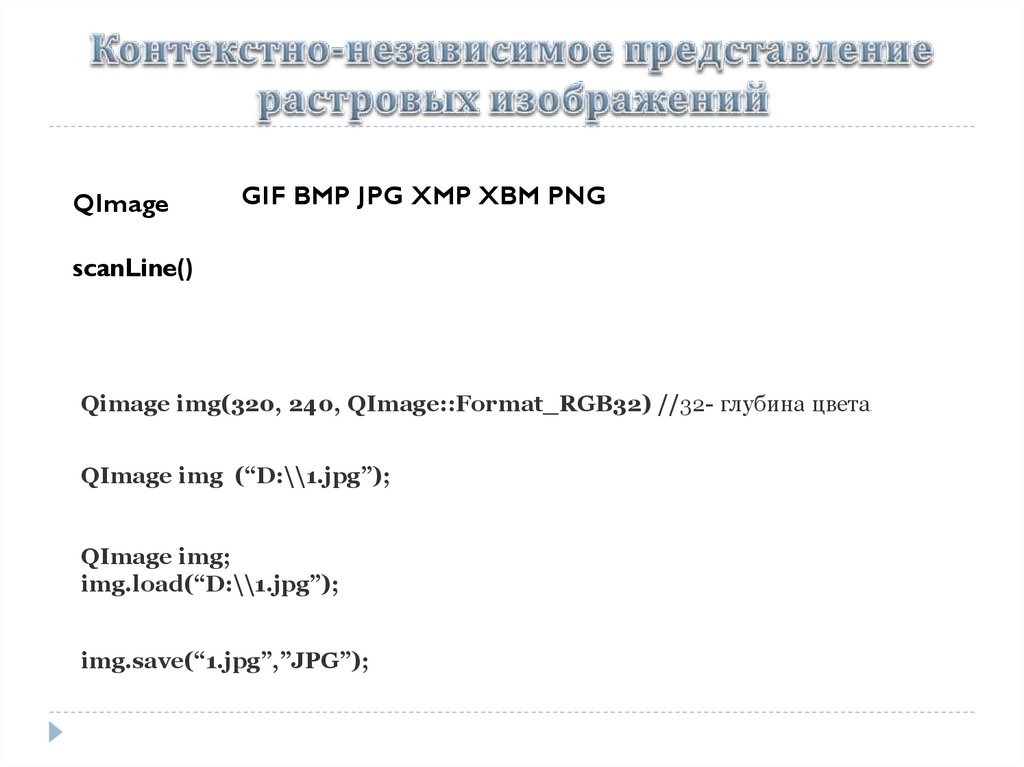
QImageGIF BMP JPG XMP XBM PNG
scanLine()
Qimage img(320, 240, QImage::Format_RGB32) //32- глубина цвета.
QImage img (“D:\\1.jpg”);
QImage img;
img.load(“D:\\1.jpg”);
img.save(“1.jpg”,”JPG”);
3.
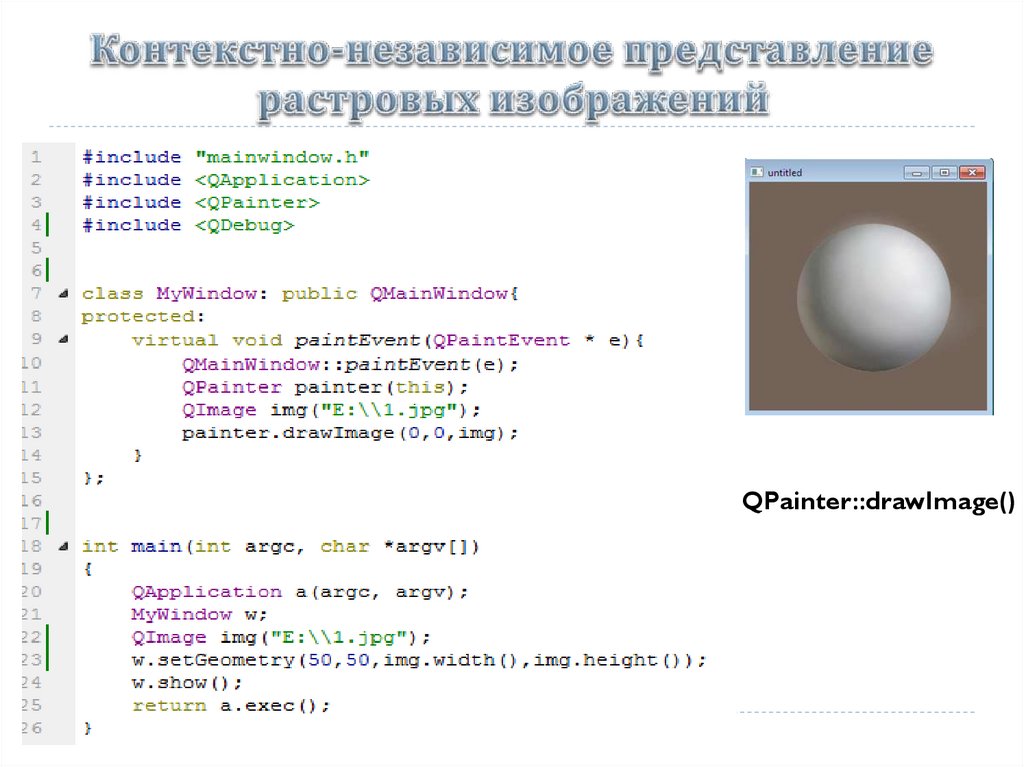
QPainter::drawImage()4.
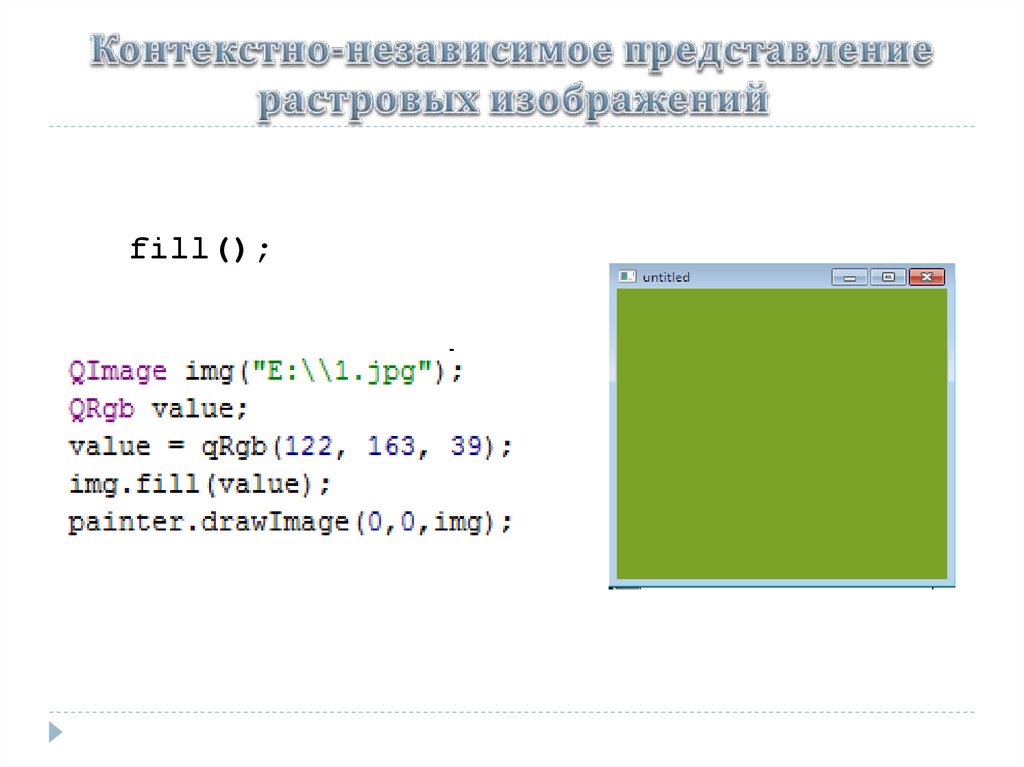
fill();5.
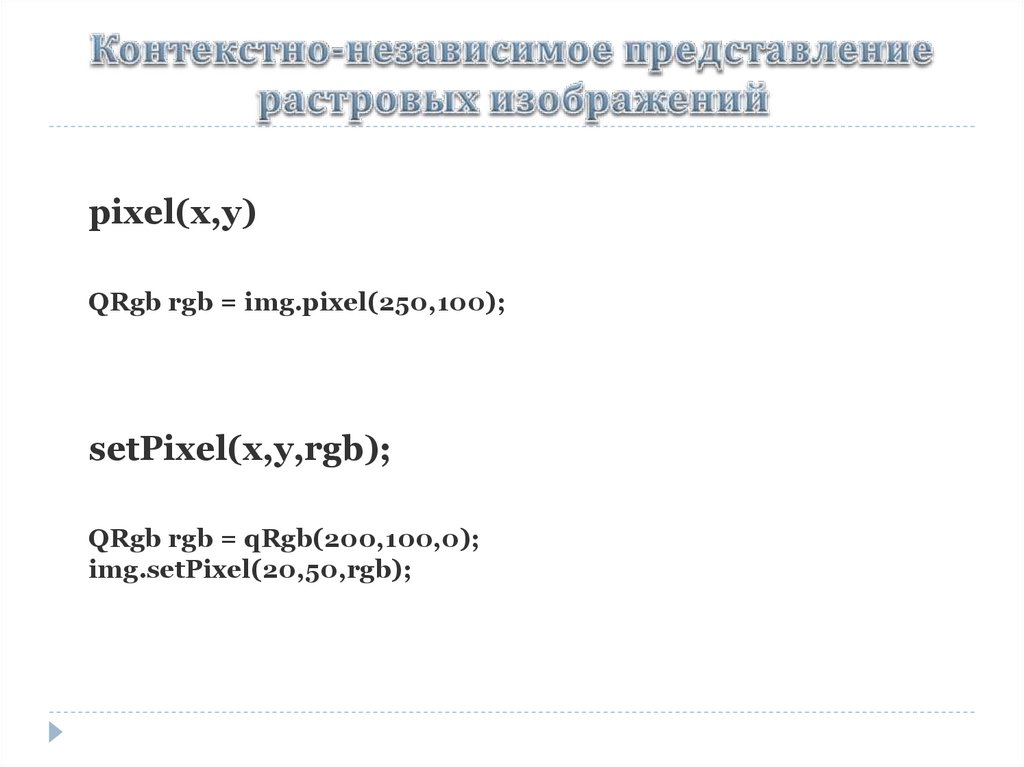
pixel(x,y)QRgb rgb = img.pixel(250,100);
setPixel(x,y,rgb);
QRgb rgb = qRgb(200,100,0);
img.setPixel(20,50,rgb);
6.
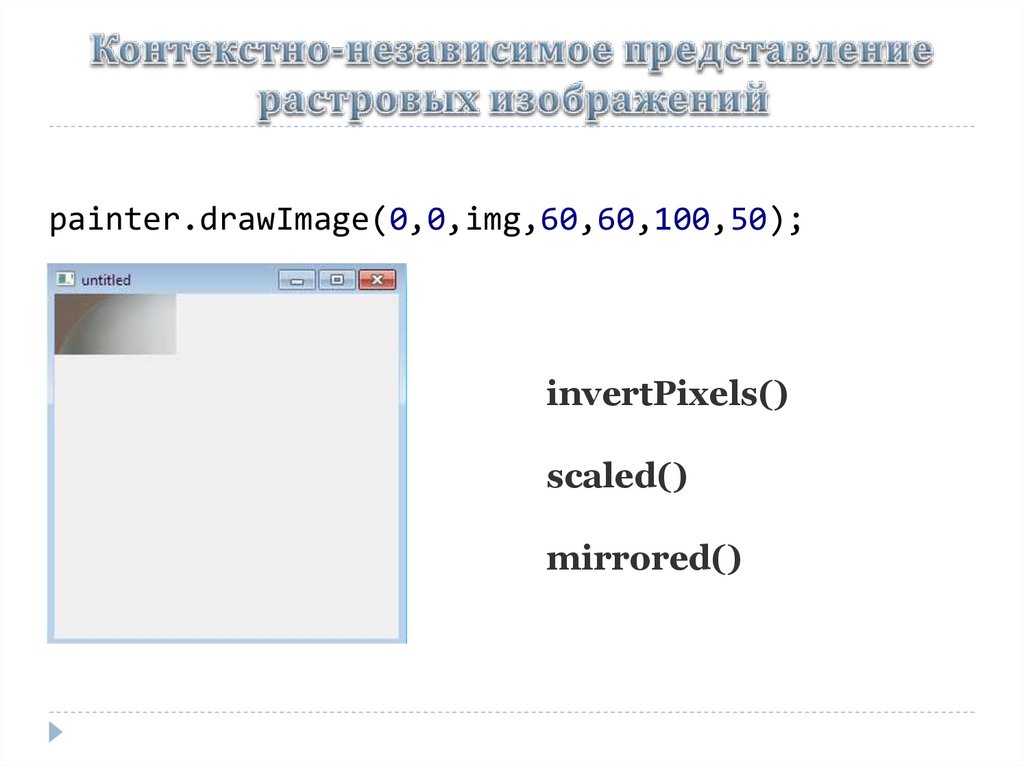
painter.drawImage(0,0,img,60,60,100,50);invertPixels()
scaled()
mirrored()
7.
8.
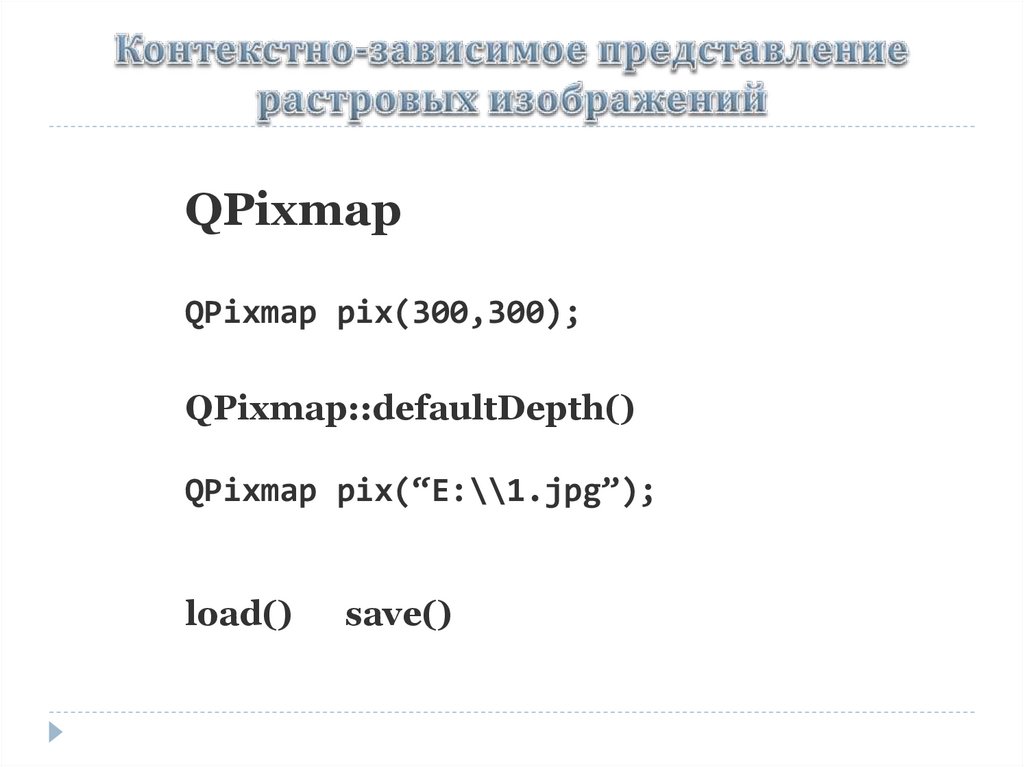
QPixmapQPixmap pix(300,300);
QPixmap::defaultDepth()
QPixmap pix(“E:\\1.jpg”);
load()
save()
9.
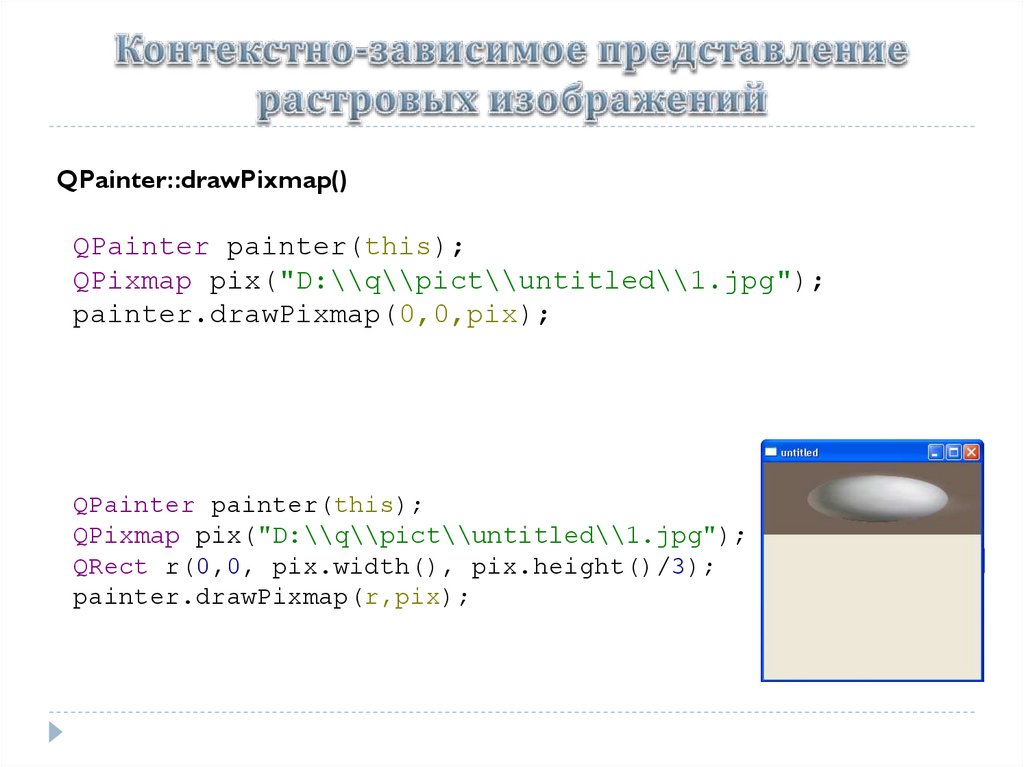
QPainter::drawPixmap()QPainter painter(this);
QPixmap pix("D:\\q\\pict\\untitled\\1.jpg");
painter.drawPixmap(0,0,pix);
QPainter painter(this);
QPixmap pix("D:\\q\\pict\\untitled\\1.jpg");
QRect r(0,0, pix.width(), pix.height()/3);
painter.drawPixmap(r,pix);
10.
QPixmapCacheinsert()
find()
11.
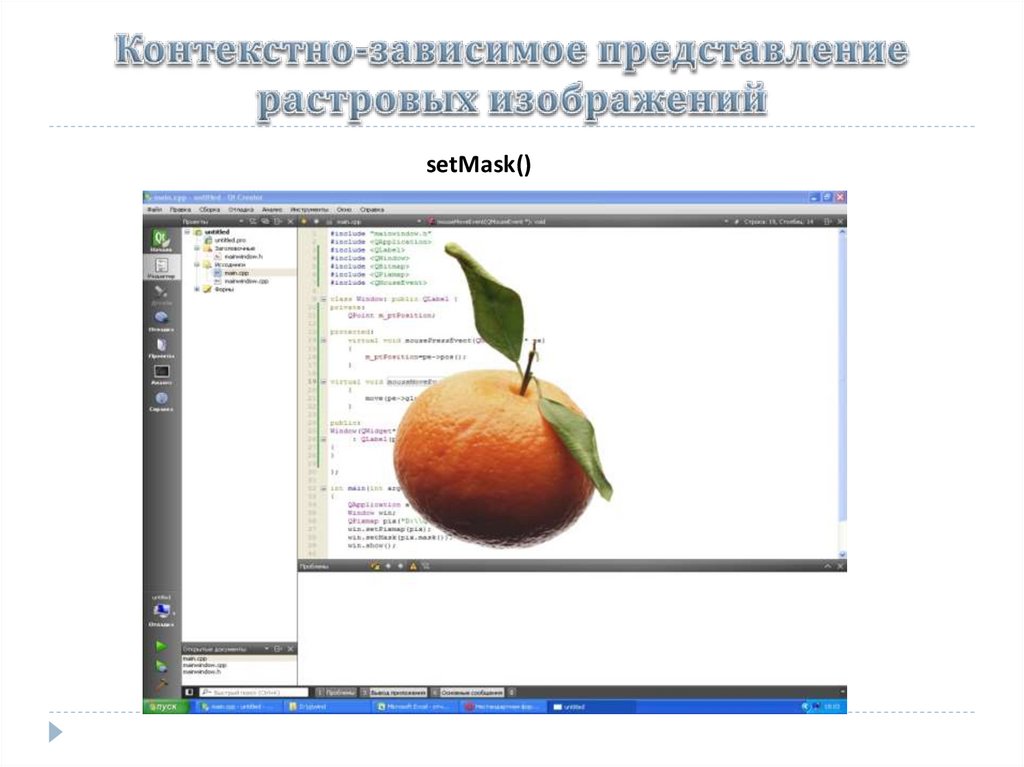
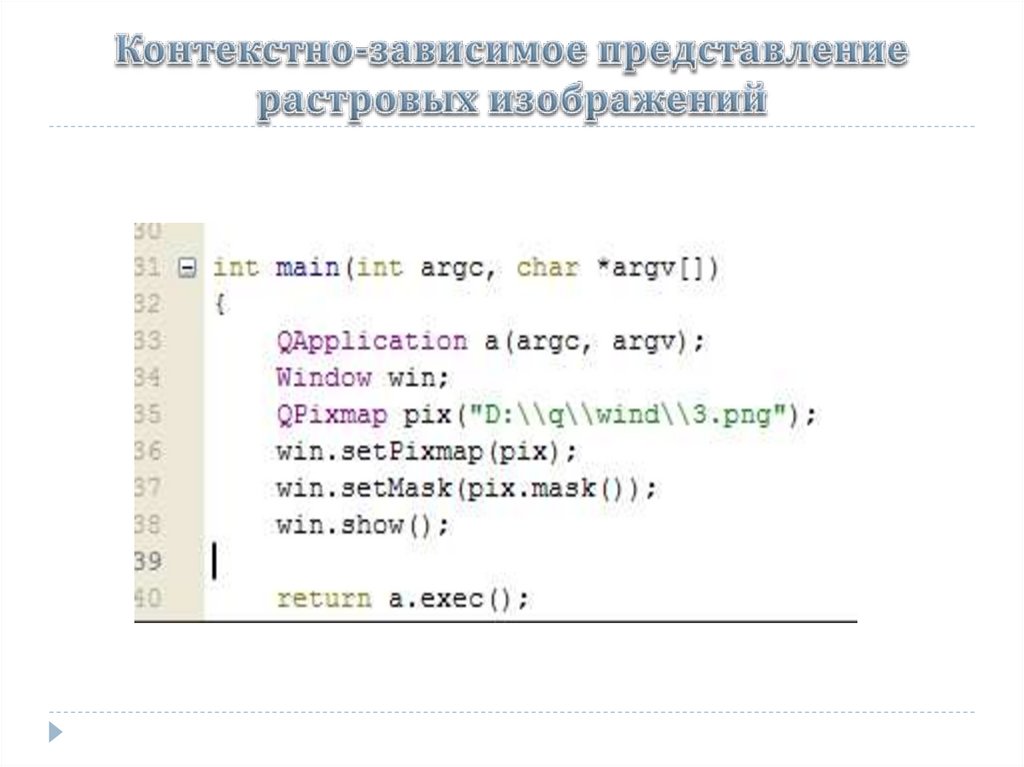
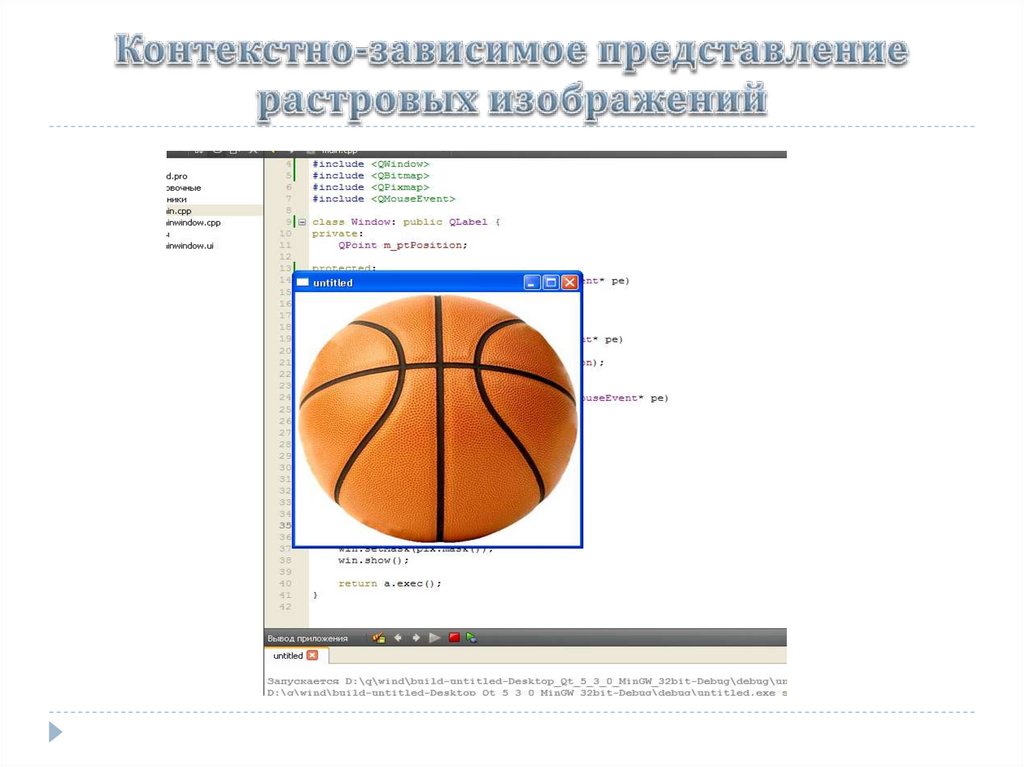
setMask()12.
13.
14.
15.
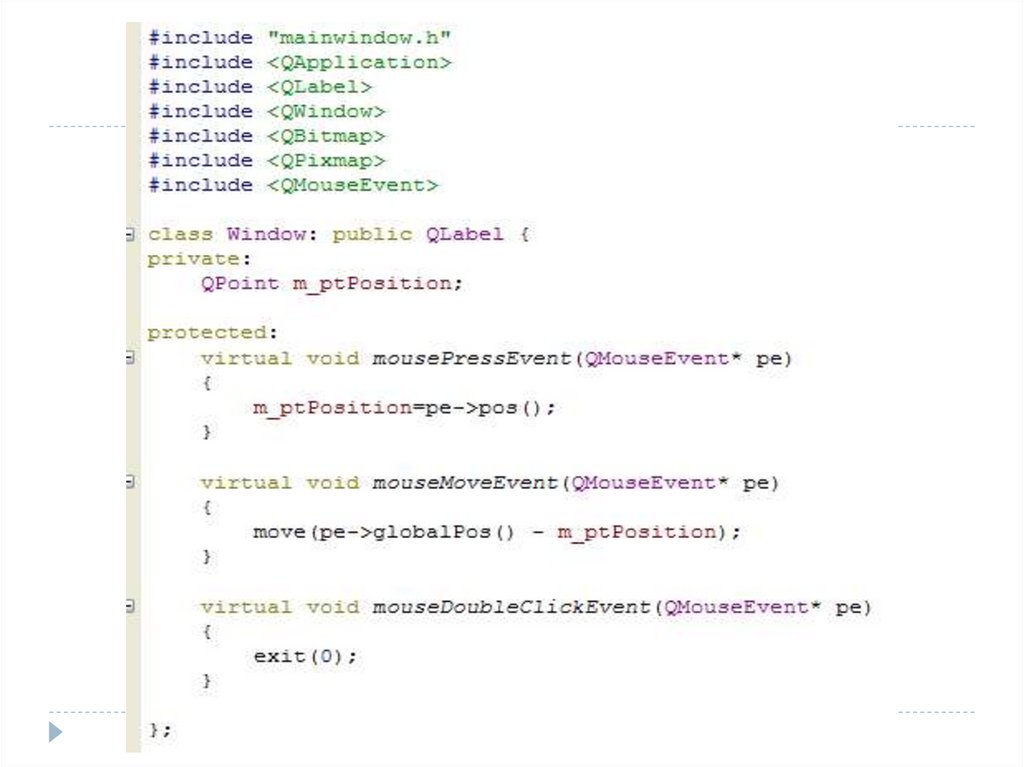
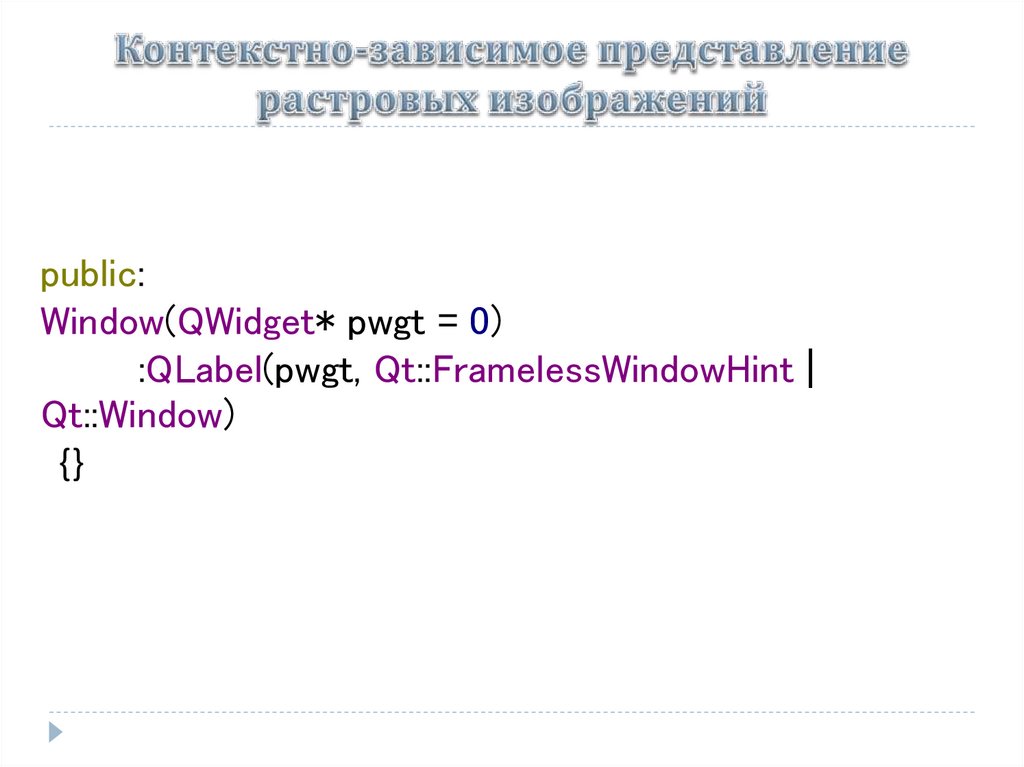
public:Window(QWidget* pwgt = 0)
:QLabel(pwgt, Qt::FramelessWindowHint |
Qt::Window)
{}
16.
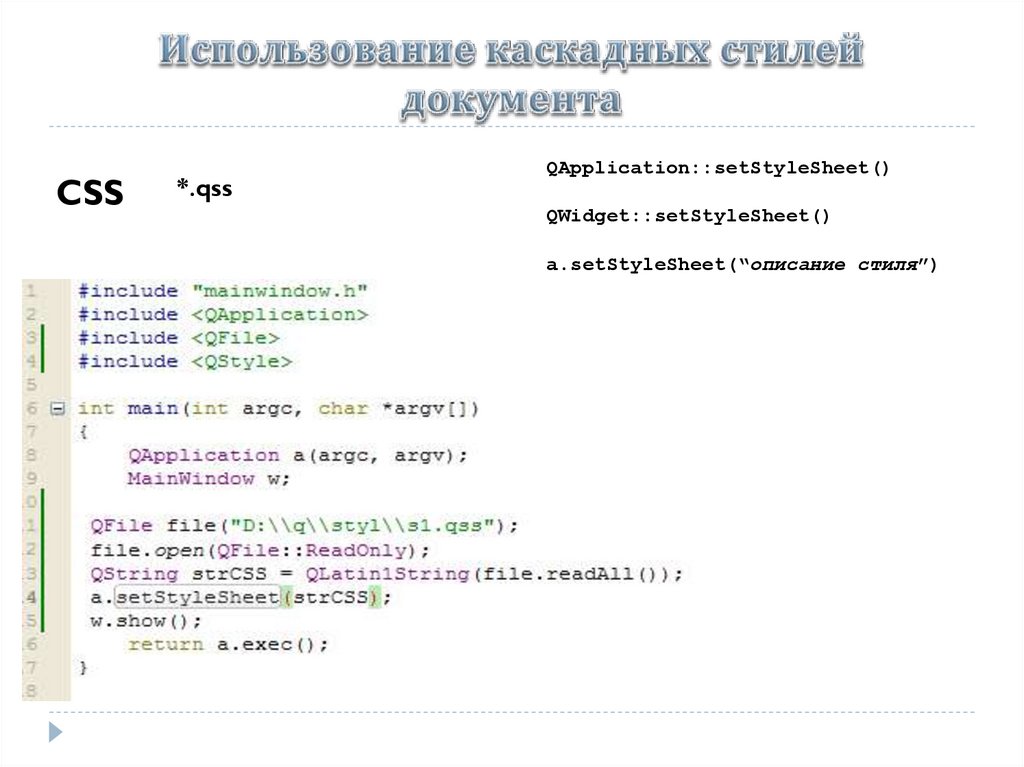
CSS*.qss
QApplication::setStyleSheet()
QWidget::setStyleSheet()
a.setStyleSheet(“описание стиля”)
17.
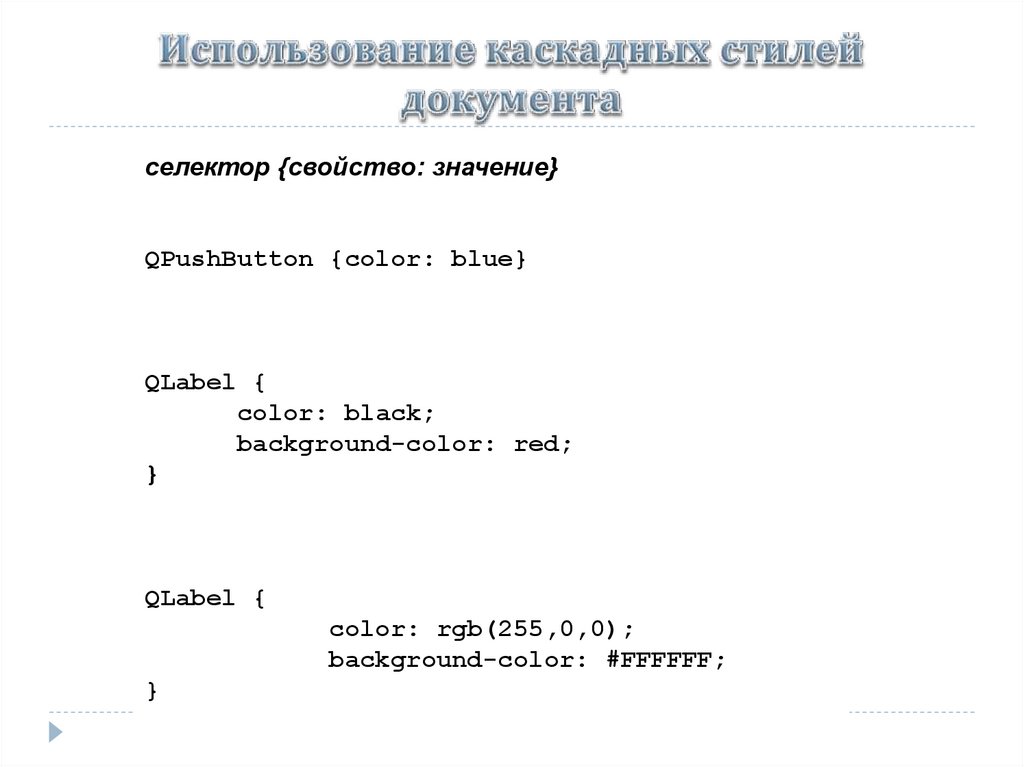
селектор {свойство: значение}QPushButton {color: blue}
QLabel {
color: black;
background-color: red;
}
QLabel {
color: rgb(255,0,0);
background-color: #FFFFFF;
}
18.
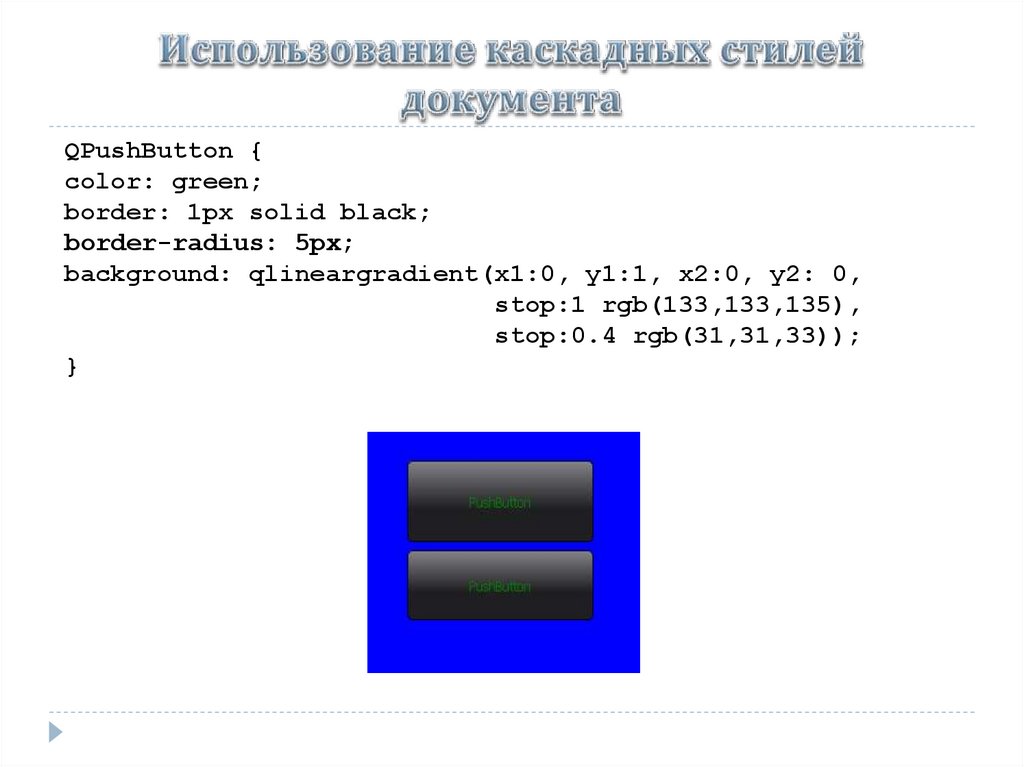
QPushButton {color: green;
border: 1px solid black;
border-radius: 5px;
background: qlineargradient(x1:0, y1:1, x2:0, y2: 0,
stop:1 rgb(133,133,135),
stop:0.4 rgb(31,31,33));
}
19.
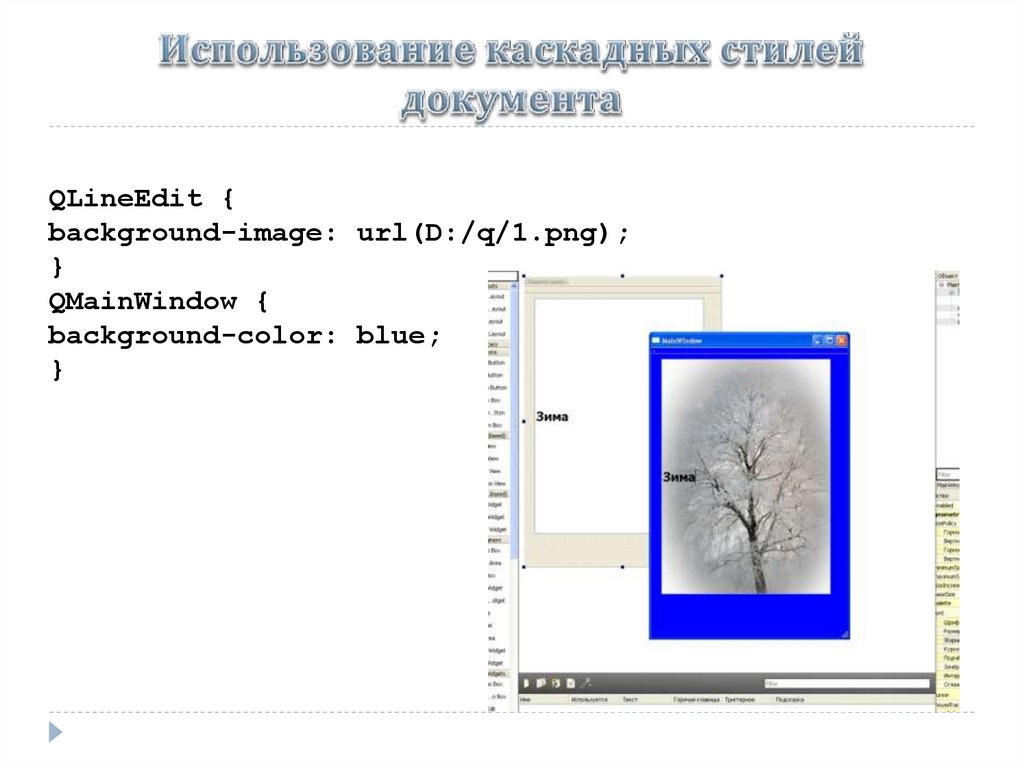
QLineEdit {background-image: url(D:/q/1.png);
}
QMainWindow {
background-color: blue;
}
20.
QLineEdit, QLabel, QPushButton {color: red}.PushButton {color: red}
QLabel#MyLabel
21.
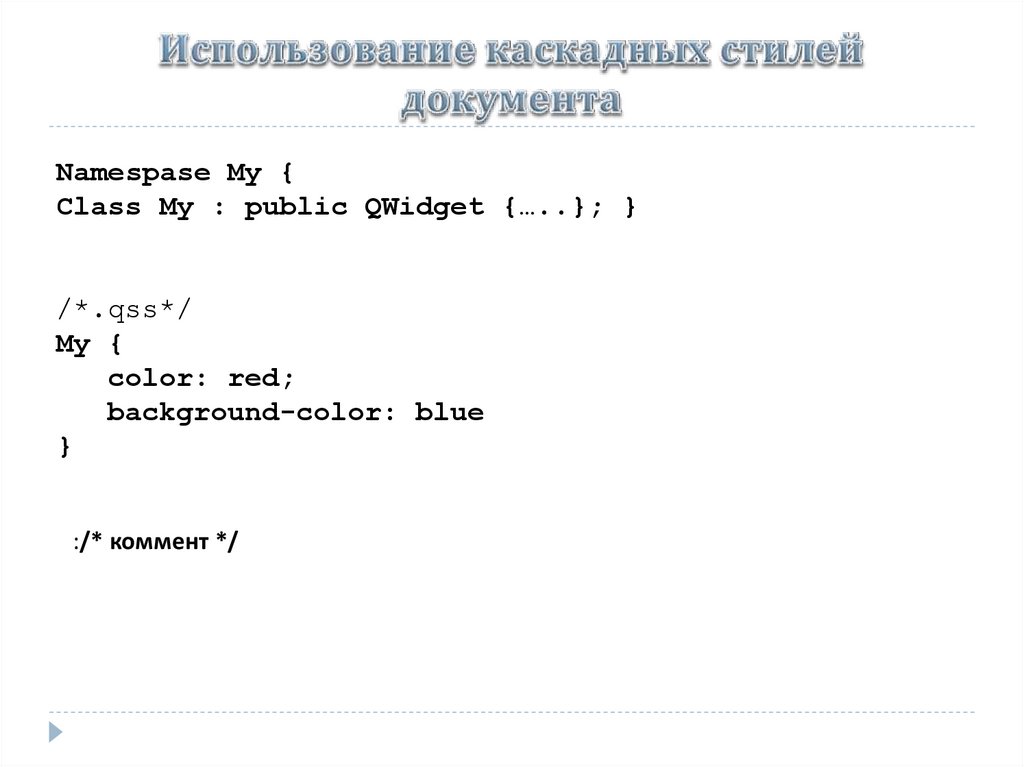
Namespase My {Class My : public QWidget {…..}; }
/*.qss*/
My {
color: red;
background-color: blue
}
:/* коммент */
22.
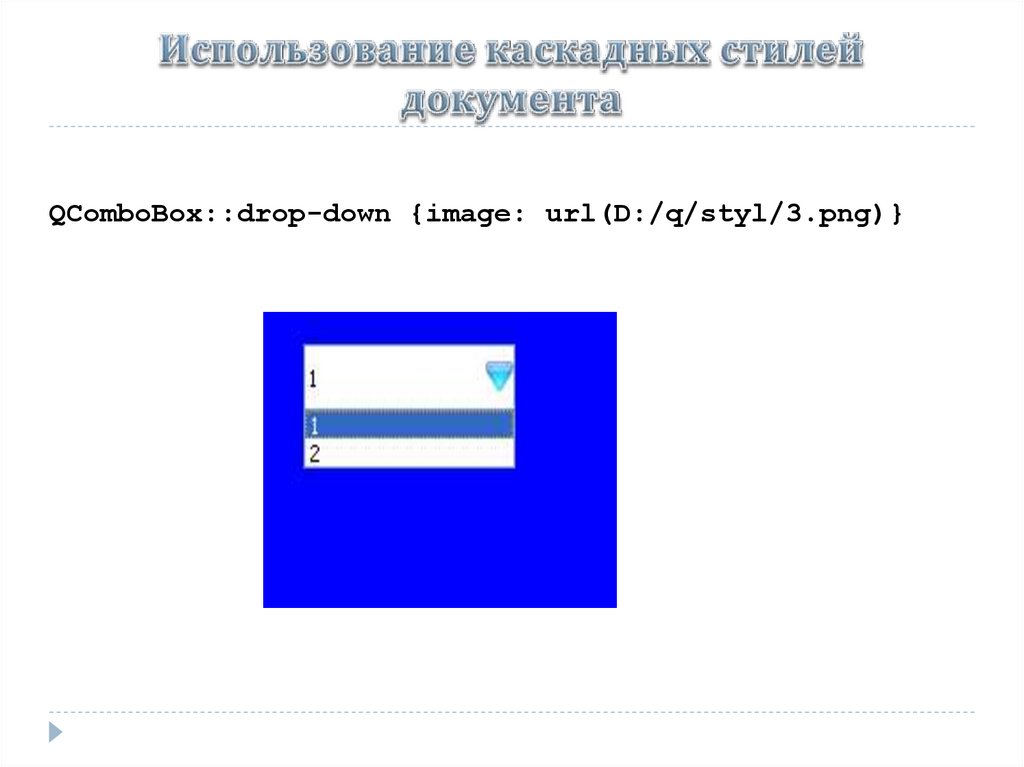
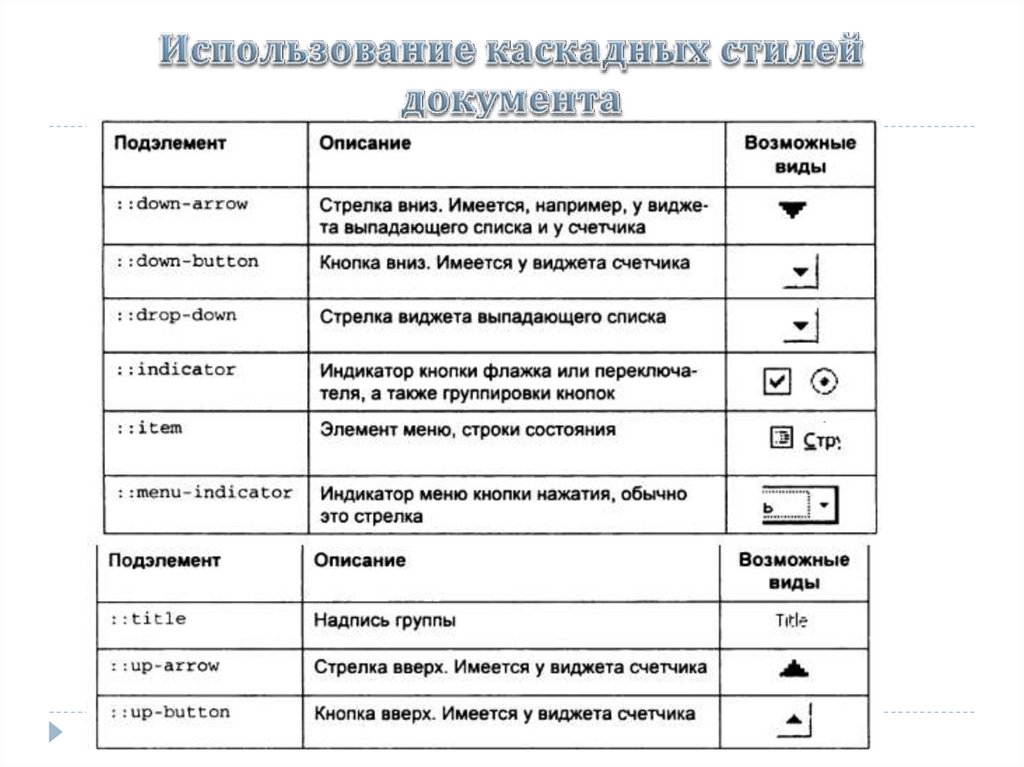
QComboBox::drop-down {image: url(D:/q/styl/3.png)}23.
24.
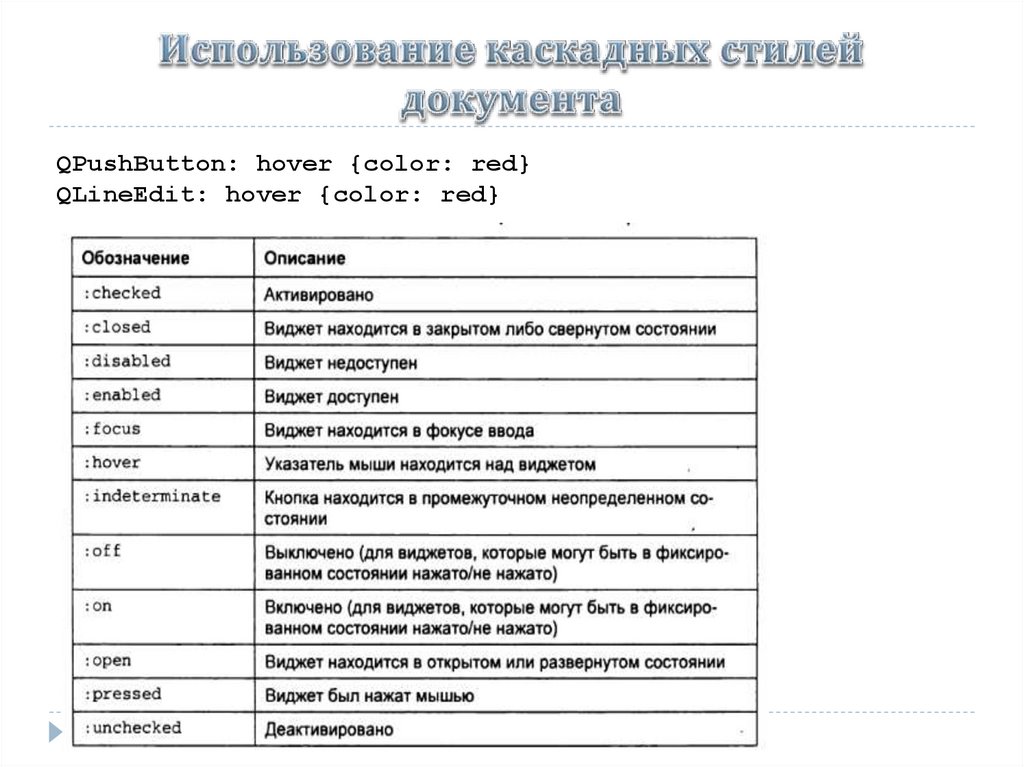
QPushButton: hover {color: red}QLineEdit: hover {color: red}
25.
QCheckBox:hover:checked {color: red}QCheckBox:hover, QCheckBox:checked {color: red}
QLineEdit:!hover {color: red}
26.
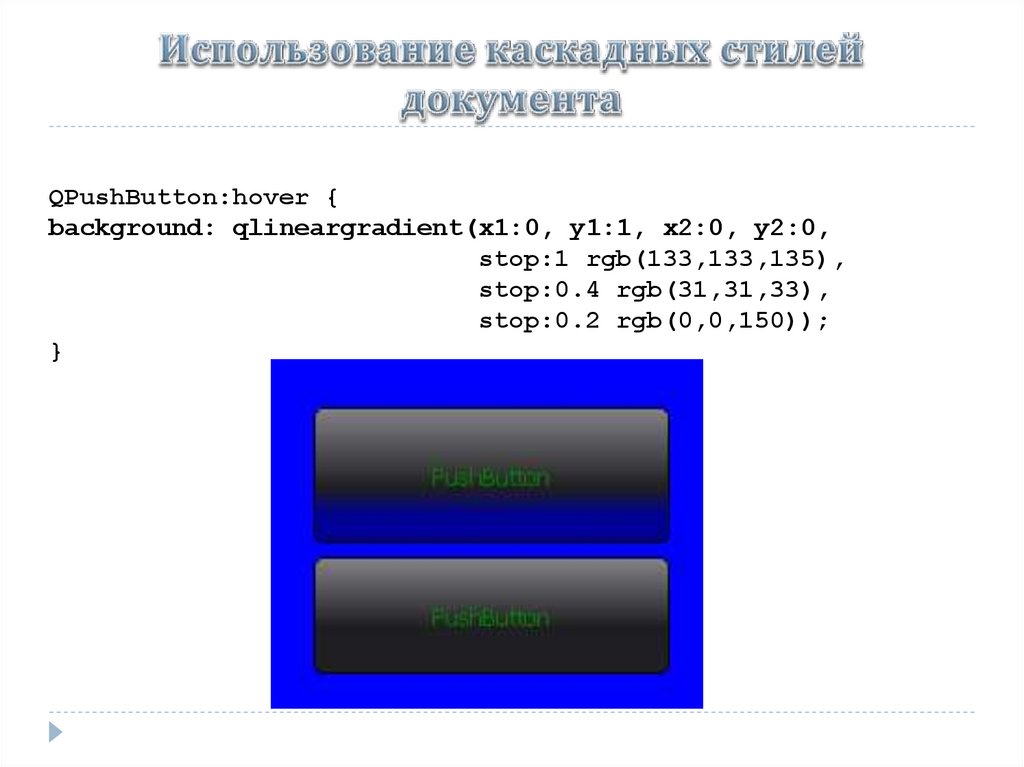
QPushButton:hover {background: qlineargradient(x1:0, y1:1, x2:0, y2:0,
stop:1 rgb(133,133,135),
stop:0.4 rgb(31,31,33),
stop:0.2 rgb(0,0,150));
}
27.
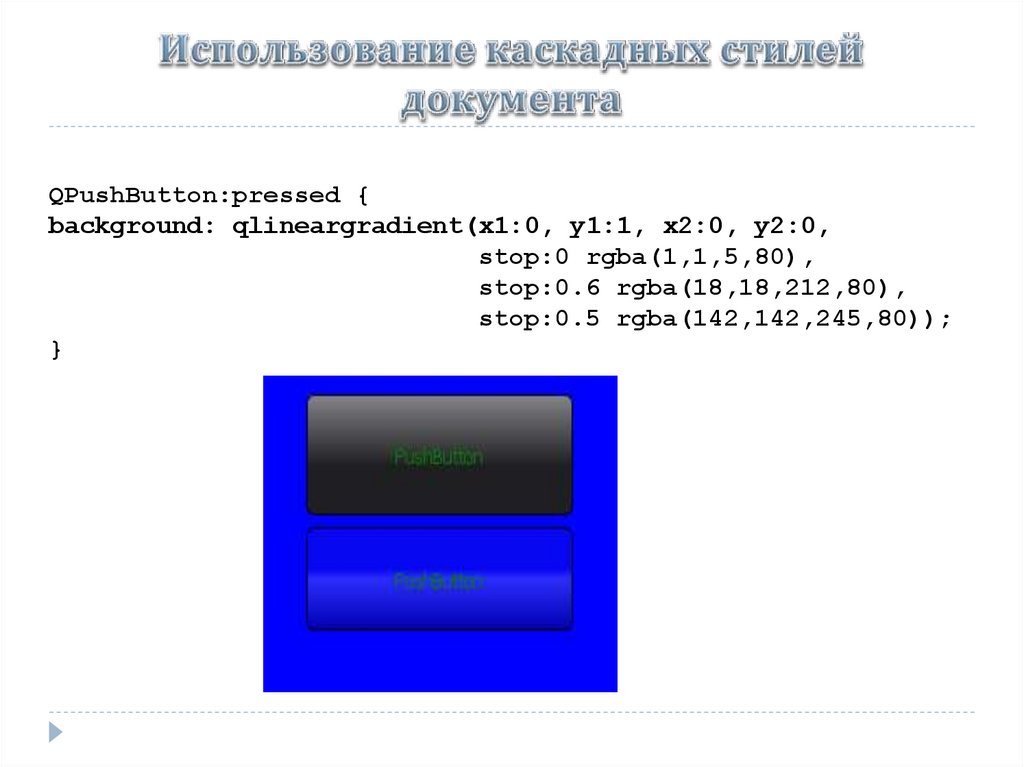
QPushButton:pressed {background: qlineargradient(x1:0, y1:1, x2:0, y2:0,
stop:0 rgba(1,1,5,80),
stop:0.6 rgba(18,18,212,80),
stop:0.5 rgba(142,142,245,80));
}