Similar presentations:

Cybersecurity-Awareness Arturs Randars 2.kt
1.
Cybersecurity AwarenessProtect yourself online and stay safe
Arturs Randars 2.kt
2.
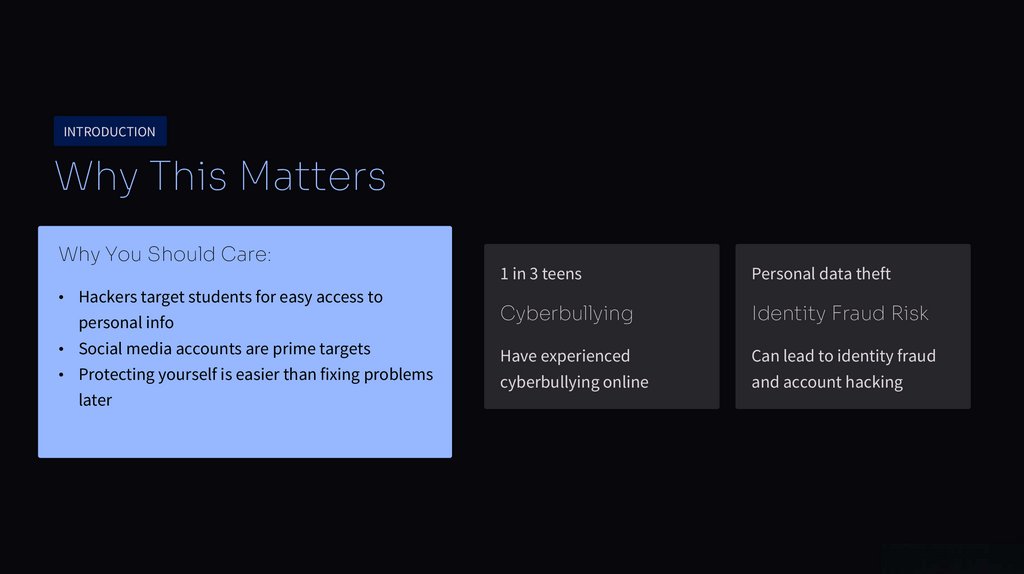
INTRODUCTIONWhy This Matters
Why You Should Care:
• Hackers target students for easy access to
personal info
• Social media accounts are prime targets
• Protecting yourself is easier than fixing problems
later
1 in 3 teens
Personal data theft
Cyberbullying
Identity Fraud Risk
Have experienced
Can lead to identity fraud
cyberbullying online
and account hacking
3.
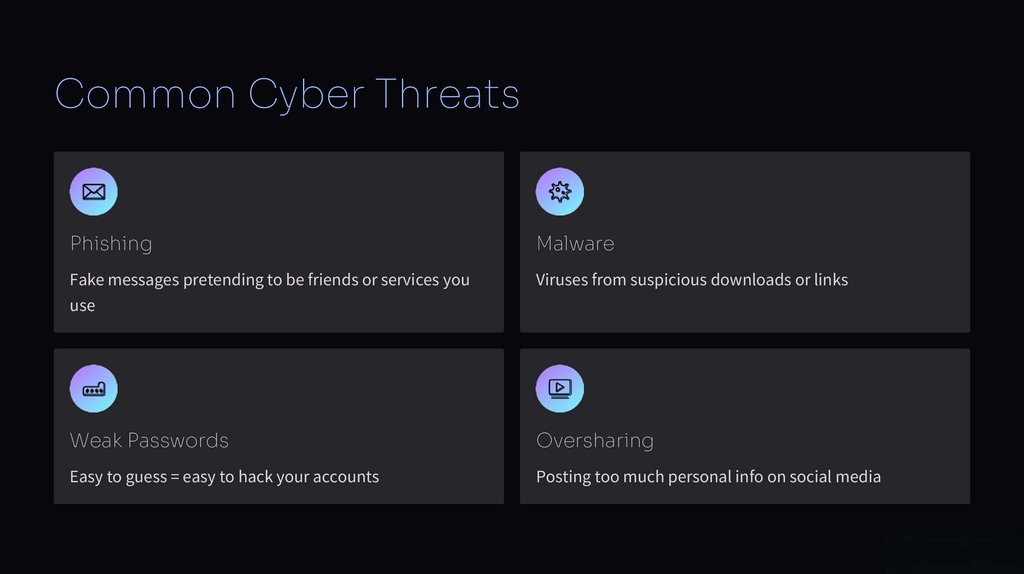
Common Cyber ThreatsPhishing
Malware
Fake messages pretending to be friends or services you
Viruses from suspicious downloads or links
use
Weak Passwords
Oversharing
Easy to guess = easy to hack your accounts
Posting too much personal info on social media
4.
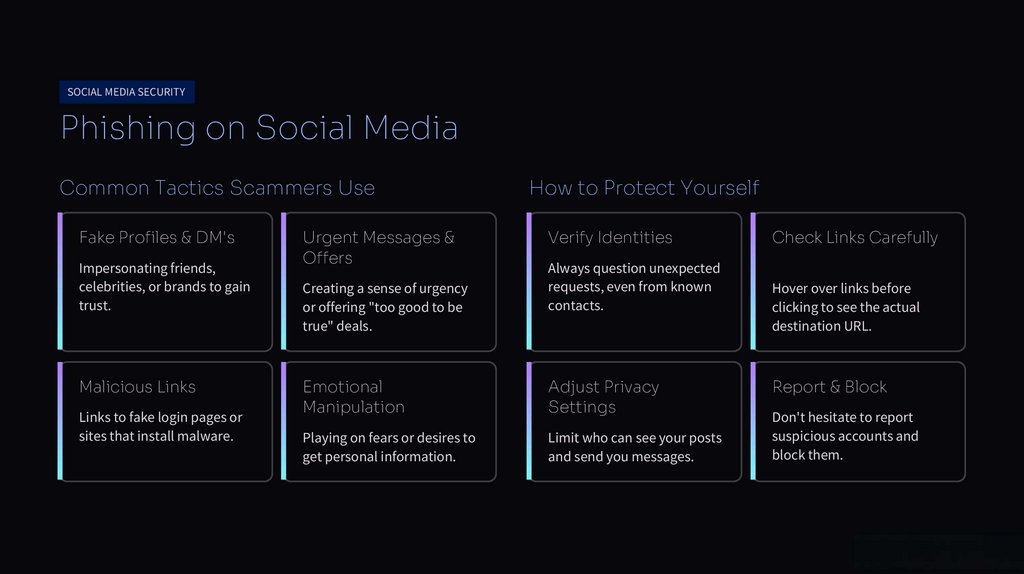
SOCIAL MEDIA SECURITYPhishing on Social Media
Common Tactics Scammers Use
Fake Profiles & DM's
Impersonating friends,
celebrities, or brands to gain
trust.
Malicious Links
Links to fake login pages or
sites that install malware.
Urgent Messages &
Offers
Creating a sense of urgency
or offering "too good to be
true" deals.
How to Protect Yourself
Verify Identities
Always question unexpected
requests, even from known
contacts.
Emotional
Manipulation
Adjust Privacy
Settings
Playing on fears or desires to
get personal information.
Limit who can see your posts
and send you messages.
Check Links Carefully
Hover over links before
clicking to see the actual
destination URL.
Report & Block
Don't hesitate to report
suspicious accounts and
block them.
5.
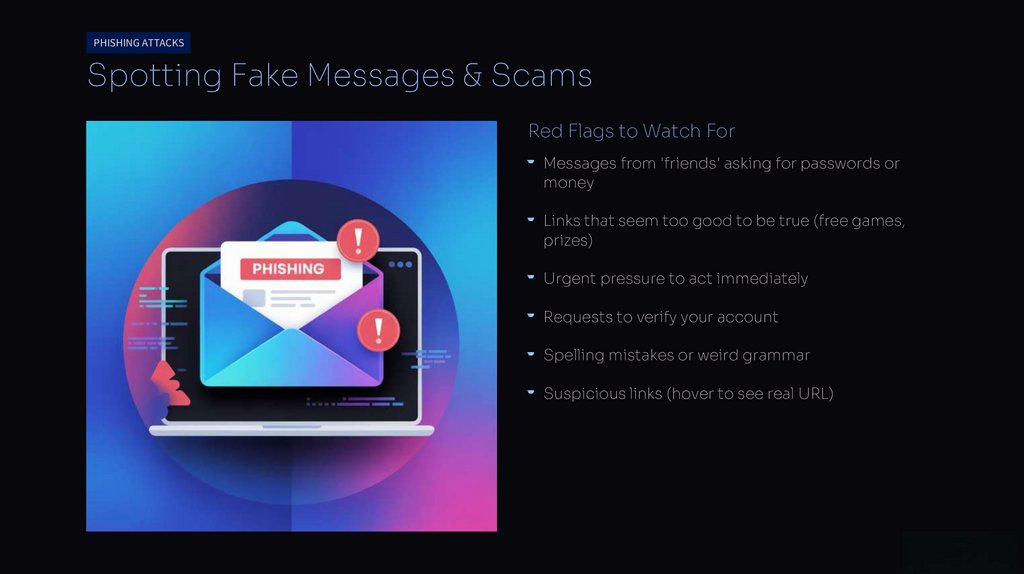
PHISHING ATTACKSSpotting Fake Messages & Scams
Red Flags to Watch For
Messages from 'friends' asking for passwords or
money
Links that seem too good to be true (free games,
prizes)
Urgent pressure to act immediately
Requests to verify your account
Spelling mistakes or weird grammar
Suspicious links (hover to see real URL)
6.
Password Security Best PracticesUse Strong Passwords
Use Password Manager
Mix uppercase, lowercase, numbers,
Different Password for Each
Account
symbols. At least 12 characters. Don't
If one gets hacked, others stay safe
remember passwords for you
use birthdays or names.
Apps like Bitwarden or 1Password
7.
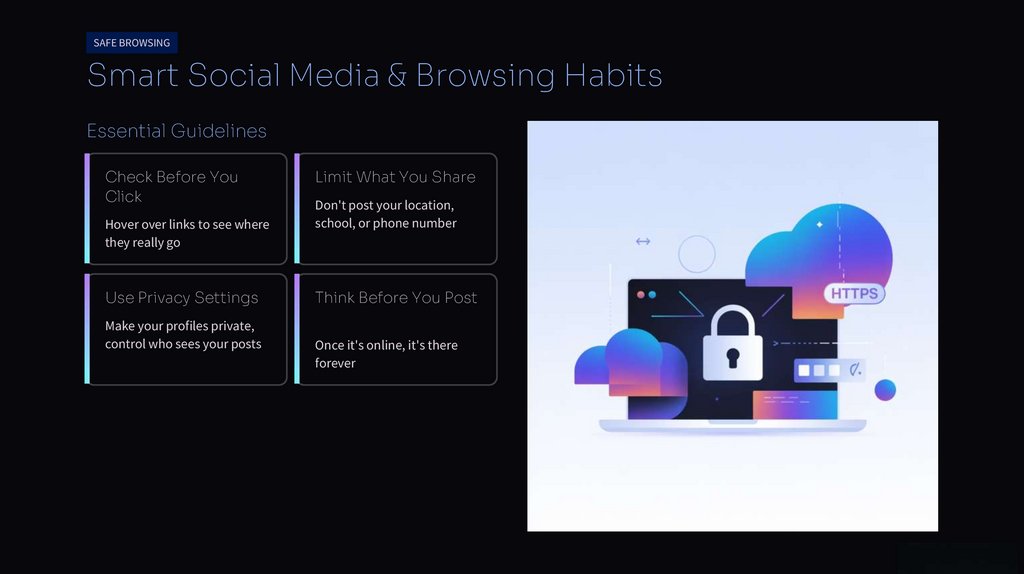
SAFE BROWSINGSmart Social Media & Browsing Habits
Essential Guidelines
Check Before You
Click
Hover over links to see where
they really go
Use Privacy Settings
Make your profiles private,
control who sees your posts
Limit What You Share
Don't post your location,
school, or phone number
Think Before You Post
Once it's online, it's there
forever
8.
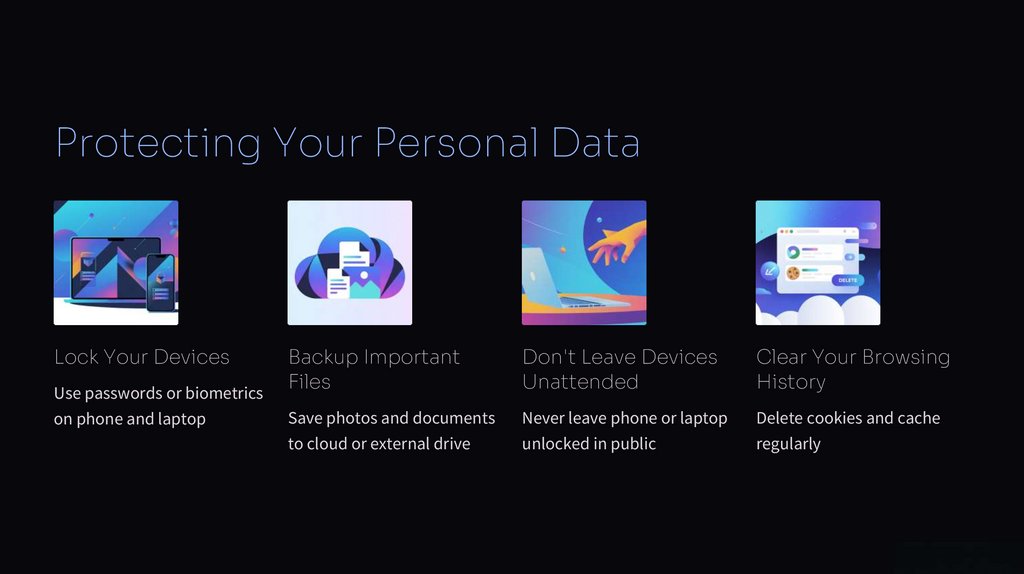
Protecting Your Personal DataLock Your Devices
Use passwords or biometrics
Backup Important
Files
Don't Leave Devices
Unattended
Clear Your Browsing
History
on phone and laptop
Save photos and documents
Never leave phone or laptop
Delete cookies and cache
to cloud or external drive
unlocked in public
regularly
9.
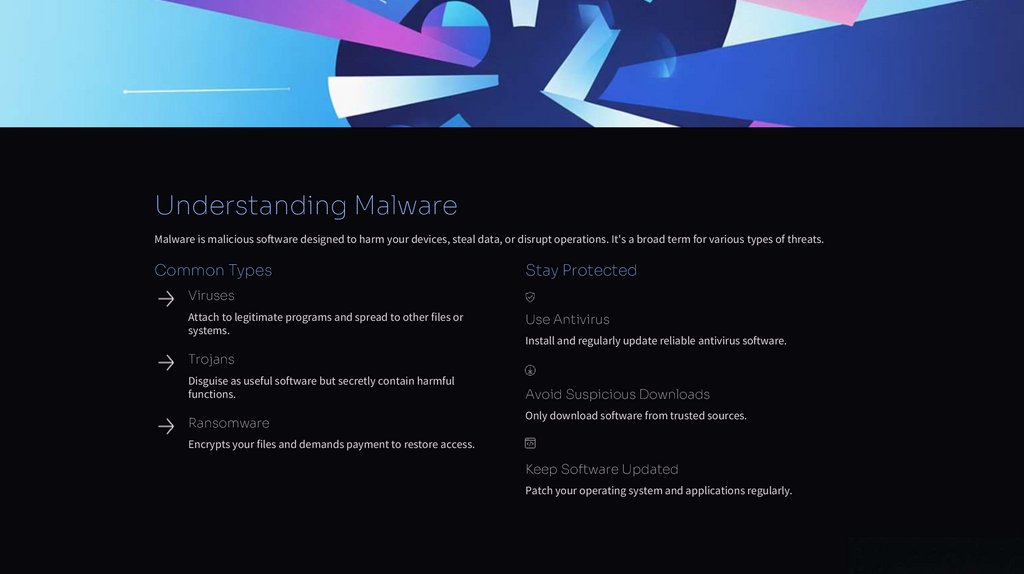
Understanding MalwareMalware is malicious software designed to harm your devices, steal data, or disrupt operations. It's a broad term for various types of threats.
Common Types
Stay Protected
Viruses
Attach to legitimate programs and spread to other files or
systems.
Use Antivirus
Install and regularly update reliable antivirus software.
Trojans
Disguise as useful software but secretly contain harmful
functions.
Ransomware
Avoid Suspicious Downloads
Only download software from trusted sources.
Encrypts your files and demands payment to restore access.
Keep Software Updated
Patch your operating system and applications regularly.
10.
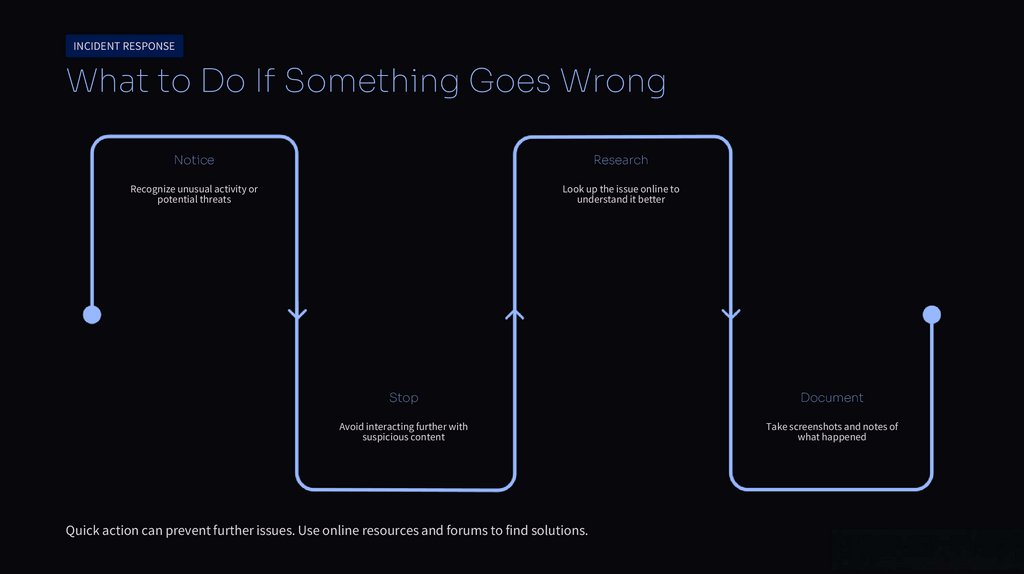
INCIDENT RESPONSEWhat to Do If Something Goes Wrong
Notice
Research
Recognize unusual activity or
potential threats
Look up the issue online to
understand it better
Stop
Document
Avoid interacting further with
suspicious content
Take screenshots and notes of
what happened
Quick action can prevent further issues. Use online resources and forums to find solutions.
11.
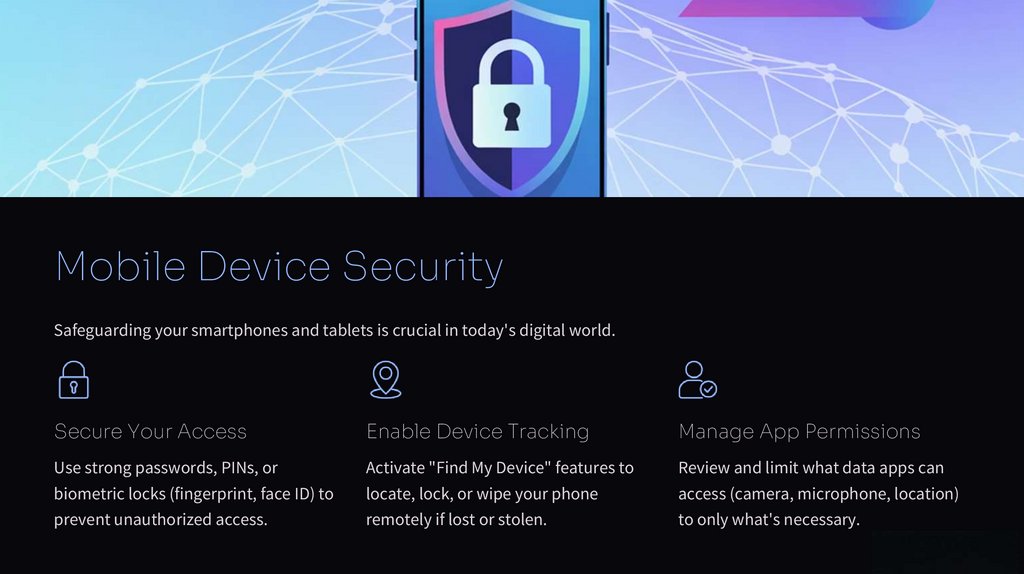
Mobile Device SecuritySafeguarding your smartphones and tablets is crucial in today's digital world.
Secure Your Access
Enable Device Tracking
Manage App Permissions
Use strong passwords, PINs, or
Activate "Find My Device" features to
Review and limit what data apps can
biometric locks (fingerprint, face ID) to
locate, lock, or wipe your phone
access (camera, microphone, location)
prevent unauthorized access.
remotely if lost or stolen.
to only what's necessary.
12.
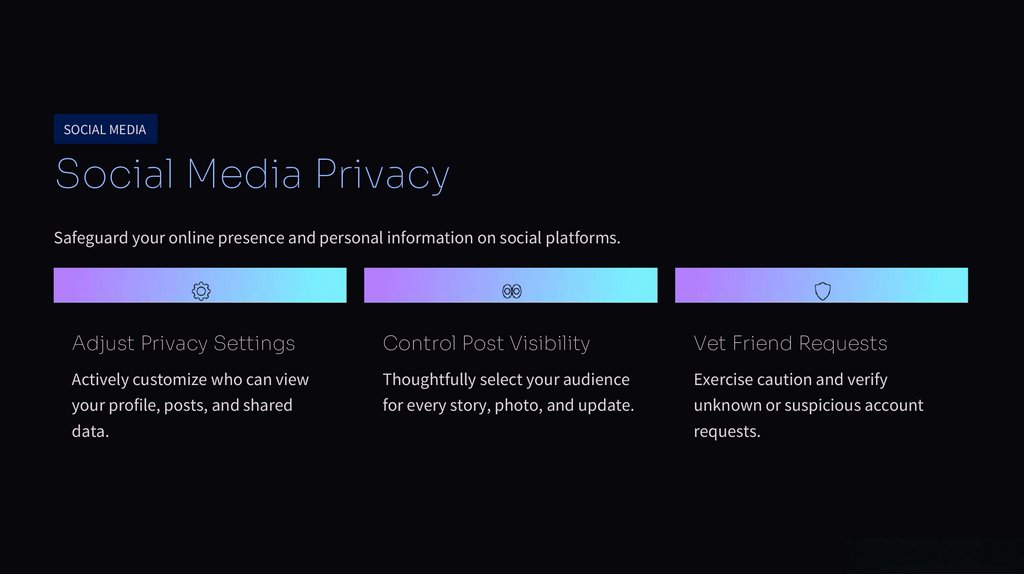
SOCIAL MEDIASocial Media Privacy
Safeguard your online presence and personal information on social platforms.
Adjust Privacy Settings
Control Post Visibility
Vet Friend Requests
Actively customize who can view
Thoughtfully select your audience
Exercise caution and verify
your profile, posts, and shared
for every story, photo, and update.
unknown or suspicious account
data.
requests.
13.
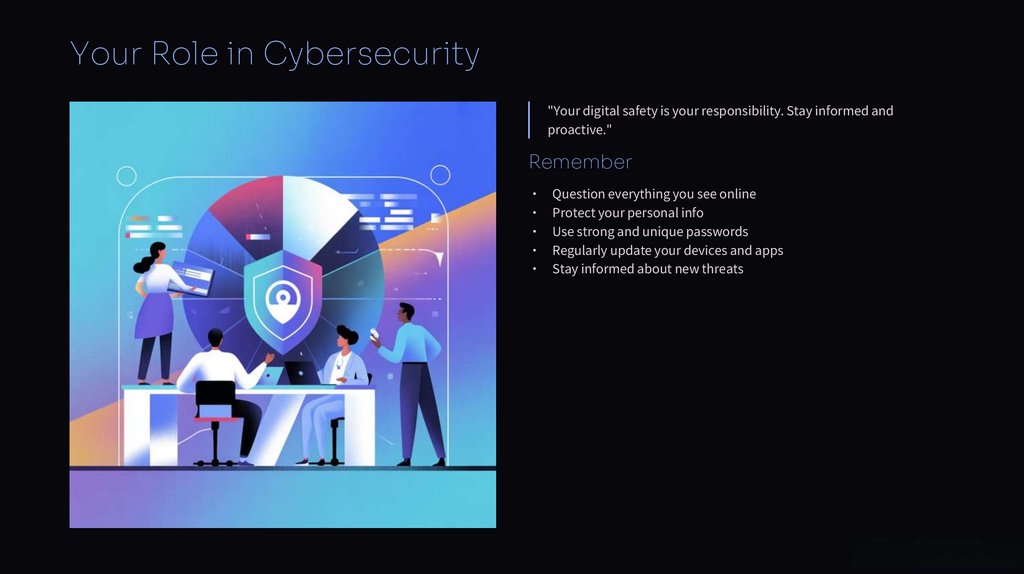
Your Role in Cybersecurity"Your digital safety is your responsibility. Stay informed and
proactive."
Remember
Question everything you see online
Protect your personal info
Use strong and unique passwords
Regularly update your devices and apps
Stay informed about new threats
14.
Together We Stay SecureQuestions?
Resources
Contact the IT Security team
Training materials on
company intranet
Stay Alert
Cybersecurity is everyone's responsibility