



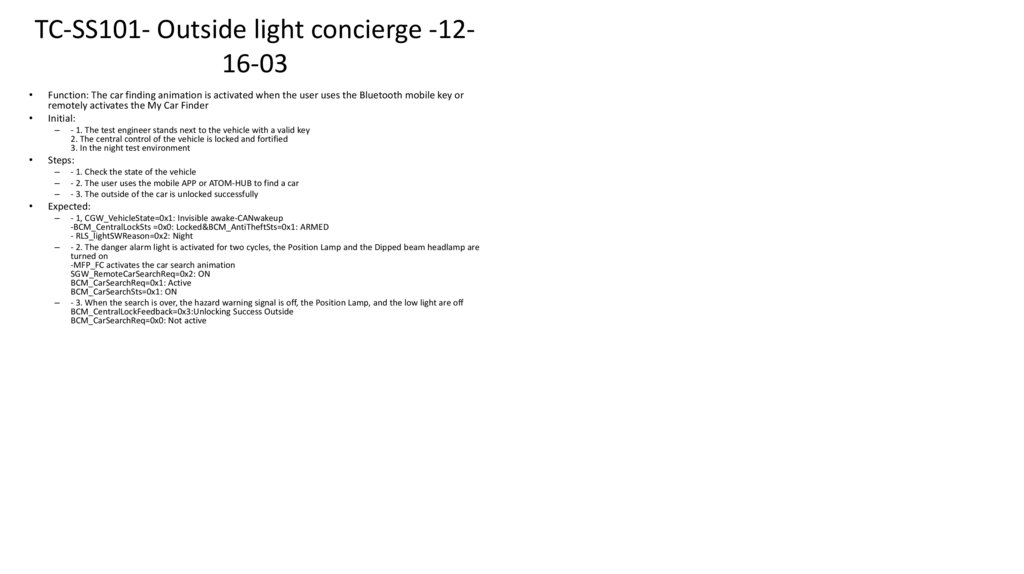
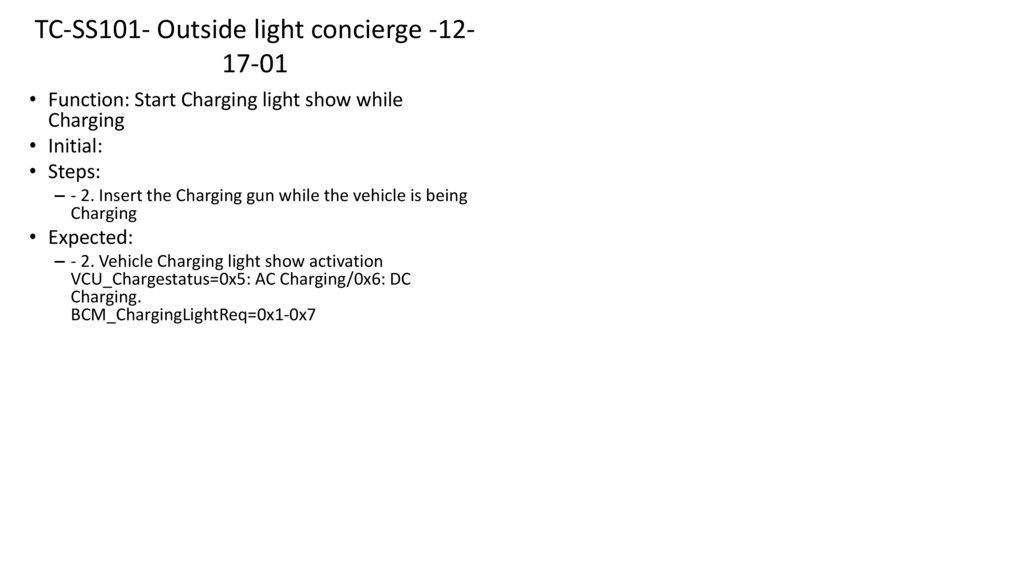
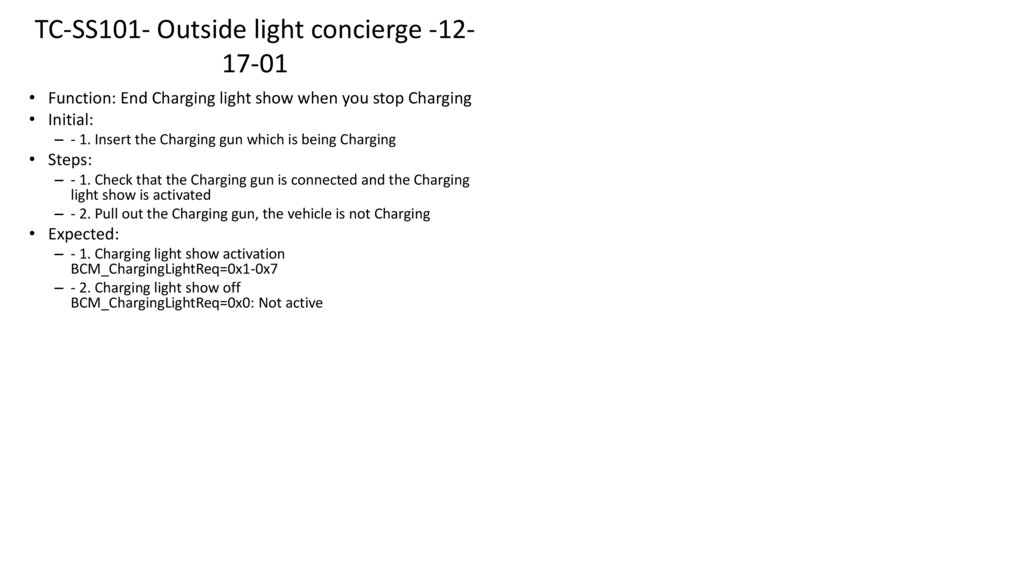
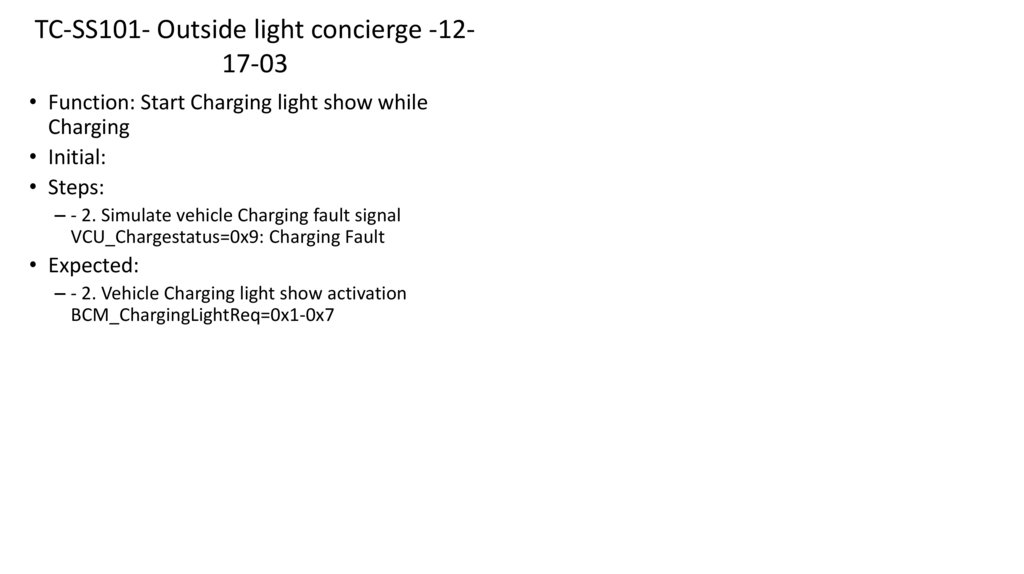
 management
Similar presentations:





Embedded Testing
1.
Embedded TestingAston Training – by Luís Dias
2.
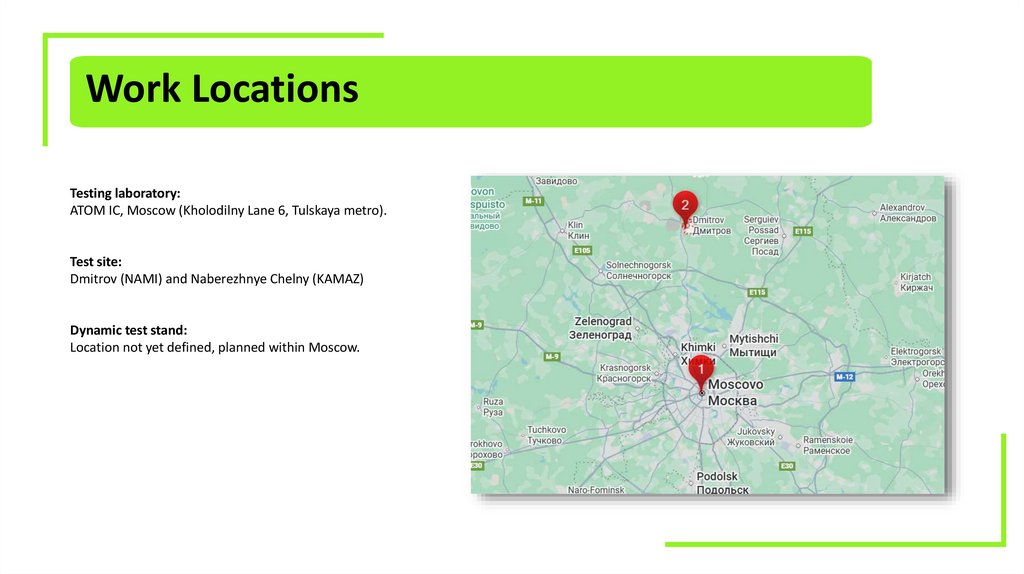
Work LocationsTesting laboratory:
ATOM IC, Moscow (Kholodilny Lane 6, Tulskaya metro).
Test site:
Dmitrov (NAMI) and Naberezhnye Chelny (KAMAZ)
Dynamic test stand:
Location not yet defined, planned within Moscow.
3.
Work ScheduleStandard working day: 8 hours.
Possible shift schedules:
06:00–14:00
14:00–22:00
09:00–18:00 (standard schedule)
Shift transitions may occur depending on project needs. Possibility work on weekends or public holidays
Reference Period of work is 37 weeks, starting from CW50’25 (15th of December) till CW40’26 (30th of August)
consists from 3 phases:
• Phase 1 – CW50-CW13
• Phase 2 – CW14-CW27
• Phase 3 – CW28-CW40
4.
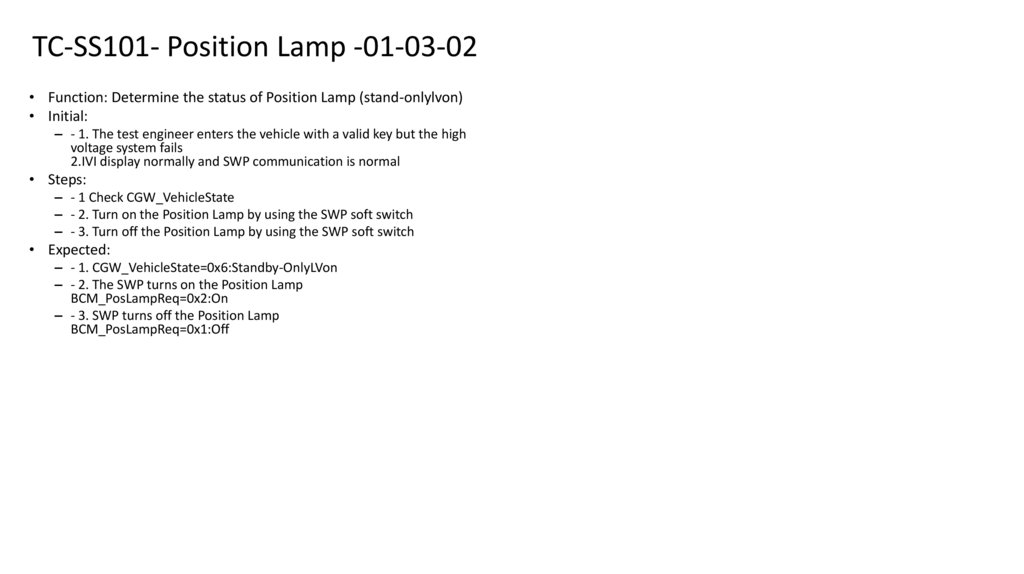
Technical Stack• Vector tools CANoe and PEAKCAN (CANalyzer too)
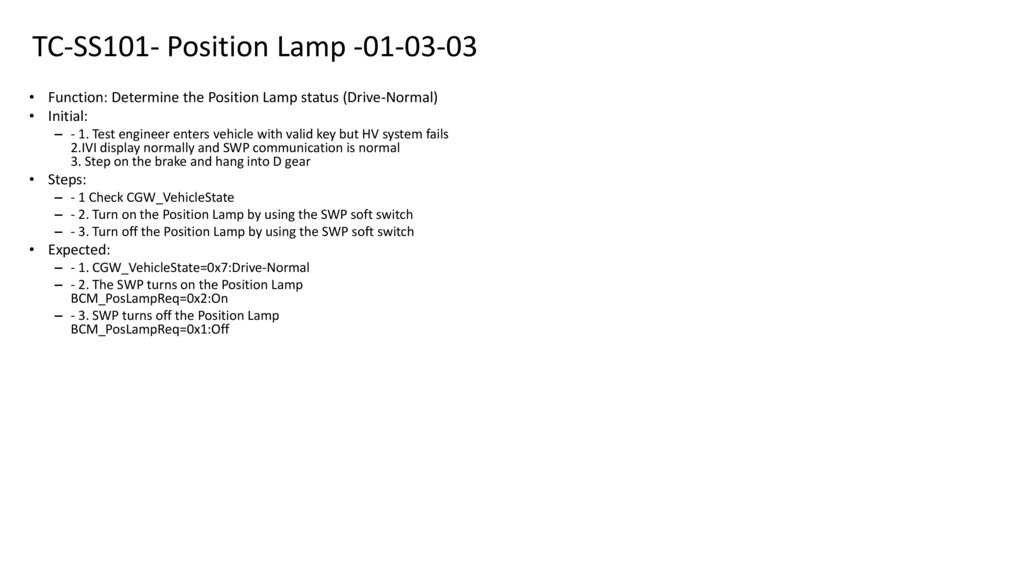
Communication protocols CAN, LIN, UART, Ethernet
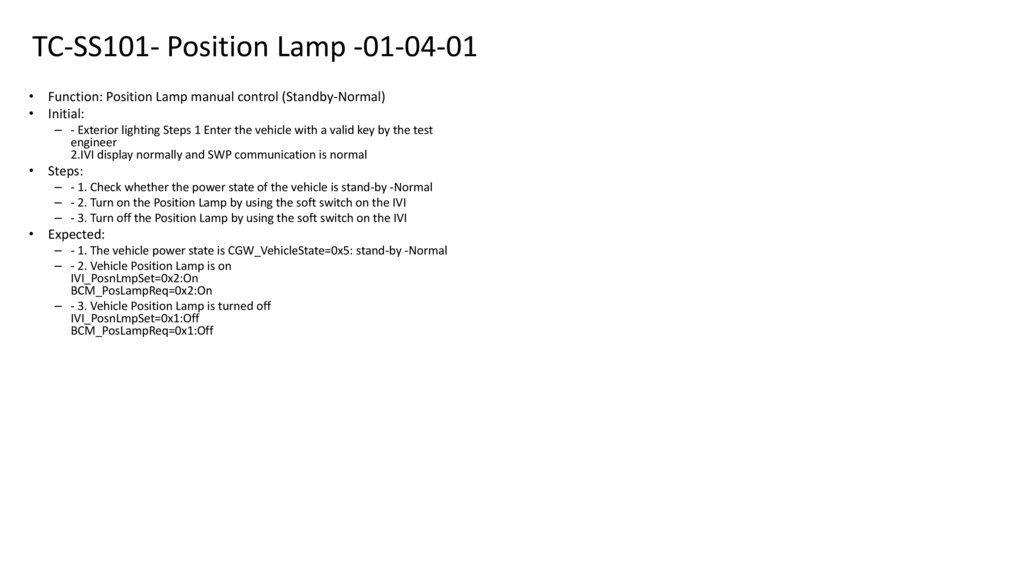
Android and ADB (Android Debug Bridge)
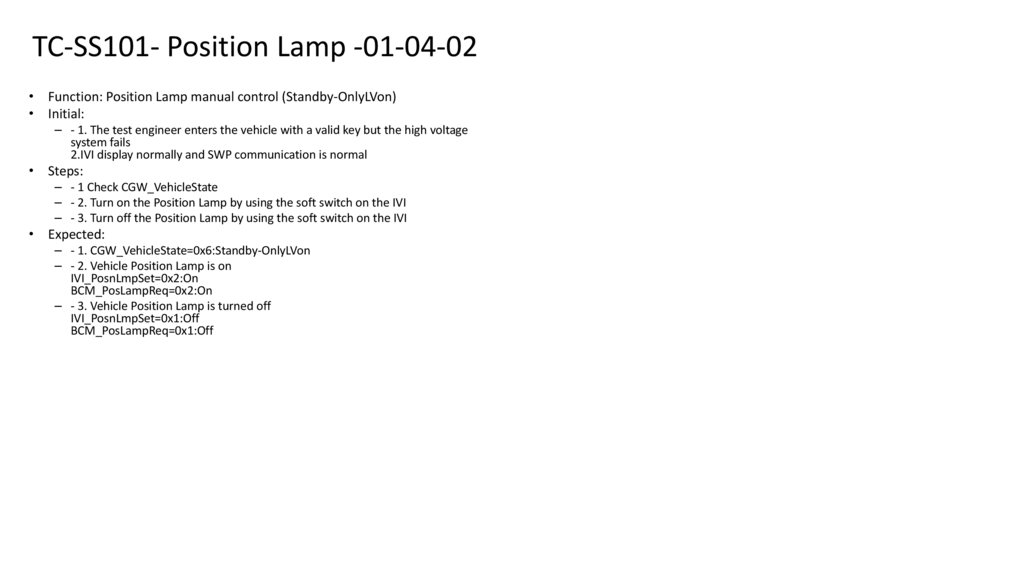
• UDS (Unified Diagnostic Services) and ISO 14229
• Collaboration Tools like JIRA (with some extensions), Confluence, and DevPROM
• Experience with Functional Safety: ISO 26262 and FuSa (Functional Safety)
• ECU hardware experience, including mounting, dismounting, and handling vehicle wiring
• Experience working with Electric Vehicles (EVs), particularly regarding safety regulations and procedures (e.g., high-voltage safety) and understand
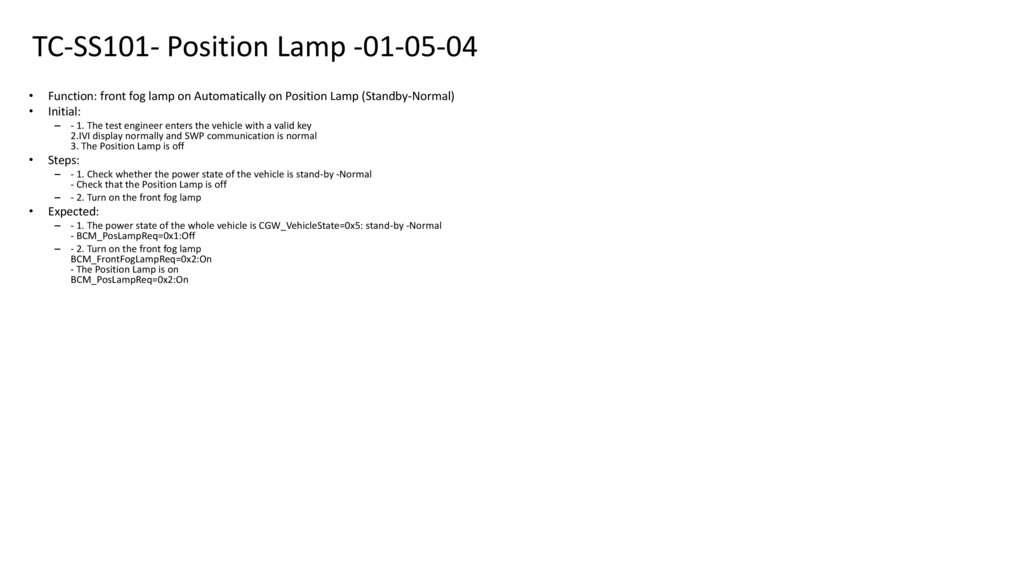
Vehicle Functions
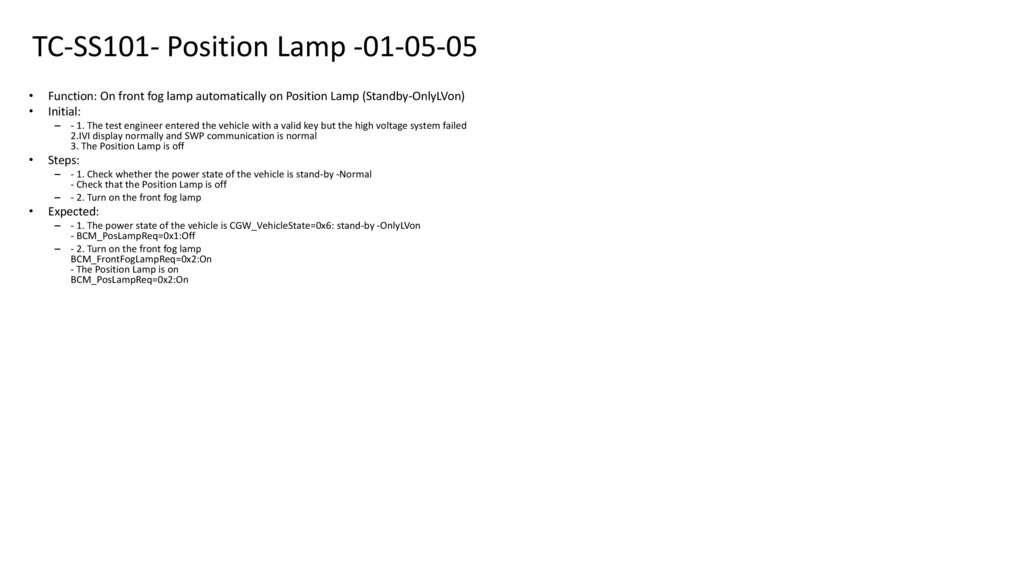
• Experience and skill with Bug tracking(JIRA), Test Documentation (Release Notes, Test Report…) and Communication with developers
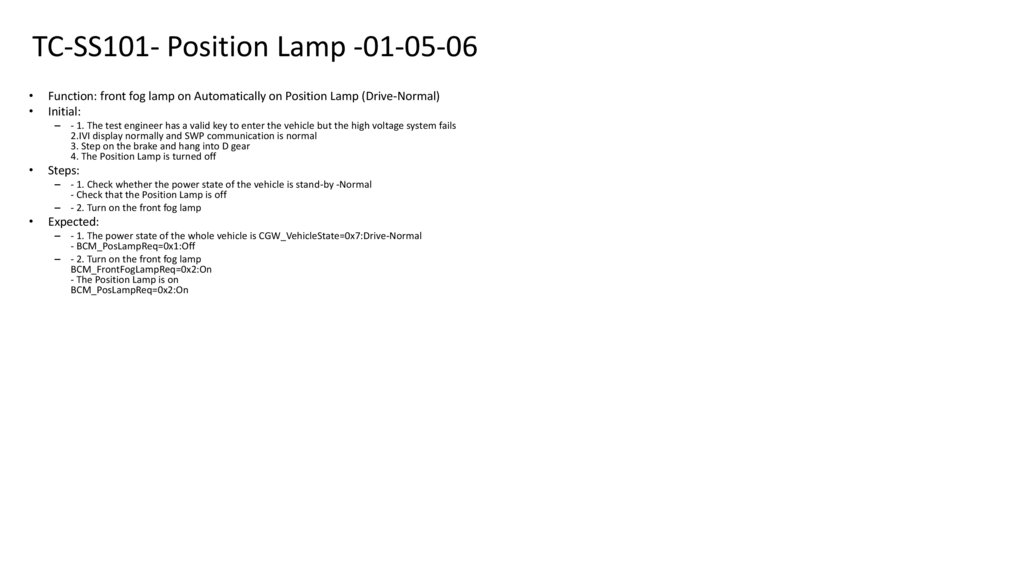
5.
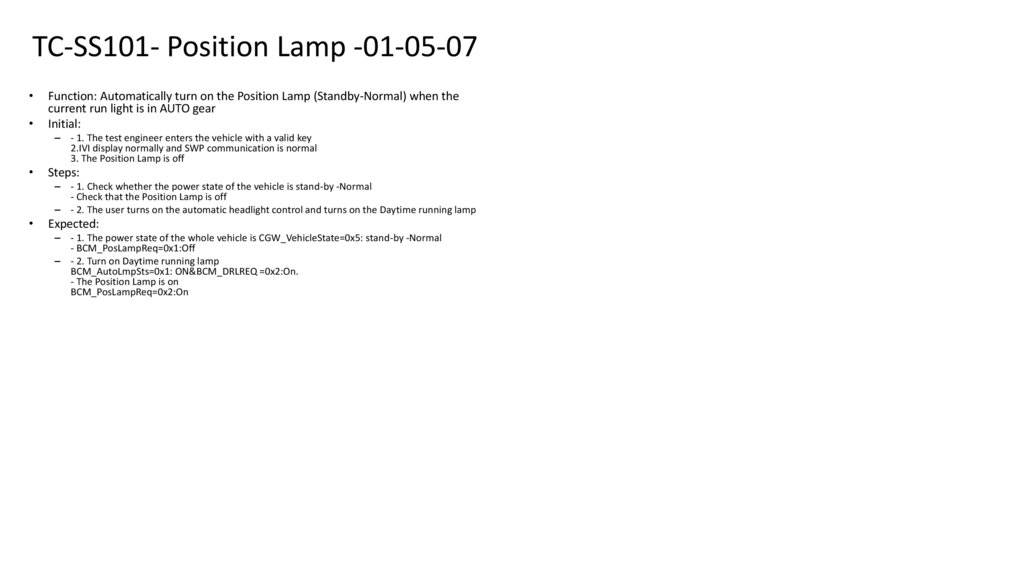
Roles typesType I “Engineer T2”
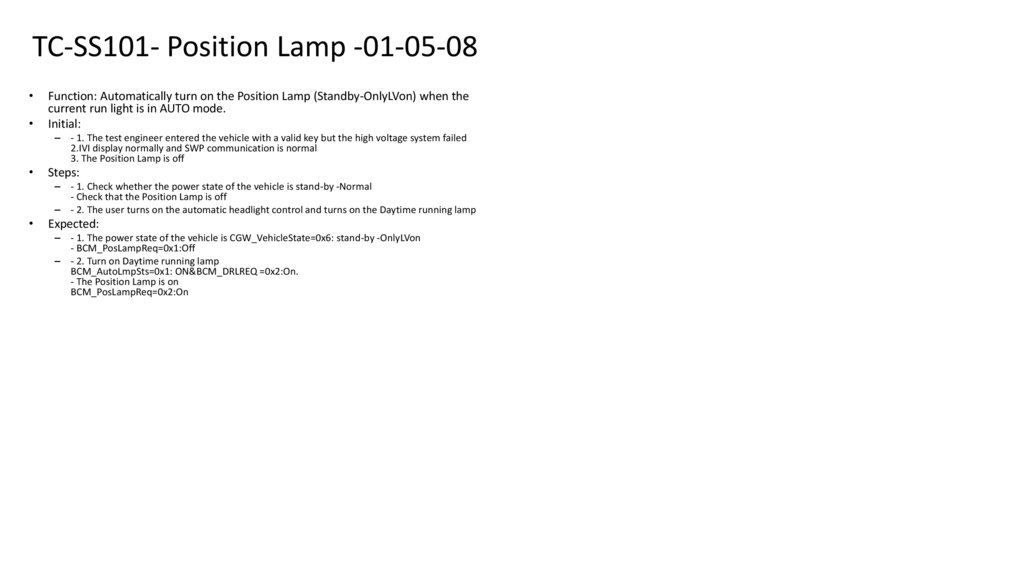
Performs tests, analyzes faults, validates methods, installs software, and modifies wiring.
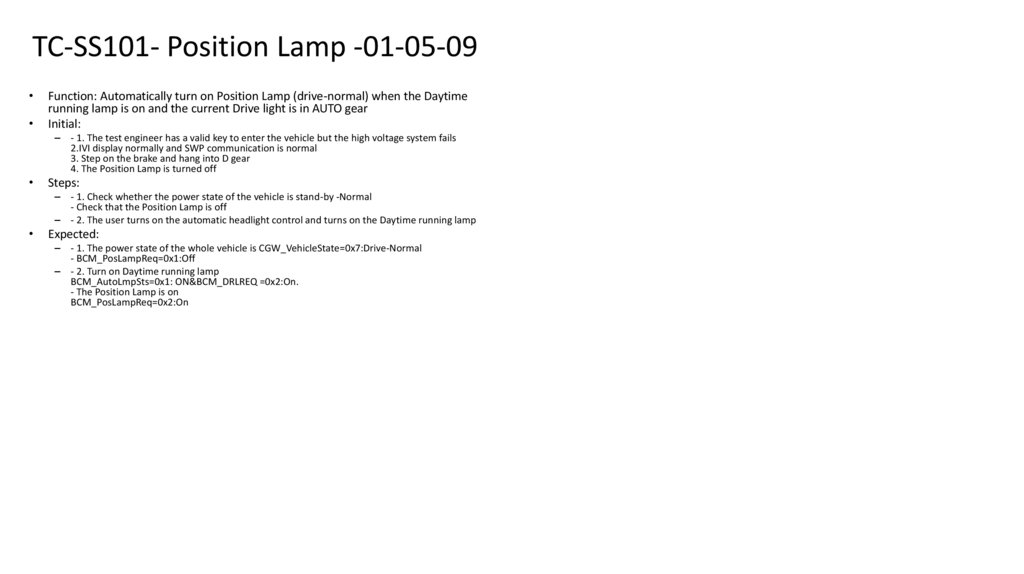
Type II “Engineer T3”
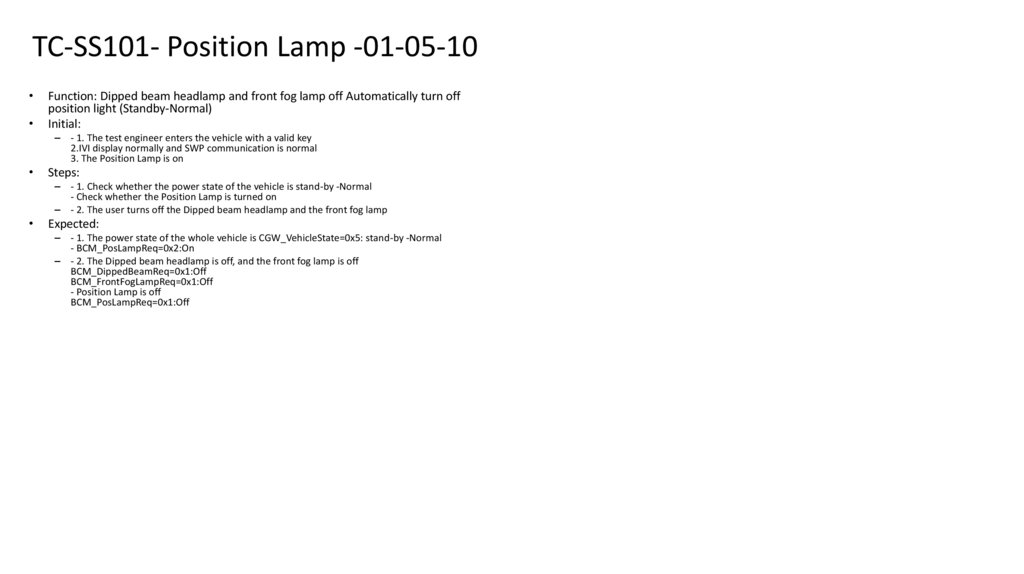
Same as T2 plus team management responsibilities.
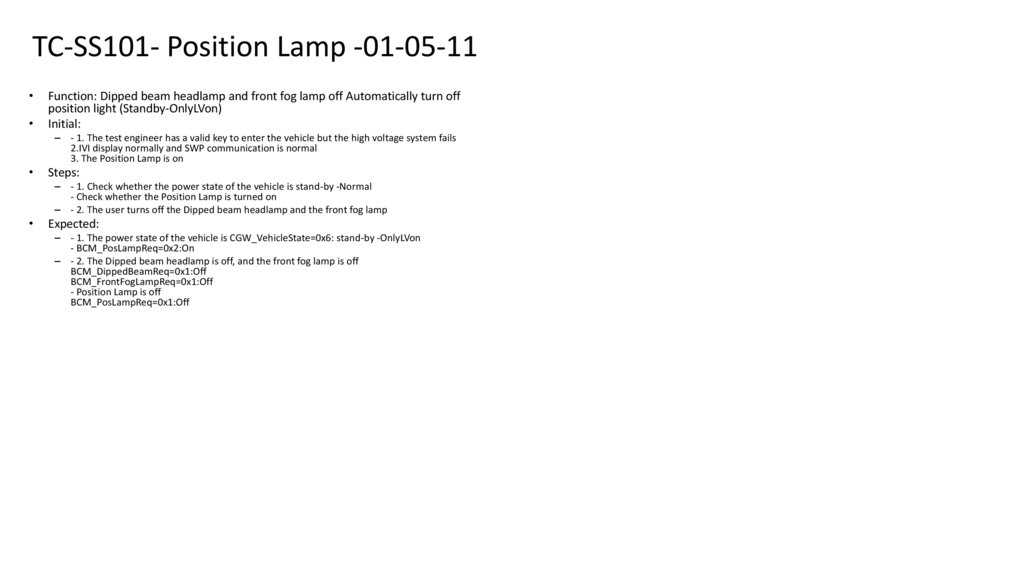
6.
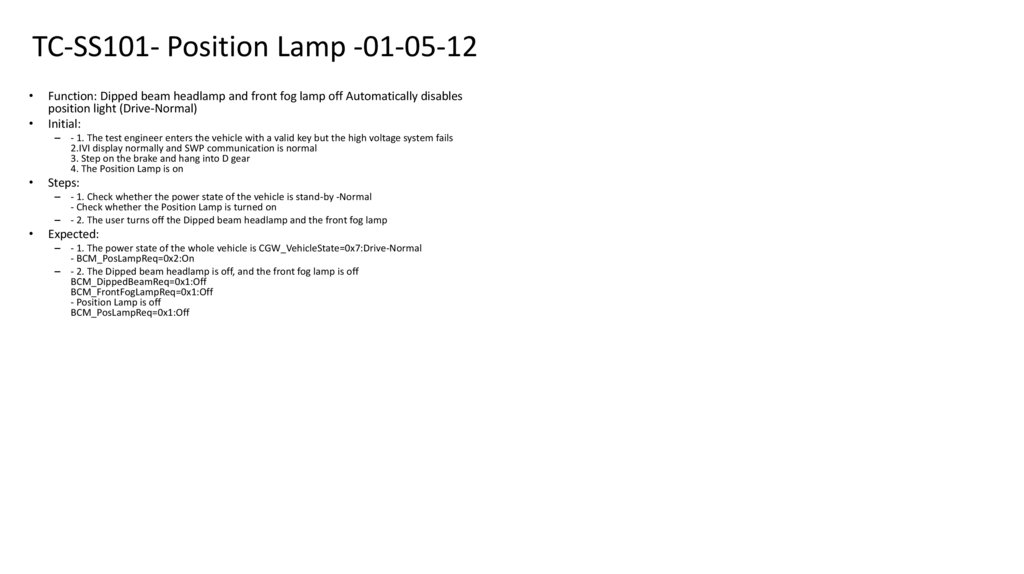
Main Responsibilities (T2 and T3)1. Functional testing of the electric vehicle
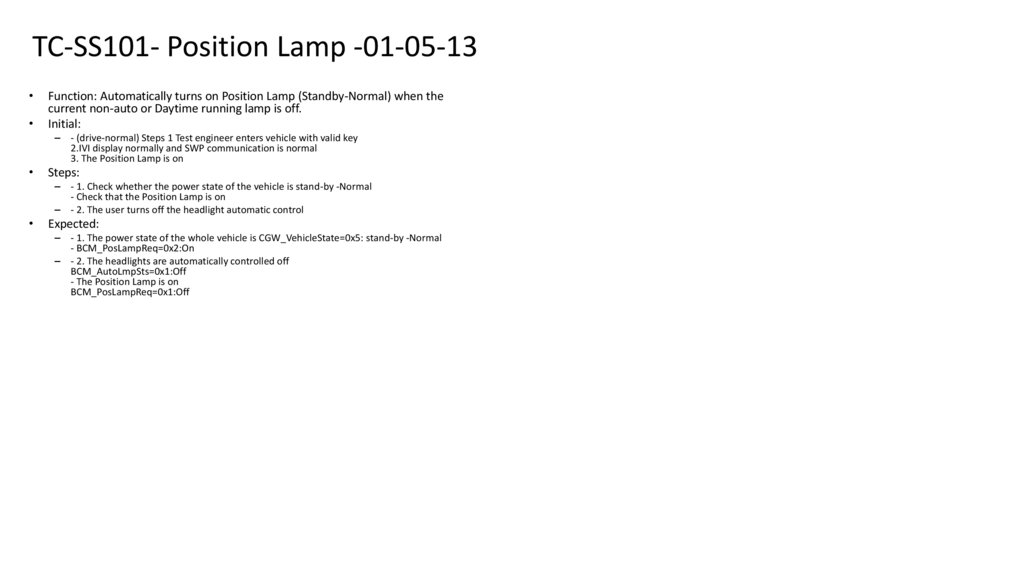
Testing vehicle functions, including the mobile application.
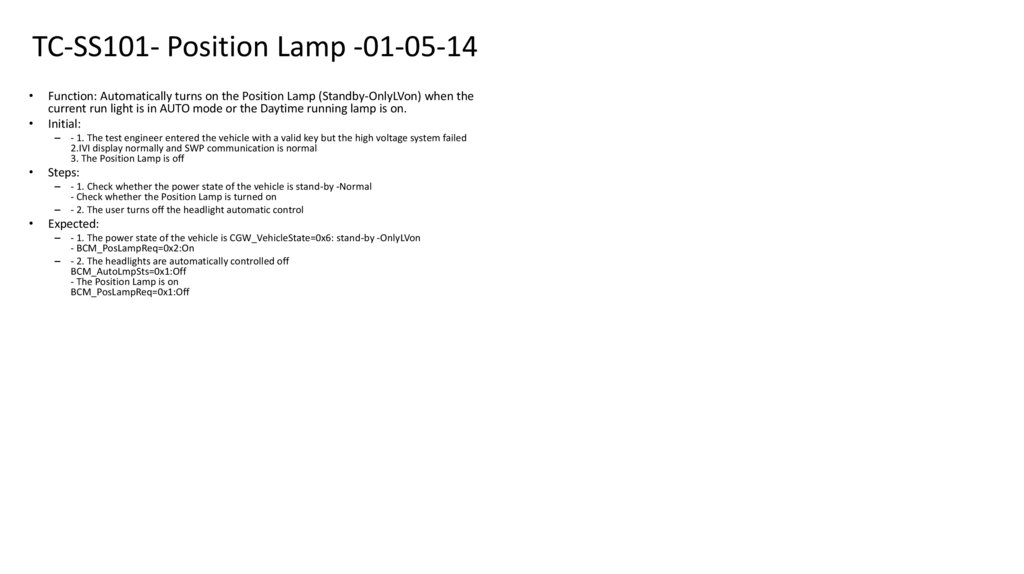
Working with electronic architectures CAN / LIN / ETH.
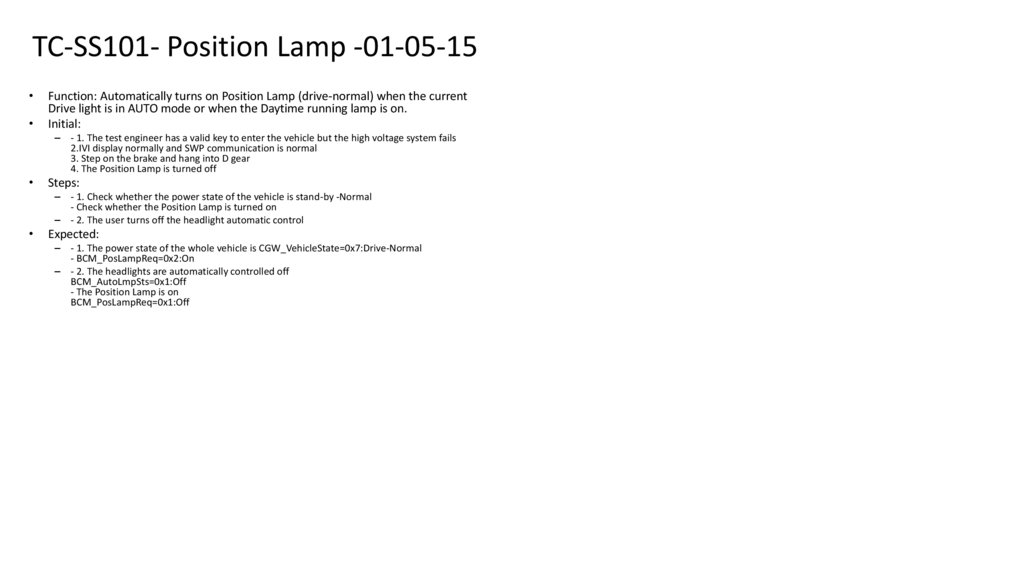
Executing the test methods provided by the customer.
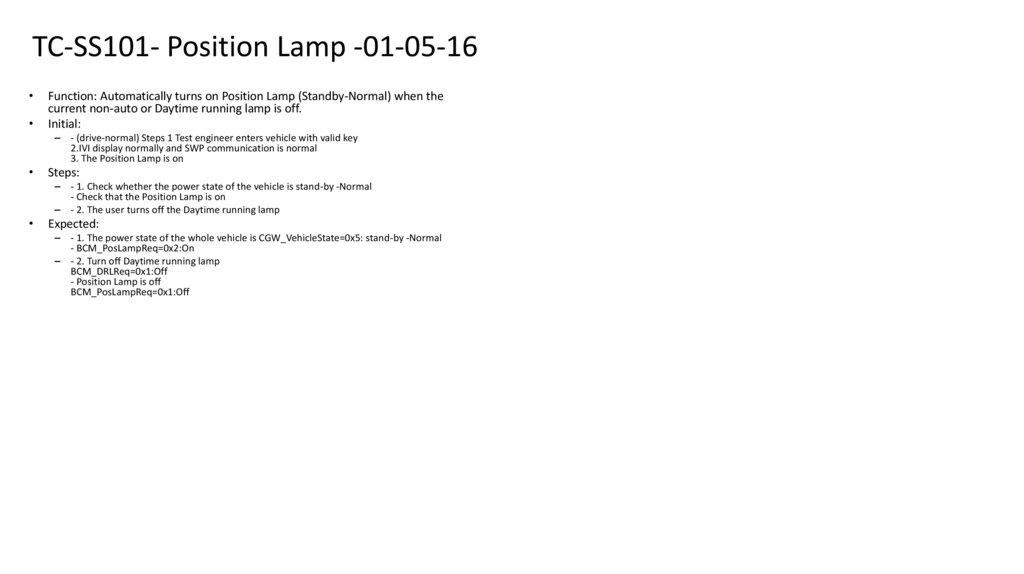
2. Validation and improvement of test methods
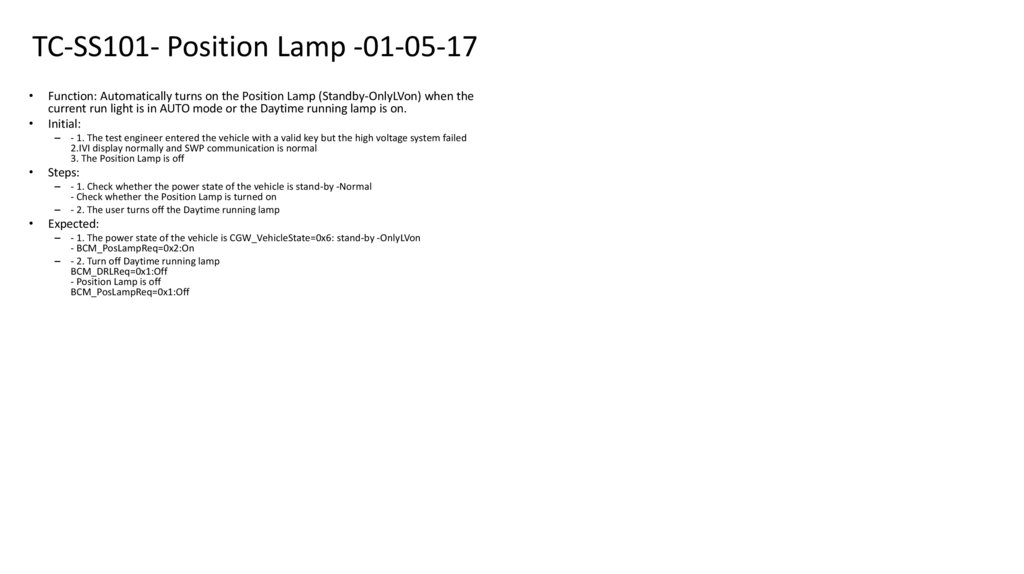
Checking test procedures and correcting any errors found.
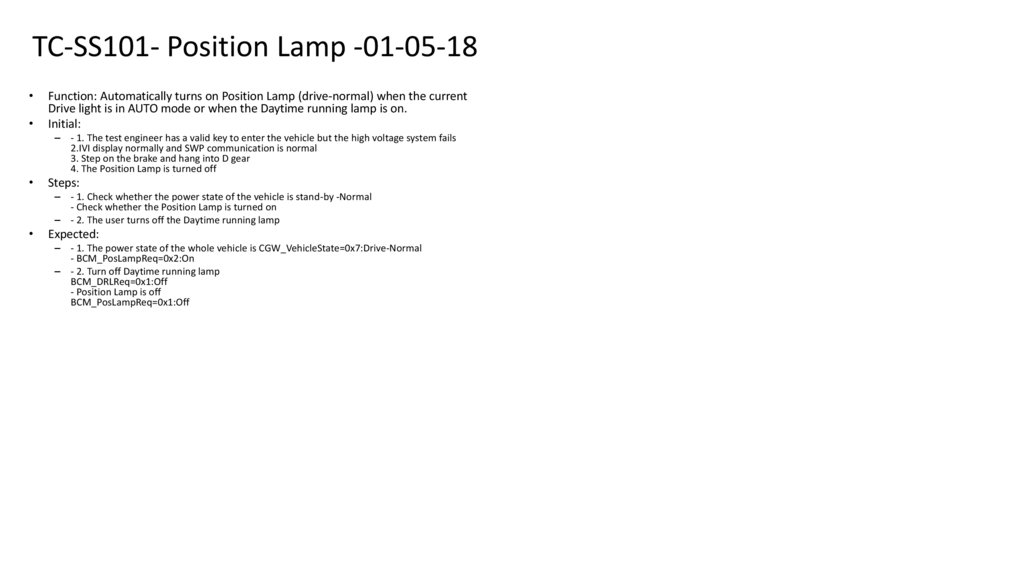
Verifying test coverage against requirements.
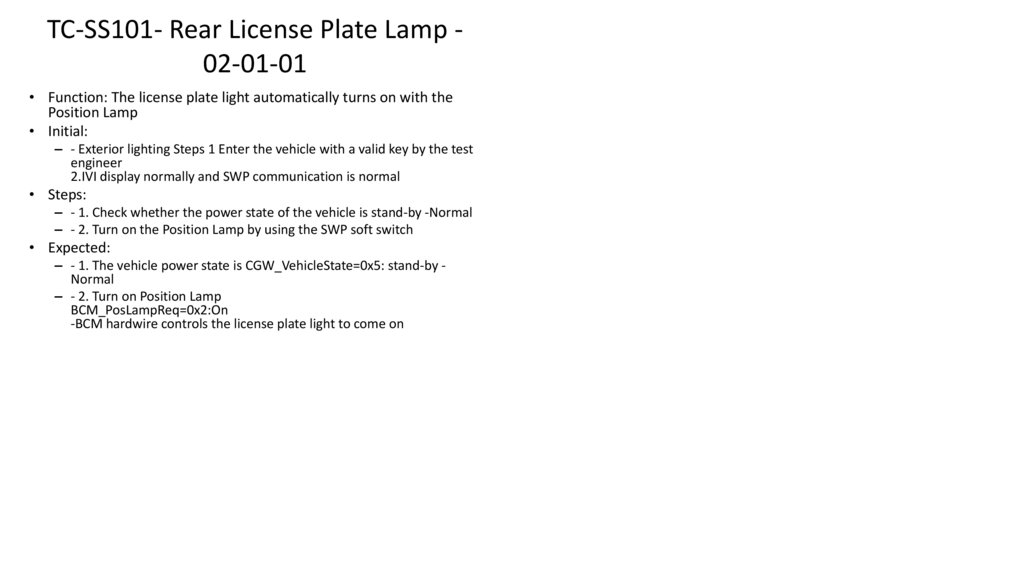
Creating new test methods when new or missing requirements arise.
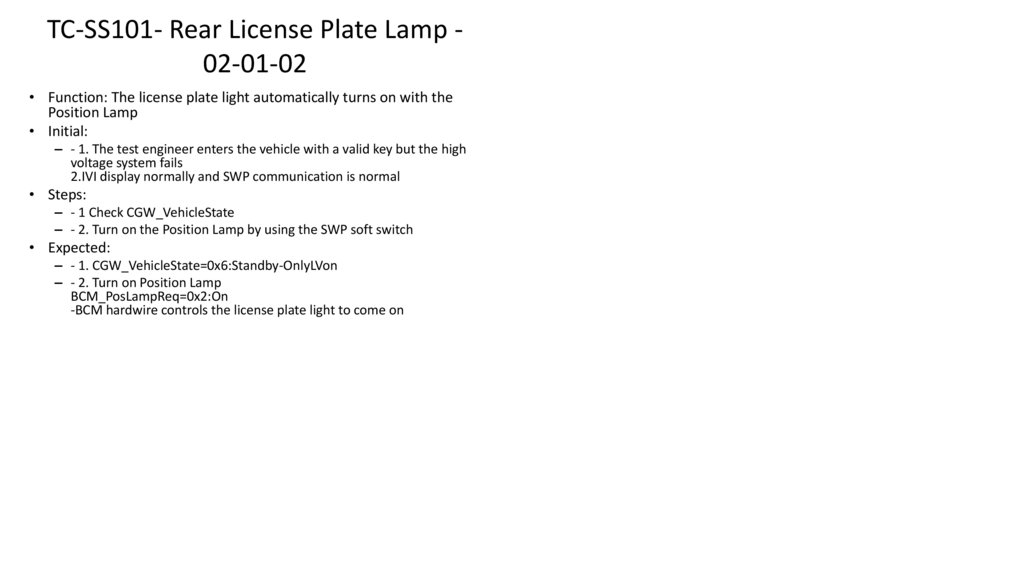
3. Performing tests in various environments
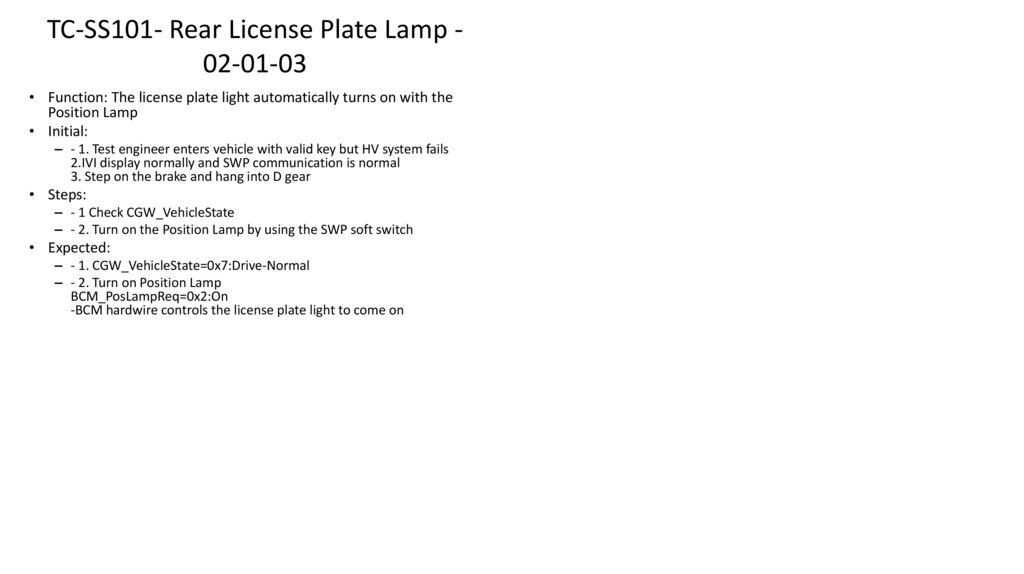
Laboratory test benches.
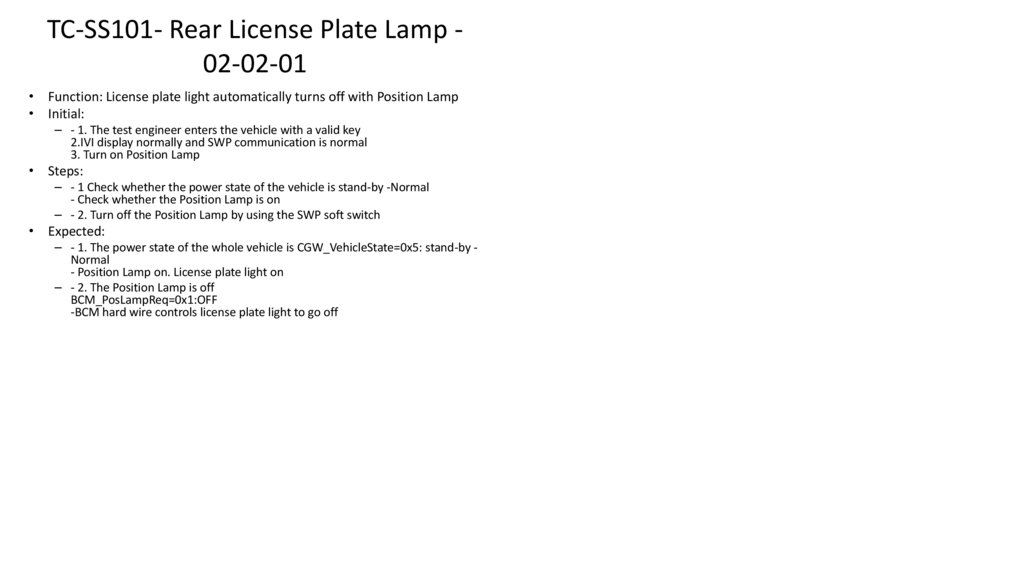
Static vehicle testing in a garage.
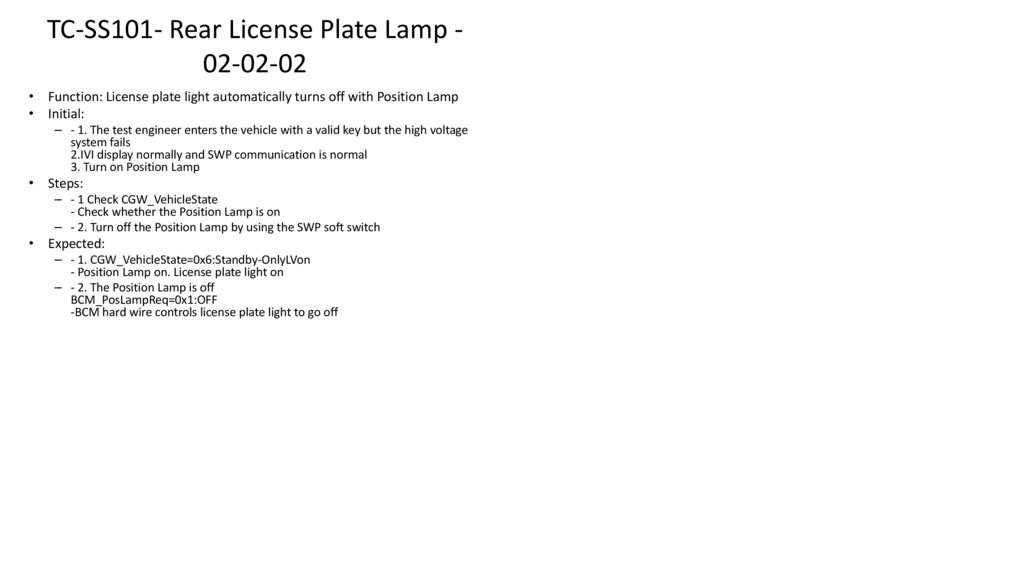
Vehicle testing in motion in controlled areas.
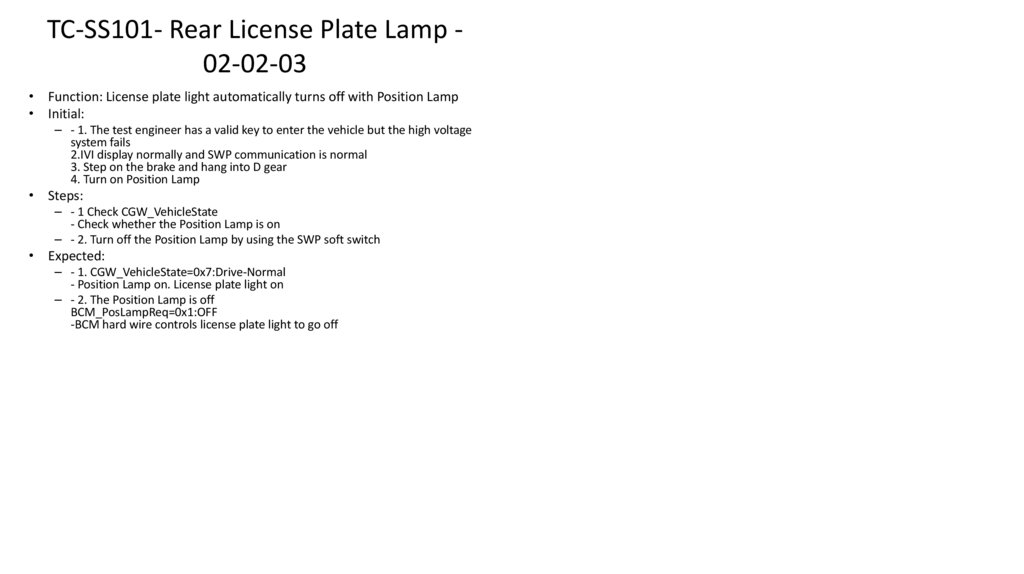
Proving grounds, dynamic stands, and other test environments.
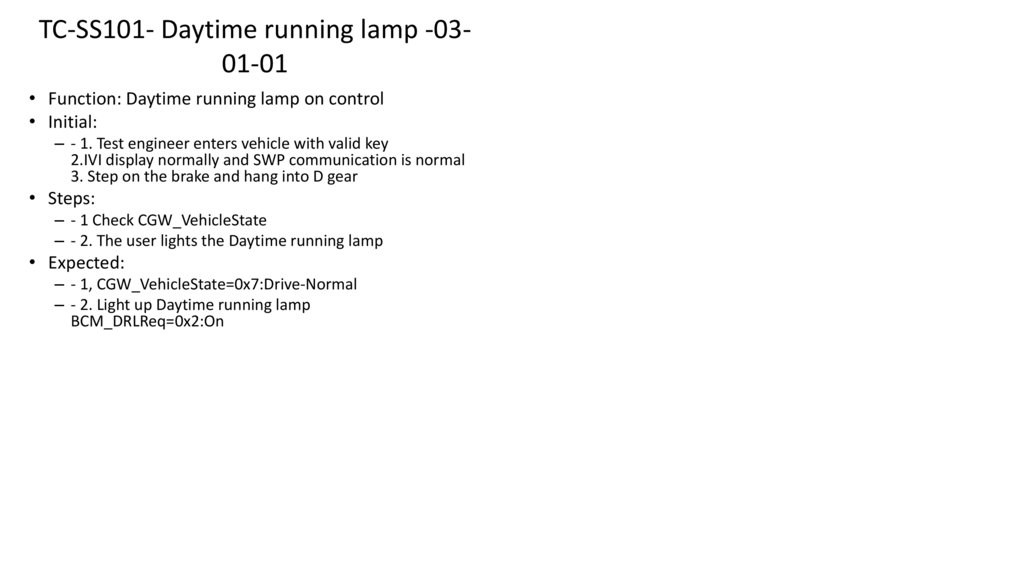
4. Fault analysis and reporting
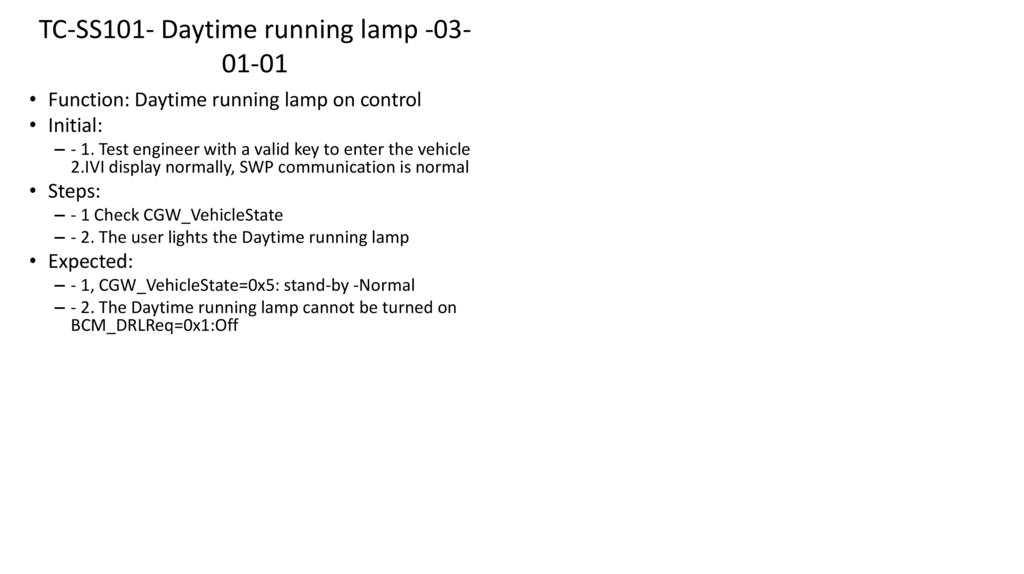
Analyzing issues detected during testing.
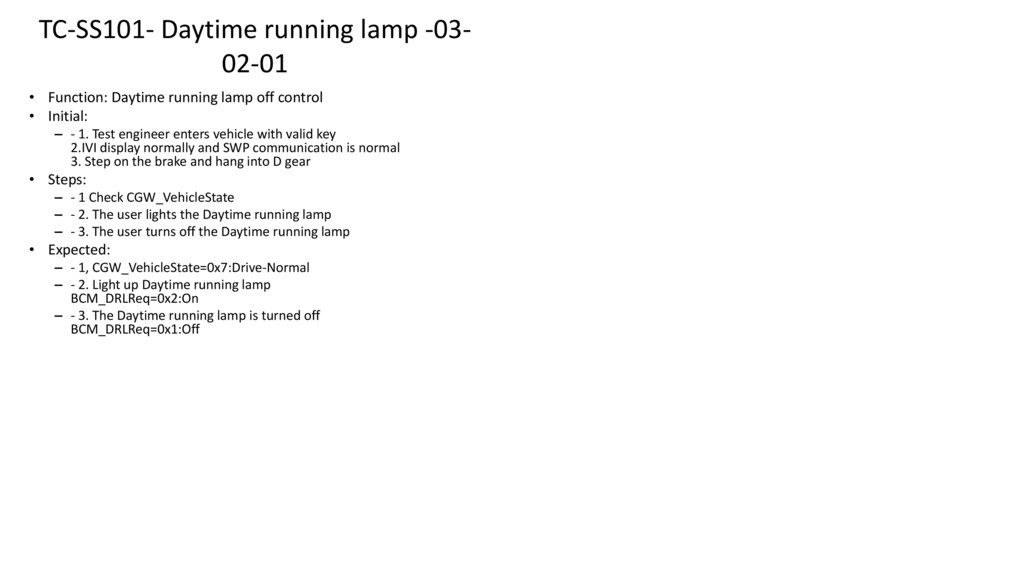
Documenting faults according to customer documentation standards.
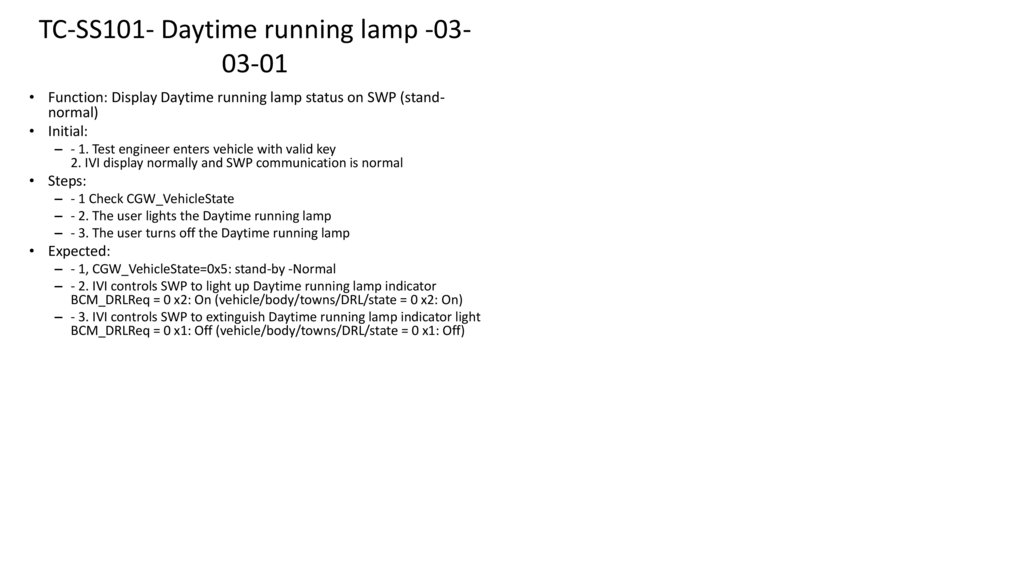
5. Additional technical tasks
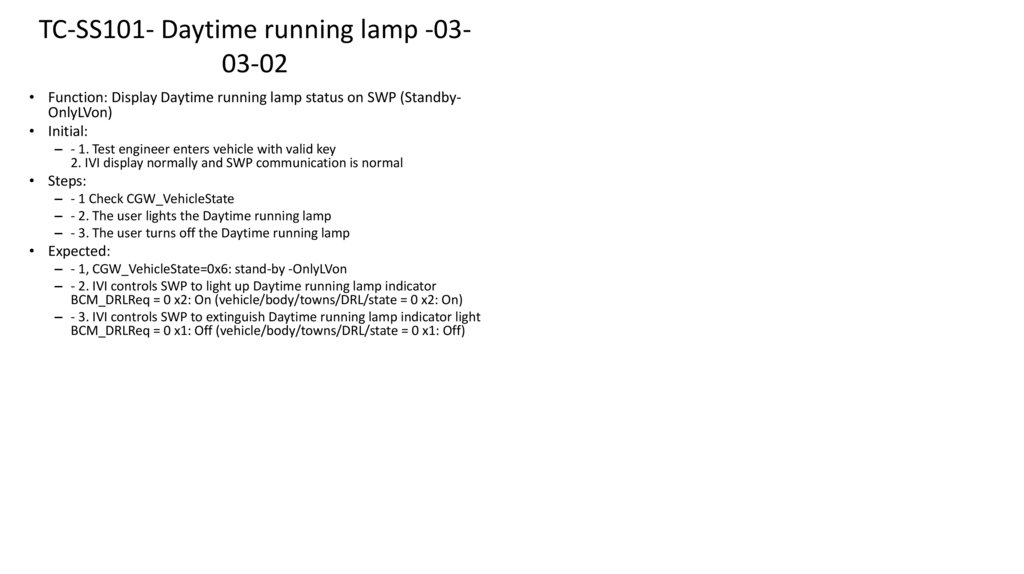
Installing software on vehicle electronic components.
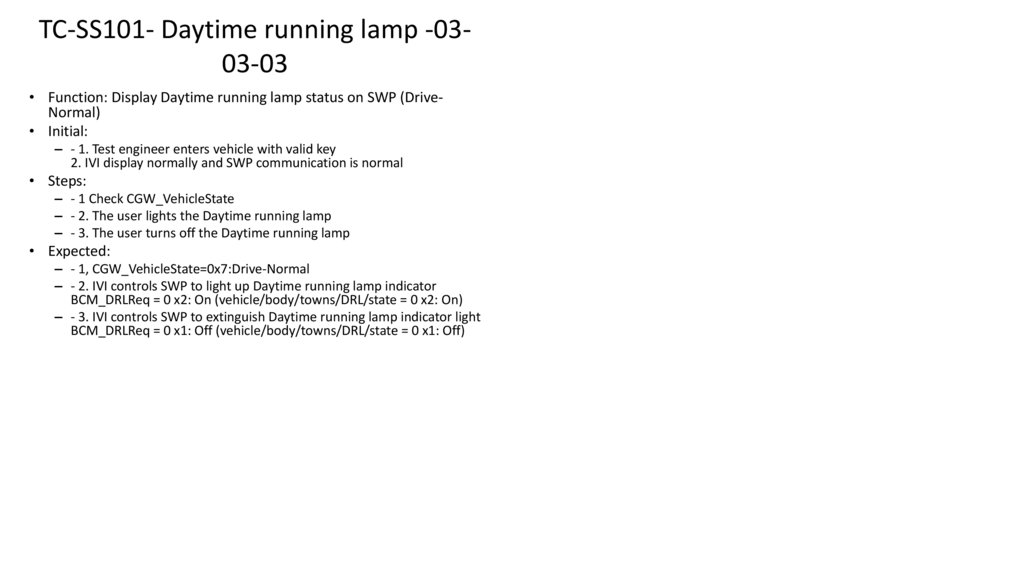
Modifying wiring harnesses on test benches to connect new units.
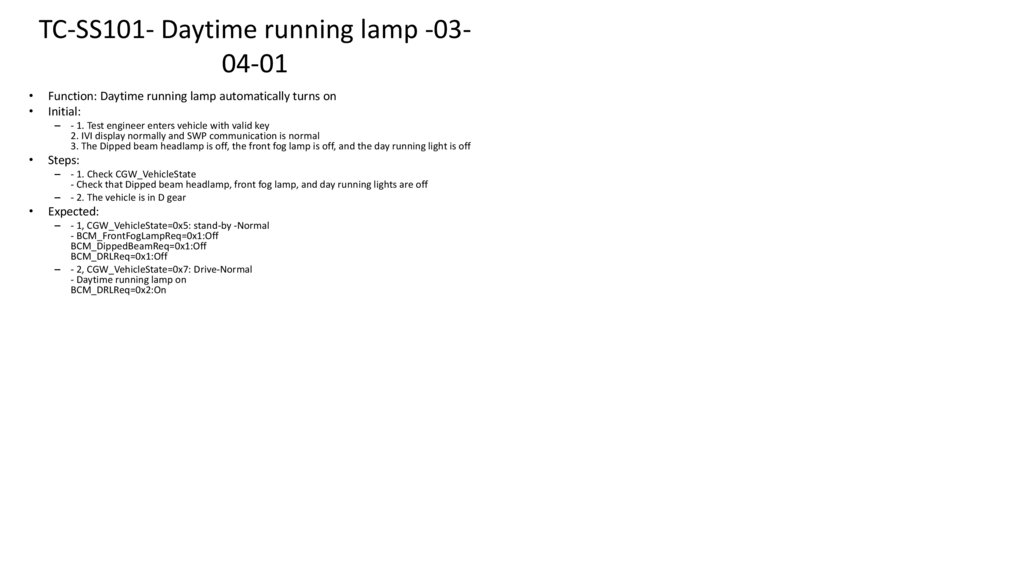
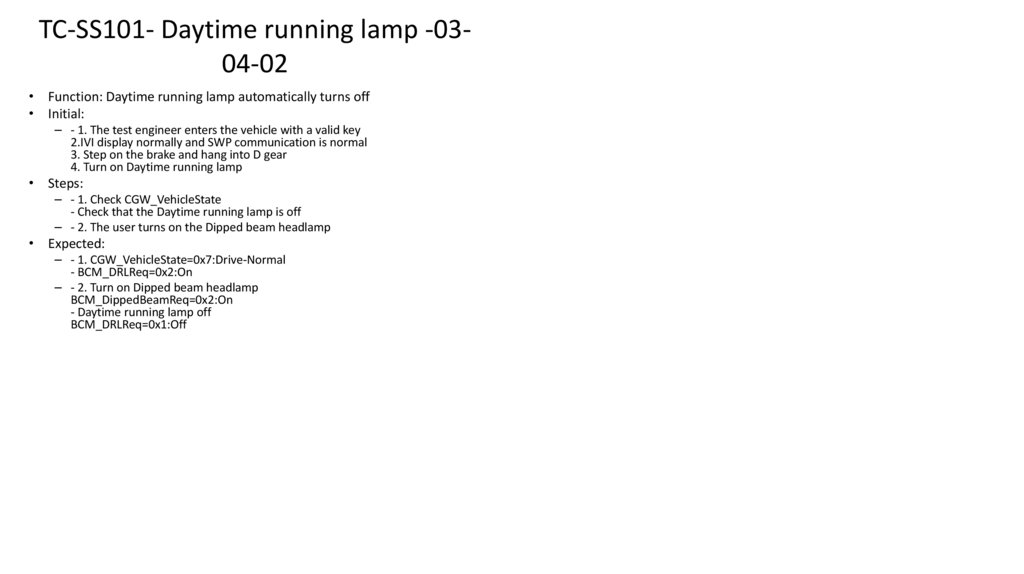
6. Test team management (T3 only)
Leading and coordinating the test team.
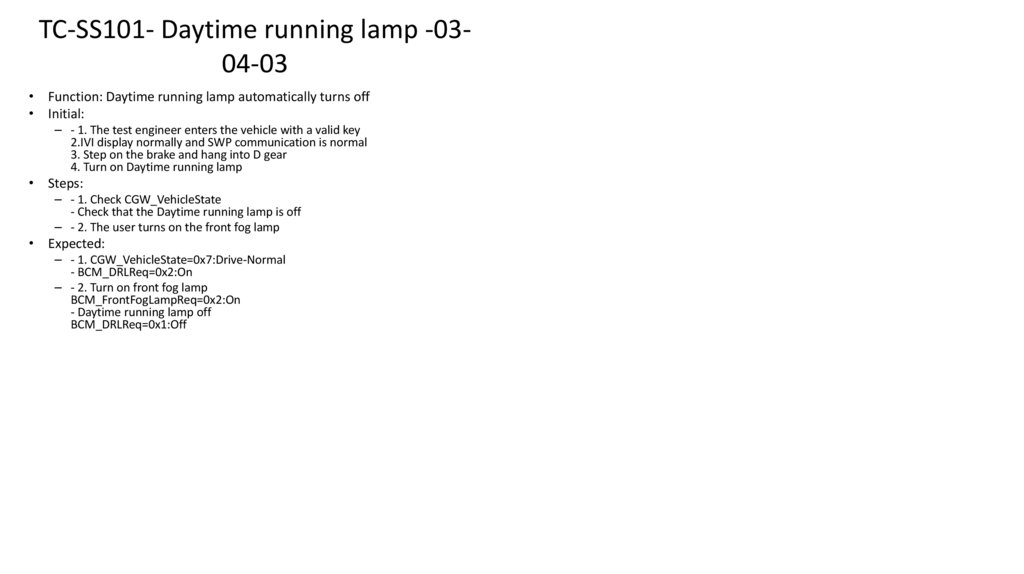
Supervising test processes and activities.
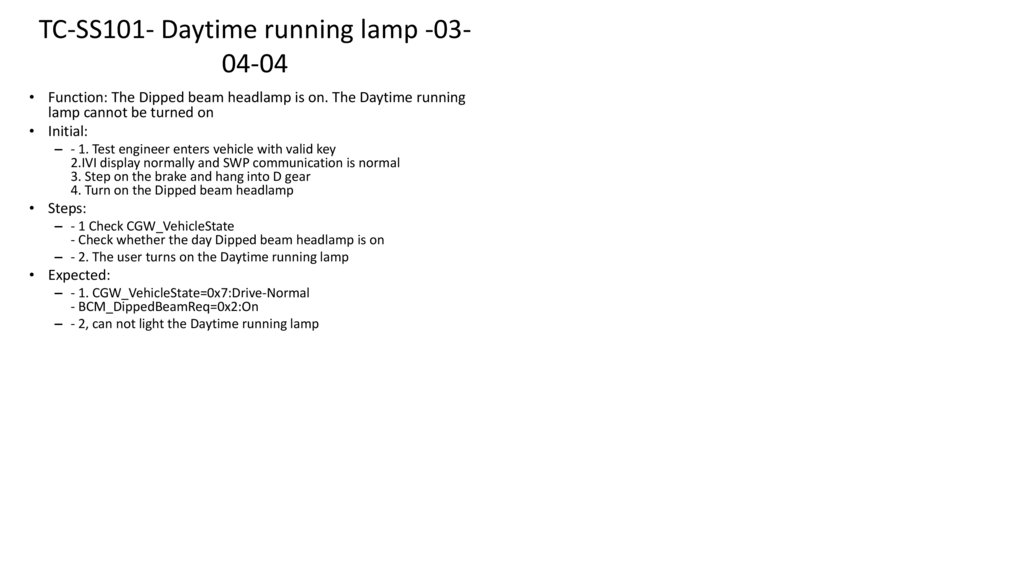
7.
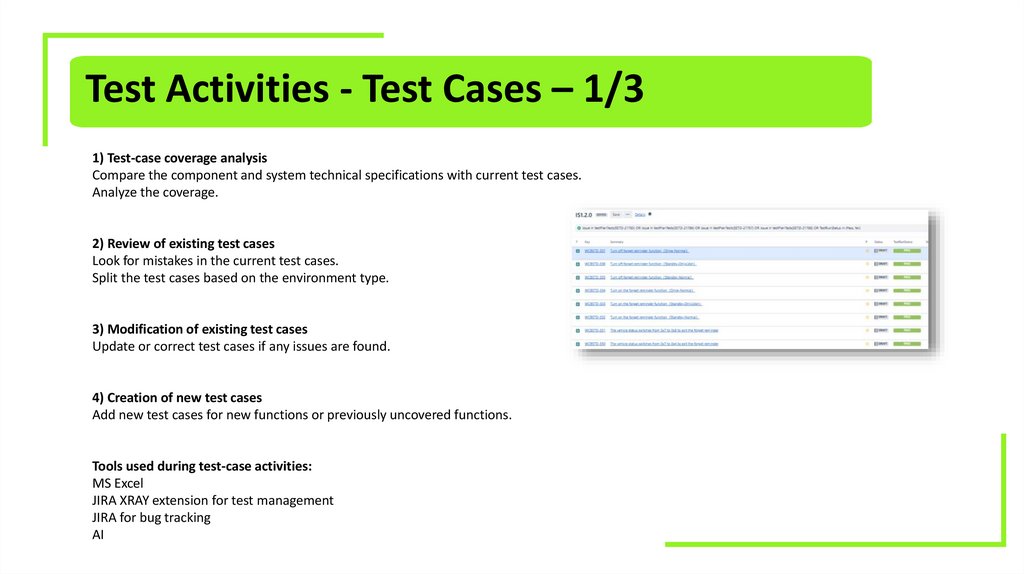
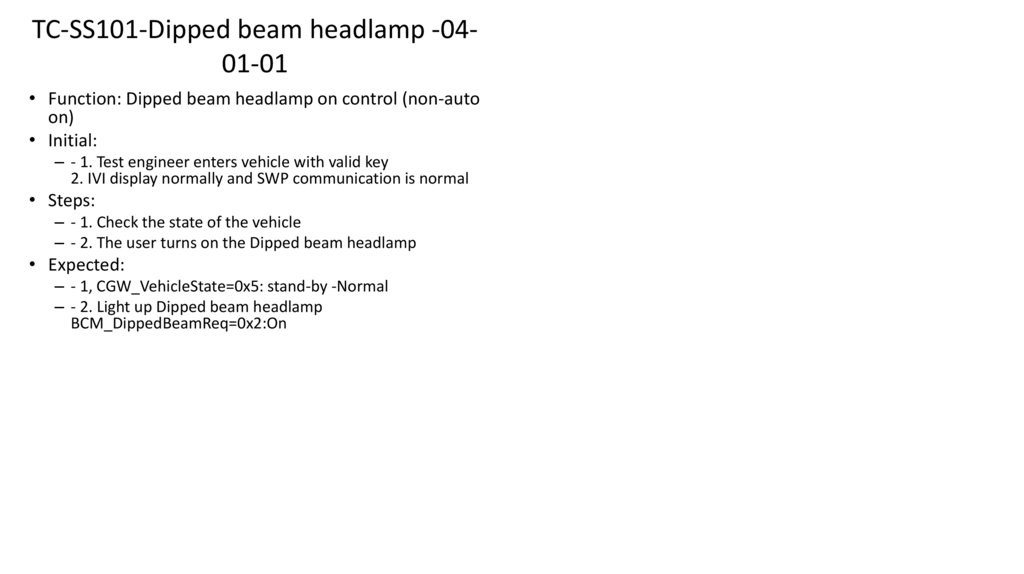
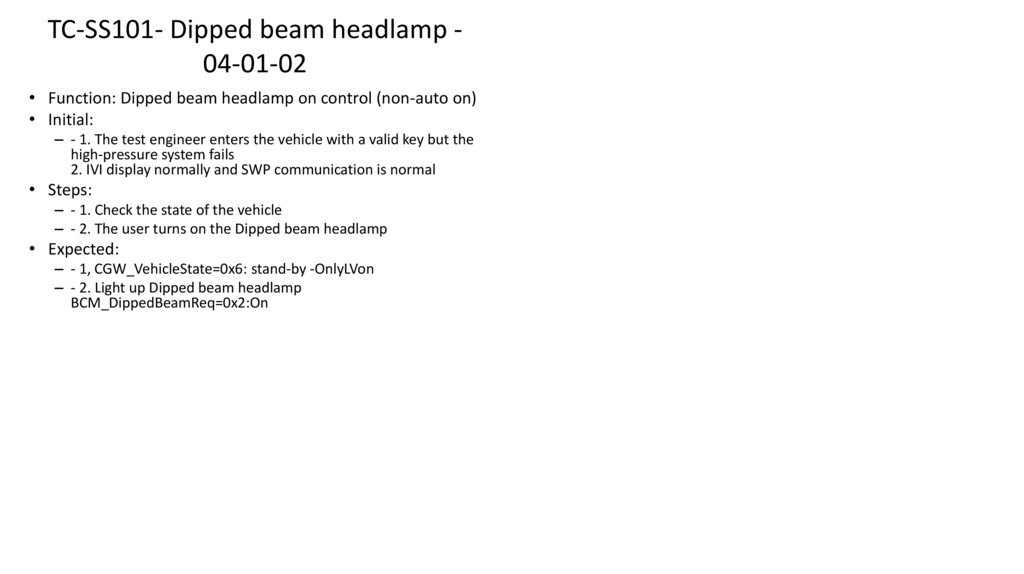
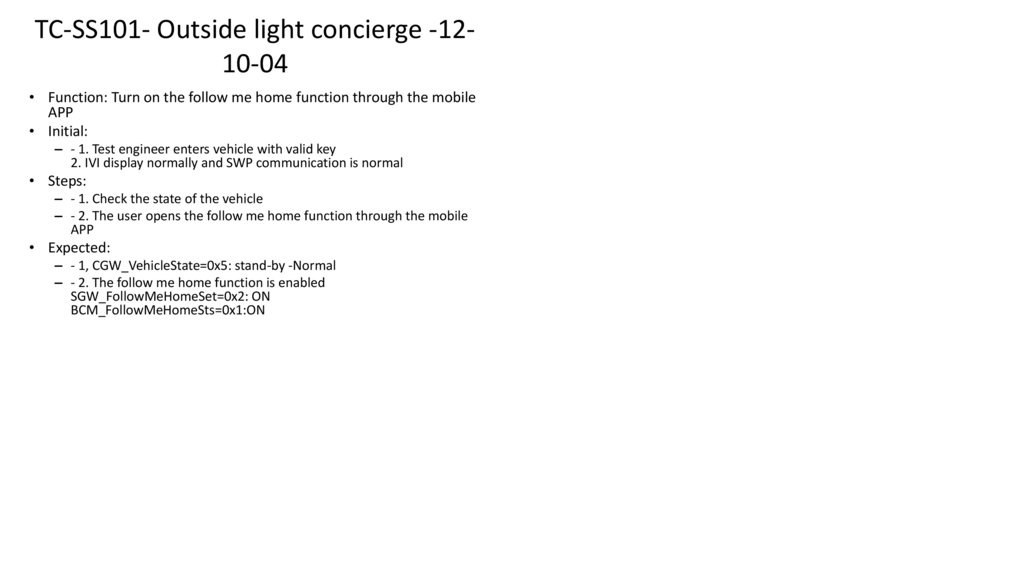
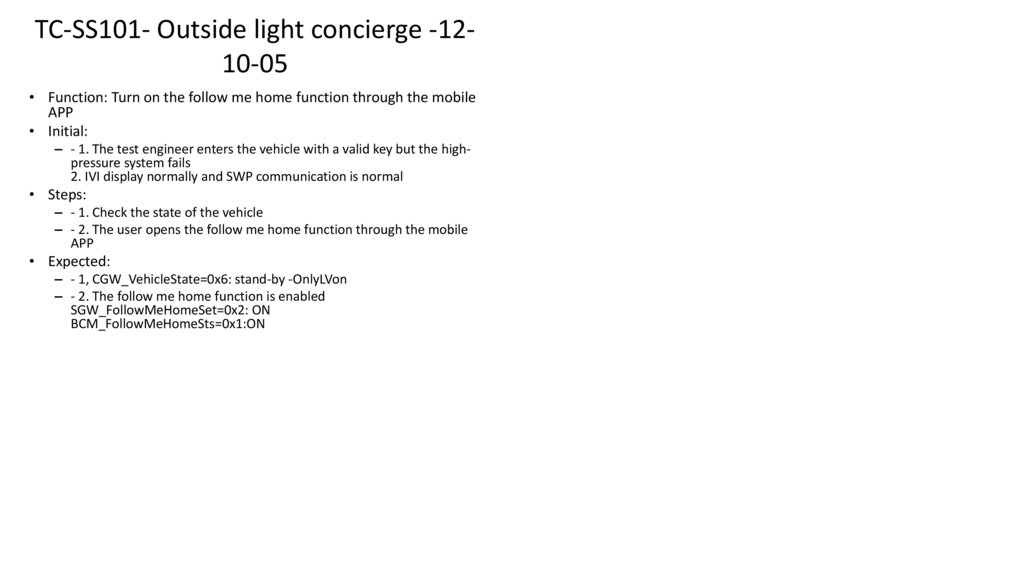
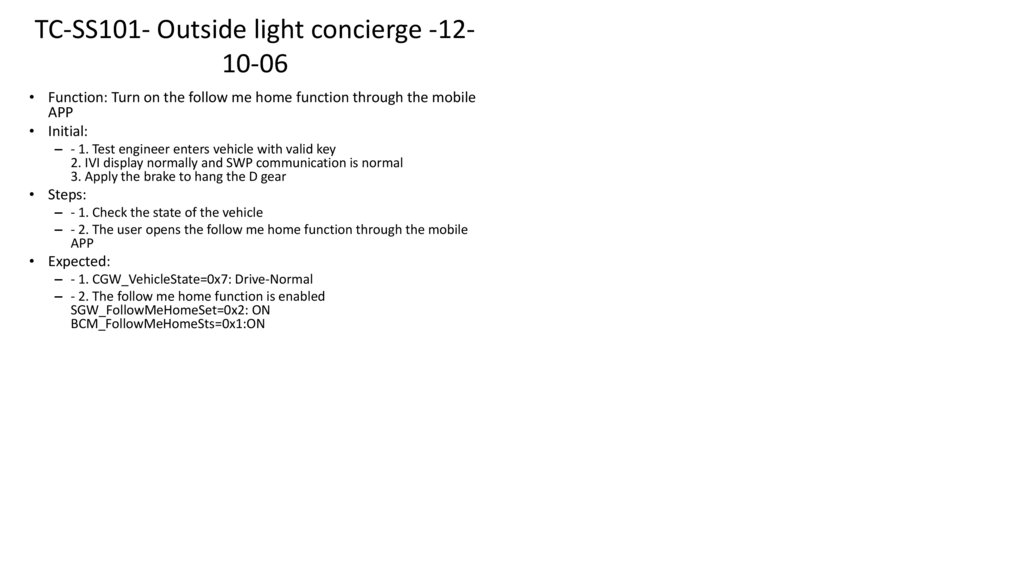
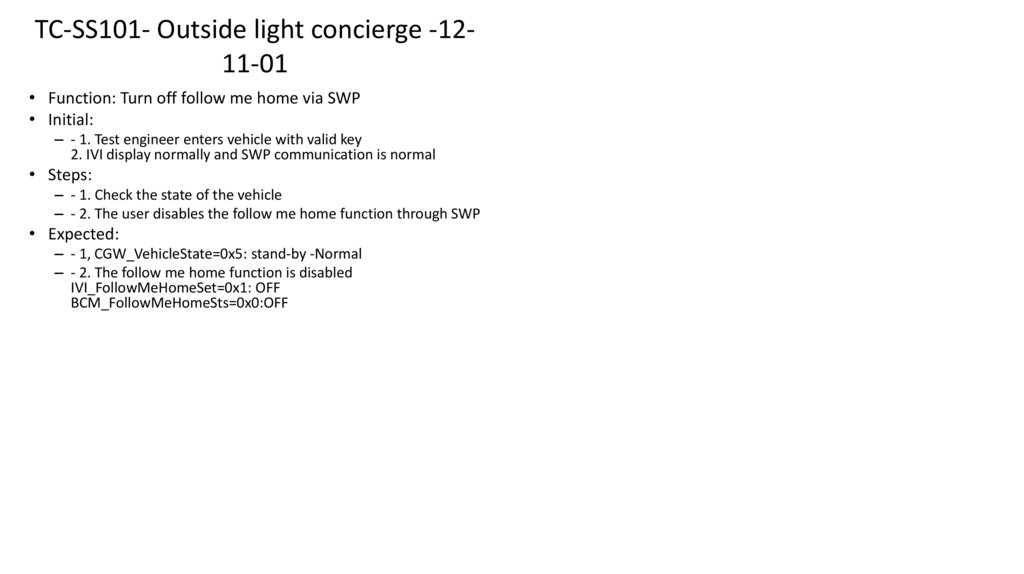
Test Activities - Test Cases – 1/31) Test-case coverage analysis
Compare the component and system technical specifications with current test cases.
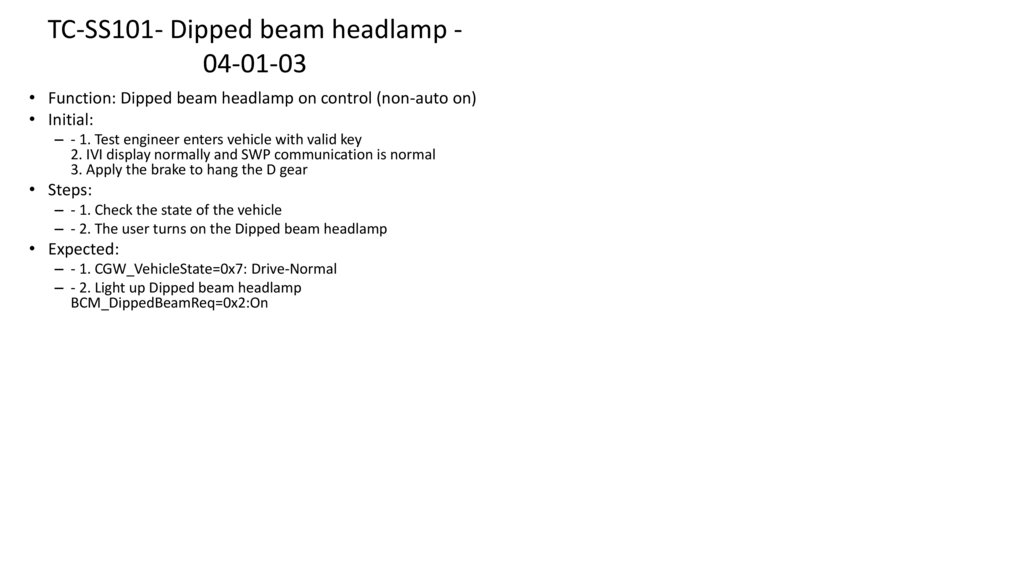
Analyze the coverage.
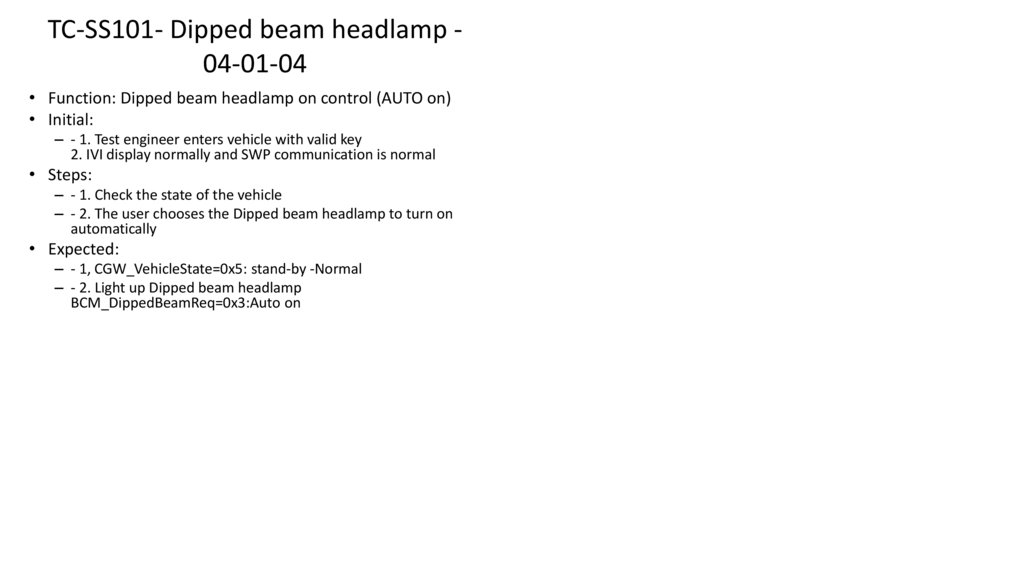
2) Review of existing test cases
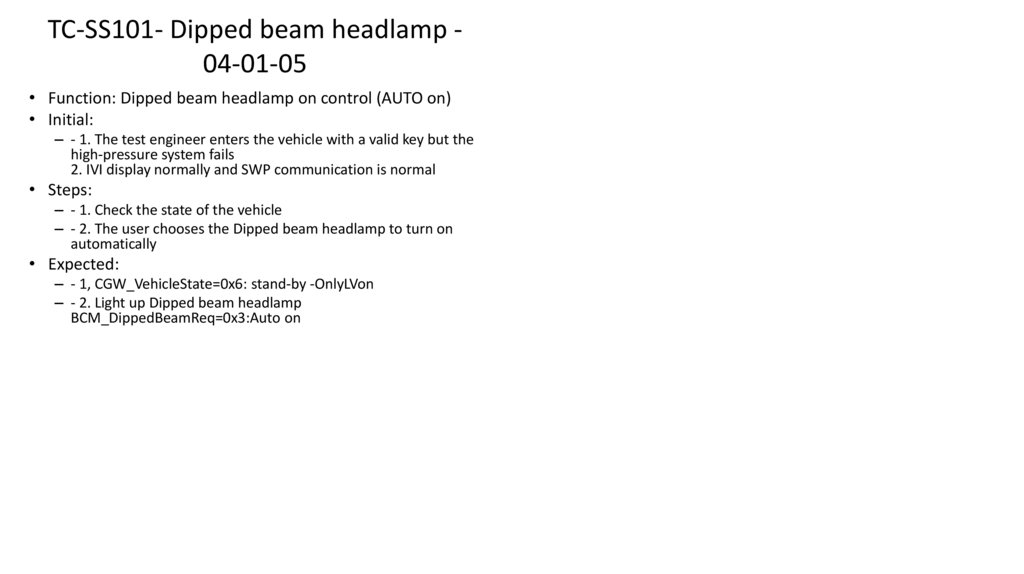
Look for mistakes in the current test cases.
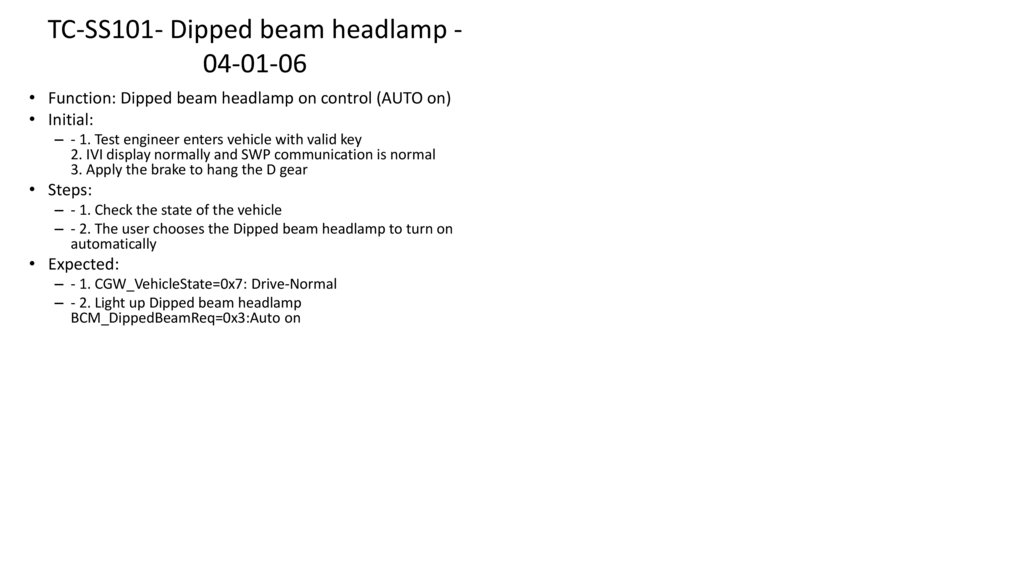
Split the test cases based on the environment type.
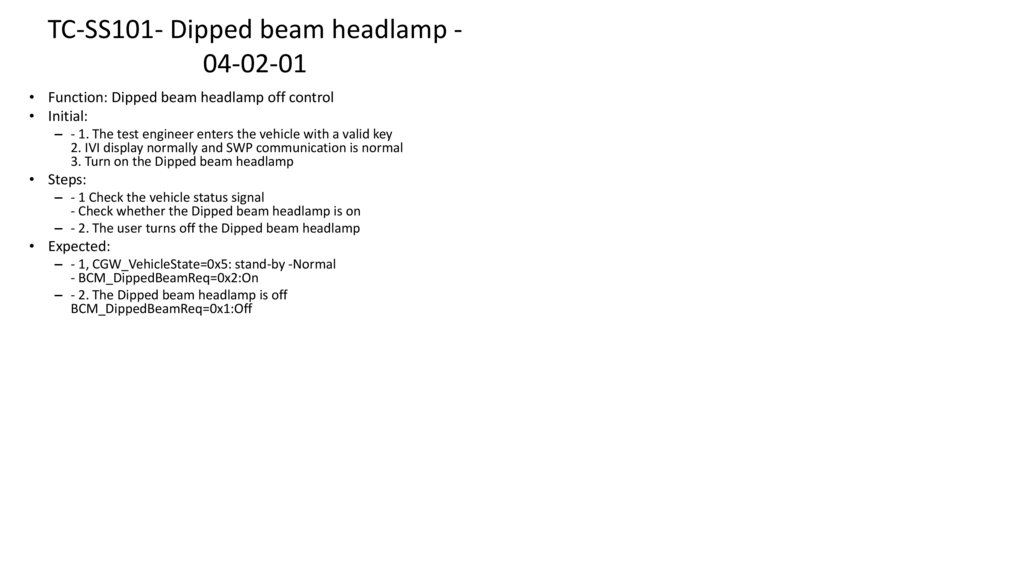
3) Modification of existing test cases
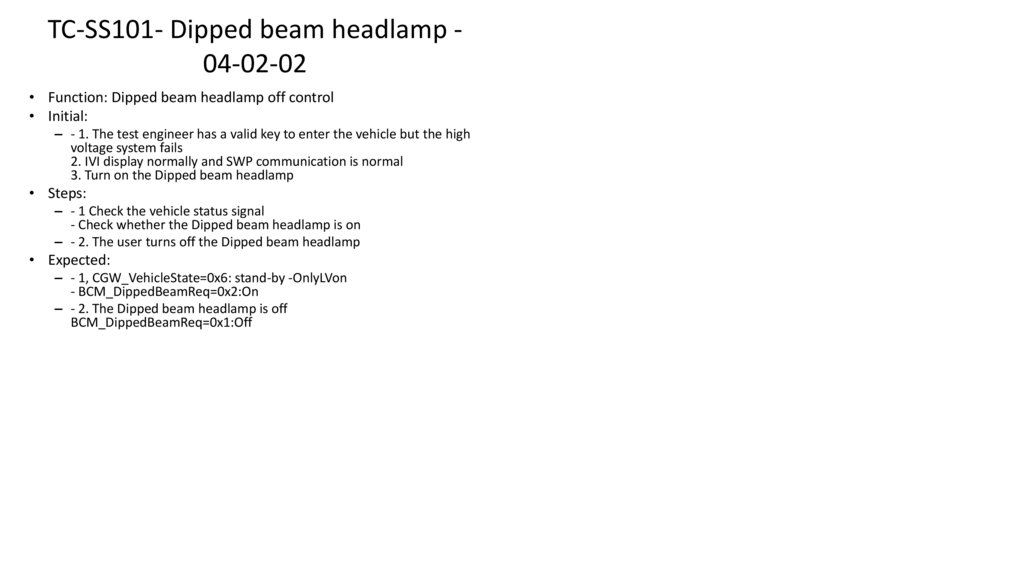
Update or correct test cases if any issues are found.
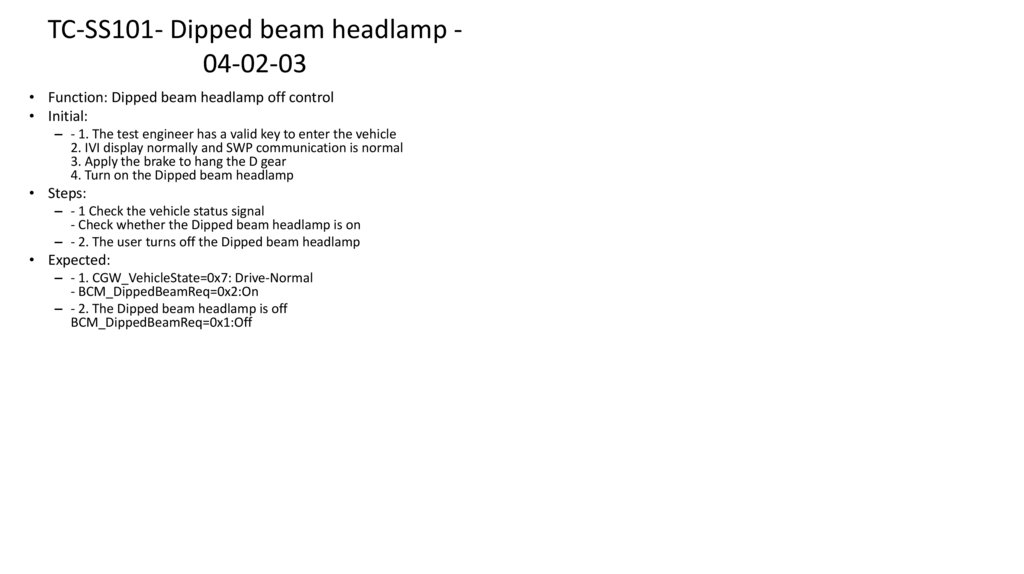
4) Creation of new test cases
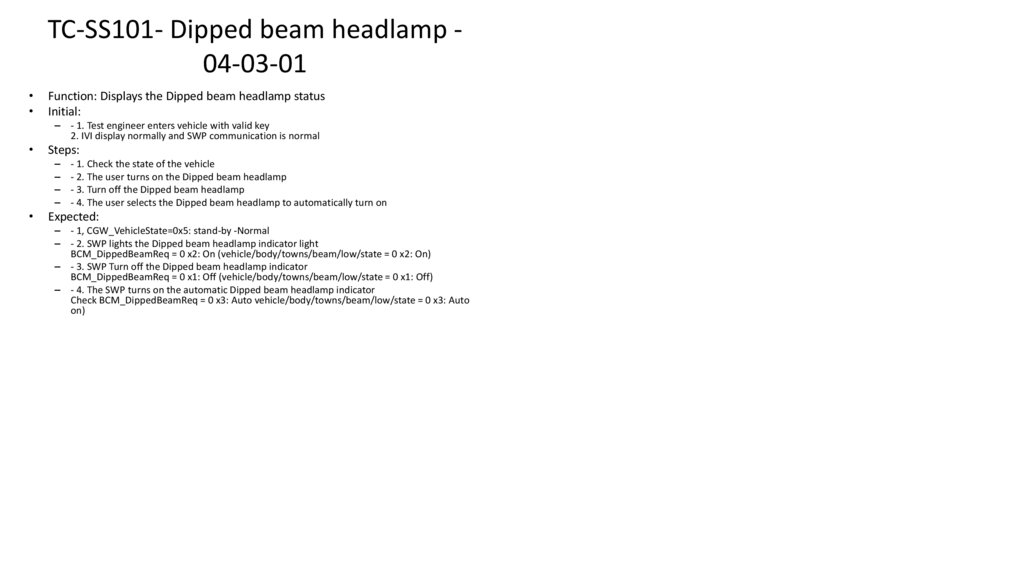
Add new test cases for new functions or previously uncovered functions.
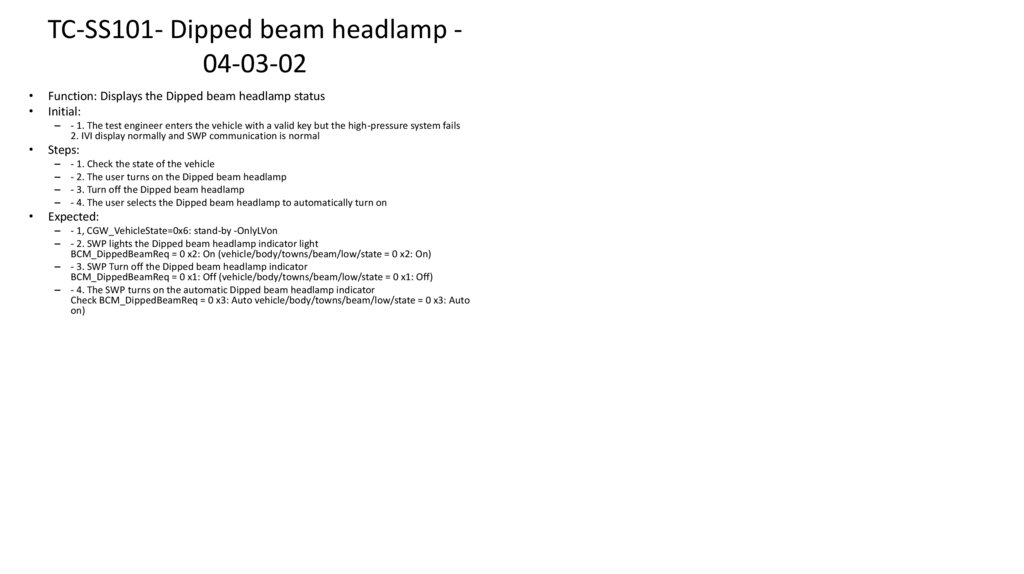
Tools used during test-case activities:
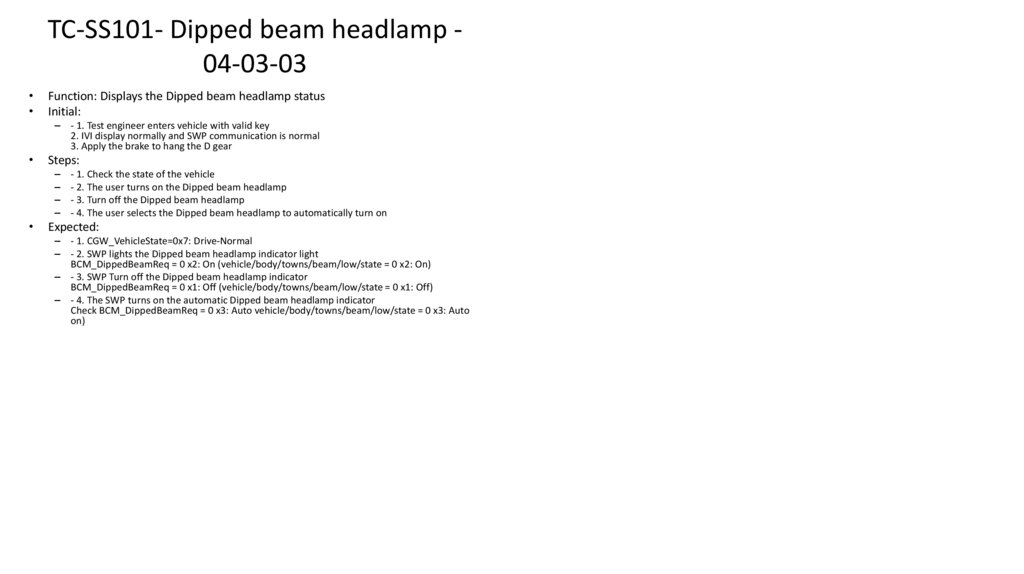
MS Excel
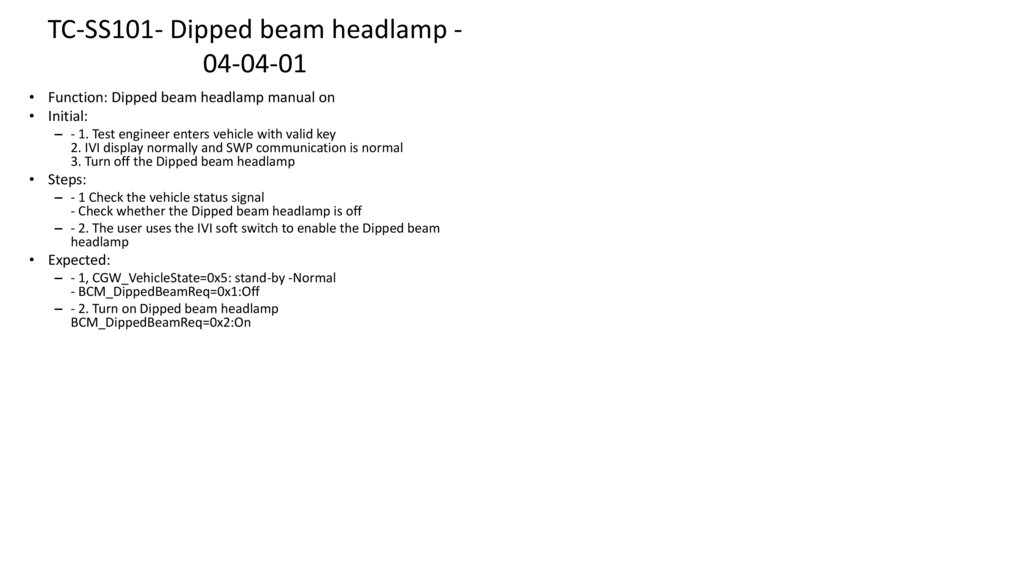
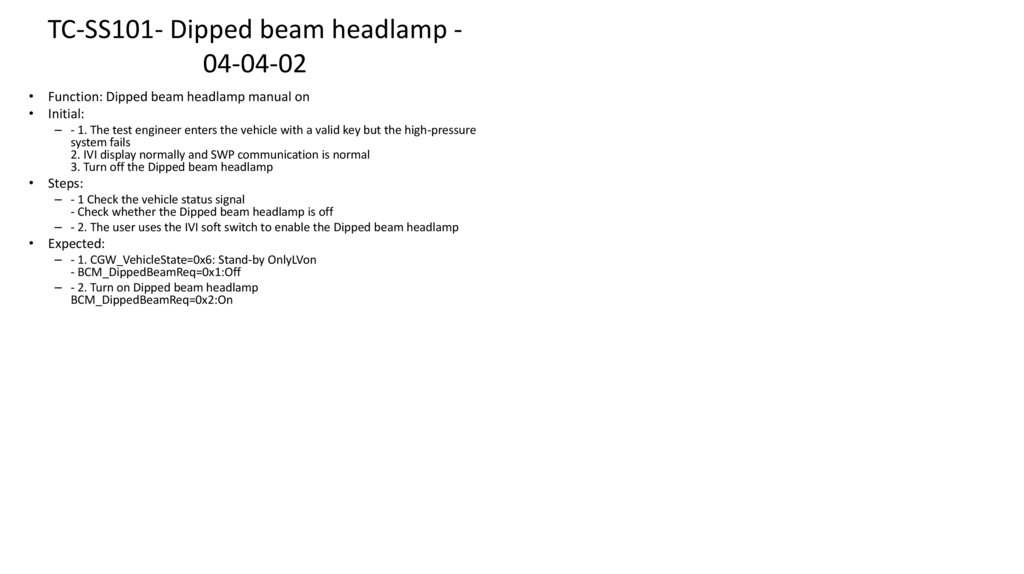
JIRA XRAY extension for test management
JIRA for bug tracking
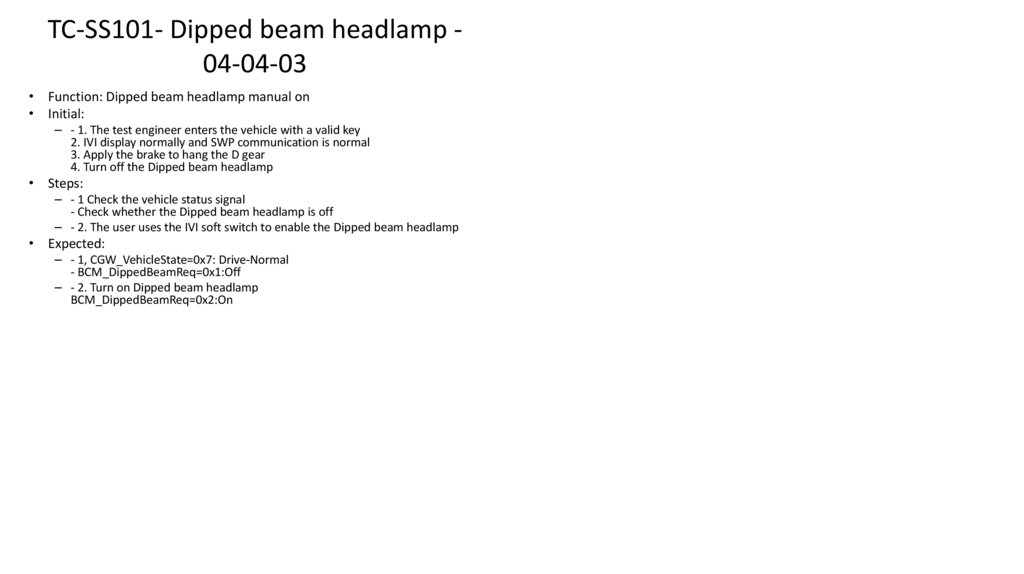
AI
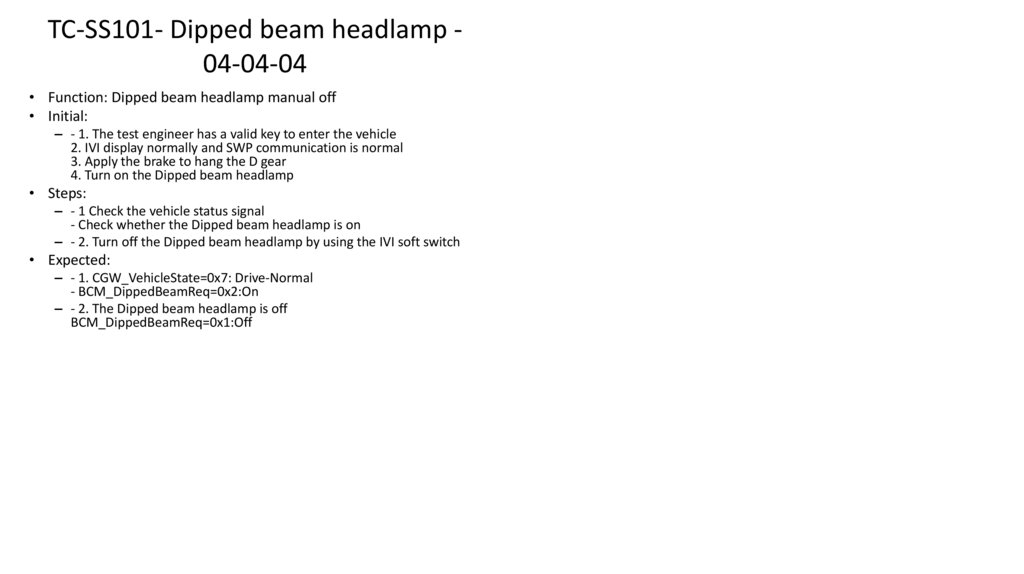
8.
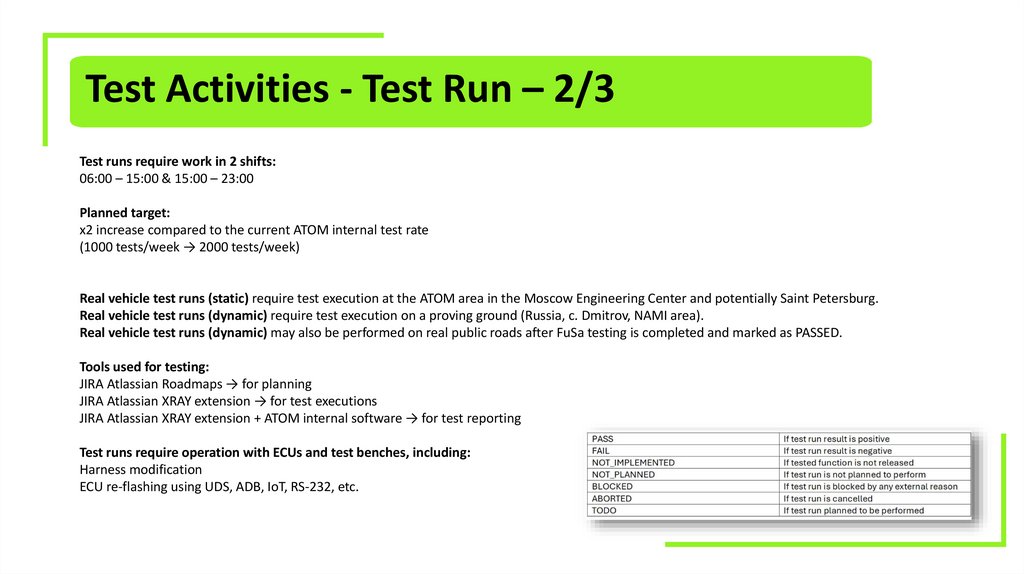
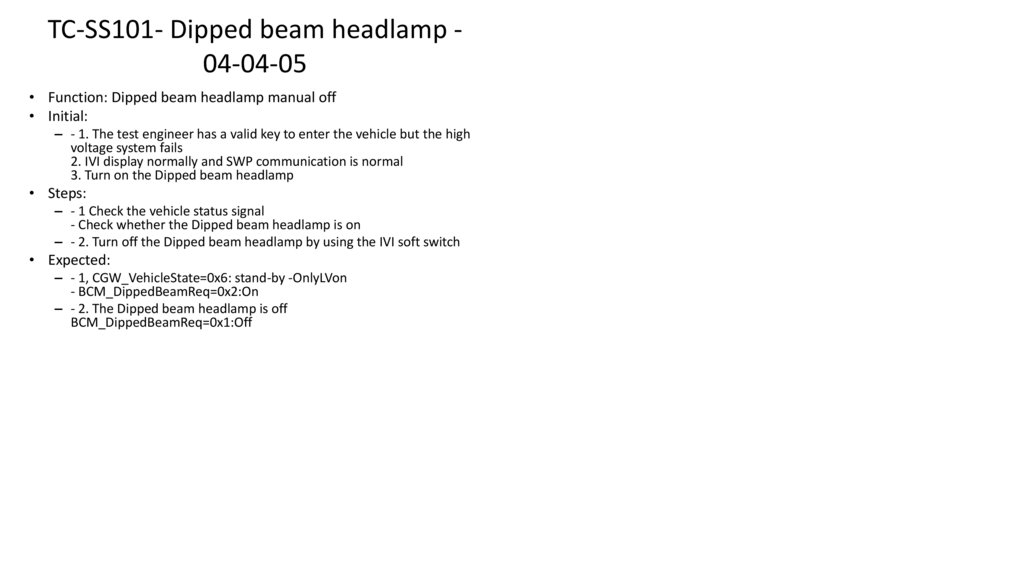
Test Activities - Test Run – 2/3Test runs require work in 2 shifts:
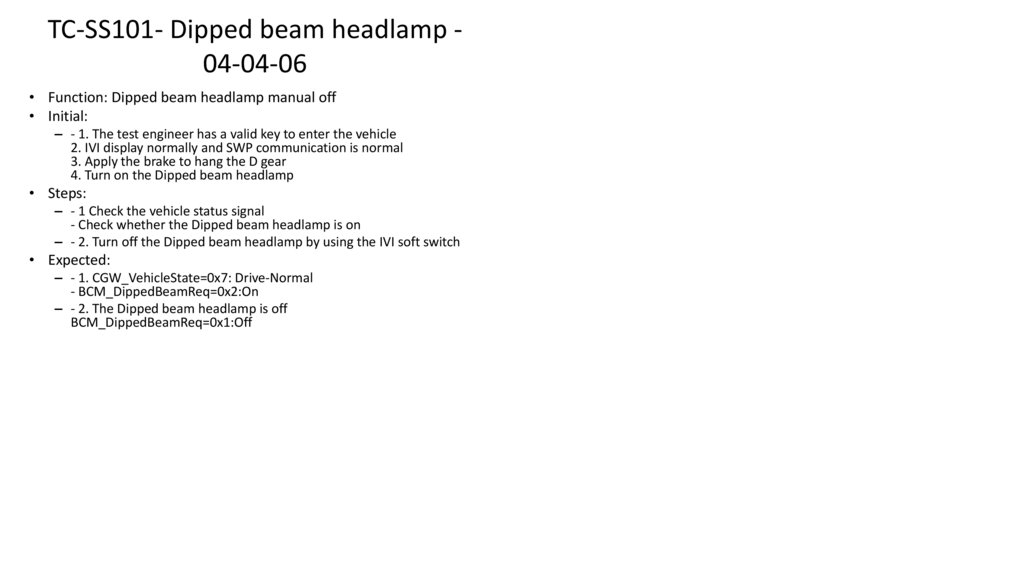
06:00 – 15:00 & 15:00 – 23:00
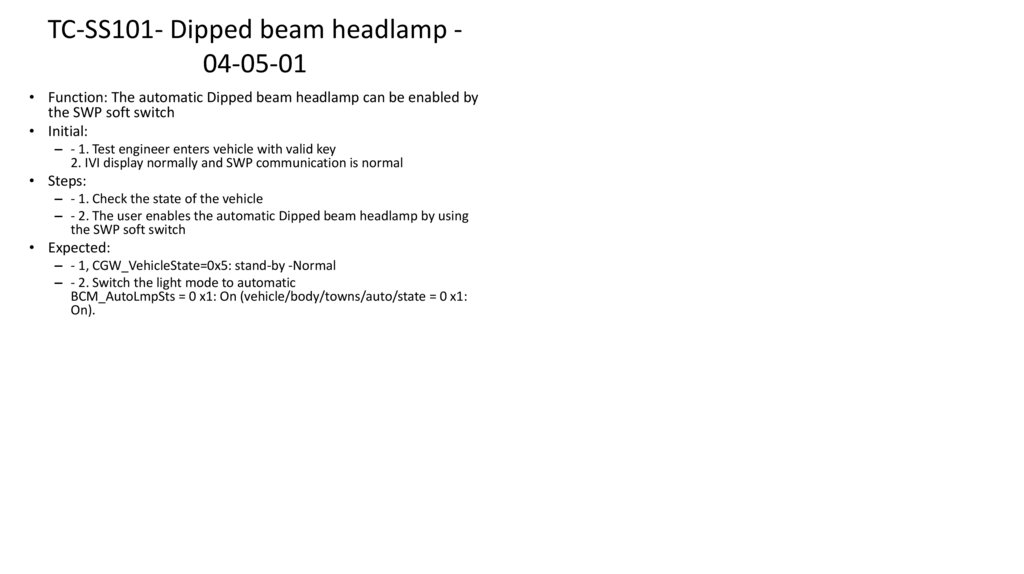
Planned target:
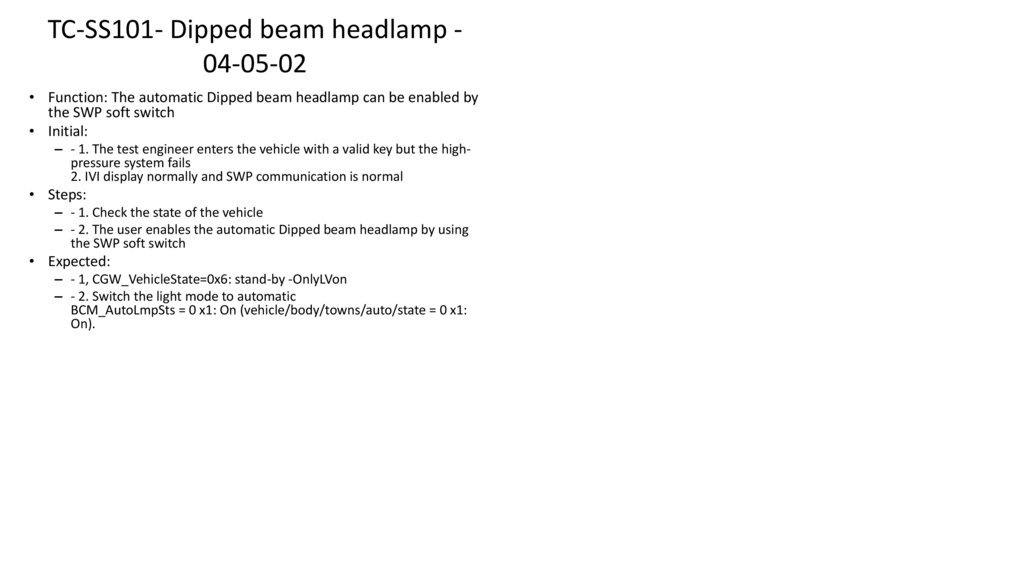
x2 increase compared to the current ATOM internal test rate
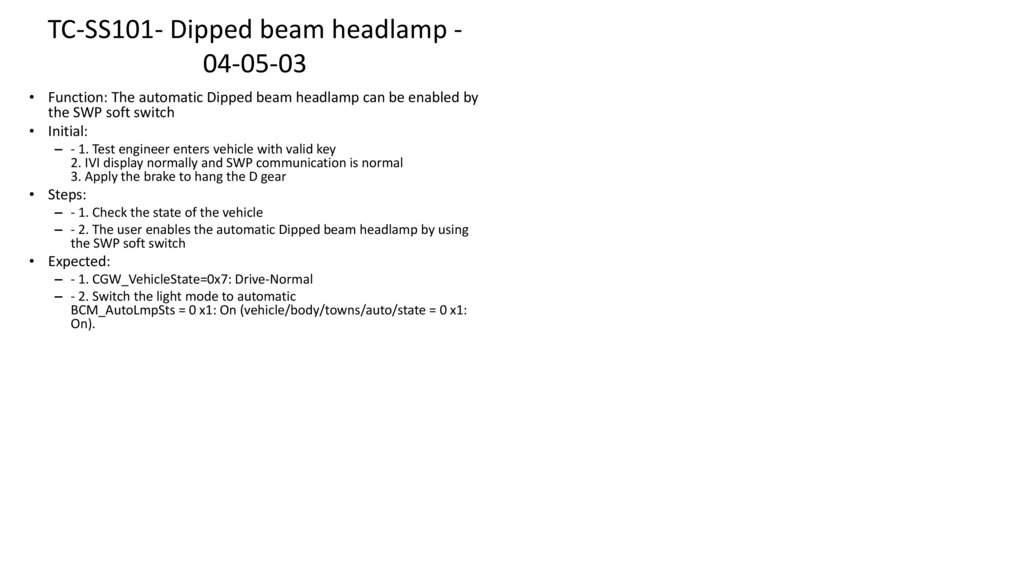
(1000 tests/week → 2000 tests/week)
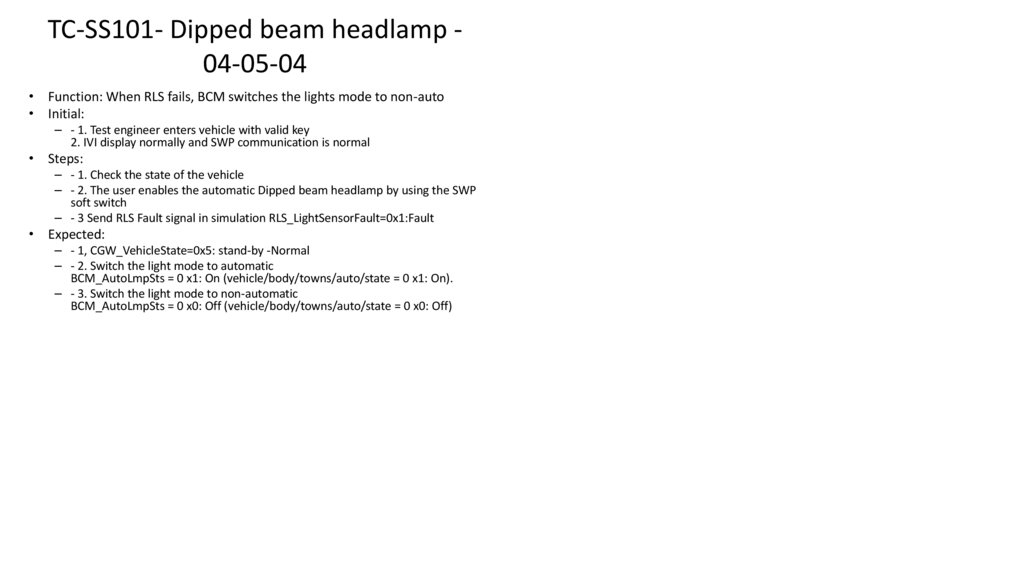
Real vehicle test runs (static) require test execution at the ATOM area in the Moscow Engineering Center and potentially Saint Petersburg.
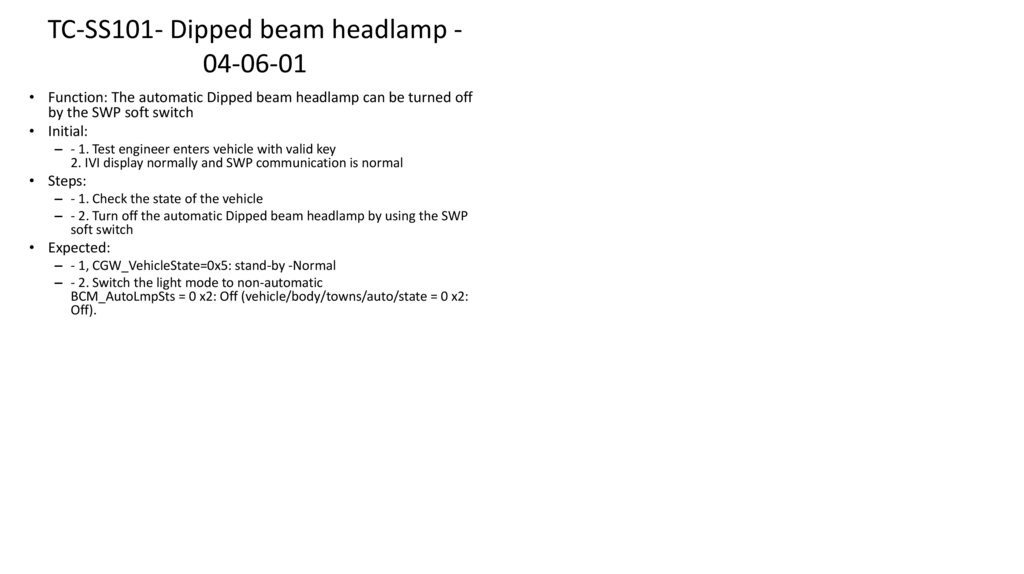
Real vehicle test runs (dynamic) require test execution on a proving ground (Russia, c. Dmitrov, NAMI area).
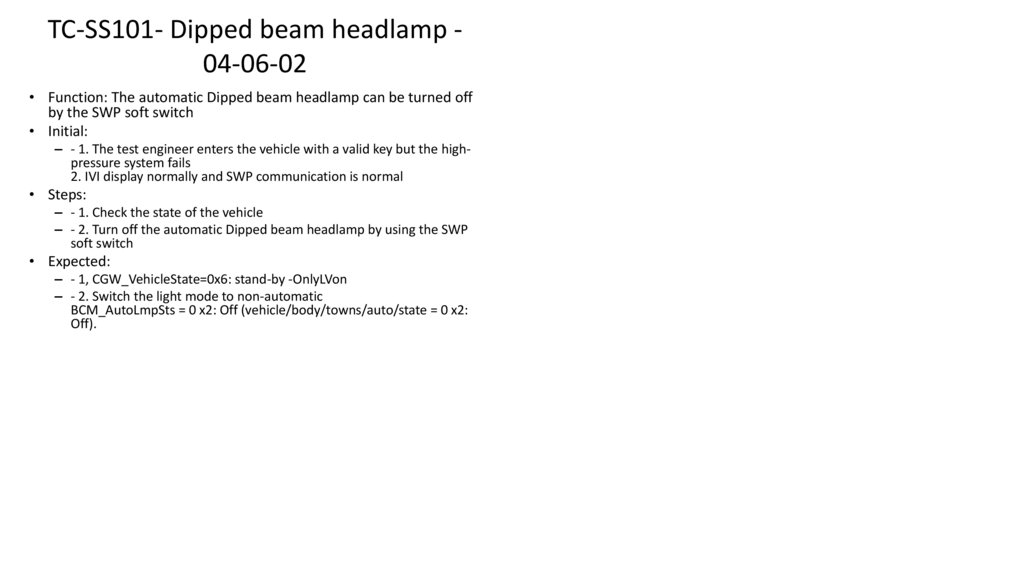
Real vehicle test runs (dynamic) may also be performed on real public roads after FuSa testing is completed and marked as PASSED.
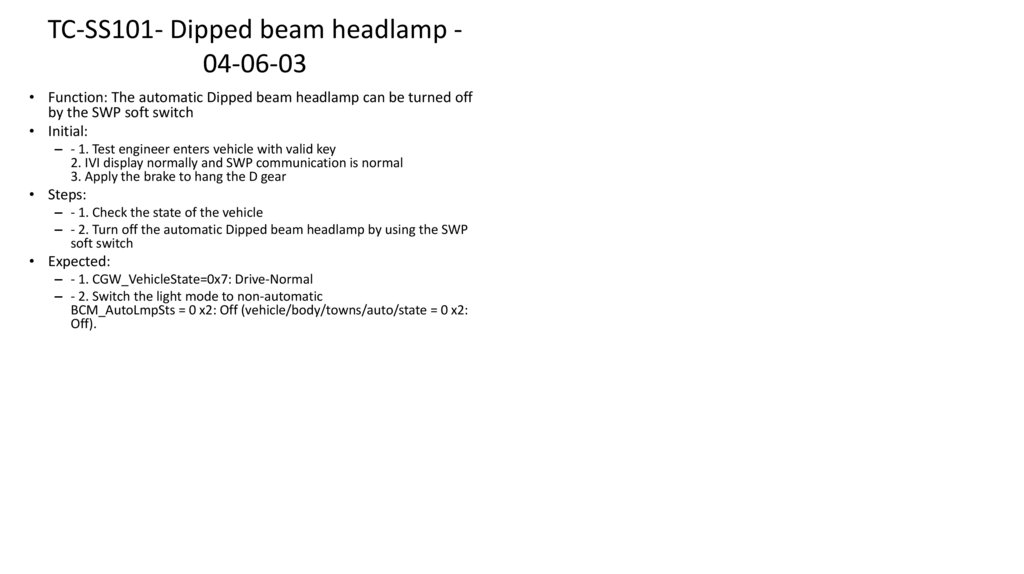
Tools used for testing:
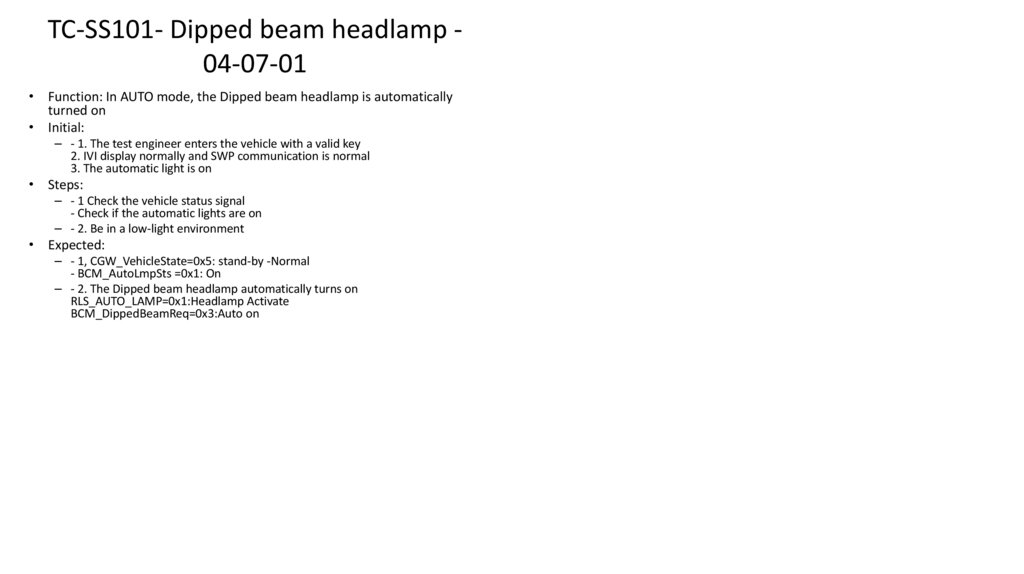
JIRA Atlassian Roadmaps → for planning
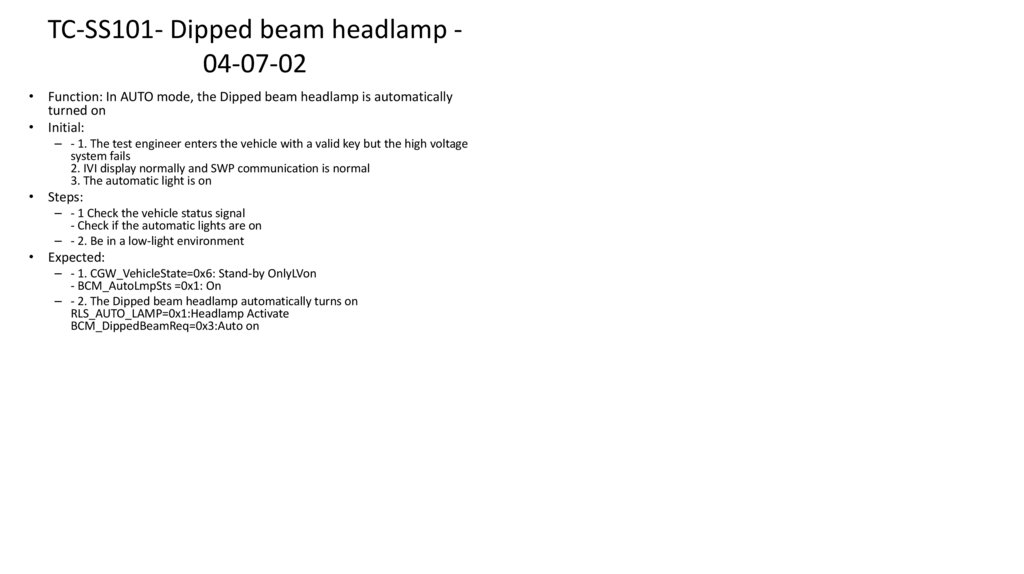
JIRA Atlassian XRAY extension → for test executions
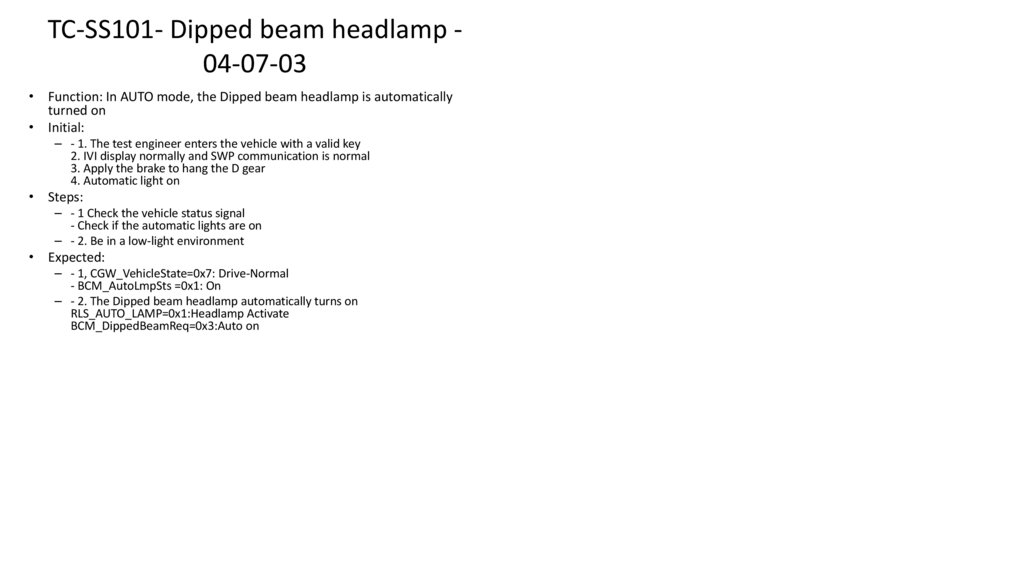
JIRA Atlassian XRAY extension + ATOM internal software → for test reporting
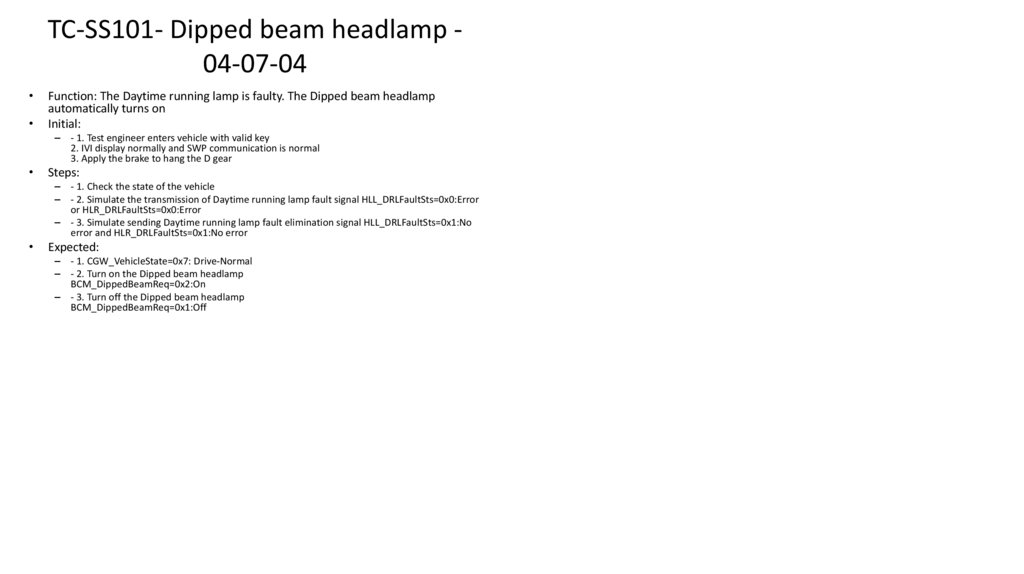
Test runs require operation with ECUs and test benches, including:
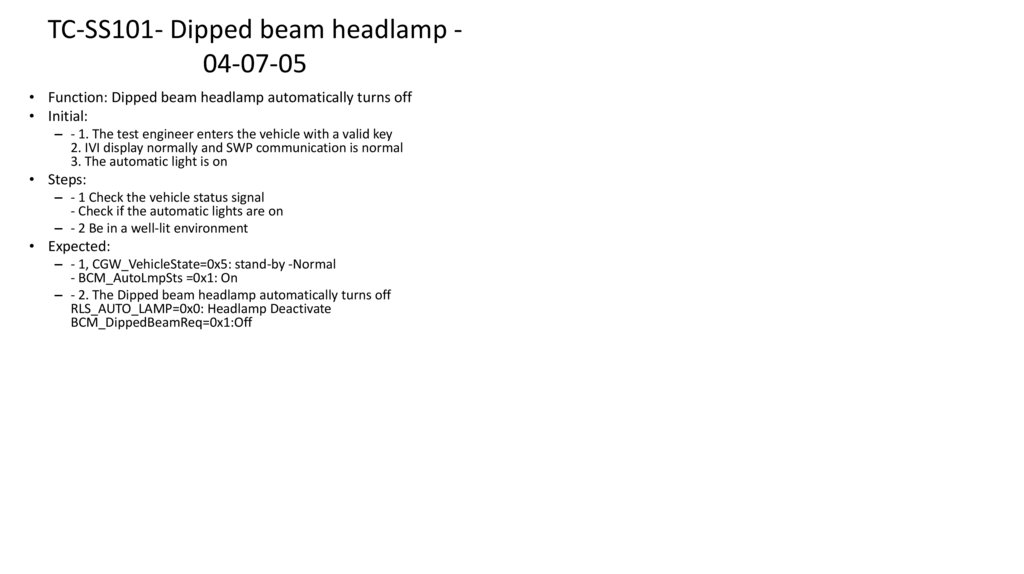
Harness modification
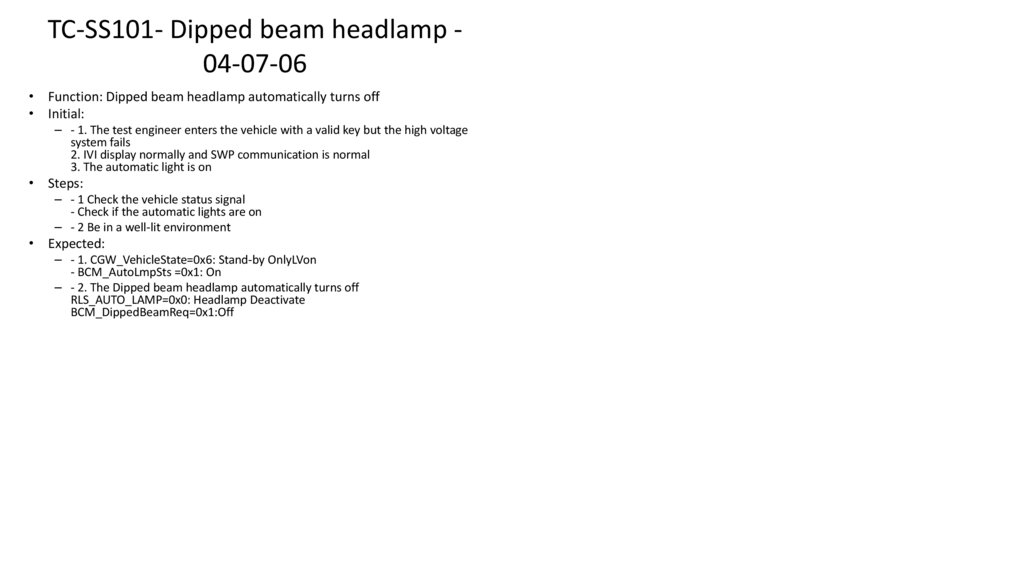
ECU re-flashing using UDS, ADB, IoT, RS-232, etc.
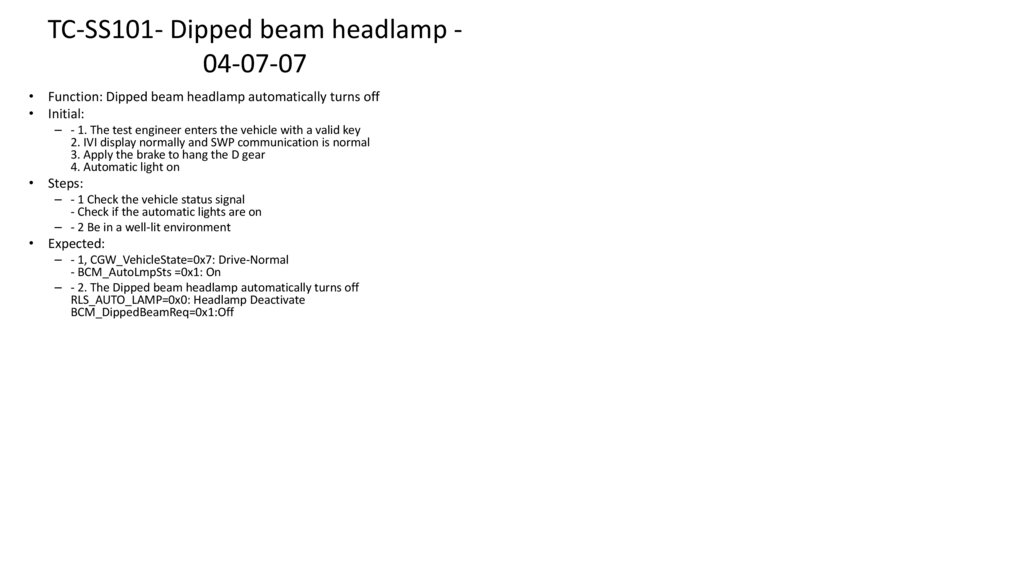
9.
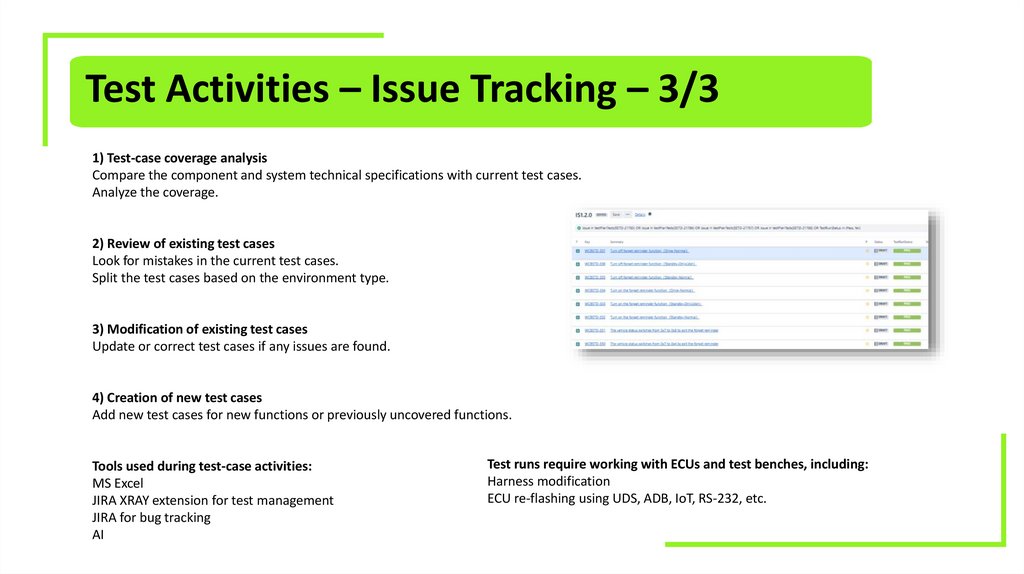
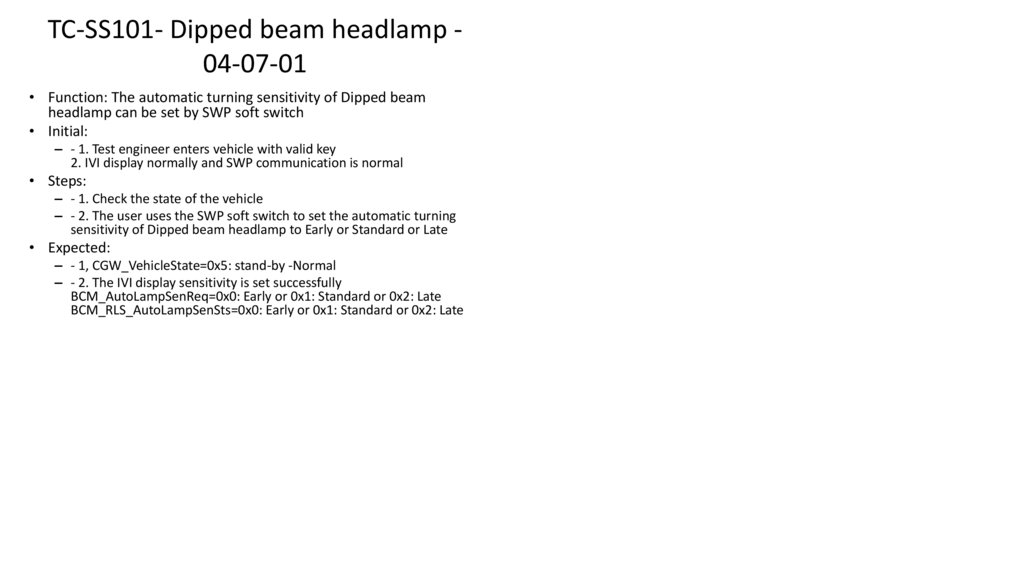
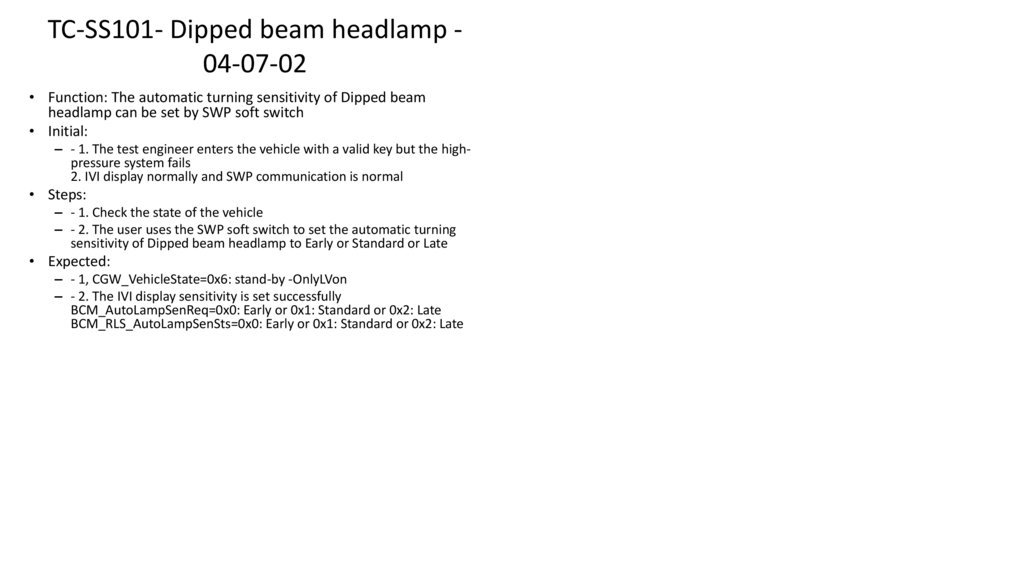
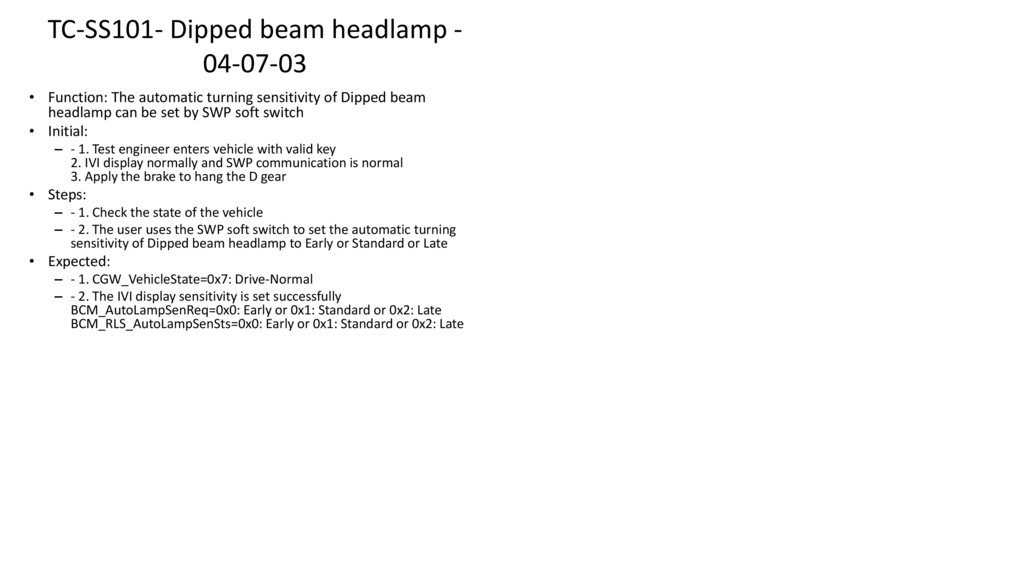
Test Activities – Issue Tracking – 3/31) Test-case coverage analysis
Compare the component and system technical specifications with current test cases.
Analyze the coverage.
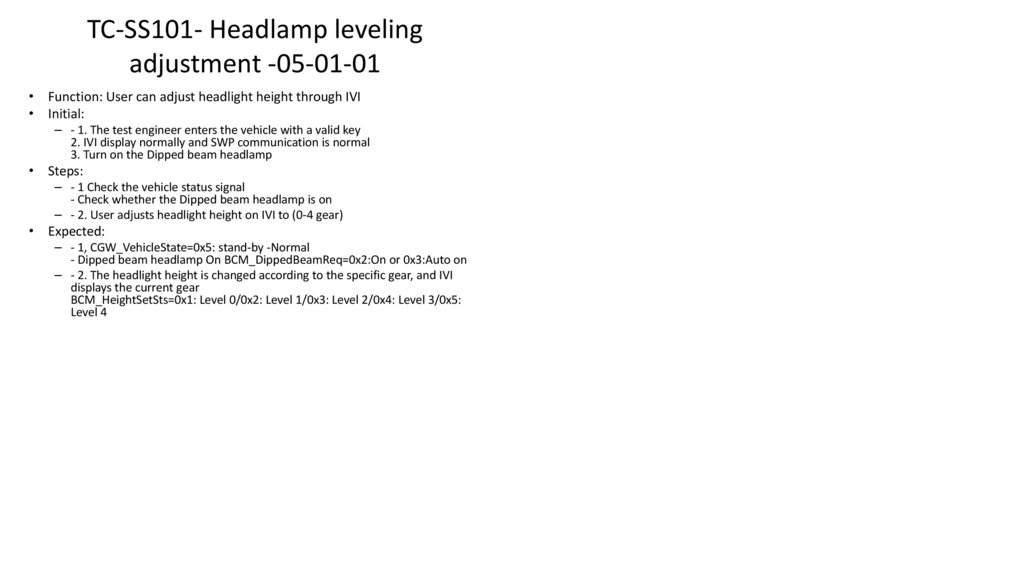
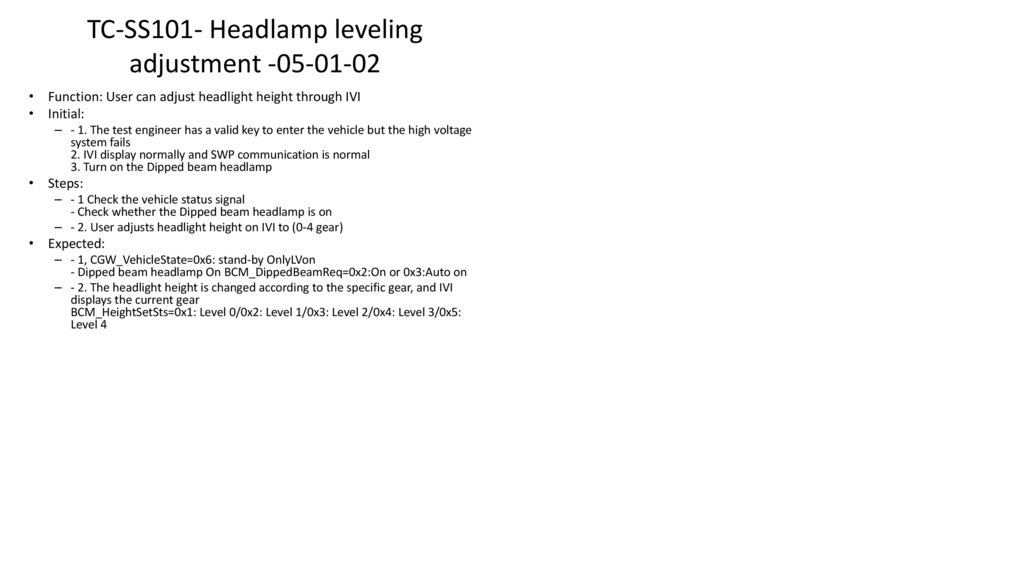
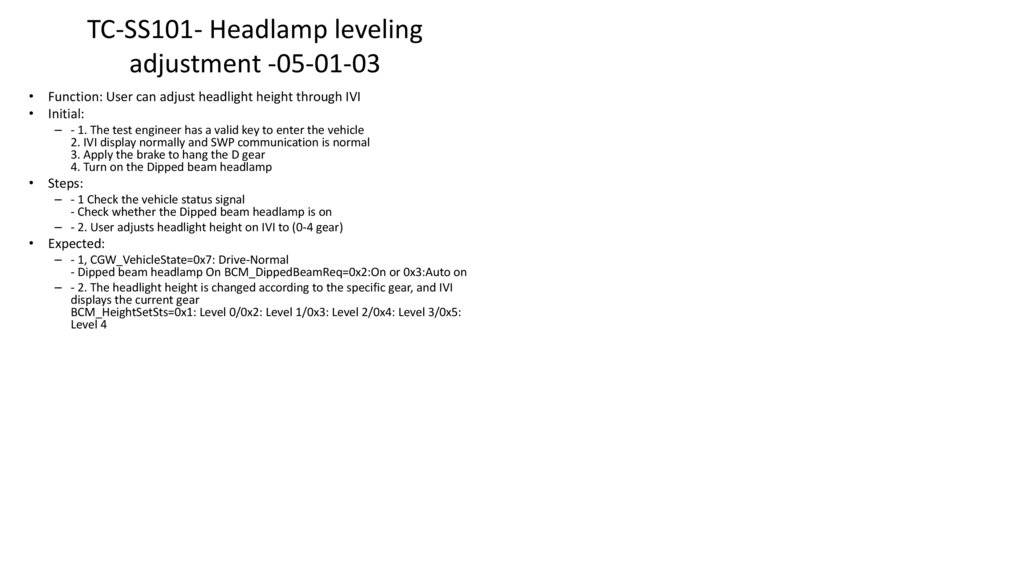
2) Review of existing test cases
Look for mistakes in the current test cases.
Split the test cases based on the environment type.
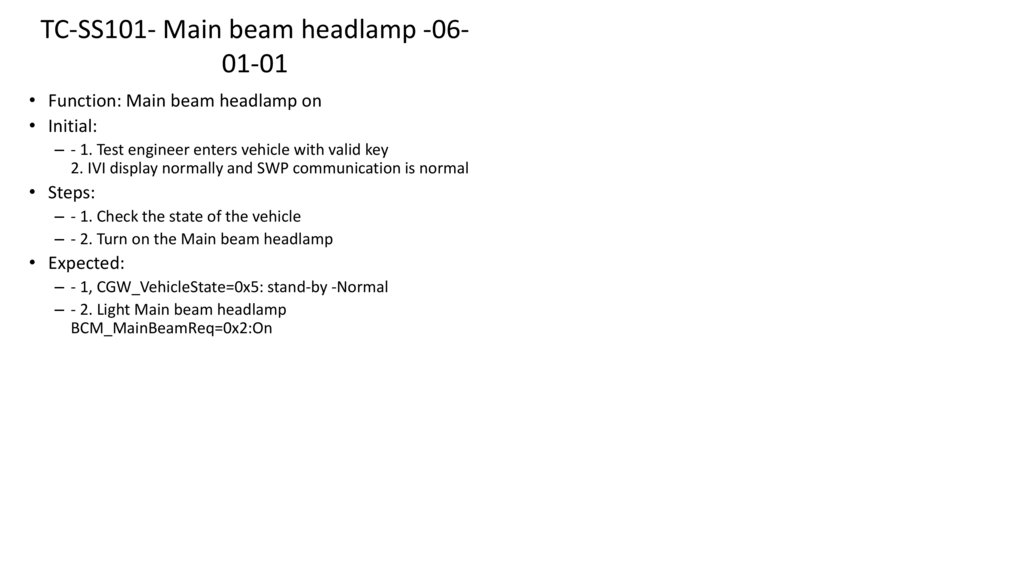
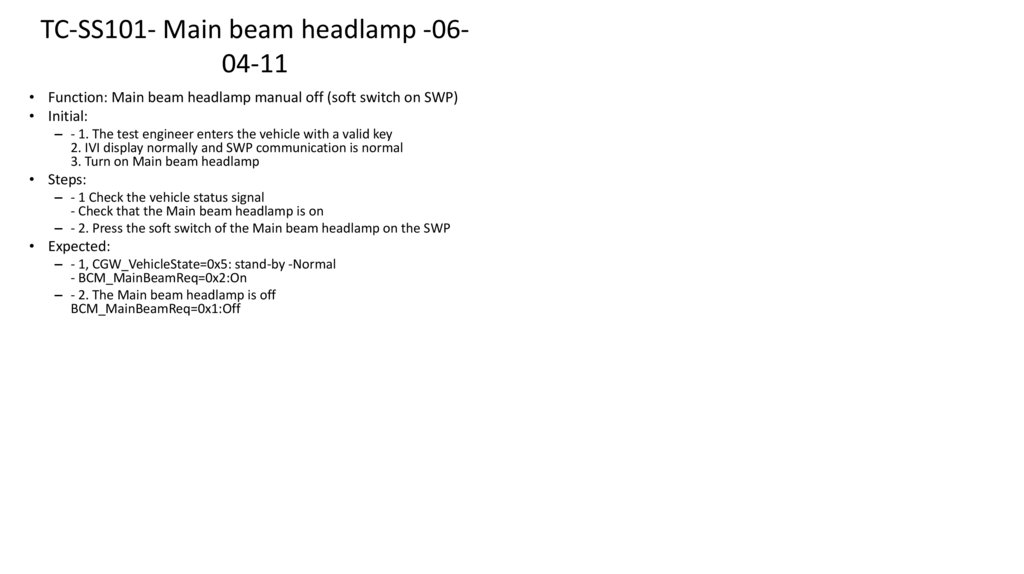
3) Modification of existing test cases
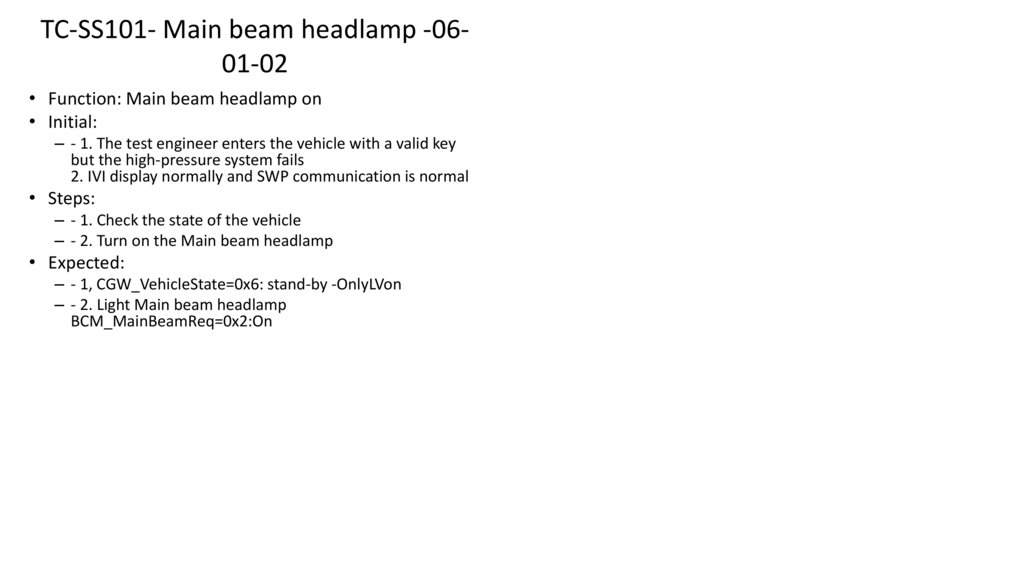
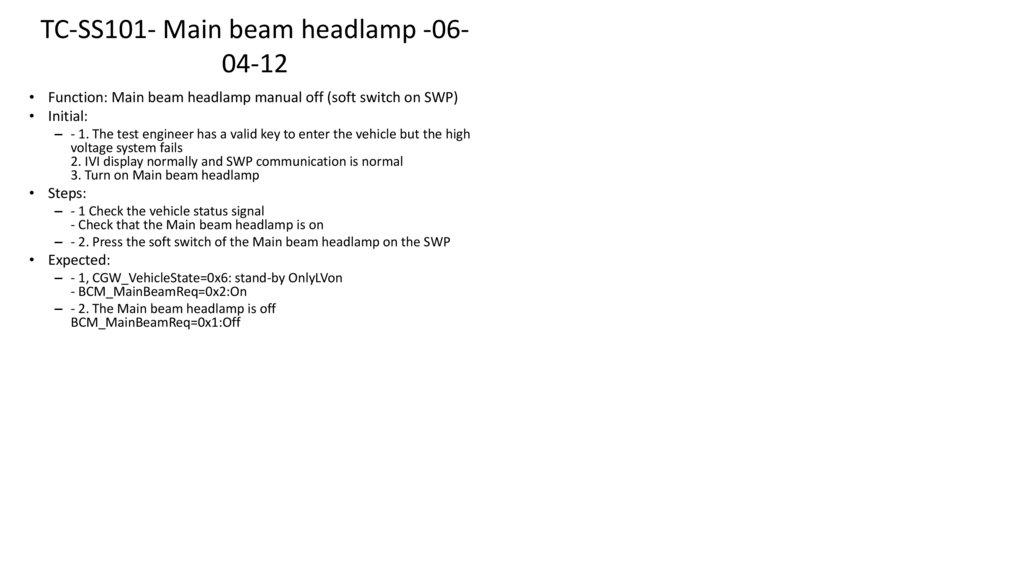
Update or correct test cases if any issues are found.
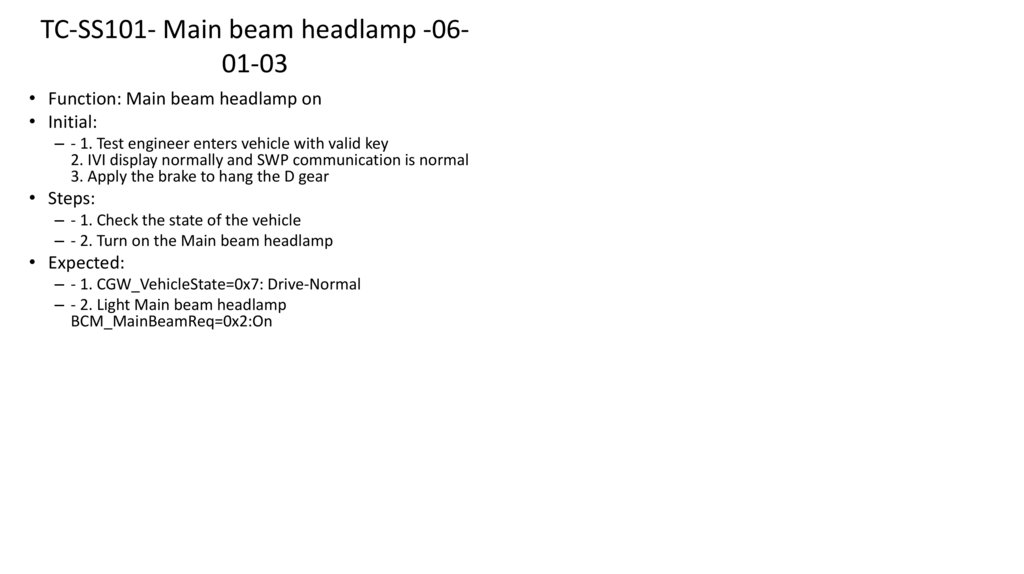
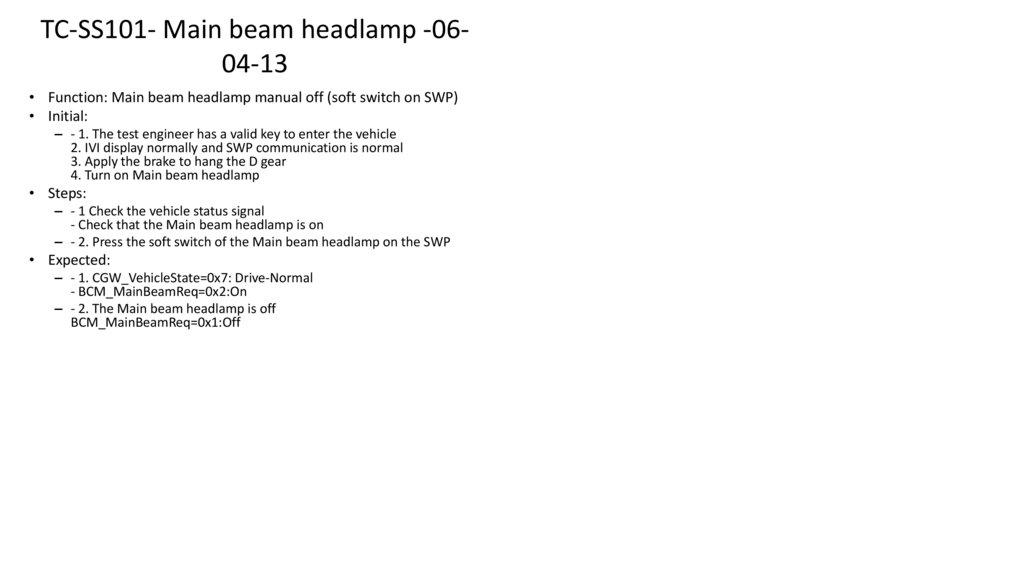
4) Creation of new test cases
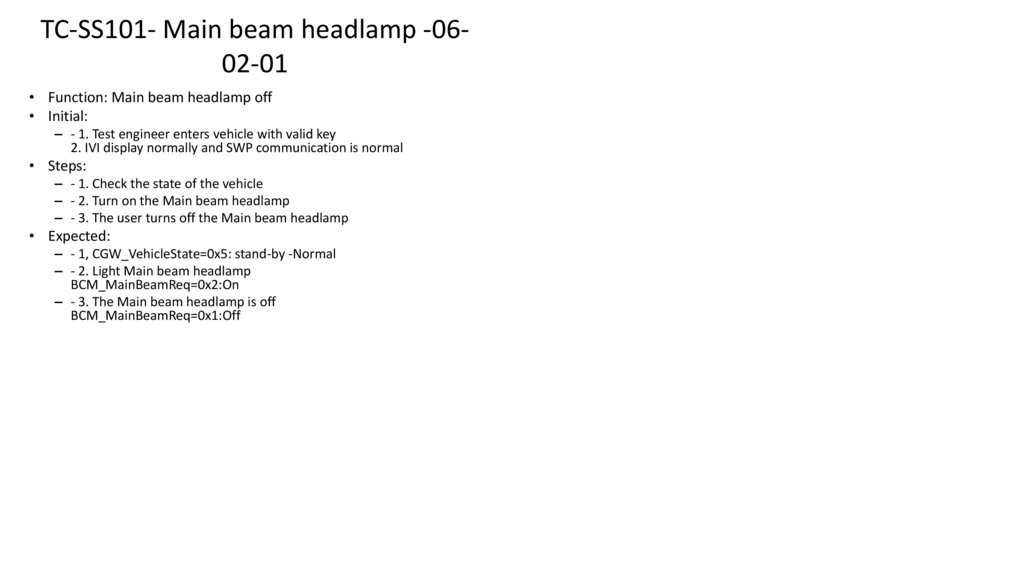
Add new test cases for new functions or previously uncovered functions.
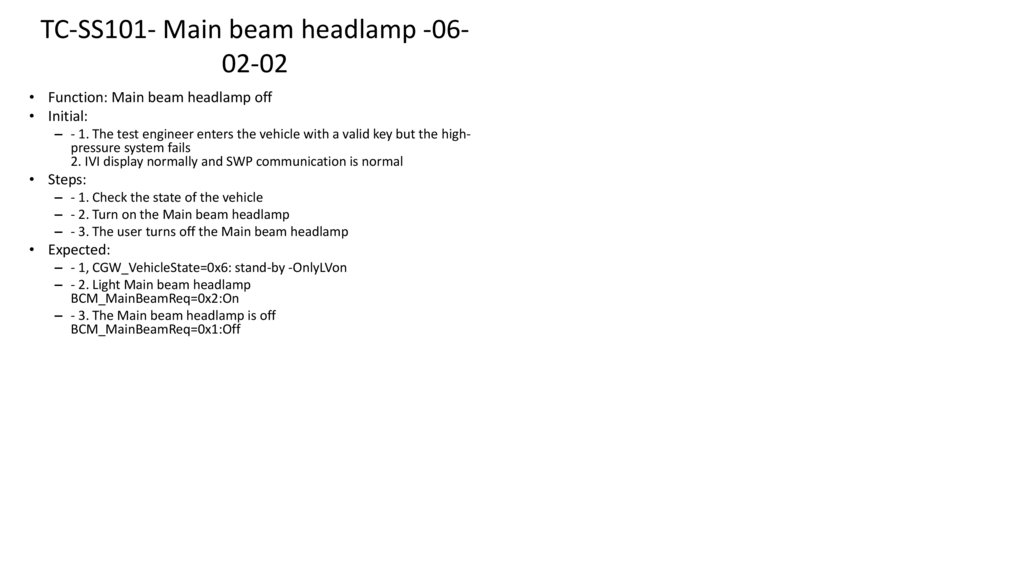
Tools used during test-case activities:
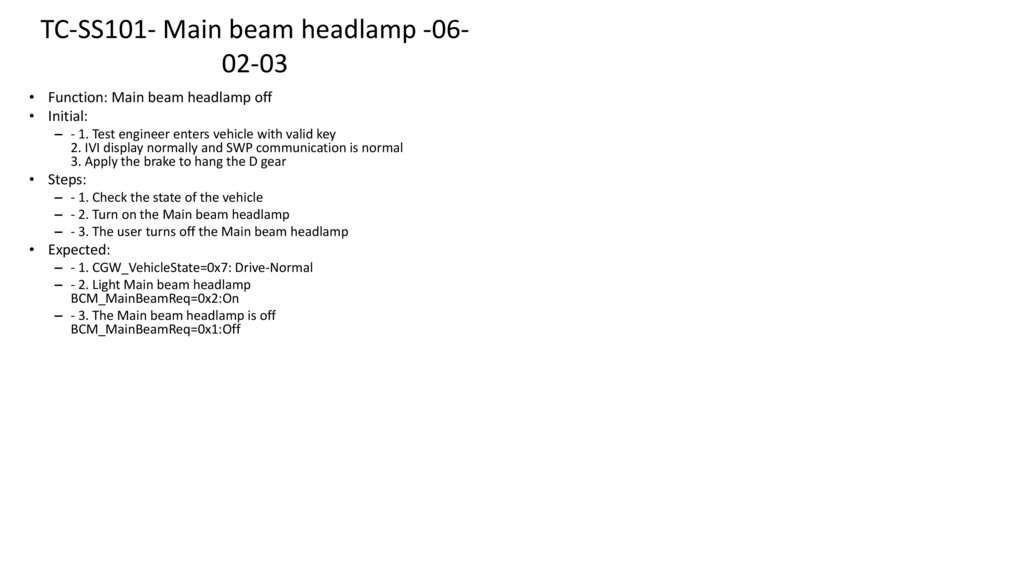
MS Excel
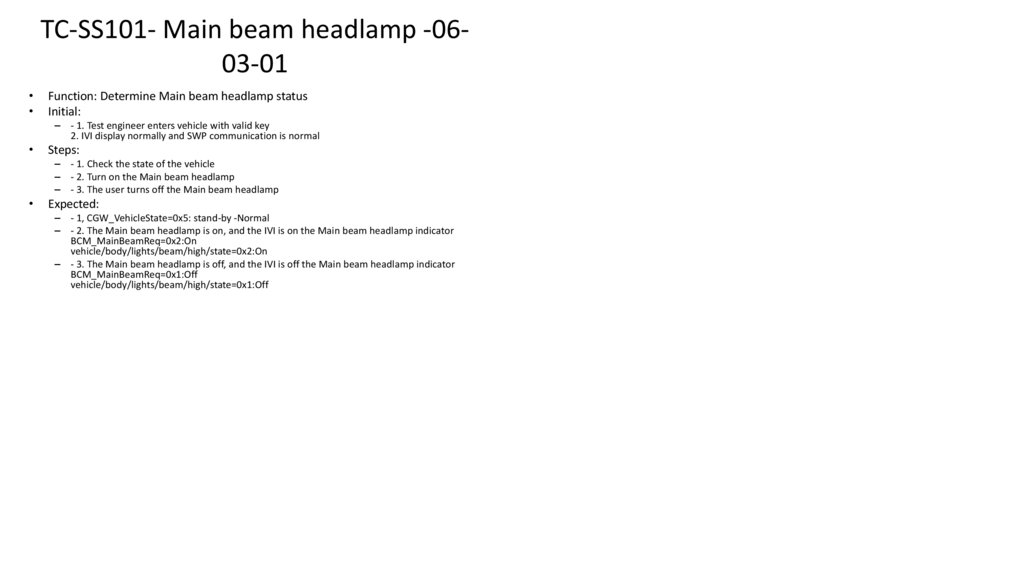
JIRA XRAY extension for test management
JIRA for bug tracking
AI
Test runs require working with ECUs and test benches, including:
Harness modification
ECU re-flashing using UDS, ADB, IoT, RS-232, etc.
10.
Challenge I – Hand made cables1. Prepare custom-made cables for bench testing
Fabricate or assemble the required custom cables according to the ECU’s wiring specifications.
Ensure correct pin assignments, shielding, and grounding to avoid communication issues or hardware damage.
Verify continuity and insulation of each cable before connecting it to any device or ECU.
2. Use a specialized (non-standard) OBD connector if required
When the ECU does not follow standard OBD-II pinout, use a custom or manufacturer-specific OBD connector.
Route only the necessary signals (power, ground, CAN High, CAN Low, or UART if applicable).
If needed, integrate hand-made adapters to bridge between the ECU connector and the diagnostic/programming tool, always
respecting official pin definitions.
11.
Challenge II – Hardware Debug1. Identify the malfunctioning ECU in the vehicle
Locate the ECU associated with the system presenting operational issues.
Check wiring harness integrity, power supply, and communication lines before proceeding with any intervention.
2. Remove the ECU from the rest of the vehicle system
Switch off the ignition and ensure the vehicle is fully powered down.
Carefully disconnect the ECU connectors according to the manufacturer’s safety procedures.
Ensure no risk of short circuits or physical damage to the module or vehicle components.
3. Access the ECU’s recovery/bootloader interface via UART
Identify the UART communication pins specified by the manufacturer (TX, RX, GND).
Use proper diagnostic or programming equipment to establish a UART connection with the bootloader.
Perform the recovery or reprogramming procedure following the official manufacturer instructions, ensuring software integrity and safe
ECU operation.
12.
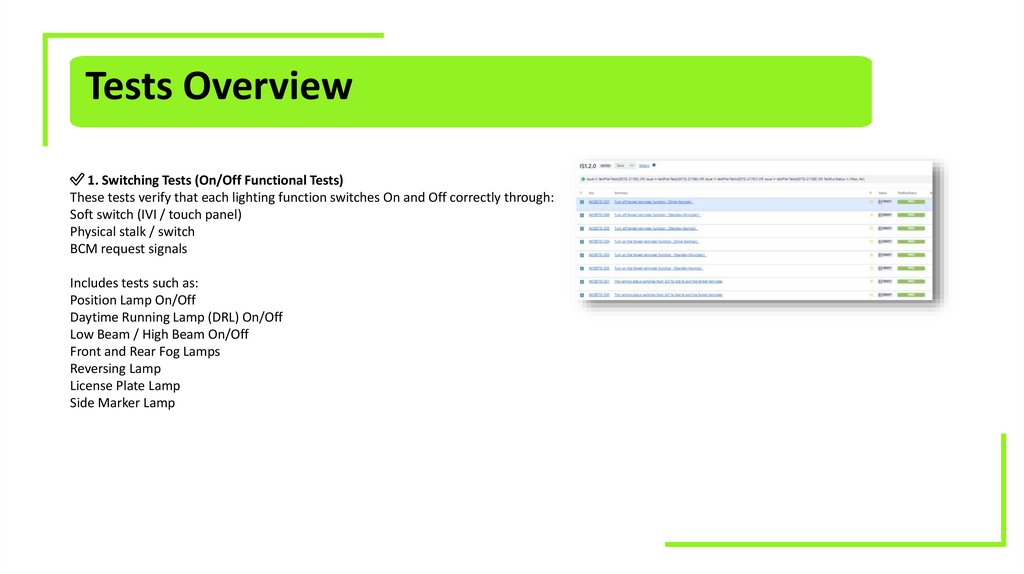
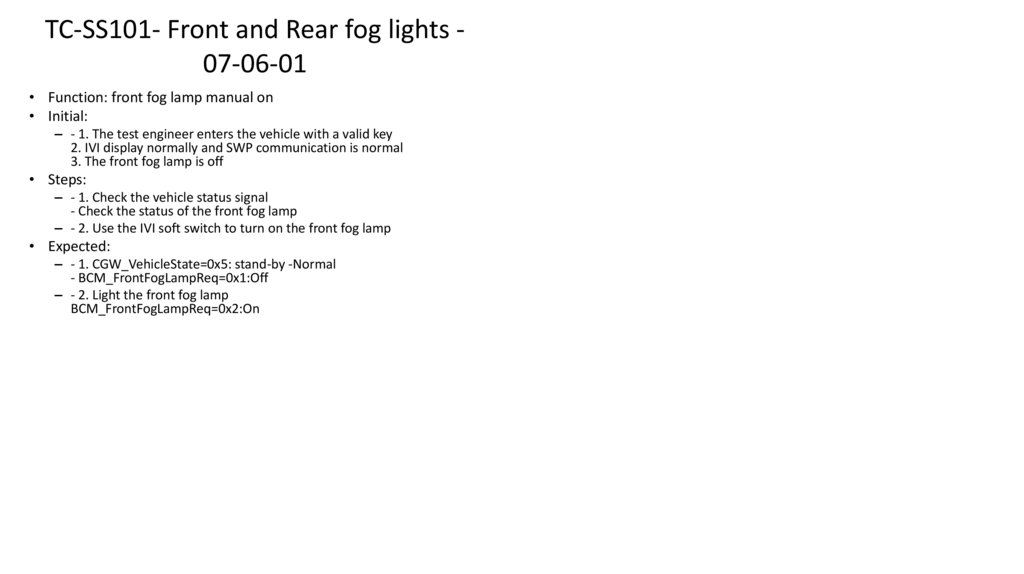
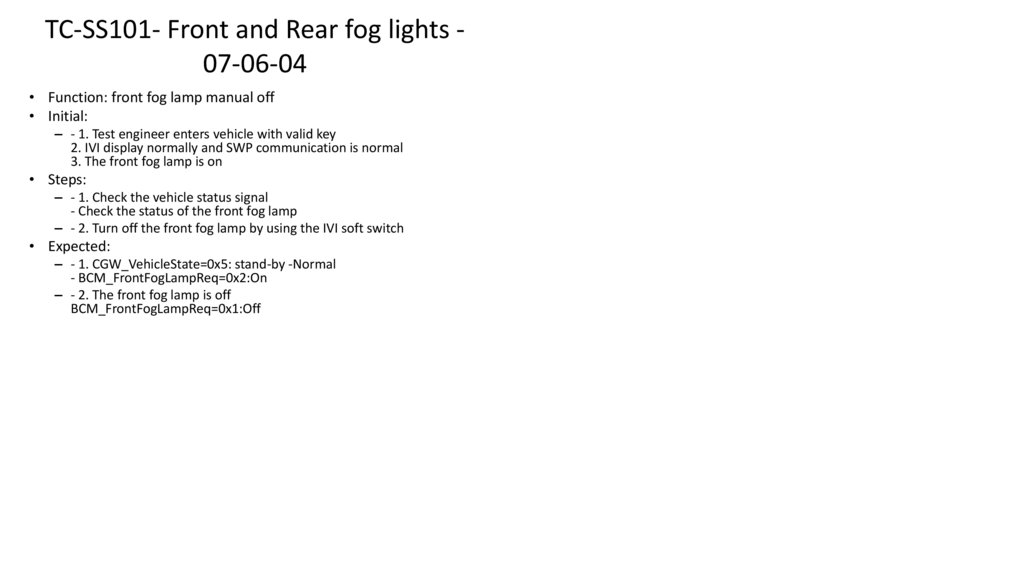
Tests Overview✅ 1. Switching Tests (On/Off Functional Tests)
These tests verify that each lighting function switches On and Off correctly through:
Soft switch (IVI / touch panel)
Physical stalk / switch
BCM request signals
Includes tests such as:
Position Lamp On/Off
Daytime Running Lamp (DRL) On/Off
Low Beam / High Beam On/Off
Front and Rear Fog Lamps
Reversing Lamp
License Plate Lamp
Side Marker Lamp
13.
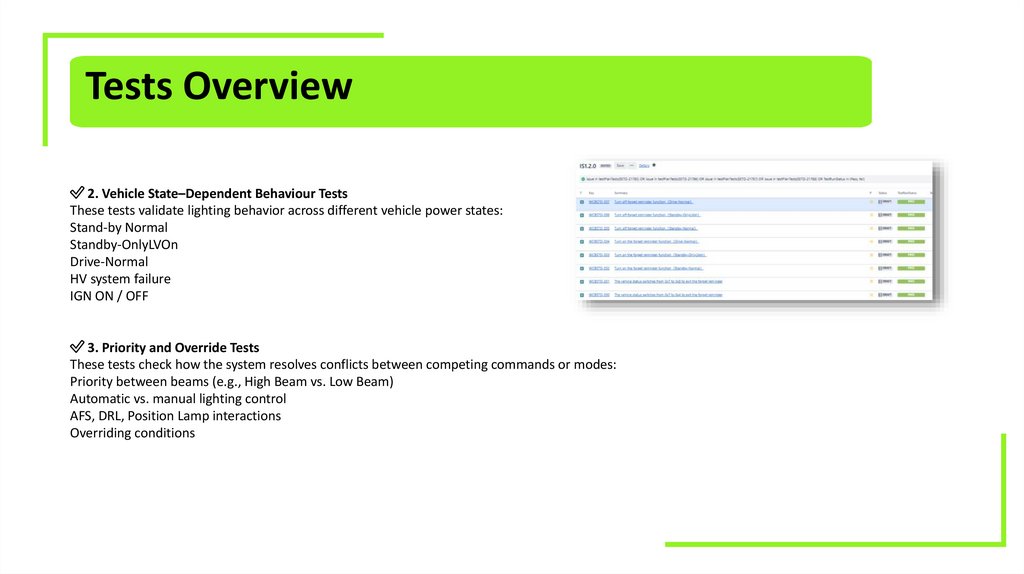
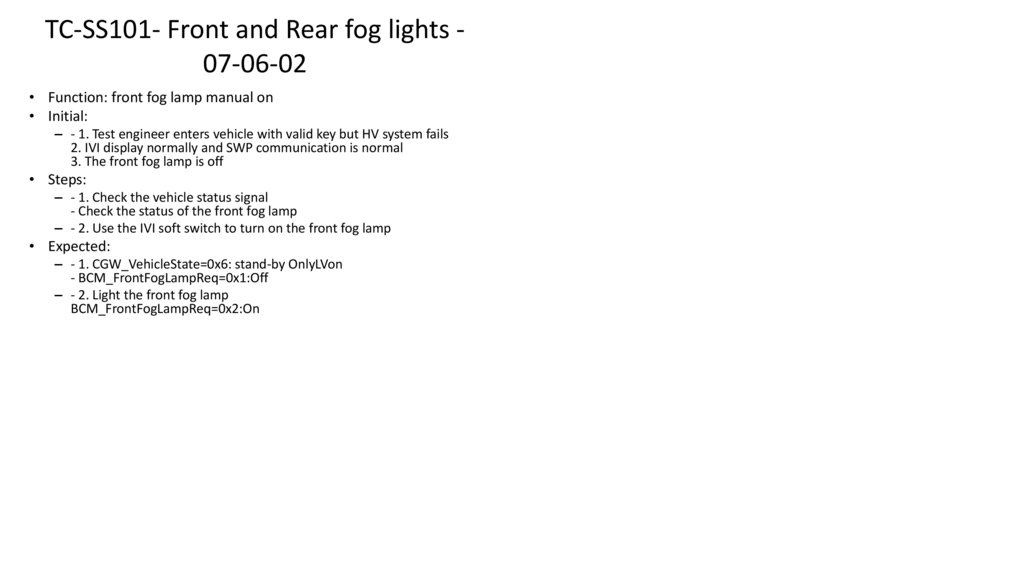
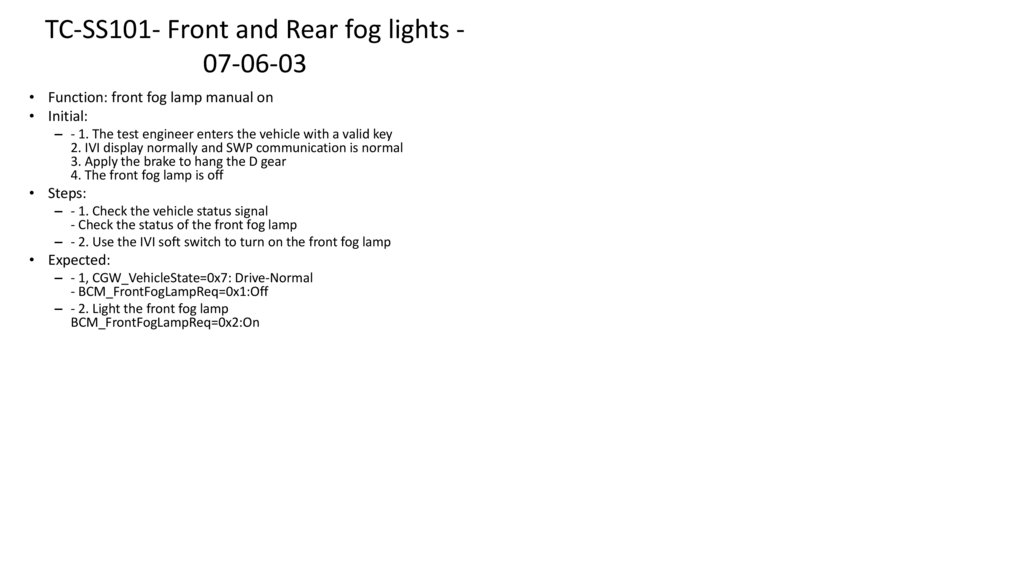
Tests Overview✅ 2. Vehicle State–Dependent Behaviour Tests
These tests validate lighting behavior across different vehicle power states:
Stand-by Normal
Standby-OnlyLVOn
Drive-Normal
HV system failure
IGN ON / OFF
✅ 3. Priority and Override Tests
These tests check how the system resolves conflicts between competing commands or modes:
Priority between beams (e.g., High Beam vs. Low Beam)
Automatic vs. manual lighting control
AFS, DRL, Position Lamp interactions
Overriding conditions
14.
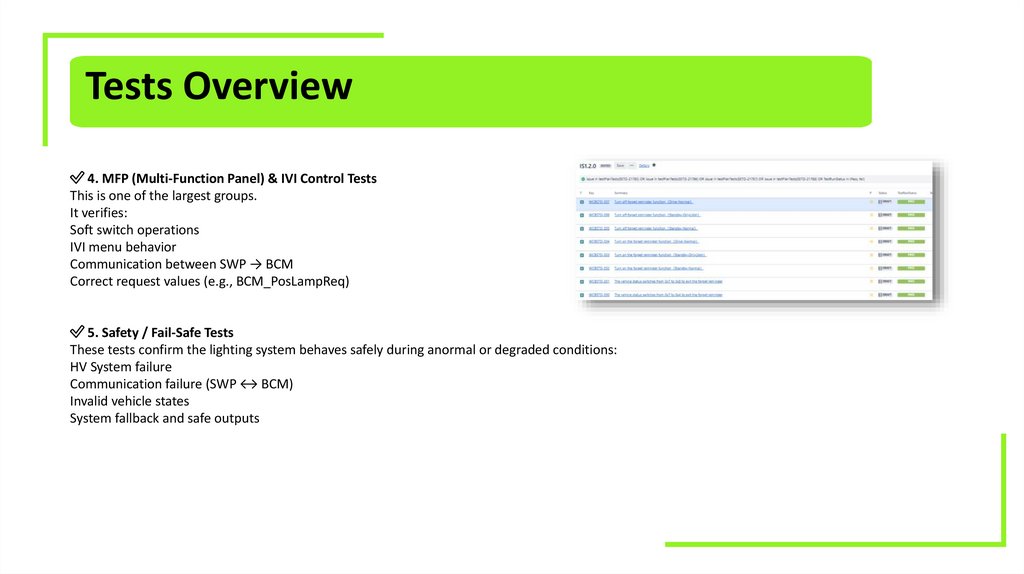
Tests Overview✅ 4. MFP (Multi-Function Panel) & IVI Control Tests
This is one of the largest groups.
It verifies:
Soft switch operations
IVI menu behavior
Communication between SWP → BCM
Correct request values (e.g., BCM_PosLampReq)
✅ 5. Safety / Fail-Safe Tests
These tests confirm the lighting system behaves safely during anormal or degraded conditions:
HV System failure
Communication failure (SWP ↔ BCM)
Invalid vehicle states
System fallback and safe outputs
15.
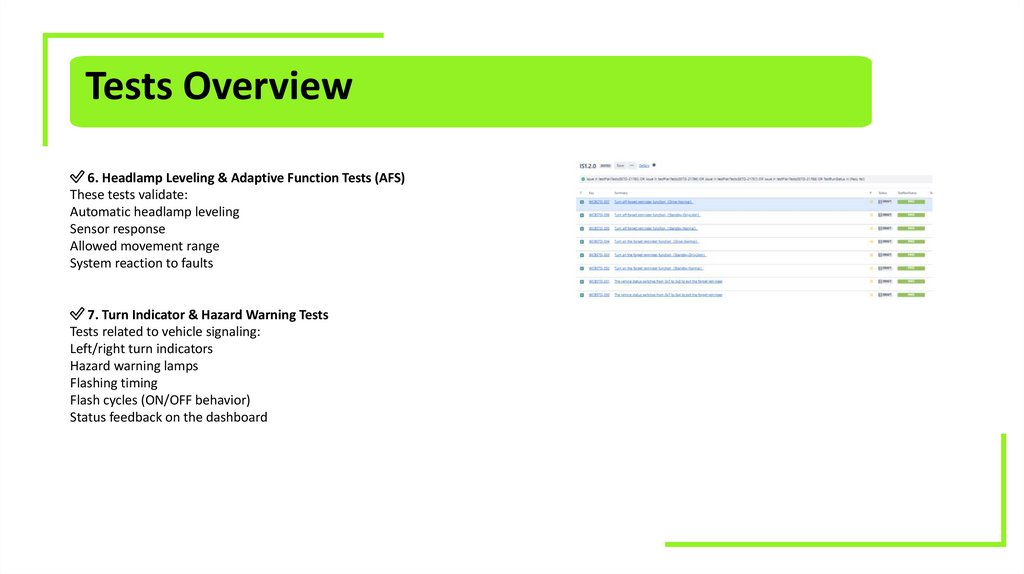
Tests Overview✅ 6. Headlamp Leveling & Adaptive Function Tests (AFS)
These tests validate:
Automatic headlamp leveling
Sensor response
Allowed movement range
System reaction to faults
✅ 7. Turn Indicator & Hazard Warning Tests
Tests related to vehicle signaling:
Left/right turn indicators
Hazard warning lamps
Flashing timing
Flash cycles (ON/OFF behavior)
Status feedback on the dashboard
16.
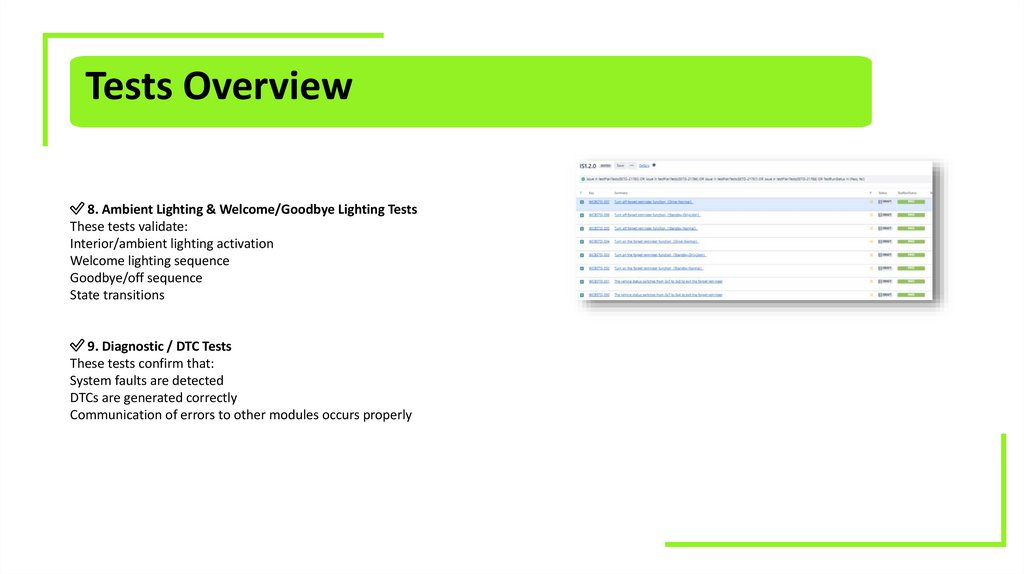
Tests Overview✅ 8. Ambient Lighting & Welcome/Goodbye Lighting Tests
These tests validate:
Interior/ambient lighting activation
Welcome lighting sequence
Goodbye/off sequence
State transitions
✅ 9. Diagnostic / DTC Tests
These tests confirm that:
System faults are detected
DTCs are generated correctly
Communication of errors to other modules occurs properly
17.
Extra InformationIt is not only Functional Tests seeing the lamp turn on and turn off
It includes also check the correct CAN messages, correct gateway reception, check the message sent to the correct CAN bus
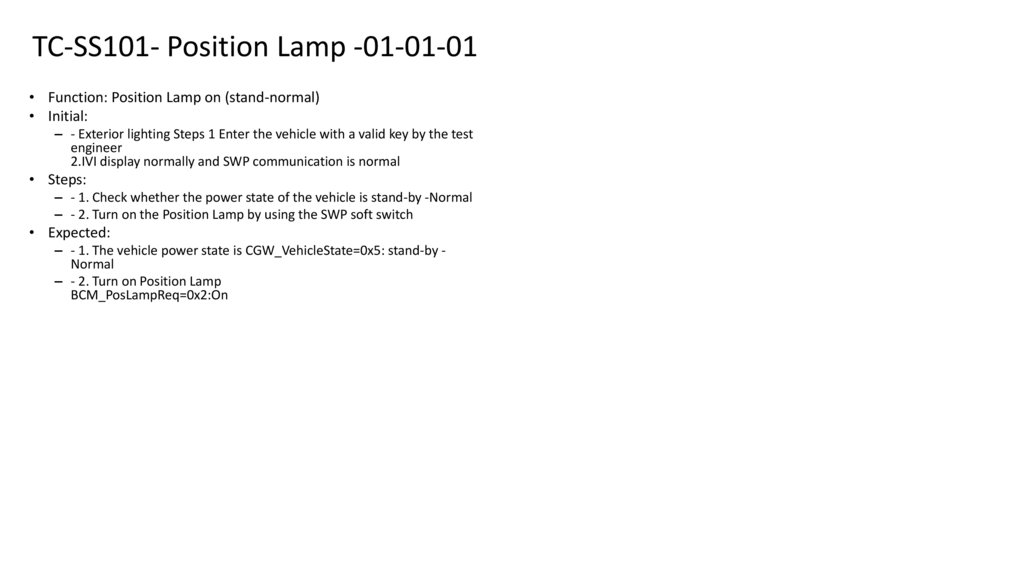
18. TC-SS101- Position Lamp -01-01-01
• Function: Position Lamp on (stand-normal)• Initial:
– - Exterior lighting Steps 1 Enter the vehicle with a valid key by the test
engineer
2.IVI display normally and SWP communication is normal
• Steps:
– - 1. Check whether the power state of the vehicle is stand-by -Normal
– - 2. Turn on the Position Lamp by using the SWP soft switch
• Expected:
– - 1. The vehicle power state is CGW_VehicleState=0x5: stand-by Normal
– - 2. Turn on Position Lamp
BCM_PosLampReq=0x2:On
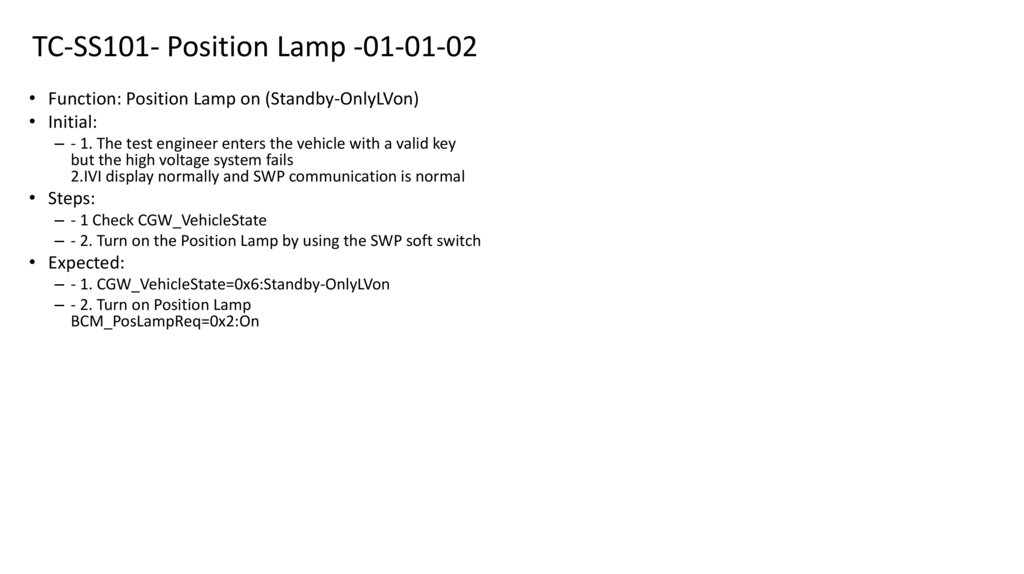
19. TC-SS101- Position Lamp -01-01-02
• Function: Position Lamp on (Standby-OnlyLVon)• Initial:
– - 1. The test engineer enters the vehicle with a valid key
but the high voltage system fails
2.IVI display normally and SWP communication is normal
• Steps:
– - 1 Check CGW_VehicleState
– - 2. Turn on the Position Lamp by using the SWP soft switch
• Expected:
– - 1. CGW_VehicleState=0x6:Standby-OnlyLVon
– - 2. Turn on Position Lamp
BCM_PosLampReq=0x2:On
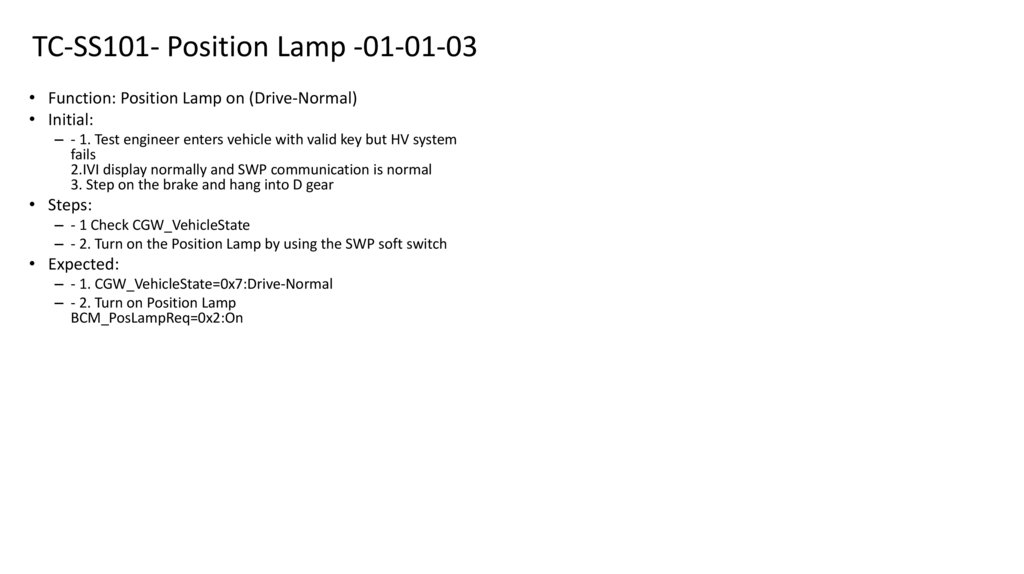
20. TC-SS101- Position Lamp -01-01-03
• Function: Position Lamp on (Drive-Normal)• Initial:
– - 1. Test engineer enters vehicle with valid key but HV system
fails
2.IVI display normally and SWP communication is normal
3. Step on the brake and hang into D gear
• Steps:
– - 1 Check CGW_VehicleState
– - 2. Turn on the Position Lamp by using the SWP soft switch
• Expected:
– - 1. CGW_VehicleState=0x7:Drive-Normal
– - 2. Turn on Position Lamp
BCM_PosLampReq=0x2:On
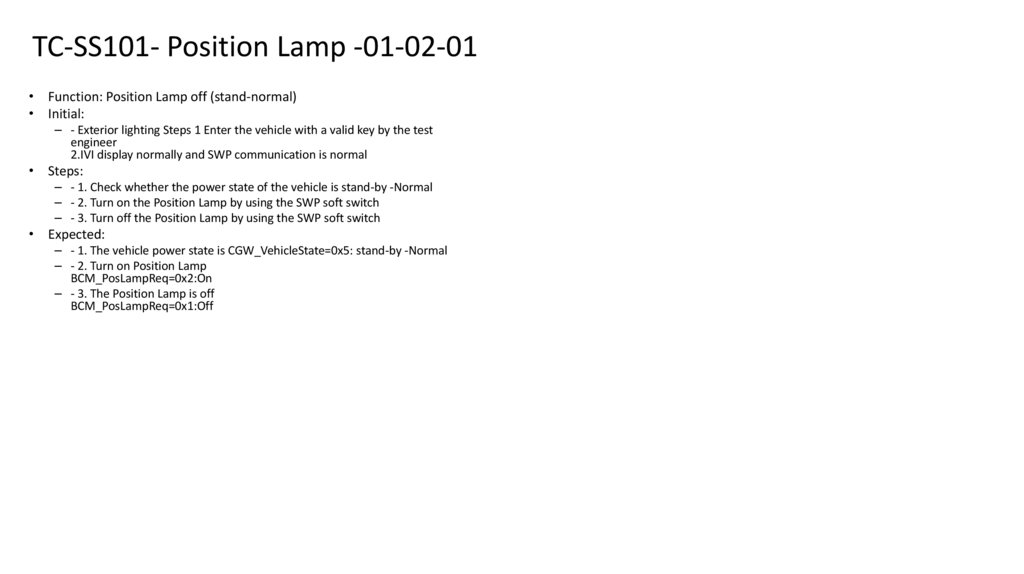
21. TC-SS101- Position Lamp -01-02-01
• Function: Position Lamp off (stand-normal)• Initial:
– - Exterior lighting Steps 1 Enter the vehicle with a valid key by the test
engineer
2.IVI display normally and SWP communication is normal
• Steps:
– - 1. Check whether the power state of the vehicle is stand-by -Normal
– - 2. Turn on the Position Lamp by using the SWP soft switch
– - 3. Turn off the Position Lamp by using the SWP soft switch
• Expected:
– - 1. The vehicle power state is CGW_VehicleState=0x5: stand-by -Normal
– - 2. Turn on Position Lamp
BCM_PosLampReq=0x2:On
– - 3. The Position Lamp is off
BCM_PosLampReq=0x1:Off
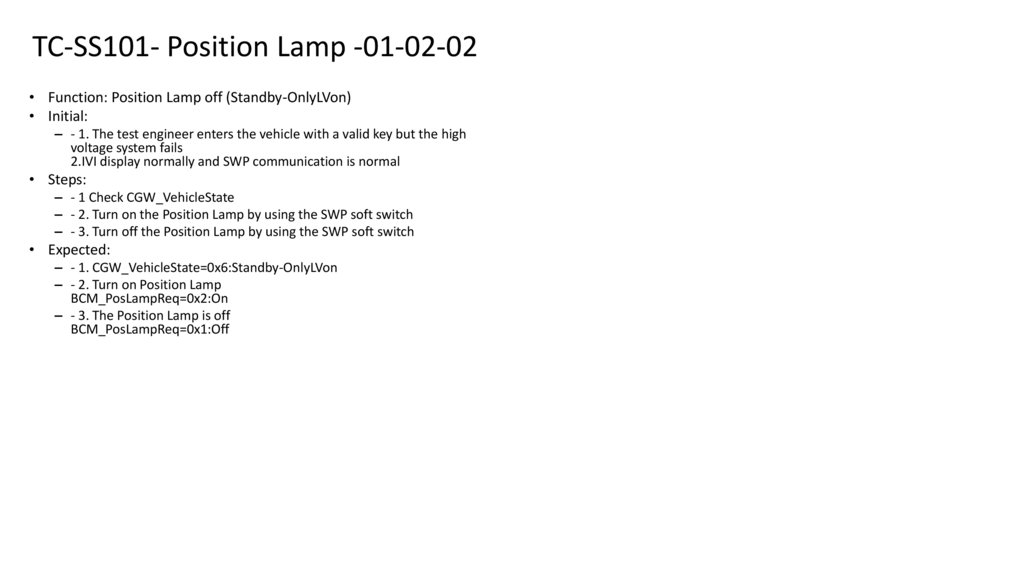
22. TC-SS101- Position Lamp -01-02-02
• Function: Position Lamp off (Standby-OnlyLVon)• Initial:
– - 1. The test engineer enters the vehicle with a valid key but the high
voltage system fails
2.IVI display normally and SWP communication is normal
• Steps:
– - 1 Check CGW_VehicleState
– - 2. Turn on the Position Lamp by using the SWP soft switch
– - 3. Turn off the Position Lamp by using the SWP soft switch
• Expected:
– - 1. CGW_VehicleState=0x6:Standby-OnlyLVon
– - 2. Turn on Position Lamp
BCM_PosLampReq=0x2:On
– - 3. The Position Lamp is off
BCM_PosLampReq=0x1:Off
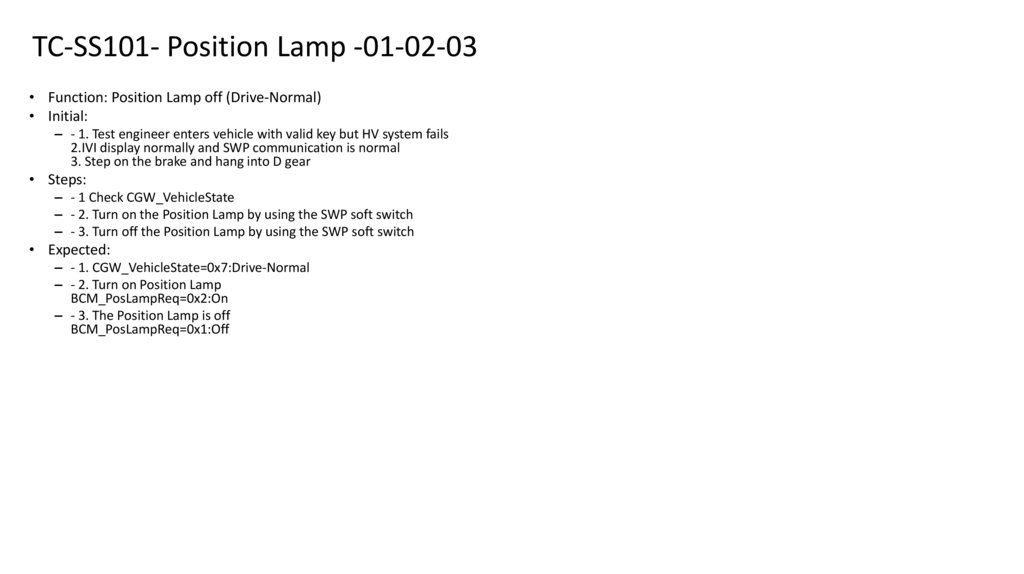
23. TC-SS101- Position Lamp -01-02-03
• Function: Position Lamp off (Drive-Normal)• Initial:
– - 1. Test engineer enters vehicle with valid key but HV system fails
2.IVI display normally and SWP communication is normal
3. Step on the brake and hang into D gear
• Steps:
– - 1 Check CGW_VehicleState
– - 2. Turn on the Position Lamp by using the SWP soft switch
– - 3. Turn off the Position Lamp by using the SWP soft switch
• Expected:
– - 1. CGW_VehicleState=0x7:Drive-Normal
– - 2. Turn on Position Lamp
BCM_PosLampReq=0x2:On
– - 3. The Position Lamp is off
BCM_PosLampReq=0x1:Off
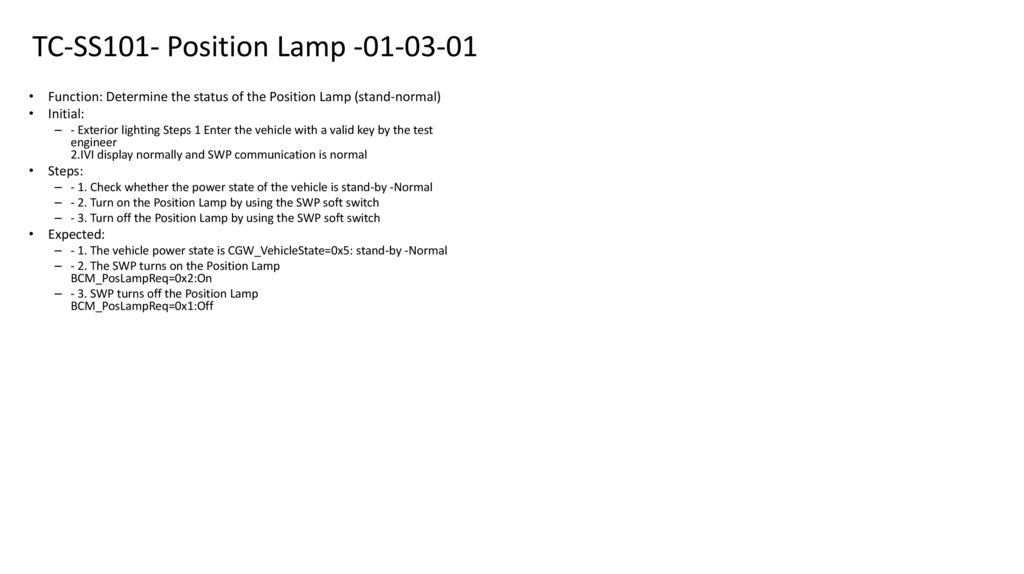
24. TC-SS101- Position Lamp -01-03-01
• Function: Determine the status of the Position Lamp (stand-normal)• Initial:
– - Exterior lighting Steps 1 Enter the vehicle with a valid key by the test
engineer
2.IVI display normally and SWP communication is normal
• Steps:
– - 1. Check whether the power state of the vehicle is stand-by -Normal
– - 2. Turn on the Position Lamp by using the SWP soft switch
– - 3. Turn off the Position Lamp by using the SWP soft switch
• Expected:
– - 1. The vehicle power state is CGW_VehicleState=0x5: stand-by -Normal
– - 2. The SWP turns on the Position Lamp
BCM_PosLampReq=0x2:On
– - 3. SWP turns off the Position Lamp
BCM_PosLampReq=0x1:Off
25. TC-SS101- Position Lamp -01-03-02
• Function: Determine the status of Position Lamp (stand-onlylvon)• Initial:
– - 1. The test engineer enters the vehicle with a valid key but the high
voltage system fails
2.IVI display normally and SWP communication is normal
• Steps:
– - 1 Check CGW_VehicleState
– - 2. Turn on the Position Lamp by using the SWP soft switch
– - 3. Turn off the Position Lamp by using the SWP soft switch
• Expected:
– - 1. CGW_VehicleState=0x6:Standby-OnlyLVon
– - 2. The SWP turns on the Position Lamp
BCM_PosLampReq=0x2:On
– - 3. SWP turns off the Position Lamp
BCM_PosLampReq=0x1:Off
26. TC-SS101- Position Lamp -01-03-03
• Function: Determine the Position Lamp status (Drive-Normal)• Initial:
– - 1. Test engineer enters vehicle with valid key but HV system fails
2.IVI display normally and SWP communication is normal
3. Step on the brake and hang into D gear
• Steps:
– - 1 Check CGW_VehicleState
– - 2. Turn on the Position Lamp by using the SWP soft switch
– - 3. Turn off the Position Lamp by using the SWP soft switch
• Expected:
– - 1. CGW_VehicleState=0x7:Drive-Normal
– - 2. The SWP turns on the Position Lamp
BCM_PosLampReq=0x2:On
– - 3. SWP turns off the Position Lamp
BCM_PosLampReq=0x1:Off
27. TC-SS101- Position Lamp -01-04-01
• Function: Position Lamp manual control (Standby-Normal)• Initial:
– - Exterior lighting Steps 1 Enter the vehicle with a valid key by the test
engineer
2.IVI display normally and SWP communication is normal
• Steps:
– - 1. Check whether the power state of the vehicle is stand-by -Normal
– - 2. Turn on the Position Lamp by using the soft switch on the IVI
– - 3. Turn off the Position Lamp by using the soft switch on the IVI
• Expected:
– - 1. The vehicle power state is CGW_VehicleState=0x5: stand-by -Normal
– - 2. Vehicle Position Lamp is on
IVI_PosnLmpSet=0x2:On
BCM_PosLampReq=0x2:On
– - 3. Vehicle Position Lamp is turned off
IVI_PosnLmpSet=0x1:Off
BCM_PosLampReq=0x1:Off
28. TC-SS101- Position Lamp -01-04-02
• Function: Position Lamp manual control (Standby-OnlyLVon)• Initial:
– - 1. The test engineer enters the vehicle with a valid key but the high voltage
system fails
2.IVI display normally and SWP communication is normal
• Steps:
– - 1 Check CGW_VehicleState
– - 2. Turn on the Position Lamp by using the soft switch on the IVI
– - 3. Turn off the Position Lamp by using the soft switch on the IVI
• Expected:
– - 1. CGW_VehicleState=0x6:Standby-OnlyLVon
– - 2. Vehicle Position Lamp is on
IVI_PosnLmpSet=0x2:On
BCM_PosLampReq=0x2:On
– - 3. Vehicle Position Lamp is turned off
IVI_PosnLmpSet=0x1:Off
BCM_PosLampReq=0x1:Off
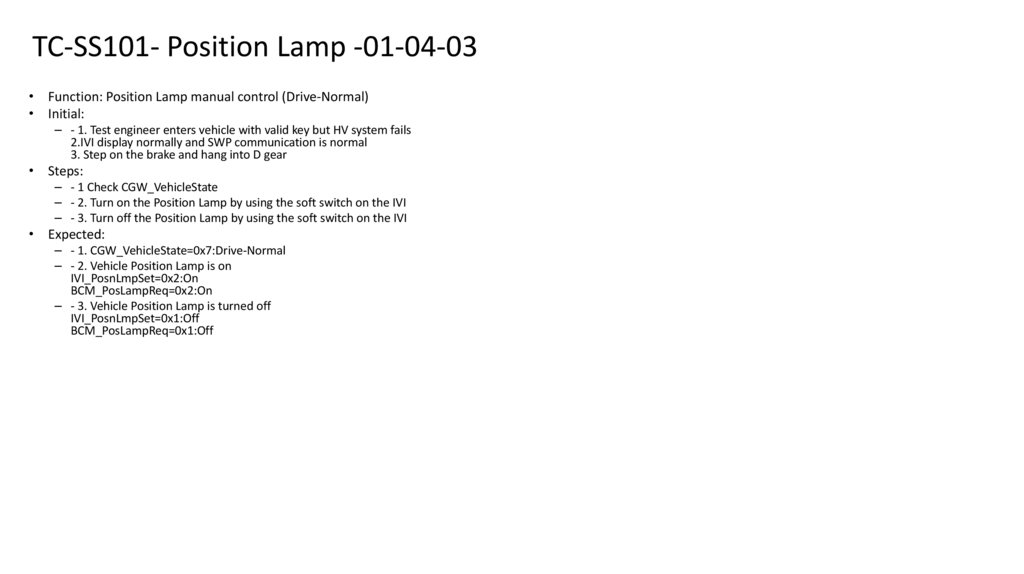
29. TC-SS101- Position Lamp -01-04-03
• Function: Position Lamp manual control (Drive-Normal)• Initial:
– - 1. Test engineer enters vehicle with valid key but HV system fails
2.IVI display normally and SWP communication is normal
3. Step on the brake and hang into D gear
• Steps:
– - 1 Check CGW_VehicleState
– - 2. Turn on the Position Lamp by using the soft switch on the IVI
– - 3. Turn off the Position Lamp by using the soft switch on the IVI
• Expected:
– - 1. CGW_VehicleState=0x7:Drive-Normal
– - 2. Vehicle Position Lamp is on
IVI_PosnLmpSet=0x2:On
BCM_PosLampReq=0x2:On
– - 3. Vehicle Position Lamp is turned off
IVI_PosnLmpSet=0x1:Off
BCM_PosLampReq=0x1:Off
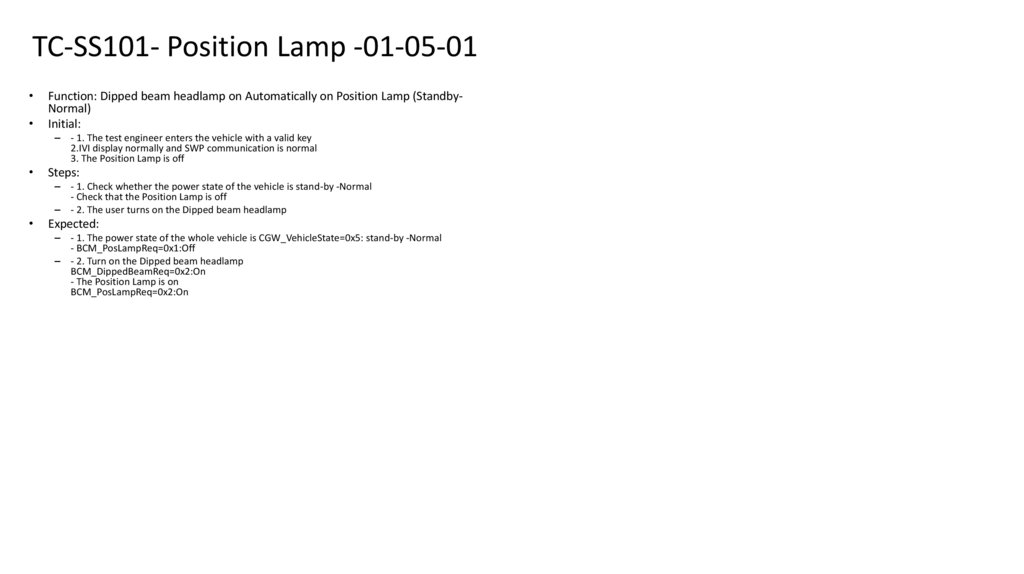
30. TC-SS101- Position Lamp -01-05-01
Function: Dipped beam headlamp on Automatically on Position Lamp (StandbyNormal)
Initial:
– - 1. The test engineer enters the vehicle with a valid key
2.IVI display normally and SWP communication is normal
3. The Position Lamp is off
Steps:
– - 1. Check whether the power state of the vehicle is stand-by -Normal
- Check that the Position Lamp is off
– - 2. The user turns on the Dipped beam headlamp
Expected:
– - 1. The power state of the whole vehicle is CGW_VehicleState=0x5: stand-by -Normal
- BCM_PosLampReq=0x1:Off
– - 2. Turn on the Dipped beam headlamp
BCM_DippedBeamReq=0x2:On
- The Position Lamp is on
BCM_PosLampReq=0x2:On
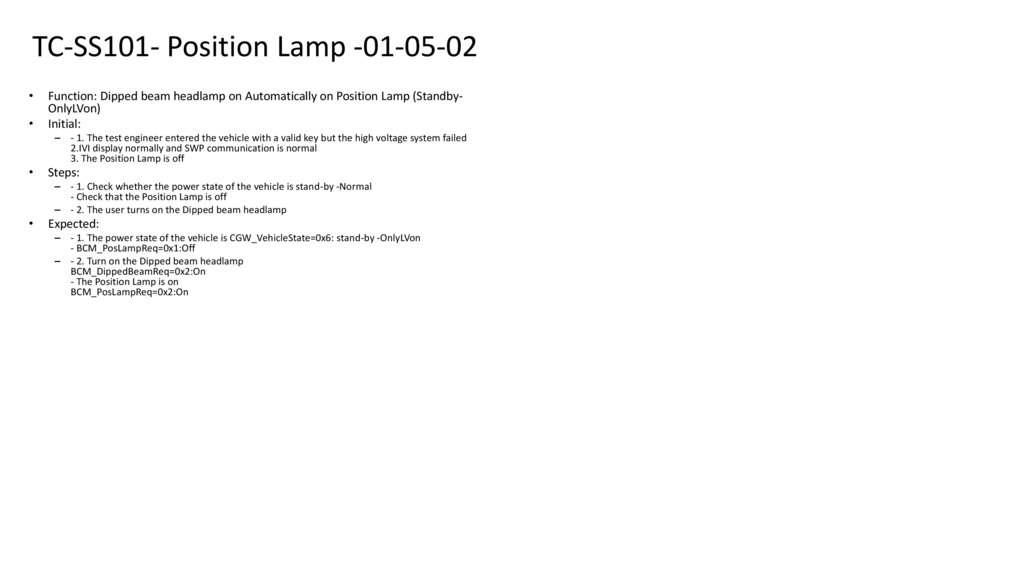
31. TC-SS101- Position Lamp -01-05-02
Function: Dipped beam headlamp on Automatically on Position Lamp (StandbyOnlyLVon)
Initial:
– - 1. The test engineer entered the vehicle with a valid key but the high voltage system failed
2.IVI display normally and SWP communication is normal
3. The Position Lamp is off
Steps:
– - 1. Check whether the power state of the vehicle is stand-by -Normal
- Check that the Position Lamp is off
– - 2. The user turns on the Dipped beam headlamp
Expected:
– - 1. The power state of the vehicle is CGW_VehicleState=0x6: stand-by -OnlyLVon
- BCM_PosLampReq=0x1:Off
– - 2. Turn on the Dipped beam headlamp
BCM_DippedBeamReq=0x2:On
- The Position Lamp is on
BCM_PosLampReq=0x2:On
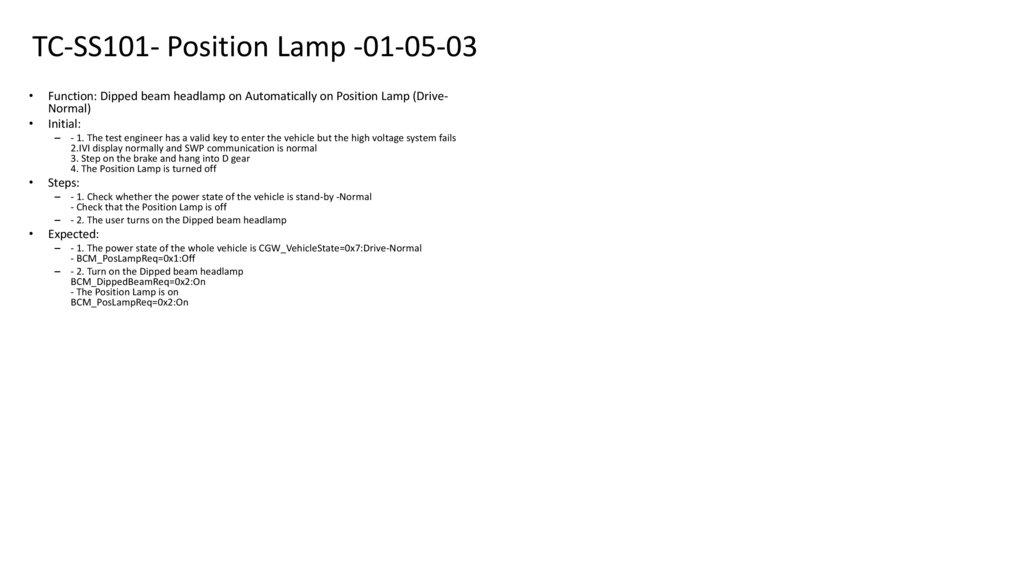
32. TC-SS101- Position Lamp -01-05-03
Function: Dipped beam headlamp on Automatically on Position Lamp (DriveNormal)
Initial:
– - 1. The test engineer has a valid key to enter the vehicle but the high voltage system fails
2.IVI display normally and SWP communication is normal
3. Step on the brake and hang into D gear
4. The Position Lamp is turned off
Steps:
– - 1. Check whether the power state of the vehicle is stand-by -Normal
- Check that the Position Lamp is off
– - 2. The user turns on the Dipped beam headlamp
Expected:
– - 1. The power state of the whole vehicle is CGW_VehicleState=0x7:Drive-Normal
- BCM_PosLampReq=0x1:Off
– - 2. Turn on the Dipped beam headlamp
BCM_DippedBeamReq=0x2:On
- The Position Lamp is on
BCM_PosLampReq=0x2:On
33. TC-SS101- Position Lamp -01-05-04
Function: front fog lamp on Automatically on Position Lamp (Standby-Normal)
Initial:
– - 1. The test engineer enters the vehicle with a valid key
2.IVI display normally and SWP communication is normal
3. The Position Lamp is off
Steps:
– - 1. Check whether the power state of the vehicle is stand-by -Normal
- Check that the Position Lamp is off
– - 2. Turn on the front fog lamp
Expected:
– - 1. The power state of the whole vehicle is CGW_VehicleState=0x5: stand-by -Normal
- BCM_PosLampReq=0x1:Off
– - 2. Turn on the front fog lamp
BCM_FrontFogLampReq=0x2:On
- The Position Lamp is on
BCM_PosLampReq=0x2:On
34. TC-SS101- Position Lamp -01-05-05
Function: On front fog lamp automatically on Position Lamp (Standby-OnlyLVon)
Initial:
– - 1. The test engineer entered the vehicle with a valid key but the high voltage system failed
2.IVI display normally and SWP communication is normal
3. The Position Lamp is off
Steps:
– - 1. Check whether the power state of the vehicle is stand-by -Normal
- Check that the Position Lamp is off
– - 2. Turn on the front fog lamp
Expected:
– - 1. The power state of the vehicle is CGW_VehicleState=0x6: stand-by -OnlyLVon
- BCM_PosLampReq=0x1:Off
– - 2. Turn on the front fog lamp
BCM_FrontFogLampReq=0x2:On
- The Position Lamp is on
BCM_PosLampReq=0x2:On
35. TC-SS101- Position Lamp -01-05-06
Function: front fog lamp on Automatically on Position Lamp (Drive-Normal)
Initial:
– - 1. The test engineer has a valid key to enter the vehicle but the high voltage system fails
2.IVI display normally and SWP communication is normal
3. Step on the brake and hang into D gear
4. The Position Lamp is turned off
Steps:
– - 1. Check whether the power state of the vehicle is stand-by -Normal
- Check that the Position Lamp is off
– - 2. Turn on the front fog lamp
Expected:
– - 1. The power state of the whole vehicle is CGW_VehicleState=0x7:Drive-Normal
- BCM_PosLampReq=0x1:Off
– - 2. Turn on the front fog lamp
BCM_FrontFogLampReq=0x2:On
- The Position Lamp is on
BCM_PosLampReq=0x2:On
36. TC-SS101- Position Lamp -01-05-07
Function: Automatically turn on the Position Lamp (Standby-Normal) when the
current run light is in AUTO gear
Initial:
– - 1. The test engineer enters the vehicle with a valid key
2.IVI display normally and SWP communication is normal
3. The Position Lamp is off
Steps:
– - 1. Check whether the power state of the vehicle is stand-by -Normal
- Check that the Position Lamp is off
– - 2. The user turns on the automatic headlight control and turns on the Daytime running lamp
Expected:
– - 1. The power state of the whole vehicle is CGW_VehicleState=0x5: stand-by -Normal
- BCM_PosLampReq=0x1:Off
– - 2. Turn on Daytime running lamp
BCM_AutoLmpSts=0x1: ON&BCM_DRLREQ =0x2:On.
- The Position Lamp is on
BCM_PosLampReq=0x2:On
37. TC-SS101- Position Lamp -01-05-08
Function: Automatically turn on the Position Lamp (Standby-OnlyLVon) when the
current run light is in AUTO mode.
Initial:
– - 1. The test engineer entered the vehicle with a valid key but the high voltage system failed
2.IVI display normally and SWP communication is normal
3. The Position Lamp is off
Steps:
– - 1. Check whether the power state of the vehicle is stand-by -Normal
- Check that the Position Lamp is off
– - 2. The user turns on the automatic headlight control and turns on the Daytime running lamp
Expected:
– - 1. The power state of the vehicle is CGW_VehicleState=0x6: stand-by -OnlyLVon
- BCM_PosLampReq=0x1:Off
– - 2. Turn on Daytime running lamp
BCM_AutoLmpSts=0x1: ON&BCM_DRLREQ =0x2:On.
- The Position Lamp is on
BCM_PosLampReq=0x2:On
38. TC-SS101- Position Lamp -01-05-09
Function: Automatically turn on Position Lamp (drive-normal) when the Daytime
running lamp is on and the current Drive light is in AUTO gear
Initial:
– - 1. The test engineer has a valid key to enter the vehicle but the high voltage system fails
2.IVI display normally and SWP communication is normal
3. Step on the brake and hang into D gear
4. The Position Lamp is turned off
Steps:
– - 1. Check whether the power state of the vehicle is stand-by -Normal
- Check that the Position Lamp is off
– - 2. The user turns on the automatic headlight control and turns on the Daytime running lamp
Expected:
– - 1. The power state of the whole vehicle is CGW_VehicleState=0x7:Drive-Normal
- BCM_PosLampReq=0x1:Off
– - 2. Turn on Daytime running lamp
BCM_AutoLmpSts=0x1: ON&BCM_DRLREQ =0x2:On.
- The Position Lamp is on
BCM_PosLampReq=0x2:On
39. TC-SS101- Position Lamp -01-05-10
Function: Dipped beam headlamp and front fog lamp off Automatically turn off
position light (Standby-Normal)
Initial:
– - 1. The test engineer enters the vehicle with a valid key
2.IVI display normally and SWP communication is normal
3. The Position Lamp is on
Steps:
– - 1. Check whether the power state of the vehicle is stand-by -Normal
- Check whether the Position Lamp is turned on
– - 2. The user turns off the Dipped beam headlamp and the front fog lamp
Expected:
– - 1. The power state of the whole vehicle is CGW_VehicleState=0x5: stand-by -Normal
- BCM_PosLampReq=0x2:On
– - 2. The Dipped beam headlamp is off, and the front fog lamp is off
BCM_DippedBeamReq=0x1:Off
BCM_FrontFogLampReq=0x1:Off
- Position Lamp is off
BCM_PosLampReq=0x1:Off
40. TC-SS101- Position Lamp -01-05-11
Function: Dipped beam headlamp and front fog lamp off Automatically turn off
position light (Standby-OnlyLVon)
Initial:
– - 1. The test engineer has a valid key to enter the vehicle but the high voltage system fails
2.IVI display normally and SWP communication is normal
3. The Position Lamp is on
Steps:
– - 1. Check whether the power state of the vehicle is stand-by -Normal
- Check whether the Position Lamp is turned on
– - 2. The user turns off the Dipped beam headlamp and the front fog lamp
Expected:
– - 1. The power state of the vehicle is CGW_VehicleState=0x6: stand-by -OnlyLVon
- BCM_PosLampReq=0x2:On
– - 2. The Dipped beam headlamp is off, and the front fog lamp is off
BCM_DippedBeamReq=0x1:Off
BCM_FrontFogLampReq=0x1:Off
- Position Lamp is off
BCM_PosLampReq=0x1:Off
41. TC-SS101- Position Lamp -01-05-12
Function: Dipped beam headlamp and front fog lamp off Automatically disables
position light (Drive-Normal)
Initial:
– - 1. The test engineer enters the vehicle with a valid key but the high voltage system fails
2.IVI display normally and SWP communication is normal
3. Step on the brake and hang into D gear
4. The Position Lamp is on
Steps:
– - 1. Check whether the power state of the vehicle is stand-by -Normal
- Check whether the Position Lamp is turned on
– - 2. The user turns off the Dipped beam headlamp and the front fog lamp
Expected:
– - 1. The power state of the whole vehicle is CGW_VehicleState=0x7:Drive-Normal
- BCM_PosLampReq=0x2:On
– - 2. The Dipped beam headlamp is off, and the front fog lamp is off
BCM_DippedBeamReq=0x1:Off
BCM_FrontFogLampReq=0x1:Off
- Position Lamp is off
BCM_PosLampReq=0x1:Off
42. TC-SS101- Position Lamp -01-05-13
Function: Automatically turns on Position Lamp (Standby-Normal) when the
current non-auto or Daytime running lamp is off.
Initial:
– - (drive-normal) Steps 1 Test engineer enters vehicle with valid key
2.IVI display normally and SWP communication is normal
3. The Position Lamp is on
Steps:
– - 1. Check whether the power state of the vehicle is stand-by -Normal
- Check that the Position Lamp is on
– - 2. The user turns off the headlight automatic control
Expected:
– - 1. The power state of the whole vehicle is CGW_VehicleState=0x5: stand-by -Normal
- BCM_PosLampReq=0x2:On
– - 2. The headlights are automatically controlled off
BCM_AutoLmpSts=0x1:Off
- The Position Lamp is on
BCM_PosLampReq=0x1:Off
43. TC-SS101- Position Lamp -01-05-14
Function: Automatically turns on the Position Lamp (Standby-OnlyLVon) when the
current run light is in AUTO mode or the Daytime running lamp is on.
Initial:
– - 1. The test engineer entered the vehicle with a valid key but the high voltage system failed
2.IVI display normally and SWP communication is normal
3. The Position Lamp is off
Steps:
– - 1. Check whether the power state of the vehicle is stand-by -Normal
- Check whether the Position Lamp is turned on
– - 2. The user turns off the headlight automatic control
Expected:
– - 1. The power state of the vehicle is CGW_VehicleState=0x6: stand-by -OnlyLVon
- BCM_PosLampReq=0x2:On
– - 2. The headlights are automatically controlled off
BCM_AutoLmpSts=0x1:Off
- The Position Lamp is on
BCM_PosLampReq=0x1:Off
44. TC-SS101- Position Lamp -01-05-15
Function: Automatically turns on Position Lamp (drive-normal) when the current
Drive light is in AUTO mode or when the Daytime running lamp is on.
Initial:
– - 1. The test engineer has a valid key to enter the vehicle but the high voltage system fails
2.IVI display normally and SWP communication is normal
3. Step on the brake and hang into D gear
4. The Position Lamp is turned off
Steps:
– - 1. Check whether the power state of the vehicle is stand-by -Normal
- Check whether the Position Lamp is turned on
– - 2. The user turns off the headlight automatic control
Expected:
– - 1. The power state of the whole vehicle is CGW_VehicleState=0x7:Drive-Normal
- BCM_PosLampReq=0x2:On
– - 2. The headlights are automatically controlled off
BCM_AutoLmpSts=0x1:Off
- The Position Lamp is on
BCM_PosLampReq=0x1:Off
45. TC-SS101- Position Lamp -01-05-16
Function: Automatically turns on Position Lamp (Standby-Normal) when the
current non-auto or Daytime running lamp is off.
Initial:
– - (drive-normal) Steps 1 Test engineer enters vehicle with valid key
2.IVI display normally and SWP communication is normal
3. The Position Lamp is on
Steps:
– - 1. Check whether the power state of the vehicle is stand-by -Normal
- Check that the Position Lamp is on
– - 2. The user turns off the Daytime running lamp
Expected:
– - 1. The power state of the whole vehicle is CGW_VehicleState=0x5: stand-by -Normal
- BCM_PosLampReq=0x2:On
– - 2. Turn off Daytime running lamp
BCM_DRLReq=0x1:Off
- Position Lamp is off
BCM_PosLampReq=0x1:Off
46. TC-SS101- Position Lamp -01-05-17
Function: Automatically turns on the Position Lamp (Standby-OnlyLVon) when the
current run light is in AUTO mode or the Daytime running lamp is on.
Initial:
– - 1. The test engineer entered the vehicle with a valid key but the high voltage system failed
2.IVI display normally and SWP communication is normal
3. The Position Lamp is off
Steps:
– - 1. Check whether the power state of the vehicle is stand-by -Normal
- Check whether the Position Lamp is turned on
– - 2. The user turns off the Daytime running lamp
Expected:
– - 1. The power state of the vehicle is CGW_VehicleState=0x6: stand-by -OnlyLVon
- BCM_PosLampReq=0x2:On
– - 2. Turn off Daytime running lamp
BCM_DRLReq=0x1:Off
- Position Lamp is off
BCM_PosLampReq=0x1:Off
47. TC-SS101- Position Lamp -01-05-18
Function: Automatically turns on Position Lamp (drive-normal) when the current
Drive light is in AUTO mode or when the Daytime running lamp is on.
Initial:
– - 1. The test engineer has a valid key to enter the vehicle but the high voltage system fails
2.IVI display normally and SWP communication is normal
3. Step on the brake and hang into D gear
4. The Position Lamp is turned off
Steps:
– - 1. Check whether the power state of the vehicle is stand-by -Normal
- Check whether the Position Lamp is turned on
– - 2. The user turns off the Daytime running lamp
Expected:
– - 1. The power state of the whole vehicle is CGW_VehicleState=0x7:Drive-Normal
- BCM_PosLampReq=0x2:On
– - 2. Turn off Daytime running lamp
BCM_DRLReq=0x1:Off
- Position Lamp is off
BCM_PosLampReq=0x1:Off
48. TC-SS101- Rear License Plate Lamp -02-01-01
TC-SS101- Rear License Plate Lamp 02-01-01• Function: The license plate light automatically turns on with the
Position Lamp
• Initial:
– - Exterior lighting Steps 1 Enter the vehicle with a valid key by the test
engineer
2.IVI display normally and SWP communication is normal
• Steps:
– - 1. Check whether the power state of the vehicle is stand-by -Normal
– - 2. Turn on the Position Lamp by using the SWP soft switch
• Expected:
– - 1. The vehicle power state is CGW_VehicleState=0x5: stand-by Normal
– - 2. Turn on Position Lamp
BCM_PosLampReq=0x2:On
-BCM hardwire controls the license plate light to come on
49. TC-SS101- Rear License Plate Lamp -02-01-02
TC-SS101- Rear License Plate Lamp 02-01-02• Function: The license plate light automatically turns on with the
Position Lamp
• Initial:
– - 1. The test engineer enters the vehicle with a valid key but the high
voltage system fails
2.IVI display normally and SWP communication is normal
• Steps:
– - 1 Check CGW_VehicleState
– - 2. Turn on the Position Lamp by using the SWP soft switch
• Expected:
– - 1. CGW_VehicleState=0x6:Standby-OnlyLVon
– - 2. Turn on Position Lamp
BCM_PosLampReq=0x2:On
-BCM hardwire controls the license plate light to come on
50. TC-SS101- Rear License Plate Lamp -02-01-03
TC-SS101- Rear License Plate Lamp 02-01-03• Function: The license plate light automatically turns on with the
Position Lamp
• Initial:
– - 1. Test engineer enters vehicle with valid key but HV system fails
2.IVI display normally and SWP communication is normal
3. Step on the brake and hang into D gear
• Steps:
– - 1 Check CGW_VehicleState
– - 2. Turn on the Position Lamp by using the SWP soft switch
• Expected:
– - 1. CGW_VehicleState=0x7:Drive-Normal
– - 2. Turn on Position Lamp
BCM_PosLampReq=0x2:On
-BCM hardwire controls the license plate light to come on
51. TC-SS101- Rear License Plate Lamp -02-02-01
TC-SS101- Rear License Plate Lamp 02-02-01• Function: License plate light automatically turns off with Position Lamp
• Initial:
– - 1. The test engineer enters the vehicle with a valid key
2.IVI display normally and SWP communication is normal
3. Turn on Position Lamp
• Steps:
– - 1 Check whether the power state of the vehicle is stand-by -Normal
- Check whether the Position Lamp is on
– - 2. Turn off the Position Lamp by using the SWP soft switch
• Expected:
– - 1. The power state of the whole vehicle is CGW_VehicleState=0x5: stand-by Normal
- Position Lamp on. License plate light on
– - 2. The Position Lamp is off
BCM_PosLampReq=0x1:OFF
-BCM hard wire controls license plate light to go off
52. TC-SS101- Rear License Plate Lamp -02-02-02
TC-SS101- Rear License Plate Lamp 02-02-02• Function: License plate light automatically turns off with Position Lamp
• Initial:
– - 1. The test engineer enters the vehicle with a valid key but the high voltage
system fails
2.IVI display normally and SWP communication is normal
3. Turn on Position Lamp
• Steps:
– - 1 Check CGW_VehicleState
- Check whether the Position Lamp is on
– - 2. Turn off the Position Lamp by using the SWP soft switch
• Expected:
– - 1. CGW_VehicleState=0x6:Standby-OnlyLVon
- Position Lamp on. License plate light on
– - 2. The Position Lamp is off
BCM_PosLampReq=0x1:OFF
-BCM hard wire controls license plate light to go off
53. TC-SS101- Rear License Plate Lamp -02-02-03
TC-SS101- Rear License Plate Lamp 02-02-03• Function: License plate light automatically turns off with Position Lamp
• Initial:
– - 1. The test engineer has a valid key to enter the vehicle but the high voltage
system fails
2.IVI display normally and SWP communication is normal
3. Step on the brake and hang into D gear
4. Turn on Position Lamp
• Steps:
– - 1 Check CGW_VehicleState
- Check whether the Position Lamp is on
– - 2. Turn off the Position Lamp by using the SWP soft switch
• Expected:
– - 1. CGW_VehicleState=0x7:Drive-Normal
- Position Lamp on. License plate light on
– - 2. The Position Lamp is off
BCM_PosLampReq=0x1:OFF
-BCM hard wire controls license plate light to go off
54. TC-SS101- Daytime running lamp -03-01-01
TC-SS101- Daytime running lamp -0301-01• Function: Daytime running lamp on control
• Initial:
– - 1. Test engineer enters vehicle with valid key
2.IVI display normally and SWP communication is normal
3. Step on the brake and hang into D gear
• Steps:
– - 1 Check CGW_VehicleState
– - 2. The user lights the Daytime running lamp
• Expected:
– - 1, CGW_VehicleState=0x7:Drive-Normal
– - 2. Light up Daytime running lamp
BCM_DRLReq=0x2:On
55. TC-SS101- Daytime running lamp -03-01-01
TC-SS101- Daytime running lamp -0301-01• Function: Daytime running lamp on control
• Initial:
– - 1. Test engineer with a valid key to enter the vehicle
2.IVI display normally, SWP communication is normal
• Steps:
– - 1 Check CGW_VehicleState
– - 2. The user lights the Daytime running lamp
• Expected:
– - 1, CGW_VehicleState=0x5: stand-by -Normal
– - 2. The Daytime running lamp cannot be turned on
BCM_DRLReq=0x1:Off
56. TC-SS101- Daytime running lamp -03-02-01
TC-SS101- Daytime running lamp -0302-01• Function: Daytime running lamp off control
• Initial:
– - 1. Test engineer enters vehicle with valid key
2.IVI display normally and SWP communication is normal
3. Step on the brake and hang into D gear
• Steps:
– - 1 Check CGW_VehicleState
– - 2. The user lights the Daytime running lamp
– - 3. The user turns off the Daytime running lamp
• Expected:
– - 1, CGW_VehicleState=0x7:Drive-Normal
– - 2. Light up Daytime running lamp
BCM_DRLReq=0x2:On
– - 3. The Daytime running lamp is turned off
BCM_DRLReq=0x1:Off
57. TC-SS101- Daytime running lamp -03-03-01
TC-SS101- Daytime running lamp -0303-01• Function: Display Daytime running lamp status on SWP (standnormal)
• Initial:
– - 1. Test engineer enters vehicle with valid key
2. IVI display normally and SWP communication is normal
• Steps:
– - 1 Check CGW_VehicleState
– - 2. The user lights the Daytime running lamp
– - 3. The user turns off the Daytime running lamp
• Expected:
– - 1, CGW_VehicleState=0x5: stand-by -Normal
– - 2. IVI controls SWP to light up Daytime running lamp indicator
BCM_DRLReq = 0 x2: On (vehicle/body/towns/DRL/state = 0 x2: On)
– - 3. IVI controls SWP to extinguish Daytime running lamp indicator light
BCM_DRLReq = 0 x1: Off (vehicle/body/towns/DRL/state = 0 x1: Off)
58. TC-SS101- Daytime running lamp -03-03-02
TC-SS101- Daytime running lamp -0303-02• Function: Display Daytime running lamp status on SWP (StandbyOnlyLVon)
• Initial:
– - 1. Test engineer enters vehicle with valid key
2. IVI display normally and SWP communication is normal
• Steps:
– - 1 Check CGW_VehicleState
– - 2. The user lights the Daytime running lamp
– - 3. The user turns off the Daytime running lamp
• Expected:
– - 1, CGW_VehicleState=0x6: stand-by -OnlyLVon
– - 2. IVI controls SWP to light up Daytime running lamp indicator
BCM_DRLReq = 0 x2: On (vehicle/body/towns/DRL/state = 0 x2: On)
– - 3. IVI controls SWP to extinguish Daytime running lamp indicator light
BCM_DRLReq = 0 x1: Off (vehicle/body/towns/DRL/state = 0 x1: Off)
59. TC-SS101- Daytime running lamp -03-03-03
TC-SS101- Daytime running lamp -0303-03• Function: Display Daytime running lamp status on SWP (DriveNormal)
• Initial:
– - 1. Test engineer enters vehicle with valid key
2. IVI display normally and SWP communication is normal
• Steps:
– - 1 Check CGW_VehicleState
– - 2. The user lights the Daytime running lamp
– - 3. The user turns off the Daytime running lamp
• Expected:
– - 1, CGW_VehicleState=0x7:Drive-Normal
– - 2. IVI controls SWP to light up Daytime running lamp indicator
BCM_DRLReq = 0 x2: On (vehicle/body/towns/DRL/state = 0 x2: On)
– - 3. IVI controls SWP to extinguish Daytime running lamp indicator light
BCM_DRLReq = 0 x1: Off (vehicle/body/towns/DRL/state = 0 x1: Off)
60. TC-SS101- Daytime running lamp -03-04-01
TC-SS101- Daytime running lamp -0304-01Function: Daytime running lamp automatically turns on
Initial:
– - 1. Test engineer enters vehicle with valid key
2. IVI display normally and SWP communication is normal
3. The Dipped beam headlamp is off, the front fog lamp is off, and the day running light is off
Steps:
– - 1. Check CGW_VehicleState
- Check that Dipped beam headlamp, front fog lamp, and day running lights are off
– - 2. The vehicle is in D gear
Expected:
– - 1, CGW_VehicleState=0x5: stand-by -Normal
- BCM_FrontFogLampReq=0x1:Off
BCM_DippedBeamReq=0x1:Off
BCM_DRLReq=0x1:Off
– - 2, CGW_VehicleState=0x7: Drive-Normal
- Daytime running lamp on
BCM_DRLReq=0x2:On
61. TC-SS101- Daytime running lamp -03-04-02
TC-SS101- Daytime running lamp -0304-02• Function: Daytime running lamp automatically turns off
• Initial:
– - 1. The test engineer enters the vehicle with a valid key
2.IVI display normally and SWP communication is normal
3. Step on the brake and hang into D gear
4. Turn on Daytime running lamp
• Steps:
– - 1. Check CGW_VehicleState
- Check that the Daytime running lamp is off
– - 2. The user turns on the Dipped beam headlamp
• Expected:
– - 1. CGW_VehicleState=0x7:Drive-Normal
- BCM_DRLReq=0x2:On
– - 2. Turn on Dipped beam headlamp
BCM_DippedBeamReq=0x2:On
- Daytime running lamp off
BCM_DRLReq=0x1:Off
62. TC-SS101- Daytime running lamp -03-04-03
TC-SS101- Daytime running lamp -0304-03• Function: Daytime running lamp automatically turns off
• Initial:
– - 1. The test engineer enters the vehicle with a valid key
2.IVI display normally and SWP communication is normal
3. Step on the brake and hang into D gear
4. Turn on Daytime running lamp
• Steps:
– - 1. Check CGW_VehicleState
- Check that the Daytime running lamp is off
– - 2. The user turns on the front fog lamp
• Expected:
– - 1. CGW_VehicleState=0x7:Drive-Normal
- BCM_DRLReq=0x2:On
– - 2. Turn on front fog lamp
BCM_FrontFogLampReq=0x2:On
- Daytime running lamp off
BCM_DRLReq=0x1:Off
63. TC-SS101- Daytime running lamp -03-04-04
TC-SS101- Daytime running lamp -0304-04• Function: The Dipped beam headlamp is on. The Daytime running
lamp cannot be turned on
• Initial:
– - 1. Test engineer enters vehicle with valid key
2.IVI display normally and SWP communication is normal
3. Step on the brake and hang into D gear
4. Turn on the Dipped beam headlamp
• Steps:
– - 1 Check CGW_VehicleState
- Check whether the day Dipped beam headlamp is on
– - 2. The user turns on the Daytime running lamp
• Expected:
– - 1. CGW_VehicleState=0x7:Drive-Normal
- BCM_DippedBeamReq=0x2:On
– - 2, can not light the Daytime running lamp
64. TC-SS101-Dipped beam headlamp -04-01-01
TC-SS101-Dipped beam headlamp -0401-01• Function: Dipped beam headlamp on control (non-auto
on)
• Initial:
– - 1. Test engineer enters vehicle with valid key
2. IVI display normally and SWP communication is normal
• Steps:
– - 1. Check the state of the vehicle
– - 2. The user turns on the Dipped beam headlamp
• Expected:
– - 1, CGW_VehicleState=0x5: stand-by -Normal
– - 2. Light up Dipped beam headlamp
BCM_DippedBeamReq=0x2:On
65. TC-SS101- Dipped beam headlamp -04-01-02
TC-SS101- Dipped beam headlamp 04-01-02• Function: Dipped beam headlamp on control (non-auto on)
• Initial:
– - 1. The test engineer enters the vehicle with a valid key but the
high-pressure system fails
2. IVI display normally and SWP communication is normal
• Steps:
– - 1. Check the state of the vehicle
– - 2. The user turns on the Dipped beam headlamp
• Expected:
– - 1, CGW_VehicleState=0x6: stand-by -OnlyLVon
– - 2. Light up Dipped beam headlamp
BCM_DippedBeamReq=0x2:On
66. TC-SS101- Dipped beam headlamp -04-01-03
TC-SS101- Dipped beam headlamp 04-01-03• Function: Dipped beam headlamp on control (non-auto on)
• Initial:
– - 1. Test engineer enters vehicle with valid key
2. IVI display normally and SWP communication is normal
3. Apply the brake to hang the D gear
• Steps:
– - 1. Check the state of the vehicle
– - 2. The user turns on the Dipped beam headlamp
• Expected:
– - 1. CGW_VehicleState=0x7: Drive-Normal
– - 2. Light up Dipped beam headlamp
BCM_DippedBeamReq=0x2:On
67. TC-SS101- Dipped beam headlamp -04-01-04
TC-SS101- Dipped beam headlamp 04-01-04• Function: Dipped beam headlamp on control (AUTO on)
• Initial:
– - 1. Test engineer enters vehicle with valid key
2. IVI display normally and SWP communication is normal
• Steps:
– - 1. Check the state of the vehicle
– - 2. The user chooses the Dipped beam headlamp to turn on
automatically
• Expected:
– - 1, CGW_VehicleState=0x5: stand-by -Normal
– - 2. Light up Dipped beam headlamp
BCM_DippedBeamReq=0x3:Auto on
68. TC-SS101- Dipped beam headlamp -04-01-05
TC-SS101- Dipped beam headlamp 04-01-05• Function: Dipped beam headlamp on control (AUTO on)
• Initial:
– - 1. The test engineer enters the vehicle with a valid key but the
high-pressure system fails
2. IVI display normally and SWP communication is normal
• Steps:
– - 1. Check the state of the vehicle
– - 2. The user chooses the Dipped beam headlamp to turn on
automatically
• Expected:
– - 1, CGW_VehicleState=0x6: stand-by -OnlyLVon
– - 2. Light up Dipped beam headlamp
BCM_DippedBeamReq=0x3:Auto on
69. TC-SS101- Dipped beam headlamp -04-01-06
TC-SS101- Dipped beam headlamp 04-01-06• Function: Dipped beam headlamp on control (AUTO on)
• Initial:
– - 1. Test engineer enters vehicle with valid key
2. IVI display normally and SWP communication is normal
3. Apply the brake to hang the D gear
• Steps:
– - 1. Check the state of the vehicle
– - 2. The user chooses the Dipped beam headlamp to turn on
automatically
• Expected:
– - 1. CGW_VehicleState=0x7: Drive-Normal
– - 2. Light up Dipped beam headlamp
BCM_DippedBeamReq=0x3:Auto on
70. TC-SS101- Dipped beam headlamp -04-02-01
TC-SS101- Dipped beam headlamp 04-02-01• Function: Dipped beam headlamp off control
• Initial:
– - 1. The test engineer enters the vehicle with a valid key
2. IVI display normally and SWP communication is normal
3. Turn on the Dipped beam headlamp
• Steps:
– - 1 Check the vehicle status signal
- Check whether the Dipped beam headlamp is on
– - 2. The user turns off the Dipped beam headlamp
• Expected:
– - 1, CGW_VehicleState=0x5: stand-by -Normal
- BCM_DippedBeamReq=0x2:On
– - 2. The Dipped beam headlamp is off
BCM_DippedBeamReq=0x1:Off
71. TC-SS101- Dipped beam headlamp -04-02-02
TC-SS101- Dipped beam headlamp 04-02-02• Function: Dipped beam headlamp off control
• Initial:
– - 1. The test engineer has a valid key to enter the vehicle but the high
voltage system fails
2. IVI display normally and SWP communication is normal
3. Turn on the Dipped beam headlamp
• Steps:
– - 1 Check the vehicle status signal
- Check whether the Dipped beam headlamp is on
– - 2. The user turns off the Dipped beam headlamp
• Expected:
– - 1, CGW_VehicleState=0x6: stand-by -OnlyLVon
- BCM_DippedBeamReq=0x2:On
– - 2. The Dipped beam headlamp is off
BCM_DippedBeamReq=0x1:Off
72. TC-SS101- Dipped beam headlamp -04-02-03
TC-SS101- Dipped beam headlamp 04-02-03• Function: Dipped beam headlamp off control
• Initial:
– - 1. The test engineer has a valid key to enter the vehicle
2. IVI display normally and SWP communication is normal
3. Apply the brake to hang the D gear
4. Turn on the Dipped beam headlamp
• Steps:
– - 1 Check the vehicle status signal
- Check whether the Dipped beam headlamp is on
– - 2. The user turns off the Dipped beam headlamp
• Expected:
– - 1. CGW_VehicleState=0x7: Drive-Normal
- BCM_DippedBeamReq=0x2:On
– - 2. The Dipped beam headlamp is off
BCM_DippedBeamReq=0x1:Off
73. TC-SS101- Dipped beam headlamp -04-03-01
TC-SS101- Dipped beam headlamp 04-03-01Function: Displays the Dipped beam headlamp status
Initial:
– - 1. Test engineer enters vehicle with valid key
2. IVI display normally and SWP communication is normal
Steps:
–
–
–
–
- 1. Check the state of the vehicle
- 2. The user turns on the Dipped beam headlamp
- 3. Turn off the Dipped beam headlamp
- 4. The user selects the Dipped beam headlamp to automatically turn on
Expected:
– - 1, CGW_VehicleState=0x5: stand-by -Normal
– - 2. SWP lights the Dipped beam headlamp indicator light
BCM_DippedBeamReq = 0 x2: On (vehicle/body/towns/beam/low/state = 0 x2: On)
– - 3. SWP Turn off the Dipped beam headlamp indicator
BCM_DippedBeamReq = 0 x1: Off (vehicle/body/towns/beam/low/state = 0 x1: Off)
– - 4. The SWP turns on the automatic Dipped beam headlamp indicator
Check BCM_DippedBeamReq = 0 x3: Auto vehicle/body/towns/beam/low/state = 0 x3: Auto
on)
74. TC-SS101- Dipped beam headlamp -04-03-02
TC-SS101- Dipped beam headlamp 04-03-02Function: Displays the Dipped beam headlamp status
Initial:
– - 1. The test engineer enters the vehicle with a valid key but the high-pressure system fails
2. IVI display normally and SWP communication is normal
Steps:
–
–
–
–
- 1. Check the state of the vehicle
- 2. The user turns on the Dipped beam headlamp
- 3. Turn off the Dipped beam headlamp
- 4. The user selects the Dipped beam headlamp to automatically turn on
Expected:
– - 1, CGW_VehicleState=0x6: stand-by -OnlyLVon
– - 2. SWP lights the Dipped beam headlamp indicator light
BCM_DippedBeamReq = 0 x2: On (vehicle/body/towns/beam/low/state = 0 x2: On)
– - 3. SWP Turn off the Dipped beam headlamp indicator
BCM_DippedBeamReq = 0 x1: Off (vehicle/body/towns/beam/low/state = 0 x1: Off)
– - 4. The SWP turns on the automatic Dipped beam headlamp indicator
Check BCM_DippedBeamReq = 0 x3: Auto vehicle/body/towns/beam/low/state = 0 x3: Auto
on)
75. TC-SS101- Dipped beam headlamp -04-03-03
TC-SS101- Dipped beam headlamp 04-03-03Function: Displays the Dipped beam headlamp status
Initial:
– - 1. Test engineer enters vehicle with valid key
2. IVI display normally and SWP communication is normal
3. Apply the brake to hang the D gear
Steps:
–
–
–
–
- 1. Check the state of the vehicle
- 2. The user turns on the Dipped beam headlamp
- 3. Turn off the Dipped beam headlamp
- 4. The user selects the Dipped beam headlamp to automatically turn on
Expected:
– - 1. CGW_VehicleState=0x7: Drive-Normal
– - 2. SWP lights the Dipped beam headlamp indicator light
BCM_DippedBeamReq = 0 x2: On (vehicle/body/towns/beam/low/state = 0 x2: On)
– - 3. SWP Turn off the Dipped beam headlamp indicator
BCM_DippedBeamReq = 0 x1: Off (vehicle/body/towns/beam/low/state = 0 x1: Off)
– - 4. The SWP turns on the automatic Dipped beam headlamp indicator
Check BCM_DippedBeamReq = 0 x3: Auto vehicle/body/towns/beam/low/state = 0 x3: Auto
on)
76. TC-SS101- Dipped beam headlamp -04-04-01
TC-SS101- Dipped beam headlamp 04-04-01• Function: Dipped beam headlamp manual on
• Initial:
– - 1. Test engineer enters vehicle with valid key
2. IVI display normally and SWP communication is normal
3. Turn off the Dipped beam headlamp
• Steps:
– - 1 Check the vehicle status signal
- Check whether the Dipped beam headlamp is off
– - 2. The user uses the IVI soft switch to enable the Dipped beam
headlamp
• Expected:
– - 1, CGW_VehicleState=0x5: stand-by -Normal
- BCM_DippedBeamReq=0x1:Off
– - 2. Turn on Dipped beam headlamp
BCM_DippedBeamReq=0x2:On
77. TC-SS101- Dipped beam headlamp -04-04-02
TC-SS101- Dipped beam headlamp 04-04-02• Function: Dipped beam headlamp manual on
• Initial:
– - 1. The test engineer enters the vehicle with a valid key but the high-pressure
system fails
2. IVI display normally and SWP communication is normal
3. Turn off the Dipped beam headlamp
• Steps:
– - 1 Check the vehicle status signal
- Check whether the Dipped beam headlamp is off
– - 2. The user uses the IVI soft switch to enable the Dipped beam headlamp
• Expected:
– - 1. CGW_VehicleState=0x6: Stand-by OnlyLVon
- BCM_DippedBeamReq=0x1:Off
– - 2. Turn on Dipped beam headlamp
BCM_DippedBeamReq=0x2:On
78. TC-SS101- Dipped beam headlamp -04-04-03
TC-SS101- Dipped beam headlamp 04-04-03• Function: Dipped beam headlamp manual on
• Initial:
– - 1. The test engineer enters the vehicle with a valid key
2. IVI display normally and SWP communication is normal
3. Apply the brake to hang the D gear
4. Turn off the Dipped beam headlamp
• Steps:
– - 1 Check the vehicle status signal
- Check whether the Dipped beam headlamp is off
– - 2. The user uses the IVI soft switch to enable the Dipped beam headlamp
• Expected:
– - 1, CGW_VehicleState=0x7: Drive-Normal
- BCM_DippedBeamReq=0x1:Off
– - 2. Turn on Dipped beam headlamp
BCM_DippedBeamReq=0x2:On
79. TC-SS101- Dipped beam headlamp -04-04-04
TC-SS101- Dipped beam headlamp 04-04-04• Function: Dipped beam headlamp manual off
• Initial:
– - 1. The test engineer has a valid key to enter the vehicle
2. IVI display normally and SWP communication is normal
3. Apply the brake to hang the D gear
4. Turn on the Dipped beam headlamp
• Steps:
– - 1 Check the vehicle status signal
- Check whether the Dipped beam headlamp is on
– - 2. Turn off the Dipped beam headlamp by using the IVI soft switch
• Expected:
– - 1. CGW_VehicleState=0x7: Drive-Normal
- BCM_DippedBeamReq=0x2:On
– - 2. The Dipped beam headlamp is off
BCM_DippedBeamReq=0x1:Off
80. TC-SS101- Dipped beam headlamp -04-04-05
TC-SS101- Dipped beam headlamp 04-04-05• Function: Dipped beam headlamp manual off
• Initial:
– - 1. The test engineer has a valid key to enter the vehicle but the high
voltage system fails
2. IVI display normally and SWP communication is normal
3. Turn on the Dipped beam headlamp
• Steps:
– - 1 Check the vehicle status signal
- Check whether the Dipped beam headlamp is on
– - 2. Turn off the Dipped beam headlamp by using the IVI soft switch
• Expected:
– - 1, CGW_VehicleState=0x6: stand-by -OnlyLVon
- BCM_DippedBeamReq=0x2:On
– - 2. The Dipped beam headlamp is off
BCM_DippedBeamReq=0x1:Off
81. TC-SS101- Dipped beam headlamp -04-04-06
TC-SS101- Dipped beam headlamp 04-04-06• Function: Dipped beam headlamp manual off
• Initial:
– - 1. The test engineer has a valid key to enter the vehicle
2. IVI display normally and SWP communication is normal
3. Apply the brake to hang the D gear
4. Turn on the Dipped beam headlamp
• Steps:
– - 1 Check the vehicle status signal
- Check whether the Dipped beam headlamp is on
– - 2. Turn off the Dipped beam headlamp by using the IVI soft switch
• Expected:
– - 1. CGW_VehicleState=0x7: Drive-Normal
- BCM_DippedBeamReq=0x2:On
– - 2. The Dipped beam headlamp is off
BCM_DippedBeamReq=0x1:Off
82. TC-SS101- Dipped beam headlamp -04-05-01
TC-SS101- Dipped beam headlamp 04-05-01• Function: The automatic Dipped beam headlamp can be enabled by
the SWP soft switch
• Initial:
– - 1. Test engineer enters vehicle with valid key
2. IVI display normally and SWP communication is normal
• Steps:
– - 1. Check the state of the vehicle
– - 2. The user enables the automatic Dipped beam headlamp by using
the SWP soft switch
• Expected:
– - 1, CGW_VehicleState=0x5: stand-by -Normal
– - 2. Switch the light mode to automatic
BCM_AutoLmpSts = 0 x1: On (vehicle/body/towns/auto/state = 0 x1:
On).
83. TC-SS101- Dipped beam headlamp -04-05-02
TC-SS101- Dipped beam headlamp 04-05-02• Function: The automatic Dipped beam headlamp can be enabled by
the SWP soft switch
• Initial:
– - 1. The test engineer enters the vehicle with a valid key but the highpressure system fails
2. IVI display normally and SWP communication is normal
• Steps:
– - 1. Check the state of the vehicle
– - 2. The user enables the automatic Dipped beam headlamp by using
the SWP soft switch
• Expected:
– - 1, CGW_VehicleState=0x6: stand-by -OnlyLVon
– - 2. Switch the light mode to automatic
BCM_AutoLmpSts = 0 x1: On (vehicle/body/towns/auto/state = 0 x1:
On).
84. TC-SS101- Dipped beam headlamp -04-05-03
TC-SS101- Dipped beam headlamp 04-05-03• Function: The automatic Dipped beam headlamp can be enabled by
the SWP soft switch
• Initial:
– - 1. Test engineer enters vehicle with valid key
2. IVI display normally and SWP communication is normal
3. Apply the brake to hang the D gear
• Steps:
– - 1. Check the state of the vehicle
– - 2. The user enables the automatic Dipped beam headlamp by using
the SWP soft switch
• Expected:
– - 1. CGW_VehicleState=0x7: Drive-Normal
– - 2. Switch the light mode to automatic
BCM_AutoLmpSts = 0 x1: On (vehicle/body/towns/auto/state = 0 x1:
On).
85. TC-SS101- Dipped beam headlamp -04-05-04
TC-SS101- Dipped beam headlamp 04-05-04• Function: When RLS fails, BCM switches the lights mode to non-auto
• Initial:
– - 1. Test engineer enters vehicle with valid key
2. IVI display normally and SWP communication is normal
• Steps:
– - 1. Check the state of the vehicle
– - 2. The user enables the automatic Dipped beam headlamp by using the SWP
soft switch
– - 3 Send RLS Fault signal in simulation RLS_LightSensorFault=0x1:Fault
• Expected:
– - 1, CGW_VehicleState=0x5: stand-by -Normal
– - 2. Switch the light mode to automatic
BCM_AutoLmpSts = 0 x1: On (vehicle/body/towns/auto/state = 0 x1: On).
– - 3. Switch the light mode to non-automatic
BCM_AutoLmpSts = 0 x0: Off (vehicle/body/towns/auto/state = 0 x0: Off)
86. TC-SS101- Dipped beam headlamp -04-06-01
TC-SS101- Dipped beam headlamp 04-06-01• Function: The automatic Dipped beam headlamp can be turned off
by the SWP soft switch
• Initial:
– - 1. Test engineer enters vehicle with valid key
2. IVI display normally and SWP communication is normal
• Steps:
– - 1. Check the state of the vehicle
– - 2. Turn off the automatic Dipped beam headlamp by using the SWP
soft switch
• Expected:
– - 1, CGW_VehicleState=0x5: stand-by -Normal
– - 2. Switch the light mode to non-automatic
BCM_AutoLmpSts = 0 x2: Off (vehicle/body/towns/auto/state = 0 x2:
Off).
87. TC-SS101- Dipped beam headlamp -04-06-02
TC-SS101- Dipped beam headlamp 04-06-02• Function: The automatic Dipped beam headlamp can be turned off
by the SWP soft switch
• Initial:
– - 1. The test engineer enters the vehicle with a valid key but the highpressure system fails
2. IVI display normally and SWP communication is normal
• Steps:
– - 1. Check the state of the vehicle
– - 2. Turn off the automatic Dipped beam headlamp by using the SWP
soft switch
• Expected:
– - 1, CGW_VehicleState=0x6: stand-by -OnlyLVon
– - 2. Switch the light mode to non-automatic
BCM_AutoLmpSts = 0 x2: Off (vehicle/body/towns/auto/state = 0 x2:
Off).
88. TC-SS101- Dipped beam headlamp -04-06-03
TC-SS101- Dipped beam headlamp 04-06-03• Function: The automatic Dipped beam headlamp can be turned off
by the SWP soft switch
• Initial:
– - 1. Test engineer enters vehicle with valid key
2. IVI display normally and SWP communication is normal
3. Apply the brake to hang the D gear
• Steps:
– - 1. Check the state of the vehicle
– - 2. Turn off the automatic Dipped beam headlamp by using the SWP
soft switch
• Expected:
– - 1. CGW_VehicleState=0x7: Drive-Normal
– - 2. Switch the light mode to non-automatic
BCM_AutoLmpSts = 0 x2: Off (vehicle/body/towns/auto/state = 0 x2:
Off).
89. TC-SS101- Dipped beam headlamp -04-07-01
TC-SS101- Dipped beam headlamp 04-07-01• Function: In AUTO mode, the Dipped beam headlamp is automatically
turned on
• Initial:
– - 1. The test engineer enters the vehicle with a valid key
2. IVI display normally and SWP communication is normal
3. The automatic light is on
• Steps:
– - 1 Check the vehicle status signal
- Check if the automatic lights are on
– - 2. Be in a low-light environment
• Expected:
– - 1, CGW_VehicleState=0x5: stand-by -Normal
- BCM_AutoLmpSts =0x1: On
– - 2. The Dipped beam headlamp automatically turns on
RLS_AUTO_LAMP=0x1:Headlamp Activate
BCM_DippedBeamReq=0x3:Auto on
90. TC-SS101- Dipped beam headlamp -04-07-02
TC-SS101- Dipped beam headlamp 04-07-02• Function: In AUTO mode, the Dipped beam headlamp is automatically
turned on
• Initial:
– - 1. The test engineer enters the vehicle with a valid key but the high voltage
system fails
2. IVI display normally and SWP communication is normal
3. The automatic light is on
• Steps:
– - 1 Check the vehicle status signal
- Check if the automatic lights are on
– - 2. Be in a low-light environment
• Expected:
– - 1. CGW_VehicleState=0x6: Stand-by OnlyLVon
- BCM_AutoLmpSts =0x1: On
– - 2. The Dipped beam headlamp automatically turns on
RLS_AUTO_LAMP=0x1:Headlamp Activate
BCM_DippedBeamReq=0x3:Auto on
91. TC-SS101- Dipped beam headlamp -04-07-03
TC-SS101- Dipped beam headlamp 04-07-03• Function: In AUTO mode, the Dipped beam headlamp is automatically
turned on
• Initial:
– - 1. The test engineer enters the vehicle with a valid key
2. IVI display normally and SWP communication is normal
3. Apply the brake to hang the D gear
4. Automatic light on
• Steps:
– - 1 Check the vehicle status signal
- Check if the automatic lights are on
– - 2. Be in a low-light environment
• Expected:
– - 1, CGW_VehicleState=0x7: Drive-Normal
- BCM_AutoLmpSts =0x1: On
– - 2. The Dipped beam headlamp automatically turns on
RLS_AUTO_LAMP=0x1:Headlamp Activate
BCM_DippedBeamReq=0x3:Auto on
92. TC-SS101- Dipped beam headlamp -04-07-04
TC-SS101- Dipped beam headlamp 04-07-04Function: The Daytime running lamp is faulty. The Dipped beam headlamp
automatically turns on
Initial:
– - 1. Test engineer enters vehicle with valid key
2. IVI display normally and SWP communication is normal
3. Apply the brake to hang the D gear
Steps:
– - 1. Check the state of the vehicle
– - 2. Simulate the transmission of Daytime running lamp fault signal HLL_DRLFaultSts=0x0:Error
or HLR_DRLFaultSts=0x0:Error
– - 3. Simulate sending Daytime running lamp fault elimination signal HLL_DRLFaultSts=0x1:No
error and HLR_DRLFaultSts=0x1:No error
Expected:
– - 1. CGW_VehicleState=0x7: Drive-Normal
– - 2. Turn on the Dipped beam headlamp
BCM_DippedBeamReq=0x2:On
– - 3. Turn off the Dipped beam headlamp
BCM_DippedBeamReq=0x1:Off
93. TC-SS101- Dipped beam headlamp -04-07-05
TC-SS101- Dipped beam headlamp 04-07-05• Function: Dipped beam headlamp automatically turns off
• Initial:
– - 1. The test engineer enters the vehicle with a valid key
2. IVI display normally and SWP communication is normal
3. The automatic light is on
• Steps:
– - 1 Check the vehicle status signal
- Check if the automatic lights are on
– - 2 Be in a well-lit environment
• Expected:
– - 1, CGW_VehicleState=0x5: stand-by -Normal
- BCM_AutoLmpSts =0x1: On
– - 2. The Dipped beam headlamp automatically turns off
RLS_AUTO_LAMP=0x0: Headlamp Deactivate
BCM_DippedBeamReq=0x1:Off
94. TC-SS101- Dipped beam headlamp -04-07-06
TC-SS101- Dipped beam headlamp 04-07-06• Function: Dipped beam headlamp automatically turns off
• Initial:
– - 1. The test engineer enters the vehicle with a valid key but the high voltage
system fails
2. IVI display normally and SWP communication is normal
3. The automatic light is on
• Steps:
– - 1 Check the vehicle status signal
- Check if the automatic lights are on
– - 2 Be in a well-lit environment
• Expected:
– - 1. CGW_VehicleState=0x6: Stand-by OnlyLVon
- BCM_AutoLmpSts =0x1: On
– - 2. The Dipped beam headlamp automatically turns off
RLS_AUTO_LAMP=0x0: Headlamp Deactivate
BCM_DippedBeamReq=0x1:Off
95. TC-SS101- Dipped beam headlamp -04-07-07
TC-SS101- Dipped beam headlamp 04-07-07• Function: Dipped beam headlamp automatically turns off
• Initial:
– - 1. The test engineer enters the vehicle with a valid key
2. IVI display normally and SWP communication is normal
3. Apply the brake to hang the D gear
4. Automatic light on
• Steps:
– - 1 Check the vehicle status signal
- Check if the automatic lights are on
– - 2 Be in a well-lit environment
• Expected:
– - 1, CGW_VehicleState=0x7: Drive-Normal
- BCM_AutoLmpSts =0x1: On
– - 2. The Dipped beam headlamp automatically turns off
RLS_AUTO_LAMP=0x0: Headlamp Deactivate
BCM_DippedBeamReq=0x1:Off
96. TC-SS101- Dipped beam headlamp -04-07-01
TC-SS101- Dipped beam headlamp 04-07-01• Function: The automatic turning sensitivity of Dipped beam
headlamp can be set by SWP soft switch
• Initial:
– - 1. Test engineer enters vehicle with valid key
2. IVI display normally and SWP communication is normal
• Steps:
– - 1. Check the state of the vehicle
– - 2. The user uses the SWP soft switch to set the automatic turning
sensitivity of Dipped beam headlamp to Early or Standard or Late
• Expected:
– - 1, CGW_VehicleState=0x5: stand-by -Normal
– - 2. The IVI display sensitivity is set successfully
BCM_AutoLampSenReq=0x0: Early or 0x1: Standard or 0x2: Late
BCM_RLS_AutoLampSenSts=0x0: Early or 0x1: Standard or 0x2: Late
97. TC-SS101- Dipped beam headlamp -04-07-02
TC-SS101- Dipped beam headlamp 04-07-02• Function: The automatic turning sensitivity of Dipped beam
headlamp can be set by SWP soft switch
• Initial:
– - 1. The test engineer enters the vehicle with a valid key but the highpressure system fails
2. IVI display normally and SWP communication is normal
• Steps:
– - 1. Check the state of the vehicle
– - 2. The user uses the SWP soft switch to set the automatic turning
sensitivity of Dipped beam headlamp to Early or Standard or Late
• Expected:
– - 1, CGW_VehicleState=0x6: stand-by -OnlyLVon
– - 2. The IVI display sensitivity is set successfully
BCM_AutoLampSenReq=0x0: Early or 0x1: Standard or 0x2: Late
BCM_RLS_AutoLampSenSts=0x0: Early or 0x1: Standard or 0x2: Late
98. TC-SS101- Dipped beam headlamp -04-07-03
TC-SS101- Dipped beam headlamp 04-07-03• Function: The automatic turning sensitivity of Dipped beam
headlamp can be set by SWP soft switch
• Initial:
– - 1. Test engineer enters vehicle with valid key
2. IVI display normally and SWP communication is normal
3. Apply the brake to hang the D gear
• Steps:
– - 1. Check the state of the vehicle
– - 2. The user uses the SWP soft switch to set the automatic turning
sensitivity of Dipped beam headlamp to Early or Standard or Late
• Expected:
– - 1. CGW_VehicleState=0x7: Drive-Normal
– - 2. The IVI display sensitivity is set successfully
BCM_AutoLampSenReq=0x0: Early or 0x1: Standard or 0x2: Late
BCM_RLS_AutoLampSenSts=0x0: Early or 0x1: Standard or 0x2: Late
99. TC-SS101- Headlamp leveling adjustment -05-01-01
• Function: User can adjust headlight height through IVI• Initial:
– - 1. The test engineer enters the vehicle with a valid key
2. IVI display normally and SWP communication is normal
3. Turn on the Dipped beam headlamp
• Steps:
– - 1 Check the vehicle status signal
- Check whether the Dipped beam headlamp is on
– - 2. User adjusts headlight height on IVI to (0-4 gear)
• Expected:
– - 1, CGW_VehicleState=0x5: stand-by -Normal
- Dipped beam headlamp On BCM_DippedBeamReq=0x2:On or 0x3:Auto on
– - 2. The headlight height is changed according to the specific gear, and IVI
displays the current gear
BCM_HeightSetSts=0x1: Level 0/0x2: Level 1/0x3: Level 2/0x4: Level 3/0x5:
Level 4
100. TC-SS101- Headlamp leveling adjustment -05-01-02
• Function: User can adjust headlight height through IVI• Initial:
– - 1. The test engineer has a valid key to enter the vehicle but the high voltage
system fails
2. IVI display normally and SWP communication is normal
3. Turn on the Dipped beam headlamp
• Steps:
– - 1 Check the vehicle status signal
- Check whether the Dipped beam headlamp is on
– - 2. User adjusts headlight height on IVI to (0-4 gear)
• Expected:
– - 1, CGW_VehicleState=0x6: stand-by OnlyLVon
- Dipped beam headlamp On BCM_DippedBeamReq=0x2:On or 0x3:Auto on
– - 2. The headlight height is changed according to the specific gear, and IVI
displays the current gear
BCM_HeightSetSts=0x1: Level 0/0x2: Level 1/0x3: Level 2/0x4: Level 3/0x5:
Level 4
101. TC-SS101- Headlamp leveling adjustment -05-01-03
• Function: User can adjust headlight height through IVI• Initial:
– - 1. The test engineer has a valid key to enter the vehicle
2. IVI display normally and SWP communication is normal
3. Apply the brake to hang the D gear
4. Turn on the Dipped beam headlamp
• Steps:
– - 1 Check the vehicle status signal
- Check whether the Dipped beam headlamp is on
– - 2. User adjusts headlight height on IVI to (0-4 gear)
• Expected:
– - 1, CGW_VehicleState=0x7: Drive-Normal
- Dipped beam headlamp On BCM_DippedBeamReq=0x2:On or 0x3:Auto on
– - 2. The headlight height is changed according to the specific gear, and IVI
displays the current gear
BCM_HeightSetSts=0x1: Level 0/0x2: Level 1/0x3: Level 2/0x4: Level 3/0x5:
Level 4
102. TC-SS101- Main beam headlamp -06-01-01
TC-SS101- Main beam headlamp -0601-01• Function: Main beam headlamp on
• Initial:
– - 1. Test engineer enters vehicle with valid key
2. IVI display normally and SWP communication is normal
• Steps:
– - 1. Check the state of the vehicle
– - 2. Turn on the Main beam headlamp
• Expected:
– - 1, CGW_VehicleState=0x5: stand-by -Normal
– - 2. Light Main beam headlamp
BCM_MainBeamReq=0x2:On
103. TC-SS101- Main beam headlamp -06-01-02
TC-SS101- Main beam headlamp -0601-02• Function: Main beam headlamp on
• Initial:
– - 1. The test engineer enters the vehicle with a valid key
but the high-pressure system fails
2. IVI display normally and SWP communication is normal
• Steps:
– - 1. Check the state of the vehicle
– - 2. Turn on the Main beam headlamp
• Expected:
– - 1, CGW_VehicleState=0x6: stand-by -OnlyLVon
– - 2. Light Main beam headlamp
BCM_MainBeamReq=0x2:On
104. TC-SS101- Main beam headlamp -06-01-03
TC-SS101- Main beam headlamp -0601-03• Function: Main beam headlamp on
• Initial:
– - 1. Test engineer enters vehicle with valid key
2. IVI display normally and SWP communication is normal
3. Apply the brake to hang the D gear
• Steps:
– - 1. Check the state of the vehicle
– - 2. Turn on the Main beam headlamp
• Expected:
– - 1. CGW_VehicleState=0x7: Drive-Normal
– - 2. Light Main beam headlamp
BCM_MainBeamReq=0x2:On
105. TC-SS101- Main beam headlamp -06-02-01
TC-SS101- Main beam headlamp -0602-01• Function: Main beam headlamp off
• Initial:
– - 1. Test engineer enters vehicle with valid key
2. IVI display normally and SWP communication is normal
• Steps:
– - 1. Check the state of the vehicle
– - 2. Turn on the Main beam headlamp
– - 3. The user turns off the Main beam headlamp
• Expected:
– - 1, CGW_VehicleState=0x5: stand-by -Normal
– - 2. Light Main beam headlamp
BCM_MainBeamReq=0x2:On
– - 3. The Main beam headlamp is off
BCM_MainBeamReq=0x1:Off
106. TC-SS101- Main beam headlamp -06-02-02
TC-SS101- Main beam headlamp -0602-02• Function: Main beam headlamp off
• Initial:
– - 1. The test engineer enters the vehicle with a valid key but the highpressure system fails
2. IVI display normally and SWP communication is normal
• Steps:
– - 1. Check the state of the vehicle
– - 2. Turn on the Main beam headlamp
– - 3. The user turns off the Main beam headlamp
• Expected:
– - 1, CGW_VehicleState=0x6: stand-by -OnlyLVon
– - 2. Light Main beam headlamp
BCM_MainBeamReq=0x2:On
– - 3. The Main beam headlamp is off
BCM_MainBeamReq=0x1:Off
107. TC-SS101- Main beam headlamp -06-02-03
TC-SS101- Main beam headlamp -0602-03• Function: Main beam headlamp off
• Initial:
– - 1. Test engineer enters vehicle with valid key
2. IVI display normally and SWP communication is normal
3. Apply the brake to hang the D gear
• Steps:
– - 1. Check the state of the vehicle
– - 2. Turn on the Main beam headlamp
– - 3. The user turns off the Main beam headlamp
• Expected:
– - 1. CGW_VehicleState=0x7: Drive-Normal
– - 2. Light Main beam headlamp
BCM_MainBeamReq=0x2:On
– - 3. The Main beam headlamp is off
BCM_MainBeamReq=0x1:Off
108. TC-SS101- Main beam headlamp -06-03-01
TC-SS101- Main beam headlamp -0603-01Function: Determine Main beam headlamp status
Initial:
– - 1. Test engineer enters vehicle with valid key
2. IVI display normally and SWP communication is normal
Steps:
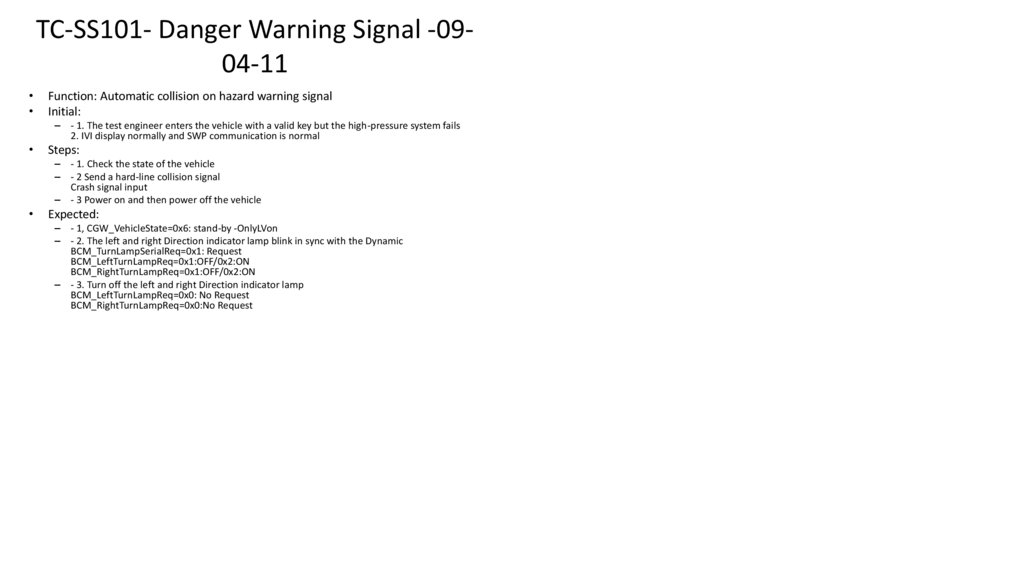
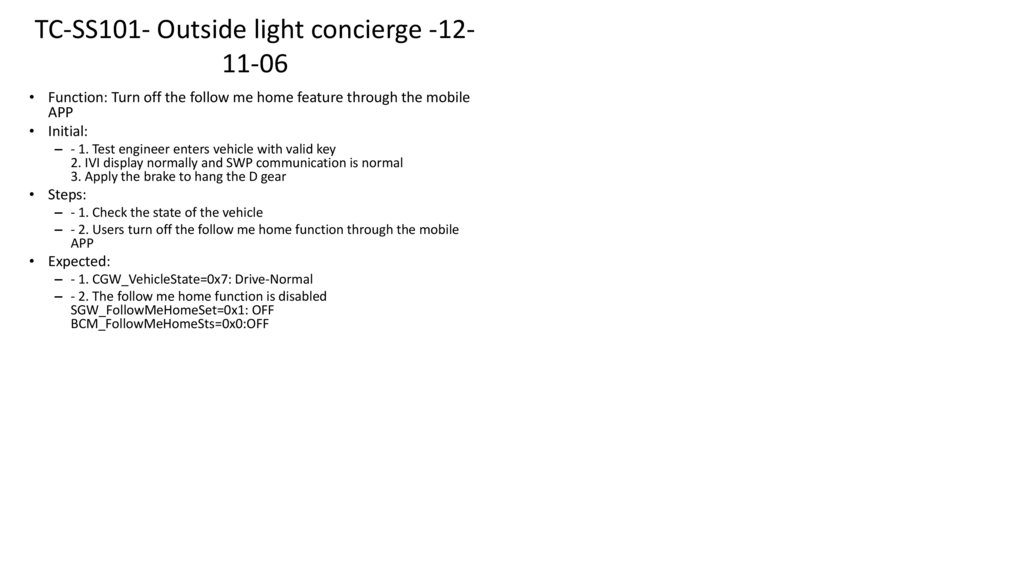
– - 1. Check the state of the vehicle
– - 2. Turn on the Main beam headlamp
– - 3. The user turns off the Main beam headlamp
Expected:
– - 1, CGW_VehicleState=0x5: stand-by -Normal
– - 2. The Main beam headlamp is on, and the IVI is on the Main beam headlamp indicator
BCM_MainBeamReq=0x2:On
vehicle/body/lights/beam/high/state=0x2:On
– - 3. The Main beam headlamp is off, and the IVI is off the Main beam headlamp indicator
BCM_MainBeamReq=0x1:Off
vehicle/body/lights/beam/high/state=0x1:Off
109. TC-SS101- Main beam headlamp -06-03-02
TC-SS101- Main beam headlamp -0603-02Function: Determine Main beam headlamp status
Initial:
– - 1. The test engineer enters the vehicle with a valid key but the high-pressure system fails
2. IVI display normally and SWP communication is normal
Steps:
– - 1. Check the state of the vehicle
– - 2. Turn on the Main beam headlamp
– - 3. The user turns off the Main beam headlamp
Expected:
– - 1, CGW_VehicleState=0x6: stand-by -OnlyLVon
– - 2. The Main beam headlamp is on, and the IVI is on the Main beam headlamp indicator
BCM_MainBeamReq=0x2:On
vehicle/body/lights/beam/high/state=0x2:On
– - 3. The Main beam headlamp is off, and the IVI is off the Main beam headlamp indicator
BCM_MainBeamReq=0x1:Off
vehicle/body/lights/beam/high/state=0x1:Off
110. TC-SS101- Main beam headlamp -06-03-03
TC-SS101- Main beam headlamp -0603-03Function: Determine Main beam headlamp status
Initial:
– - 1. Test engineer enters vehicle with valid key
2. IVI display normally and SWP communication is normal
3. Apply the brake to hang the D gear
Steps:
– - 1. Check the state of the vehicle
– - 2. Turn on the Main beam headlamp
– - 3. The user turns off the Main beam headlamp
Expected:
– - 1. CGW_VehicleState=0x7: Drive-Normal
– - 2. The Main beam headlamp is on, and the IVI is on the Main beam headlamp indicator
BCM_MainBeamReq=0x2:On
vehicle/body/lights/beam/high/state=0x2:On
– - 3. The Main beam headlamp is off, and the IVI is off the Main beam headlamp indicator
BCM_MainBeamReq=0x1:Off
vehicle/body/lights/beam/high/state=0x1:Off
111. TC-SS101- Main beam headlamp -06-04-01
TC-SS101- Main beam headlamp -0604-01• Function: Main beam headlamp manual on (button on steering wheel)
• Initial:
– - 1 Test engineer to enter vehicle with valid key
2. IVI display normally and SWP communication is normal
3. The Main beam headlamp is off, and the Dipped beam headlamp is on
• Steps:
– - 1 Check the vehicle status signal
- Check whether the Main beam headlamp is off and the Dipped beam
headlamp is on
– - 2. The user fully presses the Main beam headlamp button on the steering
wheel
• Expected:
– - 1. CGW_VehicleState=0x5: stand-by -Normal
- BCM_MainBeamReq=0x1:Off
BCM_DippedBeamReq=0x2:On or 0x3:Auto on
– - 2. Light Main beam headlamp
BCM_MainBeamReq=0x2:On
112. TC-SS101- Main beam headlamp -06-04-02
TC-SS101- Main beam headlamp -0604-02Function: Main beam headlamp manual on (button on steering wheel)
Initial:
– - 1. The test engineer enters the vehicle with a valid key but the high-pressure system fails
2. IVI display normally and SWP communication is normal
3. The Main beam headlamp is off, and the Dipped beam headlamp is on
Steps:
– - 1 Check the vehicle status signal
- Check whether the Main beam headlamp is off and the Dipped beam headlamp is on
– - 2. The user fully presses the Main beam headlamp button on the steering wheel
Expected:
– - 1, CGW_VehicleState=0x6: stand-by-ONlylvon
- BCM_MainBeamReq=0x1:Off
BCM_DippedBeamReq=0x2:On or 0x3:Auto on
– - 2. Light Main beam headlamp
BCM_MainBeamReq=0x2:On
113. TC-SS101- Main beam headlamp -06-04-03
TC-SS101- Main beam headlamp -0604-03Function: Main beam headlamp manual on (button on steering wheel)
Initial:
– - 1. The test engineer has a valid key to enter the vehicle
2. IVI display normally and SWP communication is normal
3. Apply the brake to hang the D gear
4. The Main beam headlamp is off, and the Dipped beam headlamp is on
Steps:
– - 1 Check the vehicle status signal
- Check whether the Main beam headlamp is off and the Dipped beam headlamp is on
– - 2. The user fully presses the Main beam headlamp button on the steering wheel
Expected:
– - 1. CGW_VehicleState=0x7: Drive-Normal
- BCM_MainBeamReq=0x1:Off
BCM_DippedBeamReq=0x2:On or 0x3:Auto on
– - 2. Light Main beam headlamp
BCM_MainBeamReq=0x2:On
114. TC-SS101- Main beam headlamp -06-04-04
TC-SS101- Main beam headlamp -0604-04• Function: Main beam headlamp manual on (soft switch on SWP)
• Initial:
– - 1 Test engineer to enter vehicle with valid key
2. IVI display normally and SWP communication is normal
3. The Main beam headlamp is off, and the Dipped beam headlamp is on
• Steps:
– - 1 Check the vehicle status signal
- Check whether the Main beam headlamp is off and the Dipped beam
headlamp is on
– - 2. Press the soft switch of the Main beam headlamp on the SWP
• Expected:
– - 1. CGW_VehicleState=0x5: stand-by -Normal
- BCM_MainBeamReq=0x1:Off
BCM_DippedBeamReq=0x2:On or 0x3:Auto on
– - 2. Light Main beam headlamp
BCM_MainBeamReq=0x2:On
115. TC-SS101- Main beam headlamp -06-04-05
TC-SS101- Main beam headlamp -0604-05• Function: Main beam headlamp manual on (soft switch on SWP)
• Initial:
– - 1. The test engineer enters the vehicle with a valid key but the high-pressure
system fails
2. IVI display normally and SWP communication is normal
3. The Main beam headlamp is off, and the Dipped beam headlamp is on
• Steps:
– - 1 Check the vehicle status signal
- Check whether the Main beam headlamp is off and the Dipped beam
headlamp is on
– - 2. Press the soft switch of the Main beam headlamp on the SWP
• Expected:
– - 1, CGW_VehicleState=0x6: stand-by-ONlylvon
- BCM_MainBeamReq=0x1:Off
BCM_DippedBeamReq=0x2:On or 0x3:Auto on
– - 2. Light Main beam headlamp
BCM_MainBeamReq=0x2:On
116. TC-SS101- Main beam headlamp -06-04-06
TC-SS101- Main beam headlamp -0604-06• Function: Main beam headlamp manual on (soft switch on SWP)
• Initial:
– - 1. The test engineer has a valid key to enter the vehicle
2. IVI display normally and SWP communication is normal
3. Apply the brake to hang the D gear
4. The Main beam headlamp is off, and the Dipped beam headlamp is on
• Steps:
– - 1 Check the vehicle status signal
- Check whether the Main beam headlamp is off and the Dipped beam
headlamp is on
– - 2. Press the soft switch of the Main beam headlamp on the SWP
• Expected:
– - 1. CGW_VehicleState=0x7: Drive-Normal
- BCM_MainBeamReq=0x1:Off
BCM_DippedBeamReq=0x2:On or 0x3:Auto on
– - 2. Light Main beam headlamp
BCM_MainBeamReq=0x2:On
117. TC-SS101- Main beam headlamp -06-04-07
TC-SS101- Main beam headlamp -0604-07Function: When the Dipped beam headlamp is off, the Main beam headlamp is off
Initial:
– - 1 Test engineer to enter vehicle with valid key
2. IVI display normally and SWP communication is normal
3. The Main beam headlamp is off, and the Dipped beam headlamp is on
Steps:
– - 1 Check the vehicle status signal
- Check whether the Main beam headlamp is off and the Dipped beam headlamp is on
– - 2. Press the soft switch of the Main beam headlamp on the SWP
– - 3. Turn off the Dipped beam headlamp
BCM_DippedBeamReq=0x1:Off
Expected:
– - 1. CGW_VehicleState=0x5: stand-by -Normal
- BCM_MainBeamReq=0x1:Off
BCM_DippedBeamReq=0x2:On or 0x3:Auto on
– - 2. Light Main beam headlamp
BCM_MainBeamReq=0x2:On
– - 3. The Main beam headlamp is off
BCM_MainBeamReq=0x1:Off
118. TC-SS101- Main beam headlamp -06-04-08
TC-SS101- Main beam headlamp -0604-08• Function: Main beam headlamp manual off (button on steering wheel)
• Initial:
– - 1. The test engineer enters the vehicle with a valid key
2. IVI display normally and SWP communication is normal
3. Turn on Main beam headlamp
• Steps:
– - 1 Check the vehicle status signal
- Check Main beam headlamp on
– - 2. The user fully presses the Main beam headlamp button on the steering
wheel
• Expected:
– - 1, CGW_VehicleState=0x5: stand-by -Normal
- BCM_MainBeamReq=0x2:On
– - 2. The Main beam headlamp is off
BCM_MainBeamReq=0x1:Off
119. TC-SS101- Main beam headlamp -06-04-09
TC-SS101- Main beam headlamp -0604-09• Function: Main beam headlamp manual off (button on steering wheel)
• Initial:
– - 1. The test engineer has a valid key to enter the vehicle but the high voltage
system fails
2. IVI display normally and SWP communication is normal
3. Turn on Main beam headlamp
• Steps:
– - 1 Check the vehicle status signal
- Check that the Main beam headlamp is on
– - 2. The user fully presses the Main beam headlamp button on the steering
wheel
• Expected:
– - 1, CGW_VehicleState=0x6: stand-by OnlyLVon
- BCM_MainBeamReq=0x2:On
– - 2. The Main beam headlamp is off
BCM_MainBeamReq=0x1:Off
120. TC-SS101- Main beam headlamp -06-04-10
TC-SS101- Main beam headlamp -0604-10• Function: Main beam headlamp manual off (button on steering wheel)
• Initial:
– - 1. The test engineer has a valid key to enter the vehicle
2. IVI display normally and SWP communication is normal
3. Apply the brake to hang the D gear
4. Turn on Main beam headlamp
• Steps:
– - 1 Check the vehicle status signal
- Check that the Main beam headlamp is on
– - 2. The user fully presses the Main beam headlamp button on the steering
wheel
• Expected:
– - 1. CGW_VehicleState=0x7: Drive-Normal
- BCM_MainBeamReq=0x2:On
– - 2. The Main beam headlamp is off
BCM_MainBeamReq=0x1:Off
121. TC-SS101- Main beam headlamp -06-04-11
TC-SS101- Main beam headlamp -0604-11• Function: Main beam headlamp manual off (soft switch on SWP)
• Initial:
– - 1. The test engineer enters the vehicle with a valid key
2. IVI display normally and SWP communication is normal
3. Turn on Main beam headlamp
• Steps:
– - 1 Check the vehicle status signal
- Check that the Main beam headlamp is on
– - 2. Press the soft switch of the Main beam headlamp on the SWP
• Expected:
– - 1, CGW_VehicleState=0x5: stand-by -Normal
- BCM_MainBeamReq=0x2:On
– - 2. The Main beam headlamp is off
BCM_MainBeamReq=0x1:Off
122. TC-SS101- Main beam headlamp -06-04-12
TC-SS101- Main beam headlamp -0604-12• Function: Main beam headlamp manual off (soft switch on SWP)
• Initial:
– - 1. The test engineer has a valid key to enter the vehicle but the high
voltage system fails
2. IVI display normally and SWP communication is normal
3. Turn on Main beam headlamp
• Steps:
– - 1 Check the vehicle status signal
- Check that the Main beam headlamp is on
– - 2. Press the soft switch of the Main beam headlamp on the SWP
• Expected:
– - 1, CGW_VehicleState=0x6: stand-by OnlyLVon
- BCM_MainBeamReq=0x2:On
– - 2. The Main beam headlamp is off
BCM_MainBeamReq=0x1:Off
123. TC-SS101- Main beam headlamp -06-04-13
TC-SS101- Main beam headlamp -0604-13• Function: Main beam headlamp manual off (soft switch on SWP)
• Initial:
– - 1. The test engineer has a valid key to enter the vehicle
2. IVI display normally and SWP communication is normal
3. Apply the brake to hang the D gear
4. Turn on Main beam headlamp
• Steps:
– - 1 Check the vehicle status signal
- Check that the Main beam headlamp is on
– - 2. Press the soft switch of the Main beam headlamp on the SWP
• Expected:
– - 1. CGW_VehicleState=0x7: Drive-Normal
- BCM_MainBeamReq=0x2:On
– - 2. The Main beam headlamp is off
BCM_MainBeamReq=0x1:Off
124. TC-SS101- Main beam headlamp -06-05-01
TC-SS101- Main beam headlamp -0605-01Function: Main beam headlamp automatically on
Initial:
– - 1. The test engineer has a valid key to enter the vehicle
2. IVI display normally and SWP communication is normal
3. Apply the brake to hang the D gear
4. The Main beam headlamp is off, and the Dipped beam headlamp is on
Steps:
– - 1 Check the vehicle status signal
- Check whether the Main beam headlamp is off and the Dipped beam headlamp is on
– - 2 Analog send signal ADCU_AHB_MaBeam_Req=0x1: Request
– - 3. Turn off the Dipped beam headlamp
BCM_DippedBeamReq=0x1:Off
Expected:
– - 1, CGW_VehicleState=0x7: Drive-Normal
- BCM_MainBeamReq=0x1:Off
BCM_DippedBeamReq=0x3:Auto on
– - 2. Light Main beam headlamp
BCM_MainBeamReq=0x2:On
– - 3. Turn off Main beam headlamp
BCM_MainBeamReq=0x1:Off
125. TC-SS101- Main beam headlamp -06-05-02
TC-SS101- Main beam headlamp -0605-02Function: Main beam headlamp automatically shuts off
Initial:
– - 1. The test engineer enters the vehicle with a valid key
2. IVI display normally and SWP communication is normal
3. Apply the brake to hang the D gear
4. The Main beam headlamp automatically turns on, and the Dipped beam headlamp turns on
Steps:
– - 1. Check the vehicle status signal
- Check whether the Main beam headlamp is automatically turned on and the Dipped beam
headlamp is turned on
– - 2. Analog send signal ADCU_AHB_MaBeam_Req=0x0: No request
Expected:
– - 1, CGW_VehicleState=0x7: Drive-Normal
- BCM_MainBeamReq=0x2:On
BCM_DippedBeamReq=0x3:Auto on
– - 2. The Main beam headlamp is off
BCM_MainBeamReq=0x1:Off
126. TC-SS101- Main beam headlamp -06-06-01
TC-SS101- Main beam headlamp -0606-01• Function: Flash when Main beam headlamp is off
• Initial:
– - 1. Test engineer enters vehicle with valid key
2. IVI display normally and SWP communication is normal
3. The Main beam headlamp is off
• Steps:
– - 1 Check the vehicle status signal
- Check that the Main beam headlamp is off
– - 2. Half press the Main beam headlamp button
– - 3. Release the Main beam headlamp button
• Expected:
– - 1, CGW_VehicleState=0x5: stand-by -Normal
- BCM_MainBeamReq=0x1:Off
– - 2. Flash Main beam headlamp
BCM_MainBeamReq=0x2:On
– - 3. Stop flashing Main beam headlamp
BCM_MainBeamReq=0x1:Off
127. TC-SS101- Main beam headlamp -06-06-02
TC-SS101- Main beam headlamp -0606-02Function: Flash when Main beam headlamp is off
Initial:
– - 1. The test engineer entered the vehicle with a valid key but the high voltage system failed
2. IVI display normally and SWP communication is normal
3. The Main beam headlamp is off
Steps:
– - 1 Check the vehicle status signal
- Check that the Main beam headlamp is off
– - 2. Half press the Main beam headlamp button
– - 3. Release the Main beam headlamp button
Expected:
– - 1. CGW_VehicleState=0x6: stand-by OnlyLVon
- BCM_MainBeamReq=0x1:Off
– - 2. Flash Main beam headlamp
BCM_MainBeamReq=0x2:On
– - 3. Stop flashing Main beam headlamp
BCM_MainBeamReq=0x1:Off
128. TC-SS101- Main beam headlamp -06-06-03
TC-SS101- Main beam headlamp -0606-03Function: Flash when Main beam headlamp is off
Initial:
– - 1. The test engineer enters the vehicle with a valid key
2. IVI display normally and SWP communication is normal
3. Apply the brake to hang the D gear
4. The Main beam headlamp is off
Steps:
– - 1 Check the vehicle status signal
- Check that the Main beam headlamp is off
– - 2. Half press the Main beam headlamp button
– - 3. Release the Main beam headlamp button
Expected:
– - 1, CGW_VehicleState=0x7: Drive-Normal
- BCM_MainBeamReq=0x1:Off
– - 2. Flash Main beam headlamp
BCM_MainBeamReq=0x2:On
– - 3. Stop flashing Main beam headlamp
BCM_MainBeamReq=0x1:Off
129. TC-SS101- Main beam headlamp -06-06-04
TC-SS101- Main beam headlamp -0606-04• Function: Flash when Main beam headlamp is on
• Initial:
– - 1. The test engineer enters the vehicle with a valid key
2. IVI display normally and SWP communication is normal
3. Turn on Main beam headlamp
• Steps:
– - 1 Check the vehicle status signal
- Check that the Main beam headlamp is on
– - 2. Half press the Main beam headlamp button
– - 3. Release the Main beam headlamp button
• Expected:
– - 1, CGW_VehicleState=0x5: stand-by -Normal
- BCM_MainBeamReq=0x2:On
– - 2. Flash Main beam headlamp
BCM_MainBeamReq=0x2:On
– - 3. Stop flashing Main beam headlamp
BCM_MainBeamReq=0x2:On
130. TC-SS101- Main beam headlamp -06-06-05
TC-SS101- Main beam headlamp -0606-05Function: Flash when Main beam headlamp is on
Initial:
– - 1. The test engineer has a valid key to enter the vehicle but the high voltage system fails
2. IVI display normally and SWP communication is normal
3. Turn on Main beam headlamp
Steps:
– - 1 Check the vehicle status signal
- Check that the Main beam headlamp is on
– - 2. Half press the Main beam headlamp button
– - 3. Release the Main beam headlamp button
Expected:
– - 1, CGW_VehicleState=0x6: stand-by OnlyLVon
- BCM_MainBeamReq=0x2:On
– - 2. Flash Main beam headlamp
BCM_MainBeamReq=0x2:On
– - 3. Stop flashing Main beam headlamp
BCM_MainBeamReq=0x2:On
131. TC-SS101- Main beam headlamp -06-06-06
TC-SS101- Main beam headlamp -0606-06Function: Flash when Main beam headlamp is on
Initial:
– - 1. The test engineer has a valid key to enter the vehicle
2. IVI display normally and SWP communication is normal
3. Apply the brake to hang the D gear
4. Turn on Main beam headlamp
Steps:
– - 1 Check the vehicle status signal
- Check that the Main beam headlamp is on
– - 2. Half press the Main beam headlamp button
– - 3. Release the Main beam headlamp button
Expected:
– - 1. CGW_VehicleState=0x7: Drive-Normal
- BCM_MainBeamReq=0x2:On
– - 2. Flash Main beam headlamp
BCM_MainBeamReq=0x2:On
– - 3. Stop flashing Main beam headlamp
BCM_MainBeamReq=0x2:On
132. TC-SS101- Front and rear fog lights -07-01-01
TC-SS101- Front and rear fog lights 07-01-01• Function: rear fog lamp manual on
• Initial:
– - 1. The test engineer enters the vehicle with a valid key
2. IVI display normally and SWP communication is normal
3. The rear fog lamp is off, the front fog lamp is on, and the low light is on
• Steps:
– - 1 Check the vehicle status signal
- Check the status of rear fog lamp, front fog lamp, and low light
– - 2. Use the IVI soft switch to turn on the rear fog lamp
• Expected:
– - 1, CGW_VehicleState=0x5: stand-by -Normal
- BCM_RearFogLampSts=0x0: Off
BCM_FrontFogLampReq=0x1: On
BCM_DippedBeamReq=0x2: On
– - 2. Turn on the rear fog lamp
133. TC-SS101- Front and Rear fog lights -07-01-02
TC-SS101- Front and Rear fog lights 07-01-02• Function: rear fog lamp manual on
• Initial:
– - 1. The test engineer enters the vehicle with a valid key but the high-pressure
system fails
2. IVI display normally and SWP communication is normal
3. The rear fog lamp is off, the front fog lamp is on, and the low light is on
• Steps:
– - 1 Check the vehicle status signal
- Check the status of rear fog lamp, front fog lamp, and low light
– - 2. Use the IVI soft switch to turn on the rear fog lamp
• Expected:
– - 1, CGW_VehicleState=0x6: stand-by-ONlylvon
- BCM_RearFogLampSts=0x0: Off
BCM_FrontFogLampReq=0x1: On
BCM_DippedBeamReq=0x2: On
– - 2. Turn on the rear fog lamp
134. TC-SS101- Front and Rear fog lights -07-01-03
TC-SS101- Front and Rear fog lights 07-01-03• Function: rear fog lamp manual on
• Initial:
– - 1. Test engineer enters vehicle with valid key
2. IVI display normally and SWP communication is normal
3. Apply the brake to hang the D gear
4. The rear fog lamp is turned off, the front fog lamp is turned on, and the low
light is turned on
• Steps:
– - 1 Check the vehicle status signal
- Check the status of rear fog lamp, front fog lamp, and low light
– - 2. Use the IVI soft switch to turn on the rear fog lamp
• Expected:
– - 1, CGW_VehicleState=0x7: Drive-Normal
- BCM_RearFogLampSts=0x0: Off
BCM_FrontFogLampReq=0x1: On
BCM_DippedBeamReq=0x2: On
– - 2. Turn on the rear fog lamp
135. TC-SS101- Front and Rear fog lights -07-01-04
TC-SS101- Front and Rear fog lights 07-01-04• Function: rear fog lamp manual on (abnormal event)
• Initial:
– - 1. The test engineer enters the vehicle with a valid key
2. IVI display normally and SWP communication is normal
3. The rear fog lamp is off, the front fog lamp is on, and the low light is on
• Steps:
– - 1 Check the vehicle status signal
- Check the status of rear fog lamp, front fog lamp, and low light
– - 2. Use the IVI soft switch to turn on the rear fog lamp
– - 3. Turn off the Dipped beam headlamp and the front fog lamp
• Expected:
– - 1, CGW_VehicleState=0x5: stand-by -Normal
- BCM_RearFogLampSts=0x0: Off
BCM_FrontFogLampReq=0x1: On
BCM_DippedBeamReq=0x2: On
– - 2. Turn on the rear fog lamp
– - 3. rear fog lamp is off (hard wire control)
136. TC-SS101- Front and Rear fog lights -07-01-05
TC-SS101- Front and Rear fog lights 07-01-05• Function: rear fog lamp manual turn off
• Initial:
– - 1. The test engineer enters the vehicle with a valid key
2. IVI display normally and SWP communication is normal
3. Turn on the rear fog lamp
• Steps:
– - 1 Check the vehicle status signal
- Check the status of rear fog lamp
– - 2. Turn off the rear fog lamp by using the SWP soft switch
• Expected:
– - 1. CGW_VehicleState=0x5: stand-by -Normal
- BCM_RearFogLampSts=0x1: On
– - 2. rear fog lamp is off (hard wire control)
137. TC-SS101- Front and Rear fog lights -07-01-06
TC-SS101- Front and Rear fog lights 07-01-06• Function: rear fog lamp manual turn off
• Initial:
– - 1. The test engineer enters the vehicle with a valid key but the high
voltage system fails
2. IVI display normally and SWP communication is normal
3. Turn on the rear fog lamp
• Steps:
– - 1 Check the vehicle status signal
- Check the status of rear fog lamp
– - 2. Turn off the rear fog lamp by using the SWP soft switch
• Expected:
– - 1, CGW_VehicleState=0x6: stand-by -OnlyLVon
- BCM_RearFogLampSts=0x1: On
– - 2. rear fog lamp is off (hard wire control)
138. TC-SS101- Front and Rear fog lights -07-01-07
TC-SS101- Front and Rear fog lights 07-01-07• Function: rear fog lamp manual turn off
• Initial:
– - - BCm_rearfoglampsts = 0x1: on 1. Test engineer enters vehicle with
valid key
2. IVI display normally and SWP communication is normal
3. Apply the brake to hang the D gear
4. Turn on the rear fog lamp
• Steps:
– - 1 Check the vehicle status signal
- Check the status of rear fog lamp
– - 2. Turn off the rear fog lamp by using the SWP soft switch
• Expected:
– - 1. CGW_VehicleState=0x7: Drive-Normal
- BCM_RearFogLampSts=0x1: On
– - 2. rear fog lamp is off (hard wire control)
139. TC-SS101- Front and rear fog lights -07-02-01
TC-SS101- Front and rear fog lights 07-02-01• Function: The rear fog lamp status is displayed
• Initial:
– - 1. The test engineer enters the vehicle with a valid key
2. IVI display normally and SWP communication is normal
3. The rear fog lamp is off, the front fog lamp is on, and the low light is on
• Steps:
– - 1 Check the vehicle status signal
- Check the status of rear fog lamp, front fog lamp, and low light
– - 2. Use the IVI soft switch to turn on the rear fog lamp
• Expected:
– - 1, CGW_VehicleState=0x5: stand-by -Normal
- BCM_RearFogLampSts=0x0: Off
BCM_FrontFogLampReq=0x1: On
BCM_DippedBeamReq=0x2: On
– - 2. The IVI lights the rear fog lamp
140. TC-SS101- Front and Rear fog lights -07-02-02
TC-SS101- Front and Rear fog lights 07-02-02• Function: The rear fog lamp status is displayed
• Initial:
– - 1. The test engineer enters the vehicle with a valid key but the high-pressure
system fails
2. IVI display normally and SWP communication is normal
3. The rear fog lamp is off, the front fog lamp is on, and the low light is on
• Steps:
– - 1 Check the vehicle status signal
- Check the status of rear fog lamp, front fog lamp, and low light
– - 2. Use the IVI soft switch to turn on the rear fog lamp
• Expected:
– - 1, CGW_VehicleState=0x6: stand-by-ONlylvon
- BCM_RearFogLampSts=0x0: Off
BCM_FrontFogLampReq=0x1: On
BCM_DippedBeamReq=0x2: On
– - 2. The IVI lights the rear fog lamp
141. TC-SS101- Front and rear fog lights -07-02-03
TC-SS101- Front and rear fog lights 07-02-03• Function: The rear fog lamp status is displayed
• Initial:
– - 1. Test engineer enters vehicle with valid key
2. IVI display normally and SWP communication is normal
3. Apply the brake to hang the D gear
4. The rear fog lamp is turned off, the front fog lamp is turned on, and the low
light is turned on
• Steps:
– - 1 Check the vehicle status signal
- Check the status of rear fog lamp, front fog lamp, and low light
– - 2. Use the IVI soft switch to turn on the rear fog lamp
• Expected:
– - 1, CGW_VehicleState=0x7: Drive-Normal
- BCM_RearFogLampSts=0x0: Off
BCM_FrontFogLampReq=0x1: On
BCM_DippedBeamReq=0x2: On
– - 2. The IVI lights the rear fog lamp
142. TC-SS101- Front and Rear fog lights -07-02-04
TC-SS101- Front and Rear fog lights 07-02-04• Function: The rear fog lamp status is displayed
• Initial:
– - 1. The test engineer enters the vehicle with a valid key
2. IVI display normally and SWP communication is normal
3. Turn on the rear fog lamp
• Steps:
– - 1 Check the vehicle status signal
- Check the status of rear fog lamp
– - 2. Turn off the rear fog lamp by using the SWP soft switch
• Expected:
– - 1. CGW_VehicleState=0x5: stand-by -Normal
- BCM_RearFogLampSts=0x1: On
– - 2. The IVI turns off the rear fog lamp
143. TC-SS101- Front and rear fog lights -07-02-05
TC-SS101- Front and rear fog lights 07-02-05• Function: The rear fog lamp status is displayed
• Initial:
– - 1. The test engineer enters the vehicle with a valid key but the high
voltage system fails
2. IVI display normally and SWP communication is normal
3. Turn on the rear fog lamp
• Steps:
– - 1 Check the vehicle status signal
- Check the status of rear fog lamp
– - 2. Turn off the rear fog lamp by using the SWP soft switch
• Expected:
– - 1, CGW_VehicleState=0x6: stand-by -OnlyLVon
- BCM_RearFogLampSts=0x1: On
– - 2. The IVI turns off the rear fog lamp
144. TC-SS101- Front and rear fog lights -07-02-06
TC-SS101- Front and rear fog lights 07-02-06• Function: The rear fog lamp status is displayed
• Initial:
– - - BCm_rearfoglampsts = 0x1: on 1. Test engineer enters vehicle with
valid key
2. IVI display normally and SWP communication is normal
3. Apply the brake to hang the D gear
4. Turn on the rear fog lamp
• Steps:
– - 1 Check the vehicle status signal
- Check the status of rear fog lamp
– - 2. Turn off the rear fog lamp by using the SWP soft switch
• Expected:
– - 1. CGW_VehicleState=0x7: Drive-Normal
- BCM_RearFogLampSts=0x1: On
– - 2. The IVI turns off the rear fog lamp
145. TC-SS101- Front and rear fog lights -07-03-01
TC-SS101- Front and rear fog lights 07-03-01• Function: front fog lamp on
• Initial:
– - 1. Test engineer enters vehicle with valid key
2. IVI display normally and SWP communication is normal
• Steps:
– - 1. Check the state of the vehicle
– - 2. Use the IVI soft switch to turn on the front fog lamp
• Expected:
– - 1, CGW_VehicleState=0x5: stand-by -Normal
– - 2. Light the front fog lamp
BCM_FrontFogLampReq=0x2:On
146. TC-SS101- Front and rear fog lights -07-03-02
TC-SS101- Front and rear fog lights 07-03-02• Function: front fog lamp on
• Initial:
– - 1. The test engineer enters the vehicle with a valid key
but the high-pressure system fails
2. IVI display normally and SWP communication is normal
• Steps:
– - 1. Check the state of the vehicle
– - 2. Use the IVI soft switch to turn on the front fog lamp
• Expected:
– - 1, CGW_VehicleState=0x6: stand-by -OnlyLVon
– - 2. Light the front fog lamp
BCM_FrontFogLampReq=0x2:On
147. TC-SS101- Front and rear fog lights -07-03-03
TC-SS101- Front and rear fog lights 07-03-03• Function: front fog lamp on
• Initial:
– - 1. Test engineer enters vehicle with valid key
2. IVI display normally and SWP communication is normal
3. Apply the brake to hang the D gear
• Steps:
– - 1. Check the state of the vehicle
– - 2. Use the IVI soft switch to turn on the front fog lamp
• Expected:
– - 1. CGW_VehicleState=0x7: Drive-Normal
– - 2. Light the front fog lamp
BCM_FrontFogLampReq=0x2:On
148. TC-SS101- Front and rear fog lights -07-04-01
TC-SS101- Front and rear fog lights 07-04-01• Function: front fog lamp off
• Initial:
– - 1. Test engineer enters vehicle with valid key
2. IVI display normally and SWP communication is normal
• Steps:
– - 1. Check the state of the vehicle
– - 2. Use the IVI soft switch to turn on the front fog lamp
– - 3. Turn off the front fog lamp by using the IVI soft switch
• Expected:
– - 1, CGW_VehicleState=0x5: stand-by -Normal
– - 2. Light the front fog lamp
BCM_FrontFogLampReq=0x2:On
– - 3. The front fog lamp is off
BCM_FrontFogLampReq=0x1:Off
149. TC-SS101- Front and rear fog lights -07-04-02
TC-SS101- Front and rear fog lights 07-04-02• Function: front fog lamp off
• Initial:
– - 1. The test engineer enters the vehicle with a valid key but the highpressure system fails
2. IVI display normally and SWP communication is normal
• Steps:
– - 1. Check the state of the vehicle
– - 2. Use the IVI soft switch to turn on the front fog lamp
– - 3. Turn off the front fog lamp by using the IVI soft switch
• Expected:
– - 1, CGW_VehicleState=0x6: stand-by -OnlyLVon
– - 2. Light the front fog lamp
BCM_FrontFogLampReq=0x2:On
– - 3. The front fog lamp is off
BCM_FrontFogLampReq=0x1:Off
150. TC-SS101- Front and rear fog lights -07-04-03
TC-SS101- Front and rear fog lights 07-04-03• Function: front fog lamp off
• Initial:
– - 1. Test engineer enters vehicle with valid key
2. IVI display normally and SWP communication is normal
3. Apply the brake to hang the D gear
• Steps:
– - 1. Check the state of the vehicle
– - 2. Use the IVI soft switch to turn on the front fog lamp
– - 3. Turn off the front fog lamp by using the IVI soft switch
• Expected:
– - 1. CGW_VehicleState=0x7: Drive-Normal
– - 2. Light the front fog lamp
BCM_FrontFogLampReq=0x2:On
– - 3. The front fog lamp is off
BCM_FrontFogLampReq=0x1:Off
151. TC-SS101- Front and rear fog lights -07-05-01
TC-SS101- Front and rear fog lights 07-05-01• Function: Displays the front fog lamp status
• Initial:
– - 1. Test engineer enters vehicle with valid key
2. IVI display normally and SWP communication is normal
• Steps:
– - 1. Check the state of the vehicle
– - 2. Use the IVI soft switch to turn on the front fog lamp
• Expected:
– - 1, CGW_VehicleState=0x5: stand-by -Normal
– - 2. IVI lights the front fog lamp indicator
152. TC-SS101- Front and Rear fog lights -07-05-02
TC-SS101- Front and Rear fog lights 07-05-02• Function: Displays the front fog lamp status
• Initial:
– - 1. The test engineer enters the vehicle with a valid key
but the high-pressure system fails
2. IVI display normally and SWP communication is normal
• Steps:
– - 1. Check the state of the vehicle
– - 2. Use the IVI soft switch to turn on the front fog lamp
• Expected:
– - 1, CGW_VehicleState=0x6: stand-by -OnlyLVon
– - 2. IVI lights the front fog lamp indicator
153. TC-SS101- Front and rear fog lights -07-05-03
TC-SS101- Front and rear fog lights 07-05-03• Function: Displays the front fog lamp status
• Initial:
– - 1. Test engineer enters vehicle with valid key
2. IVI display normally and SWP communication is normal
3. Apply the brake to hang the D gear
• Steps:
– - 1. Check the state of the vehicle
– - 2. Use the IVI soft switch to turn on the front fog lamp
• Expected:
– - 1. CGW_VehicleState=0x7: Drive-Normal
– - 2. IVI lights the front fog lamp indicator
154. TC-SS101- Front and Rear fog lights -07-05-04
TC-SS101- Front and Rear fog lights 07-05-04• Function: Displays the front fog lamp status
• Initial:
– - 1. Test engineer enters vehicle with valid key
2. IVI display normally and SWP communication is normal
• Steps:
– - 1. Check the state of the vehicle
– - 2. Turn off the front fog lamp by using the IVI soft switch
• Expected:
– - 1, CGW_VehicleState=0x5: stand-by -Normal
– - 2. The IVI turns off the front fog lamp indicator
155. TC-SS101- Front and Rear fog lights -07-05-05
TC-SS101- Front and Rear fog lights 07-05-05• Function: Displays the front fog lamp status
• Initial:
– - 1. The test engineer enters the vehicle with a valid key
but the high-pressure system fails
2. IVI display normally and SWP communication is normal
• Steps:
– - 1. Check the state of the vehicle
– - 2. Turn off the front fog lamp by using the IVI soft switch
• Expected:
– - 1, CGW_VehicleState=0x6: stand-by -OnlyLVon
– - 2. The IVI turns off the front fog lamp indicator
156. TC-SS101- Front and Rear fog lights -07-05-06
TC-SS101- Front and Rear fog lights 07-05-06• Function: Displays the front fog lamp status
• Initial:
– - 1. Test engineer enters vehicle with valid key
2. IVI display normally and SWP communication is normal
3. Apply the brake to hang the D gear
• Steps:
– - 1. Check the state of the vehicle
– - 2. Turn off the front fog lamp by using the IVI soft switch
• Expected:
– - 1. CGW_VehicleState=0x7: Drive-Normal
– - 2. The IVI turns off the front fog lamp indicator
157. TC-SS101- Front and Rear fog lights -07-06-01
TC-SS101- Front and Rear fog lights 07-06-01• Function: front fog lamp manual on
• Initial:
– - 1. The test engineer enters the vehicle with a valid key
2. IVI display normally and SWP communication is normal
3. The front fog lamp is off
• Steps:
– - 1. Check the vehicle status signal
- Check the status of the front fog lamp
– - 2. Use the IVI soft switch to turn on the front fog lamp
• Expected:
– - 1. CGW_VehicleState=0x5: stand-by -Normal
- BCM_FrontFogLampReq=0x1:Off
– - 2. Light the front fog lamp
BCM_FrontFogLampReq=0x2:On
158. TC-SS101- Front and Rear fog lights -07-06-02
TC-SS101- Front and Rear fog lights 07-06-02• Function: front fog lamp manual on
• Initial:
– - 1. Test engineer enters vehicle with valid key but HV system fails
2. IVI display normally and SWP communication is normal
3. The front fog lamp is off
• Steps:
– - 1. Check the vehicle status signal
- Check the status of the front fog lamp
– - 2. Use the IVI soft switch to turn on the front fog lamp
• Expected:
– - 1. CGW_VehicleState=0x6: stand-by OnlyLVon
- BCM_FrontFogLampReq=0x1:Off
– - 2. Light the front fog lamp
BCM_FrontFogLampReq=0x2:On
159. TC-SS101- Front and Rear fog lights -07-06-03
TC-SS101- Front and Rear fog lights 07-06-03• Function: front fog lamp manual on
• Initial:
– - 1. The test engineer enters the vehicle with a valid key
2. IVI display normally and SWP communication is normal
3. Apply the brake to hang the D gear
4. The front fog lamp is off
• Steps:
– - 1. Check the vehicle status signal
- Check the status of the front fog lamp
– - 2. Use the IVI soft switch to turn on the front fog lamp
• Expected:
– - 1, CGW_VehicleState=0x7: Drive-Normal
- BCM_FrontFogLampReq=0x1:Off
– - 2. Light the front fog lamp
BCM_FrontFogLampReq=0x2:On
160. TC-SS101- Front and Rear fog lights -07-06-04
TC-SS101- Front and Rear fog lights 07-06-04• Function: front fog lamp manual off
• Initial:
– - 1. Test engineer enters vehicle with valid key
2. IVI display normally and SWP communication is normal
3. The front fog lamp is on
• Steps:
– - 1. Check the vehicle status signal
- Check the status of the front fog lamp
– - 2. Turn off the front fog lamp by using the IVI soft switch
• Expected:
– - 1. CGW_VehicleState=0x5: stand-by -Normal
- BCM_FrontFogLampReq=0x2:On
– - 2. The front fog lamp is off
BCM_FrontFogLampReq=0x1:Off
161. TC-SS101- Front and Rear fog lights -07-06-05
TC-SS101- Front and Rear fog lights 07-06-05• Function: front fog lamp manual off
• Initial:
– - 1. The test engineer has a valid key to enter the vehicle but the high
voltage system fails
2. IVI display normally and SWP communication is normal
3. The front fog lamp is on
• Steps:
– - 1. Check the vehicle status signal
- Check the status of the front fog lamp
– - 2. Turn off the front fog lamp by using the IVI soft switch
• Expected:
– - 1, CGW_VehicleState=0x6: stand-by -OnlyLVon
- BCM_FrontFogLampReq=0x2:On
– - 2. The front fog lamp is off
BCM_FrontFogLampReq=0x1:Off
162. TC-SS101- Front and Rear fog lights -07-06-06
TC-SS101- Front and Rear fog lights 07-06-06• Function: front fog lamp manual off
• Initial:
– - 1. The test engineer enters the vehicle with a valid key
2. IVI display normally and SWP communication is normal
3. Apply the brake to hang the D gear
4. The front fog lamp is on
• Steps:
– - 1. Check the vehicle status signal
- Check the status of the front fog lamp
– - 2. Turn off the front fog lamp by using the IVI soft switch
• Expected:
– - 1, CGW_VehicleState=0x7: Drive-Normal
- BCM_FrontFogLampReq=0x2:On
– - 2. The front fog lamp is off
BCM_FrontFogLampReq=0x1:Off
163. TC-SS101- Direction indicator lamp -08-01-01
TC-SS101- Direction indicator lamp 08-01-01Function: Left Direction indicator lamp is on normally
Initial:
–
–
Steps:
–
–
–
–
–
- 1. Test engineer enters vehicle with valid key
2. IVI display normally and SWP communication is normal
- 1. Test engineer enters vehicle with valid key
2. IVI display normally and SWP communication is normal
- 1. Check the state of the vehicle
- 2. Turn on the left Direction indicator lamp
- 1. Check the state of the vehicle
- 2. Turn on the left Direction indicator lamp
- 3. Turn off the left Direction indicator lamp
Expected:
–
–
–
–
–
- 1, CGW_VehicleState=0x5: stand-by -Normal
- 2. The left Direction indicator lamp blinks alternately at the frequency of 400ms on and 400ms off
BCM_LeftTurnLampReq=0x1:OFF/0x2:ON
- 1, CGW_VehicleState=0x5: stand-by -Normal
- 2. The left Direction indicator lamp blinks alternately at the frequency of 400ms on and 400ms off
BCM_LeftTurnLampReq=0x1:OFF/0x2:ON
- 3. The left Direction indicator lamp is off
BCM_LeftTurnLampReq=0x0: No Request
164. TC-SS101- Direction indicator lamp -08-03-01
TC-SS101- Direction indicator lamp 08-03-01• Function: Right Direction indicator lamp on
• Initial:
– - 1. Test engineer enters vehicle with valid key
2. IVI display normally and SWP communication is normal
• Steps:
– - 1. Check the state of the vehicle
– - 2. Turn on the right Direction indicator lamp
• Expected:
– - 1, CGW_VehicleState=0x5: stand-by -Normal
– - 2. The right Direction indicator lamp blinks alternately at
the frequency of 400ms on and 400ms off
BCM_RightTurnLampReq=0x1:OFF/0x2:ON
165. TC-SS101- Direction indicator lamp -08-04-01
TC-SS101- Direction indicator lamp 08-04-01• Function: Right Direction indicator lamp off
• Initial:
– - 1. Test engineer enters vehicle with valid key
2. IVI display normally and SWP communication is normal
• Steps:
– - 1. Check the state of the vehicle
– - 2. Turn on the right Direction indicator lamp
– - 3. The user turns off the right Direction indicator lamp
• Expected:
– - 1, CGW_VehicleState=0x5: stand-by -Normal
– - 2. The right Direction indicator lamp blinks alternately at the
frequency of 400ms on and 400ms off
BCM_RightTurnLampReq=0x1:OFF/0x2:ON
– - 3. The right Direction indicator lamp is off
BCM_RightTurnLampReq=0x0:No Request
166. TC-SS101- Direction indicator lamp -08-05-01
TC-SS101- Direction indicator lamp 08-05-01• Function: Direction indicator lamp Dynamic control
• Initial:
– - 1. Test engineer enters vehicle with valid key
2. IVI display normally and SWP communication is normal
3. Turn on the right Direction indicator lamp
• Steps:
– - 1 Check the vehicle status signal
- Check that the right Direction indicator lamp is on
– - 2. The user activates the Direction indicator lamp Dynamic function
– - 3. The user turns off the Direction indicator lamp Dynamic function
• Expected:
– - 1, CGW_VehicleState=0x5: stand-by -Normal
- BCM_RightTurnLampReq=0x1:OFF/0x2:ON
– - 2. The Direction indicator lamp flashes with the Dynamic effect
BCM_TurnLampSerialReq=0x1: Request
– - 3. There is no Dynamic effect when the Direction indicator lamp flashes
BCM_TurnLampSerialReq=0x0: No Request
167. TC-SS101- Direction indicator lamp -08-06-01
TC-SS101- Direction indicator lamp 08-06-01• Function: Displays the left Direction indicator lamp status
• Initial:
– - 1. Test engineer enters vehicle with valid key
2. IVI display normally and SWP communication is normal
• Steps:
– - 1. Check the state of the vehicle
– - 2. Turn on the left Direction indicator lamp
• Expected:
– - 1, CGW_VehicleState=0x5: stand-by -Normal
– - 2. The left Direction indicator lamp on the IVI is blinking
BCM_LeftTurnLampReq=0x1:OFF/0x2:ON
(vehicle/body/towns/front/left/turn/state = 0 x1: Off or 0 x2:
On)
168. TC-SS101- Direction indicator lamp -08-07-01
TC-SS101- Direction indicator lamp 08-07-01• Function: Displays the status of the right Direction indicator lamp
• Initial:
– - 1. Test engineer enters vehicle with valid key
2. IVI display normally and SWP communication is normal
• Steps:
– - 1. Check the state of the vehicle
– - 2. Turn on the right Direction indicator lamp
• Expected:
– - 1, CGW_VehicleState=0x5: stand-by -Normal
– - 2. The right Direction indicator lamp indicator on the IVI is blinking
BCM_RightTurnLampReq=0x1:OFF/0x2:ON
(vehicle/body/towns/front/right/turn/state = 0 x1: Off or 0 x2: On)
169. TC-SS101- Direction indicator lamp -08-08-01
TC-SS101- Direction indicator lamp 08-08-01• Function: Left Direction indicator lamp manual on
• Initial:
– - 1. The test engineer enters the vehicle with a valid key
2. IVI display normally and SWP communication is normal
3. The left Direction indicator lamp is off
• Steps:
– - 1 Check the vehicle status signal
- Check that the left Direction indicator lamp is off
– - 2. User Switches to turn left
• Expected:
– - 1, CGW_VehicleState=0x5: stand-by -Normal
- BCM_LeftTurnLampReq=0x0: No Request
– - 2. The left Direction indicator lamp is blinking
Switches_TurnSW=0x1:Turn Left
BCM_LeftTurnLampReq=0x1:OFF/0x2:ON
170. TC-SS101- Direction indicator lamp -08-08-02
TC-SS101- Direction indicator lamp 08-08-02• Function: Left Direction indicator lamp manual on
• Initial:
– - 1. The test engineer enters the vehicle with a valid key but the high-pressure
system fails
2. IVI display normally and SWP communication is normal
3. The left Direction indicator lamp is off
• Steps:
– - 1 Check the vehicle status signal
- Check that the left Direction indicator lamp is off
– - 2. User Switches to turn left
• Expected:
– - 1. CGW_VehicleState=0x6: stand-by OnlyLVon
- BCM_LeftTurnLampReq=0x0: No Request
– - 2. The left Direction indicator lamp is blinking
Switches_TurnSW=0x1:Turn Left
BCM_LeftTurnLampReq=0x1:OFF/0x2:ON
171. TC-SS101- Direction indicator lamp -08-08-03
TC-SS101- Direction indicator lamp 08-08-03• Function: Left Direction indicator lamp manual on
• Initial:
– - 1. The test engineer enters the vehicle with a valid key
2. IVI display normally and SWP communication is normal
3. The left Direction indicator lamp is off
4. Hit the brake and put it in D-gear
• Steps:
– - 1 Check the vehicle status signal
- Check that the left Direction indicator lamp is off
– - 2. User Switches to turn left
• Expected:
– - 1. CGW_VehicleState=0x7: Drive-Normal
- BCM_LeftTurnLampReq=0x0: No Request
– - 2. The left Direction indicator lamp is blinking
Switches_TurnSW=0x1:Turn Left
BCM_LeftTurnLampReq=0x1:OFF/0x2:ON
172. TC-SS101- Direction indicator lamp -08-08-04
TC-SS101- Direction indicator lamp 08-08-04• Function: Left Direction indicator lamp manual off
• Initial:
– - Steps 1 Enter the vehicle with a valid key by the test engineer
2. IVI display normally and SWP communication is normal
3. The left Direction indicator lamp is on
• Steps:
– - 1 Check the vehicle status signal
- Check that the left Direction indicator lamp is on
– - 2. User operates the Switches to a position other than the left Direction
indicator lamp
• Expected:
– - 1, CGW_VehicleState=0x5: stand-by -Normal
-BCM_LeftTurnLampReq! =0x0: No Request
– - 2. Turn off the left Direction indicator lamp
Switches_TurnSW! =0x1:Turn Left
BCM_LeftTurnLampReq=0x0: No Request
173. TC-SS101- Direction indicator lamp -08-08-05
TC-SS101- Direction indicator lamp 08-08-05• Function: Left Direction indicator lamp manual off
• Initial:
– - 1. Test engineer enters vehicle with valid key but HV system fails
2. IVI display normally and SWP communication is normal
3. The left Direction indicator lamp is on
• Steps:
– - 1 Check the vehicle status signal
- Check that the left Direction indicator lamp is on
– - 2. User operates the Switches to a position other than the left Direction
indicator lamp
• Expected:
– - 1, CGW_VehicleState=0x6: stand-by -OnlyLVon
-BCM_LeftTurnLampReq! =0x0: No Request
– - 2. Turn off the left Direction indicator lamp
Switches_TurnSW! =0x1:Turn Left
BCM_LeftTurnLampReq=0x0: No Request
174. TC-SS101- Direction indicator lamp -08-08-06
TC-SS101- Direction indicator lamp 08-08-06• Function: Left Direction indicator lamp manual off
• Initial:
– - 1. The test engineer enters the vehicle with a valid key
2. IVI display normally and SWP communication is normal
3. The left Direction indicator lamp is on
4. Hit the brake and put it in D-gear
• Steps:
– - 1 Check the vehicle status signal
- Check that the left Direction indicator lamp is on
– - 2. User operates the Switches to a position other than the left Direction
indicator lamp
• Expected:
– - 1, CGW_VehicleState=0x7: Drive-Normal
-BCM_LeftTurnLampReq! =0x0: No Request
– - 2. Turn off the left Direction indicator lamp
Switches_TurnSW! =0x1:Turn Left
BCM_LeftTurnLampReq=0x0: No Request
175. TC-SS101- Direction indicator lamp -08-08-07
TC-SS101- Direction indicator lamp 08-08-07• Function: Right Direction indicator lamp manual on
• Initial:
– - Steps 1 Enter the vehicle with a valid key by the test engineer
2. IVI display normally and SWP communication is normal
3. The right Direction indicator lamp is off
• Steps:
– - 1 Check the vehicle status signal
- Check that the right Direction indicator lamp is off
– - 2. User Switches to the right turn position
• Expected:
– - 1, CGW_VehicleState=0x5: stand-by -Normal
- BCM_RightTurnLampReq=0x0: No Request
– - 2. The right Direction indicator lamp is blinking
Switches_TurnSW=0x2:Turn Right
BCM_RightTurnLampReq=0x1:OFF/0x2:ON
176. TC-SS101- Direction indicator lamp -08-08-08
TC-SS101- Direction indicator lamp 08-08-08• Function: Right Direction indicator lamp manual on
• Initial:
– - 1. Test engineer enters vehicle with valid key but HV system fails
2. IVI display normally and SWP communication is normal
3. The right Direction indicator lamp is off
• Steps:
– - 1 Check the vehicle status signal
- Check that the right Direction indicator lamp is off
– - 2. User Switches to the right turn position
• Expected:
– - 1. CGW_VehicleState=0x6: stand-by OnlyLVon
- BCM_RightTurnLampReq=0x0: No Request
– - 2. The right Direction indicator lamp is blinking
Switches_TurnSW=0x2:Turn Right
BCM_RightTurnLampReq=0x1:OFF/0x2:ON
177. TC-SS101- Direction indicator lamp -08-08-09
TC-SS101- Direction indicator lamp 08-08-09• Function: Right Direction indicator lamp manual on
• Initial:
– - 1. The test engineer enters the vehicle with a valid key
2. IVI display normally and SWP communication is normal
3. The right Direction indicator lamp is off
4. Hit the brake and put it in D-gear
• Steps:
– - 1 Check the vehicle status signal
- Check that the right Direction indicator lamp is off
– - 2. User Switches to the right turn position
• Expected:
– - 1. CGW_VehicleState=0x7: Drive-Normal
- BCM_RightTurnLampReq=0x0: No Request
– - 2. The right Direction indicator lamp is blinking
Switches_TurnSW=0x2:Turn Right
BCM_RightTurnLampReq=0x1:OFF/0x2:ON
178. TC-SS101- Direction indicator lamp -08-08-10
TC-SS101- Direction indicator lamp 08-08-10• Function: Right Direction indicator lamp manual off
• Initial:
– - 1. The test engineer enters the vehicle with a valid key
2. IVI display normally and SWP communication is normal
3. The right Direction indicator lamp is on
• Steps:
– - 1 Check the vehicle status signal
- Check that the right Direction indicator lamp is on
– - 2. User operates the Switches to a position other than the left Direction
indicator lamp
• Expected:
– - 1, CGW_VehicleState=0x5: stand-by -Normal
-BCM_LeftTurnLampReq! =0x0: No Request
– - 2. Turn off the right Direction indicator lamp
Switches_TurnSW! =0x2:Turn Right
BCM_RightTurnLampReq=0x0: No Request
179. TC-SS101- Direction indicator lamp -08-08-11
TC-SS101- Direction indicator lamp 08-08-11• Function: Right Direction indicator lamp manual off
• Initial:
– - 1. Test engineer enters vehicle with valid key but HV system fails
2. IVI display normally and SWP communication is normal
3. The right Direction indicator lamp is on
• Steps:
– - 1 Check the vehicle status signal
- Check that the right Direction indicator lamp is on
– - 2. User operates the Switches to a position other than the left Direction
indicator lamp
• Expected:
– - 1, CGW_VehicleState=0x6: stand-by -OnlyLVon
-BCM_LeftTurnLampReq! =0x0: No Request
– - 2. Turn off the right Direction indicator lamp
Switches_TurnSW! =0x2:Turn Right
BCM_RightTurnLampReq=0x0: No Request
180. TC-SS101- Direction indicator lamp -08-08-12
TC-SS101- Direction indicator lamp 08-08-12• Function: Right Direction indicator lamp manual off
• Initial:
– - 1. The test engineer enters the vehicle with a valid key
2. IVI display normally and SWP communication is normal
3. The right Direction indicator lamp is on
4. Apply the brake and put it in D-gear
• Steps:
– - 1 Check the vehicle status signal
- Check that the right Direction indicator lamp is on
– - 2. User operates the Switches to a position other than the left Direction
indicator lamp
• Expected:
– - 1, CGW_VehicleState=0x7: Drive-Normal
-BCM_LeftTurnLampReq! =0x0: No Request
– - 2. Turn off the right Direction indicator lamp
Switches_TurnSW! =0x2:Turn Right
BCM_RightTurnLampReq=0x0: No Request
181. TC-SS101- Direction indicator lamp -08-09-01
TC-SS101- Direction indicator lamp 08-09-01• Function: Left lane change indicator manual on
• Initial:
– - 1. Test engineer enters vehicle with valid key
2. IVI display normally and SWP communication is normal
• Steps:
– - 1. Check the state of the vehicle
– - 2. User operates the Switches to the left lane change indicator
position
• Expected:
– - 1, CGW_VehicleState=0x5: stand-by -Normal
– - 2. The left Direction indicator lamp is activated for 3 cycles with
Dynamic effect
Switches_ChangeLaneSW=0x1:Change lane to left
BCM_LeftTurnLampReq=0x1:OFF/0x2:ON
BCM_TurnLampSerialReq=0x1: Request
182. TC-SS101- Direction indicator lamp -08-09-02
TC-SS101- Direction indicator lamp 08-09-02• Function: Left lane change indicator manual on
• Initial:
– - 1. The test engineer enters the vehicle with a valid key but the high-pressure
system fails
2. IVI display normally and SWP communication is normal
• Steps:
– - 1. Check the state of the vehicle
– - 2. User operates the Switches to the left lane change indicator position
• Expected:
– - 1, CGW_VehicleState=0x6: stand-by -OnlyLVon
– - 2. The left Direction indicator lamp is activated for 3 cycles with Dynamic
effect
Switches_ChangeLaneSW=0x1:Change lane to left
BCM_LeftTurnLampReq=0x1:OFF/0x2:ON
BCM_TurnLampSerialReq=0x1: Request
183. TC-SS101- Direction indicator lamp -08-09-03
TC-SS101- Direction indicator lamp 08-09-03• Function: Left lane change indicator manual on
• Initial:
– - 1. Test engineer enters vehicle with valid key
2. IVI display normally and SWP communication is normal
3. Apply the brake to hang the D gear
• Steps:
– - 1. Check the state of the vehicle
– - 2. User operates the Switches to the left lane change indicator position
• Expected:
– - 1. CGW_VehicleState=0x7: Drive-Normal
– - 2. The left Direction indicator lamp is activated for 3 cycles with Dynamic
effect
Switches_ChangeLaneSW=0x1:Change lane to left
BCM_LeftTurnLampReq=0x1:OFF/0x2:ON
BCM_TurnLampSerialReq=0x1: Request
184. TC-SS101- Direction indicator lamp -08-09-04
TC-SS101- Direction indicator lamp 08-09-04• Function: Right lane change indicator manual on
• Initial:
– - 1. Test engineer enters vehicle with valid key
2. IVI display normally and SWP communication is normal
• Steps:
– - 1. Check the state of the vehicle
– - 2. User operates the Switches to the right lane change indicator
position
• Expected:
– - 1, CGW_VehicleState=0x5: stand-by -Normal
– - 2. The right Direction indicator lamp is activated for 3 cycles with
Dynamic effect
Switches_ChangeLaneSW=0x2:Change lane to right
BCM_RightTurnLampReq=0x1:OFF/0x2:ON
BCM_TurnLampSerialReq=0x1: Request
185. TC-SS101- Direction indicator lamp -08-09-05
TC-SS101- Direction indicator lamp 08-09-05• Function: Right lane change indicator manual on
• Initial:
– - 1. The test engineer enters the vehicle with a valid key but the high-pressure
system fails
2. IVI display normally and SWP communication is normal
• Steps:
– - 1. Check the state of the vehicle
– - 2. User operates the Switches to the right lane change indicator position
• Expected:
– - 1, CGW_VehicleState=0x6: stand-by -OnlyLVon
– - 2. The right Direction indicator lamp is activated for 3 cycles with Dynamic
effect
Switches_ChangeLaneSW=0x2:Change lane to right
BCM_RightTurnLampReq=0x1:OFF/0x2:ON
BCM_TurnLampSerialReq=0x1: Request
186. TC-SS101- Direction indicator lamp -08-09-06
TC-SS101- Direction indicator lamp 08-09-06• Function: Right lane change indicator manual on
• Initial:
– - 1. Test engineer enters vehicle with valid key
2. IVI display normally and SWP communication is normal
3. Apply the brake to hang the D gear
• Steps:
– - 1. Check the state of the vehicle
– - 2. User operates the Switches to the right lane change indicator position
• Expected:
– - 1. CGW_VehicleState=0x7: Drive-Normal
– - 2. The right Direction indicator lamp is activated for 3 cycles with Dynamic
effect
Switches_ChangeLaneSW=0x2:Change lane to right
BCM_RightTurnLampReq=0x1:OFF/0x2:ON
BCM_TurnLampSerialReq=0x1: Request
187. TC-SS101- Direction indicator lamp -08-11-01
TC-SS101- Direction indicator lamp 08-11-01Function: Fault information is displayed when the left Direction indicator lamp is
on
Initial:
– - 1. The test engineer enters the vehicle with a valid key
2. IVI display normally and SWP communication is normal
3. Activate the left Direction indicator lamp
Steps:
– - 1. Check the state of the vehicle
– - 2. Simulate sending a fault signal of the Front Left Direction indicator lamp.
MFP_FC_LeftTurnLampFault=0x1: Failure
– - 3. Simulate sending fault signal to restore normal signal MFP_FC_LeftTurnLampFault=0x0:No
Failure
Expected:
– - 1, CGW_VehicleState=0x5: stand-by -Normal
BCM_LeftTurnLampReq=0x1:OFF/0x2:ON
– - 2. Left Direction indicator lamp has no Dynamic effect with frequency doubling flicker
(200ms on, 200ms off)
BCM_LeftTurnLampReq=0x1:OFF/0x2:ON
– - 3. Frequency of Direction indicator lamp returns to normal (400ms on, 400ms off)
BCM_LeftTurnLampReq=0x1:OFF/0x2:ON
188. TC-SS101- Direction indicator lamp -08-11-02
TC-SS101- Direction indicator lamp 08-11-02Function: Fault information is displayed when the left Direction indicator lamp is on
Initial:
–
–
Steps:
–
–
–
–
–
–
- 1. Test engineer enters vehicle with valid key but HV system fails
2. IVI display normally and SWP communication is normal
3. Activate the left Direction indicator lamp
- 1. Test engineer enters vehicle with valid key
2. IVI display normally and SWP communication is normal
3. Apply the brake to hang the D gear
4. Activate the left Direction indicator lamp
- 1. Check the state of the vehicle
- 2. Simulate sending a fault signal of the Front Left Direction indicator lamp. MFP_FC_LeftTurnLampFault=0x1: Failure
- 3. Simulate sending fault signal to restore normal signal MFP_FC_LeftTurnLampFault=0x0:No Failure
- 1. Check the state of the vehicle
- 2. Simulate sending a fault signal of the Front Left Direction indicator lamp. MFP_FC_LeftTurnLampFault=0x1: Failure
- 3. Simulate sending fault signal to restore normal signal MFP_FC_LeftTurnLampFault=0x0:No Failure
Expected:
–
–
–
–
–
–
- 1, CGW_VehicleState=0x6: stand-by -OnlyLVon
BCM_LeftTurnLampReq=0x1:OFF/0x2:ON
- 2. Left Direction indicator lamp has no Dynamic effect with frequency doubling flicker (200ms on, 200ms off)
BCM_LeftTurnLampReq=0x1:OFF/0x2:ON
- 3. Frequency of Direction indicator lamp returns to normal (400ms on, 400ms off)
BCM_LeftTurnLampReq=0x1:OFF/0x2:ON
- 1, CGW_VehicleState=0x7: Drive-Normal
BCM_LeftTurnLampReq=0x1:OFF/0x2:ON
- 2. Left Direction indicator lamp has no Dynamic effect with frequency doubling flicker (200ms on, 200ms off)
BCM_LeftTurnLampReq=0x1:OFF/0x2:ON
- 3. Frequency of Direction indicator lamp returns to normal (400ms on, 400ms off)
BCM_LeftTurnLampReq=0x1:OFF/0x2:ON
189. TC-SS101- Direction indicator lamp -08-11-04
TC-SS101- Direction indicator lamp 08-11-04Function: Fault information is displayed when the left Direction indicator lamp is
on
Initial:
– - 1. The test engineer enters the vehicle with a valid key
2. IVI display normally and SWP communication is normal
3. Activate the left Direction indicator lamp
Steps:
– - 1. Check the state of the vehicle
– - 2. Simulate sending the Rear left Direction indicator lamp fault signal
MFP_RC_LeftTurnLampFault=0x1: Failure
– - 3. Simulate sending fault signal to restore normal signal MFP_RC_LeftTurnLampFault=0x0:No
Failure
Expected:
– - 1, CGW_VehicleState=0x5: stand-by -Normal
BCM_LeftTurnLampReq=0x1:OFF/0x2:ON
– - 2. Left Direction indicator lamp has no Dynamic effect with frequency doubling flicker
(200ms on, 200ms off)
BCM_LeftTurnLampReq=0x1:OFF/0x2:ON
– - 3. Frequency of Direction indicator lamp returns to normal (400ms on, 400ms off)
BCM_LeftTurnLampReq=0x1:OFF/0x2:ON
190. TC-SS101- Direction indicator lamp -08-11-05
TC-SS101- Direction indicator lamp 08-11-05Function: Fault information is displayed when the left Direction indicator lamp is
on
Initial:
– - 1. Test engineer enters vehicle with valid key but HV system fails
2. IVI display normally and SWP communication is normal
3. Activate the left Direction indicator lamp
Steps:
– - 1. Check the state of the vehicle
– - 2. Simulate sending the Rear left Direction indicator lamp fault signal
MFP_RC_LeftTurnLampFault=0x1: Failure
– - 3. Simulate sending fault signal to restore normal signal MFP_RC_LeftTurnLampFault=0x0:No
Failure
Expected:
– - 1, CGW_VehicleState=0x6: stand-by -OnlyLVon
BCM_LeftTurnLampReq=0x1:OFF/0x2:ON
– - 2. Left Direction indicator lamp has no Dynamic effect with frequency doubling flicker
(200ms on, 200ms off)
BCM_LeftTurnLampReq=0x1:OFF/0x2:ON
– - 3. Frequency of Direction indicator lamp returns to normal (400ms on, 400ms off)
BCM_LeftTurnLampReq=0x1:OFF/0x2:ON
191. TC-SS101- Direction indicator lamp -08-11-06
TC-SS101- Direction indicator lamp 08-11-06Function: Fault information is displayed when the left Direction indicator lamp is on
Initial:
–
Steps:
–
–
–
- 1. Test engineer enters vehicle with valid key
2. IVI display normally and SWP communication is normal
3. Apply the brake to hang the D gear
4. Activate the left Direction indicator lamp
- 1. Check the state of the vehicle
- 2. Simulate sending the Rear left Direction indicator lamp fault signal MFP_RC_LeftTurnLampFault=0x1:
Failure
- 3. Simulate sending fault signal to restore normal signal MFP_RC_LeftTurnLampFault=0x0:No Failure
Expected:
–
–
–
- 1, CGW_VehicleState=0x7: Drive-Normal
BCM_LeftTurnLampReq=0x1:OFF/0x2:ON
- 2. Left Direction indicator lamp has no Dynamic effect with frequency doubling flicker (200ms on, 200ms
off)
BCM_LeftTurnLampReq=0x1:OFF/0x2:ON
- 3. Frequency of Direction indicator lamp returns to normal (400ms on, 400ms off)
BCM_LeftTurnLampReq=0x1:OFF/0x2:ON
192. TC-SS101- Direction indicator lamp -08-11-07
TC-SS101- Direction indicator lamp 08-11-07Function: Fault information when the right Direction indicator lamp is on
Initial:
–
–
Steps:
–
–
–
–
–
–
- 1. The test engineer enters the vehicle with a valid key
2. IVI display normally and SWP communication is normal
3. Activate the right Direction indicator lamp
- 1. Test engineer enters vehicle with valid key but HV system fails
2. IVI display normally and SWP communication is normal
3. Activate the right Direction indicator lamp
- 1. Check the state of the vehicle
- 2. Simulate a fault signal of the Front Right Direction indicator lamp. MFP_FC_RightTurnLampFault=0x1: Failure
- 3. Simulate sending fault signal to restore normal signal MFP_FC_RightTurnLampFault=0x0:No Failure
- 1. Check the state of the vehicle
- 2. Simulate a fault signal of the Front Right Direction indicator lamp. MFP_FC_RightTurnLampFault=0x1: Failure
- 3. Simulate sending fault signal to restore normal signal MFP_FC_RightTurnLampFault=0x0:No Failure
Expected:
–
–
–
–
–
–
- 1, CGW_VehicleState=0x5: stand-by -Normal
BCM_RightTurnLampReq=0x1:OFF/0x2:ON
- 2. The right Direction indicator lamp has no Dynamic effect (200ms on, 200ms off)
BCM_RightTurnLampReq=0x1:OFF/0x2:ON
- 3. Frequency of Direction indicator lamp returns to normal (400ms on, 400ms off)
BCM_RightTurnLampReq=0x1:OFF/0x2:ON
- 1, CGW_VehicleState=0x6: stand-by -OnlyLVon
BCM_RightTurnLampReq=0x1:OFF/0x2:ON
- 2. The right Direction indicator lamp has no Dynamic effect (200ms on, 200ms off)
BCM_RightTurnLampReq=0x1:OFF/0x2:ON
- 3. Frequency of Direction indicator lamp returns to normal (400ms on, 400ms off)
BCM_RightTurnLampReq=0x1:OFF/0x2:ON
193. TC-SS101- Direction indicator lamp -08-11-09
TC-SS101- Direction indicator lamp 08-11-09Function: Fault information when the right Direction indicator lamp is on
Initial:
– - 1. Test engineer enters vehicle with valid key
2. IVI display normally and SWP communication is normal
3. Apply the brake to hang the D gear
4. Activate the right Direction indicator lamp
Steps:
– - 1. Check the state of the vehicle
– - 2. Simulate a fault signal of the Front Right Direction indicator lamp.
MFP_FC_RightTurnLampFault=0x1: Failure
– - 3. Simulate sending fault signal to restore normal signal
MFP_FC_RightTurnLampFault=0x0:No Failure
Expected:
– - 1, CGW_VehicleState=0x7: Drive-Normal
BCM_RightTurnLampReq=0x1:OFF/0x2:ON
– - 2. The right Direction indicator lamp has no Dynamic effect (200ms on, 200ms off)
BCM_RightTurnLampReq=0x1:OFF/0x2:ON
– - 3. Frequency of Direction indicator lamp returns to normal (400ms on, 400ms off)
BCM_RightTurnLampReq=0x1:OFF/0x2:ON
194. TC-SS101- Direction indicator lamp -08-11-10
TC-SS101- Direction indicator lamp 08-11-10Function: Fault information when the right Direction indicator lamp is on
Initial:
– - 1. The test engineer enters the vehicle with a valid key
2. IVI display normally and SWP communication is normal
3. Activate the right Direction indicator lamp
Steps:
– - 1. Check the state of the vehicle
– - 2. Send a Rear right Direction indicator lamp fault signal MFP_RC_RightTurnLampFault=0x1:
Failure
– - 3. Simulate sending fault signal to restore normal signal
MFP_RC_RightTurnLampFault=0x0:No Failure
Expected:
– - 1, CGW_VehicleState=0x5: stand-by -Normal
BCM_RightTurnLampReq=0x1:OFF/0x2:ON
– - 2. The right Direction indicator lamp has no Dynamic effect (200ms on, 200ms off)
BCM_RightTurnLampReq=0x1:OFF/0x2:ON
– - 3. Frequency of Direction indicator lamp returns to normal (400ms on, 400ms off)
BCM_RightTurnLampReq=0x1:OFF/0x2:ON
195. TC-SS101- Direction indicator lamp -08-11-11
TC-SS101- Direction indicator lamp 08-11-11Function: Fault information when the right Direction indicator lamp is on
Initial:
– - 1. Test engineer enters vehicle with valid key but HV system fails
2. IVI display normally and SWP communication is normal
3. Activate the right Direction indicator lamp
Steps:
– - 1. Check the state of the vehicle
– - 2. Send a Rear right Direction indicator lamp fault signal MFP_RC_RightTurnLampFault=0x1:
Failure
– - 3. Simulate sending fault signal to restore normal signal
MFP_RC_RightTurnLampFault=0x0:No Failure
Expected:
– - 1, CGW_VehicleState=0x6: stand-by -OnlyLVon
BCM_RightTurnLampReq=0x1:OFF/0x2:ON
– - 2. The right Direction indicator lamp has no Dynamic effect (200ms on, 200ms off)
BCM_RightTurnLampReq=0x1:OFF/0x2:ON
– - 3. Frequency of Direction indicator lamp returns to normal (400ms on, 400ms off)
BCM_RightTurnLampReq=0x1:OFF/0x2:ON
196. TC-SS101- Direction indicator lamp -08-11-12
TC-SS101- Direction indicator lamp 08-11-12Function: Fault information when the right Direction indicator lamp is on
Initial:
– - 1. Test engineer enters vehicle with valid key
2. IVI display normally and SWP communication is normal
3. Apply the brake to hang the D gear
4. Activate the right Direction indicator lamp
Steps:
– - 1. Check the state of the vehicle
– - 2. Send a Rear right Direction indicator lamp fault signal MFP_RC_RightTurnLampFault=0x1:
Failure
– - 3. Simulate sending fault signal to restore normal signal
MFP_RC_RightTurnLampFault=0x0:No Failure
Expected:
– - 1, CGW_VehicleState=0x7: Drive-Normal
BCM_RightTurnLampReq=0x1:OFF/0x2:ON
– - 2. The right Direction indicator lamp has no Dynamic effect (200ms on, 200ms off)
BCM_RightTurnLampReq=0x1:OFF/0x2:ON
– - 3. Frequency of Direction indicator lamp returns to normal (400ms on, 400ms off)
BCM_RightTurnLampReq=0x1:OFF/0x2:ON
197. TC-SS101- Direction indicator lamp -08-11-13
TC-SS101- Direction indicator lamp 08-11-13Function: A fault occurs when the Direction indicator lamp blinks on both sides
Initial:
–
Steps:
–
–
–
- 1. The test engineer enters the vehicle with a valid key
2. IVI display normally and SWP communication is normal
3. Turn on hazard warning signal
- 1. Check the state of the vehicle
- 2. Send a Rear right Direction indicator lamp fault signal MFP_RC_RightTurnLampFault=0x1: Failure
- 3. Simulate sending fault signal to restore normal signal MFP_RC_RightTurnLampFault=0x0:No Failure
Expected:
–
–
–
- 1. CGW_VehicleState=0x5: stand-by -Normal
BCM_HazardWarnSts=0x1:On
- 2. There is no Dynamic effect of Direction indicator lamp on both sides (200ms on, 200ms off)
BCM_RightTurnLampReq=0x1:OFF/0x2:ON
BCM_LeftTurnLampReq=0x1:OFF/0x2:ON
- 3. Frequency of Direction indicator lamp returns to normal (400ms on, 400ms off)
BCM_RightTurnLampReq=0x1:OFF/0x2:ON
BCM_LeftTurnLampReq=0x1:OFF/0x2:ON
198. TC-SS101- Direction indicator lamp -08-11-14
TC-SS101- Direction indicator lamp 08-11-14Function: A fault occurs when the Direction indicator lamp blinks on both sides
Initial:
–
Steps:
–
–
–
- 1. The test engineer enters the vehicle with a valid key
2. IVI display normally and SWP communication is normal
3. Turn on hazard warning signal
- 1. Check the state of the vehicle
- 2. Simulate a fault signal of the Front Right Direction indicator lamp. MFP_FC_RightTurnLampFault=0x1:
Failure
- 3. Simulate sending fault signal to restore normal signal MFP_FC_RightTurnLampFault=0x0:No Failure
Expected:
–
–
–
- 1. CGW_VehicleState=0x5: stand-by -Normal
BCM_HazardWarnSts=0x1:On
- 2. There is no Dynamic effect of Direction indicator lamp on both sides (200ms on, 200ms off)
BCM_RightTurnLampReq=0x1:OFF/0x2:ON
BCM_LeftTurnLampReq=0x1:OFF/0x2:ON
- 3. Frequency of Direction indicator lamp returns to normal (400ms on, 400ms off)
BCM_RightTurnLampReq=0x1:OFF/0x2:ON
BCM_LeftTurnLampReq=0x1:OFF/0x2:ON
199. TC-SS101- Direction indicator lamp -08-11-14
TC-SS101- Direction indicator lamp 08-11-14Function: A fault occurs when the Direction indicator lamp blinks on both sides
Initial:
–
Steps:
–
–
–
- 1. The test engineer enters the vehicle with a valid key
2. IVI display normally and SWP communication is normal
3. Turn on hazard warning signal
- 1. Check the state of the vehicle
- 2. Simulate sending the Rear left Direction indicator lamp fault signal MFP_RC_LeftTurnLampFault=0x1:
Failure
- 3. Simulate sending fault signal to restore normal signal MFP_RC_LeftTurnLampFault=0x0:No Failure
Expected:
–
–
–
- 1. CGW_VehicleState=0x5: stand-by -Normal
BCM_HazardWarnSts=0x1:On
- 2. There is no Dynamic effect of Direction indicator lamp on both sides (200ms on, 200ms off)
BCM_RightTurnLampReq=0x1:OFF/0x2:ON
BCM_LeftTurnLampReq=0x1:OFF/0x2:ON
- 3. Frequency of Direction indicator lamp returns to normal (400ms on, 400ms off)
BCM_RightTurnLampReq=0x1:OFF/0x2:ON
BCM_LeftTurnLampReq=0x1:OFF/0x2:ON
200. TC-SS101- Direction indicator lamp -08-11-15
TC-SS101- Direction indicator lamp 08-11-15Function: A fault occurs when the Direction indicator lamp blinks on both sides
Initial:
–
Steps:
–
–
–
- 1. The test engineer enters the vehicle with a valid key
2. IVI display normally and SWP communication is normal
3. Turn on hazard warning signal
- 1. Check the state of the vehicle
- 2. Simulate sending a fault signal of the Front Left Direction indicator lamp.
MFP_FC_LeftTurnLampFault=0x1: Failure
- 3. Simulate sending fault signal to restore normal signal MFP_FC_LeftTurnLampFault=0x0:No Failure
Expected:
–
–
–
- 1. CGW_VehicleState=0x5: stand-by -Normal
BCM_HazardWarnSts=0x1:On
- 2. There is no Dynamic effect of Direction indicator lamp on both sides (200ms on, 200ms off)
BCM_RightTurnLampReq=0x1:OFF/0x2:ON
BCM_LeftTurnLampReq=0x1:OFF/0x2:ON
- 3. Frequency of Direction indicator lamp returns to normal (400ms on, 400ms off)
BCM_RightTurnLampReq=0x1:OFF/0x2:ON
BCM_LeftTurnLampReq=0x1:OFF/0x2:ON
201. TC-SS101- Direction indicator lamp -08-12-01
TC-SS101- Direction indicator lamp 08-12-01Function: Left Direction indicator lamp turns off automatically when it is on
Initial:
–
–
–
–
Steps:
–
–
–
–
–
–
–
–
- 1. The test engineer enters the vehicle with a valid key
2. IVI display normally and SWP communication is normal
3. Activate the left Direction indicator lamp
- 1. The test engineer enters the vehicle with a valid key
2. IVI display normally and SWP communication is normal
3. Activate the left Direction indicator lamp
- Steps 1 Enter the vehicle with a valid key by the test engineer
2. IVI display normally and SWP communication is normal
3. Activate the right Direction indicator lamp
- Steps 1 Enter the vehicle with a valid key by the test engineer
2. IVI display normally and SWP communication is normal
3. Activate the right Direction indicator lamp
- 1. Check the state of the vehicle
- 2. The user returns to the forward steering wheel (turning the steering wheel to the left from more than 60° to less than 2°)
- 1. Check the state of the vehicle
- 2. The user returns to the steering wheel (turning the steering wheel to the right > 90°)
- 1. Check the state of the vehicle
- 2. The user turns the steering wheel back forward (turning the steering wheel to the right from more than 60° to less than 2°)
- 1. Check the state of the vehicle
- 2. The user returns to the steering wheel (turning the steering wheel to the left > 90°)
Expected:
–
–
–
–
–
–
–
–
- 1, CGW_VehicleState=0x5: stand-by -Normal
Switches_TurnSW=0x1:Turn Left
BCM_LeftTurnLampReq=0x1:OFF/0x2:ON
- 2. Turn off the left Direction indicator lamp
Switches_TurnSW=0x0:OFF
BCM_LeftTurnLampReq=0x0: No Request
- 1, CGW_VehicleState=0x5: stand-by -Normal
Switches_TurnSW=0x1:Turn Left
BCM_LeftTurnLampReq=0x1:OFF/0x2:ON
- 2. Turn off the left Direction indicator lamp
Switches_TurnSW=0x0:OFF
BCM_LeftTurnLampReq=0x0: No Request
- 1, CGW_VehicleState=0x5: stand-by -Normal
Switches_TurnSW=0x2:Turn Right
BCM_RightTurnLampReq=0x1:OFF/0x2:ON
- 2. Turn off the right Direction indicator lamp
Switches_TurnSW=0x0:OFF
BCM_LeftTurnLampReq=0x0: No Request
- 1, CGW_VehicleState=0x5: stand-by -Normal
Switches_TurnSW=0x2:Turn Right
BCM_RightTurnLampReq=0x1:OFF/0x2:ON
- 2. Turn off the right Direction indicator lamp
Switches_TurnSW=0x0:OFF
BCM_RightTurnLampReq=0x0: No Request
202. TC-SS101- Hazard Warning signa -09-01-01
TC-SS101- Hazard Warning signa -0901-01Function: Displays hazard warning signal status
Initial:
– - 1. Test engineer enters vehicle with valid key
2. IVI display normally and SWP communication is normal
Steps:
– - 1. Check the state of the vehicle
– - 2. The user turns on the left and right Direction indicator lamp
Expected:
– - 1, CGW_VehicleState=0x5: stand-by -Normal
– - 2. The left Direction indicator lamp on the IVI is blinking
BCM_LeftTurnLampReq=0x1:OFF/0x2:ON
(vehicle/body/towns/front/left/turn/state = 0 x1: Off or 0 x2: On)
- The right Direction indicator lamp on the IVI is blinking
BCM_RightTurnLampReq=0x1:OFF/0x2:ON
(vehicle/body/towns/front/right/turn/state = 0 x1: Off or 0 x2: On)
- The hazard warning signal button indicator and the Direction indicator lamp blink at the
same frequency (400ms on, 400ms off).
BCM_HazardWarnSts=0x1:On
203. TC-SS101- Danger Warning Signal -09-02-01
TC-SS101- Danger Warning Signal -0902-01• Function: hazard warning signal manual on
• Initial:
– - 1. The test engineer enters the vehicle with a valid key
2. IVI display normally and SWP communication is normal
3. hazard warning signal is not turned on
• Steps:
– - 1. Check the vehicle status signal
- Check whether the hazard warning signal is on
– - 2. The user presses the hazard warning signal button
Emergency button input
• Expected:
– - 1, CGW_VehicleState=0x5: stand-by -Normal
- BCM_HazardWarnSts=0x0:Off
– - 2. The left and right Direction indicator lamp blink in sync with the Dynamic
BCM_TurnLampSerialReq=0x1: Request
BCM_LeftTurnLampReq=0x1:OFF/0x2:ON
BCM_RightTurnLampReq=0x1:OFF/0x2:ON
204. TC-SS101- Danger Warning Signal -09-02-02
TC-SS101- Danger Warning Signal -0902-02• Function: hazard warning signal manual on
• Initial:
– - 1. The test engineer enters the vehicle with a valid key
2. IVI display normally and SWP communication is normal
3. hazard warning signal is not turned on
• Steps:
– - 1. Check the vehicle status signal
- Check whether the hazard warning signal is on
– - 2. Press the hazard warning signal on the IVI
• Expected:
– - 1, CGW_VehicleState=0x5: stand-by -Normal
- BCM_HazardWarnSts=0x0:Off
– - 2. The left and right Direction indicator lamp blink in sync with the Dynamic
SGW_HazardWarnReq=0x2:On
BCM_TurnLampSerialReq=0x1: Request
BCM_LeftTurnLampReq=0x1:OFF/0x2:ON
BCM_RightTurnLampReq=0x1:OFF/0x2:ON
205. TC-SS101- Danger Warning Signal -09-02-03
TC-SS101- Danger Warning Signal -0902-03• Function: hazard warning signal manual off
• Initial:
– - 1. The test engineer enters the vehicle with a valid key
2. IVI display normally and SWP communication is normal
3. Turn on hazard warning signal
• Steps:
– - 1. Check the vehicle status signal
- Check whether the hazard warning signal is on
– - 2. The user presses the hazard warning signal button
Emergency button input
• Expected:
– - 1, CGW_VehicleState=0x5: stand-by -Normal
- BCM_HazardWarnSts=0x1:On
– - 2. Turn off the left and right Direction indicator lamp
BCM_TurnLampSerialReq=0x0: No Request
BCM_LeftTurnLampReq=0x0: No Request
BCM_RightTurnLampReq=0x0: No Request
206. TC-SS101- Danger Warning Signal -09-02-04
TC-SS101- Danger Warning Signal -0902-04• Function: hazard warning signal manual off
• Initial:
– - 1. The test engineer enters the vehicle with a valid key
2. IVI display normally and SWP communication is normal
3. Turn on hazard warning signal
• Steps:
– - 1. Check the vehicle status signal
- Check whether the hazard warning signal is on
– - 2. Press the hazard warning signal on the IVI
SGW_HazardWarnReq=0x1: Off
• Expected:
– - 1, CGW_VehicleState=0x5: stand-by -Normal
- BCM_HazardWarnSts=0x1:On
– - 2. Turn off the left and right Direction indicator lamp
BCM_TurnLampSerialReq=0x0: No Request
BCM_LeftTurnLampReq=0x0: No Request
BCM_RightTurnLampReq=0x0: No Request
207. TC-SS101- Hazard Warning Signal -09-03-01
TC-SS101- Hazard Warning Signal -0903-01Function: Automatically turn on hazard warning signal when HVIL fails
Initial:
– - 1. Test engineer enters vehicle with valid key
2. IVI display normally and SWP communication is normal
Steps:
– - 1. Check the state of the vehicle
– - 2 Simulate sending HVIL Fault signal BMS_ErrorHVIL=0x1:Fault
– - 3. Simulate sending fault signal to restore Normal signal BMS_ErrorHVIL=0x0:Normal
Expected:
– - 1, CGW_VehicleState=0x5: stand-by -Normal
– - 2. The left and right Direction indicator lamp blink in sync with the Dynamic
BCM_TurnLampSerialReq=0x1: Request
BCM_LeftTurnLampReq=0x1:OFF/0x2:ON
BCM_RightTurnLampReq=0x1:OFF/0x2:ON
– - 3. Turn off the left and right Direction indicator lamp
BCM_LeftTurnLampReq=0x0: No Request
BCM_RightTurnLampReq=0x0:No Request
208. TC-SS101- Danger Warning Signal -09-03-02
TC-SS101- Danger Warning Signal -0903-02Function: Automatically turn on hazard warning signal when HVIL fails
Initial:
– - 1. The test engineer enters the vehicle with a valid key but the high-pressure system fails
2. IVI display normally and SWP communication is normal
Steps:
– - 1. Check the state of the vehicle
– - 2 Simulate sending HVIL Fault signal BMS_ErrorHVIL=0x1:Fault
– - 3. Simulate sending fault signal to restore Normal signal BMS_ErrorHVIL=0x0:Normal
Expected:
– - 1, CGW_VehicleState=0x6: stand-by -OnlyLVon
– - 2. The left and right Direction indicator lamp blink in sync with the Dynamic
BCM_TurnLampSerialReq=0x1: Request
BCM_LeftTurnLampReq=0x1:OFF/0x2:ON
BCM_RightTurnLampReq=0x1:OFF/0x2:ON
– - 3. Turn off the left and right Direction indicator lamp
BCM_LeftTurnLampReq=0x0: No Request
BCM_RightTurnLampReq=0x0:No Request
209. TC-SS101- Danger Warning Signal -09-03-03
TC-SS101- Danger Warning Signal -0903-03Function: Automatically turn on hazard warning signal when HVIL fails
Initial:
– - 1. Test engineer enters vehicle with valid key
2. IVI display normally and SWP communication is normal
3. Apply the brake to hang the D gear
Steps:
– - 1. Check the state of the vehicle
– - 2 Simulate sending HVIL Fault signal BMS_ErrorHVIL=0x1:Fault
– - 3. Simulate sending fault signal to restore Normal signal BMS_ErrorHVIL=0x0:Normal
Expected:
– - 1. CGW_VehicleState=0x7: Drive-Normal
– - 2. The left and right Direction indicator lamp blink in sync with the Dynamic
BCM_TurnLampSerialReq=0x1: Request
BCM_LeftTurnLampReq=0x1:OFF/0x2:ON
BCM_RightTurnLampReq=0x1:OFF/0x2:ON
– - 3. Turn off the left and right Direction indicator lamp
BCM_LeftTurnLampReq=0x0: No Request
BCM_RightTurnLampReq=0x0:No Request
210. TC-SS101- Danger Alert Signal -09-03-04
TC-SS101- Danger Alert Signal -09-0304Function: Automatically turn on hazard warning signal when HVIL fails
Initial:
– - 1. Test engineer enters vehicle with valid key
2. IVI display normally and SWP communication is normal
Steps:
– - 1. Check the state of the vehicle
– - 2. Simulate sending HVIL fault signal VCU_HVILError=0x0:False
– - 3. Simulate sending fault signal to restore normal signal VCU_HVILError=0x0:False
Expected:
– - 1, CGW_VehicleState=0x5: stand-by -Normal
– - 2. The left and right Direction indicator lamp blink in sync with the Dynamic
BCM_TurnLampSerialReq=0x1: Request
BCM_LeftTurnLampReq=0x1:OFF/0x2:ON
BCM_RightTurnLampReq=0x1:OFF/0x2:ON
– - 3. Turn off the left and right Direction indicator lamp
BCM_LeftTurnLampReq=0x0: No Request
BCM_RightTurnLampReq=0x0:No Request
211. TC-SS101- Danger Warning Signal -09-03-05
TC-SS101- Danger Warning Signal -0903-05Function: Automatically turn on hazard warning signal when HVIL fails
Initial:
– - 1. The test engineer enters the vehicle with a valid key but the high-pressure system fails
2. IVI display normally and SWP communication is normal
Steps:
– - 1. Check the state of the vehicle
– - 2. Simulate sending HVIL fault signal VCU_HVILError=0x0:False
– - 3. Simulate sending fault signal to restore normal signal VCU_HVILError=0x0:False
Expected:
– - 1, CGW_VehicleState=0x6: stand-by -OnlyLVon
– - 2. The left and right Direction indicator lamp blink in sync with the Dynamic
BCM_TurnLampSerialReq=0x1: Request
BCM_LeftTurnLampReq=0x1:OFF/0x2:ON
BCM_RightTurnLampReq=0x1:OFF/0x2:ON
– - 3. Turn off the left and right Direction indicator lamp
BCM_LeftTurnLampReq=0x0: No Request
BCM_RightTurnLampReq=0x0:No Request
212. TC-SS101- Danger Warning Signal -09-03-06
TC-SS101- Danger Warning Signal -0903-06Function: Automatically turn on hazard warning signal when HVIL fails
Initial:
– - 1. Test engineer enters vehicle with valid key
2. IVI display normally and SWP communication is normal
3. Apply the brake to hang the D gear
Steps:
– - 1. Check the state of the vehicle
– - 2. Simulate sending HVIL fault signal VCU_HVILError=0x0:False
– - 3. Simulate sending fault signal to restore normal signal VCU_HVILError=0x0:False
Expected:
– - 1. CGW_VehicleState=0x7: Drive-Normal
– - 2. The left and right Direction indicator lamp blink in sync with the Dynamic
BCM_TurnLampSerialReq=0x1: Request
BCM_LeftTurnLampReq=0x1:OFF/0x2:ON
BCM_RightTurnLampReq=0x1:OFF/0x2:ON
– - 3. Turn off the left and right Direction indicator lamp
BCM_LeftTurnLampReq=0x0: No Request
BCM_RightTurnLampReq=0x0:No Request
213. TC-SS101- Danger Alert Signal -09-03-07
TC-SS101- Danger Alert Signal -09-0307Function: HVIL automatically turns off hazard warning signal when there is no fault
Initial:
– - 1. Test engineer enters vehicle with valid key
2. IVI display normally and SWP communication is normal
Steps:
– - 1. Check the state of the vehicle
– - 2 Simulate sending HVIL Fault signal BMS_ErrorHVIL=0x1:Fault
– - 3. Press the vehicle danger alarm switch twice within 2 seconds
Expected:
– - 1, CGW_VehicleState=0x5: stand-by -Normal
– - 2. The left and right Direction indicator lamp blink in sync with the Dynamic
BCM_TurnLampSerialReq=0x1: Request
BCM_LeftTurnLampReq=0x1:OFF/0x2:ON
BCM_RightTurnLampReq=0x1:OFF/0x2:ON
– - 3. Turn off the left and right Direction indicator lamp
BCM_LeftTurnLampReq=0x0: No Request
BCM_RightTurnLampReq=0x0:No Request
214. TC-SS101- Danger Warning Signal -09-03-08
TC-SS101- Danger Warning Signal -0903-08Function: HVIL automatically turns off hazard warning signal when there is no fault
Initial:
– - 1. The test engineer enters the vehicle with a valid key but the high-pressure system fails
2. IVI display normally and SWP communication is normal
Steps:
– - 1. Check the state of the vehicle
– - 2 Simulate sending HVIL Fault signal BMS_ErrorHVIL=0x1:Fault
– - 3. Press the vehicle danger alarm switch twice within 2 seconds
Expected:
– - 1, CGW_VehicleState=0x6: stand-by -OnlyLVon
– - 2. The left and right Direction indicator lamp blink in sync with the Dynamic
BCM_TurnLampSerialReq=0x1: Request
BCM_LeftTurnLampReq=0x1:OFF/0x2:ON
BCM_RightTurnLampReq=0x1:OFF/0x2:ON
– - 3. Turn off the left and right Direction indicator lamp
BCM_LeftTurnLampReq=0x0: No Request
BCM_RightTurnLampReq=0x0:No Request
215. TC-SS101- Danger Warning Signal -09-03-09
TC-SS101- Danger Warning Signal -0903-09Function: HVIL automatically turns off hazard warning signal when there is no fault
Initial:
– - 1. Test engineer enters vehicle with valid key
2. IVI display normally and SWP communication is normal
3. Apply the brake to hang the D gear
Steps:
– - 1. Check the state of the vehicle
– - 2 Simulate sending HVIL Fault signal BMS_ErrorHVIL=0x1:Fault
– - 3. Press the vehicle danger alarm switch twice within 2 seconds
Expected:
– - 1. CGW_VehicleState=0x7: Drive-Normal
– - 2. The left and right Direction indicator lamp blink in sync with the Dynamic
BCM_TurnLampSerialReq=0x1: Request
BCM_LeftTurnLampReq=0x1:OFF/0x2:ON
BCM_RightTurnLampReq=0x1:OFF/0x2:ON
– - 3. Turn off the left and right Direction indicator lamp
BCM_LeftTurnLampReq=0x0: No Request
BCM_RightTurnLampReq=0x0:No Request
216. TC-SS101- Danger Warning Signal -09-03-10
TC-SS101- Danger Warning Signal -0903-10Function: HVIL automatically turns off hazard warning signal when there is no fault
Initial:
– - 1. Test engineer enters vehicle with valid key
2. IVI display normally and SWP communication is normal
Steps:
– - 1. Check the state of the vehicle
– - 2 Simulate sending HVIL fault signal VCU_HVILError=0x1:True
– - 3. Press the vehicle danger alarm switch twice within 2 seconds
Expected:
– - 1, CGW_VehicleState=0x5: stand-by -Normal
– - 2. The left and right Direction indicator lamp blink in sync with the Dynamic
BCM_TurnLampSerialReq=0x1: Request
BCM_LeftTurnLampReq=0x1:OFF/0x2:ON
BCM_RightTurnLampReq=0x1:OFF/0x2:ON
– - 3. Turn off the left and right Direction indicator lamp
BCM_LeftTurnLampReq=0x0: No Request
BCM_RightTurnLampReq=0x0:No Request
217. TC-SS101- Danger Warning Signal -09-03-11
TC-SS101- Danger Warning Signal -0903-11Function: HVIL automatically turns off hazard warning signal when there is no fault
Initial:
– - 1. The test engineer enters the vehicle with a valid key but the high-pressure system fails
2. IVI display normally and SWP communication is normal
Steps:
– - 1. Check the state of the vehicle
– - 2 Simulate sending HVIL fault signal VCU_HVILError=0x1:True
– - 3. Press the vehicle danger alarm switch twice within 2 seconds
Expected:
– - 1, CGW_VehicleState=0x6: stand-by -OnlyLVon
– - 2. The left and right Direction indicator lamp blink in sync with the Dynamic
BCM_TurnLampSerialReq=0x1: Request
BCM_LeftTurnLampReq=0x1:OFF/0x2:ON
BCM_RightTurnLampReq=0x1:OFF/0x2:ON
– - 3. Turn off the left and right Direction indicator lamp
BCM_LeftTurnLampReq=0x0: No Request
BCM_RightTurnLampReq=0x0:No Request
218. TC-SS101- Danger Warning Signal -09-03-12
TC-SS101- Danger Warning Signal -0903-12Function: HVIL automatically turns off hazard warning signal when there is no fault
Initial:
– - 1. Test engineer enters vehicle with valid key
2. IVI display normally and SWP communication is normal
3. Apply the brake to hang the D gear
Steps:
– - 1. Check the state of the vehicle
– - 2 Simulate sending HVIL fault signal VCU_HVILError=0x1:True
– - 3. Press the vehicle danger alarm switch twice within 2 seconds
Expected:
– - 1. CGW_VehicleState=0x7: Drive-Normal
– - 2. The left and right Direction indicator lamp blink in sync with the Dynamic
BCM_TurnLampSerialReq=0x1: Request
BCM_LeftTurnLampReq=0x1:OFF/0x2:ON
BCM_RightTurnLampReq=0x1:OFF/0x2:ON
– - 3. Turn off the left and right Direction indicator lamp
BCM_LeftTurnLampReq=0x0: No Request
BCM_RightTurnLampReq=0x0:No Request
219. TC-SS101- Hazard Warning Signal -09-04-01
TC-SS101- Hazard Warning Signal -0904-01• Function: Automatic collision on hazard warning signal
• Initial:
– - 1. Test engineer enters vehicle with valid key
2. IVI display normally and SWP communication is normal
• Steps:
– - 1. Check the state of the vehicle
– - 2 Simulate sending collision CAN signal ACU_crashOutputSts=0x2~0xF
– - 3. Press the vehicle hazard warning signal twice continuously within 2s
• Expected:
– - 1, CGW_VehicleState=0x5: stand-by -Normal
– - 2. The left and right Direction indicator lamp blink in sync with the Dynamic
BCM_TurnLampSerialReq=0x1: Request
BCM_LeftTurnLampReq=0x1:OFF/0x2:ON
BCM_RightTurnLampReq=0x1:OFF/0x2:ON
– - 3. Turn off the left and right Direction indicator lamp
BCM_LeftTurnLampReq=0x0: No Request
BCM_RightTurnLampReq=0x0:No Request
220. TC-SS101- Danger Warning Signal -09-04-02
TC-SS101- Danger Warning Signal -0904-02Function: Automatic collision on hazard warning signal
Initial:
– - 1. The test engineer enters the vehicle with a valid key but the high-pressure system fails
2. IVI display normally and SWP communication is normal
Steps:
– - 1. Check the state of the vehicle
– - 2 Simulate sending collision CAN signal ACU_crashOutputSts=0x2~0xF
– - 3. Press the vehicle hazard warning signal twice continuously within 2s
Expected:
– - 1, CGW_VehicleState=0x6: stand-by -OnlyLVon
– - 2. The left and right Direction indicator lamp blink in sync with the Dynamic
BCM_TurnLampSerialReq=0x1: Request
BCM_LeftTurnLampReq=0x1:OFF/0x2:ON
BCM_RightTurnLampReq=0x1:OFF/0x2:ON
– - 3. Turn off the left and right Direction indicator lamp
BCM_LeftTurnLampReq=0x0: No Request
BCM_RightTurnLampReq=0x0:No Request
221. TC-SS101- Danger Warning Signal -09-04-03
TC-SS101- Danger Warning Signal -0904-03Function: Automatic collision on hazard warning signal
Initial:
– - 1. Test engineer enters vehicle with valid key
2. IVI display normally and SWP communication is normal
3. Apply the brake to hang the D gear
Steps:
– - 1. Check the state of the vehicle
– - 2 Simulate sending collision CAN signal ACU_crashOutputSts=0x2~0xF
– - 3. Press the vehicle hazard warning signal twice continuously within 2s
Expected:
– - 1. CGW_VehicleState=0x7: Drive-Normal
– - 2. The left and right Direction indicator lamp blink in sync with the Dynamic
BCM_TurnLampSerialReq=0x1: Request
BCM_LeftTurnLampReq=0x1:OFF/0x2:ON
BCM_RightTurnLampReq=0x1:OFF/0x2:ON
– - 3. Turn off the left and right Direction indicator lamp
BCM_LeftTurnLampReq=0x0: No Request
BCM_RightTurnLampReq=0x0:No Request
222. TC-SS101- Danger Warning Signal -09-04-04
TC-SS101- Danger Warning Signal -0904-04• Function: Automatic collision on hazard warning signal
• Initial:
– - 1. Test engineer enters vehicle with valid key
2. IVI display normally and SWP communication is normal
• Steps:
– - 1. Check the state of the vehicle
– - 2 Simulate sending collision CAN signal ACU_crashOutputSts=0x2~0xF
– - 3 Power on and then power off the vehicle
• Expected:
– - 1, CGW_VehicleState=0x5: stand-by -Normal
– - 2. The left and right Direction indicator lamp blink in sync with the Dynamic
BCM_TurnLampSerialReq=0x1: Request
BCM_LeftTurnLampReq=0x1:OFF/0x2:ON
BCM_RightTurnLampReq=0x1:OFF/0x2:ON
– - 3. Turn off the left and right Direction indicator lamp
BCM_LeftTurnLampReq=0x0: No Request
BCM_RightTurnLampReq=0x0:No Request
223. TC-SS101- Danger Warning Signal -09-04-05
TC-SS101- Danger Warning Signal -0904-05Function: Automatic collision on hazard warning signal
Initial:
– - 1. The test engineer enters the vehicle with a valid key but the high-pressure system fails
2. IVI display normally and SWP communication is normal
Steps:
– - 1. Check the state of the vehicle
– - 2 Simulate sending collision CAN signal ACU_crashOutputSts=0x2~0xF
– - 3 Power on and then power off the vehicle
Expected:
– - 1, CGW_VehicleState=0x6: stand-by -OnlyLVon
– - 2. The left and right Direction indicator lamp blink in sync with the Dynamic
BCM_TurnLampSerialReq=0x1: Request
BCM_LeftTurnLampReq=0x1:OFF/0x2:ON
BCM_RightTurnLampReq=0x1:OFF/0x2:ON
– - 3. Turn off the left and right Direction indicator lamp
BCM_LeftTurnLampReq=0x0: No Request
BCM_RightTurnLampReq=0x0:No Request
224. TC-SS101- Danger Warning Signal -09-04-06
TC-SS101- Danger Warning Signal -0904-06Function: Automatic collision on hazard warning signal
Initial:
– - 1. Test engineer enters vehicle with valid key
2. IVI display normally and SWP communication is normal
3. Apply the brake to hang the D gear
Steps:
– - 1. Check the state of the vehicle
– - 2 Simulate sending collision CAN signal ACU_crashOutputSts=0x2~0xF
– - 3 Power on and then power off the vehicle
Expected:
– - 1. CGW_VehicleState=0x7: Drive-Normal
– - 2. The left and right Direction indicator lamp blink in sync with the Dynamic
BCM_TurnLampSerialReq=0x1: Request
BCM_LeftTurnLampReq=0x1:OFF/0x2:ON
BCM_RightTurnLampReq=0x1:OFF/0x2:ON
– - 3. Turn off the left and right Direction indicator lamp
BCM_LeftTurnLampReq=0x0: No Request
BCM_RightTurnLampReq=0x0:No Request
225. TC-SS101- Hazard Warning Signal Input -09-04-07
Function: Automatic collision on hazard warning signal
Initial:
– - 1. Test engineer enters vehicle with valid key
2. IVI display normally and SWP communication is normal
Steps:
– - 1. Check the state of the vehicle
– - 2 Send a hard-line collision signal
Crash signal input
– - 3. Press the vehicle hazard warning signal twice continuously within 2s
Expected:
– - 1, CGW_VehicleState=0x5: stand-by -Normal
– - 2. The left and right Direction indicator lamp blink in sync with the Dynamic
BCM_TurnLampSerialReq=0x1: Request
BCM_LeftTurnLampReq=0x1:OFF/0x2:ON
BCM_RightTurnLampReq=0x1:OFF/0x2:ON
– - 3. Turn off the left and right Direction indicator lamp
BCM_LeftTurnLampReq=0x0: No Request
BCM_RightTurnLampReq=0x0:No Request
226. TC-SS101- Danger Warning Signal -09-04-08
TC-SS101- Danger Warning Signal -0904-08Function: Automatic collision on hazard warning signal
Initial:
– - 1. The test engineer enters the vehicle with a valid key but the high-pressure system fails
2. IVI display normally and SWP communication is normal
Steps:
– - 1. Check the state of the vehicle
– - 2 Send a hard-line collision signal
Crash signal input
– - 3. Press the vehicle hazard warning signal twice continuously within 2s
Expected:
– - 1, CGW_VehicleState=0x6: stand-by -OnlyLVon
– - 2. The left and right Direction indicator lamp blink in sync with the Dynamic
BCM_TurnLampSerialReq=0x1: Request
BCM_LeftTurnLampReq=0x1:OFF/0x2:ON
BCM_RightTurnLampReq=0x1:OFF/0x2:ON
– - 3. Turn off the left and right Direction indicator lamp
BCM_LeftTurnLampReq=0x0: No Request
BCM_RightTurnLampReq=0x0:No Request
227. TC-SS101- Danger Warning Signal -09-04-09
TC-SS101- Danger Warning Signal -0904-09Function: Automatic collision on hazard warning signal
Initial:
– - 1. Test engineer enters vehicle with valid key
2. IVI display normally and SWP communication is normal
3. Apply the brake to hang the D gear
Steps:
– - 1. Check the state of the vehicle
– - 2 Send a hard-line collision signal
Crash signal input
– - 3. Press the vehicle hazard warning signal twice continuously within 2s
Expected:
– - 1. CGW_VehicleState=0x7: Drive-Normal
– - 2. The left and right Direction indicator lamp blink in sync with the Dynamic
BCM_TurnLampSerialReq=0x1: Request
BCM_LeftTurnLampReq=0x1:OFF/0x2:ON
BCM_RightTurnLampReq=0x1:OFF/0x2:ON
– - 3. Turn off the left and right Direction indicator lamp
BCM_LeftTurnLampReq=0x0: No Request
BCM_RightTurnLampReq=0x0:No Request
228. TC-SS101- Danger Warning Signal -09-04-10
TC-SS101- Danger Warning Signal -0904-10Function: Automatic collision on hazard warning signal
Initial:
– - 1. Test engineer enters vehicle with valid key
2. IVI display normally and SWP communication is normal
Steps:
– - 1. Check the state of the vehicle
– - 2 Send a hard-line collision signal
Crash signal input
– - 3 Power on and then power off the vehicle
Expected:
– - 1, CGW_VehicleState=0x5: stand-by -Normal
– - 2. The left and right Direction indicator lamp blink in sync with the Dynamic
BCM_TurnLampSerialReq=0x1: Request
BCM_LeftTurnLampReq=0x1:OFF/0x2:ON
BCM_RightTurnLampReq=0x1:OFF/0x2:ON
– - 3. Turn off the left and right Direction indicator lamp
BCM_LeftTurnLampReq=0x0: No Request
BCM_RightTurnLampReq=0x0:No Request
229. TC-SS101- Danger Warning Signal -09-04-11
TC-SS101- Danger Warning Signal -0904-11Function: Automatic collision on hazard warning signal
Initial:
– - 1. The test engineer enters the vehicle with a valid key but the high-pressure system fails
2. IVI display normally and SWP communication is normal
Steps:
– - 1. Check the state of the vehicle
– - 2 Send a hard-line collision signal
Crash signal input
– - 3 Power on and then power off the vehicle
Expected:
– - 1, CGW_VehicleState=0x6: stand-by -OnlyLVon
– - 2. The left and right Direction indicator lamp blink in sync with the Dynamic
BCM_TurnLampSerialReq=0x1: Request
BCM_LeftTurnLampReq=0x1:OFF/0x2:ON
BCM_RightTurnLampReq=0x1:OFF/0x2:ON
– - 3. Turn off the left and right Direction indicator lamp
BCM_LeftTurnLampReq=0x0: No Request
BCM_RightTurnLampReq=0x0:No Request
230. TC-SS101- Danger Warning Signal -09-04-12
TC-SS101- Danger Warning Signal -0904-12Function: Automatic collision on hazard warning signal
Initial:
– - 1. Test engineer enters vehicle with valid key
2. IVI display normally and SWP communication is normal
3. Apply the brake to hang the D gear
Steps:
– - 1. Check the state of the vehicle
– - 2 Send a hard-line collision signal
Crash signal input
– - 3 Power on and then power off the vehicle
Expected:
– - 1. CGW_VehicleState=0x7: Drive-Normal
– - 2. The left and right Direction indicator lamp blink in sync with the Dynamic
BCM_TurnLampSerialReq=0x1: Request
BCM_LeftTurnLampReq=0x1:OFF/0x2:ON
BCM_RightTurnLampReq=0x1:OFF/0x2:ON
– - 3. Turn off the left and right Direction indicator lamp
BCM_LeftTurnLampReq=0x0: No Request
BCM_RightTurnLampReq=0x0:No Request
231. TC-SS101- Hazard Warning Signal -09-05-01
TC-SS101- Hazard Warning Signal -0905-01• Function: ADAS automatically activates the hazard warning signal
• Initial:
– - 1. Test engineer enters vehicle with valid key
2. IVI display normally and SWP communication is normal
• Steps:
– - 1. Check the state of the vehicle
– - 2 Analog send signal ADCU_HazardLampReq=0x1:Request Hazard lamp on
– - 3. Simulate sending signal ADCU_HazardLampReq=0x0:No Request
• Expected:
– - 1, CGW_VehicleState=0x5: stand-by -Normal
– - 2. The left and right Direction indicator lamp blink in sync with the Dynamic
BCM_TurnLampSerialReq=0x1: Request
BCM_LeftTurnLampReq=0x1:OFF/0x2:ON
BCM_RightTurnLampReq=0x1:OFF/0x2:ON
– - 3. Turn off the left and right Direction indicator lamp
BCM_LeftTurnLampReq=0x0: No Request
BCM_RightTurnLampReq=0x0:No Request
232. TC-SS101- Danger Warning Signal -09-05-02
TC-SS101- Danger Warning Signal -0905-02Function: ADAS automatically activates the hazard warning signal
Initial:
– - 1. The test engineer enters the vehicle with a valid key but the high-pressure system fails
2. IVI display normally and SWP communication is normal
Steps:
– - 1. Check the state of the vehicle
– - 2 Analog send signal ADCU_HazardLampReq=0x1:Request Hazard lamp on
– - 3. Simulate sending signal ADCU_HazardLampReq=0x0:No Request
Expected:
– - 1, CGW_VehicleState=0x6: stand-by -OnlyLVon
– - 2. The left and right Direction indicator lamp blink in sync with the Dynamic
BCM_TurnLampSerialReq=0x1: Request
BCM_LeftTurnLampReq=0x1:OFF/0x2:ON
BCM_RightTurnLampReq=0x1:OFF/0x2:ON
– - 3. Turn off the left and right Direction indicator lamp
BCM_LeftTurnLampReq=0x0: No Request
BCM_RightTurnLampReq=0x0:No Request
233. TC-SS101- Danger Warning Signal -09-05-03
TC-SS101- Danger Warning Signal -0905-03Function: ADAS automatically activates the hazard warning signal
Initial:
– - 1. Test engineer enters vehicle with valid key
2. IVI display normally and SWP communication is normal
3. Apply the brake to hang the D gear
Steps:
– - 1. Check the state of the vehicle
– - 2 Analog send signal ADCU_HazardLampReq=0x1:Request Hazard lamp on
– - 3. Simulate sending signal ADCU_HazardLampReq=0x0:No Request
Expected:
– - 1. CGW_VehicleState=0x7: Drive-Normal
– - 2. The left and right Direction indicator lamp blink in sync with the Dynamic
BCM_TurnLampSerialReq=0x1: Request
BCM_LeftTurnLampReq=0x1:OFF/0x2:ON
BCM_RightTurnLampReq=0x1:OFF/0x2:ON
– - 3. Turn off the left and right Direction indicator lamp
BCM_LeftTurnLampReq=0x0: No Request
BCM_RightTurnLampReq=0x0:No Request
234. TC-SS101- Danger Alert Signal -09-05-04
TC-SS101- Danger Alert Signal -09-0504• Function: ADAS automatically activates the hazard warning signal
• Initial:
– - 1. Test engineer enters vehicle with valid key
2. IVI display normally and SWP communication is normal
• Steps:
– - 1. Check the state of the vehicle
– - 2 Analog send signal ADCU_HazardLampReq=0x1:Request Hazard lamp on
– - 3. Press the vehicle hazard warning signal twice continuously within 2s
• Expected:
– - 1, CGW_VehicleState=0x5: stand-by -Normal
– - 2. The left and right Direction indicator lamp blink in sync with the Dynamic
BCM_TurnLampSerialReq=0x1: Request
BCM_LeftTurnLampReq=0x1:OFF/0x2:ON
BCM_RightTurnLampReq=0x1:OFF/0x2:ON
– - 3. Turn off the left and right Direction indicator lamp
BCM_LeftTurnLampReq=0x0: No Request
BCM_RightTurnLampReq=0x0:No Request
235. TC-SS101- Danger Warning Signal -09-05-05
TC-SS101- Danger Warning Signal -0905-05Function: ADAS automatically activates the hazard warning signal
Initial:
– - 1. The test engineer enters the vehicle with a valid key but the high-pressure system fails
2. IVI display normally and SWP communication is normal
Steps:
– - 1. Check the state of the vehicle
– - 2 Analog send signal ADCU_HazardLampReq=0x1:Request Hazard lamp on
– - 3. Press the vehicle hazard warning signal twice continuously within 2s
Expected:
– - 1, CGW_VehicleState=0x6: stand-by -OnlyLVon
– - 2. The left and right Direction indicator lamp blink in sync with the Dynamic
BCM_TurnLampSerialReq=0x1: Request
BCM_LeftTurnLampReq=0x1:OFF/0x2:ON
BCM_RightTurnLampReq=0x1:OFF/0x2:ON
– - 3. Turn off the left and right Direction indicator lamp
BCM_LeftTurnLampReq=0x0: No Request
BCM_RightTurnLampReq=0x0:No Request
236. TC-SS101- Danger Warning Signal -09-05-06
TC-SS101- Danger Warning Signal -0905-06Function: ADAS automatically activates the hazard warning signal
Initial:
– - 1. Test engineer enters vehicle with valid key
2. IVI display normally and SWP communication is normal
3. Apply the brake to hang the D gear
Steps:
– - 1. Check the state of the vehicle
– - 2 Analog send signal ADCU_HazardLampReq=0x1:Request Hazard lamp on
– - 3. Press the vehicle hazard warning signal twice continuously within 2s
Expected:
– - 1. CGW_VehicleState=0x7: Drive-Normal
– - 2. The left and right Direction indicator lamp blink in sync with the Dynamic
BCM_TurnLampSerialReq=0x1: Request
BCM_LeftTurnLampReq=0x1:OFF/0x2:ON
BCM_RightTurnLampReq=0x1:OFF/0x2:ON
– - 3. Turn off the left and right Direction indicator lamp
BCM_LeftTurnLampReq=0x0: No Request
BCM_RightTurnLampReq=0x0:No Request
237. TC-SS101- Hazard Warning Signal -09-06-01
TC-SS101- Hazard Warning Signal -0906-01Function: HV battery thermal lost automatically activates the hazard warning
signal
Initial:
– - 1. The test engineer enters the vehicle with a valid key
2. IVI display normally and SWP communication is normal
3. There is no thermal runaway fault in the power battery
Steps:
– - 1. Check the state of the vehicle
– - 2 Analog send signal BMS_ThermalRunawayFault=0x1: Fault
– - 3. Simulate sending signal BMS_ThermalRunawayFault=0x0: Normal
Expected:
– - 1. CGW_VehicleState=0x5: stand-by -Normal
-BMS_ThermalRunawayFault =0x0: Normal
– - 2. The left and right Direction indicator lamp blink in sync with the Dynamic
BCM_TurnLampSerialReq=0x1: Request
BCM_LeftTurnLampReq=0x1:OFF/0x2:ON
BCM_RightTurnLampReq=0x1:OFF/0x2:ON
– - 3. Turn off the left and right Direction indicator lamp
BCM_LeftTurnLampReq=0x0: No Request
BCM_RightTurnLampReq=0x0:No Request
238. TC-SS101- Danger Warning Signal -09-06-02
TC-SS101- Danger Warning Signal -0906-02Function: HV battery thermal lost automatically activates the hazard warning
signal
Initial:
– - 1. The test engineer enters the vehicle with a valid key
2. IVI display normally and SWP communication is normal
3. There is no thermal runaway fault in the power battery
Steps:
– - 1. Check the state of the vehicle
– - 2 Analog send signal BMS_ThermalRunawayFault=0x1: Fault
– - 3. Simulate sending signal BMS_ThermalRunawayFault=0x0: Normal
Expected:
– - 1. CGW_VehicleState=0x5: stand-by -Normal
-BMS_ThermalRunawayFault =0x0: Normal
– - 2. The left and right Direction indicator lamp blink in sync with the Dynamic
BCM_TurnLampSerialReq=0x1: Request
BCM_LeftTurnLampReq=0x1:OFF/0x2:ON
BCM_RightTurnLampReq=0x1:OFF/0x2:ON
– - 3. Turn off the left and right Direction indicator lamp
BCM_LeftTurnLampReq=0x0: No Request
BCM_RightTurnLampReq=0x0:No Request
239. TC-SS101- Danger Warning Signal -09-06-03
TC-SS101- Danger Warning Signal -0906-03Function: HV battery thermal lost automatically activates the hazard warning
signal
Initial:
– - 1. The test engineer enters the vehicle with a valid key
2. IVI display normally and SWP communication is normal
3. There is no thermal runaway fault in the power battery
Steps:
– - 1. Check the state of the vehicle
– - 2 Analog send signal BMS_ThermalRunawayFault=0x1: Fault
– - 3. Simulate sending signal BMS_ThermalRunawayFault=0x0: Normal
Expected:
– - 1. CGW_VehicleState=0x5: stand-by -Normal
-BMS_ThermalRunawayFault =0x0: Normal
– - 2. The left and right Direction indicator lamp blink in sync with the Dynamic
BCM_TurnLampSerialReq=0x1: Request
BCM_LeftTurnLampReq=0x1:OFF/0x2:ON
BCM_RightTurnLampReq=0x1:OFF/0x2:ON
– - 3. Turn off the left and right Direction indicator lamp
BCM_LeftTurnLampReq=0x0: No Request
BCM_RightTurnLampReq=0x0:No Request
240. TC-SS101- Danger Alert Signal -09-06-04
TC-SS101- Danger Alert Signal -09-0604Function: HV battery thermal lost automatically activates the hazard warning
signal
Initial:
– - 1. The test engineer enters the vehicle with a valid key
2. IVI display normally and SWP communication is normal
3. There is no thermal runaway fault in the power battery
Steps:
– - 1. Check the state of the vehicle
– - 2 Analog send signal BMS_ThermalRunawayFault=0x1: Fault
– - 3. Press the vehicle hazard warning signal twice continuously within 2s
Expected:
– - 1. CGW_VehicleState=0x5: stand-by -Normal
-BMS_ThermalRunawayFault =0x0: Normal
– - 2. The left and right Direction indicator lamp blink in sync with the Dynamic
BCM_TurnLampSerialReq=0x1: Request
BCM_LeftTurnLampReq=0x1:OFF/0x2:ON
BCM_RightTurnLampReq=0x1:OFF/0x2:ON
– - 3. Turn off the left and right Direction indicator lamp
BCM_LeftTurnLampReq=0x0: No Request
BCM_RightTurnLampReq=0x0:No Request
241. TC-SS101- Danger Warning Signal -09-06-05
TC-SS101- Danger Warning Signal -0906-05Function: HV battery thermal lost automatically activates the hazard warning
signal
Initial:
– - 1. The test engineer enters the vehicle with a valid key
2. IVI display normally and SWP communication is normal
3. There is no thermal runaway fault in the power battery
Steps:
– - 1. Check the state of the vehicle
– - 2 Analog send signal BMS_ThermalRunawayFault=0x1: Fault
– - 3. Press the vehicle hazard warning signal twice continuously within 2s
Expected:
– - 1. CGW_VehicleState=0x5: stand-by -Normal
-BMS_ThermalRunawayFault =0x0: Normal
– - 2. The left and right Direction indicator lamp blink in sync with the Dynamic
BCM_TurnLampSerialReq=0x1: Request
BCM_LeftTurnLampReq=0x1:OFF/0x2:ON
BCM_RightTurnLampReq=0x1:OFF/0x2:ON
– - 3. Turn off the left and right Direction indicator lamp
BCM_LeftTurnLampReq=0x0: No Request
BCM_RightTurnLampReq=0x0:No Request
242. TC-SS101- Danger Warning Signal -09-06-06
TC-SS101- Danger Warning Signal -0906-06Function: HV battery thermal lost automatically activates the hazard warning
signal
Initial:
– - 1. The test engineer enters the vehicle with a valid key
2. IVI display normally and SWP communication is normal
3. There is no thermal runaway fault in the power battery
Steps:
– - 1. Check the state of the vehicle
– - 2 Analog send signal BMS_ThermalRunawayFault=0x1: Fault
– - 3. Press the vehicle hazard warning signal twice continuously within 2s
Expected:
– - 1. CGW_VehicleState=0x5: stand-by -Normal
-BMS_ThermalRunawayFault =0x0: Normal
– - 2. The left and right Direction indicator lamp blink in sync with the Dynamic
BCM_TurnLampSerialReq=0x1: Request
BCM_LeftTurnLampReq=0x1:OFF/0x2:ON
BCM_RightTurnLampReq=0x1:OFF/0x2:ON
– - 3. Turn off the left and right Direction indicator lamp
BCM_LeftTurnLampReq=0x0: No Request
BCM_RightTurnLampReq=0x0:No Request
243. TC-SS101- Hazard Warning Signal -09-07-01
TC-SS101- Hazard Warning Signal -0907-01Function: HV battery thermal lost automatically activates the hazard warning signal
Initial:
–
Steps:
–
–
–
- 1. Test engineer enters vehicle with valid key
2. IVI display normally and SWP communication is normal
- 1. Check the state of the vehicle
- 2. The user will open any of the four doors and two covers, and lock it outside the car to enter the antitheft alarm state.
- 3. The user unlocks the vehicle and exits the vehicle anti-theft control state
Expected:
–
–
–
- 1, CGW_VehicleState=0x5: stand-by -Normal
- 2. The left and right Direction indicator lamp blink in sync with the Dynamic
BCM_AntiTheftSts=0x1:ALARM
BCM_TurnLampSerialReq=0x1: Request
BCM_LeftTurnLampReq=0x1:OFF/0x2:ON
BCM_RightTurnLampReq=0x1:OFF/0x2:ON
- 3. Turn off the left and right Direction indicator lamp
BCM_AntiTheftSts=0x0: DISARMED
BCM_LeftTurnLampReq=0x0: No Request
BCM_RightTurnLampReq=0x0:No Request
244. TC-SS101- Danger Warning Signal -09-07-02
TC-SS101- Danger Warning Signal -0907-02Function: HV battery thermal lost automatically activates the hazard warning signal
Initial:
–
Steps:
–
–
–
- 1. The test engineer enters the vehicle with a valid key but the high-pressure system fails
2. IVI display normally and SWP communication is normal
- 1. Check the state of the vehicle
- 2. The user will open any of the four doors and two covers, and lock it outside the car to enter the antitheft alarm state.
- 3. The user unlocks the vehicle and exits the vehicle anti-theft control state
Expected:
–
–
–
- 1, CGW_VehicleState=0x6: stand-by -OnlyLVon
- 2. The left and right Direction indicator lamp blink in sync with the Dynamic
BCM_AntiTheftSts=0x1:ALARM
BCM_TurnLampSerialReq=0x1: Request
BCM_LeftTurnLampReq=0x1:OFF/0x2:ON
BCM_RightTurnLampReq=0x1:OFF/0x2:ON
- 3. Turn off the left and right Direction indicator lamp
BCM_AntiTheftSts=0x0: DISARMED
BCM_LeftTurnLampReq=0x0: No Request
BCM_RightTurnLampReq=0x0:No Request
245. TC-SS101- Danger Warning Signal -09-07-03
TC-SS101- Danger Warning Signal -0907-03Function: HV battery thermal lost automatically activates the hazard warning signal
Initial:
–
Steps:
–
–
–
- 1. Test engineer enters vehicle with valid key
2. IVI display normally and SWP communication is normal
3. Apply the brake to hang the D gear
- 1. Check the state of the vehicle
- 2. The user will open any of the four doors and two covers, and lock it outside the car to enter the antitheft alarm state.
- 3. The user unlocks the vehicle and exits the vehicle anti-theft control state
Expected:
–
–
–
- 1. CGW_VehicleState=0x7: Drive-Normal
- 2. The left and right Direction indicator lamp blink in sync with the Dynamic
BCM_AntiTheftSts=0x1:ALARM
BCM_TurnLampSerialReq=0x1: Request
BCM_LeftTurnLampReq=0x1:OFF/0x2:ON
BCM_RightTurnLampReq=0x1:OFF/0x2:ON
- 3. Turn off the left and right Direction indicator lamp
BCM_AntiTheftSts=0x0: DISARMED
BCM_LeftTurnLampReq=0x0: No Request
BCM_RightTurnLampReq=0x0:No Request
246. TC-SS101- Danger Warning Signal -09-08-01
TC-SS101- Danger Warning Signal -0908-01• Function: External lock is successful, hazard warning signal flashes once
• Initial:
– - 1. The test engineer closes the four doors and two covers of the vehicle
• Steps:
– - 1. Check whether the four doors and two covers of the vehicle are closed
– - 2 Use the key to lock the vehicle
• Expected:
– - 1. All four doors and two covers of the vehicle are closed
– - 2. The vehicle is locked successfully
- The left and right Direction indicator lamp blink once in sync with the
Dynamic
BCM_CentralLockFeedback=0x1:Locking Success Outside
BCM_TurnLampSerialReq=0x1: Request
BCM_LeftTurnLampReq=0x1:OFF/0x2:ON
BCM_RightTurnLampReq=0x1:OFF/0x2:ON
247. TC-SS101- Danger Warning Signal -09-08-02
TC-SS101- Danger Warning Signal -0908-02• Function: External lock failure, hazard warning signal flashing once
• Initial:
– - 1. The test engineer will open any four doors and two covers
• Steps:
– - 1. Check whether all four doors and two covers of the vehicle are not closed
– - 2 Use the key to lock the vehicle
• Expected:
– - 1. The four doors and two covers of the vehicle are not all closed
– - 2 Failed to latch the vehicle
- The left and right Direction indicator lamp blink three times in sync with the
Dynamic
BCM_CentralLockFeedback=0x0:Locking Fail Outside
BCM_TurnLampSerialReq=0x1: Request
BCM_LeftTurnLampReq=0x1:OFF/0x2:ON
BCM_RightTurnLampReq=0x1:OFF/0x2:ON
248. TC-SS101- Danger Warning Signal -09-09-01
TC-SS101- Danger Warning Signal -0909-01Function: External unlocked successfully, hazard warning signal blinks twice
Initial:
Steps:
– - 2. The user has successfully unlocked the vehicle outside the vehicle
– - 3. The user unlocks the vehicle again
Expected:
– - 2. The left and right Direction indicator lamp blink twice at the same time as the Dynamic
BCM_CentralLockFeedback= 0x3:Unlocking Success Outside
BCM_TurnLampSerialReq=0x1: Request
BCM_LeftTurnLampReq=0x1:OFF/0x2:ON
BCM_RightTurnLampReq=0x1:OFF/0x2:ON
– - 3. The left and right Direction indicator lamp flashes twice at the same time as the Dynamic
BCM_TurnLampSerialReq=0x1: Request
BCM_LeftTurnLampReq=0x1:OFF/0x2:ON
BCM_RightTurnLampReq=0x1:OFF/0x2:ON
249. TC-SS101- Hazard Warning Signal -09-10-01
TC-SS101- Hazard Warning Signal -0910-01Function: When closing the tail door in half-armed state, turn on the danger alarm
lamp to remind when detecting that the key is forgotten trunk
Initial:
– - 1. The rear door of the vehicle is open
2. The Bluetooth key is in the car
3. The vehicle is in half-armed state
Steps:
– - 1. Check the state of the rear door of the vehicle
- Check that the Bluetooth key is in the car
- Check if the vehicle is in half-armed state
– - 2 Close the back door
Expected:
– - 1 Open the rear door of the vehicle
- CBM_PhoneLocation=0x5: Inside the car
- BCM_AntiTheftSts=0x3: HALF_ARMED
– - 2. The left and right Direction indicator lamp blink twice at the same time as the Dynamic
BCM_TurnLampSerialReq=0x1: Request
BCM_LeftTurnLampReq=0x1:OFF/0x2:ON
BCM_RightTurnLampReq=0x1:OFF/0x2:ON
250. TC-SS101- Hazard Warning Signal -09-11-01
TC-SS101- Hazard Warning Signal -0911-01• Function: When the vehicle Emergency braking, the hazard
warning signal is automatically activated
• Initial:
• Steps:
– - 2. Simulated transmission of Emergency braking activation
signal IBS_HazWarnReq=0x1: On
– - 3. Analog send signal IBS_HazWarnReq=0x0: Off
• Expected:
– - 2. The left and right Direction indicator lamp start blinking (on
for 140ms, off for 140ms).
BCM_LeftTurnLampReq=0x1:OFF/0x2:ON
BCM_RightTurnLampReq=0x1:OFF/0x2:ON
– - 3. The left and right Direction indicator lamp stop blinking
251. TC-SS101- reversing lamp -10-01-01
Function: When the user drives in reverse gear, the reversing lamp automatically
lights up. When the user exits reverse gear, it automatically goes off
Initial:
– - 1. Test engineer enters vehicle with valid key
2. IVI display normally and SWP communication is normal
3. The vehicle gear is not in reverse
Steps:
– - 1. Check the state of the vehicle
– - 2 Hang into R gear
– - 3 Get out of R gear
Expected:
– - 1. CGW_VehicleState=0x5: stand-by -Normal
- VCU_ActualGear! =0x3:R
– - 2. reversing lamp on (hard wire control)
VCU_ActualGear=0x3:R
– - 3. reversing lamp is off (hard wire control)
VCU_ActualGear! =0x3:R
252. TC-SS101- reversing lamp -10-01-02
Function: When the user drives in reverse gear, the reversing lamp automatically
lights up. When the user exits reverse gear, it automatically goes off
Initial:
– - 1. The test engineer enters the vehicle with a valid key but the high-pressure system fails
2. IVI display normally and SWP communication is normal
3. The vehicle gear is not in reverse
Steps:
– - 1. Check the state of the vehicle
– - 2 Hang into R gear
– - 3 Get out of R gear
Expected:
– - 1, CGW_VehicleState=0x6: stand-by-ONlylvon
- VCU_ActualGear! =0x3:R
– - 2. reversing lamp on (hard wire control)
VCU_ActualGear=0x3:R
– - 3. reversing lamp is off (hard wire control)
VCU_ActualGear! =0x3:R
253. TC-SS101- reversing lamp -10-01-03
Function: When the user drives in reverse gear, the reversing lamp automatically
lights up. When the user exits reverse gear, it automatically goes off
Initial:
– - 1. Test engineer enters vehicle with valid key
2. IVI display normally and SWP communication is normal
3. Apply the brake to hang the D gear
Steps:
– - 1. Check the state of the vehicle
– - 2 Hang into R gear
– - 3 Get out of R gear
Expected:
– - 1. CGW_VehicleState=0x7: Drive-Normal
– - 2. reversing lamp on (hard wire control)
VCU_ActualGear=0x3:R
– - 3. reversing lamp is off (hard wire control)
VCU_ActualGear! =0x3:R
254. TC-SS101- stop lamp -11-01-01
• Function: When the user presses the brake pedal, the stop lamp turns on;Release the brake pedal and the stop lamp goes off
• Initial:
– - 1. The test engineer enters the vehicle with a valid key
• Steps:
– - 1. Check the state of the vehicle
– - 2 Press the brake pedal
– - 3 Release the brake pedal
• Expected:
– - 1, CGW_VehicleState=0x5: stand-by -Normal
– - 2. The stop lamp is on, and the high stop lamp is on
IBS_BrakepedalStatus=0x1: PRESSED& IBS_BrakepedalStatusValid=0x0: Valid
BCM_StoplampReq=0x1: Request
– - 3. The stop lamp is off, and the high stop lamp is off
IBS_BrakepedalStatus! =0x1: PRESSED& IBS_BrakepedalStatusValid=0x0: Valid
255. TC-SS101- stop lamp -11-02-01
• Function: In the process of running, when the chassis system or powersystem has the need to turn on the stop lamp, issue a request to activate
the stop lamp
• Initial:
– - 1. Test engineer enters vehicle with valid key
2. IVI display normally and SWP communication is normal
3. Apply the brake to hang the D gear
• Steps:
– - 1. Check the state of the vehicle
– - 2 Analog send signal IBS_BrakeLightRequest=0x1:brakelightON
– - 3. Send the simulated signal IBS_BrakeLightRequest=0x0:brakelightOFF
• Expected:
– - 1. CGW_VehicleState=0x7: Drive-Normal
– - 2. The stop lamp is on, and the high stop lamp is on
BCM_StoplampReq=0x1: Request
– - 3. The stop lamp is off, and the high stop lamp is off
256. TC-SS101- stop lamp -11-02-02
Function: In the process of running, when the chassis system or power system has
the need to turn on the stop lamp, issue a request to activate the stop lamp
Initial:
– - 1. Test engineer enters vehicle with valid key
2. IVI display normally and SWP communication is normal
3. Apply the brake to hang the D gear
Steps:
– - 1. Check the state of the vehicle
– - 2 Analog send signal VCU_RegenBrakeLightRequest=0x1:stop lamps
VCU_RegenBrakeLightReqVld=0x1:valid
– - 3. Analog send signal VCU_RegenBrakeLightRequest=0x0:stop lamps Off
VCU_RegenBrakeLightReqVld=0x1:valid
Expected:
– - 1. CGW_VehicleState=0x7: Drive-Normal
– - 2. The stop lamp is on, and the high stop lamp is on
BCM_StoplampReq=0x1: Request
– - 3. The stop lamp is off, and the high stop lamp is off
257. TC-SS101- Outside light concierge -12-01-01
TC-SS101- Outside light concierge -1201-01• Function: Turn on welcome light via SWP
• Initial:
– - 1. Test engineer enters vehicle with valid key
2. IVI display normally and SWP communication is normal
• Steps:
– - 1. Check the state of the vehicle
– - 2. The user enables the welcome light function through SWP
• Expected:
– - 1, CGW_VehicleState=0x5: stand-by -Normal
– - 2. welcome light function turned on
Vehicle/body/towns/welcome/show/command = 0 x2: ON
(IVI_WelLightshowOnOffSet = 0 x2: ON)
BCM_WelLightshowOnOffSts=0x1:ON
258. TC-SS101- Outside light concierge -12-01-02
TC-SS101- Outside light concierge -1201-02• Function: Turn on welcome light via SWP
• Initial:
– - 1. The test engineer enters the vehicle with a valid key but the highpressure system fails
2. IVI display normally and SWP communication is normal
• Steps:
– - 1. Check the state of the vehicle
– - 2. The user enables the welcome light function through SWP
• Expected:
– - 1, CGW_VehicleState=0x6: stand-by -OnlyLVon
– - 2. welcome light function turned on
Vehicle/body/towns/welcome/show/command = 0 x2: ON
(IVI_WelLightshowOnOffSet = 0 x2: ON)
BCM_WelLightshowOnOffSts=0x1:ON
259. TC-SS101- Outside light concierge -12-01-03
TC-SS101- Outside light concierge -1201-03• Function: Turn on welcome light via SWP
• Initial:
– - 1. Test engineer enters vehicle with valid key
2. IVI display normally and SWP communication is normal
3. Apply the brake to hang the D gear
• Steps:
– - 1. Check the state of the vehicle
– - 2. The user enables the welcome light function through SWP
• Expected:
– - 1. CGW_VehicleState=0x7: Drive-Normal
– - 2. welcome light function turned on
Vehicle/body/towns/welcome/show/command = 0 x2: ON
(IVI_WelLightshowOnOffSet = 0 x2: ON)
BCM_WelLightshowOnOffSts=0x1:ON
260. TC-SS101- Outside light concierge -12-01-04
TC-SS101- Outside light concierge -1201-04• Function: Turn on welcome light from your phone
• Initial:
– - 1. Test engineer enters vehicle with valid key
2. IVI display normally and SWP communication is normal
• Steps:
– - 1. Check the state of the vehicle
– - 2. The user opens the welcome light function through the
mobile APP
• Expected:
– - 1, CGW_VehicleState=0x5: stand-by -Normal
– - 2. welcome light function turned on
SGW_WelLightshowOnOffSet=0x2: ON
BCM_WelLightshowOnOffSts=0x1:ON
261. TC-SS101- Outside light concierge -12-01-05
TC-SS101- Outside light concierge -1201-05• Function: Turn on welcome light from your phone
• Initial:
– - 1. The test engineer enters the vehicle with a valid key but the highpressure system fails
2. IVI display normally and SWP communication is normal
• Steps:
– - 1. Check the state of the vehicle
– - 2. The user opens the welcome light function through the mobile
APP
• Expected:
– - 1, CGW_VehicleState=0x6: stand-by -OnlyLVon
– - 2. welcome light function turned on
SGW_WelLightshowOnOffSet=0x2: ON
BCM_WelLightshowOnOffSts=0x1:ON
262. TC-SS101- Outside light concierge -12-01-06
TC-SS101- Outside light concierge -1201-06• Function: Turn on welcome light from your phone
• Initial:
– - 1. Test engineer enters vehicle with valid key
2. IVI display normally and SWP communication is normal
3. Apply the brake to hang the D gear
• Steps:
– - 1. Check the state of the vehicle
– - 2. The user opens the welcome light function through the mobile
APP
• Expected:
– - 1. CGW_VehicleState=0x7: Drive-Normal
– - 2. welcome light function turned on
SGW_WelLightshowOnOffSet=0x2: ON
BCM_WelLightshowOnOffSts=0x1:ON
263. TC-SS101- Outside light concierge -12-02-01
TC-SS101- Outside light concierge -1202-01• Function: Turn off welcome light function via SWP
• Initial:
– - 1. Test engineer enters vehicle with valid key
2. IVI display normally and SWP communication is normal
• Steps:
– - 1. Check the state of the vehicle
– - 2. The user turns off the welcome light function through SWP
• Expected:
– - 1, CGW_VehicleState=0x5: stand-by -Normal
– - 2. welcome light function turned off
Vehicle/body/towns/welcome/show/command = 0 x1: OFF
(IVI_WelLightshowOnOffSet = 0 x1: OFF)
BCM_WelLightshowOnOffSts=0x0:OFF
264. TC-SS101- Outside light concierge -12-02-02
TC-SS101- Outside light concierge -1202-02• Function: Turn off welcome light function via SWP
• Initial:
– - 1. The test engineer enters the vehicle with a valid key but the highpressure system fails
2. IVI display normally and SWP communication is normal
• Steps:
– - 1. Check the state of the vehicle
– - 2. The user turns off the welcome light function through SWP
• Expected:
– - 1, CGW_VehicleState=0x6: stand-by -OnlyLVon
– - 2. welcome light function turned off
Vehicle/body/towns/welcome/show/command = 0 x1: OFF
(IVI_WelLightshowOnOffSet = 0 x1: OFF)
BCM_WelLightshowOnOffSts=0x0:OFF
265. TC-SS101- Outside light concierge -12-02-03
TC-SS101- Outside light concierge -1202-03• Function: Turn off welcome light function via SWP
• Initial:
– - 1. Test engineer enters vehicle with valid key
2. IVI display normally and SWP communication is normal
3. Apply the brake to hang the D gear
• Steps:
– - 1. Check the state of the vehicle
– - 2. The user turns off the welcome light function through SWP
• Expected:
– - 1. CGW_VehicleState=0x7: Drive-Normal
– - 2. welcome light function turned off
Vehicle/body/towns/welcome/show/command = 0 x1: OFF
(IVI_WelLightshowOnOffSet = 0 x1: OFF)
BCM_WelLightshowOnOffSts=0x0:OFF
266. TC-SS101- Outside light concierge -12-02-04
TC-SS101- Outside light concierge -1202-04• Function: Turn off welcome light from your phone
• Initial:
– - 1. Test engineer enters vehicle with valid key
2. IVI display normally and SWP communication is normal
• Steps:
– - 1. Check the state of the vehicle
– - 2. The user turns off the welcome light function through the
mobile APP
• Expected:
– - 1, CGW_VehicleState=0x5: stand-by -Normal
– - 2. welcome light function turned off
SGW_WelLightshowOnOffSet=0x1: OFF
BCM_WelLightshowOnOffSts=0x0:OFF
267. TC-SS101- Outside light concierge -12-02-05
TC-SS101- Outside light concierge -1202-05• Function: Turn off welcome light from your phone
• Initial:
– - 1. The test engineer enters the vehicle with a valid key but the highpressure system fails
2. IVI display normally and SWP communication is normal
• Steps:
– - 1. Check the state of the vehicle
– - 2. The user turns off the welcome light function through the mobile
APP
• Expected:
– - 1, CGW_VehicleState=0x6: stand-by -OnlyLVon
– - 2. welcome light function turned off
SGW_WelLightshowOnOffSet=0x1: OFF
BCM_WelLightshowOnOffSts=0x0:OFF
268. TC-SS101- Outside light concierge -12-02-06
TC-SS101- Outside light concierge -1202-06• Function: Turn off welcome light from your phone
• Initial:
– - 1. Test engineer enters vehicle with valid key
2. IVI display normally and SWP communication is normal
3. Apply the brake to hang the D gear
• Steps:
– - 1. Check the state of the vehicle
– - 2. The user turns off the welcome light function through the mobile
APP
• Expected:
– - 1. CGW_VehicleState=0x7: Drive-Normal
– - 2. welcome light function turned off
SGW_WelLightshowOnOffSet=0x1: OFF
BCM_WelLightshowOnOffSts=0x0:OFF
269. TC-SS101- Outside light concierge -12-03-01
TC-SS101- Outside light concierge -1203-01• Function: Set welcome light times via SWP
• Initial:
– - 1. Test engineer enters vehicle with valid key
2. IVI display normally and SWP communication is normal
• Steps:
– - 1. Check the state of the vehicle
– - 2. Use the SWP to set the welcome light time:
IVI_WelLightshowTimeSet (Time range: 10s-180s, 5s one gear).
• Expected:
– - 1, CGW_VehicleState=0x5: stand-by -Normal
– - 2 Time set successfully
BCM_WelLightshowTimeSts
270. TC-SS101- Outside light concierge -12-03-02
TC-SS101- Outside light concierge -1203-02• Function: Set welcome light times via SWP
• Initial:
– - 1. The test engineer enters the vehicle with a valid key but the
high-pressure system fails
2. IVI display normally and SWP communication is normal
• Steps:
– - 1. Check the state of the vehicle
– - 2. Use the SWP to set the welcome light time:
IVI_WelLightshowTimeSet (Time range: 10s-180s, 5s one gear).
• Expected:
– - 1, CGW_VehicleState=0x6: stand-by -OnlyLVon
– - 2 Time set successfully
BCM_WelLightshowTimeSts
271. TC-SS101- Outside light concierge -12-03-03
TC-SS101- Outside light concierge -1203-03• Function: Set welcome light times via SWP
• Initial:
– - 1. Test engineer enters vehicle with valid key
2. IVI display normally and SWP communication is normal
3. Apply the brake to hang the D gear
• Steps:
– - 1. Check the state of the vehicle
– - 2. Use the SWP to set the welcome light time:
IVI_WelLightshowTimeSet (Time range: 10s-180s, 5s one gear).
• Expected:
– - 1. CGW_VehicleState=0x7: Drive-Normal
– - 2 Time set successfully
BCM_WelLightshowTimeSts
272. TC-SS101- Outside light concierge -12-03-04
TC-SS101- Outside light concierge -1203-04• Function: Set welcome light time via mobile APP
• Initial:
– - 1. Test engineer enters vehicle with valid key
2. IVI display normally and SWP communication is normal
• Steps:
– - 1. Check the state of the vehicle
– - 2. The user sets the welcome light time through the mobile
APP: SGW_WelLightshowTimeSet (time range: 10s-180s, 5s one
shift).
• Expected:
– - 1, CGW_VehicleState=0x5: stand-by -Normal
– - 2 Time set successfully
BCM_WelLightshowTimeSts
273. TC-SS101- Outside light concierge -12-03-05
TC-SS101- Outside light concierge -1203-05• Function: Set welcome light time via mobile APP
• Initial:
– - 1. The test engineer enters the vehicle with a valid key but the highpressure system fails
2. IVI display normally and SWP communication is normal
• Steps:
– - 1. Check the state of the vehicle
– - 2. The user sets the welcome light time through the mobile APP:
SGW_WelLightshowTimeSet (time range: 10s-180s, 5s one shift).
• Expected:
– - 1, CGW_VehicleState=0x6: stand-by -OnlyLVon
– - 2 Time set successfully
BCM_WelLightshowTimeSts
274. TC-SS101- Outside light concierge -12-03-06
TC-SS101- Outside light concierge -1203-06• Function: Set welcome light time via mobile APP
• Initial:
– - 1. Test engineer enters vehicle with valid key
2. IVI display normally and SWP communication is normal
3. Apply the brake to hang the D gear
• Steps:
– - 1. Check the state of the vehicle
– - 2. The user sets the welcome light time through the mobile APP:
SGW_WelLightshowTimeSet (time range: 10s-180s, 5s one shift).
• Expected:
– - 1. CGW_VehicleState=0x7: Drive-Normal
– - 2 Time set successfully
BCM_WelLightshowTimeSts
275. TC-SS101- Outside light concierge -12-04-01
TC-SS101- Outside light concierge -1204-01• Function: Activate the MFP welcome animation
• Initial:
• Steps:
– - 2. Analog send signal
BCM_WelLightshowReq=0x1:Active to a.
MFP_FC/MFP_RC
• Expected:
– - 2. welcome light animation activation, post-position
light activation
MFP_FC_WelLightshowSts=0x0:Running
276. TC-SS101- Outside light concierge -12-05-01
TC-SS101- Outside light concierge -1205-01• Function: Activate headlights welcome light
• Initial:
• Steps:
– - 2 Analog send signal
BCM_WelLightshowReq=0x1:Active to HLL and
HLR
• Expected:
– - 2. Light up Daytime running lamp (light up the
whole triangle area)
277. TC-SS101- Outside light concierge -12-06-01
TC-SS101- Outside light concierge -1206-01• Function: End MFP welcome animation
• Initial:
• Steps:
– - 2. Analog send signal BCM_WelLightshowReq=0x1:Active to a.
MFP_FC/MFP_RC
– - 3. welcome light animation
MFP_FC_WelLightshowSts=0x1:Finish
• Expected:
– - 2. welcome light animation activation, post-position light
activation
MFP_FC_WelLightshowSts=0x0:Running
– - 3. MFP_FC closes the welcome animation
- Rear Position Lamp is off
BCM_WelLightshowReq=0x2: Not active turn
278. TC-SS101- Outside light concierge -12-07-01
TC-SS101- Outside light concierge -1207-01• Function: End DRL welcome animation
• Initial:
• Steps:
– - 2 Analog send signal
BCM_WelLightshowReq=0x1:Active to HLL and HLR
– - 3 Analog send signal BCM_WelLightshowReq=0x2:
Not active to HLL and HLR
• Expected:
– - 2. Light up Daytime running lamp (light up the whole
triangle area)
– - 3. HLL and HLR turn off welcome light animation
279. TC-SS101- Outside light concierge -12-08-01
TC-SS101- Outside light concierge -1208-01Function: If the welcome light function is turned on, the MFP executes the welcome light animation
when the car is unlocked successfully
Initial:
–
Steps:
–
–
–
- 1. Enter the car with the key and set the welcome light to on
2 Set the Low Voltage Energy Management limit level to LV0
3. The vehicle is locked and fortified
- Step 1 Check for relevant signals
- 2 Use the Bluetooth key to unlock the vehicle
- 3. welcome animation time
Expected:
–
–
–
- 1. BCM_WelLightshowOnOffSts=0x2: ON
- VCU_LimitLevel= 0x0: level 0-No limit
-BCM_CentralLockSts =0x0: Locked and BCM_AntiTheftSts=0x1: ARMED
- 2. welcome animation, turn on the rear Position Lamp, and light up the day driving light (light up the whole
triangle area)
BCM_CentralLockFeedback=0x3:Unlocking Success Outside.
BCM_WelLightshowReq=0x1: Active
- 3. welcome animation lights out
MFP_FC_WelLightshowSts=0x1:Finish
BCM_WelLightshowReq=0x2: Not active
280. TC-SS101- Outside light concierge -12-08-02
TC-SS101- Outside light concierge -1208-02Function: Welcome when the light is off, if the outside environment is night, light the Dipped beam
headlamp and Position Lamp
Initial:
–
Steps:
–
–
–
- 1. Enter the car with the key and set the welcome light to on
2 Set the Low Voltage Energy Management limit level to LV0
3. The vehicle is locked and fortified
4. The vehicle is in a night test environment
- Step 1 Check for relevant signals
- 2 Use the Bluetooth key to unlock the vehicle
- 3. welcome animation time
Expected:
–
–
–
- 1. BCM_WelLightshowOnOffSts=0x2: ON
- VCU_LimitLevel= 0x0: level 0-No limit
-BCM_CentralLockSts =0x0: Locked and BCM_AntiTheftSts=0x1: ARMED
- RLS_lightSWReason=0x2: Night
- 2. welcome animation, turn on the rear Position Lamp, and light up the day driving light (light up the whole
triangle area)
BCM_CentralLockFeedback=0x3:Unlocking Success Outside.
BCM_WelLightshowReq=0x1: Active
- 3. welcome animation lights out
MFP_FC_WelLightshowSts=0x1:Finish
BCM_WelLightshowReq=0x2: Not active
- Dipped beam headlamp, Position Lamp on
281. TC-SS101- Outside light concierge -12-08-03
TC-SS101- Outside light concierge -1208-03• Function: The low voltage administration is not LV0, and the welcome
animation cannot be enabled
• Initial:
– - 1. Enter the car with the key and set the welcome light to on
2 Set the Low Voltage Energy Management limit level to Non-LV0
3. Lock and secure the vehicle
• Steps:
– - Step 1 Check for relevant signals
– - 2 Use the Bluetooth key to unlock the vehicle
• Expected:
– - 1. BCM_WelLightshowOnOffSts=0x2: ON
- VCU_LimitLevel ! = 0x0: level 0-No limit
-BCM_CentralLockSts =0x0: Locked and BCM_AntiTheftSts=0x1: ARMED
– - 2. The welcome animation cannot be opened
BCM_CentralLockFeedback=0x3:Unlocking Success Outside.
BCM_WelLightshowReq=0x2: Not active
282. TC-SS101- Outside light concierge -12-08-04
TC-SS101- Outside light concierge -1208-04Function: Press the brake pedal and turn off the welcome animation
Initial:
– - 1. Enter the car with the key and set the welcome light to on
2 Set the Low Voltage Energy Management limit level to LV0
3. The vehicle is locked and fortified
Steps:
– - Step 1 Check for relevant signals
– - 2 Use the Bluetooth key to unlock the vehicle
– - 3 Press the brake pedal
Expected:
– - 1. BCM_WelLightshowOnOffSts=0x2: ON
- VCU_LimitLevel= 0x0: level 0-No limit
-BCM_CentralLockSts =0x0: Locked and BCM_AntiTheftSts=0x1: ARMED
– - 2. welcome animation, turn on the rear Position Lamp, and light up the day driving light (light
up the whole triangle area)
BCM_CentralLockFeedback=0x3:Unlocking Success Outside.
BCM_WelLightshowReq=0x1: Active
– - 3. welcome animation lights out
BCM_WelLightshowReq=0x2: Not active
283. TC-SS101- Outside light concierge -12-08-05
TC-SS101- Outside light concierge -1208-05Function: Gear is not P gear, welcome light animation end
Initial:
– - 1. Enter the car with the key and set the welcome light to on
2 Set the Low Voltage Energy Management limit level to LV0
3. The vehicle is locked and fortified
Steps:
– - Step 1 Check for relevant signals
– - 2 Use the Bluetooth key to unlock the vehicle
– - 3 Hang into D/R/N gear
Expected:
– - 1. BCM_WelLightshowOnOffSts=0x2: ON
- VCU_LimitLevel= 0x0: level 0-No limit
-BCM_CentralLockSts =0x0: Locked and BCM_AntiTheftSts=0x1: ARMED
– - 2. welcome animation, turn on the rear Position Lamp, and light up the day driving light (light
up the whole triangle area)
BCM_CentralLockFeedback=0x3:Unlocking Success Outside.
BCM_WelLightshowReq=0x1: Active
– - 3. welcome animation lights out
BCM_WelLightshowReq=0x2: Not active
284. TC-SS101- Outside light concierge -12-09-01
TC-SS101- Outside light concierge -1209-01• Function: Set welcome light times via SWP
• Initial:
– - 1. Test engineer enters vehicle with valid key
2. IVI display normally and SWP communication is normal
• Steps:
– - 1. Check the state of the vehicle
– - 2. Use the SWP to set the welcome light time:
IVI_WelLightshowTimeSet (Time range: 10s-180s, 5s one gear).
• Expected:
– - 1, CGW_VehicleState=0x5: stand-by -Normal
– - 2 Time set successfully
BCM_WelLightshowTimeSts
285. TC-SS101- Outside light concierge -12-09-02
TC-SS101- Outside light concierge -1209-02• Function: Set welcome light times via SWP
• Initial:
– - 1. The test engineer enters the vehicle with a valid key but the
high-pressure system fails
2. IVI display normally and SWP communication is normal
• Steps:
– - 1. Check the state of the vehicle
– - 2. Use the SWP to set the welcome light time:
IVI_WelLightshowTimeSet (Time range: 10s-180s, 5s one gear).
• Expected:
– - 1, CGW_VehicleState=0x6: stand-by -OnlyLVon
– - 2 Time set successfully
BCM_WelLightshowTimeSts
286. TC-SS101- Outside light concierge -12-09-03
TC-SS101- Outside light concierge -1209-03• Function: Set welcome light times via SWP
• Initial:
– - 1. Test engineer enters vehicle with valid key
2. IVI display normally and SWP communication is normal
3. Apply the brake to hang the D gear
• Steps:
– - 1. Check the state of the vehicle
– - 2. Use the SWP to set the welcome light time:
IVI_WelLightshowTimeSet (Time range: 10s-180s, 5s one gear).
• Expected:
– - 1. CGW_VehicleState=0x7: Drive-Normal
– - 2 Time set successfully
BCM_WelLightshowTimeSts
287. TC-SS101- Outside light concierge -12-09-04
TC-SS101- Outside light concierge -1209-04• Function: Set welcome light time via mobile APP
• Initial:
– - 1. Test engineer enters vehicle with valid key
2. IVI display normally and SWP communication is normal
• Steps:
– - 1. Check the state of the vehicle
– - 2. The user sets the welcome light time through the mobile
APP: SGW_WelLightshowTimeSet (time range: 10s-180s, 5s one
shift).
• Expected:
– - 1, CGW_VehicleState=0x5: stand-by -Normal
– - 2 Time set successfully
BCM_WelLightshowTimeSts
288. TC-SS101- Outside light concierge -12-09-05
TC-SS101- Outside light concierge -1209-05• Function: Set welcome light time via mobile APP
• Initial:
– - 1. The test engineer enters the vehicle with a valid key but the highpressure system fails
2. IVI display normally and SWP communication is normal
• Steps:
– - 1. Check the state of the vehicle
– - 2. The user sets the welcome light time through the mobile APP:
SGW_WelLightshowTimeSet (time range: 10s-180s, 5s one shift).
• Expected:
– - 1, CGW_VehicleState=0x6: stand-by -OnlyLVon
– - 2 Time set successfully
BCM_WelLightshowTimeSts
289. TC-SS101- Outside light concierge -12-09-06
TC-SS101- Outside light concierge -1209-06• Function: Set welcome light time via mobile APP
• Initial:
– - 1. Test engineer enters vehicle with valid key
2. IVI display normally and SWP communication is normal
3. Apply the brake to hang the D gear
• Steps:
– - 1. Check the state of the vehicle
– - 2. The user sets the welcome light time through the mobile APP:
SGW_WelLightshowTimeSet (time range: 10s-180s, 5s one shift).
• Expected:
– - 1. CGW_VehicleState=0x7: Drive-Normal
– - 2 Time set successfully
BCM_WelLightshowTimeSts
290. TC-SS101- Outside light concierge -12-10-01
TC-SS101- Outside light concierge -1210-01• Function: Enable follow me home with SWP
• Initial:
– - 1. Test engineer enters vehicle with valid key
2. IVI display normally and SWP communication is normal
• Steps:
– - 1. Check the state of the vehicle
– - 2. The user enables the follow me home function through SWP
• Expected:
– - 1, CGW_VehicleState=0x5: stand-by -Normal
– - 2. The follow me home function is enabled
IVI_FollowMeHomeSet=0x2: ON
BCM_FollowMeHomeSts=0x1:ON
291. TC-SS101- Outside light concierge -12-10-02
TC-SS101- Outside light concierge -1210-02• Function: Enable follow me home with SWP
• Initial:
– - 1. The test engineer enters the vehicle with a valid key but the
high-pressure system fails
2. IVI display normally and SWP communication is normal
• Steps:
– - 1. Check the state of the vehicle
– - 2. The user enables the follow me home function through SWP
• Expected:
– - 1, CGW_VehicleState=0x6: stand-by -OnlyLVon
– - 2. The follow me home function is enabled
IVI_FollowMeHomeSet=0x2: ON
BCM_FollowMeHomeSts=0x1:ON
292. TC-SS101- Outside light concierge -12-10-03
TC-SS101- Outside light concierge -1210-03• Function: Enable follow me home with SWP
• Initial:
– - 1. Test engineer enters vehicle with valid key
2. IVI display normally and SWP communication is normal
3. Apply the brake to hang the D gear
• Steps:
– - 1. Check the state of the vehicle
– - 2. The user enables the follow me home function through SWP
• Expected:
– - 1. CGW_VehicleState=0x7: Drive-Normal
– - 2. The follow me home function is enabled
IVI_FollowMeHomeSet=0x2: ON
BCM_FollowMeHomeSts=0x1:ON
293. TC-SS101- Outside light concierge -12-10-04
TC-SS101- Outside light concierge -1210-04• Function: Turn on the follow me home function through the mobile
APP
• Initial:
– - 1. Test engineer enters vehicle with valid key
2. IVI display normally and SWP communication is normal
• Steps:
– - 1. Check the state of the vehicle
– - 2. The user opens the follow me home function through the mobile
APP
• Expected:
– - 1, CGW_VehicleState=0x5: stand-by -Normal
– - 2. The follow me home function is enabled
SGW_FollowMeHomeSet=0x2: ON
BCM_FollowMeHomeSts=0x1:ON
294. TC-SS101- Outside light concierge -12-10-05
TC-SS101- Outside light concierge -1210-05• Function: Turn on the follow me home function through the mobile
APP
• Initial:
– - 1. The test engineer enters the vehicle with a valid key but the highpressure system fails
2. IVI display normally and SWP communication is normal
• Steps:
– - 1. Check the state of the vehicle
– - 2. The user opens the follow me home function through the mobile
APP
• Expected:
– - 1, CGW_VehicleState=0x6: stand-by -OnlyLVon
– - 2. The follow me home function is enabled
SGW_FollowMeHomeSet=0x2: ON
BCM_FollowMeHomeSts=0x1:ON
295. TC-SS101- Outside light concierge -12-10-06
TC-SS101- Outside light concierge -1210-06• Function: Turn on the follow me home function through the mobile
APP
• Initial:
– - 1. Test engineer enters vehicle with valid key
2. IVI display normally and SWP communication is normal
3. Apply the brake to hang the D gear
• Steps:
– - 1. Check the state of the vehicle
– - 2. The user opens the follow me home function through the mobile
APP
• Expected:
– - 1. CGW_VehicleState=0x7: Drive-Normal
– - 2. The follow me home function is enabled
SGW_FollowMeHomeSet=0x2: ON
BCM_FollowMeHomeSts=0x1:ON
296. TC-SS101- Outside light concierge -12-11-01
TC-SS101- Outside light concierge -1211-01• Function: Turn off follow me home via SWP
• Initial:
– - 1. Test engineer enters vehicle with valid key
2. IVI display normally and SWP communication is normal
• Steps:
– - 1. Check the state of the vehicle
– - 2. The user disables the follow me home function through SWP
• Expected:
– - 1, CGW_VehicleState=0x5: stand-by -Normal
– - 2. The follow me home function is disabled
IVI_FollowMeHomeSet=0x1: OFF
BCM_FollowMeHomeSts=0x0:OFF
297. TC-SS101- Outside light concierge -12-11-02
TC-SS101- Outside light concierge -1211-02• Function: Turn off follow me home via SWP
• Initial:
– - 1. The test engineer enters the vehicle with a valid key but the
high-pressure system fails
2. IVI display normally and SWP communication is normal
• Steps:
– - 1. Check the state of the vehicle
– - 2. The user disables the follow me home function through SWP
• Expected:
– - 1, CGW_VehicleState=0x6: stand-by -OnlyLVon
– - 2. The follow me home function is disabled
IVI_FollowMeHomeSet=0x1: OFF
BCM_FollowMeHomeSts=0x0:OFF
298. TC-SS101- Outside light concierge -12-11-03
TC-SS101- Outside light concierge -1211-03• Function: Turn off follow me home via SWP
• Initial:
– - 1. Test engineer enters vehicle with valid key
2. IVI display normally and SWP communication is normal
3. Apply the brake to hang the D gear
• Steps:
– - 1. Check the state of the vehicle
– - 2. The user disables the follow me home function through SWP
• Expected:
– - 1. CGW_VehicleState=0x7: Drive-Normal
– - 2. The follow me home function is disabled
IVI_FollowMeHomeSet=0x1: OFF
BCM_FollowMeHomeSts=0x0:OFF
299. TC-SS101- Outside light concierge -12-11-04
TC-SS101- Outside light concierge -1211-04• Function: Turn off the follow me home feature through the mobile
APP
• Initial:
– - 1. Test engineer enters vehicle with valid key
2. IVI display normally and SWP communication is normal
• Steps:
– - 1. Check the state of the vehicle
– - 2. Users turn off the follow me home function through the mobile
APP
• Expected:
– - 1, CGW_VehicleState=0x5: stand-by -Normal
– - 2. The follow me home function is disabled
SGW_FollowMeHomeSet=0x1: OFF
BCM_FollowMeHomeSts=0x0:OFF
300. TC-SS101- Outside light concierge -12-11-05
TC-SS101- Outside light concierge -1211-05• Function: Turn off the follow me home feature through the mobile
APP
• Initial:
– - 1. The test engineer enters the vehicle with a valid key but the highpressure system fails
2. IVI display normally and SWP communication is normal
• Steps:
– - 1. Check the state of the vehicle
– - 2. Users turn off the follow me home function through the mobile
APP
• Expected:
– - 1, CGW_VehicleState=0x6: stand-by -OnlyLVon
– - 2. The follow me home function is disabled
SGW_FollowMeHomeSet=0x1: OFF
BCM_FollowMeHomeSts=0x0:OFF
301. TC-SS101- Outside light concierge -12-11-06
TC-SS101- Outside light concierge -1211-06• Function: Turn off the follow me home feature through the mobile
APP
• Initial:
– - 1. Test engineer enters vehicle with valid key
2. IVI display normally and SWP communication is normal
3. Apply the brake to hang the D gear
• Steps:
– - 1. Check the state of the vehicle
– - 2. Users turn off the follow me home function through the mobile
APP
• Expected:
– - 1. CGW_VehicleState=0x7: Drive-Normal
– - 2. The follow me home function is disabled
SGW_FollowMeHomeSet=0x1: OFF
BCM_FollowMeHomeSts=0x0:OFF
302. TC-SS101- Outside light concierge -12-12-01
TC-SS101- Outside light concierge -1212-01• Function: Set welcome light times via SWP
• Initial:
– - 1. Test engineer enters vehicle with valid key
2. IVI display normally and SWP communication is normal
• Steps:
– - 1. Check the state of the vehicle
– - 2. The user sets the follow me home lighting time through
SWP: IVI_FollowMeHomeTimeSet (time range: 10s-180s, 5s one
gear).
• Expected:
– - 1, CGW_VehicleState=0x5: stand-by -Normal
– - 2. The time is set successfully
BCM_FollowMeHomeTimeSts
303. TC-SS101- Outside light concierge -12-12-02
TC-SS101- Outside light concierge -1212-02• Function: Set welcome light times via SWP
• Initial:
– - 1. The test engineer enters the vehicle with a valid key but the highpressure system fails
2. IVI display normally and SWP communication is normal
• Steps:
– - 1. Check the state of the vehicle
– - 2. The user sets the follow me home lighting time through SWP:
IVI_FollowMeHomeTimeSet (time range: 10s-180s, 5s one gear).
• Expected:
– - 1, CGW_VehicleState=0x6: stand-by -OnlyLVon
– - 2. The time is set successfully
BCM_FollowMeHomeTimeSts
304. TC-SS101- Outside light concierge -12-12-03
TC-SS101- Outside light concierge -1212-03• Function: Set welcome light times via SWP
• Initial:
– - 1. Test engineer enters vehicle with valid key
2. IVI display normally and SWP communication is normal
3. Apply the brake to hang the D gear
• Steps:
– - 1. Check the state of the vehicle
– - 2. The user sets the follow me home lighting time through SWP:
IVI_FollowMeHomeTimeSet (time range: 10s-180s, 5s one gear).
• Expected:
– - 1. CGW_VehicleState=0x7: Drive-Normal
– - 2. The time is set successfully
BCM_FollowMeHomeTimeSts
305. TC-SS101- Outside light concierge -12-12-04
TC-SS101- Outside light concierge -1212-04• Function: Set welcome light time via mobile APP
• Initial:
– - 1. Test engineer enters vehicle with valid key
2. IVI display normally and SWP communication is normal
• Steps:
– - 1. Check the state of the vehicle
– - 2. The user can set the welcome light time through the mobile
APP: SGW_FollowMeHomeTimeSet (time range: 10s-180s, 5s
one gear).
• Expected:
– - 1, CGW_VehicleState=0x5: stand-by -Normal
– - 2. The time is set successfully
BCM_FollowMeHomeTimeSts
306. TC-SS101- Outside light concierge -12-12-05
TC-SS101- Outside light concierge -1212-05• Function: Set welcome light time via mobile APP
• Initial:
– - 1. The test engineer enters the vehicle with a valid key but the highpressure system fails
2. IVI display normally and SWP communication is normal
• Steps:
– - 1. Check the state of the vehicle
– - 2. The user can set the welcome light time through the mobile APP:
SGW_FollowMeHomeTimeSet (time range: 10s-180s, 5s one gear).
• Expected:
– - 1, CGW_VehicleState=0x6: stand-by -OnlyLVon
– - 2. The time is set successfully
BCM_FollowMeHomeTimeSts
307. TC-SS101- Outside light concierge -12-12-06
TC-SS101- Outside light concierge -1212-06• Function: Set welcome light time via mobile APP
• Initial:
– - 1. Test engineer enters vehicle with valid key
2. IVI display normally and SWP communication is normal
3. Apply the brake to hang the D gear
• Steps:
– - 1. Check the state of the vehicle
– - 2. The user can set the welcome light time through the mobile APP:
SGW_FollowMeHomeTimeSet (time range: 10s-180s, 5s one gear).
• Expected:
– - 1. CGW_VehicleState=0x7: Drive-Normal
– - 2. The time is set successfully
BCM_FollowMeHomeTimeSts
308. TC-SS101- Outside light concierge -12-13-01
TC-SS101- Outside light concierge -1213-01• Function: Activate follow me home lighting (daytime)
• Initial:
– - 1. Test engineer enters vehicle with valid key
2. IVI display normally and SWP communication is normal
3. The user opens the follow me home function
4. The test environment is daytime
• Steps:
– - 1. Check the state of the vehicle
– - 2. Trigger the follow me home function
• Expected:
– - 1. CGW_VehicleState=0x5: stand-by -Normal
- BCM_FollowMeHomeSts=0x1: ON
- RLS_LightSWReason=0x1:Day
– - 2. The follow me home animation is on, and the Daytime running lamp is on
BCM_FollowMeHomeReq=0x1:Active
309. TC-SS101- Outside light concierge -12-13-02
TC-SS101- Outside light concierge -1213-02• Function: Activate follow me home lighting (night)
• Initial:
– - 1. The test engineer enters the vehicle with a valid key
2. IVI display normally and SWP communication is normal
3. The user opens the follow me home function
4. The test environment is night
• Steps:
– - 1. Check the state of the vehicle
– - 2. Trigger the follow me home function
• Expected:
– - 1. CGW_VehicleState=0x5: stand-by -Normal
- BCM_FollowMeHomeSts=0x1: ON
- RLS_LightSWReason=0x2:Night
– - 2. The follow me home animation is on, the Daytime running lamp is on, the
low light and the position light cell are on
BCM_FollowMeHomeReq=0x1:Active
310. TC-SS101- Outside light concierge -12-14-01
TC-SS101- Outside light concierge -1214-01Function: Activate follow me home lighting (daytime)
Initial:
– - 1. Test engineer enters vehicle with valid key
2. IVI display normally and SWP communication is normal
3. The user opens the follow me home function
4. The test environment is daytime
Steps:
– - 1. Check the state of the vehicle
– - 2. Trigger the follow me home function
– - 3 End the animation
Expected:
– - 1. CGW_VehicleState=0x5: stand-by -Normal
- BCM_FollowMeHomeSts=0x1: ON
- RLS_LightSWReason=0x1:Day
– - 2. The follow me home animation is on, and the Daytime running lamp is on
BCM_FollowMeHomeReq=0x1:Active
– - 3. Turn off Daytime running lamp
MFP_FC_FollowMeHomeSts=0x1: Finish
311. TC-SS101- Outside light concierge -12-14-02
TC-SS101- Outside light concierge -1214-02Function: Activate follow me home lighting (night)
Initial:
– - 1. The test engineer enters the vehicle with a valid key
2. IVI display normally and SWP communication is normal
3. The user opens the follow me home function
4. The test environment is night
Steps:
– - 1. Check the state of the vehicle
– - 2. Trigger the follow me home function
– - 3 End the animation
Expected:
– - 1. CGW_VehicleState=0x5: stand-by -Normal
- BCM_FollowMeHomeSts=0x1: ON
- RLS_LightSWReason=0x2:Night
– - 2. The follow me home animation is on, the Daytime running lamp is on, the low light and
the position light cell are on
BCM_FollowMeHomeReq=0x1:Active
– - 3. Turn off Daytime running lamp, Dipped beam headlamp, and position light
MFP_FC_FollowMeHomeSts=0x1: Finish
312. TC-SS101- Outside light concierge -12-15-01
TC-SS101- Outside light concierge -1215-01Function: If the follow me home function is enabled, the MFP executes the follow
me home animation when the external lock is successful
Initial:
– - 1. The follow me home function is set to on
2. Unlock the central lock
3. Low voltage energy management limit level is LV0
Steps:
– - 1. Check the signal
– - 2. The user successfully locked the outside of the car
– - 3 End the animation
Expected:
– - 1, BCM_FollowMeHomeSts=0x1: ON
- BCM_CentralLockSts=0x1: Unlocked
- VCU_LimitLevel= 0x0: level 0-No limit
– - 2. The follow me home animation is on, and the Daytime running lamp is on
BCM_CentralLockFeedback=0x1:Locking Success Outside
BCM_FollowMeHomeReq=0x1:Active
– - 3. Turn off Daytime running lamp
MFP_FC_FollowMeHomeSts=0x1: Finish
313. TC-SS101- Outside light concierge -12-15-02
TC-SS101- Outside light concierge -1215-02Function: If the follow me home function is enabled, the MFP executes the follow
me home animation when the external lock is successful
Initial:
– - 1. The follow me home function is set to on
2. Unlock the central lock
3. Low voltage energy management limit level is LV0
Steps:
– - 1. Check the signal
– - 2. The user successfully locked the outside of the car
– - 3. The user unlocked the car successfully
Expected:
– - 1, BCM_FollowMeHomeSts=0x1: ON
- BCM_CentralLockSts=0x1: Unlocked
- VCU_LimitLevel= 0x0: level 0-No limit
– - 2. The follow me home animation is on, and the Daytime running lamp is on
BCM_CentralLockFeedback=0x1:Locking Success Outside
BCM_FollowMeHomeReq=0x1:Active
– - 3. follow me home animation off, Daytime running lamp off
BCM_CentralLockFeedback=0x3:Unlocking Success Outside
BCM_FollowMeHomeReq=0x2: Not active
314. TC-SS101- Outside light concierge -12-15-03
TC-SS101- Outside light concierge -1215-03• Function: Low voltage energy management level is not LV0, can not turn
on follow me home animation
• Initial:
– - 1. The follow me home function is set to on
2. Unlock the central lock
3. Low voltage energy management limit level is LV0
• Steps:
– - 1. Check the signal
– - 2. The user successfully locked the outside of the car
• Expected:
– - 1, BCM_FollowMeHomeSts=0x1: ON
- BCM_CentralLockSts=0x1: Unlocked
- VCU_LimitLevel= 0x0: level 0-No limit
– - 2. The follow me home animation cannot be turned on
BCM_CentralLockFeedback=0x1:Locking Success Outside
BCM_FollowMeHomeReq=0x2: Not active
315. TC-SS101- Outside light concierge -12-16-01
TC-SS101- Outside light concierge -1216-01Function: The car finding animation is activated when the user uses the Bluetooth
mobile key or remotely activates the My Car Finder
Initial:
– - 1. The test engineer stands next to the vehicle with a valid key
2. The central control of the vehicle is locked and fortified
Steps:
– - 1. Check the state of the vehicle
– - 2. The user uses the Bluetooth key of the mobile phone to find the car
– - 3. The outside of the car is unlocked successfully
Expected:
– - 1, CGW_VehicleState=0x1: Invisible awake-CANwakeup
-BCM_CentralLockSts =0x0: Locked&BCM_AntiTheftSts=0x1: ARMED
– - 2. The hazard warning light is activated for two cycles
-MFP_FC activates the car search animation
CBM_BLE_carSearchReq=0x1: Request
BCM_CarSearchReq=0x1: Active
BCM_CarSearchSts=0x1: ON
– - 3. The search is over, and the hazard warning signal is turned off
BCM_CentralLockFeedback=0x3:Unlocking Success Outside
BCM_CarSearchReq=0x0: Not active
316. TC-SS101- Outside light concierge -12-16-02
TC-SS101- Outside light concierge -1216-02Function: The car finding animation is activated when the user uses the Bluetooth
mobile key or remotely activates the My Car Finder
Initial:
– - 1. The test engineer stands next to the vehicle with a valid key
2. The central control of the vehicle is locked and fortified
Steps:
– - 1. Check the state of the vehicle
– - 2. The user uses the mobile APP or ATOM-HUB to find a car
– - 3. The outside of the car is unlocked successfully
Expected:
– - 1, CGW_VehicleState=0x1: Invisible awake-CANwakeup
-BCM_CentralLockSts =0x0: Locked&BCM_AntiTheftSts=0x1: ARMED
– - 2. The danger warning light is activated for two cycles
-MFP_FC activates the car search animation
SGW_RemoteCarSearchReq=0x2: ON
BCM_CarSearchReq=0x1: Active
BCM_CarSearchSts=0x1: ON
– - 3. The search is over, and the hazard warning signal is turned off
BCM_CentralLockFeedback=0x3:Unlocking Success Outside
BCM_CarSearchReq=0x0: Not active
317. TC-SS101- Outside light concierge -12-16-03
TC-SS101- Outside light concierge -1216-03Function: The car finding animation is activated when the user uses the Bluetooth mobile key or
remotely activates the My Car Finder
Initial:
–
Steps:
–
–
–
- 1. The test engineer stands next to the vehicle with a valid key
2. The central control of the vehicle is locked and fortified
3. In the night test environment
- 1. Check the state of the vehicle
- 2. The user uses the mobile APP or ATOM-HUB to find a car
- 3. The outside of the car is unlocked successfully
Expected:
–
–
–
- 1, CGW_VehicleState=0x1: Invisible awake-CANwakeup
-BCM_CentralLockSts =0x0: Locked&BCM_AntiTheftSts=0x1: ARMED
- RLS_lightSWReason=0x2: Night
- 2. The danger alarm light is activated for two cycles, the Position Lamp and the Dipped beam headlamp are
turned on
-MFP_FC activates the car search animation
SGW_RemoteCarSearchReq=0x2: ON
BCM_CarSearchReq=0x1: Active
BCM_CarSearchSts=0x1: ON
- 3. When the search is over, the hazard warning signal is off, the Position Lamp, and the low light are off
BCM_CentralLockFeedback=0x3:Unlocking Success Outside
BCM_CarSearchReq=0x0: Not active
318. TC-SS101- Outside light concierge -12-17-01
TC-SS101- Outside light concierge -1217-01• Function: Start Charging light show while
Charging
• Initial:
• Steps:
– - 2. Insert the Charging gun while the vehicle is being
Charging
• Expected:
– - 2. Vehicle Charging light show activation
VCU_Chargestatus=0x5: AC Charging/0x6: DC
Charging.
BCM_ChargingLightReq=0x1-0x7
319. TC-SS101- Outside light concierge -12-17-01
TC-SS101- Outside light concierge -1217-01• Function: End Charging light show when you stop Charging
• Initial:
– - 1. Insert the Charging gun which is being Charging
• Steps:
– - 1. Check that the Charging gun is connected and the Charging
light show is activated
– - 2. Pull out the Charging gun, the vehicle is not Charging
• Expected:
– - 1. Charging light show activation
BCM_ChargingLightReq=0x1-0x7
– - 2. Charging light show off
BCM_ChargingLightReq=0x0: Not active
320. TC-SS101- Outside light concierge -12-17-03
TC-SS101- Outside light concierge -1217-03• Function: Start Charging light show while
Charging
• Initial:
• Steps:
– - 2. Simulate vehicle Charging fault signal
VCU_Chargestatus=0x9: Charging Fault
• Expected:
– - 2. Vehicle Charging light show activation
BCM_ChargingLightReq=0x1-0x7
321. TC-SS101- Outside light concierge -12-18-01
TC-SS101- Outside light concierge -1218-01Function: Turn on Position Lamp as Approach lighting when a valid key is detected approaching the
vehicle
Initial:
–
Steps:
–
–
–
- 1. The test engineer stands next to the vehicle with a valid key
2. The central control of the vehicle is locked and fortified
3. Close unlock function is set to on
4. The Bluetooth key of the mobile phone is in the invalid welcome area
5. Low voltage energy limit level is LV0
- 1. Check the state of the vehicle
- 2. The user approaches the vehicle with the Bluetooth key
- 3 After the lights are lit for 15s
Expected:
–
–
–
- 1, CGW_VehicleState=0x1: Invisible awake-CANwakeup
-BCM_CentralLockSts =0x0: Locked&BCM_AntiTheftSts=0x1: ARMED
- BCM_ApproachingUnlockFedb=0x1: ACTIVE
- SGW_PhoneLocation=0x1: Welcome Invalid Zone
- VCU_LimitLevel= 0x0: level 0-No limit
- 2. Turn on the Position Lamp and the Exterior mirror puddle light
SGW_PhoneLocation=0x2: Welcome lighting area
- 3. The Exterior mirror puddle light and Position Lamp are off
322. TC-SS101- Outside light concierge -12-18-02
TC-SS101- Outside light concierge -1218-02Function: Turn on Position Lamp as Approach lighting when a valid key is detected approaching the
vehicle
Initial:
–
Steps:
–
–
–
- 1. The test engineer stands next to the vehicle with a valid key
2. The central control of the vehicle is locked and fortified
3. Close unlock function is set to on
4. The Bluetooth key of the mobile phone is in the invalid welcome area
5. Low voltage energy limit level is LV0
- 1. Check the state of the vehicle
- 2. The user approaches the vehicle with the Bluetooth key
- 3. The user unlocked the car successfully
Expected:
–
–
–
- 1, CGW_VehicleState=0x1: Invisible awake-CANwakeup
-BCM_CentralLockSts =0x0: Locked&BCM_AntiTheftSts=0x1: ARMED
- BCM_ApproachingUnlockFedb=0x1: ACTIVE
- SGW_PhoneLocation=0x1: Welcome Invalid Zone
- VCU_LimitLevel= 0x0: level 0-No limit
- 2. Turn on the Position Lamp and the Exterior mirror puddle light
SGW_PhoneLocation=0x2: Welcome lighting area
- 3. The Exterior mirror puddle light and Position Lamp are off
BCM_CentralLockFeedback= 0x3:Unlocking Success Outside
323. TC-SS101- Outside light concierge -12-18-03
TC-SS101- Outside light concierge -1218-03Function: Turn on Position Lamp as Approach lighting when a valid key is detected
approaching the vehicle
Initial:
– - 1. The test engineer stands next to the vehicle with a valid key
2. The central control of the vehicle is locked and fortified
3. Close unlock function is set to on
4. The Bluetooth key of the mobile phone is in the invalid welcome area
5. Low voltage energy limit level is not LV0
Steps:
– - 1. Check the state of the vehicle
– - 2. The user approaches the vehicle with the Bluetooth key
Expected:
– - 1, CGW_VehicleState=0x1: Invisible awake-CANwakeup
-BCM_CentralLockSts =0x0: Locked&BCM_AntiTheftSts=0x1: ARMED
- BCM_ApproachingUnlockFedb=0x1: ACTIVE
- SGW_PhoneLocation=0x1: Welcome Invalid Zone
- VCU_LimitLevel ! = 0x0: level 0-No limit
– - 2. The Approach lighting is not turned on
SGW_PhoneLocation=0x2: Welcome lighting area
324. TC-SS101- Outside light concierge -12-19-01
TC-SS101- Outside light concierge -1219-01Function: ATOM in car-sharing mode, users can Booking vechile in the mobile APP,
Booking vechile, and light up a Booking vechile animation
Initial:
– - 1. The test engineer stands next to the vehicle with a valid key
2. The central control of the vehicle is locked and fortified
Steps:
– - 1. Check the vehicle status signal
– - 2. Send a Booking vechile request using the mobile APP
– - 3. The user unlocked the car successfully
Expected:
– - 1. CGW_VehicleState=0x1: Invisible awake-CANwakeup
-BCM_CentralLockSts =0x0: Locked &BCM_AntiTheftSts =0x1: ARMED.
– - 2. Booking vechile animation opens
SGW_BookingCarReq=0x0: Booking
BCM_BookingCarAniamReq=0x1: Active
– - 3. The Booking vechile animation ends
BCM_CentralLockFeedback=0x3:Unlocking Success Outside
BCM_BookingCarAniamReq=0x0: Not active
325. TC-SS101- Outside light concierge -12-19-02
TC-SS101- Outside light concierge -1219-02Function: ATOM in car-sharing mode, users can Booking vechile in the mobile APP,
Booking vechile, and light up a Booking vechile animation
Initial:
– - 1. The test engineer stands next to the vehicle with a valid key
2. The central control of the vehicle is locked and fortified
Steps:
– - 1. Check the vehicle status signal
– - 2. Send a Booking vechile request using the mobile APP
– - 3. Cancel the Booking vechile request using the mobile APP
Expected:
– - 1. CGW_VehicleState=0x1: Invisible awake-CANwakeup
-BCM_CentralLockSts =0x0: Locked &BCM_AntiTheftSts =0x1: ARMED.
– - 2. Booking vechile animation opens
SGW_BookingCarReq=0x0: Booking
BCM_BookingCarAniamReq=0x1: Active
– - 3. The Booking vechile animation ends
SGW_BookingCarReq=0x1: Cancel
BCM_BookingCarAniamReq=0x0: Not active
326. TC-SS101- Outside light concierge -12-19-03
TC-SS101- Outside light concierge -1219-03Function: ATOM in car-sharing mode, users can Booking vechile in the mobile APP,
Booking vechile, and light up a Booking vechile animation
Initial:
– - 1. The test engineer stands next to the vehicle with a valid key
2. The central control of the vehicle is locked and fortified
Steps:
– - 1. Check the vehicle status signal
– - 2. Send a Booking vechile request using the mobile APP
– - 3. Animation timing arrives at set time tmr.BookingVehicle ≥cal.BookingVehicle
Expected:
– - 1. CGW_VehicleState=0x1: Invisible awake-CANwakeup
-BCM_CentralLockSts =0x0: Locked &BCM_AntiTheftSts =0x1: ARMED.
– - 2. Booking vechile animation opens
SGW_BookingCarReq=0x0: Booking
BCM_BookingCarAniamReq=0x1: Active
– - 3. The Booking vechile animation ends
BCM_BookingCarAniamReq=0x0: Not active
327. TC-SS101- Outside light concierge -12-19-04
TC-SS101- Outside light concierge -1219-04Function: ATOM in car-sharing mode, users can Booking vechile in the mobile APP,
Booking vechile, and light up a Booking vechile animation
Initial:
– - 1. The test engineer stands next to the vehicle with a valid key
2. The central control of the vehicle is locked and fortified
3. In the night test environment
Steps:
– - 1. Check the vehicle status signal
– - 2. Send a Booking vechile request using the mobile APP
– - 3. The user unlocked the car successfully
Expected:
– - 1. CGW_VehicleState=0x1: Invisible awake-CANwakeup
-BCM_CentralLockSts =0x0: Locked &BCM_AntiTheftSts =0x1: ARMED.
- RLS_lightSWReason=0x2: Night
– - 2. The Booking vechile animation is on, and the Dipped beam headlamp is on
SGW_BookingCarReq=0x0: Booking
BCM_BookingCarAniamReq=0x1: Active
– - 3. The Booking vechile animation ends and the Dipped beam headlamp is turned off
BCM_CentralLockFeedback=0x3:Unlocking Success Outside
BCM_BookingCarAniamReq=0x0: Not active
328. TC-SS101- Outside light concierge -12-19-05
TC-SS101- Outside light concierge -1219-05Function: ATOM in car-sharing mode, users can Booking vechile in the mobile APP,
Booking vechile, and light up a Booking vechile animation
Initial:
– - 1. The test engineer stands next to the vehicle with a valid key
2. The central control of the vehicle is locked and fortified
Steps:
– - 1. Check the vehicle status signal
– - 2. Send a Booking vechile request using the mobile APP
– - 3. Cancel the Booking vechile request using the mobile APP
Expected:
– - 1. CGW_VehicleState=0x1: Invisible awake-CANwakeup
-BCM_CentralLockSts =0x0: Locked &BCM_AntiTheftSts =0x1: ARMED.
- RLS_lightSWReason=0x2: Night
– - 2. The Booking vechile animation is on, and the Dipped beam headlamp is on
SGW_BookingCarReq=0x0: Booking
BCM_BookingCarAniamReq=0x1: Active
– - 3. The Booking vechile animation ends and the Dipped beam headlamp is turned off
SGW_BookingCarReq=0x1: Cancel
BCM_BookingCarAniamReq=0x0: Not active
329. TC-SS101- Outside light concierge -12-19-06
TC-SS101- Outside light concierge -1219-06Function: ATOM in car-sharing mode, users can Booking vechile in the mobile APP,
Booking vechile, and light up a Booking vechile animation
Initial:
– - 1. The test engineer stands next to the vehicle with a valid key
2. The central control of the vehicle is locked and fortified
Steps:
– - 1. Check the vehicle status signal
– - 2. Send a Booking vechile request using the mobile APP
– - 3. Animation timing arrives at set time tmr.BookingVehicle ≥cal.BookingVehicle
Expected:
– - 1. CGW_VehicleState=0x1: Invisible awake-CANwakeup
-BCM_CentralLockSts =0x0: Locked &BCM_AntiTheftSts =0x1: ARMED.
- RLS_lightSWReason=0x2: Night
– - 2. The Booking vechile animation is on, and the Dipped beam headlamp is on
SGW_BookingCarReq=0x0: Booking
BCM_BookingCarAniamReq=0x1: Active
– - 3. The Booking vechile animation ends and the Dipped beam headlamp is turned off
BCM_BookingCarAniamReq=0x0: Not active
330. TC-SS101- Outside light concierge -12-20-01
TC-SS101- Outside light concierge -1220-01• Function: Enable Booking vechile through ATOM-HUB
• Initial:
– - 1. Test engineer enters vehicle with valid key
2. IVI display normally and SWP communication is normal
• Steps:
– - 1. Check the vehicle status signal
– - 2. The user sets the Booking vechile function on SWP
• Expected:
– - 1. CGW_VehicleState= 0x5: Standby-Normal
– - 2. The Booking vechile function is enabled
SGW_BookingOnOffSet=0x2: ON
BCM_BookingOnOffSts=0x2: ON
331. TC-SS101- Outside light concierge -12-20-02
TC-SS101- Outside light concierge -1220-02• Function: Enable Booking vechile through ATOM-HUB
• Initial:
– - 1. The test engineer enters the vehicle with a valid key but the
high-pressure system fails
2. IVI display normally and SWP communication is normal
• Steps:
– - 1. Check the vehicle status signal
– - 2. The user sets the Booking vechile function on SWP
• Expected:
– - 1. CGW_VehicleState= 0x6: Standby-OnlyLVon
– - 2. The Booking vechile function is enabled
SGW_BookingOnOffSet=0x2: ON
BCM_BookingOnOffSts=0x2: ON
332. TC-SS101- Outside light concierge -12-20-03
TC-SS101- Outside light concierge -1220-03• Function: Enable Booking vechile through ATOM-HUB
• Initial:
– - 1. Test engineer enters vehicle with valid key
2. IVI display normally and SWP communication is normal
3. Apply the brake to hang the D gear
• Steps:
– - 1. Check the vehicle status signal
– - 2. The user sets the Booking vechile function on SWP
• Expected:
– - 1. CGW_VehicleState= 0x7: Drive-Normal
– - 2. The Booking vechile function is enabled
SGW_BookingOnOffSet=0x2: ON
BCM_BookingOnOffSts=0x2: ON
333. TC-SS101- Outside light concierge -12-20-04
TC-SS101- Outside light concierge -1220-04• Function: Turn off Booking vechile with ATOM-HUB
• Initial:
– - 1. Test engineer enters vehicle with valid key
2. IVI display normally and SWP communication is normal
• Steps:
– - 1. Check the vehicle status signal
– - 2. The Booking vechile function is disabled on the SWP
• Expected:
– - 1. CGW_VehicleState= 0x5: Standby-Normal
– - 2. The Booking vechile function is disabled
SGW_BookingOnOffSet=0x1: OFF
BCM_BookingOnOffSts=0x1: OFF
334. TC-SS101- Outside light concierge -12-20-05
TC-SS101- Outside light concierge -1220-05• Function: Turn off Booking vechile with ATOM-HUB
• Initial:
– - 1. The test engineer enters the vehicle with a valid key but the
high-pressure system fails
2. IVI display normally and SWP communication is normal
• Steps:
– - 1. Check the vehicle status signal
– - 2. The Booking vechile function is disabled on the SWP
• Expected:
– - 1. CGW_VehicleState= 0x6: Standby-OnlyLVon
– - 2. The Booking vechile function is disabled
SGW_BookingOnOffSet=0x1: OFF
BCM_BookingOnOffSts=0x1: OFF
335. TC-SS101- Outside light concierge -12-20-06
TC-SS101- Outside light concierge -1220-06• Function: Turn off Booking vechile with ATOM-HUB
• Initial:
– - 1. Test engineer enters vehicle with valid key
2. IVI display normally and SWP communication is normal
3. Apply the brake to hang the D gear
• Steps:
– - 1. Check the vehicle status signal
– - 2. The Booking vechile function is disabled on the SWP
• Expected:
– - 1. CGW_VehicleState= 0x7: Drive-Normal
– - 2. The Booking vechile function is disabled
SGW_BookingOnOffSet=0x1: OFF
BCM_BookingOnOffSts=0x1: OFF
336. TC-SS101- Outside light concierge -12-20-07
TC-SS101- Outside light concierge -1220-07• Function: Set Booking vechile times with ATOM-HUB
• Initial:
– - 1. Test engineer enters vehicle with valid key
2. IVI display normally and SWP communication is normal
• Steps:
– - 1. Check the vehicle status signal
– - 2. Users set Booking vechile time on SWP
SGW_BookingTimeSet (time range: 10s-180s, 5s in one gear).
• Expected:
– - 1. CGW_VehicleState= 0x5: Standby-Normal
– - 2. The Booking vechile time is set successfully
BCM_BookingTimeSts (time range: 10s-180s, 5s in one gear).
337. TC-SS101- Outside light concierge -12-20-08
TC-SS101- Outside light concierge -1220-08• Function: Set Booking vechile times with ATOM-HUB
• Initial:
– - 1. The test engineer enters the vehicle with a valid key but the
high-pressure system fails
2. IVI display normally and SWP communication is normal
• Steps:
– - 1. Check the vehicle status signal
– - 2. Users set Booking vechile time on SWP
SGW_BookingTimeSet (time range: 10s-180s, 5s in one gear).
• Expected:
– - 1. CGW_VehicleState= 0x6: Standby-OnlyLVon
– - 2. The Booking vechile time is set successfully
BCM_BookingTimeSts (time range: 10s-180s, 5s in one gear).
338. TC-SS101- Outside light concierge -12-20-09
TC-SS101- Outside light concierge -1220-09• Function: Set Booking vechile times with ATOM-HUB
• Initial:
– - 1. Test engineer enters vehicle with valid key
2. IVI display normally and SWP communication is normal
3. Apply the brake to hang the D gear
• Steps:
– - 1. Check the vehicle status signal
– - 2. Users set Booking vechile time on SWP
SGW_BookingTimeSet (time range: 10s-180s, 5s in one gear).
• Expected:
– - 1. CGW_VehicleState= 0x7: Drive-Normal
– - 2. The Booking vechile time is set successfully
BCM_BookingTimeSts (time range: 10s-180s, 5s in one gear).
339. TC-SS101- Outside light concierge -12-21-01
TC-SS101- Outside light concierge -1221-01Function: Users turn on and off the inspection function through the mobile APP
Initial:
– - 1. The speed engineer stands next to the vehicle with a valid key
2. The central control of the vehicle is locked and fortified
Steps:
– - 1. Check the vehicle status signal
– - 2. The user's car is unlocked successfully
– - 3 Time the arrival setup time
Expected:
– - 1. CGW_VehicleState=0x1: Invisible awake-CANwakeup
-BCM_CentralLockSts =0x0: Locked&BCM_AntiTheftSts=0x1: ARMED
– - 2. Turn on the Position Lamp, turn on the Exterior mirror puddle light, and start timing
BCM_CentralLockFeedback=0x3:Unlocking Success Outside
BCM_PuddleLiReq=0x2:On
– - 3. The Position Lamp is off, and the Exterior mirror puddle light is off
BCM_PuddleLiReq=0x1: off
340. TC-SS101- Outside light concierge -12-21-02
TC-SS101- Outside light concierge -1221-02Function: Users turn on and off the inspection function through the mobile APP
Initial:
– - 1. The speed engineer stands next to the vehicle with a valid key
2. The central control of the vehicle is locked and fortified
Steps:
– - 1. Check the vehicle status signal
– - 2. The user's car is unlocked successfully
– - 3. User center control lock successfully
Expected:
– - 1. CGW_VehicleState=0x1: Invisible awake-CANwakeup
-BCM_CentralLockSts =0x0: Locked&BCM_AntiTheftSts=0x1: ARMED
– - 2. Turn on the Position Lamp, turn on the Exterior mirror puddle light, and start timing
BCM_CentralLockFeedback=0x3:Unlocking Success Outside
BCM_PuddleLiReq=0x2:On
– - 3. The Position Lamp is off, and the Exterior mirror puddle light is off
BCM_CentralLockSts=0x0: Locked
BCM_PuddleLiReq=0x1: off
341. TC-SS101- Outside light concierge -12-22-01
TC-SS101- Outside light concierge -1222-01• Function: Enable inspection through ATOM-HUB
• Initial:
– - 1. Test engineer enters vehicle with valid key
2. IVI display normally and SWP communication is normal
• Steps:
– - 1. Check the vehicle status signal
– - 2. Enable the inspection function on the SWP
• Expected:
– - 1. CGW_VehicleState= 0x5: Standby-Normal
– - 2. The inspection function status is on
SGW_InspectionOnOffSet=0x2: ON
BCM_InspectionOnOffSts=0x2: ON
342. TC-SS101- Outside light concierge -12-22-02
TC-SS101- Outside light concierge -1222-02• Function: Enable inspection through ATOM-HUB
• Initial:
– - 1. The test engineer enters the vehicle with a valid key but the
high-pressure system fails
2. IVI display normally and SWP communication is normal
• Steps:
– - 1. Check the vehicle status signal
– - 2. Enable the inspection function on the SWP
• Expected:
– - 1. CGW_VehicleState= 0x6: Standby-OnlyLVon
– - 2. The inspection function status is on
SGW_InspectionOnOffSet=0x2: ON
BCM_InspectionOnOffSts=0x2: ON
343. TC-SS101- Outside light concierge -12-22-03
TC-SS101- Outside light concierge -1222-03• Function: Enable inspection through ATOM-HUB
• Initial:
– - 1. Test engineer enters vehicle with valid key
2. IVI display normally and SWP communication is normal
3. Apply the brake to hang the D gear
• Steps:
– - 1. Check the vehicle status signal
– - 2. Enable the inspection function on the SWP
• Expected:
– - 1. CGW_VehicleState= 0x7: Drive-Normal
– - 2. The inspection function status is on
SGW_InspectionOnOffSet=0x2: ON
BCM_InspectionOnOffSts=0x2: ON
344. TC-SS101- Outside light concierge -12-22-04
TC-SS101- Outside light concierge -1222-04• Function: Turn off inspection via ATOM-HUB
• Initial:
– - 1. Test engineer enters vehicle with valid key
2. IVI display normally and SWP communication is normal
• Steps:
– - 1. Check the vehicle status signal
– - 2. The inspection function is disabled on the SWP
• Expected:
– - 1. CGW_VehicleState= 0x5: Standby-Normal
– - 2. The inspection function is disabled
SGW_InspectionOnOffSet=0x1: OFF
BCM_InspectionOnOffSts=0x1: OFF
345. TC-SS101- Outside light concierge -12-22-05
TC-SS101- Outside light concierge -1222-05• Function: Turn off inspection via ATOM-HUB
• Initial:
– - 1. The test engineer enters the vehicle with a valid key but the
high-pressure system fails
2. IVI display normally and SWP communication is normal
• Steps:
– - 1. Check the vehicle status signal
– - 2. The inspection function is disabled on the SWP
• Expected:
– - 1. CGW_VehicleState= 0x6: Standby-OnlyLVon
– - 2. The inspection function is disabled
SGW_InspectionOnOffSet=0x1: OFF
BCM_InspectionOnOffSts=0x1: OFF
346. TC-SS101- Outside light concierge -12-22-06
TC-SS101- Outside light concierge -1222-06• Function: Turn off inspection via ATOM-HUB
• Initial:
– - 1. Test engineer enters vehicle with valid key
2. IVI display normally and SWP communication is normal
3. Apply the brake to hang the D gear
• Steps:
– - 1. Check the vehicle status signal
– - 2. The inspection function is disabled on the SWP
• Expected:
– - 1. CGW_VehicleState= 0x7: Drive-Normal
– - 2. The inspection function is disabled
SGW_InspectionOnOffSet=0x1: OFF
BCM_InspectionOnOffSts=0x1: OFF
347. TC-SS101- Outside light concierge -12-22-07
TC-SS101- Outside light concierge -1222-07• Function: Set the inspection time with ATOM-HUB
• Initial:
– - 1. Test engineer enters vehicle with valid key
2. IVI display normally and SWP communication is normal
• Steps:
– - 1. Check the vehicle status signal
– - 2. User sets inspection time on SWP
SGW_InspectionTimeSet (time range: 10s-180s, 5s per shift).
• Expected:
– - 1. CGW_VehicleState= 0x5: Standby-Normal
– - 2. The inspection time is set successfully
BCM_InspectionTimeSts (time range: 10s-180s, 5s in one gear).
348. TC-SS101- Outside light concierge -12-22-08
TC-SS101- Outside light concierge -1222-08• Function: Set the inspection time with ATOM-HUB
• Initial:
– - 1. The test engineer enters the vehicle with a valid key but the
high-pressure system fails
2. IVI display normally and SWP communication is normal
• Steps:
– - 1. Check the vehicle status signal
– - 2. User sets inspection time on SWP
SGW_InspectionTimeSet (time range: 10s-180s, 5s per shift).
• Expected:
– - 1. CGW_VehicleState= 0x6: Standby-OnlyLVon
– - 2. The inspection time is set successfully
BCM_InspectionTimeSts (time range: 10s-180s, 5s in one gear).
349. TC-SS101- Outside light concierge -12-22-09
TC-SS101- Outside light concierge -1222-09• Function: Set the inspection time with ATOM-HUB
• Initial:
– - 1. Test engineer enters vehicle with valid key
2. IVI display normally and SWP communication is normal
3. Apply the brake to hang the D gear
• Steps:
– - 1. Check the vehicle status signal
– - 2. User sets inspection time on SWP
SGW_InspectionTimeSet (time range: 10s-180s, 5s per shift).
• Expected:
– - 1. CGW_VehicleState= 0x7: Drive-Normal
– - 2. The inspection time is set successfully
BCM_InspectionTimeSts (time range: 10s-180s, 5s in one gear).
350. TC-SS101- Cornering lamp -13-01-01
• Function: Control Cornering lamp on• Initial:
– - 1. Test engineer enters vehicle with valid key
2. IVI display normally and SWP communication is normal
3. Apply the brake to hang the D gear
• Steps:
– - 1. Check the vehicle status signal
– - 2. Turn on the left Cornering lamp
– - 3. The user turns on the right indicator
• Expected:
– - 1. CGW_VehicleState= 0x7: Drive-Normal
– - 2. Turn on the Front Left fog light
BCM_LeCornrgLiReq=0x2:On
– - 3. Turn on the Front Right fog light
BCM_RiCornrgLiReq=0x2:On
351. TC-SS101- Cornering lamp -13-02-01
Function: Control Cornering lamp off
Initial:
–
Steps:
–
–
–
–
–
- 1. Test engineer enters vehicle with valid key
2. IVI display normally and SWP communication is normal
3. Apply the brake to hang the D gear
- 1. Check the vehicle status signal
- 2. Turn on the left Cornering lamp
- 3. Turn off the left Cornering lamp
- 4. The user turns on the right corner indicator
- 5. Turn off the right corner indicator
Expected:
–
–
–
–
–
- 1. CGW_VehicleState= 0x7: Drive-Normal
- 2. Turn on the Front Left fog light
BCM_LeCornrgLiReq=0x2:On
- 3. The Front Left fog light is off
BCM_LeCornrgLiReq=0x1:Off
- 4. Turn on the Front Right fog light
BCM_RiCornrgLiReq=0x2:On
- 5. The Front Right fog light is off
BCM_RiCornrgLiReq=0x1:Off
352. TC-SS101- Cornering lamp -13-03-01
• Function: The Cornering lamp is enabled automatically• Initial:
– - 1. Test engineer enters vehicle with valid key
2. IVI display normally and SWP communication is normal
• Steps:
– - 1. Check the vehicle status signal
– - 2. Set the automatic turning on function of Cornering lamp on the
SWP
• Expected:
– - 1. CGW_VehicleState= 0x5: Standby-Normal
– - 2. The automatic turn on function of Cornering lamp is on
IVI_CornerLampSet = 0 x1: On (vehicle/body/towns/corner/set = 0 x1:
On)
BCM_ CornerLampSetSts=0x1: On
353. TC-SS101- Cornering lamp -13-03-02
• Function: The Cornering lamp is enabled automatically• Initial:
– - 1. The test engineer enters the vehicle with a valid key but the highpressure system fails
2. IVI display normally and SWP communication is normal
• Steps:
– - 1. Check the vehicle status signal
– - 2. Set the automatic turning on function of Cornering lamp on the
SWP
• Expected:
– - 1. CGW_VehicleState= 0x6: Standby-OnlyLVon
– - 2. The automatic turn on function of Cornering lamp is on
IVI_CornerLampSet = 0 x1: On (vehicle/body/towns/corner/set = 0 x1:
On)
BCM_ CornerLampSetSts=0x1: On
354. TC-SS101- Cornering lamp -13-03-03
• Function: The Cornering lamp is enabled automatically• Initial:
– - 1. Test engineer enters vehicle with valid key
2. IVI display normally and SWP communication is normal
3. Apply the brake to hang the D gear
• Steps:
– - 1. Check the vehicle status signal
– - 2. Set the automatic turning on function of Cornering lamp on the
SWP
• Expected:
– - 1. CGW_VehicleState= 0x7: Drive-Normal
– - 2. The automatic turn on function of Cornering lamp is on
IVI_CornerLampSet = 0 x1: On (vehicle/body/towns/corner/set = 0 x1:
On)
BCM_ CornerLampSetSts=0x1: On
355. TC-SS101- Cornering lamp -13-04-01
• Function: Turn off Cornering lamp automatic control• Initial:
– - 1. Test engineer enters vehicle with valid key
2. IVI display normally and SWP communication is normal
• Steps:
– - 1. Check the vehicle status signal
– - 2. Disable the automatic turning on function of Cornering lamp on
the SWP
• Expected:
– - 1. CGW_VehicleState= 0x5: Standby-Normal
– - 2. The automatic turn on function of Cornering lamp is turned off
IVI_CornerLampSet = 0 x2: Off (vehicle/body/towns/corner/set = 0 x2:
Off).
BCM_ CornerLampSetSts=0x0: Off
356. TC-SS101- Cornering lamp -13-04-02
• Function: Turn off Cornering lamp automatic control• Initial:
– - 1. The test engineer enters the vehicle with a valid key but the highpressure system fails
2. IVI display normally and SWP communication is normal
• Steps:
– - 1. Check the vehicle status signal
– - 2. Disable the automatic turning on function of Cornering lamp on
the SWP
• Expected:
– - 1. CGW_VehicleState= 0x6: Standby-OnlyLVon
– - 2. The automatic turn on function of Cornering lamp is turned off
IVI_CornerLampSet = 0 x2: Off (vehicle/body/towns/corner/set = 0 x2:
Off).
BCM_ CornerLampSetSts=0x0: Off
357. TC-SS101- Cornering lamp -13-04-03
• Function: Turn off Cornering lamp automatic control• Initial:
– - 1. Test engineer enters vehicle with valid key
2. IVI display normally and SWP communication is normal
3. Apply the brake to hang the D gear
• Steps:
– - 1. Check the vehicle status signal
– - 2. Disable the automatic turning on function of Cornering lamp on
the SWP
• Expected:
– - 1. CGW_VehicleState= 0x7: Drive-Normal
– - 2. The automatic turn on function of Cornering lamp is turned off
IVI_CornerLampSet = 0 x2: Off (vehicle/body/towns/corner/set = 0 x2:
Off).
BCM_ CornerLampSetSts=0x0: Off
358. TC-SS101- Cornering lamp -13-05-01
Function: When the vehicle is turning at a certain Angle, the Cornering lamp on the corresponding side of the turn is automatically turned on.
Automatically turn off Cornering lamp when the vehicle turns back to the forward position
Initial:
–
Steps:
–
–
–
–
- 1. The test engineer enters the vehicle with a valid key
2. IVI display normally and SWP communication is normal
3. Apply the brake to hang the D gear
4. Turn on Dipped beam headlamp
5. The front fog lamp is off
6. The automatic control function of Cornering lamp is on
7. The speed is less than 15km/h
- 1. Check the vehicle status signal
- 2. The user turns the steering wheel to the left at an Angle greater than 60°
- 3. The user turns the steering wheel to the right at an Angle greater than 60°
- 4 The user turns the steering wheel at an Angle less than 55°
Expected:
–
–
–
–
- 1. CGW_VehicleState= 0x7: Drive-Normal
BCM_DippedBeamReq=0x2:On
BCM_FrontFogLampReq=0x1:Off
BCM_ CornerLampSetSts=0x1: On
IBS_VehicleSpeed < 15 & IBS_VehicleSpeedValid = 0 x1: Valid
- 2. Turn on the left Cornering lamp
EPS_SteeringGearAngle>60°
EPS_SteeringGearAngleValid=0x1:Valid
BCM_LeCornrgLiReq=0x2:On
- 3. Turn on the right corner indicator
EPS_SteeringGearAngle>60°
EPS_SteeringGearAngleValid=0x1:Valid
BCM_RiCornrgLiReq=0x2:On
- 4. The Cornering lamp automatically turns off
BCM_LeCornrgLiReq=0x1:Off&BCM_RiCornrgLiReq=0x1:Off
359. TC-SS101- Cornering lamp -13-05-02
Function: When the vehicle is turning at a certain Angle, the Cornering lamp on the corresponding side of the turn is automatically turned on. Turn
off the Cornering lamp when an exception occurs
Initial:
–
Steps:
–
–
–
–
- 1. The test engineer enters the vehicle with a valid key
2. IVI display normally and SWP communication is normal
3. Apply the brake to hang the D gear
4. Turn on Dipped beam headlamp
5. The front fog lamp is off
6. The automatic control function of Cornering lamp is on
7. The speed is less than 15km/h
- 1. Check the vehicle status signal
- 2. The user turns the steering wheel to the left at an Angle greater than 60°
- 3. The user turns the steering wheel to the right at an Angle greater than 60°
- 4. The speed is greater than 15km/h and the speed is valid
Expected:
–
–
–
–
- 1. CGW_VehicleState= 0x7: Drive-Normal
BCM_DippedBeamReq=0x2:On
BCM_FrontFogLampReq=0x1:Off
BCM_ CornerLampSetSts=0x1: On
IBS_VehicleSpeed < 15 & IBS_VehicleSpeedValid = 0 x1: Valid
- 2. Turn on the left Cornering lamp
EPS_SteeringGearAngle>60°
EPS_SteeringGearAngleValid=0x1:Valid
BCM_LeCornrgLiReq=0x2:On
- 3. Turn on the right corner indicator
EPS_SteeringGearAngle>60°
EPS_SteeringGearAngleValid=0x1:Valid
BCM_RiCornrgLiReq=0x2:On
- 4. Turn off Cornering lamp
IBS_VehicleSpeed>15
IBS_VehicleSpeedValid=0x1:Valid
BCM_LeCornrgLiReq=0x1:Off&BCM_RiCornrgLiReq=0x1:Off
360. TC-SS101- Cornering lamp -13-05-03
Function: When the vehicle is turning at a certain Angle, the Cornering lamp on the corresponding side of the turn is automatically turned on. Turn
off the Cornering lamp when an exception occurs
Initial:
–
Steps:
–
–
–
–
- 1. The test engineer enters the vehicle with a valid key
2. IVI display normally and SWP communication is normal
3. Apply the brake to hang the D gear
4. Turn on Dipped beam headlamp
5. The front fog lamp is off
6. The automatic control function of Cornering lamp is on
7. The speed is less than 15km/h
- 1. Check the vehicle status signal
- 2. The user turns the steering wheel to the left at an Angle greater than 60°
- 3. The user turns the steering wheel to the right at an Angle greater than 60°
- 4. Turn off the Dipped beam headlamp
Expected:
–
–
–
–
- 1. CGW_VehicleState= 0x7: Drive-Normal
BCM_DippedBeamReq=0x2:On
BCM_FrontFogLampReq=0x1:Off
BCM_ CornerLampSetSts=0x1: On
IBS_VehicleSpeed < 15 & IBS_VehicleSpeedValid = 0 x1: Valid
- 2. Turn on the left Cornering lamp
EPS_SteeringGearAngle>60°
EPS_SteeringGearAngleValid=0x1:Valid
BCM_LeCornrgLiReq=0x2:On
- 3. Turn on the right corner indicator
EPS_SteeringGearAngle>60°
EPS_SteeringGearAngleValid=0x1:Valid
BCM_RiCornrgLiReq=0x2:On
- 4. Turn off Cornering lamp
BCM_DippedBeamReq=0x1:Off
BCM_LeCornrgLiReq=0x1:Off&BCM_RiCornrgLiReq=0x1:Off
361. TC-SS101- Cornering lamp -13-05-04
Function: When the vehicle is turning at a certain Angle, the Cornering lamp on the corresponding side of the turn is automatically turned on.
Automatically turn off Cornering lamp when the vehicle turns back to the forward position
Initial:
–
Steps:
–
–
–
–
- 1. The test engineer enters the vehicle with a valid key
2. IVI display normally and SWP communication is normal
3. Apply the brake to hang the D gear
4. Turn on Dipped beam headlamp
5. The front fog lamp is off
6. The automatic control function of Cornering lamp is on
7. The speed is less than 15km/h
- 1. Check the vehicle status signal
- 2. The user turns the steering wheel to the left at an Angle greater than 60°
- 3. The user turns the steering wheel to the right at an Angle greater than 60°
- 4. Turn on the front fog lamp
Expected:
–
–
–
–
- 1. CGW_VehicleState= 0x7: Drive-Normal
BCM_DippedBeamReq=0x2:On
BCM_FrontFogLampReq=0x1:Off
BCM_ CornerLampSetSts=0x1: On
IBS_VehicleSpeed < 15 & IBS_VehicleSpeedValid = 0 x1: Valid
- 2. Turn on the left Cornering lamp
EPS_SteeringGearAngle>60°
EPS_SteeringGearAngleValid=0x1:Valid
BCM_LeCornrgLiReq=0x2:On
- 3. Turn on the right corner indicator
EPS_SteeringGearAngle>60°
EPS_SteeringGearAngleValid=0x1:Valid
BCM_RiCornrgLiReq=0x2:On
- 4. Turn off Cornering lamp
BCM_FrontFogLampReq=0x2:On
BCM_LeCornrgLiReq=0x1:Off&BCM_RiCornrgLiReq=0x1:Off
362. TC-SS101- Exterior mirror puddle light -14-01-01
Function: Turn on Exterior mirror puddle light when backing up at night
Initial:
– - 1. Test engineer enters vehicle with valid key
2. Apply the brake to get into D-gear
3. Test at night
Steps:
– - 1. Check the vehicle status signal
– - 2 Hang into R gear
– - 3 Hook in the other gear
Expected:
– - 1. CGW_VehicleState= 0x7: Drive-Normal
- RLS_LightSWReason=0x2: Night
VCU_ActualGear=0x4:D
– - 2. Light the Exterior mirror puddle light on both sides
VCU_ActualGear=0x3:R
BCM_PuddleLiReq=0x2:On
– - 3. The Exterior mirror puddle light is off
VCU_ActualGear! =0x3:R
BCM_PuddleLiReq=0x1:Off
363. TC-SS101- Exterior mirror puddle light -14-01-02
Function: Turn on Exterior mirror puddle light when backing up at night
Initial:
–
–
–
–
Steps:
–
–
–
–
–
–
–
–
–
–
- 1. The test engineer enters the vehicle with a valid key
2. Apply the brake to get into D-gear
3. In the daytime test environment
- 1. The test engineer stands next to the vehicle with a valid key
2. The Front Left door lock is locked
3. In the night test environment
- 1. The test engineer stands next to the vehicle with a valid key
2. The Front Left door lock is locked
3. In the night test environment
- 1. Test engineer stands next to vehicle with valid key
2. The Front Left door lock is locked
3. In the daytime test environment
- 1. Check the vehicle status signal
- 2 Hang into R gear
- 1. Check the vehicle status signal
- 2. Unlock the Front Left door lock
- 3 Keep it on for more than 60s
- 1. Check the vehicle status signal
- 2. Unlock the Front Left door lock
- 3. Center lock again
- 1. Check the vehicle status signal
- 2. Unlock the Front Left door lock
Expected:
–
–
–
–
–
–
–
–
–
–
- 1. CGW_VehicleState= 0x7: Drive-Normal
- RLS_LightSWReason=0x1: Day
VCU_ActualGear=0x4:D
- 2. The Exterior mirror puddle light on both sides are not on
VCU_ActualGear=0x3:R
BCM_PuddleLiReq=0x1:Off
- 1. CGW_VehicleState=0x1: Invisible awake-CANwakeup
- DCM_FL_DoorFLLockSts=0x0: Locked
- RLS_LightSWReason=0x2: Night
- 2. Light the Exterior mirror puddle light on both sides
DCM_FL_DoorFLLockSts =0x1: Unlocked
BCM_PuddleLiReq=0x2:On
- 3. The Exterior mirror puddle light is off
BCM_PuddleLiReq=0x1:Off
- 1. CGW_VehicleState=0x1: Invisible awake-CANwakeup
- DCM_FL_DoorFLLockSts=0x0: Locked
- RLS_LightSWReason=0x2: Night
- 2. Light the Exterior mirror puddle light on both sides
DCM_FL_DoorFLLockSts =0x1: Unlocked
BCM_PuddleLiReq=0x2:On
- 3. The Exterior mirror puddle light is off
BCM_CentralLockSts=0x0:Locked
BCM_PuddleLiReq=0x1:Off
- 1. CGW_VehicleState=0x1: Invisible awake-CANwakeup
- DCM_FL_DoorFLLockSts=0x0: Locked
- RLS_LightSWReason=0x2: Night
- 2. The Exterior mirror puddle light on both sides are not on
DCM_FL_DoorFLLockSts =0x1: Unlocked
BCM_PuddleLiReq=0x1: off
364. TC-SS101- Exterior mirror puddle light -14-04-01
Function: Automatically turn on Exterior mirror puddle light when you open the door at night
Initial:
–
–
–
Steps:
–
–
–
–
–
–
–
–
–
- 1. In a night test environment
2. Close the left front door
- 1. In a night test environment
2. Close the left front door
- 1 In a night test environment
2. Close the right front door
- 1. Check the vehicle status signal
- 2. Open the left front door
- 3 Keep it on for more than 60s
- 1. Check the vehicle status signal
- 2. Open the left front door
- 3. The main and passenger doors are closed
- 1. Check the vehicle status signal
- 2. Open the right front door
- 3 Keep it on for more than 60s
Expected:
–
–
–
–
–
–
–
–
–
- 1. RLS_LightSWReason=0x2: Night
DCM_FL_doorFLSts=0x0: Closed
- 2. Light the Exterior mirror puddle light on both sides
DCM_FL_doorFLSts= 0x1: Opened.
BCM_PuddleLiReq=0x2:On
- 3. The Exterior mirror puddle light is off
BCM_PuddleLiReq=0x1:Off
- 1. RLS_LightSWReason=0x2: Night
DCM_FL_doorFLSts=0x0: Closed
- 2. Light the Exterior mirror puddle light on both sides
DCM_FL_doorFLSts= 0x1: Opened.
BCM_PuddleLiReq=0x2:On
- 3. The Exterior mirror puddle light is off
DCM_FL_doorFLSts=0x0: Closed&DCM_FR_doorFRSts=0x0: Closed
BCM_PuddleLiReq=0x1:Off
- 1. RLS_LightSWReason=0x2: Night
DCM_FR_doorFLSts=0x0: Closed
- 2. Light the Exterior mirror puddle light on both sides
DCM_FR_doorFLSts= 0x1: Opened.
BCM_PuddleLiReq=0x2:On
- 3. The Exterior mirror puddle light is off
BCM_PuddleLiReq=0x1:Off
365. TC-SS101- Exterior mirror puddle light -14-04-04
Function: Automatically turn on Exterior mirror puddle light when you open the
door at night
Initial:
– - 1 In a night test environment
2. Close the right front door
Steps:
– - 1. Check the vehicle status signal
– - 2. Open the right front door
– - 3. The main and passenger doors are closed
Expected:
– - 1. RLS_LightSWReason=0x2: Night
DCM_FR_doorFLSts=0x0: Closed
– - 2. Light the Exterior mirror puddle light on both sides
DCM_FR_doorFLSts= 0x1: Opened.
BCM_PuddleLiReq=0x2:On
– - 3. The Exterior mirror puddle light is off
DCM_FL_doorFLSts=0x0: Closed&DCM_FR_doorFRSts=0x0: Closed
BCM_PuddleLiReq=0x1:Off
366. TC-SS101- Exterior mirror puddle light -14-04-05
• Function: Cannot turn on Exterior mirror puddle light when openingthe door during the day
• Initial:
– - 1 Be in a daytime test environment
2. Close the right front door
• Steps:
– - 1. Check the vehicle status signal
– - 2. Open the right front door
• Expected:
– - 1. RLS_LightSWReason=0x1: Day
DCM_FR_doorFLSts=0x0: Closed
– - 2. The Exterior mirror puddle light on both sides are not on
DCM_FR_doorFLSts= 0x1: Opened.
BCM_PuddleLiReq=0x1: Off
367. TC-SS101- Door handle lights -15-01-01
TC-SS101- Door handle lights -15-0101• Function: Turn on the left front door handle light
• Initial:
– - 1. The left front door is unlocked
• Steps:
– - 1. Check whether the left front door is unlocked
– - 2. The left front door handle ejects
– - 3. The left front door is locked
• Expected:
– - 1. Unlock the left front door
DCM_FL_DoorFLLockSts=0x1: Unlocked
– - 2. Door handle lights on (hw.DoHandleL_FL)
– - 3. The Door handle lights is off (hw.DoHandleL_FL)
368. TC-SS101- Door handle lights -15-01-01
TC-SS101- Door handle lights -15-0101• Function: Turn on the left front door handle light
• Initial:
– - 1. The left front door is unlocked
• Steps:
– - 1. Check whether the left front door is unlocked
– - 2. The left front door handle ejects
– - 3. Retract the left front door handle
• Expected:
– - 1. Unlock the left front door
DCM_FL_DoorFLLockSts=0x1: Unlocked
– - 2. Door handle lights on (hw.DoHandleL_FL)
– - 3. The Door handle lights is off (hw.DoHandleL_FL)
369. TC-SS101- Door handle lights -15-02-01
TC-SS101- Door handle lights -15-0201• Function: Turn on Front Right Door handle lights
• Initial:
– - 1. The right front door is unlocked
• Steps:
– - 1. Check whether the right front door is unlocked
– - 2. The Front Right door handle pops up
– - 3. The right front door is locked
• Expected:
– - 1. Unlock the right front door
DCM_FR_DoorFLLockSts=0x1: Unlocked
– - 2. Door handle lights on (hw.DoHandleL_FR)
– - 3. The Door handle lights is off (hw.DoHandleL_FR)
370. TC-SS101- Door handle lights -15-02-02
TC-SS101- Door handle lights -15-0202• Function: Turn on Front Right Door handle lights
• Initial:
– - 1. The right front door is unlocked
• Steps:
– - 1. Check whether the right front door is unlocked
– - 2. The Front Right door handle pops up
– - 3. The user retracts the Front Right door handle
• Expected:
– - 1. Unlock the right front door
DCM_FR_DoorFLLockSts=0x1: Unlocked
– - 2. Door handle lights on (hw.DoHandleL_FR)
– - 3. The Door handle lights is off (hw.DoHandleL_FR)
371. TC-SS101- Door handle lights -15-03-01
TC-SS101- Door handle lights -15-0301Function: Turn on the white light on the left rear door button
Initial:
– - 1. The left rear door is locked
2. The vehicle is stationary and the speed is less than 3km/h
3. The left rear door is closed
Steps:
– - 1. Check whether the left rear door is locked
- Check that the vehicle is stationary and traveling at less than 3km/h
- Check the left rear door is closed
– - 2. Use the key to unlock the left rear door
– - 3. The user enters the vehicle to make the speed greater than 3km/h
Expected:
– - 1. DCM_RL_DoorRLLockSts=0x0: Locked
- IBS_VehicleSpeed≤3km/h& IBS_VehicleSpeedValid=0x1:Valid
- DCM_RL_DoorRLSts=0x0: Closed
– - 2. Turn on the door handle white light (hw.DoButtonL_RLW)
DCM_RL_DoorRLLockSts=0x1: Unlocked
– - 3. Door handle white light off (hw.DoButtonL_RLW)
IBS_VehicleSpeed > 3km/h& IBS_VehicleSpeedValid=0x1:Valid
372. TC-SS101- Door handle lights -15-03-02
TC-SS101- Door handle lights -15-0302Function: Turn on the white light on the left rear door button
Initial:
– - 1. The left rear door is locked
2. The vehicle is stationary and the speed is less than 3km/h
3. The left rear door is closed
Steps:
– - 1. Check whether the left rear door is locked
- Check that the vehicle is stationary and traveling at less than 3km/h
- Check the left rear door is closed
– - 2. Use the key to unlock the left rear door
– - 3. The user locks the left rear door
Expected:
– - 1. DCM_RL_DoorRLLockSts=0x0: Locked
- IBS_VehicleSpeed≤3km/h& IBS_VehicleSpeedValid=0x1:Valid
- DCM_RL_DoorRLSts=0x0: Closed
– - 2. Turn on the door handle white light (hw.DoButtonL_RLW)
DCM_RL_DoorRLLockSts=0x1: Unlocked
– - 3. Door handle white light off (hw.DoButtonL_RLW)
DCM_RL_DoorRLLockSts=0x0: Locked
373. TC-SS101- Door handle lights -15-03-03
TC-SS101- Door handle lights -15-0303• Function: Turn on the left rear door button orange light
• Initial:
– - 1. The left rear door is closed
• Steps:
– - 1. Check whether the left rear door is closed
– - 2. The user opens the left rear door
– - 3. Close the left rear door
• Expected:
– - 1. DCM_RL_DoorRLSts=0x0: Closed
– - 2. Orange light on door handle (hw.DoButtonL_RLO)
DCM_RL_DoorRLSts=0x1: Opened
– - 3. Door handle orange light off (hw.DoButtonL_RLO)
DCM_RL_DoorRLSts=0x0: Closed
374. TC-SS101- Door handle lights -15-04-01
TC-SS101- Door handle lights -15-0401Function: Turn on the right rear door button white light
Initial:
– - 1. The right rear door is locked
2. The vehicle is stationary and the speed is less than 3km/h
3. The right rear door is closed
Steps:
– - 1. Check whether the right rear door is locked
- Check that the vehicle is stationary and traveling at less than 3km/h
- Check the right rear door is closed
– - 2. Use the key to unlock the right rear door
– - 3. The user enters the vehicle to make the speed greater than 3km/h
Expected:
– - 1. DCM_RR_DoorRRLockSts=0x0: Locked
- IBS_VehicleSpeed≤3km/h& IBS_VehicleSpeedValid=0x1:Valid
- DCM_RL_DoorRRSts=0x0: Closed
– - 2. Door handle white light is on (hw.DoButtonL_RRW)
DCM_RR_DoorRRLockSts=0x1: Unlocked
– - 3. Door handle white light off (hw.DoButtonL_RRW)
IBS_VehicleSpeed > 3km/h& IBS_VehicleSpeedValid=0x1:Valid
375. TC-SS101- Door handle lights -15-04-02
TC-SS101- Door handle lights -15-0402Function: Turn on the right rear door button white light
Initial:
– - 1. The right rear door is locked
2. The vehicle is stationary and the speed is less than 3km/h
3. The right rear door is closed
Steps:
– - 1. Check whether the right rear door is locked
- Check that the vehicle is stationary and traveling at less than 3km/h
- Check the right rear door is closed
– - 2. Use the key to unlock the right rear door
– - 3. The user locks the right rear door
Expected:
– - 1. DCM_RR_DoorRRLockSts=0x0: Locked
- IBS_VehicleSpeed≤3km/h& IBS_VehicleSpeedValid=0x1:Valid
- DCM_RR_DoorRRSts=0x0: Closed
– - 2. Door handle white light is on (hw.DoButtonL_RRW)
DCM_RR_DoorRRLockSts=0x1: Unlocked
– - 3. Door handle white light goes out (hw.DoButtonL_RRW)
DCM_RR_DoorRRLockSts=0x0: Locked
376. TC-SS101- Door handle lights -15-04-03
TC-SS101- Door handle lights -15-0403• Function: Turn on the right rear door button orange light
• Initial:
– - 1. The right rear door is closed
• Steps:
– - 1. Check whether the right rear door is closed
– - 2. The user opens the right rear door
– - 3. The user closes the right rear door
• Expected:
– - 1. DCM_RR_DoorRRSts=0x0: Closed
– - 2. Orange light on door handle (hw.DoButtonL_RLO)
DCM_RR_DoorRRSts=0x1: Opened
– - 3. Doorknob orange light goes off (hw.DoButtonL_RLO)
DCM_RR_DoorRRSts=0x0: Closed
377. TC-SS101-Door step lights-16-01-01
• Function: Automatically turn on floor light when opening the door at night(left front door floor light)
• Initial:
– - 1 In a night test environment
2. Close the Front Left door
• Steps:
– - Steps 1 Check for external light intensity signals
- Check that the Front Left door is closed
– - 2. Open the Front Left door
– - 3. Close the Front Left door
• Expected:
– - 1. BCM_RLS_LightSWReason=0x2: Night
- DCM_FL_DoorFLSts=0x0: Closed
– - 2. The left front door light of the vehicle is lit (H.W.Flgroundlion)
DCM_FL_DoorFLSts=0x1: opened
– - 3. Left front door light is off (H.W.Flgroundlioff)
DCM_FL_DoorFLSts=0x0: Closed
378. TC-SS101- Door step lights -16-01-02
• Function: Automatically turn on floor light when opening the door at night(left front door floor light)
• Initial:
– - 1 In a night test environment
2. Close the Front Left door
• Steps:
– - Steps 1 Check for external light intensity signals
- Check that the Front Left door is closed
– - 2. Open the Front Left door
– - 3 after 10 minutes
• Expected:
– - 1. BCM_RLS_LightSWReason=0x2: Night
- DCM_FL_DoorFLSts=0x0: Closed
– - 2. Light the vehicle's Front Left door ground light (H.W.Flgroundlion)
DCM_FL_DoorFLSts=0x1: opened
– - 3. Left front door light is off (H.W.Flgroundlioff)
379. TC-SS101- Door step lights -16-01-03
Function: Automatically turn on floor light when opening the door at night (right
front door floor light)
Initial:
– - 1. At night test environment
2. Close the Front Right door
Steps:
– - 1 Check for external light intensity signals
- Check that the Front Right door is closed
– - 2. Open the Front Right door
– - 3. Close the Front Right door
Expected:
– - 1. BCM_RLS_LightSWReason=0x2: Night
- DCM_FR_DoorFRSts=0x0: Closed
– - 2. The ground light of the right front door of the vehicle is lit (H.W.Flgroundlion)
DCM_FR_DoorFRSts=0x1: opened
– - 3. Vehicle Front Right door light is off (H.W.Flgroundlioff)
DCM_FR_DoorFRSts=0x0: Closed
380. TC-SS101- Door step lights -16-01-04
• Function: Automatically turn on floor light when opening the door at night(right front door floor light)
• Initial:
– - 1. At night test environment
2. Close the Front Right door
• Steps:
– - 1 Check for external light intensity signals
- Check that the Front Right door is closed
– - 2. Open the Front Right door
– - 3 after 10 minutes
• Expected:
– - 1. BCM_RLS_LightSWReason=0x2: Night
- DCM_FR_DoorFRSts=0x0: Closed
– - 2. The ground light of the right front door of the vehicle is lit
(H.W.Flgroundlion)
DCM_FR_DoorFRSts=0x1: opened
– - 3. Right front door light is off (H.W.Flgroundlioff)
381. TC-SS101- Door step lights -16-01-05
Function: Automatically turn on floor light when opening the door at night (left
rear door floor light)
Initial:
– - 1. At night test environment
2. Close the Rear left door
Steps:
– - Steps 1 Check for external light intensity signals
- Check that the Rear left door is closed
– - 2. Open the Rear left door
– - 3. Close the Rear left door
Expected:
– - 1. BCM_RLS_LightSWReason=0x2: Night
- DCM_RL_DoorRLSts=0x0: Closed
– - 2. The ground light at the left rear door of the vehicle is lit (H.W.Flgroundlion)
DCM_RL_DoorRLSts=0x1: opened
– - 3. The ground light at the left rear door of the vehicle is off (H.W.Flgroundlioff)
DCM_RL_DoorRLSts=0x0: Closed
382. TC-SS101- Door step lights -16-01-06
• Function: Automatically turn on floor light when opening the door at night(left rear door floor light)
• Initial:
– - 1. At night test environment
2. Close the Rear left door
• Steps:
– - Steps 1 Check for external light intensity signals
- Check that the Rear left door is closed
– - 2. Open the Rear left door
– - 3 after 10 minutes
• Expected:
– - 1. BCM_RLS_LightSWReason=0x2: Night
- DCM_RL_DoorRLSts=0x0: Closed
– - 2. Light the vehicle's Rear left door ground light (H.W.Flgroundlion)
DCM_RL_DoorRLSts=0x1: opened
– - 3. The ground light at the left rear door of the vehicle is off
(H.W.Flgroundlioff)
383. TC-SS101- Door step lights -16-01-07
Function: Automatically turn on floor light when opening the door at night (right
rear door floor light)
Initial:
– - 1. At night test environment
2. Close the Rear right door
Steps:
– - Steps 1 Check for external light intensity signals
- Check that the Rear right door is closed
– - 2. Open the Rear right door
– - 3. Close the Rear right door
Expected:
– - 1. BCM_RLS_LightSWReason=0x2: Night
- DCM_RR_DoorRRSts=0x0: Closed
– - 2. The ground light on the right rear door of the vehicle is lit (H.W.Flgroundlion)
DCM_RR_DoorRRSts=0x1: opened
– - 3. The ground light on the right rear door of the vehicle is off (H.W.Flgroundlioff)
DCM_RR_DoorRRSts=0x0: Closed
384. TC-SS101- Door step lights -16-01-08
Function: Automatically turn on floor light when opening the door at night (right rear door floor light)
Initial:
–
–
–
–
–
–
–
–
–
–
–
–
–
–
–
–
–
–
–
–
–
–
–
–
–
–
–
–
- 1. At night test environment
2. Close the Rear right door
- 1. The user enters the car with a valid key
2. The outside lights of the vehicle are not faulty
- 1. The user enters the car with a valid key
2. The outside lights of the vehicle are not faulty
- 1. The user enters the car with a valid key
2. The outside lights of the vehicle are not faulty
- 1. The user enters the car with a valid key
2. The outside lights of the vehicle are not faulty
- 1. The user enters the car with a valid key
2. The outside lights of the vehicle are not faulty
- 1. The user enters the car with a valid key
2. The outside lights of the vehicle are not faulty
- 1. The user holds a valid key to enter the car but the high voltage system fails
2. The outside lights of the vehicle are not faulty
- 1. The user holds a valid key to enter the car but the high voltage system fails
2. The outside lights of the vehicle are not faulty
- 1. The user holds a valid key to enter the car but the high voltage system fails
2. The outside lights of the vehicle are not faulty
- 1. The user holds a valid key to enter the car but the high voltage system fails
2. The outside lights of the vehicle are not faulty
- 1. The user holds a valid key to enter the car but the high voltage system fails
2. The outside lights of the vehicle are not faulty
- 1. The user holds a valid key to enter the car but the high voltage system fails
2. The outside lights of the vehicle are not faulty
- 1. The user enters the vehicle with a valid key
2. The outside lights of the vehicle are not faulty
3. Apply the brake to hang the D gear
- 1. The user enters the vehicle with a valid key
2. The outside lights of the vehicle are not faulty
3. Apply the brake to hang the D gear
- 1. The user enters the vehicle with a valid key
2. The outside lights of the vehicle are not faulty
3. Apply the brake to hang the D gear
- 1. The user enters the vehicle with a valid key
2. The outside lights of the vehicle are not faulty
3. Apply the brake to hang the D gear
- 1. The user enters the vehicle with a valid key
2. The outside lights of the vehicle are not faulty
3. Apply the brake to hang the D gear
- 1. The user enters the vehicle with a valid key
2. The outside lights of the vehicle are not faulty
3. Apply the brake to hang the D gear
- 1. The user enters the vehicle with a valid key
- 1. The user enters the vehicle with a valid key
- 1. The user enters the vehicle with a valid key
- 1. The user enters the vehicle with a valid key
- 1. The user enters the vehicle with a valid key but the high voltage system fails
- 1. The user enters the vehicle with a valid key but the high voltage system fails
- 1. The user enters the vehicle with a valid key but the high voltage system fails
- 1. The user enters the vehicle with a valid key but the high voltage system fails
- 1. The user enters the car with a valid key
2. Apply the brake to hang the D-gear
Steps:
–
–
–
–
–
–
–
–
–
–
–
–
–
–
–
–
–
–
–
–
–
–
–
–
–
–
–
–
- Steps 1 Check for external light intensity signals
- Check that the Rear right door is closed
- 2. Open the Rear right door
- 3 after 10 minutes
- 1. Check the vehicle status signal
- 2. Simulate the transmission of Daytime running lamp fault signal HLL_DRLFaultSts=0x0:Error or HLR_DRLFaultSts=0x0:Error
- 3. Simulate sending signal BCM_ExtLightFault=0x1:No error
- 1. Check the vehicle status signal
- 2. Simulate the Dipped beam headlamp fault signal: HLL_DippedBeamFault=0x0: Error or HLR_DippedBeamFault=0x0: Error
- 3. Simulate sending signal BCM_ExtLightFault=0x1:No error
- 1. Check the vehicle status signal
- 2. Simulate the transmission of Main beam headlamp fault signal: HLL_MainBeamFault=0x0: Error or HLR_MainBeamFault
- 3. Simulate sending signal BCM_ExtLightFault=0x1:No error
- 1. Check the vehicle status signal
- 2. Simulate the rear fog lamp failure: RR_FOG_LAMP_OUTPUT/ LR_FOG_LAMP_OUTPUT
- 3. Simulate sending signal BCM_ExtLightFault=0x1:No error
- 1. Check the vehicle status signal
- 2. Simulate the reversing lamp fault Right_REVERSE_LAMP_OUTPUT/ LEFT_REVERSE_LAMP_OUTPUT
- 3. Simulate sending signal BCM_ExtLightFault=0x1:No error
- 1. Check the vehicle status signal
- 2. Simulate the reversing lamp fault Right_REVERSE_LAMP_OUTPUT/ LEFT_REVERSE_LAMP_OUTPUT
- 3. Simulate the transmission of the stop lamp fault signal MFP_RC_LeftStopLampFault=0x0: Error or MFP_RC_RightStopLampFault=0x0: Error
- 1. Check the vehicle status signal
- 2. Simulate the transmission of Daytime running lamp fault signal HLL_DRLFaultSts=0x0:Error or HLR_DRLFaultSts=0x0:Error
- 3. Simulate sending signal BCM_ExtLightFault=0x1:No error
- 1. Check the vehicle status signal
- 2. Simulate the Dipped beam headlamp fault signal: HLL_DippedBeamFault=0x0: Error or HLR_DippedBeamFault=0x0: Error
- 3. Simulate sending signal BCM_ExtLightFault=0x1:No error
- 1. Check the vehicle status signal
385. TC-SS101- Exterior lighting failure alarm -18-01-10
Function: Steady on or flash external Exterior mirror warning lamp when receiving an alarm request from ADAS
Initial:
–
–
–
Steps:
–
–
–
–
–
–
–
–
–
- 1. The user enters the car with a valid key
2. Apply the brake to hang the D-gear
- 1. The user enters the car with a valid key
2. Apply the brake to hang the D-gear
- 1. The user enters the car with a valid key
2. Apply the brake to hang the D-gear
- 1. Check the vehicle status signal
- 2 Simulate the alarm signal sent by the ADCU
ADCU_LftlndSta=0x2: Indicator 2nd step warning on (blinking)
- 3. Analog send signal ADCU_LftlndSta=0x0: Indicator warning off
- 1. Check the vehicle status signal
- 2 Simulate the alarm signal sent by ADCU
ADCU_RtlndSta=0x1: Indicator 1st step warning on
- 3 Send the signal analogously ADCU_RtlndSta=0x0: Indicator warning off
- 1. Check the vehicle status signal
- 2 Simulate the alarm signal sent by ADCU
ADCU_RtlndSta=0x2: Indicator 2nd step warning on (blinking)
- 3. Simulate the send signal ADCU_RtlndSta=0x0: Indicator warning off
Expected:
–
–
–
–
–
–
–
–
–
- 1. CGW_VehicleState =0x7: Drive-Normal
- 2. External Exterior mirror warning lamp flashes (amber)
- 3. The external Exterior mirror warning lamp is off
- 1. CGW_VehicleState =0x7: Drive-Normal
- 2. External Exterior mirror warning lamp steady on (amber)
- 3. The external Exterior mirror warning lamp is off
- 1. CGW_VehicleState =0x7: Drive-Normal
- 2. External Exterior mirror warning lamp flashes (amber)
- 3. The external Exterior mirror warning lamp is off
386. TC-SS101-MFP Control -19-01-01
• Function: Set the taxi arrive illumination function on• Initial:
– - 1. The user enters the vehicle with a valid key
2. Taxi arrival is set to off
3. Vehicle is in taxi mode
• Steps:
– - 1. Check the vehicle status signal
– - 2. The user sets the taxi arrive illumination function to turn on
through the mobile APP
• Expected:
– - 1. CGW_VehicleState=0x5:Standby-Normal
- BCM_TaxiArrIllSts=0x0: OFF
– - 2. The taxi arrive illumination function is turned on
SGW_TaxiArrIllReq=0x1:ON
BCM_TaxiArrIllSts=0x1: ON
387. TC-SS101-MFP Control -19-01-02
• Function: Set the taxi arrive illumination function on• Initial:
– - 1. The user enters the vehicle with a valid key
2. The arrival of the taxi is set to automatic
3. The vehicle is in taxi mode
• Steps:
– - 1. Check the vehicle status signal
– - 2. The user sets the taxi arrive illumination function to turn on
through the mobile APP
• Expected:
– - 1. CGW_VehicleState=0x5:Standby-Normal
- BCM_TaxiArrIllSts=0x2:AUTO
– - 2. The taxi arrive illumination function is turned on
SGW_TaxiArrIllReq=0x1:ON
BCM_TaxiArrIllSts=0x1: ON
388. TC-SS101-MFP Control -19-01-03
• Function: Set the taxi arrive illumination function on• Initial:
– - 1. The user has a valid key to enter the car but the high voltage system fails
2. The arrival of the taxi is set to off
3. Vehicle is in taxi mode
• Steps:
– - 1. Check the vehicle status signal
– - 2. The user sets the taxi arrive illumination function to turn on through the
mobile APP
• Expected:
– - 1. CGW_VehicleState=0x6:Standby-OnlyLVon
- BCM_TaxiArrIllSts=0x0: OFF
– - 2. The taxi arrive illumination function is turned on
SGW_TaxiArrIllReq=0x1:ON
BCM_TaxiArrIllSts=0x1: ON
389. TC-SS101-MFP Control -19-01-04
• Function: Set the taxi arrive illumination function on• Initial:
– - 1. The user has a valid key to enter the car but the high voltage system fails
2. The arrival of the taxi is set to automatic
3. The vehicle is in taxi mode
• Steps:
– - 1. Check the vehicle status signal
– - 2. The user sets the taxi arrive illumination function to turn on through the
mobile APP
• Expected:
– - 1. CGW_VehicleState=0x6:Standby-OnlyLVon
- BCM_TaxiArrIllSts=0x2:AUTO
– - 2. The taxi arrive illumination function is turned on
SGW_TaxiArrIllReq=0x1:ON
BCM_TaxiArrIllSts=0x1: ON
390. TC-SS101-MFP Control -19-01-05
• Function: Set the taxi arrive illumination function on• Initial:
– - 1. The user has a valid key to enter the vehicle
2. Taxi arrival is set to off
3. Vehicle is in taxi mode
4. Apply the brake and put it in D-gear
• Steps:
– - 1. Check the vehicle status signal
– - 2. The user sets the taxi arrive illumination function to turn on through the
mobile APP
• Expected:
– - 1. CGW_VehicleState=0x7: Drive-Normal
- BCM_TaxiArrIllSts=0x0: OFF
– - 2. The taxi arrive illumination function is turned on
SGW_TaxiArrIllReq=0x1:ON
BCM_TaxiArrIllSts=0x1: ON
391. TC-SS101-MFP Control -19-01-06
• Function: Set the taxi arrive illumination function on• Initial:
– - 1. The user enters the car with a valid key
2. The arrival of the taxi is set to automatic
3. The vehicle is in taxi mode
4. Apply the brake and put it in D-gear
• Steps:
– - 1. Check the vehicle status signal
– - 2. The user sets the taxi arrive illumination function to turn on through the
mobile APP
• Expected:
– - 1. CGW_VehicleState=0x7: Drive-Normal
- BCM_TaxiArrIllSts=0x2:AUTO
– - 2. The taxi arrive illumination function is turned on
SGW_TaxiArrIllReq=0x1:ON
BCM_TaxiArrIllSts=0x1: ON
392. TC-SS101-MFP Control -19-01-07
• Function: Set the taxi arrive illumination function on• Initial:
– - 1. The user enters the vehicle with a valid key
2. Taxi arrival is set to off
3. Vehicle is in taxi mode
• Steps:
– - 1. Check the vehicle status signal
– - 2. The user enables the taxi arrive illumination function through SWP
Settings
• Expected:
– - 1. CGW_VehicleState=0x5:Standby-Normal
- BCM_TaxiArrIllSts=0x0: OFF
– - 2. The taxi arrive illumination function is turned on
IVI_TaxiArrIllReq=0x1:ON
BCM_TaxiArrIllSts=0x1: ON
393. TC-SS101-MFP Control -19-01-08
• Function: Set the taxi arrive illumination function on• Initial:
– - 1. The user enters the vehicle with a valid key
2. The arrival of the taxi is set to automatic
3. The vehicle is in taxi mode
• Steps:
– - 1. Check the vehicle status signal
– - 2. The user enables the taxi arrive illumination function through SWP
Settings
• Expected:
– - 1. CGW_VehicleState=0x5:Standby-Normal
- BCM_TaxiArrIllSts=0x2:AUTO
– - 2. The taxi arrive illumination function is turned on
IVI_TaxiArrIllReq=0x1:ON
BCM_TaxiArrIllSts=0x1: ON
394. TC-SS101-MFP Control -19-01-09
• Function: Set the taxi arrive illumination function on• Initial:
– - 1. The user has a valid key to enter the car but the high voltage system fails
2. The arrival of the taxi is set to off
3. Vehicle is in taxi mode
• Steps:
– - 1. Check the vehicle status signal
– - 2. The user enables the taxi arrive illumination function through SWP
Settings
• Expected:
– - 1. CGW_VehicleState=0x6:Standby-OnlyLVon
- BCM_TaxiArrIllSts=0x0: OFF
– - 2. The taxi arrive illumination function is turned on
IVI_TaxiArrIllReq=0x1:ON
BCM_TaxiArrIllSts=0x1: ON
395. TC-SS101-MFP Control -19-01-10
• Function: Set the taxi arrive illumination function on• Initial:
– - 1. The user has a valid key to enter the car but the high voltage system fails
2. The arrival of the taxi is set to automatic
3. The vehicle is in taxi mode
• Steps:
– - 1. Check the vehicle status signal
– - 2. The user enables the taxi arrive illumination function through SWP
Settings
• Expected:
– - 1. CGW_VehicleState=0x6:Standby-OnlyLVon
- BCM_TaxiArrIllSts=0x2:AUTO
– - 2. The taxi arrive illumination function is turned on
IVI_TaxiArrIllReq=0x1:ON
BCM_TaxiArrIllSts=0x1: ON
396. TC-SS101-MFP Control -19-01-11
• Function: Set the taxi arrive illumination function on• Initial:
– - 1. The user has a valid key to enter the vehicle
2. Taxi arrival is set to off
3. Vehicle is in taxi mode
4. Apply the brake and put it in D-gear
• Steps:
– - 1. Check the vehicle status signal
– - 2. The user enables the taxi arrive illumination function through SWP
Settings
• Expected:
– - 1. CGW_VehicleState=0x7: Drive-Normal
- BCM_TaxiArrIllSts=0x0: OFF
– - 2. The taxi arrive illumination function is turned on
IVI_TaxiArrIllReq=0x1:ON
BCM_TaxiArrIllSts=0x1: ON
397. TC-SS101-MFP Control -19-01-12
• Function: Set the taxi arrive illumination function on• Initial:
– - 1. The user enters the car with a valid key
2. The arrival of the taxi is set to automatic
3. The vehicle is in taxi mode
4. Apply the brake and put it in D-gear
• Steps:
– - 1. Check the vehicle status signal
– - 2. The user enables the taxi arrive illumination function through SWP
Settings
• Expected:
– - 1. CGW_VehicleState=0x7: Drive-Normal
- BCM_TaxiArrIllSts=0x2:AUTO
– - 2. The taxi arrive illumination function is turned on
IVI_TaxiArrIllReq=0x1:ON
BCM_TaxiArrIllSts=0x1: ON
398. TC-SS101-MFP Control -19-01-13
• Function: Set taxi arrive illumination function automatically• Initial:
– - 1. The user enters the vehicle with a valid key
2. Taxi arrival is set to off
3. Vehicle is in taxi mode
• Steps:
– - 1. Check the vehicle status signal
– - 2. The user sets the taxi arrive illumination function to start
automatically through the mobile APP
• Expected:
– - 1. CGW_VehicleState=0x5:Standby-Normal
- BCM_TaxiArrIllSts=0x0: OFF
– - 2. The taxi arrive illumination function is automatically turned on
SGW_TaxiArrIllReq=0x2:AUTO
BCM_TaxiArrIllSts=0x2:AUTO
399. TC-SS101-MFP Control -19-01-14
• Function: Set taxi arrive illumination function automatically• Initial:
– - 1. The user enters the car with a valid key
2. The arrival state of the taxi is set to open
3. Vehicle is in taxi mode
• Steps:
– - 1. Check the vehicle status signal
– - 2. The user sets the taxi arrive illumination function to start
automatically through the mobile APP
• Expected:
– - 1. CGW_VehicleState=0x5:Standby-Normal
- BCM_TaxiArrIllSts=0x1:ON
– - 2. The taxi arrive illumination function is automatically turned on
SGW_TaxiArrIllReq=0x2:AUTO
BCM_TaxiArrIllSts=0x2:AUTO
400. TC-SS101-MFP Control -19-01-15
• Function: Set taxi arrive illumination function automatically• Initial:
– - 1. The user has a valid key to enter the car but the high voltage system fails
2. The arrival of the taxi is set to off
3. Vehicle is in taxi mode
• Steps:
– - 1. Check the vehicle status signal
– - 2. The user sets the taxi arrive illumination function to start automatically
through the mobile APP
• Expected:
– - 1. CGW_VehicleState=0x6:Standby-OnlyLVon
- BCM_TaxiArrIllSts=0x0: OFF
– - 2. The taxi arrive illumination function can be automatically turned on
SGW_TaxiArrIllReq=0x2:AUTO
BCM_TaxiArrIllSts=0x2:AUTO
401. TC-SS101-MFP Control -19-01-16
• Function: Set taxi arrive illumination function automatically• Initial:
– - 1. The user has a valid key to enter the car but the high voltage system fails
2. The arrival state of the taxi is set to open
3. Vehicle is in taxi mode
• Steps:
– - 1. Check the vehicle status signal
– - 2. The user sets the taxi arrive illumination function to start automatically
through the mobile APP
• Expected:
– - 1. CGW_VehicleState=0x6:Standby-OnlyLVon
- BCM_TaxiArrIllSts=0x1:ON
– - 2. The taxi arrive illumination function is automatically turned on
SGW_TaxiArrIllReq=0x2:AUTO
BCM_TaxiArrIllSts=0x2:AUTO
402. TC-SS101-MFP Control -19-01-17
• Function: Set taxi arrive illumination function automatically• Initial:
– - 1. The user has a valid key to enter the vehicle
2. Taxi arrival is set to off
3. Vehicle is in taxi mode
4. Apply the brake and put it in D-gear
• Steps:
– - 1. Check the vehicle status signal
– - 2. The user sets the taxi arrive illumination function to start automatically
through the mobile APP
• Expected:
– - 1. CGW_VehicleState=0x7: Drive-Normal
- BCM_TaxiArrIllSts=0x0: OFF
– - 2. The taxi arrive illumination function is automatically turned on
SGW_TaxiArrIllReq=0x2:AUTO
BCM_TaxiArrIllSts=0x2:AUTO
403. TC-SS101-MFP Control -19-01-18
• Function: Set taxi arrive illumination function automatically• Initial:
– - 1. The user enters the vehicle with a valid key
2. The arrival state of the taxi is set to open
3. Vehicle is in taxi mode
4. Apply the brake and put it in D-gear
• Steps:
– - 1. Check the vehicle status signal
– - 2. The user sets the taxi arrive illumination function to start automatically
through the mobile APP
• Expected:
– - 1. CGW_VehicleState=0x7: Drive-Normal
- BCM_TaxiArrIllSts=0x1:ON
– - 2. The taxi arrive illumination function is automatically turned on
SGW_TaxiArrIllReq=0x2:AUTO
BCM_TaxiArrIllSts=0x2:AUTO
404. TC-SS101-MFP Control -19-01-19
• Function: Set taxi arrive illumination function automatically• Initial:
– - 1. The user enters the vehicle with a valid key
2. Taxi arrival is set to off
3. Vehicle is in taxi mode
• Steps:
– - 1. Check the vehicle status signal
– - 2. The user sets the taxi arrive illumination function to automatically
start through SWP
• Expected:
– - 1. CGW_VehicleState=0x5:Standby-Normal
- BCM_TaxiArrIllSts=0x0: OFF
– - 2. The taxi arrive illumination function is automatically turned on
IVI_TaxiArrIllReq=0x2:AUTO
BCM_TaxiArrIllSts=0x2:AUTO
405. TC-SS101-MFP Control -19-01-20
• Function: Set taxi arrive illumination function automatically• Initial:
– - 1. The user enters the car with a valid key
2. The arrival state of the taxi is set to open
3. Vehicle is in taxi mode
• Steps:
– - 1. Check the vehicle status signal
– - 2. The user sets the taxi arrive illumination function to automatically
start through SWP
• Expected:
– - 1. CGW_VehicleState=0x5:Standby-Normal
- BCM_TaxiArrIllSts=0x1:ON
– - 2. The taxi arrive illumination function is automatically turned on
IVI_TaxiArrIllReq=0x2:AUTO
BCM_TaxiArrIllSts=0x2:AUTO
406. TC-SS101-MFP Control -19-01-21
• Function: Set taxi arrive illumination function automatically• Initial:
– - 1. The user has a valid key to enter the car but the high voltage system fails
2. The arrival of the taxi is set to off
3. Vehicle is in taxi mode
• Steps:
– - 1. Check the vehicle status signal
– - 2. The user sets the taxi arrive illumination function to automatically start
through SWP
• Expected:
– - 1. CGW_VehicleState=0x6:Standby-OnlyLVon
- BCM_TaxiArrIllSts=0x0: OFF
– - 2. The taxi arrive illumination function is automatically turned on
IVI_TaxiArrIllReq=0x2:AUTO
BCM_TaxiArrIllSts=0x2:AUTO
407. TC-SS101-MFP Control -19-01-22
• Function: Set taxi arrive illumination function automatically• Initial:
– - 1. The user has a valid key to enter the car but the high voltage system fails
2. The arrival state of the taxi is set to open
3. Vehicle is in taxi mode
• Steps:
– - 1. Check the vehicle status signal
– - 2. The user sets the taxi arrive illumination function to automatically start
through SWP
• Expected:
– - 1. CGW_VehicleState=0x6:Standby-OnlyLVon
- BCM_TaxiArrIllSts=0x1:ON
– - 2. The taxi arrive illumination function is automatically turned on
IVI_TaxiArrIllReq=0x2:AUTO
BCM_TaxiArrIllSts=0x2:AUTO
408. TC-SS101-MFP Control -19-01-23
• Function: Set taxi arrive illumination function automatically• Initial:
– - 1. The user has a valid key to enter the vehicle
2. Taxi arrival is set to off
3. Vehicle is in taxi mode
4. Apply the brake and put it in D-gear
• Steps:
– - 1. Check the vehicle status signal
– - 2. The user sets the taxi arrive illumination function to automatically start
through SWP
• Expected:
– - 1. CGW_VehicleState=0x7: Drive-Normal
- BCM_TaxiArrIllSts=0x0: OFF
– - 2. The taxi arrive illumination function is automatically turned on
IVI_TaxiArrIllReq=0x2:AUTO
BCM_TaxiArrIllSts=0x2:AUTO
409. TC-SS101-MFP Control -19-01-24
• Function: Set taxi arrive illumination function automatically• Initial:
– - 1. The user enters the vehicle with a valid key
2. The arrival state of the taxi is set to open
3. Vehicle is in taxi mode
4. Apply the brake and put it in D-gear
• Steps:
– - 1. Check the vehicle status signal
– - 2. The user sets the taxi arrive illumination function to automatically start
through SWP
• Expected:
– - 1. CGW_VehicleState=0x7: Drive-Normal
- BCM_TaxiArrIllSts=0x1:ON
– - 2. The taxi arrive illumination function is automatically turned on
IVI_TaxiArrIllReq=0x2:AUTO
BCM_TaxiArrIllSts=0x2:AUTO
410. TC-SS101-MFP Control -19-01-25
• Function: Set taxi arrive illumination function off• Initial:
– - 1. The user enters the vehicle with a valid key
2. The arrival of the taxi is set to automatic
3. The vehicle is in taxi mode
• Steps:
– - 1. Check the vehicle status signal
– - 2. The user sets the taxi arrive illumination function to turn off
through the mobile APP
• Expected:
– - 1. CGW_VehicleState=0x5:Standby-Normal
- BCM_TaxiArrIllSts=0x2:AUTO
– - 2. The taxi arrive illumination function is off
SGW_TaxiArrIllReq=0x1:OFF
BCM_TaxiArrIllSts=0x1:OFF
411. TC-SS101-MFP Control -19-01-26
• Function: Set taxi arrive illumination function off• Initial:
– - 1. The user enters the car with a valid key
2. The arrival state of the taxi is set to open
3. Vehicle is in taxi mode
• Steps:
– - 1. Check the vehicle status signal
– - 2. The user sets the taxi arrive illumination function to turn off
through the mobile APP
• Expected:
– - 1. CGW_VehicleState=0x5:Standby-Normal
- BCM_TaxiArrIllSts=0x1:ON
– - 2. The taxi arrive illumination function is off
SGW_TaxiArrIllReq=0x1:OFF
BCM_TaxiArrIllSts=0x1:OFF
412. TC-SS101-MFP Control -19-01-27
• Function: Set taxi arrive illumination function off• Initial:
– - 1. The user has a valid key to enter the car but the high voltage system fails
2. The arrival of the taxi is set to automatic
3. The vehicle is in taxi mode
• Steps:
– - 1. Check the vehicle status signal
– - 2. The user sets the taxi arrive illumination function to turn off through the
mobile APP
• Expected:
– - 1. CGW_VehicleState=0x6:Standby-OnlyLVon
- BCM_TaxiArrIllSts=0x2:AUTO
– - 2. The taxi arrive illumination function is off
SGW_TaxiArrIllReq=0x1:OFF
BCM_TaxiArrIllSts=0x1:OFF
413. TC-SS101-MFP Control -19-01-28
• Function: Set taxi arrive illumination function off• Initial:
– - 1. The user has a valid key to enter the car but the high voltage system fails
2. The arrival state of the taxi is set to open
3. Vehicle is in taxi mode
• Steps:
– - 1. Check the vehicle status signal
– - 2. The user sets the taxi arrive illumination function to turn off through the
mobile APP
• Expected:
– - 1. CGW_VehicleState=0x6:Standby-OnlyLVon
- BCM_TaxiArrIllSts=0x1:ON
– - 2. The taxi arrive illumination function is off
SGW_TaxiArrIllReq=0x1:OFF
BCM_TaxiArrIllSts=0x1:OFF
414. TC-SS101-MFP Control -19-01-29
• Function: Set taxi arrive illumination function off• Initial:
– - 1. The user enters the car with a valid key
2. The arrival of the taxi is set to automatic
3. The vehicle is in taxi mode
4. Apply the brake and put it in D-gear
• Steps:
– - 1. Check the vehicle status signal
– - 2. The user sets the taxi arrive illumination function to turn off through the
mobile APP
• Expected:
– - 1. CGW_VehicleState=0x7: Drive-Normal
- BCM_TaxiArrIllSts=0x2:AUTO
– - 2. The taxi arrive illumination function is off
SGW_TaxiArrIllReq=0x1:OFF
BCM_TaxiArrIllSts=0x1:OFF
415. TC-SS101-MFP Control -19-01-30
• Function: Set taxi arrive illumination function off• Initial:
– - 1. The user enters the vehicle with a valid key
2. The arrival state of the taxi is set to open
3. Vehicle is in taxi mode
4. Apply the brake and put it in D-gear
• Steps:
– - 1. Check the vehicle status signal
– - 2. The user sets the taxi arrive illumination function to turn off through the
mobile APP
• Expected:
– - 1. CGW_VehicleState=0x7: Drive-Normal
- BCM_TaxiArrIllSts=0x1:ON
– - 2. The taxi arrive illumination function is off
SGW_TaxiArrIllReq=0x1:OFF
BCM_TaxiArrIllSts=0x1:OFF
416. TC-SS101-MFP Control -19-01-31
• Function: Set taxi arrive illumination function off• Initial:
– - 1. The user enters the vehicle with a valid key
2. The arrival of the taxi is set to automatic
3. The vehicle is in taxi mode
• Steps:
– - 1. Check the vehicle status signal
– - 2. The user sets the taxi arrive illumination function to turn off
through the mobile APP
• Expected:
– - 1. CGW_VehicleState=0x5:Standby-Normal
- BCM_TaxiArrIllSts=0x2:AUTO
– - 2. The taxi arrive illumination function is off
SGW_TaxiArrIllReq=0x1:OFF
BCM_TaxiArrIllSts=0x1:OFF
417. TC-SS101-MFP Control -19-01-32
• Function: Set taxi arrive illumination function off• Initial:
– - 1. The user enters the car with a valid key
2. The arrival state of the taxi is set to open
3. Vehicle is in taxi mode
• Steps:
– - 1. Check the vehicle status signal
– - 2. The user sets the taxi arrive illumination function to turn off
through the mobile APP
• Expected:
– - 1. CGW_VehicleState=0x5:Standby-Normal
- BCM_TaxiArrIllSts=0x1:ON
– - 2. The taxi arrive illumination function is off
SGW_TaxiArrIllReq=0x1:OFF
BCM_TaxiArrIllSts=0x1:OFF
418. TC-SS101-MFP Control -19-01-33
• Function: Set taxi arrive illumination function off• Initial:
– - 1. The user has a valid key to enter the car but the high voltage system fails
2. The arrival of the taxi is set to automatic
3. The vehicle is in taxi mode
• Steps:
– - 1. Check the vehicle status signal
– - 2. The user sets the taxi arrive illumination function to turn off through the
mobile APP
• Expected:
– - 1. CGW_VehicleState=0x6:Standby-OnlyLVon
- BCM_TaxiArrIllSts=0x2:AUTO
– - 2. The taxi arrive illumination function is off
SGW_TaxiArrIllReq=0x1:OFF
BCM_TaxiArrIllSts=0x1:OFF
419. TC-SS101-MFP Control -19-01-34
• Function: Set taxi arrive illumination function off• Initial:
– - 1. The user has a valid key to enter the car but the high voltage system fails
2. The arrival state of the taxi is set to open
3. Vehicle is in taxi mode
• Steps:
– - 1. Check the vehicle status signal
– - 2. The user sets the taxi arrive illumination function to turn off through the
mobile APP
• Expected:
– - 1. CGW_VehicleState=0x6:Standby-OnlyLVon
- BCM_TaxiArrIllSts=0x1:ON
– - 2. The taxi arrive illumination function is off
SGW_TaxiArrIllReq=0x1:OFF
BCM_TaxiArrIllSts=0x1:OFF
420. TC-SS101-MFP Control -19-01-35
• Function: Set taxi arrive illumination function off• Initial:
– - 1. The user enters the car with a valid key
2. The arrival of the taxi is set to automatic
3. The vehicle is in taxi mode
4. Apply the brake and put it in D-gear
• Steps:
– - 1. Check the vehicle status signal
– - 2. The user sets the taxi arrive illumination function to turn off through the
mobile APP
• Expected:
– - 1. CGW_VehicleState=0x7: Drive-Normal
- BCM_TaxiArrIllSts=0x2:AUTO
– - 2. The taxi arrive illumination function is off
SGW_TaxiArrIllReq=0x1:OFF
BCM_TaxiArrIllSts=0x1:OFF
421. TC-SS101-MFP Control -19-01-36
• Function: Set taxi arrive illumination function off• Initial:
– - 1. The user enters the vehicle with a valid key
2. The arrival state of the taxi is set to open
3. Vehicle is in taxi mode
4. Apply the brake and put it in D-gear
• Steps:
– - 1. Check the vehicle status signal
– - 2. The user sets the taxi arrive illumination function to turn off through the
mobile APP
• Expected:
– - 1. CGW_VehicleState=0x7: Drive-Normal
- BCM_TaxiArrIllSts=0x1:ON
– - 2. The taxi arrive illumination function is off
SGW_TaxiArrIllReq=0x1:OFF
BCM_TaxiArrIllSts=0x1:OFF
422. TC-SS101-MFP Control -19-02-01
• Function: Set the color of taxi arrive illumination via your mobile APP orSWP
• Initial:
– - 1. The user enters the vehicle with a valid key
2. The arrival of the taxi is set to automatic
3. The vehicle is in taxi mode
• Steps:
– - 1. Check the vehicle status signal
– - 2. The user sets the taxi arrive illumination color through the mobile APP
• Expected:
– - 1. CGW_VehicleState=0x5: Standby-Normal
- BCM_TaxiArrIllSts=0x2: AUTO
– - 2. The color is set successfully
SGW_TaxiArrIllColReq=0x0~0x7
BCM_TaxiArrIllColSts=0x0~0x7
423. TC-SS101-MFP Control -19-02-02
• Function: Set the color of taxi arrive illumination via your mobile APP orSWP
• Initial:
– - 1. The user enters the car with a valid key
2. The arrival state of the taxi is set to open
3. Vehicle is in taxi mode
• Steps:
– - 1. Check the vehicle status signal
– - 2. The user sets the taxi arrive illumination color through the mobile APP
• Expected:
– - 1. CGW_VehicleState=0x5: Standby-Normal
- BCM_TaxiArrIllSts=0x1:ON
– - 2. The color is set successfully
SGW_TaxiArrIllColReq=0x0~0x7
BCM_TaxiArrIllColSts=0x0~0x7
424. TC-SS101-MFP Control -19-02-03
• Function: Set the color of taxi arrive illumination via your mobileAPP or SWP
• Initial:
– - 1. The user enters the vehicle with a valid key
2. The arrival of the taxi is set to automatic
3. The vehicle is in taxi mode
• Steps:
– - 1. Check the vehicle status signal
– - 2. The user sets the taxi arrive illumination color through SWP
• Expected:
– - 1. CGW_VehicleState=0x5: Standby-Normal
- BCM_TaxiArrIllSts=0x2: AUTO
– - 2. The color is set successfully
IVI_TaxiArrIllColReq=0x0~0x7
BCM_TaxiArrIllColSts=0x0~0x7
425. TC-SS101-MFP Control -19-02-04
• Function: Set the color of taxi arrive illumination via your mobileAPP or SWP
• Initial:
– - 1. The user enters the car with a valid key
2. The arrival state of the taxi is set to open
3. Vehicle is in taxi mode
• Steps:
– - 1. Check the vehicle status signal
– - 2. The user sets the taxi arrive illumination color through SWP
• Expected:
– - 1. CGW_VehicleState=0x5: Standby-Normal
- BCM_TaxiArrIllSts=0x1:ON
– - 2. The color is set successfully
IVI_TaxiArrIllColReq=0x0~0x7
BCM_TaxiArrIllColSts=0x0~0x7
426. TC-SS101-MFP Control -19-02-05
• Function: Set the color of taxi arrive illumination via your mobile APP orSWP
• Initial:
– - 1. The user has a valid key to enter the car but the high voltage system fails
2. The arrival of the taxi is set to automatic
3. The vehicle is in taxi mode
• Steps:
– - 1. Check the vehicle status signal
– - 2. The user sets the taxi arrive illumination color through the mobile APP
• Expected:
– - 1. CGW_VehicleState=0x6: Standby-OnlyLVon
- BCM_TaxiArrIllSts=0x2: AUTO
– - 2. The color is set successfully
SGW_TaxiArrIllColReq=0x0~0x7
BCM_TaxiArrIllColSts=0x0~0x7
427. TC-SS101-MFP Control -19-02-06
• Function: Set the color of taxi arrive illumination via your mobile APP orSWP
• Initial:
– - 1. The user has a valid key to enter the car but the high voltage system fails
2. The arrival of the taxi is set to open
3. Vehicle is in taxi mode
• Steps:
– - 1. Check the vehicle status signal
– - 2. The user sets the taxi arrive illumination color through the mobile APP
• Expected:
– - 1. CGW_VehicleState=0x6: Standby-OnlyLVon
- BCM_TaxiArrIllSts=0x1:ON
– - 2. The color is set successfully
SGW_TaxiArrIllColReq=0x0~0x7
BCM_TaxiArrIllColSts=0x0~0x7
428. TC-SS101-MFP Control -19-02-07
• Function: Set the color of taxi arrive illumination via your mobile APP orSWP
• Initial:
– - 1. The user has a valid key to enter the car but the high voltage system fails
2. The arrival of the taxi is set to automatic
3. The vehicle is in taxi mode
• Steps:
– - 1. Check the vehicle status signal
– - 2. The user sets the taxi arrive illumination color through SWP
• Expected:
– - 1. CGW_VehicleState=0x6: Standby-OnlyLVon
- BCM_TaxiArrIllSts=0x2: AUTO
– - 2. The color is set successfully
IVI_TaxiArrIllColReq=0x0~0x7
BCM_TaxiArrIllColSts=0x0~0x7
429. TC-SS101-MFP Control -19-02-08
• Function: Set the color of taxi arrive illumination via your mobile APP orSWP
• Initial:
– - 1. The user has a valid key to enter the car but the high voltage system fails
2. The arrival of the taxi is set to open
3. Vehicle is in taxi mode
• Steps:
– - 1. Check the vehicle status signal
– - 2. The user sets the taxi arrive illumination color through SWP
• Expected:
– - 1. CGW_VehicleState=0x6: Standby-OnlyLVon
- BCM_TaxiArrIllSts=0x1:ON
– - 2. The color is set successfully
IVI_TaxiArrIllColReq=0x0~0x7
BCM_TaxiArrIllColSts=0x0~0x7
430. TC-SS101-MFP Control -19-02-09
• Function: Set the color of taxi arrive illumination via your mobile APP orSWP
• Initial:
– - 1. The user enters the car with a valid key
2. The arrival of the taxi is set to automatic
3. The vehicle is in taxi mode
4. Apply the brake and put it in D-gear
• Steps:
– - 1. Check the vehicle status signal
– - 2. The user sets the taxi arrive illumination color through the mobile APP
• Expected:
– - 1. CGW_VehicleState=0x7: Drive-Normal
- BCM_TaxiArrIllSts=0x2: AUTO
– - 2. The color is set successfully
SGW_TaxiArrIllColReq=0x0~0x7
BCM_TaxiArrIllColSts=0x0~0x7
431. TC-SS101-MFP Control -19-02-10
• Function: Set the color of taxi arrive illumination via your mobile APP orSWP
• Initial:
– - 1. The user enters the vehicle with a valid key
2. The arrival state of the taxi is set to open
3. Vehicle is in taxi mode
4. Apply the brake and put it in D-gear
• Steps:
– - 1. Check the vehicle status signal
– - 2. The user sets the taxi arrive illumination color through the mobile APP
• Expected:
– - 1. CGW_VehicleState=0x7: Drive-Normal
- BCM_TaxiArrIllSts=0x1:ON
– - 2. The color is set successfully
SGW_TaxiArrIllColReq=0x0~0x7
BCM_TaxiArrIllColSts=0x0~0x7
432. TC-SS101-MFP Control -19-02-11
• Function: Set the color of taxi arrive illumination via your mobile APP orSWP
• Initial:
– - 1. The user enters the car with a valid key
2. The arrival of the taxi is set to automatic
3. The vehicle is in taxi mode
4. Apply the brake and put it in D-gear
• Steps:
– - 1. Check the vehicle status signal
– - 2. The user sets the taxi arrive illumination color through SWP
• Expected:
– - 1. CGW_VehicleState=0x7: Drive-Normal
- BCM_TaxiArrIllSts=0x2: AUTO
– - 2. The color is set successfully
IVI_TaxiArrIllColReq=0x0~0x7
BCM_TaxiArrIllColSts=0x0~0x7
433. TC-SS101-MFP Control -19-02-12
• Function: Set the color of taxi arrive illumination via your mobile APP orSWP
• Initial:
– - 1. The user enters the vehicle with a valid key
2. The arrival state of the taxi is set to open
3. Vehicle is in taxi mode
4. Apply the brake and put it in D-gear
• Steps:
– - 1. Check the vehicle status signal
– - 2. The user sets the taxi arrive illumination color through SWP
• Expected:
– - 1. CGW_VehicleState=0x7: Drive-Normal
- BCM_TaxiArrIllSts=0x1:ON
– - 2. The color is set successfully
IVI_TaxiArrIllColReq=0x0~0x7
BCM_TaxiArrIllColSts=0x0~0x7
434. TC-SS101-MFP Control -19-03-01
• Function: Displays the color status of the taxi arrive illumination setting• Initial:
– - 1. The user enters the vehicle with a valid key
2. The taxi arrive illumination function is set to on
• Steps:
– - 1. Check the vehicle status signal
– - 2. The user sets the taxi arrive illumination color through SWP
– - 3. Check whether the SWP and mobile APP display the color status of the
setting
• Expected:
– - 1. CGW_VehicleState=0x5: Standby-Normal
- BCM_TaxiArrIllSts=0x1:ON
– - 2. The color is set successfully
IVI_TaxiArrIllColReq=0x0~0x7
BCM_TaxiArrIllColSts=0x0~0x7
– - 3. SWP, show the color state of the set on the mobile APP
435. TC-SS101-MFP Control -19-03-02
• Function: Displays the color status of the taxi arrive illumination setting• Initial:
– - 1. The user enters the car with a valid key
2. The taxi arrive illumination function is set to automatic
• Steps:
– - 1. Check the vehicle status signal
– - 2. The user sets the taxi arrive illumination color through SWP
– - 3. Check whether the SWP and mobile APP display the color status of the
setting
• Expected:
– - 1. CGW_VehicleState=0x5: Standby-Normal
- BCM_TaxiArrIllSts=0x2:AUTO
– - 2. The color is set successfully
IVI_TaxiArrIllColReq=0x0~0x7
BCM_TaxiArrIllColSts=0x0~0x7
– - 3. SWP, show the color state of the set on the mobile APP
436. TC-SS101-MFP Control -19-03-03
• Function: Displays the color status of the taxi arrive illumination setting• Initial:
– - 1. The user has a valid key to enter the car but the high voltage system fails
2. The taxi arrive illumination function is set to on
• Steps:
– - 1. Check the vehicle status signal
– - 2. The user sets the taxi arrive illumination color through SWP
– - 3. Check whether the SWP and mobile APP display the color status of the
setting
• Expected:
– - 1. CGW_VehicleState=0x6: Standby-OnlyLVon
- BCM_TaxiArrIllSts=0x1:ON
– - 2. The color is set successfully
IVI_TaxiArrIllColReq=0x0~0x7
BCM_TaxiArrIllColSts=0x0~0x7
– - 3. SWP, show the color state of the set on the mobile APP
437. TC-SS101-MFP Control -19-03-04
• Function: Displays the color status of the taxi arrive illumination setting• Initial:
– - 1. The user has a valid key to enter the car but the high voltage system fails
2. The taxi arrive illumination function is set to automatic
• Steps:
– - 1. Check the vehicle status signal
– - 2. The user sets the taxi arrive illumination color through SWP
– - 3. Check whether the SWP and mobile APP display the color status of the
setting
• Expected:
– - 1. CGW_VehicleState=0x6: Standby-OnlyLVon
- BCM_TaxiArrIllSts=0x2:AUTO
– - 2. The color is set successfully
IVI_TaxiArrIllColReq=0x0~0x7
BCM_TaxiArrIllColSts=0x0~0x7
– - 3. SWP, show the color state of the set on the mobile APP
438. TC-SS101-MFP Control -19-03-05
• Function: Displays the color status of the taxi arrive illumination setting• Initial:
– - 1. The user enters the vehicle with a valid key
2. The taxi arrive illumination function is set to on
3. Apply the brake and put it in D gear
• Steps:
– - 1. Check the vehicle status signal
– - 2. The user sets the taxi arrive illumination color through SWP
– - 3. Check whether the SWP and mobile APP display the color status of the
setting
• Expected:
– - 1. CGW_VehicleState=0x7: Drive-Normal
- BCM_TaxiArrIllSts=0x1:ON
– - 2. The color is set successfully
IVI_TaxiArrIllColReq=0x0~0x7
BCM_TaxiArrIllColSts=0x0~0x7
– - 3. SWP, show the color state of the set on the mobile APP
439. TC-SS101-MFP Control -19-03-06
• Function: Displays the color status of the taxi arrive illumination setting• Initial:
– - 1. The user enters the car with a valid key
2. The taxi arrive illumination function is set to automatic
3. Hit the brake and put it in D gear
• Steps:
– - 1. Check the vehicle status signal
– - 2. The user sets the taxi arrive illumination color through SWP
– - 3. Check whether the SWP and mobile APP display the color status of the
setting
• Expected:
– - 1. CGW_VehicleState=0x7: Drive-Normal
- BCM_TaxiArrIllSts=0x2:AUTO
– - 2. The color is set successfully
IVI_TaxiArrIllColReq=0x0~0x7
BCM_TaxiArrIllColSts=0x0~0x7
– - 3. SWP, show the color state of the set on the mobile APP
440. TC-SS101-MFP Control -19-03-07
• Function: Display the status of the taxi arrival switch setting• Initial:
– - 1. The user enters the vehicle with a valid key
• Steps:
– - 1. Check the vehicle status signal
– - 2 The user sets the taxi arrival switch to AUTO via SWP
– - 3 Check the SWP, the phone APP is displayed to set the switch status
• Expected:
– - 1. CGW_VehicleState=0x5: Standby-Normal
– - 2. The arrival state is set successfully
BCM_TaxiArrIllSts=0x2: AUTO
– - 3. SWP, the state of the setting is AUTO displayed on the mobile APP
441. TC-SS101-MFP Control -19-03-08
• Function: Display the status of the taxi arrival switch setting• Initial:
– - 1. The user enters the vehicle with a valid key
• Steps:
– - 1. Check the vehicle status signal
– - 2. The user sets the taxi arrival switch to ON through SWP
– - 3 Check the SWP, the phone APP is displayed to set the switch status
• Expected:
– - 1. CGW_VehicleState=0x5: Standby-Normal
- BCM_TaxiArrIllSts=0x2:AUTO
– - 2. The arrival state is set successfully
BCM_TaxiArrIllSts=0x1:ON
– - 3. SWP, the mobile APP shows the status of the setting as ON
442. TC-SS101-MFP Control -19-03-09
• Function: Display the status of the taxi arrival switch setting• Initial:
– - 1. The user enters the car with a valid key but the high pressure
system fails
• Steps:
– - 1. Check the vehicle status signal
– - 2 The user sets the taxi arrival switch to AUTO via SWP
– - 3 Check the SWP, the phone APP is displayed to set the switch status
• Expected:
– - 1. CGW_VehicleState=0x6: Standby-OnlyLVon
– - 2. The arrival state is set successfully
BCM_TaxiArrIllSts=0x2: AUTO
– - 3. SWP, the state of the setting is AUTO displayed on the mobile APP
443. TC-SS101-MFP Control -19-03-10
• Function: Display the status of the taxi arrival switch setting• Initial:
– - 1. The user enters the car with a valid key but the high pressure
system fails
• Steps:
– - 1. Check the vehicle status signal
– - 2. The user sets the taxi arrival switch to ON through SWP
– - 3 Check the SWP, the phone APP is displayed to set the switch status
• Expected:
– - 1. CGW_VehicleState=0x6: Standby-OnlyLVon
- BCM_TaxiArrIllSts=0x2:AUTO
– - 2. The arrival state is set successfully
BCM_TaxiArrIllSts=0x1:ON
– - 3. SWP, the mobile APP shows the status of the setting as ON
444. TC-SS101-MFP Control -19-03-11
• Function: Display the status of the taxi arrival switch setting• Initial:
– - 1. The user enters the car with a valid key
2. Apply the brake to hang the D-gear
• Steps:
– - 1. Check the vehicle status signal
– - 2 The user sets the taxi arrival switch to AUTO via SWP
– - 3 Check the SWP, the phone APP is displayed to set the switch status
• Expected:
– - 1. CGW_VehicleState=0x7: Drive-Normal
– - 2. The arrival state is set successfully
BCM_TaxiArrIllSts=0x2: AUTO
– - 3. SWP, the state of the setting is AUTO displayed on the mobile APP
445. TC-SS101-MFP Control -19-03-12
• Function: Display the status of the taxi arrival switch setting• Initial:
– - 1. The user enters the car with a valid key
2. Apply the brake to hang the D-gear
• Steps:
– - 1. Check the vehicle status signal
– - 2. The user sets the taxi arrival switch to ON through SWP
– - 3 Check the SWP, the phone APP is displayed to set the switch status
• Expected:
– - 1. CGW_VehicleState=0x7: Drive-Normal
– - 2. The arrival state is set successfully
BCM_TaxiArrIllSts=0x1:ON
– - 3. SWP, the mobile APP shows the status of the setting as ON
446. TC-SS101-MFP Control -19-03-13
• Function: Show taxi lighting activation status• Initial:
– - 1. The user enters the vehicle with a valid key
2. The taxi arrive illumination function is set to on
3. The vehicle gear is set to P gear
• Steps:
– - 1. Check the vehicle status signal
– - 2. The user reaches the lighting color setting state through the SWP setting
• Expected:
– - 1. CGW_VehicleState=0x5: Standby-Normal
- BCM_TaxiArrIllSts=0x2: AUTO or 0x1:ON
- VCU_ActualGear=0x1: P
– - 2. SWP, the setting state is displayed on the mobile APP
BCM_TaxiArrIllReq=0x1: Active
BCM_TaxiArrIllColReq=0x0~0x7
447. TC-SS101-MFP Control -19-03-14
• Function: Show taxi lighting activation status• Initial:
– - 1. The user has a valid key to enter the car but the high voltage system fails
2. The taxi arrive illumination function is set to on
3. The vehicle gear is set to P gear
• Steps:
– - 1. Check the vehicle status signal
– - 2. The user reaches the lighting color setting state through the SWP setting
• Expected:
– - 1. CGW_VehicleState=0x6: Standby-OnlyLVon
- BCM_TaxiArrIllSts=0x2: AUTO or 0x1:ON
- VCU_ActualGear=0x1: P
– - 2. SWP, the setting state is displayed on the mobile APP
BCM_TaxiArrIllReq=0x1: Active
BCM_TaxiArrIllColReq=0x0~0x7
448. TC-SS101-MFP Control -19-03-15
• Function: Show taxi lighting activation status• Initial:
– - 1. The user enters the vehicle with a valid key
2. The taxi arrive illumination function is set to on
3. Apply the brake and put it in D gear
• Steps:
– - 1. Check the vehicle status signal
– - 2. Put it in P gear
– - 3. The user reaches the lighting color setting state through the SWP setting
• Expected:
– - 1. CGW_VehicleState=0x7: Drive-Normal
- BCM_TaxiArrIllSts=0x2: AUTO or 0x1:ON
– - 2. VCU_ActualGear=0x1: P
– - 3. SWP, the setting state is displayed on the mobile APP
BCM_TaxiArrIllReq=0x1: Active
BCM_TaxiArrIllColReq=0x0~0x7
449. TC-SS101-MFP Control -19-04-01
• Function: The taxi activation lighting is turned on manual• Initial:
– - 1. The user enters the vehicle with a valid key
2. The taxi arrive illumination function is set to on
3. The vehicle gear is set to P gear
• Steps:
– - 1. Check the vehicle status signal
– - 2. The driver presses the APP has reached button on the phone
• Expected:
– - 1. CGW_VehicleState=0x5: Standby-Normal
- BCM_TaxiArrIllSts=0x1:ON
- VCU_ActualGear=0x1: P
– - 2. MFP_RC,MFP_FC activate taxi arrive illumination
SGW_TaxiArriveSts=0x1:Arrived
BCM_TaxiArrIllReq=0x1: Active
BCM_TaxiArrIllColReq
450. TC-SS101-MFP Control -19-04-02
• Function: The taxi activation lighting is turned on manual• Initial:
– - 1. The user enters the vehicle with a valid key
2. The taxi arrive illumination function is set to on
3. The vehicle gear is set to P gear
• Steps:
– - 1. Check the vehicle status signal
– - 2. The driver presses the "Arrive" button in the SWP
• Expected:
– - 1. CGW_VehicleState=0x5: Standby-Normal
- BCM_TaxiArrIllSts=0x1:ON
- VCU_ActualGear=0x1: P
– - 2. MFP_RC,MFP_FC activate taxi arrive illumination
IVI_TaxiArriveSts=0x1:Arrived
BCM_TaxiArrIllReq=0x1: Active
BCM_TaxiArrIllColReq
451. TC-SS101-MFP Control -19-04-03
• Function: The taxi activation lighting is turned on manual• Initial:
– - 1. The user has a valid key to enter the car but the high voltage system fails
2. The taxi arrive illumination function is set to on
3. The vehicle gear is set to P gear
• Steps:
– - 1. Check the vehicle status signal
– - 2. The driver presses the APP has reached button on the phone
• Expected:
– - 1. CGW_VehicleState=0x6: Standby-OnlyLVon
- BCM_TaxiArrIllSts=0x1:ON
- VCU_ActualGear=0x1: P
– - 2. MFP_RC,MFP_FC activate taxi arrive illumination
SGW_TaxiArriveSts=0x1:Arrived
BCM_TaxiArrIllReq=0x1: Active
BCM_TaxiArrIllColReq
452. TC-SS101-MFP Control -19-04-04
• Function: The taxi activation lighting is turned on manual• Initial:
– - 1. The user has a valid key to enter the car but the high voltage system fails
2. The taxi arrive illumination function is set to on
3. The vehicle gear is set to P gear
• Steps:
– - 1. Check the vehicle status signal
– - 2. The driver presses the "Arrive" button in the SWP
• Expected:
– - 1. CGW_VehicleState=0x6: Standby-OnlyLVon
- BCM_TaxiArrIllSts=0x1:ON
- VCU_ActualGear=0x1: P
– - 2. MFP_RC,MFP_FC activate taxi arrive illumination
IVI_TaxiArriveSts=0x1:Arrived
BCM_TaxiArrIllReq=0x1: Active
BCM_TaxiArrIllColReq
453. TC-SS101-MFP Control -19-04-05
• Function: The taxi activation lighting is turned on manual• Initial:
– - 1. The user enters the vehicle with a valid key
2. The taxi arrive illumination function is set to on
3. Apply the brake and put it in D gear
• Steps:
– - 1. Check the vehicle status signal
– - 2. Put it in P gear
– - 3. The driver presses the APP has reached button on the phone
• Expected:
– - 1. CGW_VehicleState=0x7: Drive-Normal
- BCM_TaxiArrIllSts=0x1:ON
– - 2. VCU_ActualGear=0x1: P
– - 3. MFP_RC,MFP_FC execute activate taxi arrive illumination
SGW_TaxiArriveSts=0x1:Arrived
BCM_TaxiArrIllReq=0x1: Active
BCM_TaxiArrIllColReq
454. TC-SS101-MFP Control -19-04-06
Function: The taxi activation lighting is turned on manual
Initial:
– - 1. The user has a valid key to enter the car but the high voltage system fails
2. The taxi arrive illumination function is set to on
3. The vehicle gear is set to P gear
Steps:
– - 1. Check the vehicle status signal
– - 2. Put it in P gear
– - 3. The driver presses the "Arrive" button in the SWP
Expected:
– - 1. CGW_VehicleState=0x6: Standby-OnlyLVon
- BCM_TaxiArrIllSts=0x1:ON
- VCU_ActualGear=0x1: P
– - 2. VCU_ActualGear=0x1: P
– - 3. MFP_RC,MFP_FC execute activate taxi arrive illumination
IVI_TaxiArriveSts=0x1:Arrived
BCM_TaxiArrIllReq=0x1: Active
BCM_TaxiArrIllColReq
455. TC-SS101-MFP Control -19-04-07
Function: taxi arrive illumination automatically turned on
Initial:
–
Steps:
–
–
–
- 1. The user enters the vehicle with a valid key
2. The taxi arrive illumination function is set to on
3. The vehicle gear is set to P gear
- 1. Check the vehicle status signal
- 2. The third party application determines that the vehicle position is consistent with the passenger preset
pick-up point
- 3. The third-party application determines that the vehicle location is not consistent with the passenger's
preset pick-up point
Expected:
–
–
–
- 1. CGW_VehicleState=0x5: Standby-Normal
- BCM_TaxiArrIllSts=0x2: Auto
- VCU_ActualGear=0x1: P
- 2. MFP_RC,MFP_FC activate taxi arrive illumination
SGW_TaxiArriveSts=0x1:Arrived or IVI_TaxiArriveSts=0x1:Arrived
BCM_TaxiArrIllReq=0x1: Active
BCM_TaxiArrIllColReq
- 3. Turn off taxi arrive illumination
SGW_TaxiArriveSts=0x0:Not arrived or IVI_TaxiArriveSts=0x0:Not arrived
456. TC-SS101-MFP Control -19-04-08
Function: taxi arrive illumination automatically turned on
Initial:
–
Steps:
–
–
–
- 1. The user has a valid key to enter the car but the high voltage system fails
2. The taxi arrive illumination function is set to on
3. The vehicle gear is set to P gear
- 1. Check the vehicle status signal
- 2. The third party application determines that the vehicle position is consistent with the passenger preset
pick-up point
- 3. The third-party application determines that the vehicle location is not consistent with the passenger's
preset pick-up point
Expected:
–
–
–
- 1. CGW_VehicleState=0x6: Standby-OnlyLVon
- BCM_TaxiArrIllSts=0x2: Auto
- VCU_ActualGear=0x1: P
- 2. MFP_RC,MFP_FC activate taxi arrive illumination
SGW_TaxiArriveSts=0x1:Arrived or IVI_TaxiArriveSts=0x1:Arrived
BCM_TaxiArrIllReq=0x1: Active
BCM_TaxiArrIllColReq
- 3. Turn off taxi arrive illumination
SGW_TaxiArriveSts=0x0:Not arrived or IVI_TaxiArriveSts=0x0:Not arrived
457. TC-SS101-MFP Control -19-04-09
Function: taxi arrive illumination automatically turned on
Initial:
–
Steps:
–
–
–
–
- 1. The user enters the vehicle with a valid key
2. The taxi arrive illumination function is set to on
3. Apply the brake and put it in D gear
- 1. Check the vehicle status signal
- 2. Put it in P gear
- 3. The third party application determines that the vehicle's location is consistent with the passenger's
preset pick-up point
- 4. The third-party application determines that the vehicle location is inconsistent with the passenger's
preset pick-up point
Expected:
–
–
–
–
- 1. CGW_VehicleState=0x7: Drive-Normal
- BCM_TaxiArrIllSts=0x2: Auto
- 2. VCU_ActualGear=0x1: P
- 3. MFP_RC,MFP_FC execute activate taxi arrive illumination
SGW_TaxiArriveSts=0x1:Arrived or IVI_TaxiArriveSts=0x1:Arrived
BCM_TaxiArrIllReq=0x1: Active
BCM_TaxiArrIllColReq
- 4. Turn off taxi arrive illumination
SGW_TaxiArriveSts=0x0:Not arrived or IVI_TaxiArriveSts=0x0:Not arrived
458. TC-SS101-MFP Control -19-04-10
• Function: taxi arrive illumination off• Initial:
– - 1. The user enters the vehicle with a valid key
2. The taxi arrive illumination function is set to on
3. The vehicle gear is set to P gear
4. Lighting request has been activated
• Steps:
– - 1. Check the vehicle status signal
– - 2 Hang into non-P gear
• Expected:
– - 1. CGW_VehicleState=0x5: Standby-Normal
- BCM_TaxiArrIllSts=0x1: ON
- VCU_ActualGear=0x1: P
- BCM_TaxiArrIllReq=0x1: Active
– - 2. Turn off taxi arrive illumination
VCU_ActualGear! =0x1: P
BCM_TaxiArrIllReq=0x0:Not active
459. TC-SS101-MFP Control -19-04-11
• Function: taxi arrive illumination off• Initial:
– - 1. The user enters the vehicle with a valid key
2. The taxi arrive illumination function is set to on
3. The vehicle gear is set to P gear
4. Lighting request has been activated
• Steps:
– - 1. Check the vehicle status signal
– - 2 The driver presses the "Off" button in the SWP
• Expected:
– - 1. CGW_VehicleState=0x5: Standby-Normal
- BCM_TaxiArrIllSts=0x1: ON
- VCU_ActualGear=0x1: P
- BCM_TaxiArrIllReq=0x1: Active
– - 2. Turn off taxi arrive illumination
IVI_TaxiArriveSts=0x4: Manual off
BCM_TaxiArrIllReq=0x0:Not active
460. TC-SS101-MFP Control -19-04-12
• Function: taxi arrive illumination off• Initial:
– - 1. The user has a valid key to enter the car but the high voltage system fails
2. The taxi arrive illumination function is set to on
3. The vehicle gear is set to P gear
4. Lighting request has been activated
• Steps:
– - 1. Check the vehicle status signal
– - 2 Hang into non-P gear
• Expected:
– - 1. CGW_VehicleState=0x6: Standby-OnlyLVon
- BCM_TaxiArrIllSts=0x1: ON
- VCU_ActualGear=0x1: P
- BCM_TaxiArrIllReq=0x1: Active
– - 2. Turn off taxi arrive illumination
VCU_ActualGear! =0x1: P
BCM_TaxiArrIllReq=0x0:Not active
461. TC-SS101-MFP Control -19-04-13
• Function: taxi arrive illumination off• Initial:
– - 1. The user has a valid key to enter the car but the high voltage system fails
2. The taxi arrive illumination function is set to on
3. The vehicle gear is set to P gear
4. Lighting request has been activated
• Steps:
– - 1. Check the vehicle status signal
– - 2 The driver presses the "Off" button in the SWP
• Expected:
– - 1. CGW_VehicleState=0x6: Standby-OnlyLVon
- BCM_TaxiArrIllSts=0x1: ON
- VCU_ActualGear=0x1: P
- BCM_TaxiArrIllReq=0x1: Active
– - 2. Turn off taxi arrive illumination
IVI_TaxiArriveSts=0x4: Manual off
BCM_TaxiArrIllReq=0x0:Not active