
 english
Similar presentations:






Informative Presentations
1.
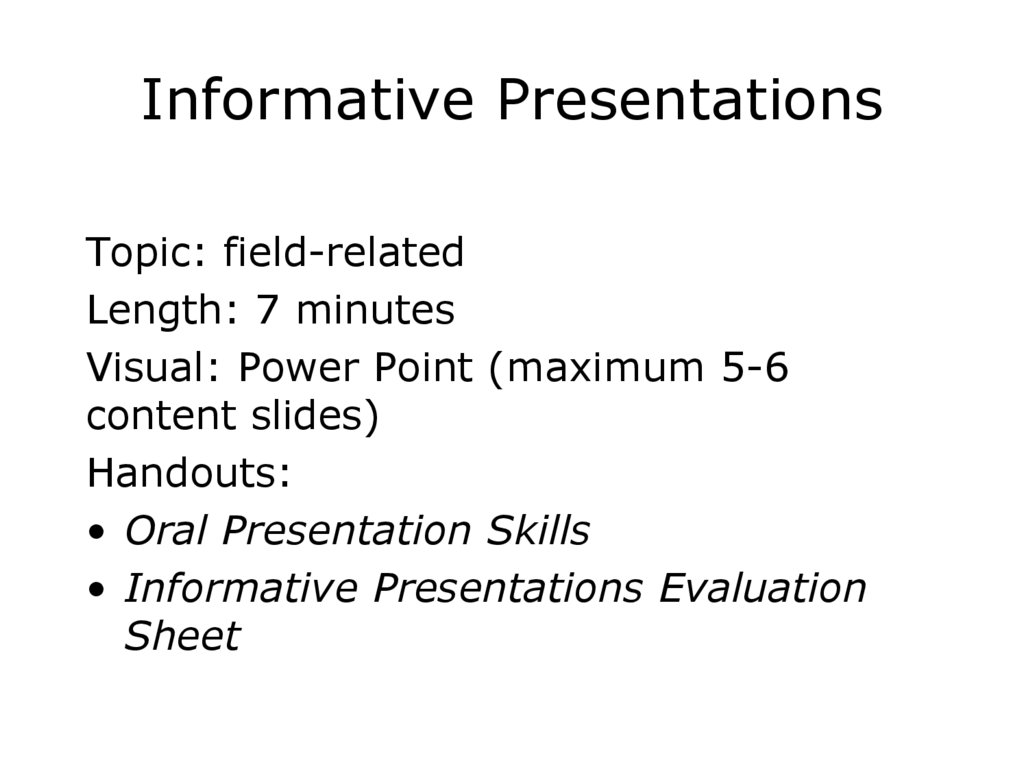
Informative PresentationsTopic: field-related
Length: 7 minutes
Visual: Power Point (maximum 5-6
content slides)
Handouts:
• Oral Presentation Skills
• Informative Presentations Evaluation
Sheet
2.
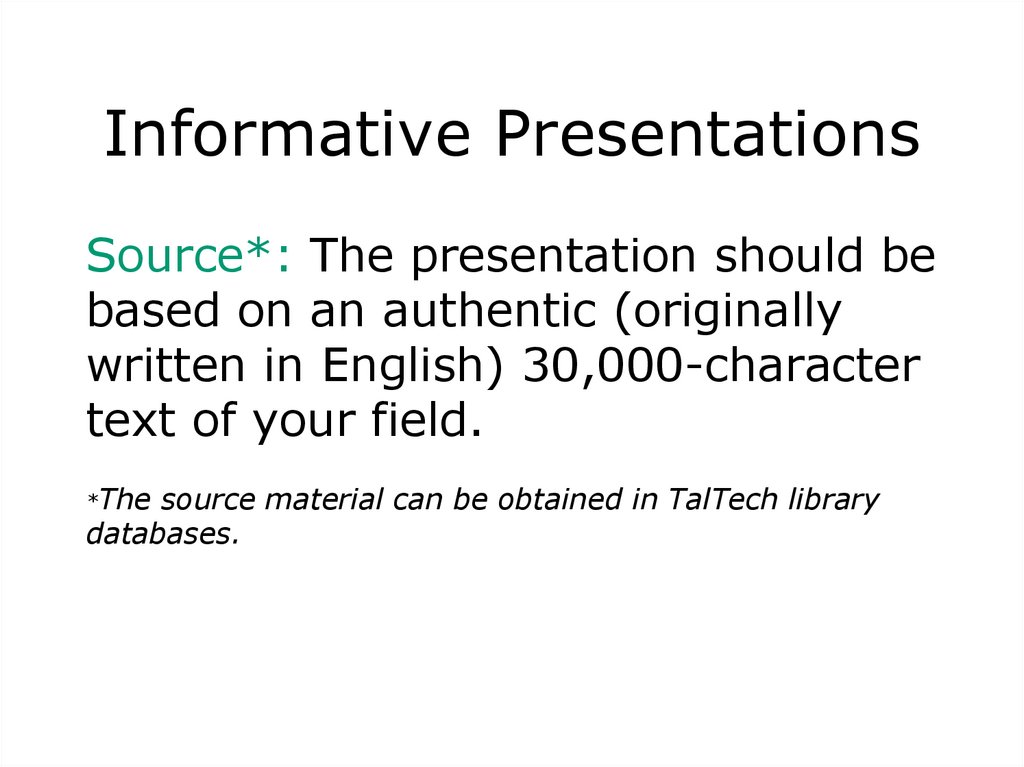
Informative PresentationsSource*: The presentation should be
based on an authentic (originally
written in English) 30,000-character
text of your field.
*The source material can be obtained in TalTech library
databases.
3.
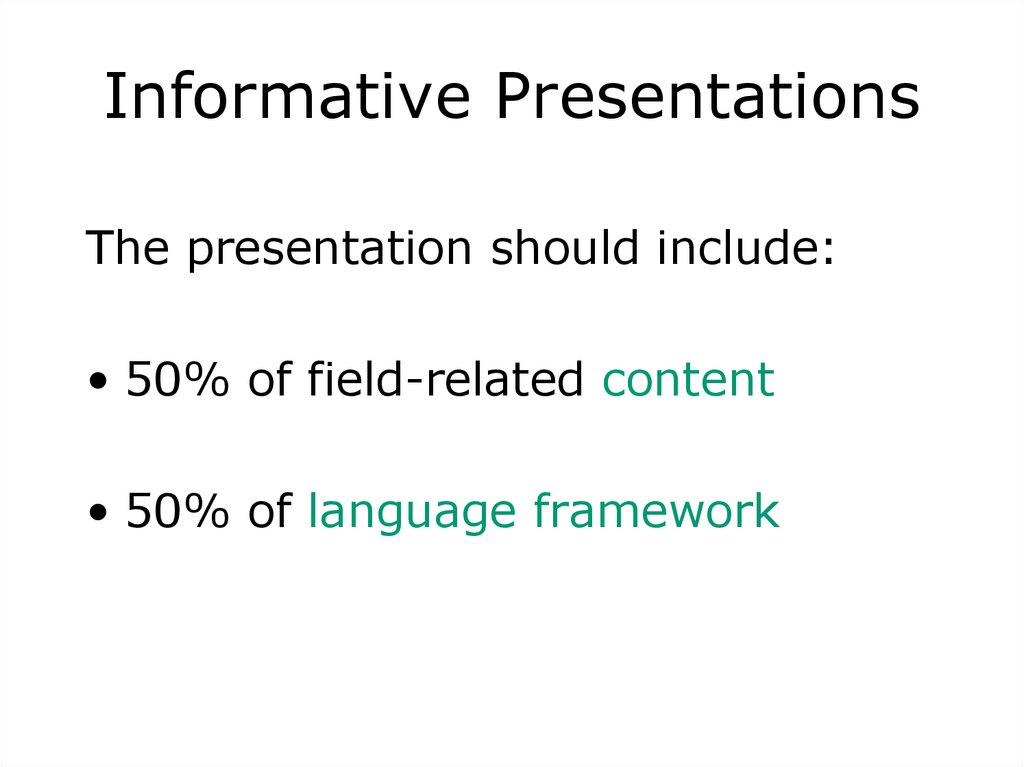
Informative PresentationsThe presentation should include:
• 50% of field-related content
• 50% of language framework
4.
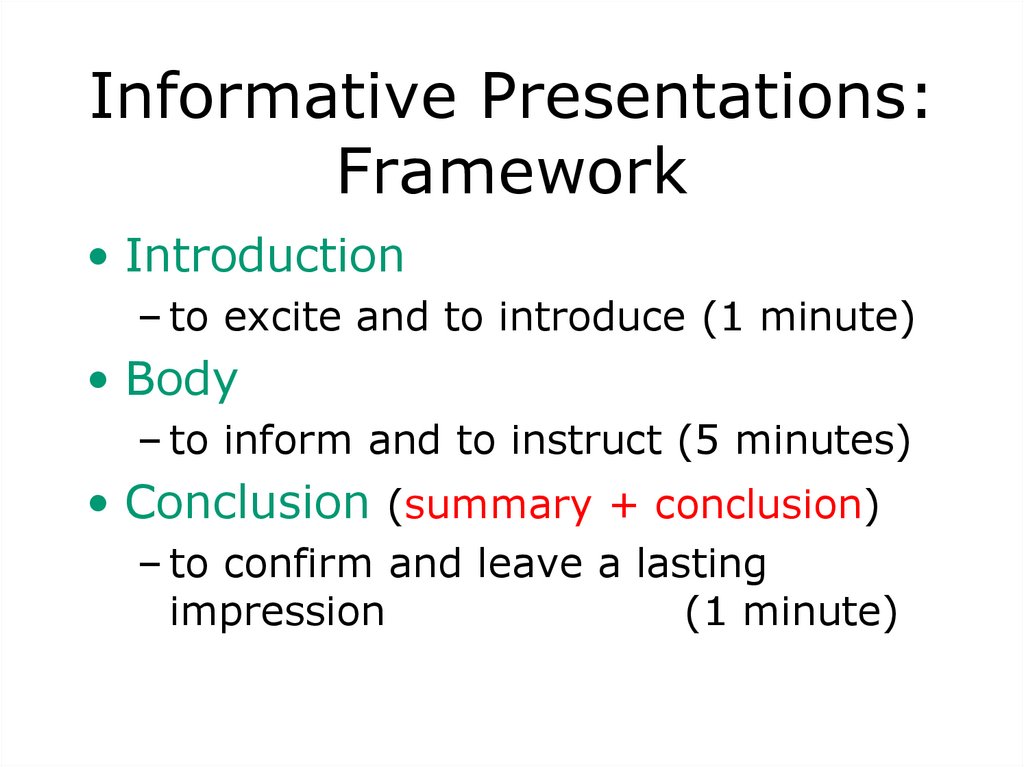
Informative Presentations:Framework
• Introduction
– to excite and to introduce (1 minute)
• Body
– to inform and to instruct (5 minutes)
• Conclusion (summary + conclusion)
– to confirm and leave a lasting
impression
(1 minute)
5. In other words…
• Say what you are going to say• Say it
• Say it again
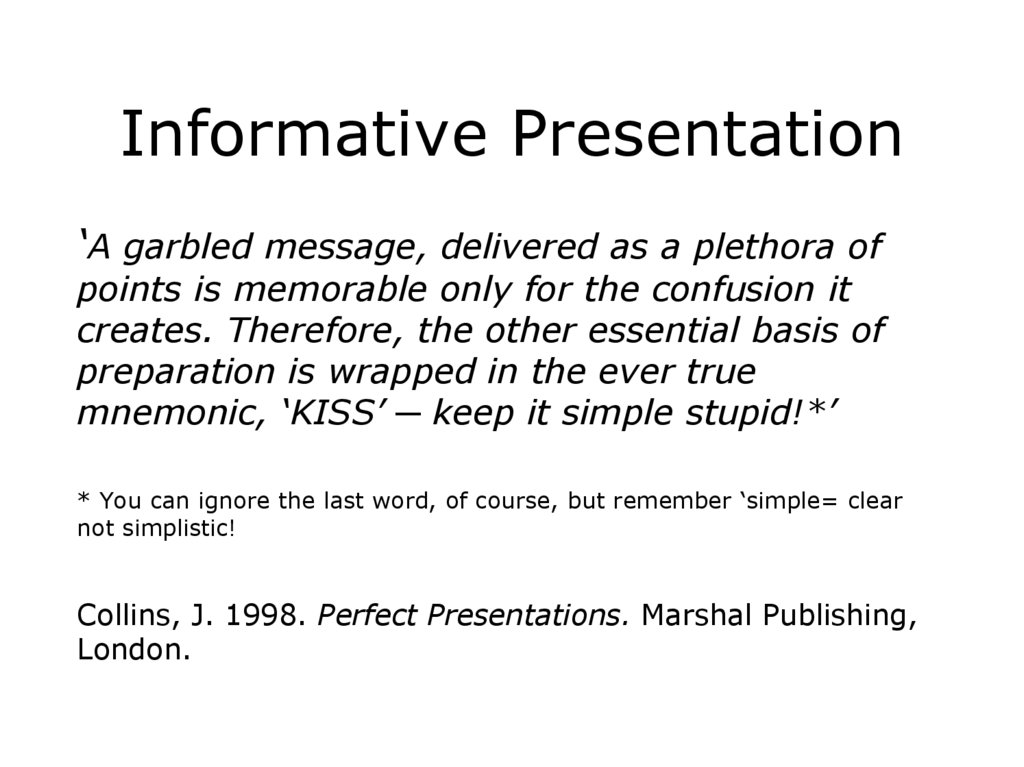
6.
Informative Presentation‘A garbled message, delivered as a plethora of
points is memorable only for the confusion it
creates. Therefore, the other essential basis of
preparation is wrapped in the ever true
mnemonic, ‘KISS’ ─ keep it simple stupid!*’
* You can ignore the last word, of course, but remember ‘simple= clear
not simplistic!
Collins, J. 1998. Perfect Presentations. Marshal Publishing,
London.
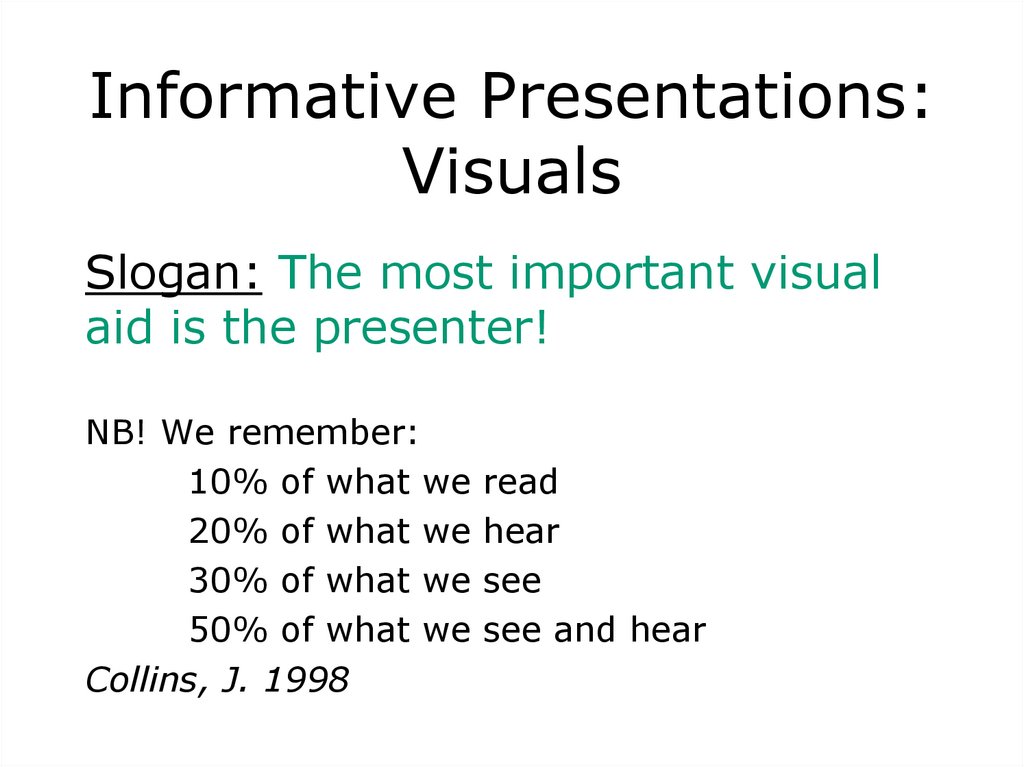
7.
Informative Presentations:Visuals
Slogan: The most important visual
aid is the presenter!
NB! We remember:
10% of what we read
20% of what we hear
30% of what we see
50% of what we see and hear
Collins, J. 1998
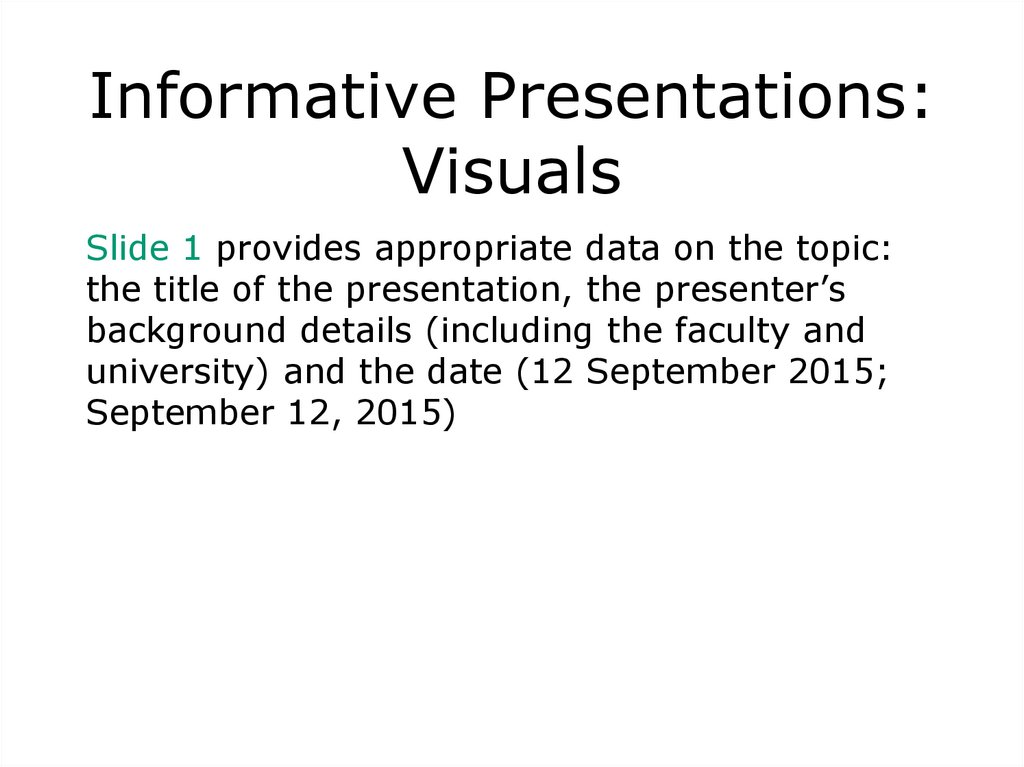
8.
Informative Presentations:Visuals
Slide 1 provides appropriate data on the topic:
the title of the presentation, the presenter’s
background details (including the faculty and
university) and the date (12 September 2015;
September 12, 2015)
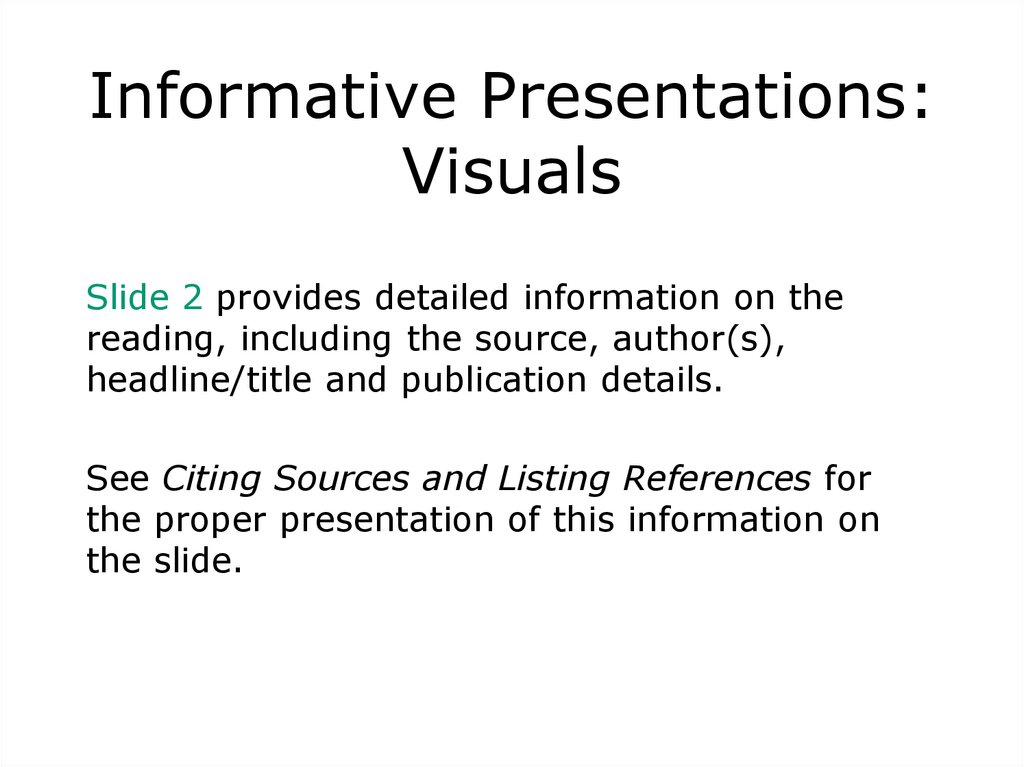
9.
Informative Presentations:Visuals
Slide 2 provides detailed information on the
reading, including the source, author(s),
headline/title and publication details.
See Citing Sources and Listing References for
the proper presentation of this information on
the slide.
10.
Informative Presentations:Visuals
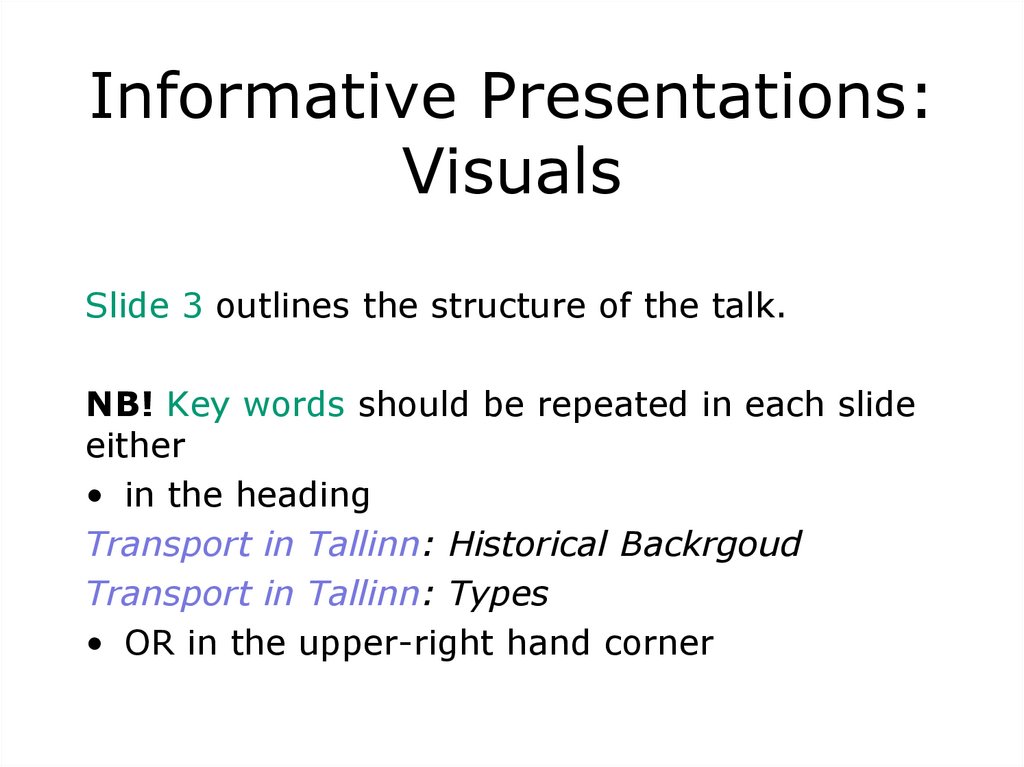
Slide 3 outlines the structure of the talk.
NB! Key words should be repeated in each slide
either
• in the heading
Transport in Tallinn: Historical Backrgoud
Transport in Tallinn: Types
• OR in the upper-right hand corner
11.
Informative Presentations:Visuals
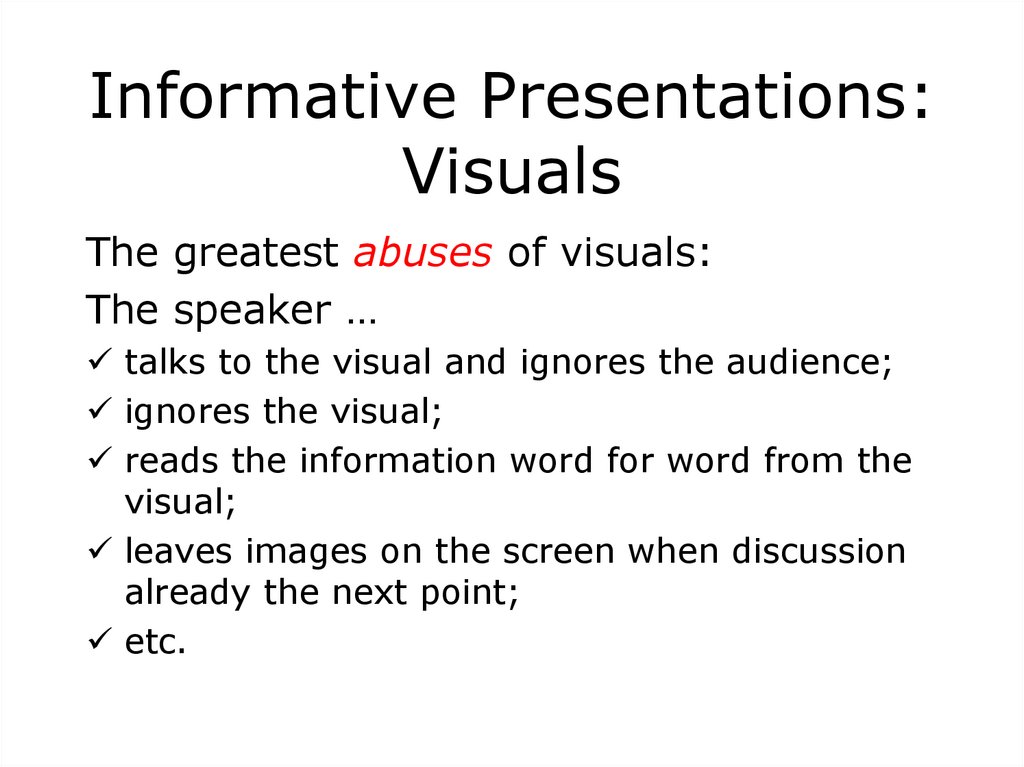
The greatest abuses of visuals:
The speaker …
talks to the visual and ignores the audience;
ignores the visual;
reads the information word for word from the
visual;
leaves images on the screen when discussion
already the next point;
etc.
12. Visuals: Two Simple Rules
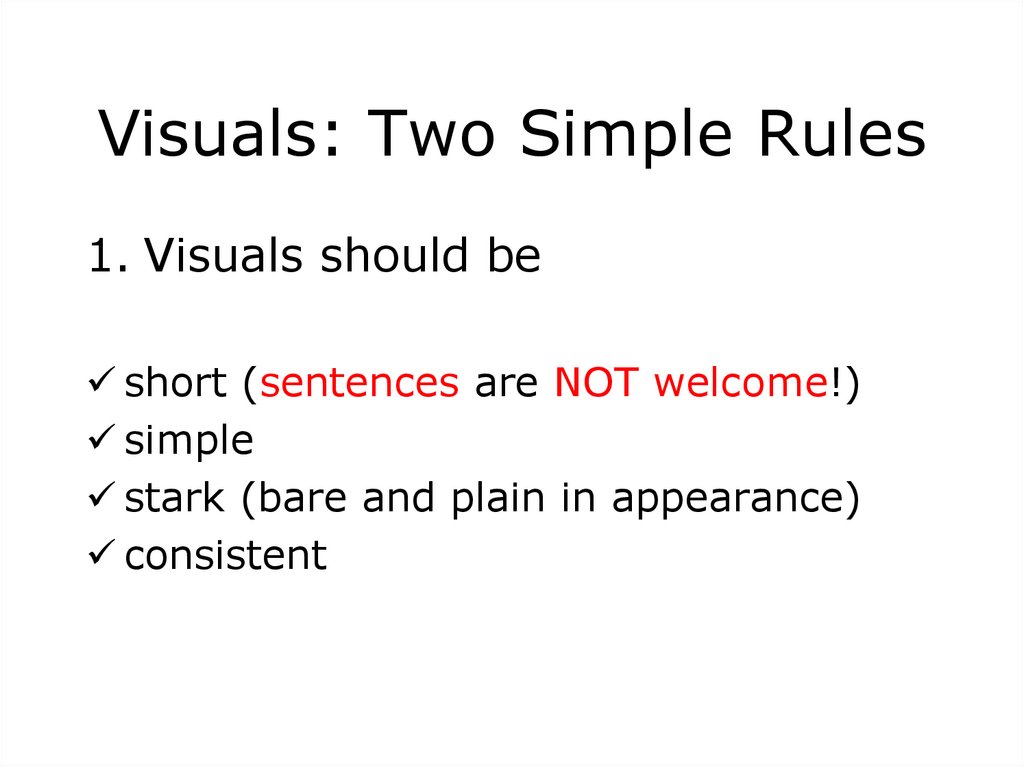
1. Visuals should beshort (sentences are NOT welcome!)
simple
stark (bare and plain in appearance)
consistent
13. Visuals: Two Simple Rules
2. Visuals should complement thetalk and add to the message NOT
dominate the scene.