


 informatics
Similar presentations:







Search, Replace, Sort, and Sift Data
1. Practice 8: Search, Replace, Sort, and Sift Data
PRACTICE 8:SEARCH, REPLACE,
SORT, AND SIFT
DATA
Topic: Data organization and management in
Excel & Access
2. Introduction
• Effective dataorganization
improves analysis
and accuracy.
Introduction
• Core operations:
Search, Replace,
Sort, and Filter (Sift).
• Used in
spreadsheets (Excel)
and databases
(Access).
3. Sorting Data in Excel
Steps:1. Select the dataset.
Sorting
Data in
Excel
2. Go to 'Data' tab → 'Sort'.
3. Choose the column and order
(A–Z or Z–A).
4. Use 'Add Level' for multi-level
sorting (Department → Name).
4. Sorting Data in Access
◦ Steps:◦ 1. Open table or query in
Datasheet View.
◦ 2. Click on the field header.
◦ 3. Choose 'Sort Ascending' or 'Sort
Descending'.
◦ SQL Example:
◦ SELECT * FROM Employees
◦ ORDER BY Department ASC,
Salary DESC;
Sorting Data
in Access
5. Filtering Data (Sifting)
◦ • Filtering shows only data meeting certaincriteria.
◦ • Excel Filters:
◦
– AutoFilter: Quick dropdown.
◦
– Custom Filter: Combine AND/OR.
◦
– Advanced Filter: Copy results elsewhere.
6. Filtering in Access
◦ Steps:◦ 1. Open table in Datasheet View.
◦ 2. Use 'Text Filter' or 'Number Filter'.
◦ SQL Example:
◦ SELECT * FROM Employees
◦ WHERE Department = 'Finance' AND Salary >
60000;
7. Search and Replace in Excel
◦ Steps:◦ 1. Ctrl + F → Search.
◦ 2. Ctrl + H → Replace.
◦ 3. Example: Replace 'Ltd.' with 'Limited'.
◦ 4. Use 'Match Case' or 'Entire Cell' options.
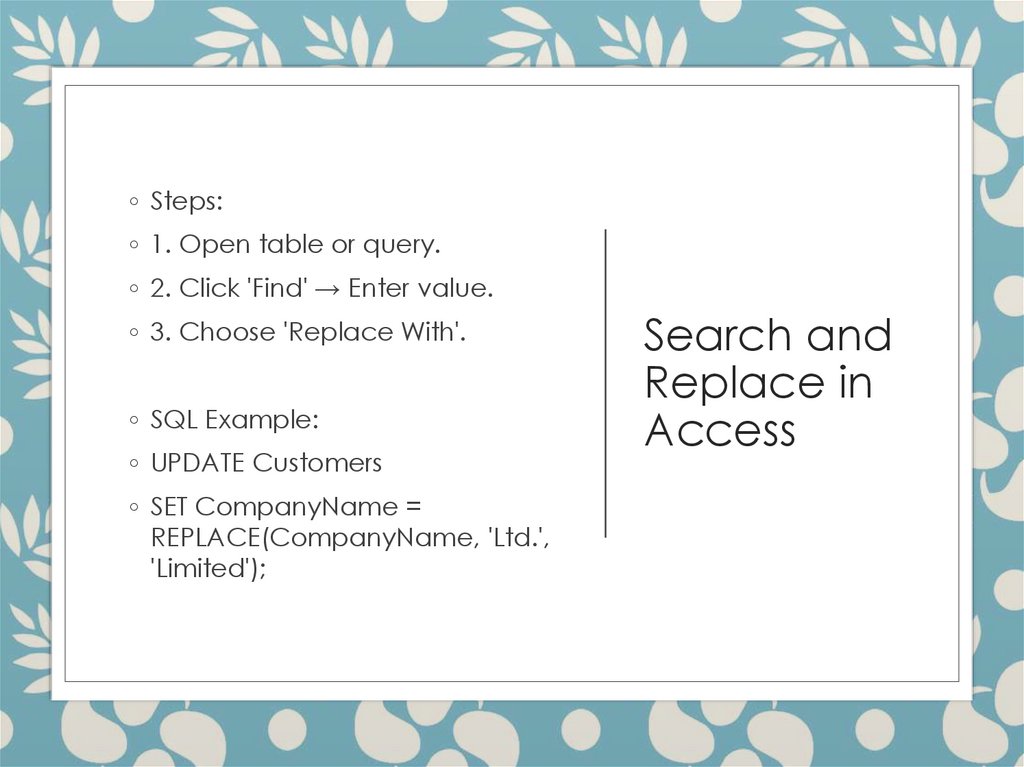
8. Search and Replace in Access
◦ Steps:◦ 1. Open table or query.
◦ 2. Click 'Find' → Enter value.
◦ 3. Choose 'Replace With'.
◦ SQL Example:
◦ UPDATE Customers
◦ SET CompanyName =
REPLACE(CompanyName, 'Ltd.',
'Limited');
Search and
Replace in
Access
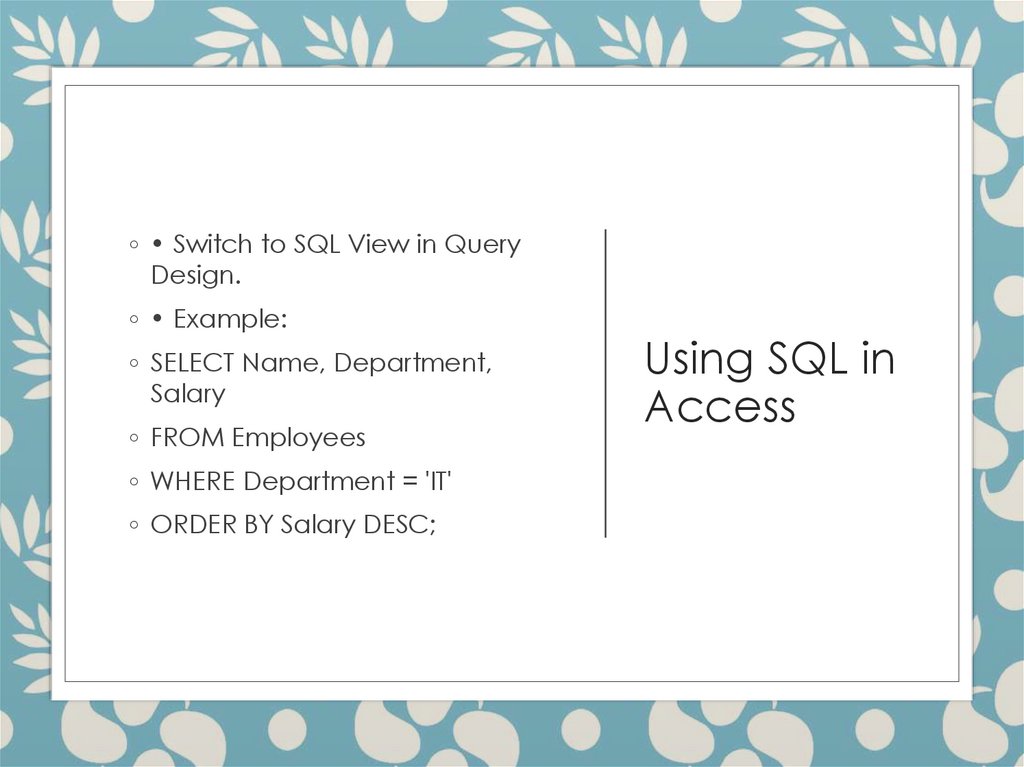
9. Using SQL in Access
◦ • Switch to SQL View in QueryDesign.
◦ • Example:
◦ SELECT Name, Department,
Salary
◦ FROM Employees
◦ WHERE Department = 'IT'
◦ ORDER BY Salary DESC;
Using SQL in
Access
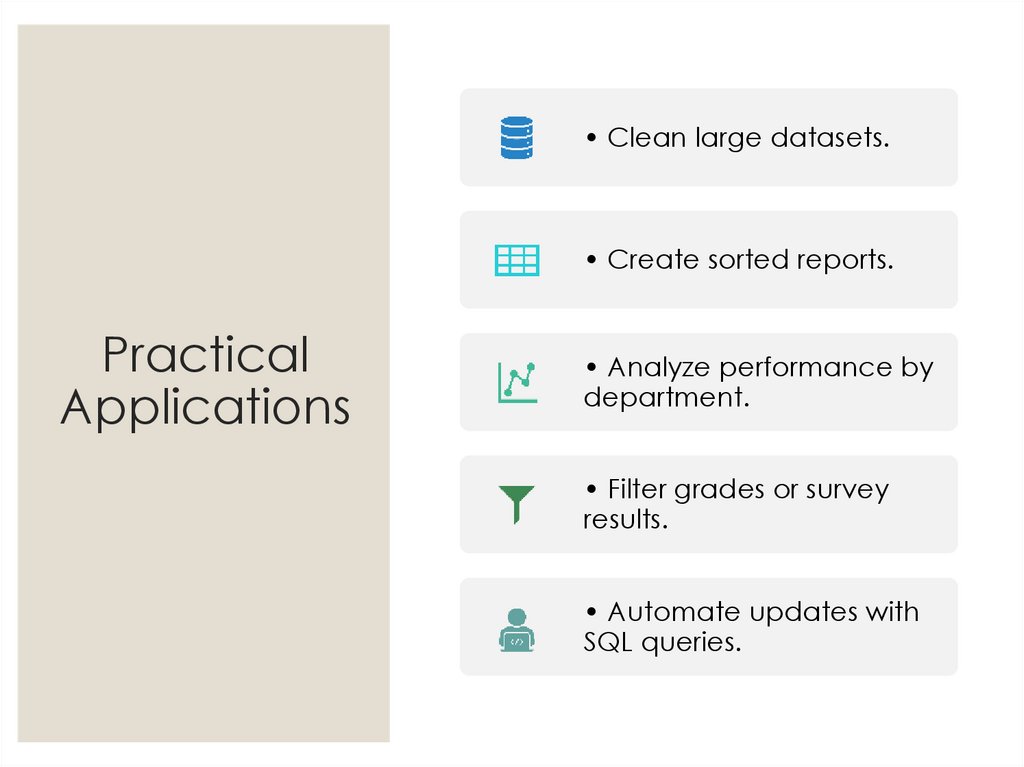
10. Practical Applications
• Clean large datasets.• Create sorted reports.
Practical
Applications
• Analyze performance by
department.
• Filter grades or survey
results.
• Automate updates with
SQL queries.
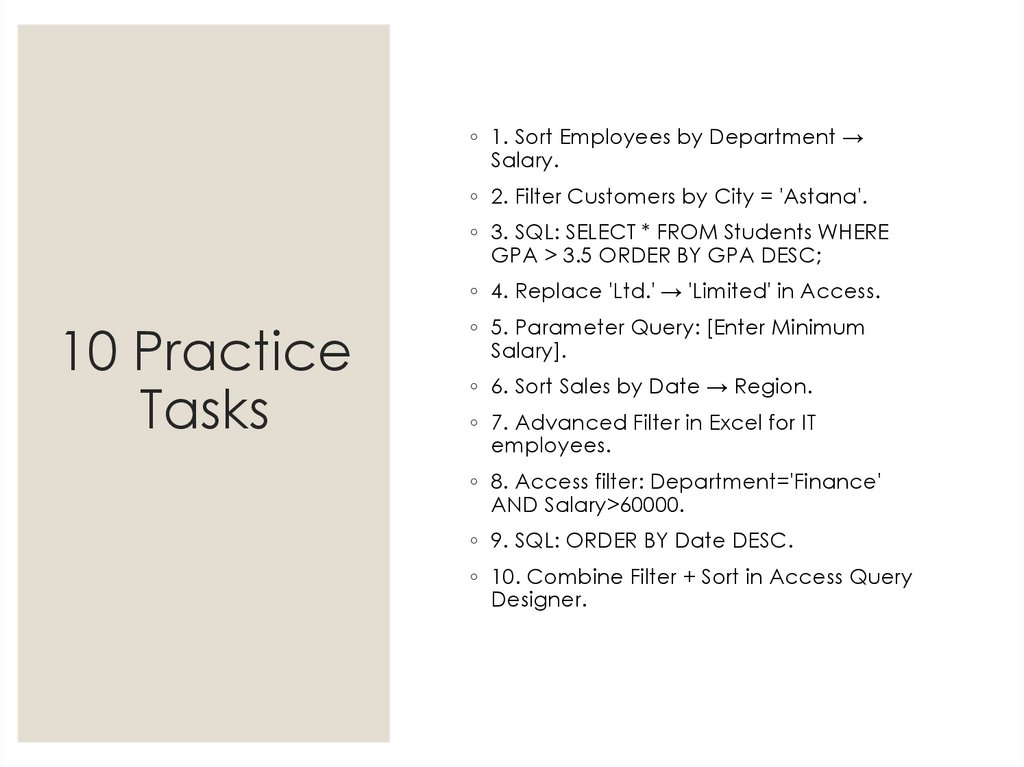
11. 10 Practice Tasks
◦ 1. Sort Employees by Department →Salary.
◦ 2. Filter Customers by City = 'Astana'.
◦ 3. SQL: SELECT * FROM Students WHERE
GPA > 3.5 ORDER BY GPA DESC;
◦ 4. Replace 'Ltd.' → 'Limited' in Access.
10 Practice
Tasks
◦ 5. Parameter Query: [Enter Minimum
Salary].
◦ 6. Sort Sales by Date → Region.
◦ 7. Advanced Filter in Excel for IT
employees.
◦ 8. Access filter: Department='Finance'
AND Salary>60000.
◦ 9. SQL: ORDER BY Date DESC.
◦ 10. Combine Filter + Sort in Access Query
Designer.
12. Summary
• Sorting and filteringstructure data logically.
• Search and replace
ensure consistency.
Summary
• SQL enhances
Access functionality.
• These tools streamline
data analysis and
reporting.
13. Quiz for Students – Part 1
◦ 1 ⃣ Which function arrangesdata alphabetically or
numerically?
◦ A) Filter B) Sort
D) Search
C) Replace
◦ 2 ⃣ What is the purpose of
the Filter tool?
◦ A) Delete data B) Show
selected data C) Copy all
data D) Highlight errors
Quiz for
Students –
Part 1
14. Quiz for Students – Part 2
◦ 3 ⃣ Which SQL clause ordersquery results?
◦ A) SELECT B) WHERE C)
ORDER BY D) UPDATE
◦ 4 ⃣ In Excel, which shortcut
opens Find dialog?
◦ A) Ctrl + F B) Ctrl + H C)
Ctrl + A D) Ctrl + N
Quiz for
Students –
Part 2
15. Quiz for Students – Part 3
◦ 5 ⃣ Difference betweenAutoFilter and Advanced
Filter?
◦ A) None B) AutoFilter uses
dropdowns; Advanced Filter
can copy results elsewhere
◦ 6 ⃣ Where can SQL code be
entered in Access?
◦ A) Table View B) SQL View
C) Report View D) Design
View
Quiz for
Students –
Part 3
16. Quiz for Students – Part 4
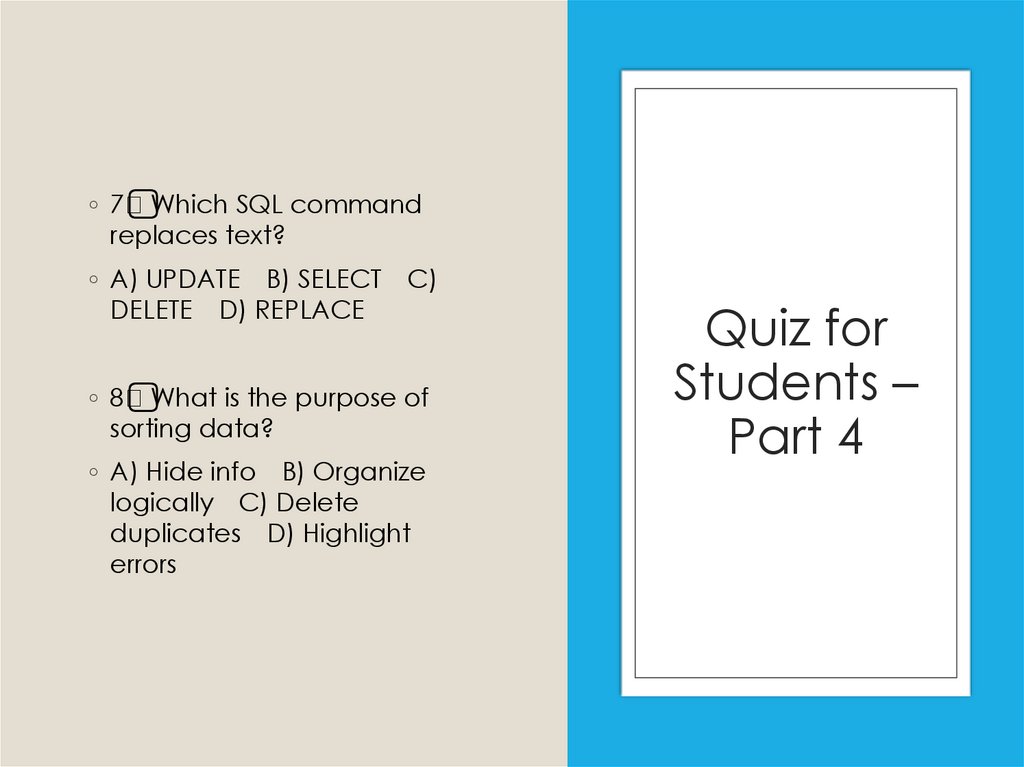
◦ 7 ⃣ Which SQL commandreplaces text?
◦ A) UPDATE B) SELECT
DELETE D) REPLACE
C)
◦ 8 ⃣ What is the purpose of
sorting data?
◦ A) Hide info B) Organize
logically C) Delete
duplicates D) Highlight
errors
Quiz for
Students –
Part 4
17. Quiz for Students – Part 5
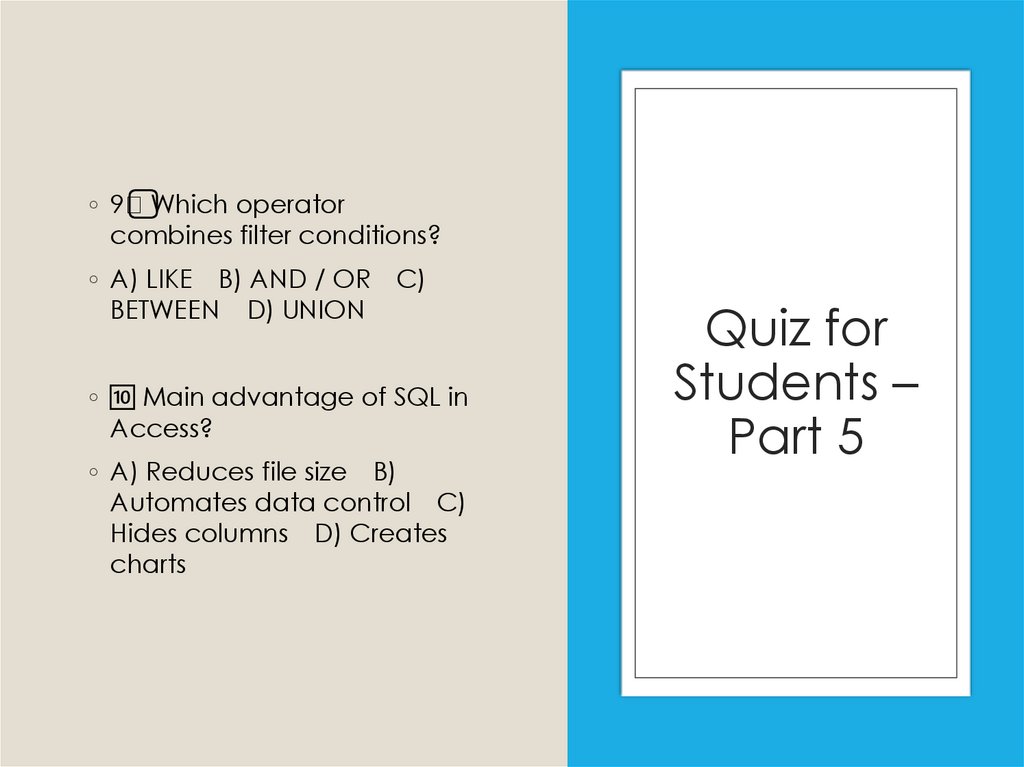
◦ 9 ⃣ Which operatorcombines filter conditions?
◦ A) LIKE B) AND / OR
BETWEEN D) UNION
C)
◦