
 electronics
Similar presentations:









Professional computer (hardware specifications, software)
1.
Professional computer (hardwarespecifications, software)
Горбунов М.Г.
ДТ-460
2.
Why Do Professionals NeedHigh-End Computers?
Handling complex tasks (3D rendering, coding, data
analysis)
Stability & reliability for long work sessions
Support for specialized software
Ergonomics & productivity enhancements
3.
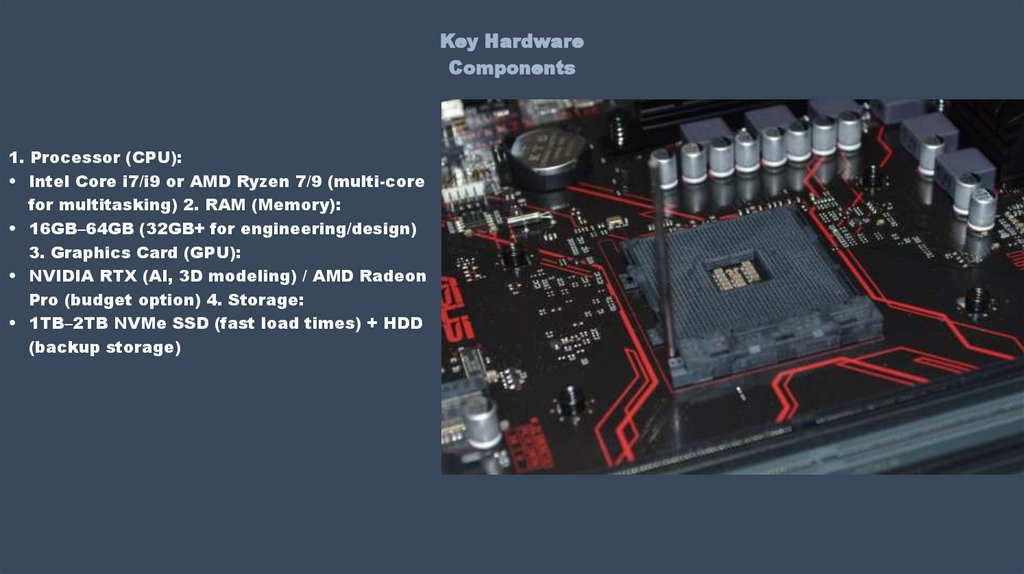
Key HardwareComponents
1. Processor (CPU):
• Intel Core i7/i9 or AMD Ryzen 7/9 (multi-core
for multitasking) 2. RAM (Memory):
• 16GB–64GB (32GB+ for engineering/design)
3. Graphics Card (GPU):
• NVIDIA RTX (AI, 3D modeling) / AMD Radeon
Pro (budget option) 4. Storage:
• 1TB–2TB NVMe SSD (fast load times) + HDD
(backup storage)
4.
Essential Software1. Operating Systems:
• Windows 11 Pro
(compatibility) / macOS
(designers) / Linux
(developers) 2.
Professional Software:
• Design: Adobe Suite
(Photoshop, Illustrator),
Figma
• 3D/Video: Blender,
AutoCAD, DaVinci Resolve
• Development: VS Code,
Docker, PyCharm
• Data Analysis: Python
(Pandas), MATLAB, Tableau
5.
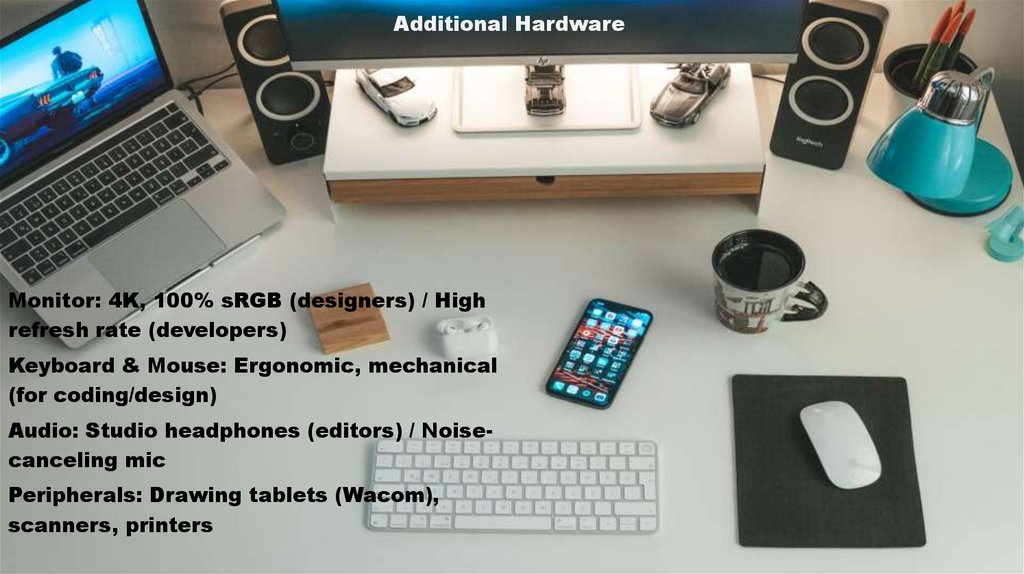
Additional HardwareMonitor: 4K, 100% sRGB (designers) / High
refresh rate (developers)
Keyboard & Mouse: Ergonomic, mechanical
(for coding/design)
Audio: Studio headphones (editors) / Noisecanceling mic
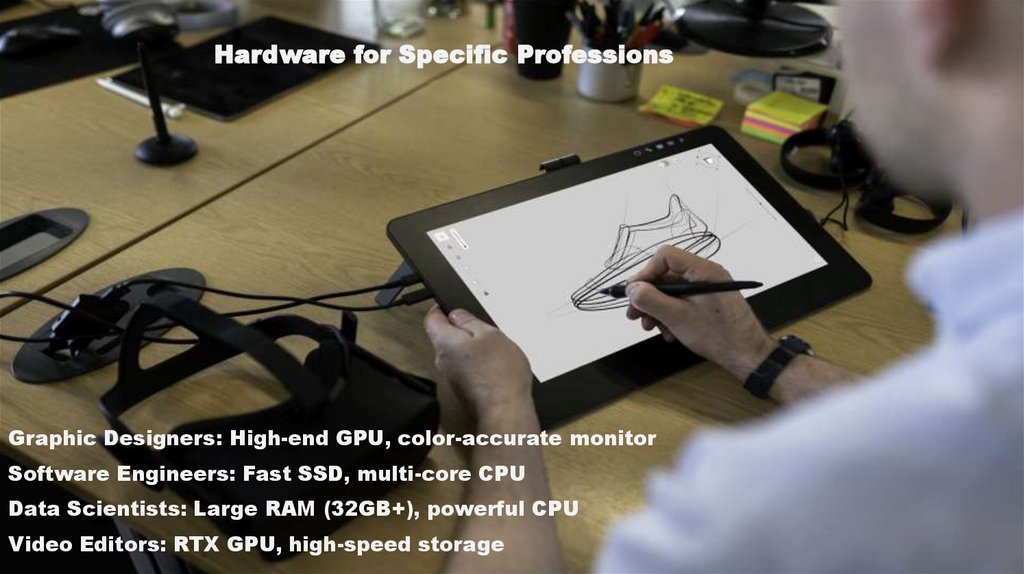
Peripherals: Drawing tablets (Wacom),
scanners, printers
6.
Hardware for Specific ProfessionsGraphic Designers: High-end GPU, color-accurate monitor
Software Engineers: Fast SSD, multi-core CPU
Data Scientists: Large RAM (32GB+), powerful CPU
Video Editors: RTX GPU, high-speed storage
7.
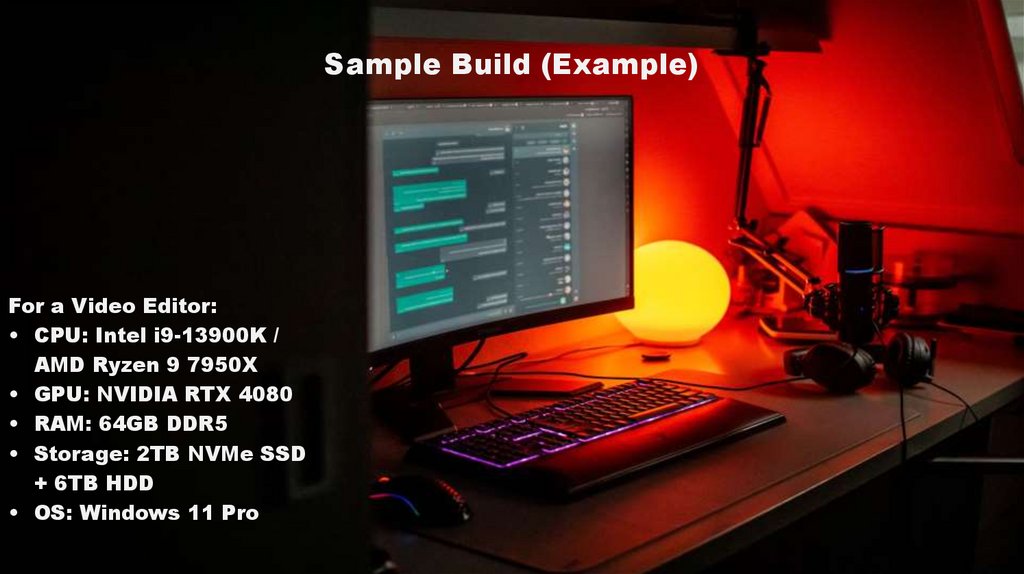
Sample Build (Example)For a Video Editor:
• CPU: Intel i9-13900K /
AMD Ryzen 9 7950X
• GPU: NVIDIA RTX 4080
• RAM: 64GB DDR5
• Storage: 2TB NVMe SSD
+ 6TB HDD
• OS: Windows 11 Pro
8.
ConclusionKey Takeaways:
• Balance CPU, GPU, RAM, and storage based on needs.
• Invest in ergonomic peripherals for long-term productivity.
• Software choice depends on industry (design, coding, analytics).