




 internet
Similar presentations:






Web Application Testing Tools
1.
WEB TESTINGWeb Application Testing Tools
2.
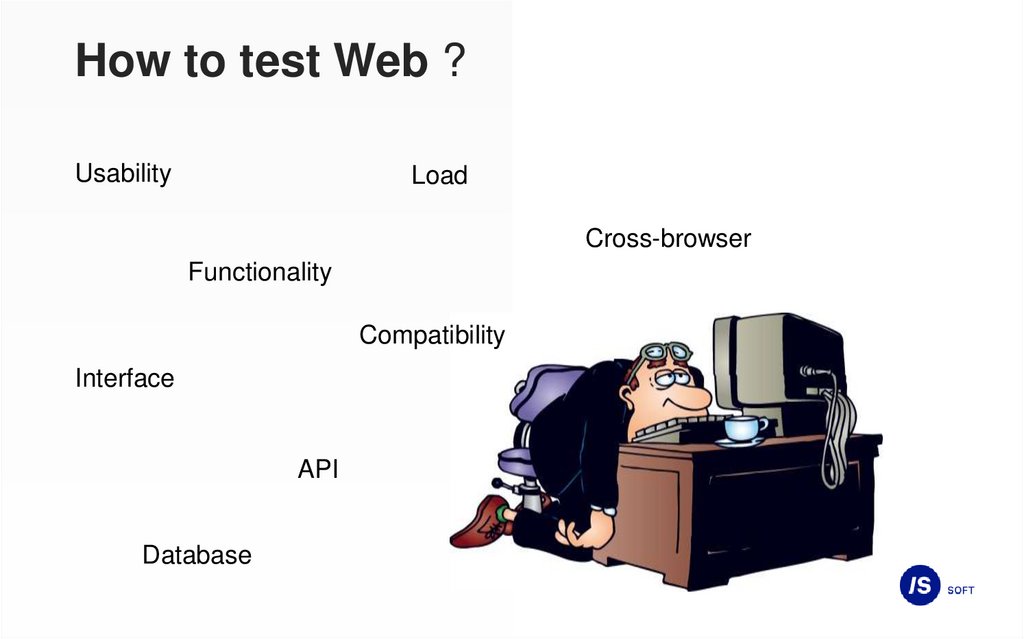
How to test Web ?Usability
Load
Cross-browser
Functionality
Compatibility
Interface
API
Database
3.
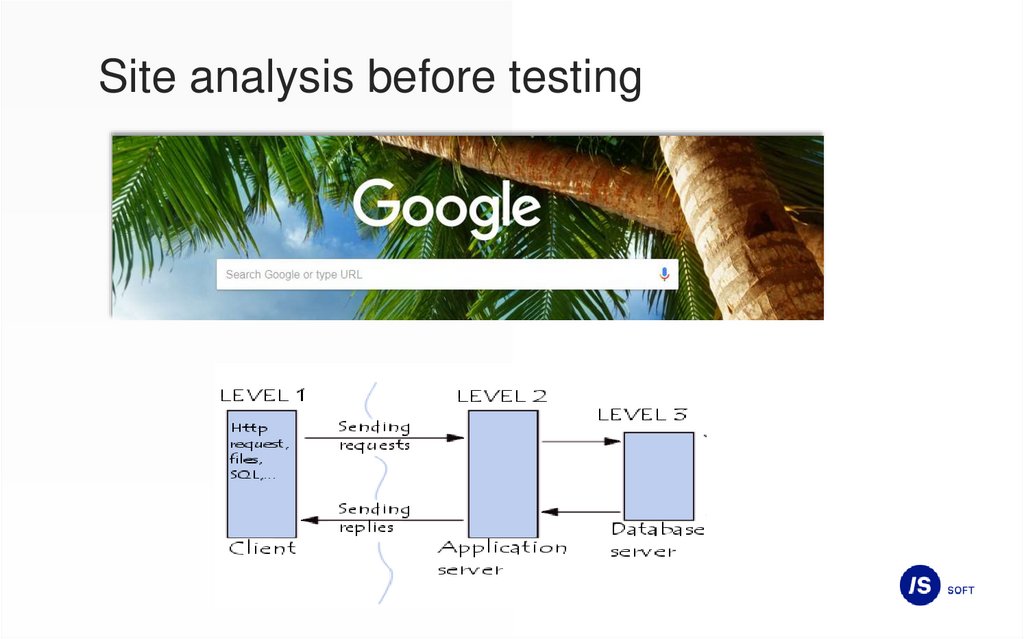
Site analysis before testing4.
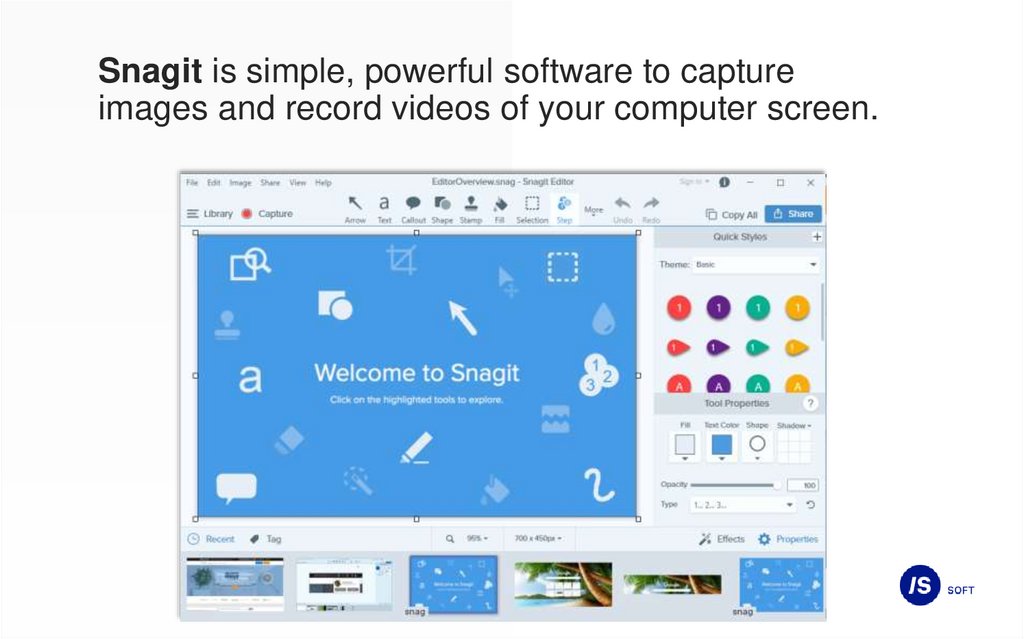
Snagit is simple, powerful software to captureimages and record videos of your computer screen.
5.
DecompositionDecomposition is a scientific method that uses the structure of the problem and
allows you to replace the solution of one large problem with the solution of a series
of smaller problems, albeit interconnected, but simpler. (Wikipedia)
6.
Using the decomposition principlewhen creating checklists or test cases
when performing exploratory testing
during requirements testing
in planning and evaluating testing tasks
7.
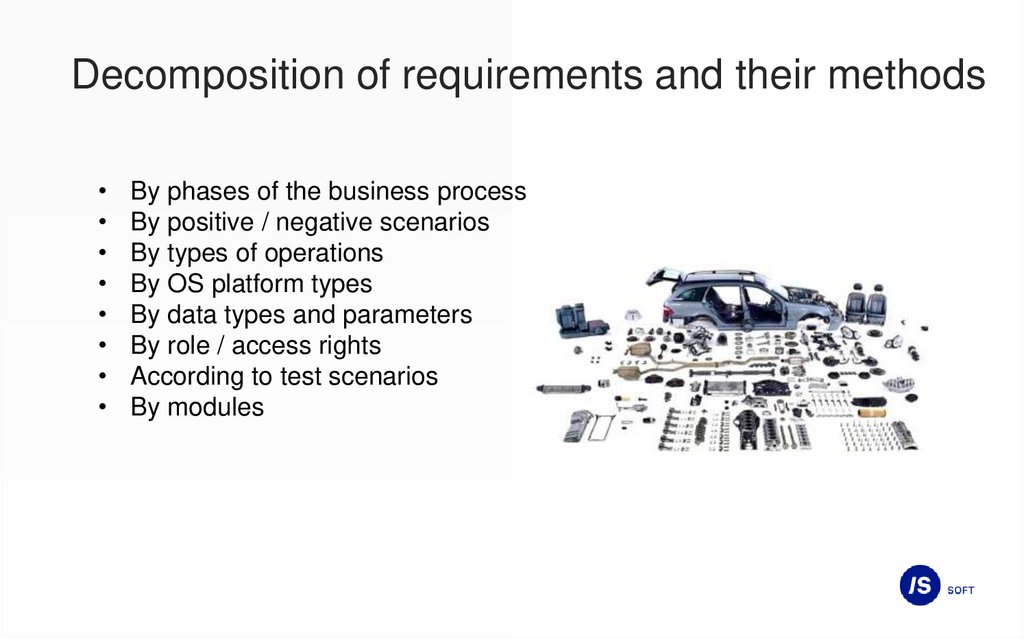
Decomposition of requirements and their methodsBy phases of the business process
By positive / negative scenarios
By types of operations
By OS platform types
By data types and parameters
By role / access rights
According to test scenarios
By modules
8.
Lucidcharts – platform for drawing,revising and sharing charts and diagrams
9.
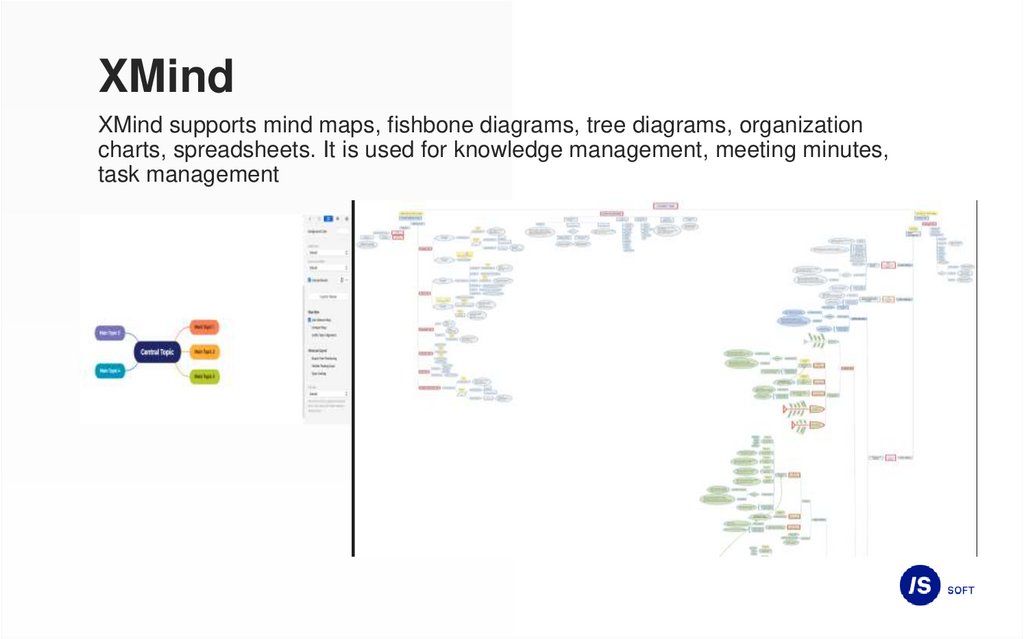
XMindXMind supports mind maps, fishbone diagrams, tree diagrams, organization
charts, spreadsheets. It is used for knowledge management, meeting minutes,
task management
10.
https://app.diagrams.netThis is free online diagram software. You
can use it as a flowchart maker, network
diagram software, to create UML online, as an
ER diagram tool, to design database schema,
to build BPMN online, as a circuit diagram
maker, and more.
11.
Basic interface testing parameters• Color definition
• Font definition
• Sizing and positioning of the interface elements
• Link Validation
* Spell check
12.
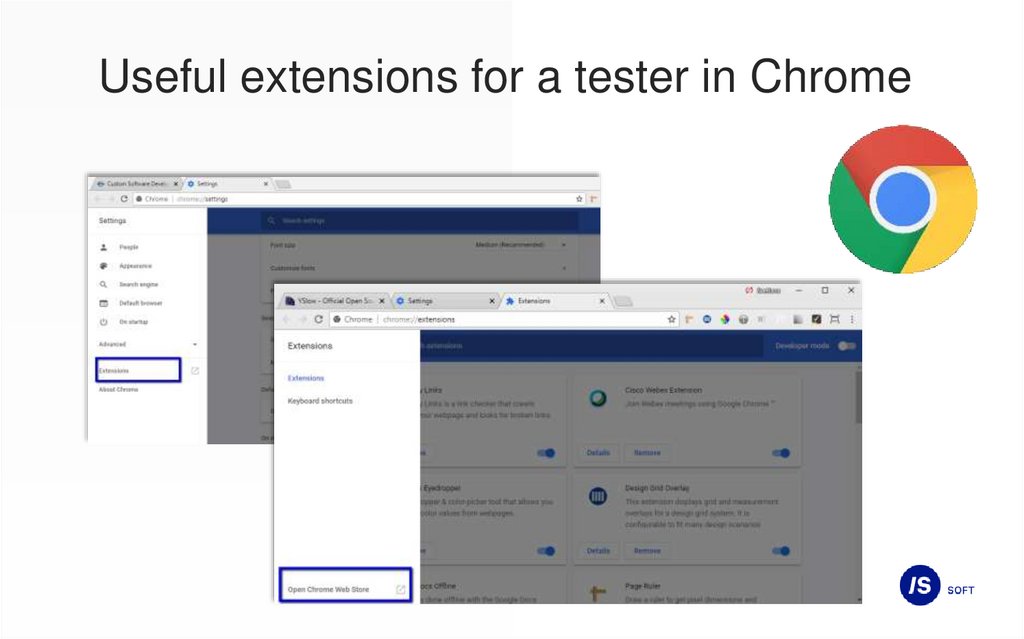
Useful extensions for a tester in Chrome13.
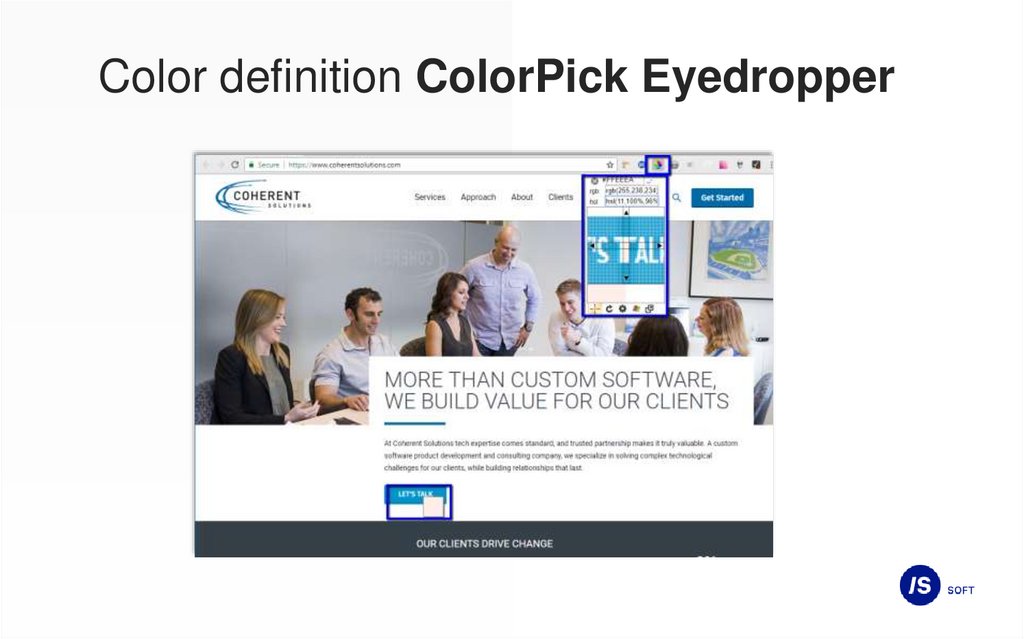
Color definition ColorPick Eyedropper14.
Font definition WhatFont15.
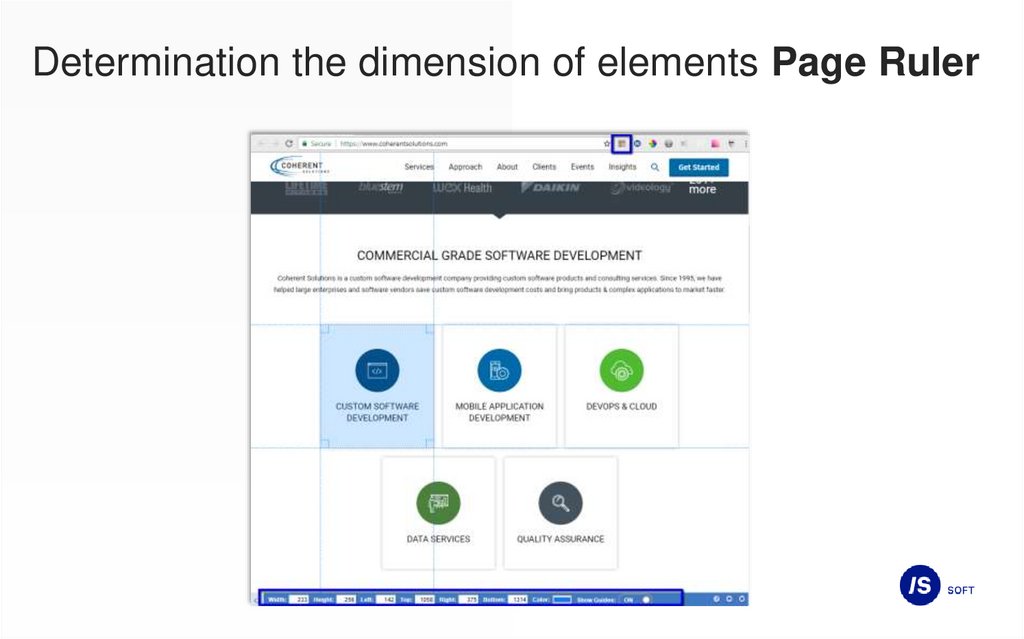
Determination the dimension of elements Page Ruler16.
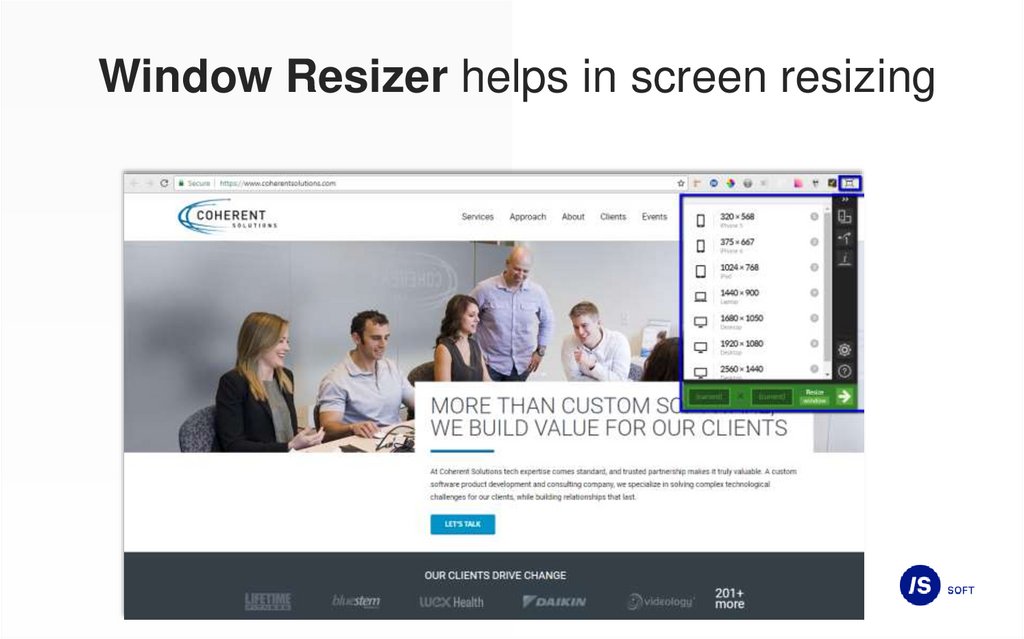
Window Resizer helps in screen resizing17.
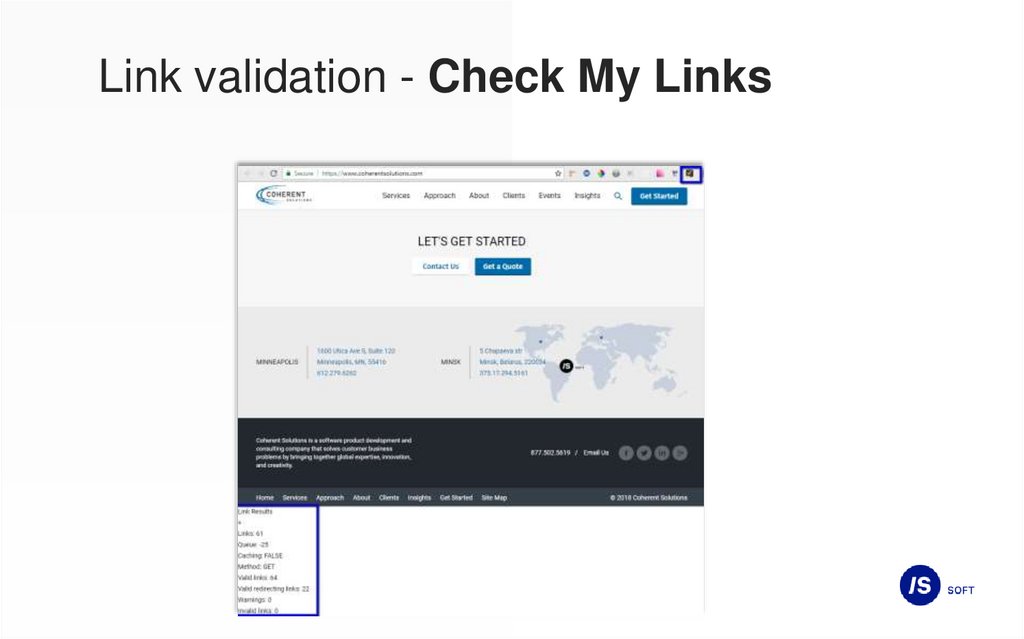
Link validation - Check My Links18.
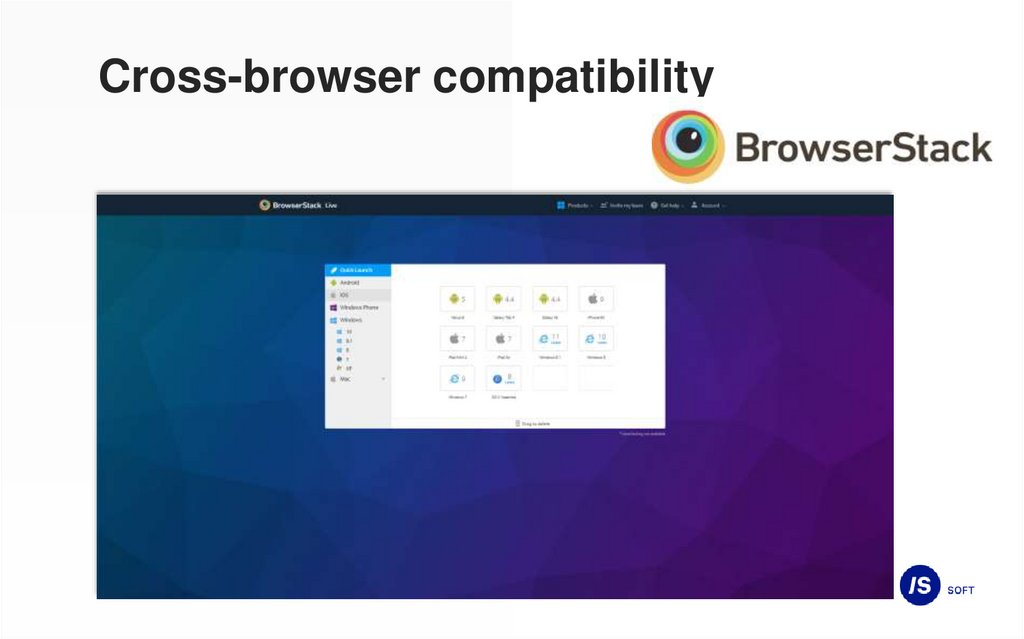
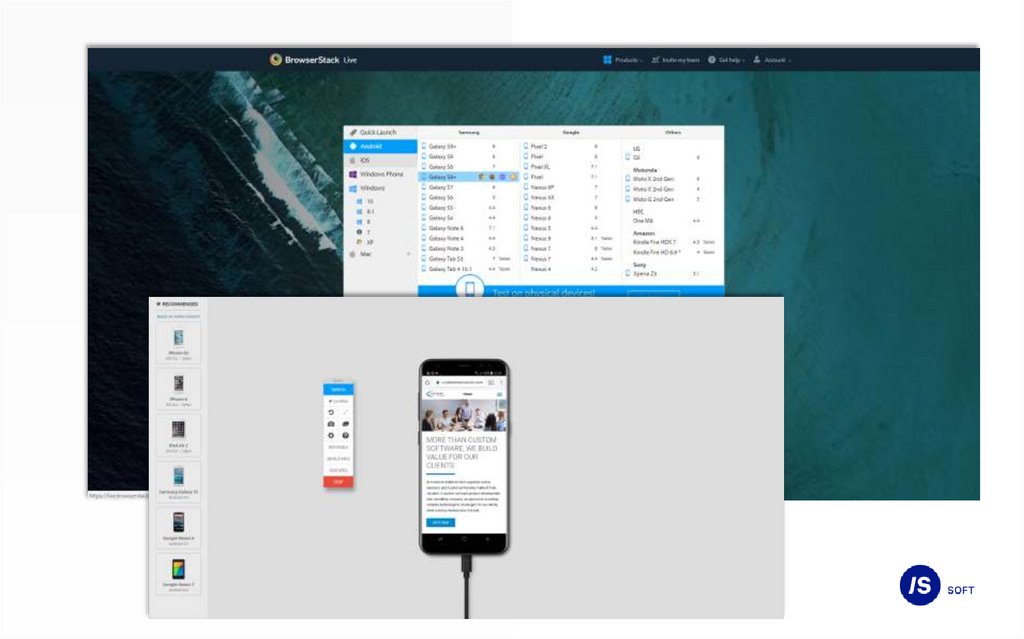
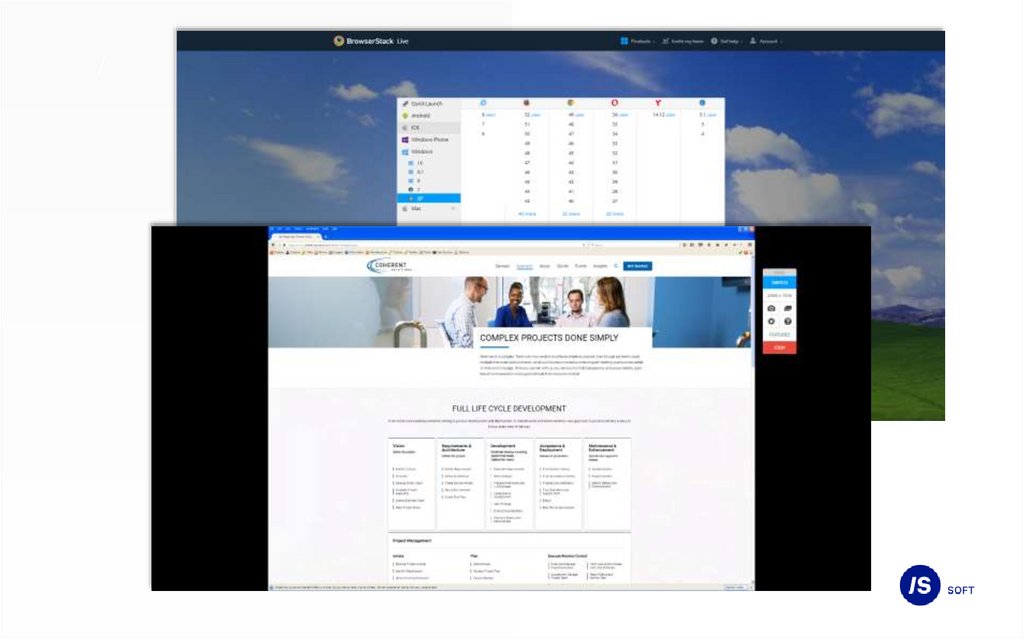
Cross-browser compatibility19.
Cross-browser compatibility20.
/21.
Chrome DevTools• F12 key
• simultaneously pressing the keys Ctrl + Shift + I;
• right click by page element -> View page source;
• browser menu -> More Tools -> Developer Tools.
22.
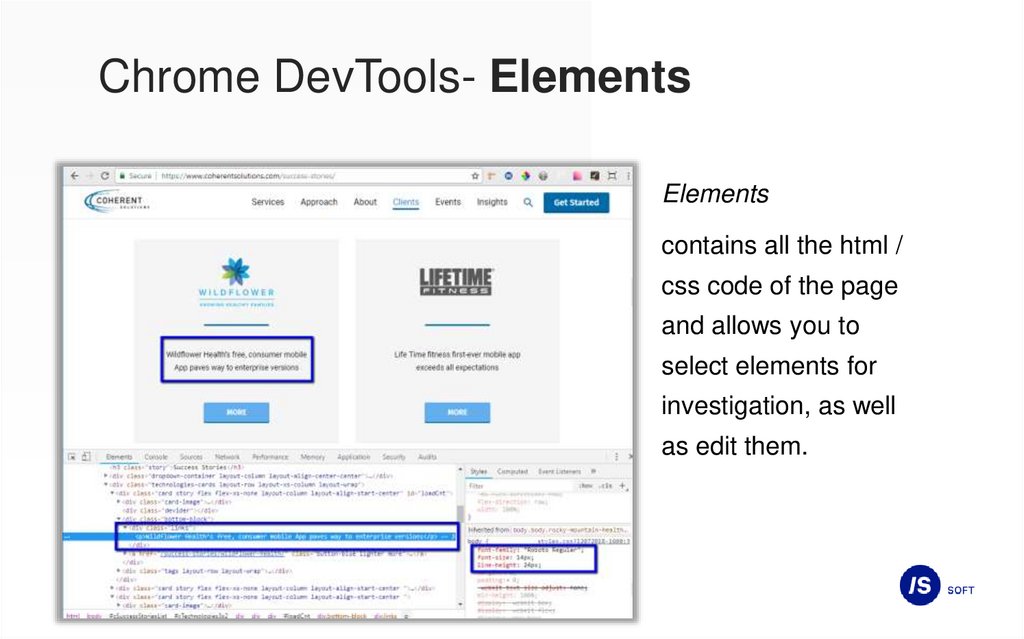
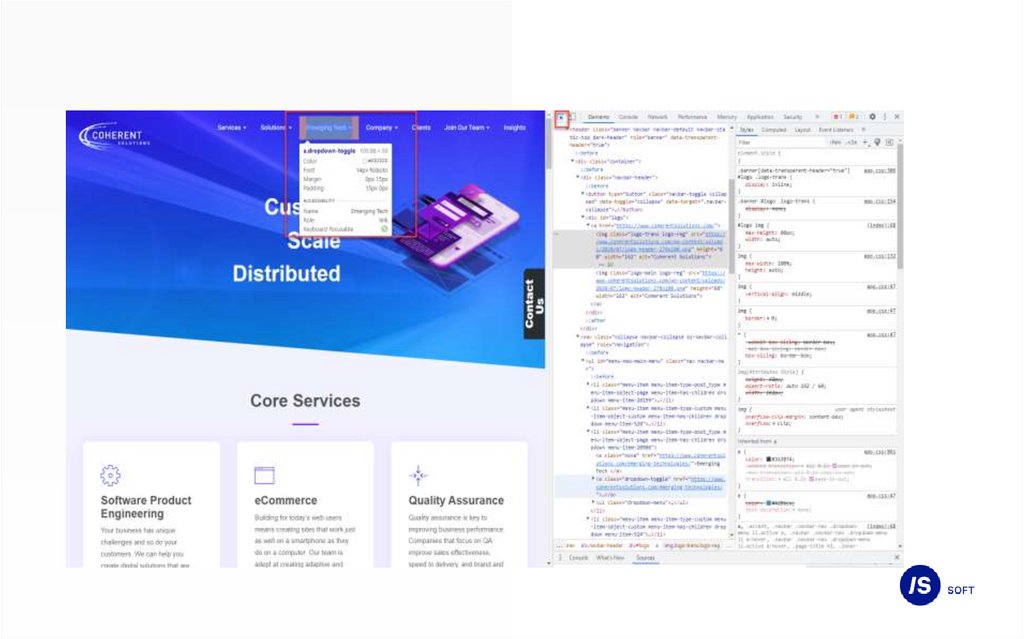
Chrome DevTools- ElementsElements
contains all the html /
css code of the page
and allows you to
select elements for
investigation, as well
as edit them.
23.
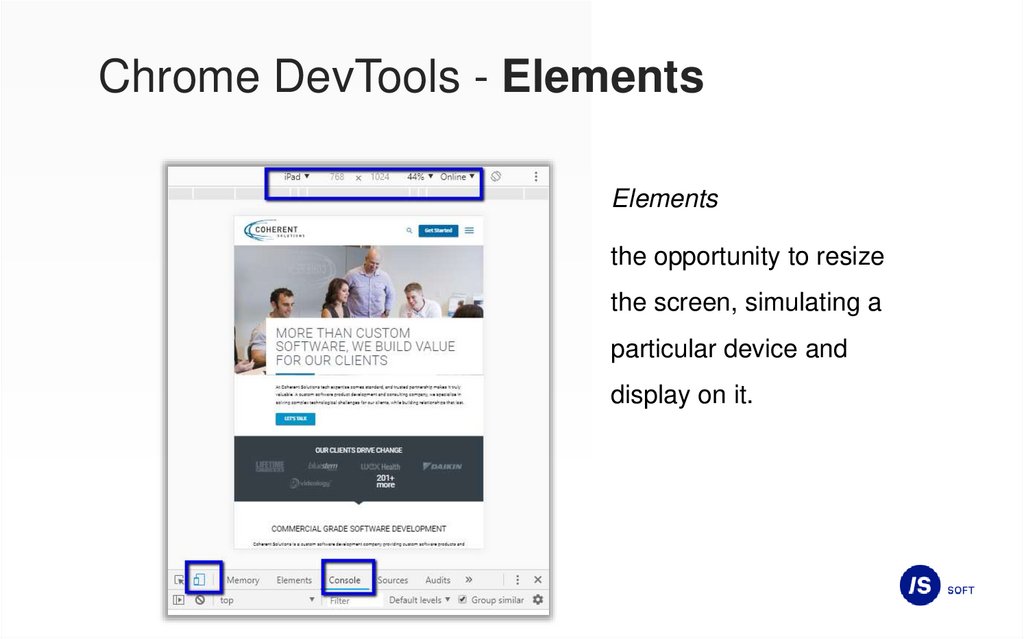
Chrome DevTools - ElementsElements
the opportunity to resize
the screen, simulating a
particular device and
display on it.
24.
25.
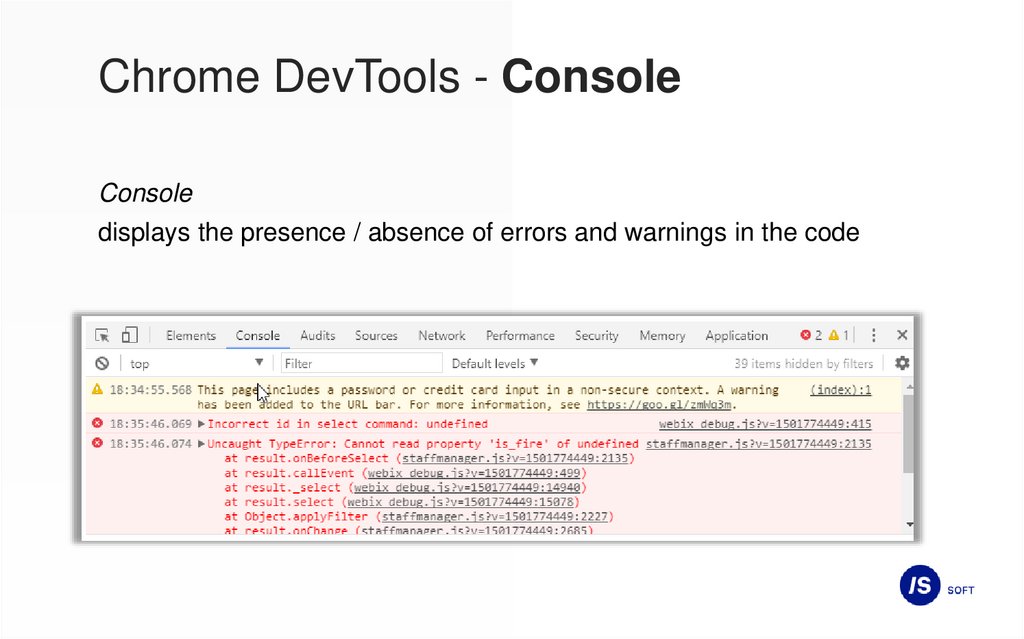
Chrome DevTools - ConsoleConsole
displays the presence / absence of errors and warnings in the code
26.
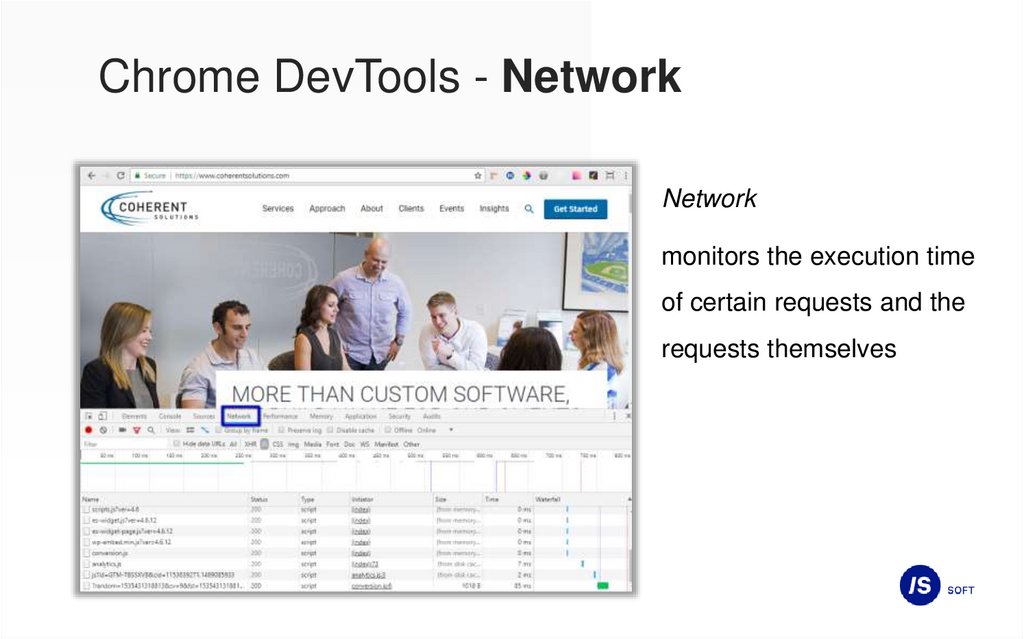
Chrome DevTools - NetworkNetwork
monitors the execution time
of certain requests and the
requests themselves
27.
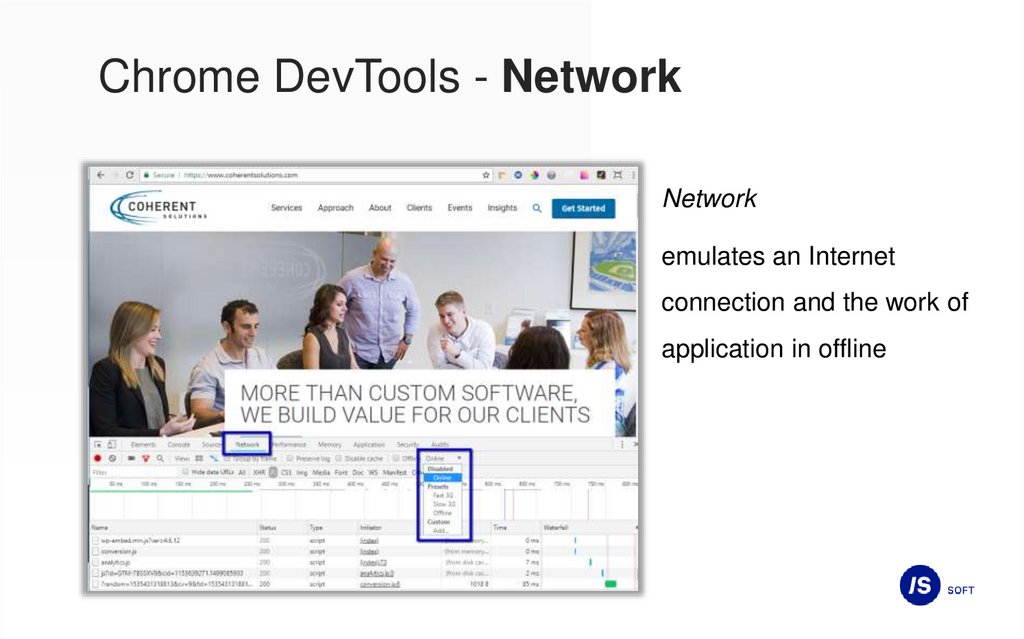
Chrome DevTools - NetworkNetwork
emulates an Internet
connection and the work of
application in offline
28.
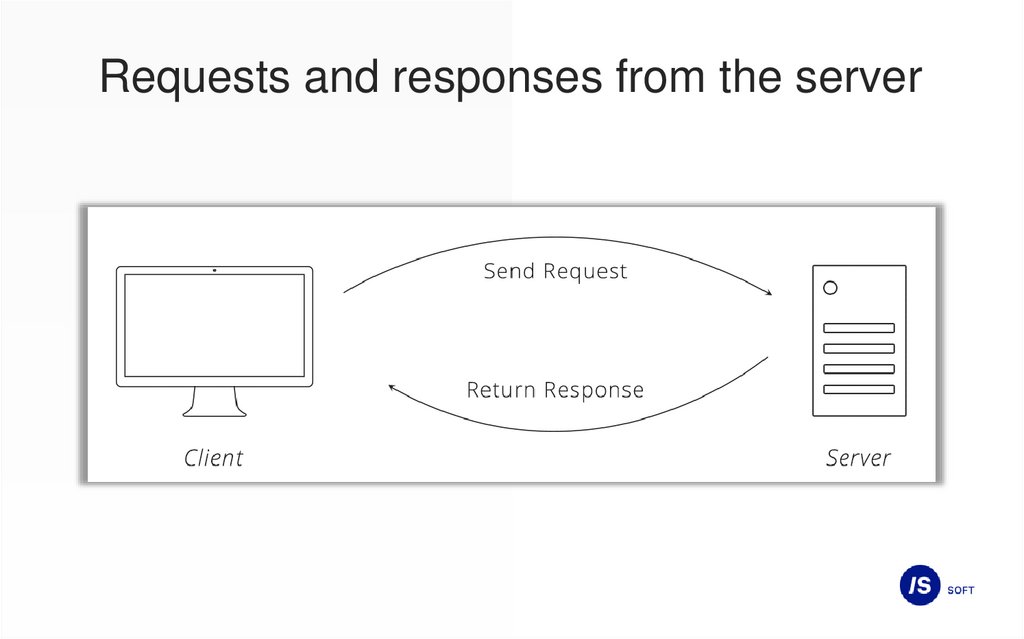
Requests and responses from the server29.
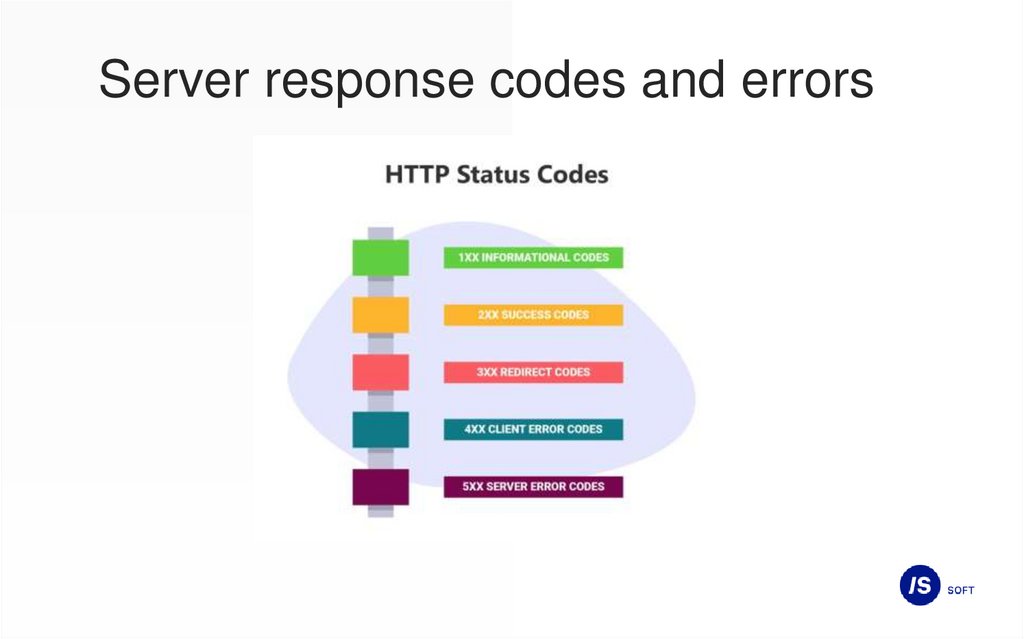
Server response codes and errors30.
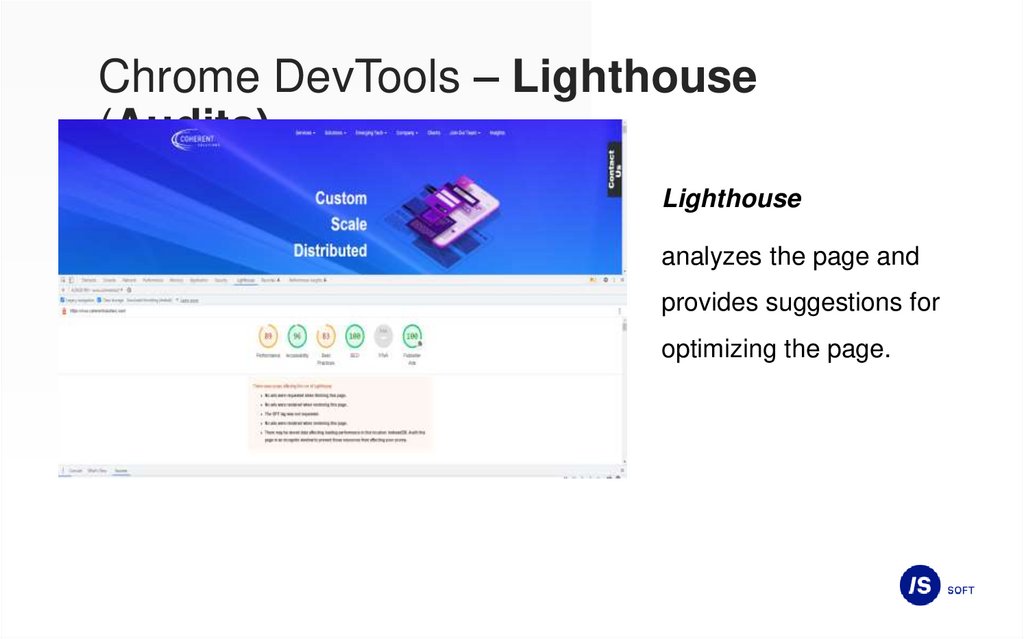
Chrome DevTools – Lighthouse(Audits)
Lighthouse
analyzes the page and
provides suggestions for
optimizing the page.
31.
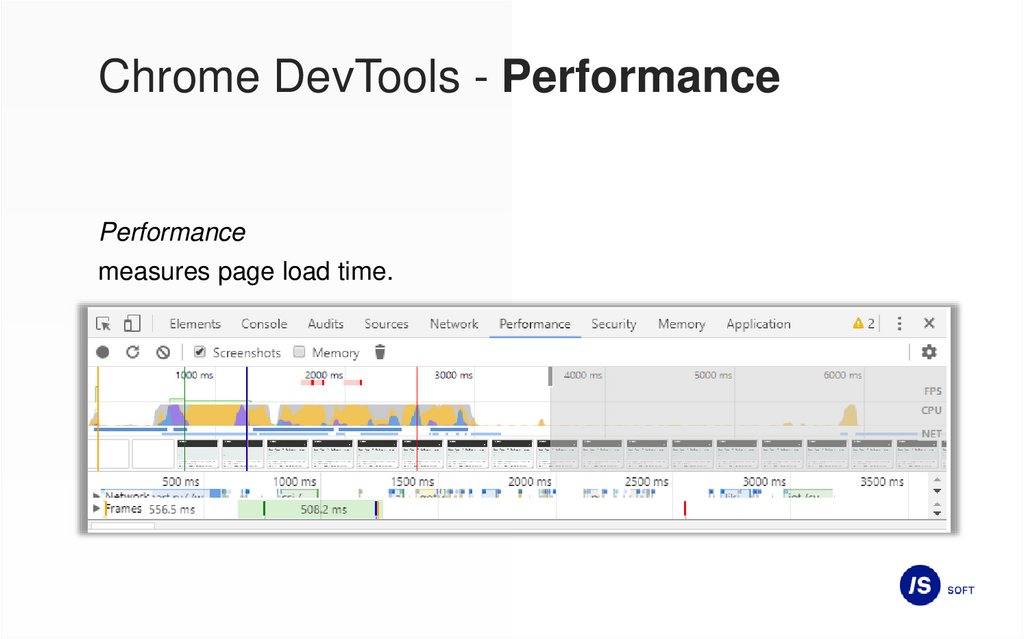
Chrome DevTools - PerformancePerformance
measures page load time.
32.
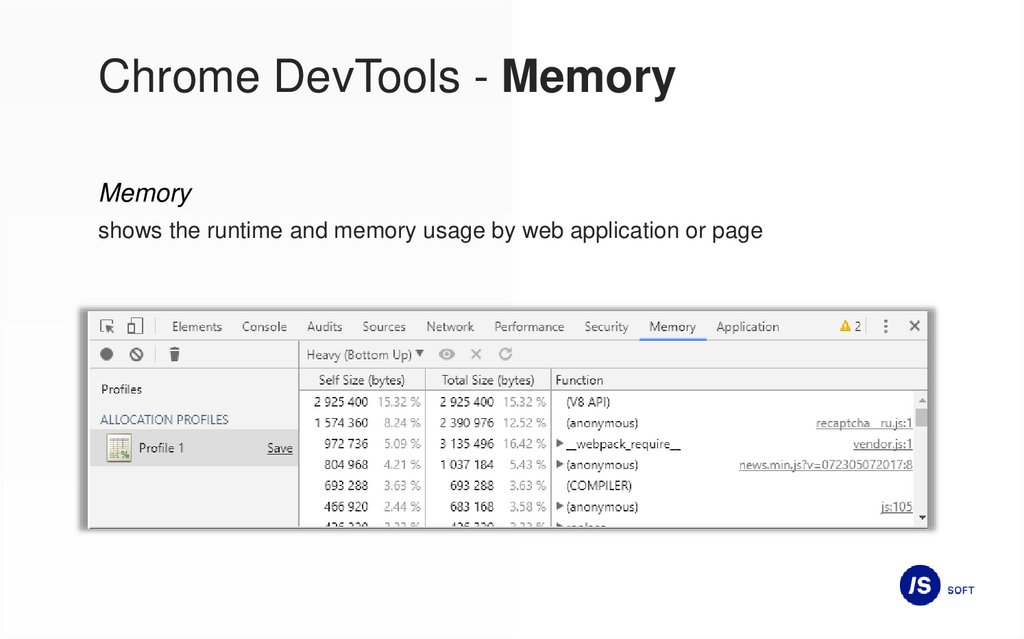
Chrome DevTools - MemoryMemory
shows the runtime and memory usage by web application or page
33.
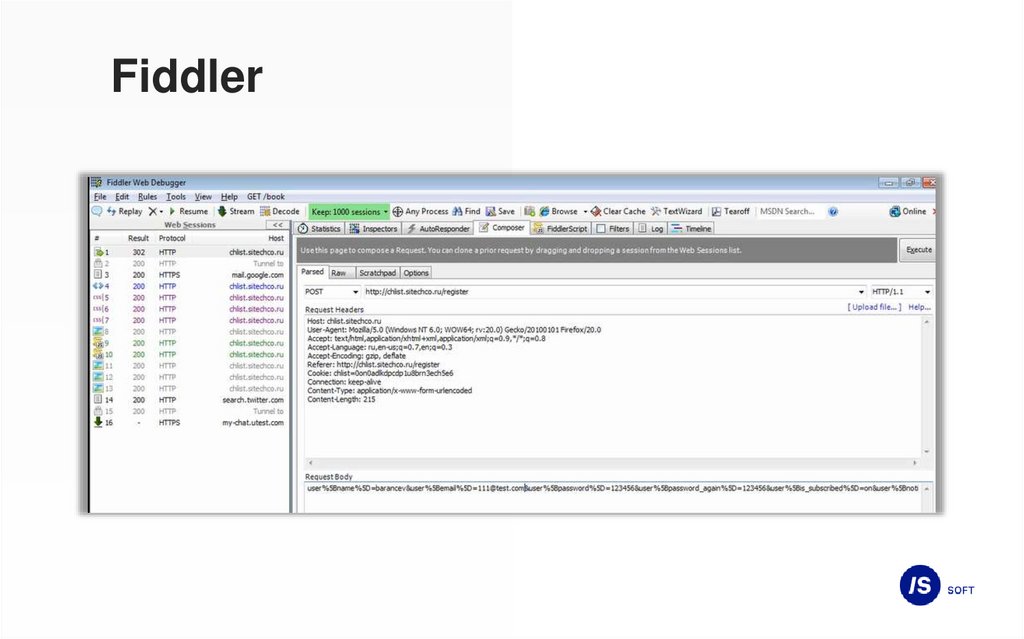
API testing toolsFiddler
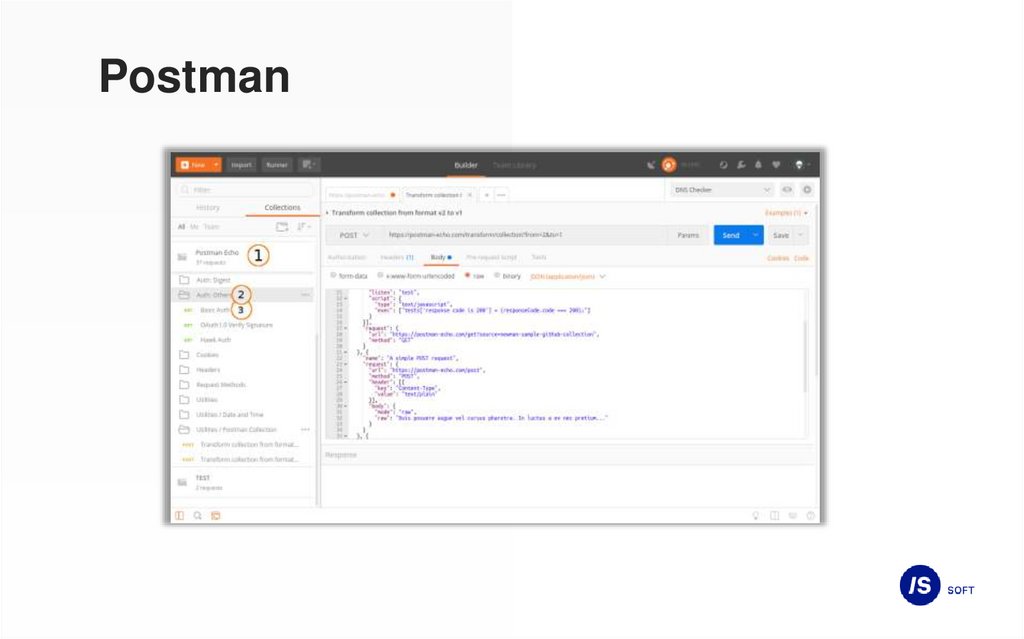
Postman
Swagger