
 informatics
Similar presentations:








Automated Builds and Continuous Integration
1. Automated Builds and Continuous Integration
by Serhii Borysov 1/31/20142/26/2014
(republished 07/02/2017)
2. Continuous Integration is …
… a software development practice wheremembers of a team integrate their work
frequently, usually each person integrates at
least daily - leading to multiple integrations
per day. Each integration is verified by an
automated build (including test) to detect
integration errors as quickly as possible
Martin Fowler
3. The Integrate Button
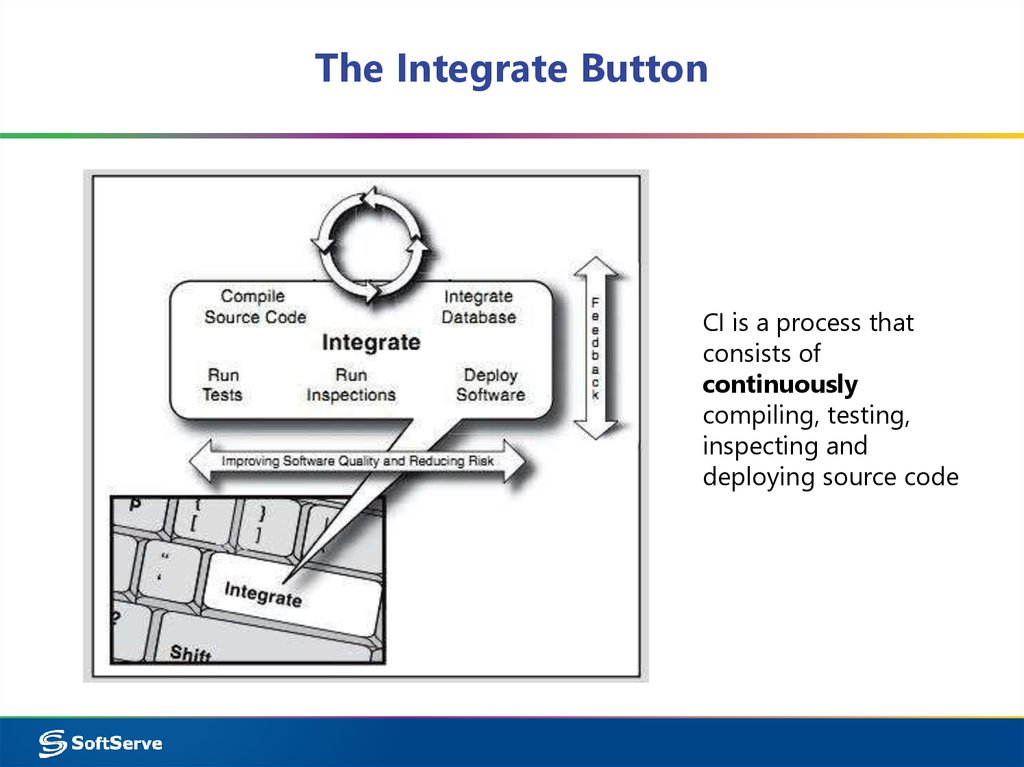
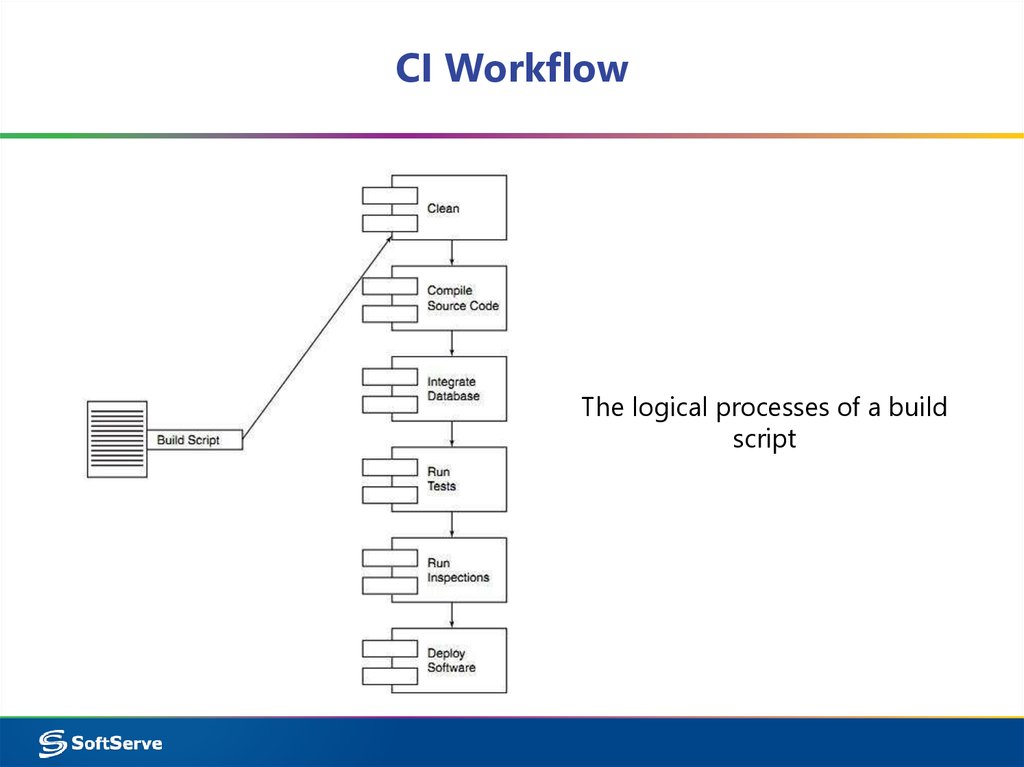
CI is a process thatconsists of
continuously
compiling, testing,
inspecting and
deploying source code
4. What is NOT CI?
• Scheduled integration points• Building via IDE
• Continuous compilation
5. What Is the Value of CI?
• Reduce risks• Reduce repetitive manual processes
• Generate deployable software at any time and at
any place
• Enable better project visibility
• Establish greater confidence in the software
product from the development team
6. CI & Agile
CI & Agile“Our highest priority is to
satisfy the customer through
early and continuous
delivery of valuable software”
Agile Manifesto
7. What you need to implement CI?
• Team willingness• Version Control System
• Automation-ready
– Build scripts
– Automated tests
– (Optional) Code audit
• Static code quality analysis
• Even Architecture verification
• CI tool (checkout, build, run, publish)
• (Optional) Visualization tool (CI tool plugins, Sonar, IDE
plugins)
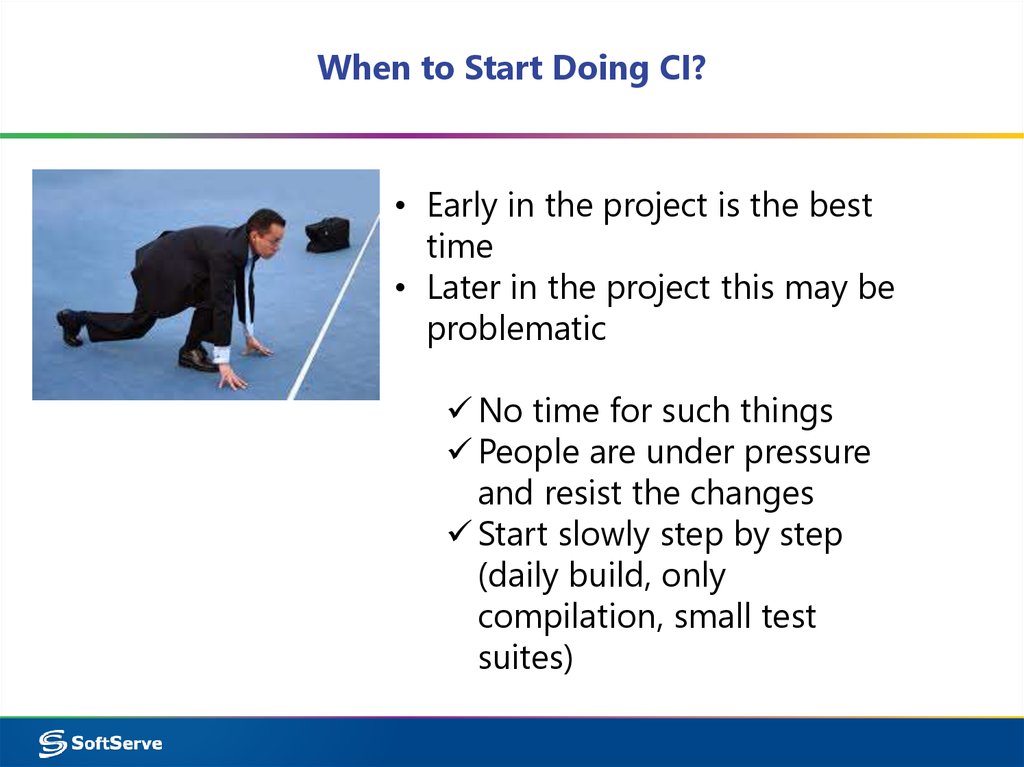
8. When to Start Doing CI?
• Early in the project is the besttime
• Later in the project this may be
problematic
No time for such things
People are under pressure
and resist the changes
Start slowly step by step
(daily build, only
compilation, small test
suites)
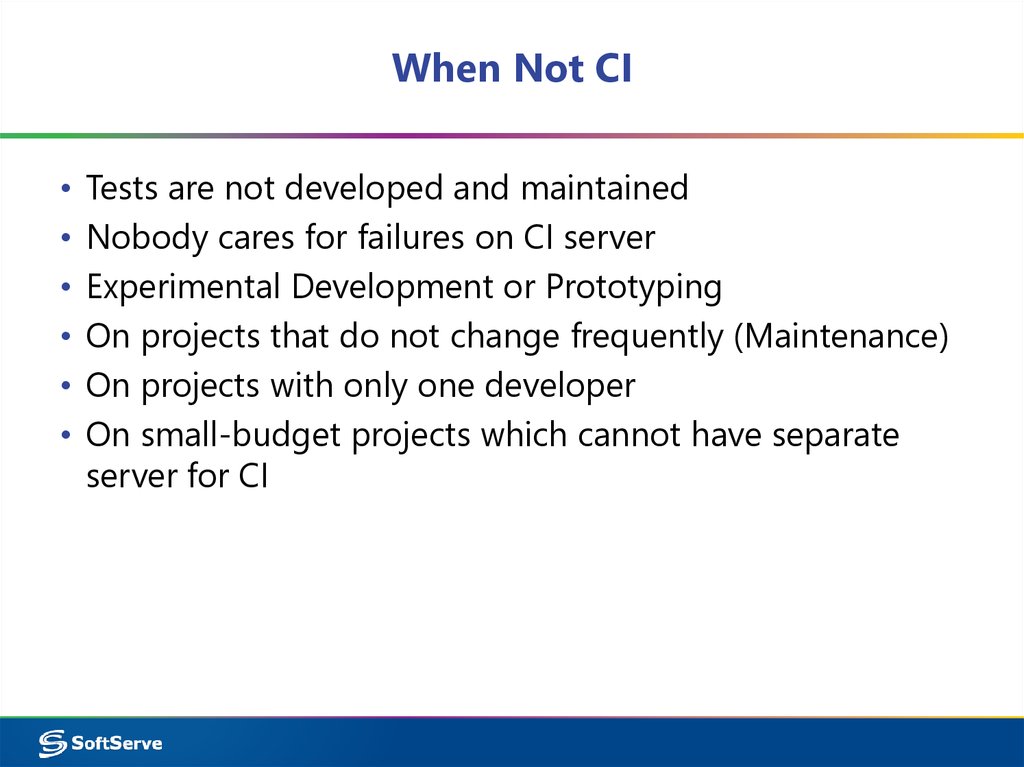
9. When Not CI
Tests are not developed and maintained
Nobody cares for failures on CI server
Experimental Development or Prototyping
On projects that do not change frequently (Maintenance)
On projects with only one developer
On small-budget projects which cannot have separate
server for CI
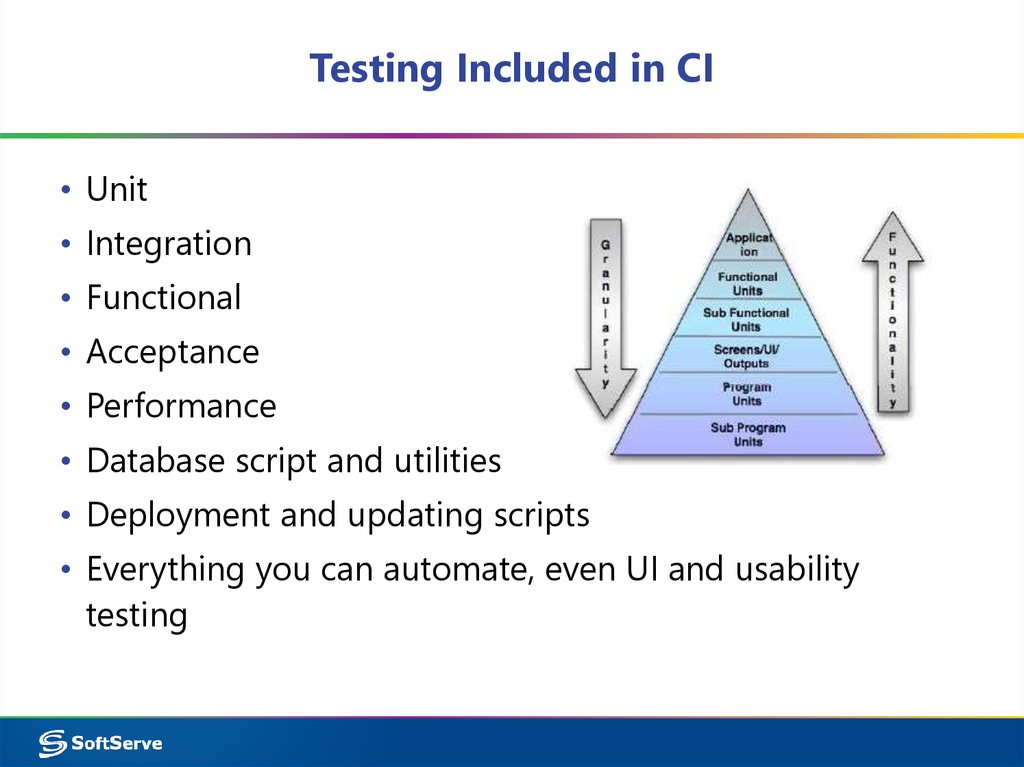
10. Testing Included in CI
• Unit• Integration
• Functional
• Acceptance
• Performance
• Database script and utilities
• Deployment and updating scripts
• Everything you can automate, even UI and usability
testing
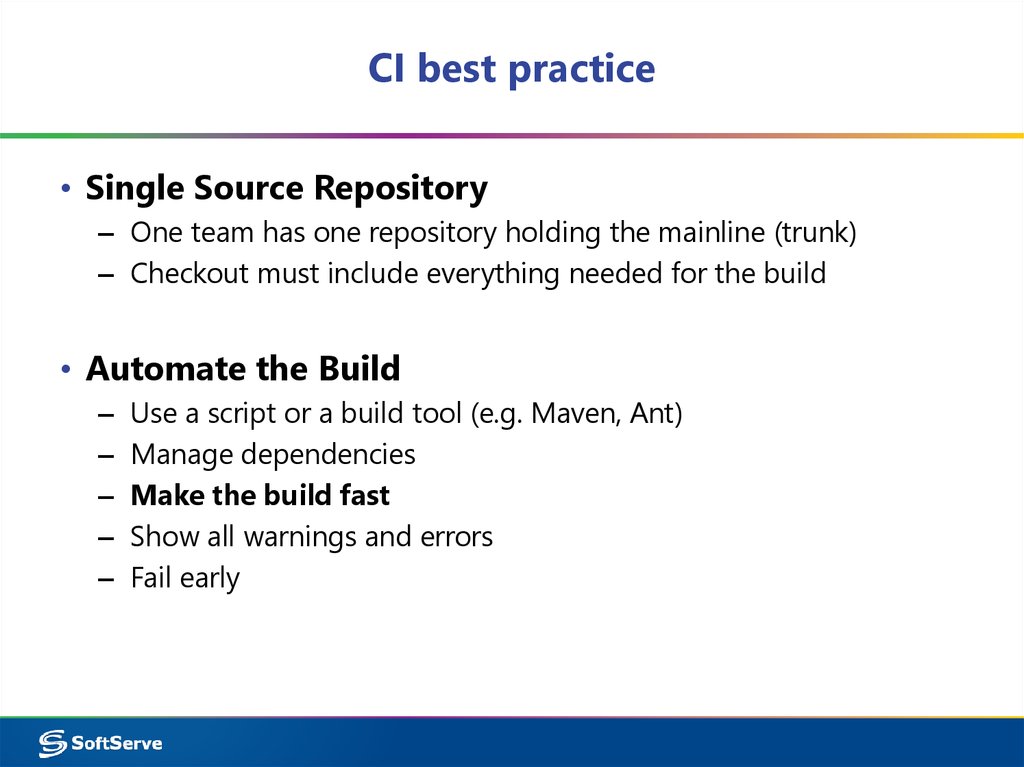
11. CI best practice
• Single Source Repository– One team has one repository holding the mainline (trunk)
– Checkout must include everything needed for the build
• Automate the Build
–
–
–
–
–
Use a script or a build tool (e.g. Maven, Ant)
Manage dependencies
Make the build fast
Show all warnings and errors
Fail early
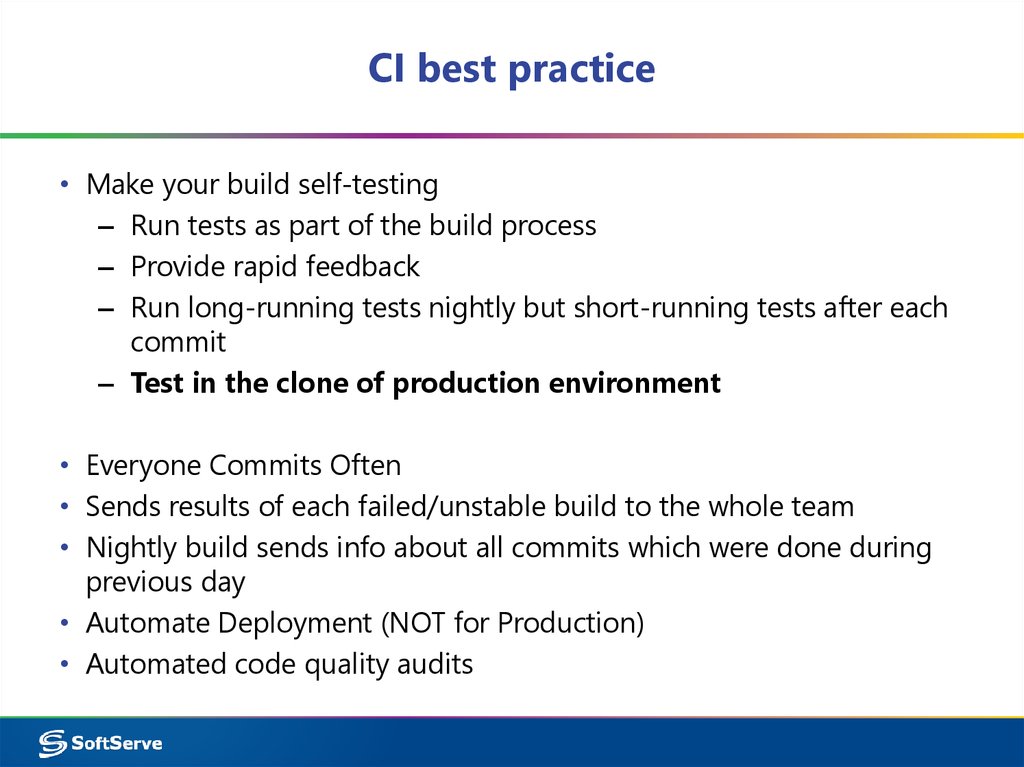
12. CI best practice
• Make your build self-testing– Run tests as part of the build process
– Provide rapid feedback
– Run long-running tests nightly but short-running tests after each
commit
– Test in the clone of production environment
• Everyone Commits Often
• Sends results of each failed/unstable build to the whole team
• Nightly build sends info about all commits which were done during
previous day
• Automate Deployment (NOT for Production)
• Automated code quality audits
13. CI best practice
• Automate as much asYou can with common
sense in mind
14. Code quality audit
Is there something to test?15. Everyone can see what’s happening
• Every team member has access to the results• Build history and build status reports to make analysis
and see project health level
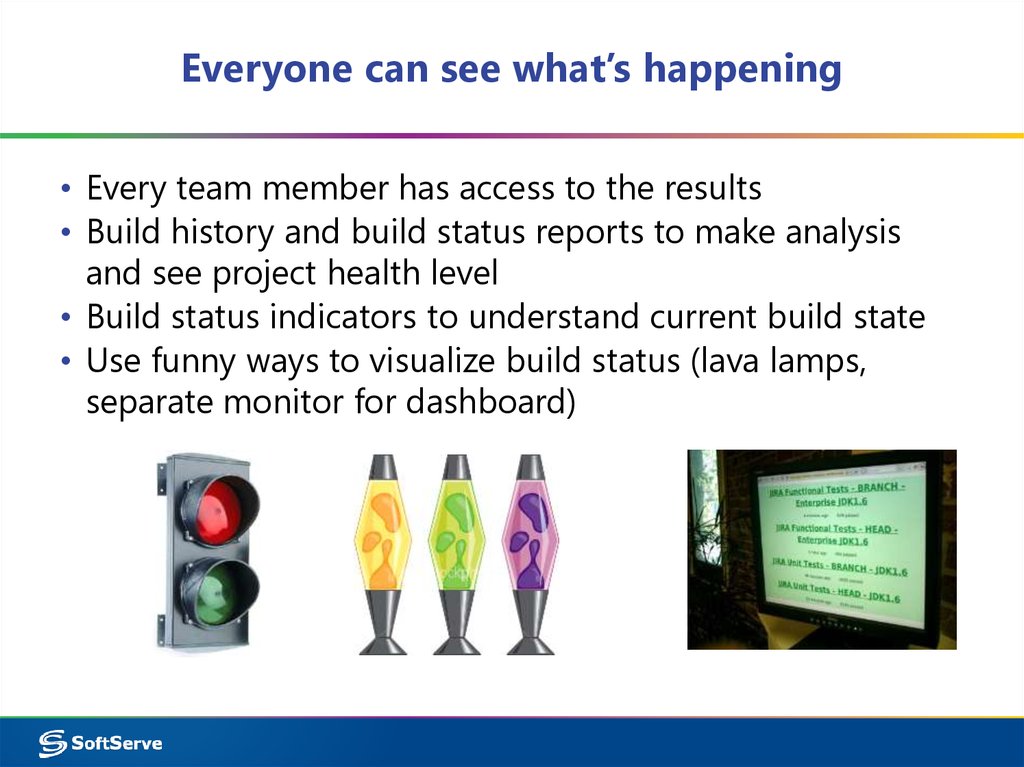
• Build status indicators to understand current build state
• Use funny ways to visualize build status (lava lamps,
separate monitor for dashboard)
16. CI Team Rules
• Person who breaks the build shouldprepare interesting material for
internal technical meeting
• Person who breaks the build should
buy a pizza for the next demo
celebration
• Special artifact like hat or cup for
person who breaks the build
• Dashboard with funny personas for
each team member and build status
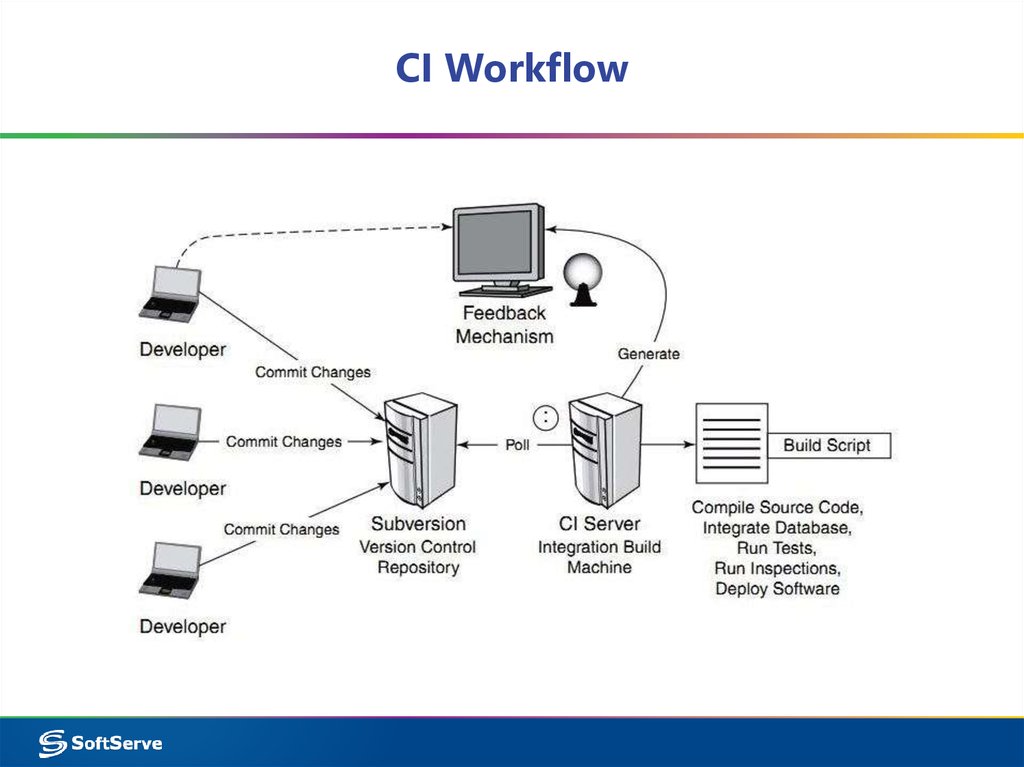
17. CI Workflow
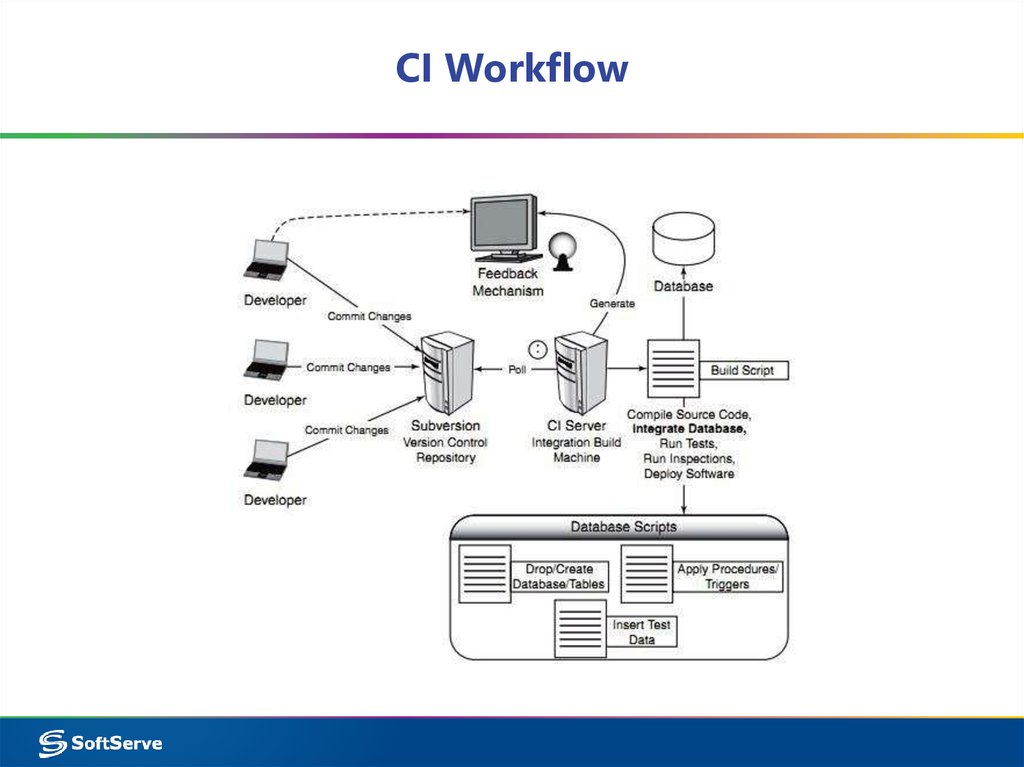
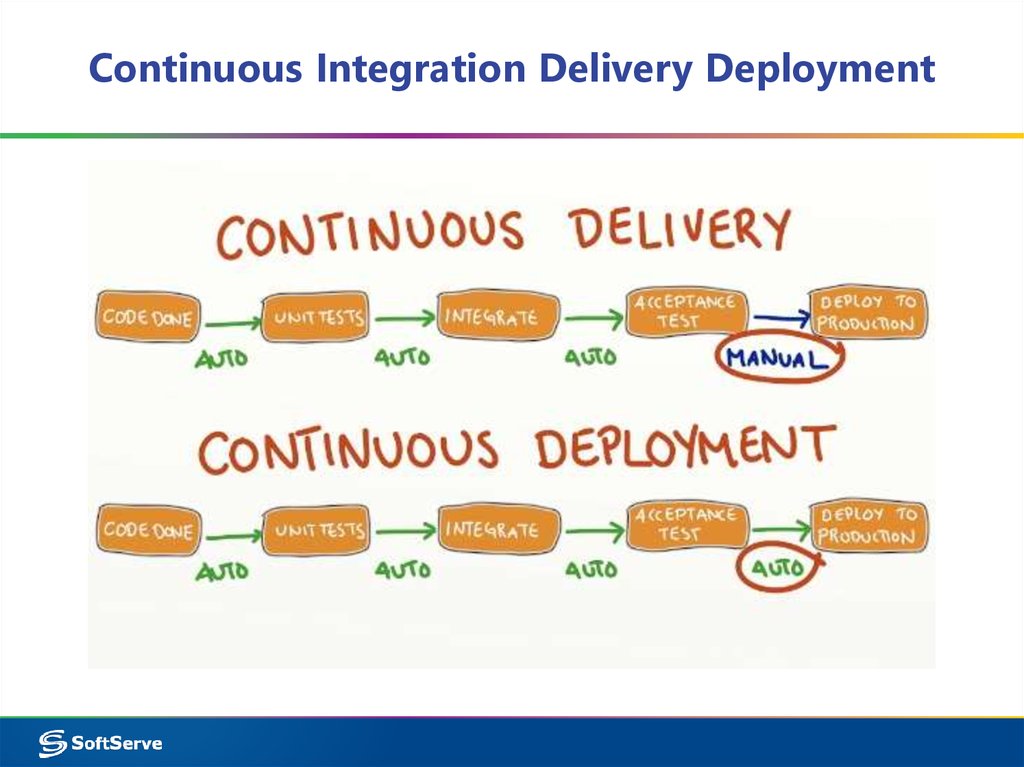
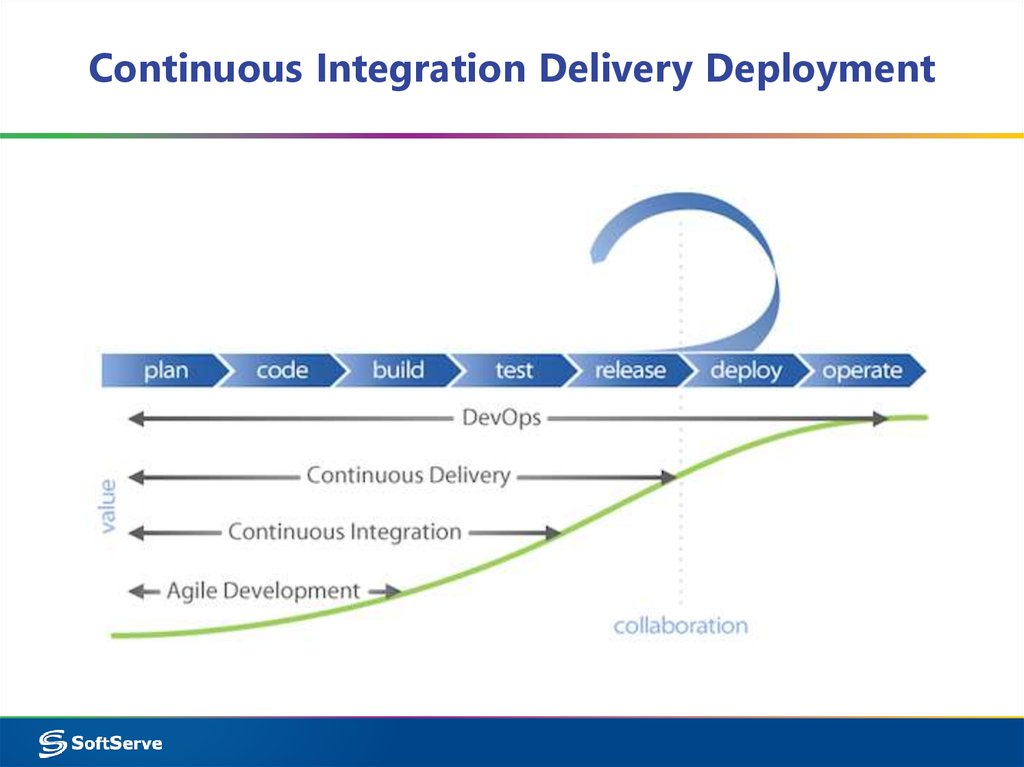
18. CI Workflow
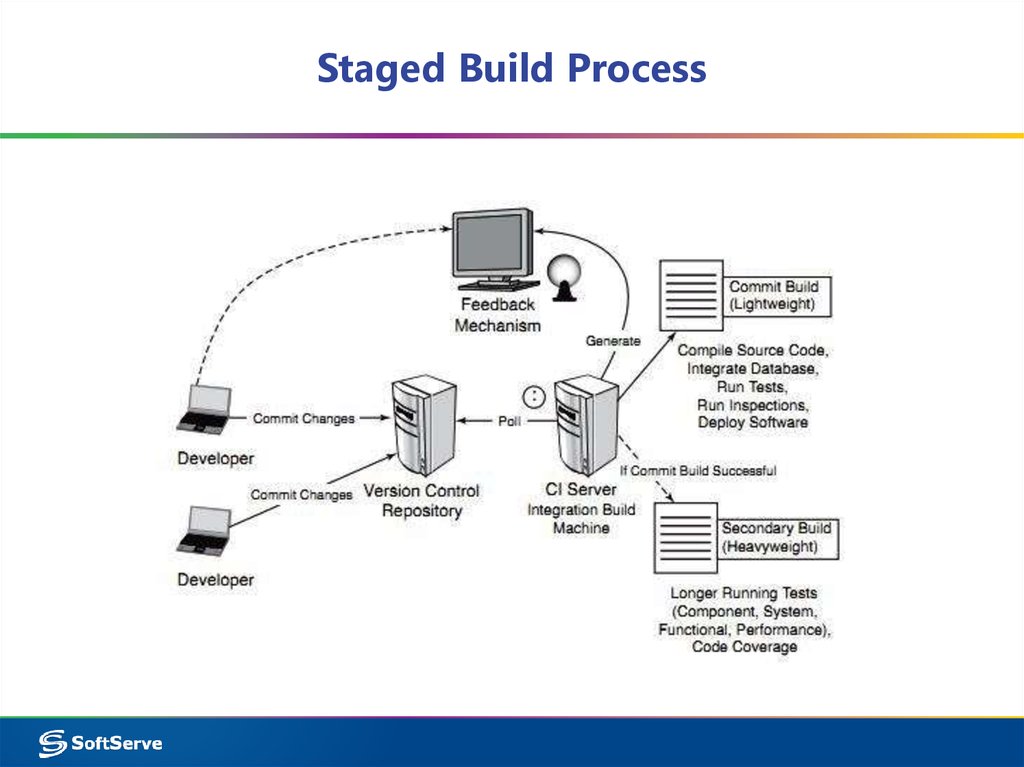
19. Staged Build Process
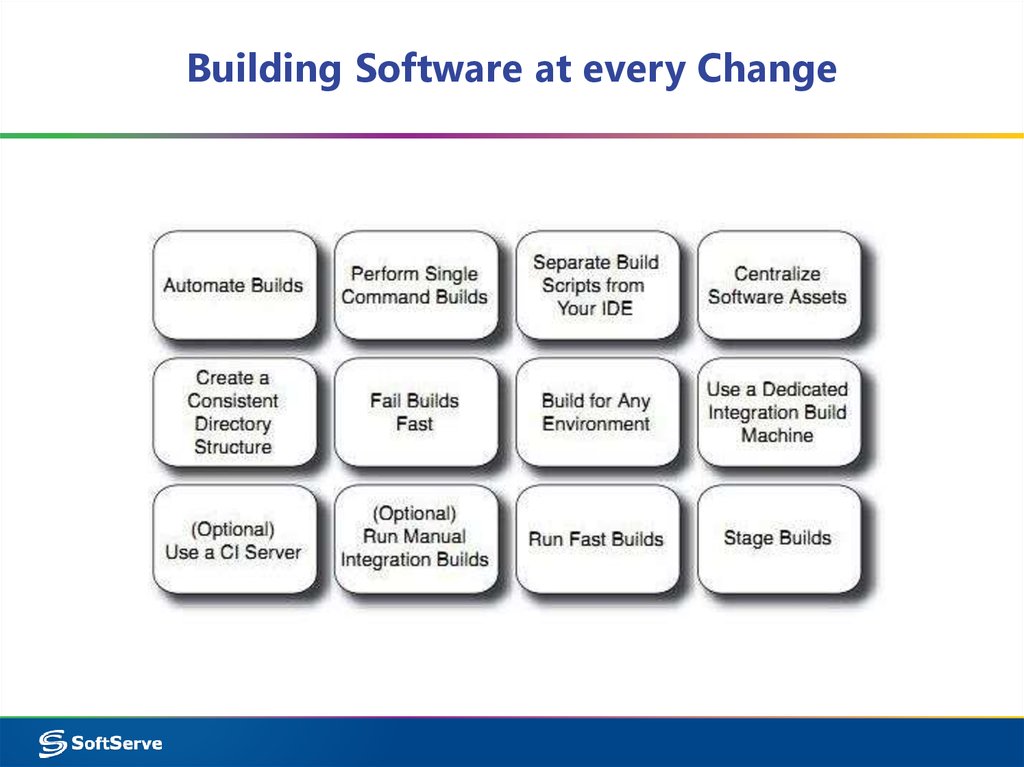
20. Building Software at every Change
21. CI Workflow
The logical processes of a buildscript