
 database
Similar presentations:





Week 2: Data Models and the Relational Model
1.
Week 22.
Example● If we go back to our SDU Library example, lets say we want to make a
website version of that so you know people can reserve books online,
now we need a database for that
○ I believe they already have this, but for the sake ofInstructor
example lets
pretend they don’t
● To keep it simple lets focus on two pieces of information that we might
need to track of in our library
○ Authors
○ Books
3.
Flat Files● How do we approach this?
● We can store our data in individual files (csv, txt) that we then manage
ourselves using some code
○ Each entity gets a separate file
Instructor
○ Each new row in the file will be new author/book
○ Our application (the website) needs to parse the files each time it
wants to read/update records
● Authors (name, year, nationality)
● Books (title, author, year)
4.
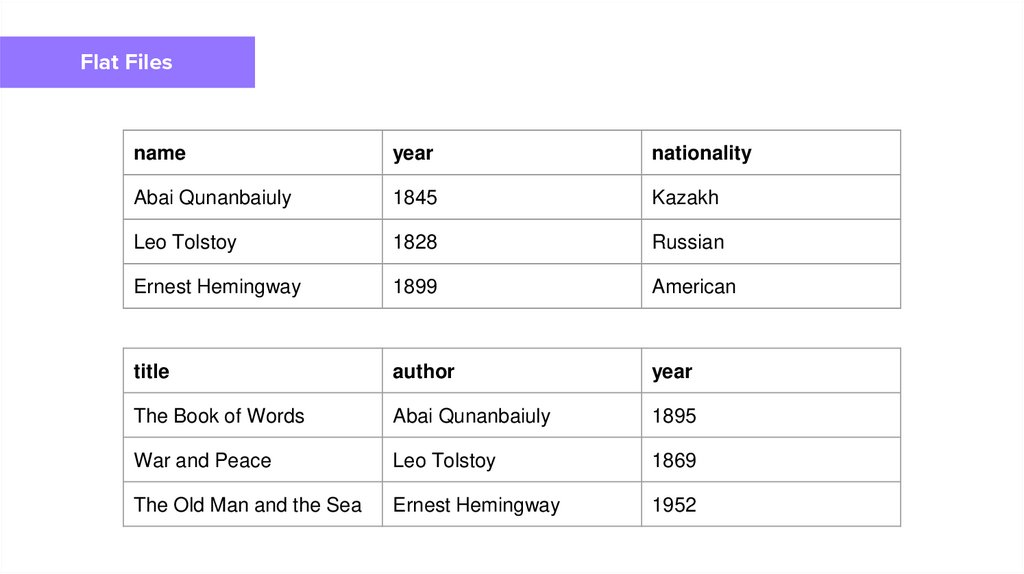
Flat Filesname
year
nationality
Abai Qunanbaiuly
1845
Kazakh
Leo Tolstoy
1828
Russian
Ernest Hemingway
1899
American
title
author
year
The Book of Words
Abai Qunanbaiuly
1895
War and Peace
Leo Tolstoy
1869
The Old Man and the Sea
Ernest Hemingway
1952
Instructor
5.
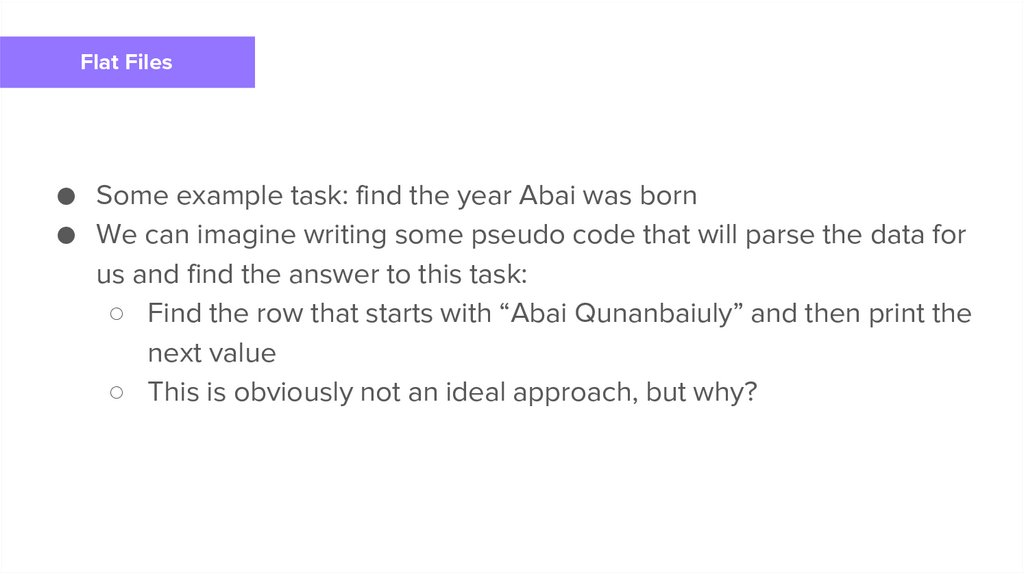
Flat Files● Some example task: find the year Abai was born
● We can imagine writing some pseudo code that will parse the data for
us and find the answer to this task:
Instructor
○ Find the row that starts with “Abai Qunanbaiuly” and then print the
next value
○ This is obviously not an ideal approach, but why?
6.
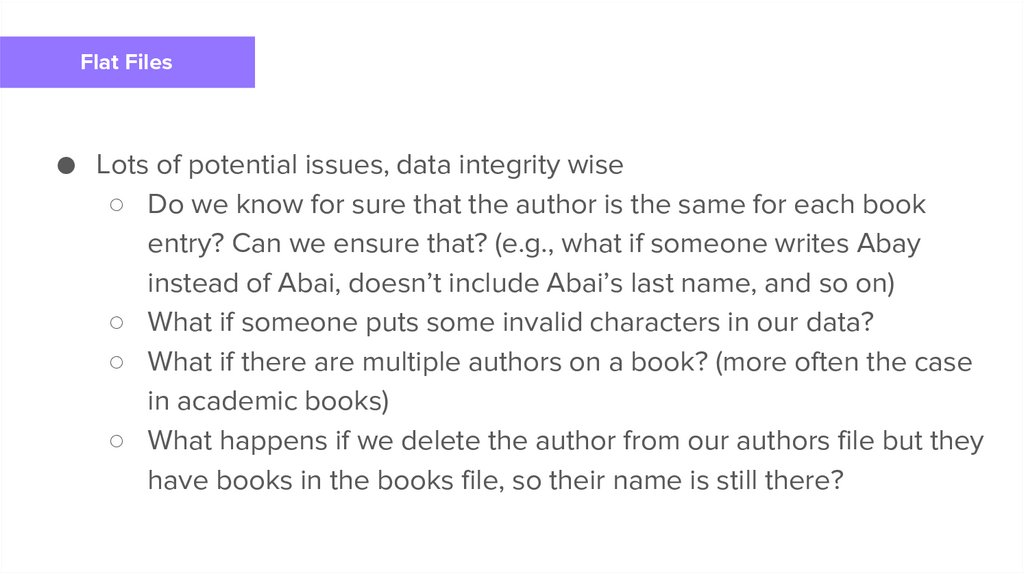
Flat Files● Lots of potential issues, data integrity wise
○ Do we know for sure that the author is the same for each book
entry? Can we ensure that? (e.g., what if someone writes Abay
instead of Abai, doesn’t include Abai’s last name, and
so on)
Instructor
○ What if someone puts some invalid characters in our data?
○ What if there are multiple authors on a book? (more often the case
in academic books)
○ What happens if we delete the author from our authors file but they
have books in the books file, so their name is still there?
7.
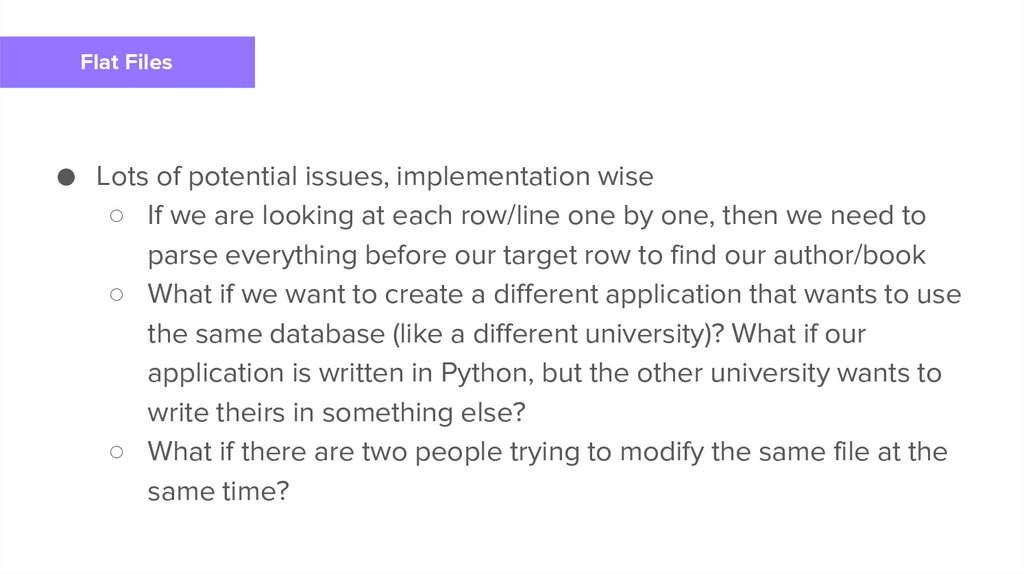
Flat Files● Lots of potential issues, implementation wise
○ If we are looking at each row/line one by one, then we need to
parse everything before our target row to find our author/book
○ What if we want to create a different application that
wants to use
Instructor
the same database (like a different university)? What if our
application is written in Python, but the other university wants to
write theirs in something else?
○ What if there are two people trying to modify the same file at the
same time?
8.
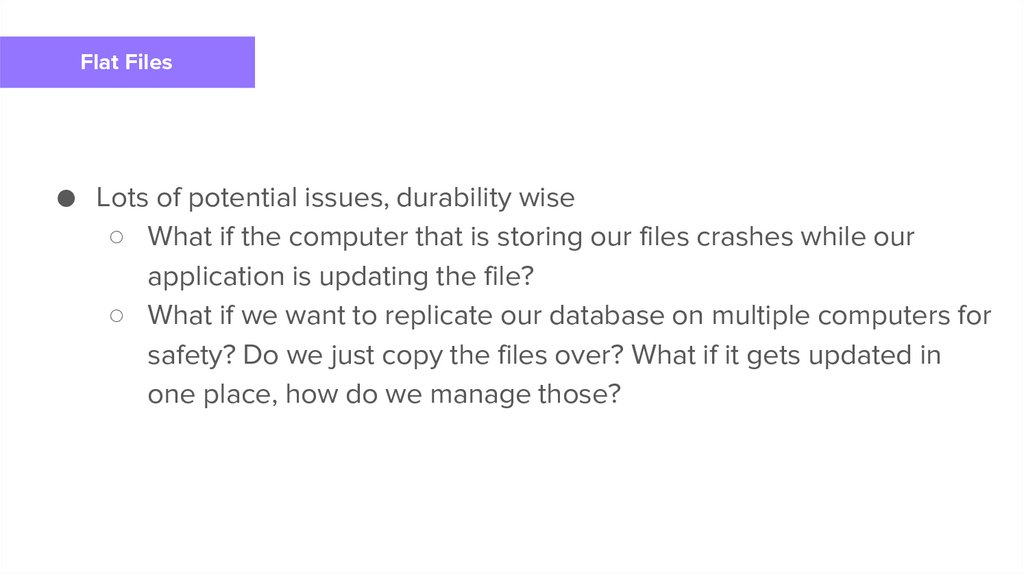
Flat Files● Lots of potential issues, durability wise
○ What if the computer that is storing our files crashes while our
application is updating the file?
Instructor
○ What if we want to replicate our database on multiple computers for
safety? Do we just copy the files over? What if it gets updated in
one place, how do we manage those?
9.
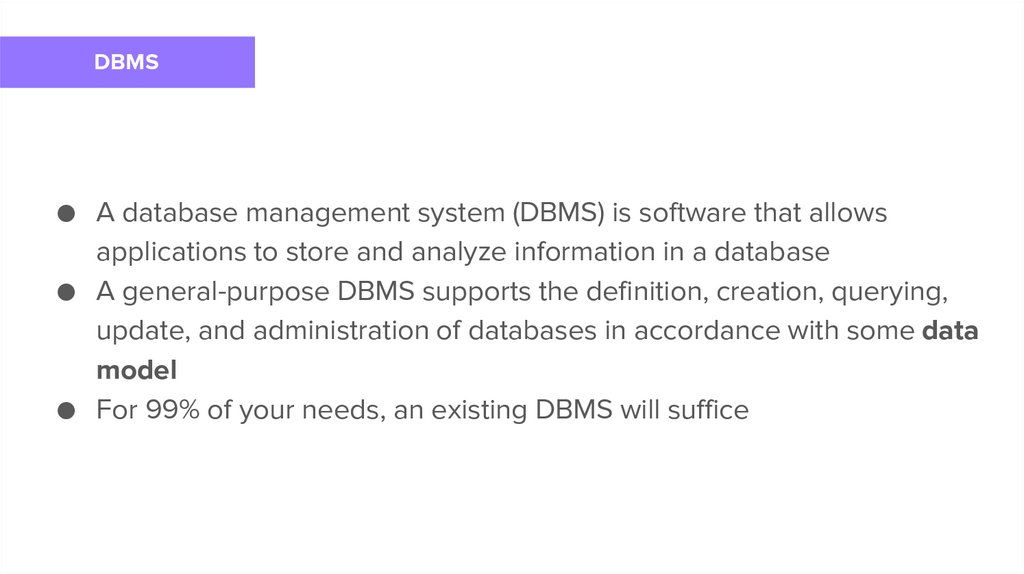
DBMS● A database management system (DBMS) is software that allows
applications to store and analyze information in a database
● A general-purpose DBMS supports the definition, creation,
querying,
Instructor
update, and administration of databases in accordance with some data
model
● For 99% of your needs, an existing DBMS will suffice
10.
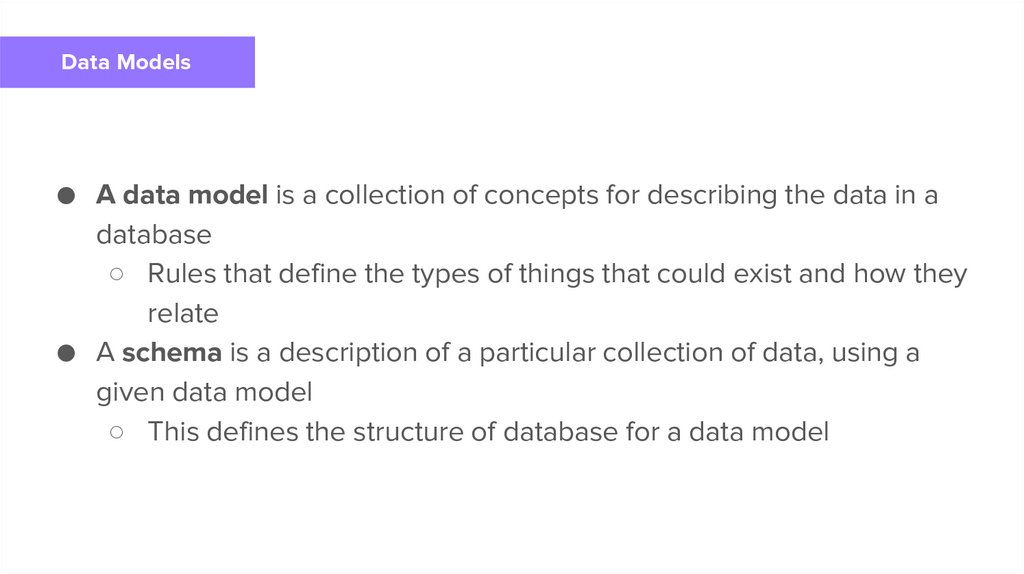
Data Models● A data model is a collection of concepts for describing the data in a
database
○ Rules that define the types of things that could exist and how they
Instructor
relate
● A schema is a description of a particular collection of data, using a
given data model
○ This defines the structure of database for a data model
11.
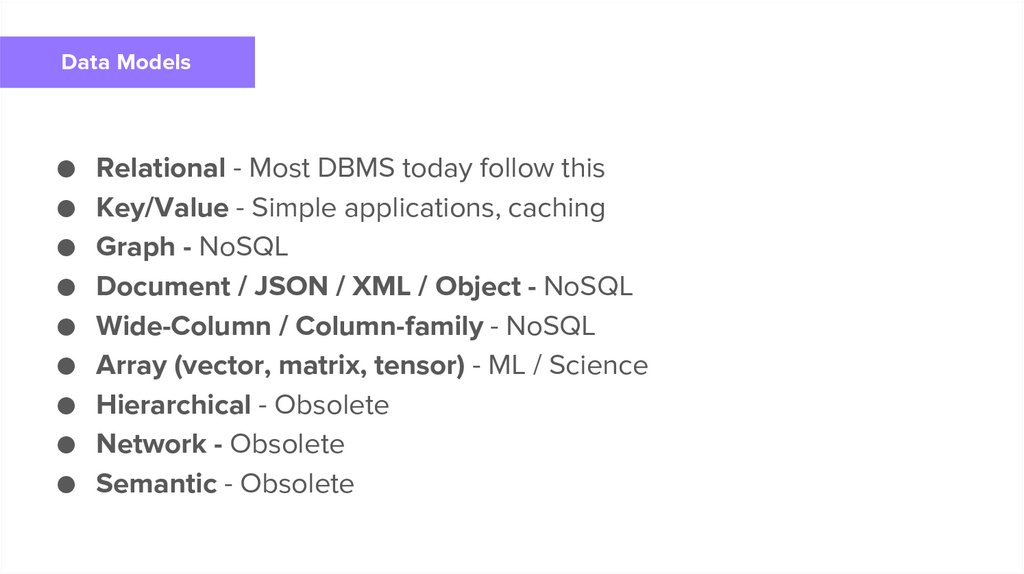
Data Models● Relational - Most DBMS today follow this
● Key/Value - Simple applications, caching
● Graph - NoSQL
● Document / JSON / XML / Object - NoSQL
● Wide-Column / Column-family - NoSQL
● Array (vector, matrix, tensor) - ML / Science
● Hierarchical - Obsolete
● Network - Obsolete
● Semantic - Obsolete
Instructor
12.
Relational Model13.
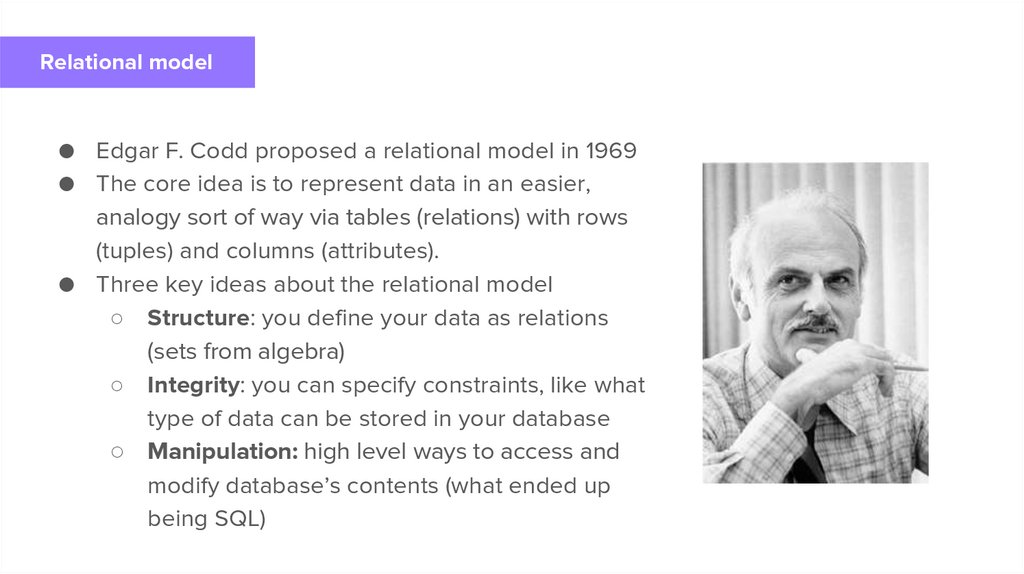
Relational model● Edgar F. Codd proposed a relational model in 1969
● The core idea is to represent data in an easier,
analogy sort of way via tables (relations) with rows
(tuples) and columns (attributes).
● Three key ideas about the relational model
○ Structure: you define your data as relations
(sets from algebra)
○ Integrity: you can specify constraints, like what
type of data can be stored in your database
○ Manipulation: high level ways to access and
modify database’s contents (what ended up
being SQL)
Instructor
14.
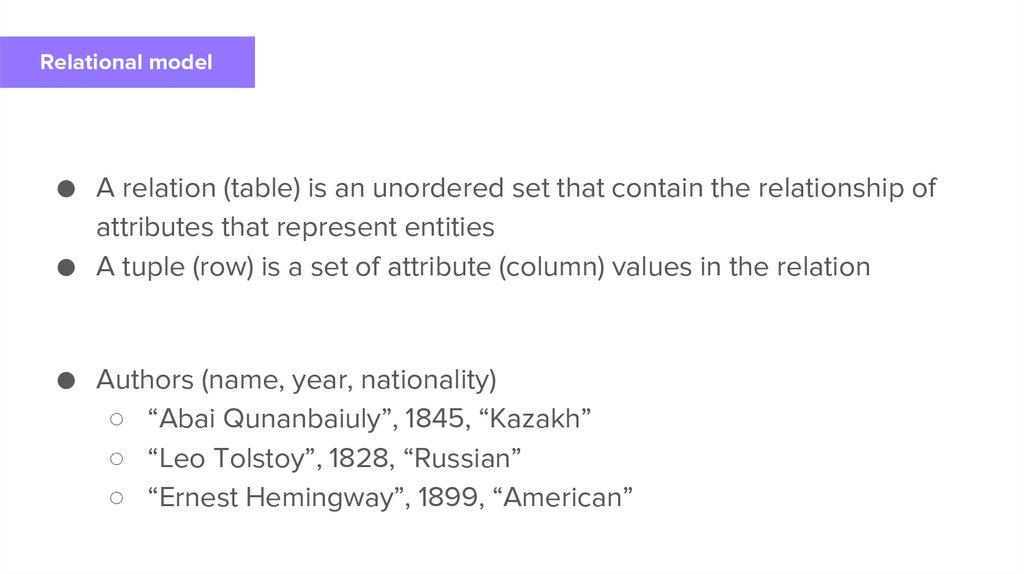
Relational model● A relation (table) is an unordered set that contain the relationship of
attributes that represent entities
● A tuple (row) is a set of attribute (column) values in the relation
Instructor
● Authors (name, year, nationality)
○ “Abai Qunanbaiuly”, 1845, “Kazakh”
○ “Leo Tolstoy”, 1828, “Russian”
○ “Ernest Hemingway”, 1899, “American”
15.
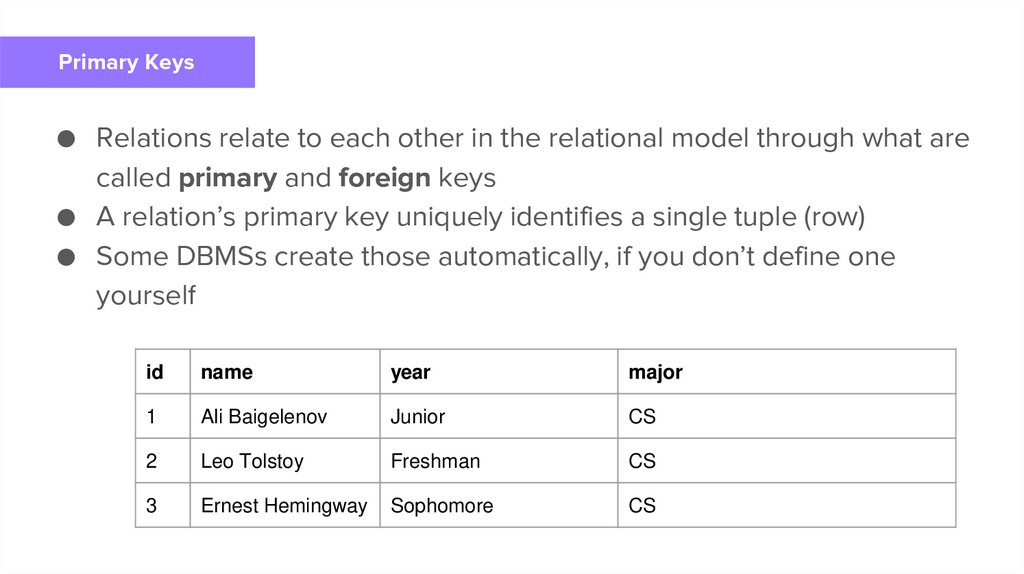
Primary Keys● Relations relate to each other in the relational model through what are
called primary and foreign keys
● A relation’s primary key uniquely identifies a single tuple (row)
● Some DBMSs create those automatically, if you don’t define one
Instructor
yourself
id
name
year
major
1
Ali Baigelenov
Junior
CS
2
Leo Tolstoy
Freshman
CS
3
Ernest Hemingway
Sophomore
CS
16.
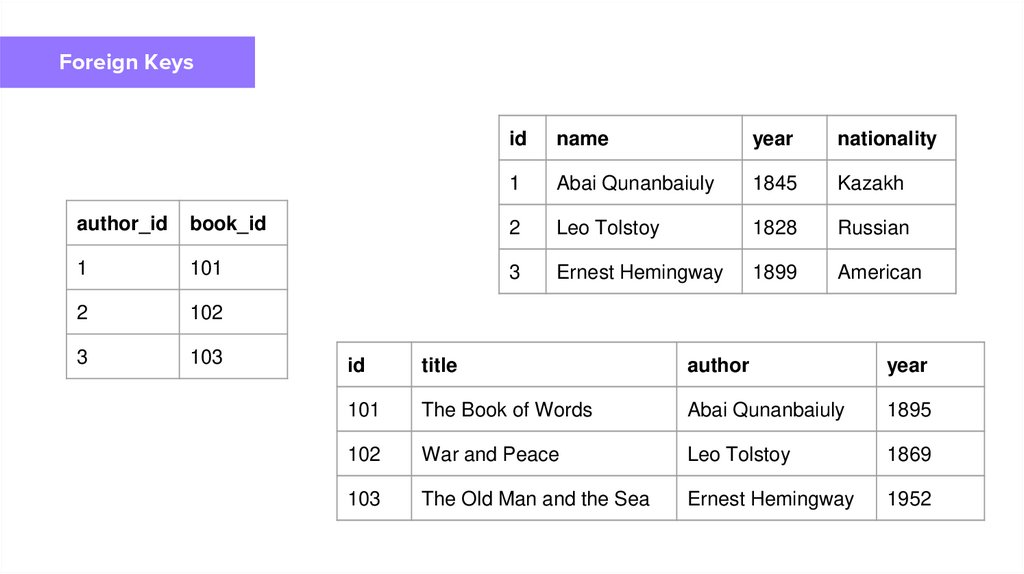
Foreign Keys● A foreign key specifies that an
attribute from one relation maps to
a tuple in another relation
Instructor
17.
Foreign Keysid
name
year
nationality
1
Abai Qunanbaiuly
1845
Kazakh
author_id
book_id
2
Leo Tolstoy
1828
Russian
1
101
3
Ernest Hemingway
1899
American
2
102
3
103
Instructor
id
title
author
year
101
The Book of Words
Abai Qunanbaiuly
1895
102
War and Peace
Leo Tolstoy
1869
103
The Old Man and the Sea
Ernest Hemingway
1952
18.
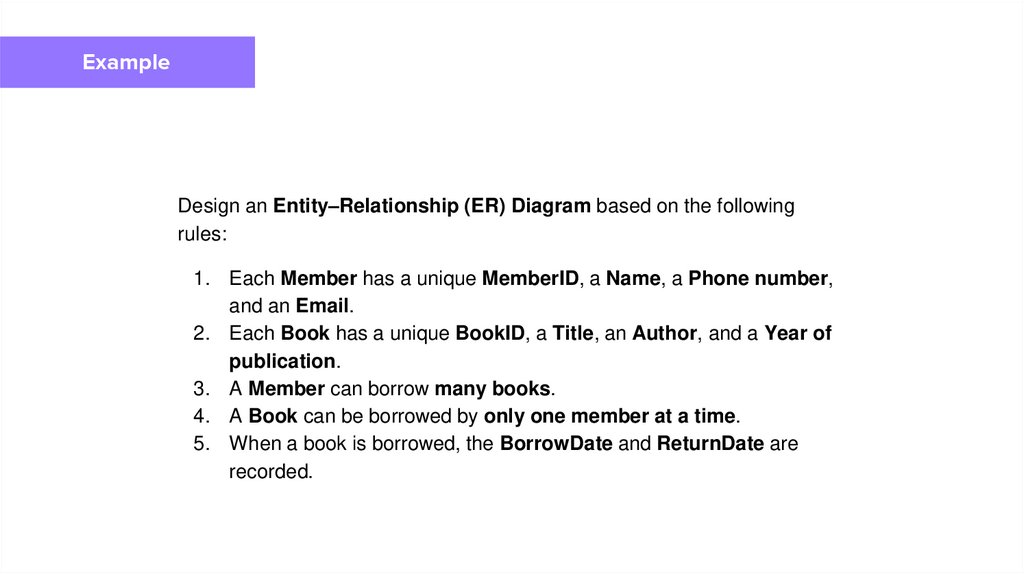
ExampleDesign an Entity–Relationship (ER) Diagram based on the following
rules:
1. Each Member has a unique MemberID, a Name, a Phone number,
and an Email.
2. Each Book has a unique BookID, a Title, an Author, and a Year of
publication.
3. A Member can borrow many books.
4. A Book can be borrowed by only one member at a time.
5. When a book is borrowed, the BorrowDate and ReturnDate are
recorded.
Instructor