



 pedagogy
Similar presentations:







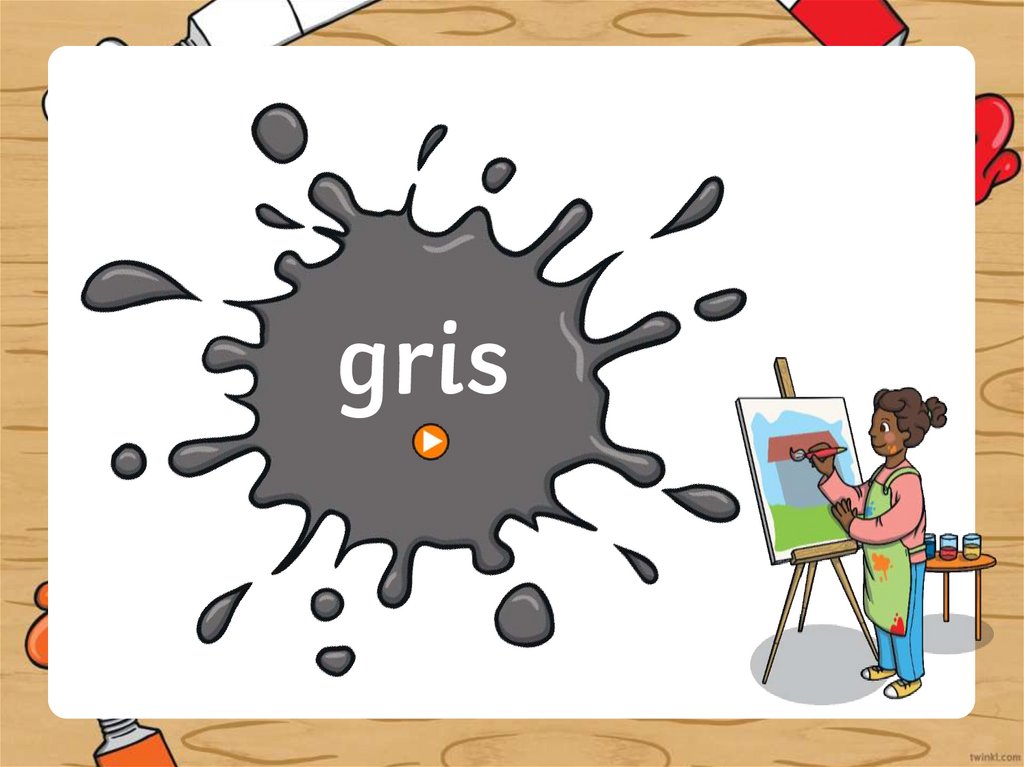
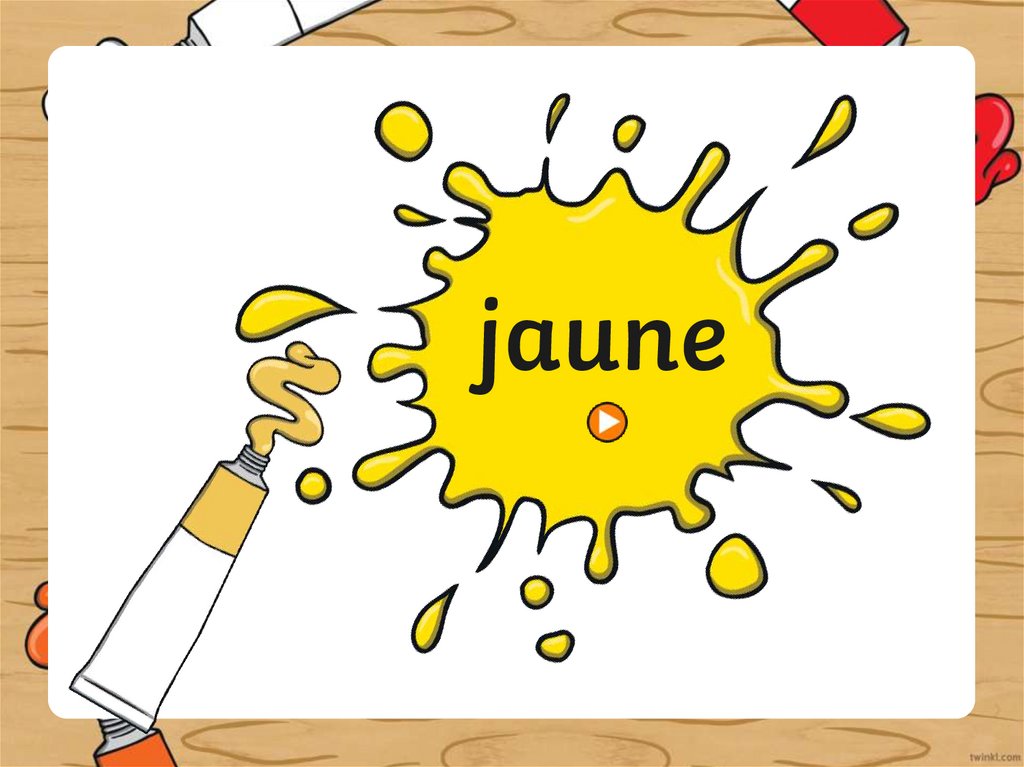
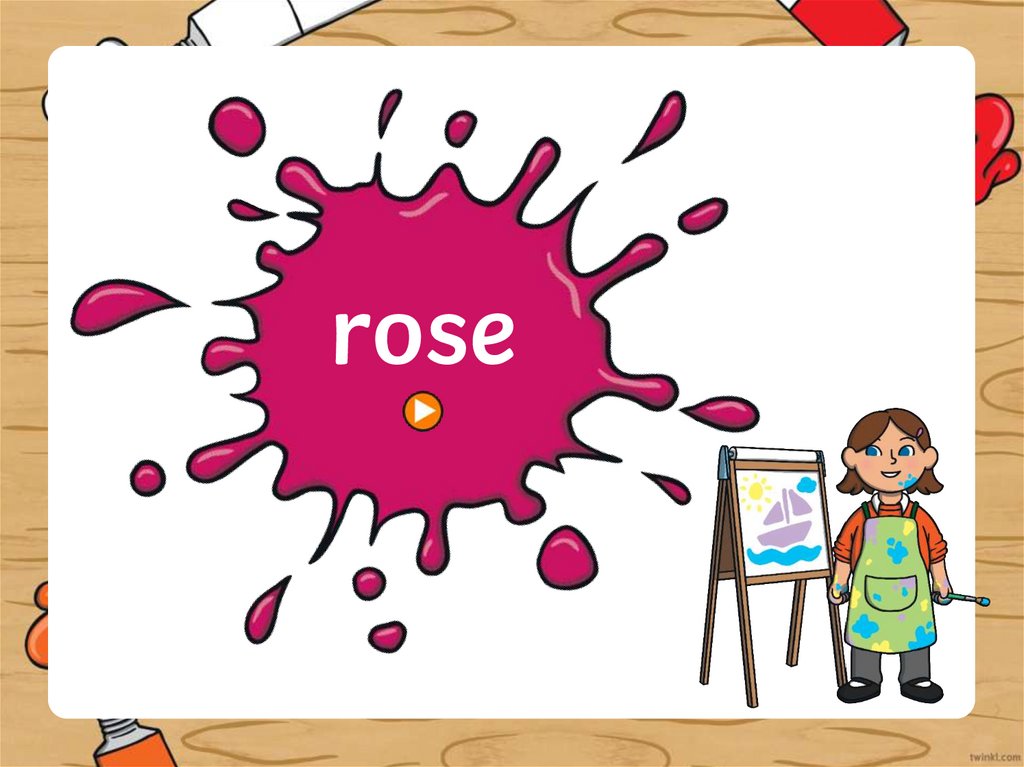
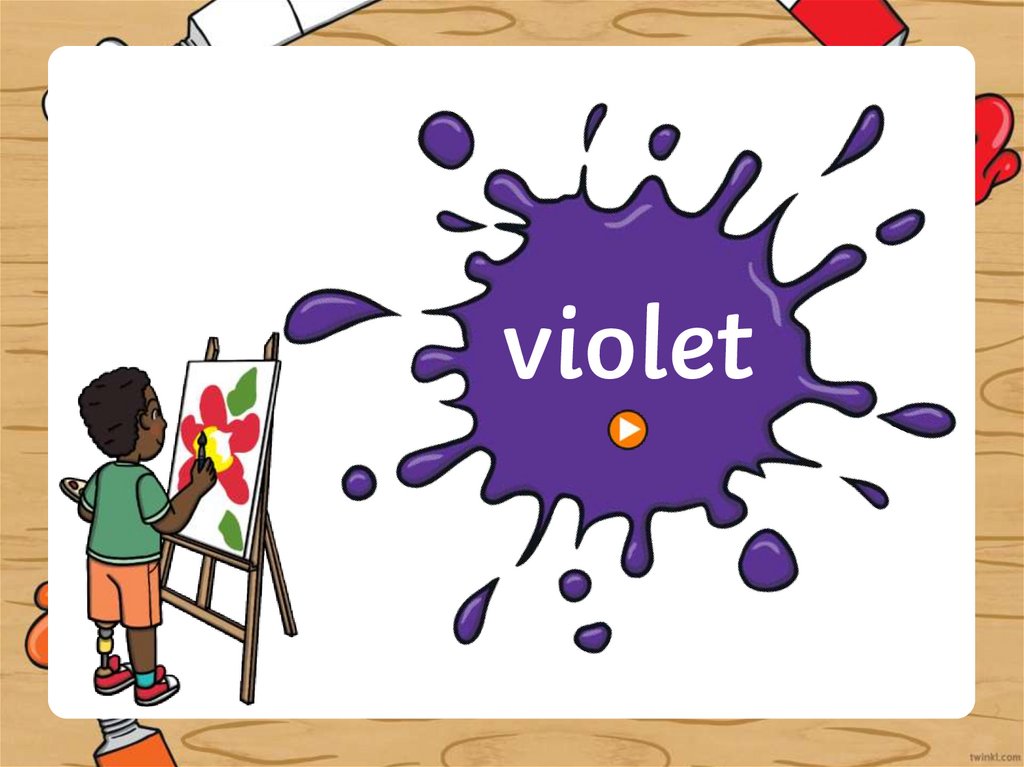
Les couleurs
1.
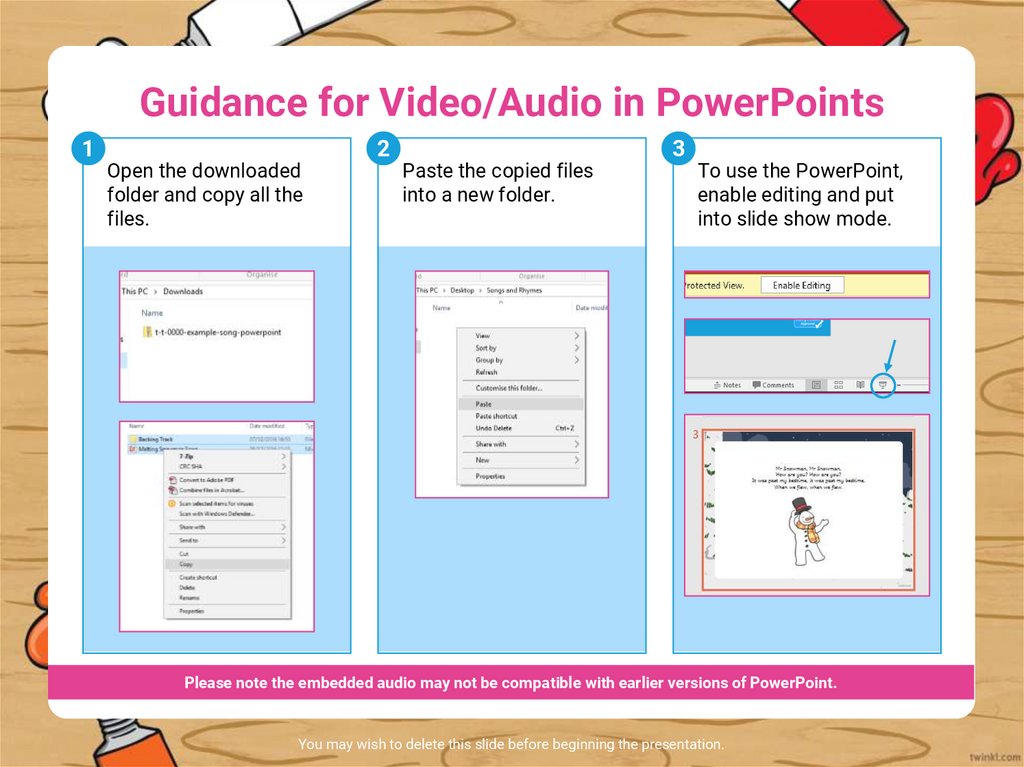
Guidance for Video/Audio in PowerPoints1
Open the downloaded
folder and copy all the
files.
2
Paste the copied files
into a new folder.
3
To use the PowerPoint,
enable editing and put
into slide show mode.
Please note the embedded audio may not be compatible with earlier versions of PowerPoint.
You may wish to delete this slide before beginning the presentation.
2.
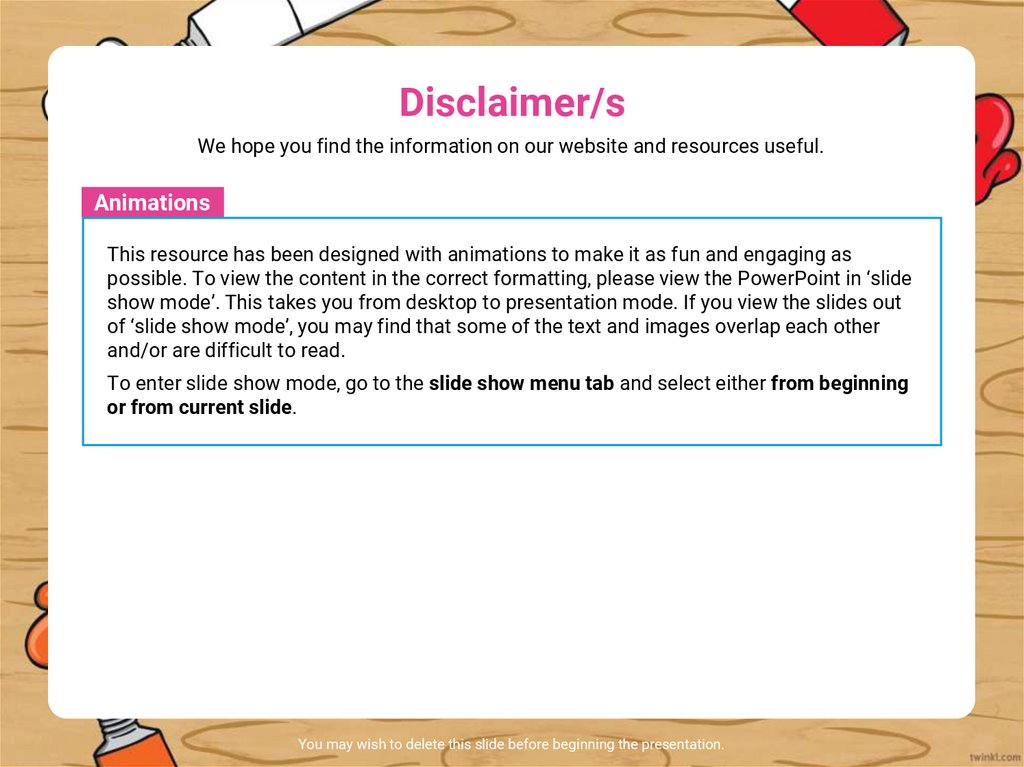
Disclaimer/sWe hope you find the information on our website and resources useful.
Animations
This resource has been designed with animations to make it as fun and engaging as
possible. To view the content in the correct formatting, please view the PowerPoint in ‘slide
show mode’. This takes you from desktop to presentation mode. If you view the slides out
of ‘slide show mode’, you may find that some of the text and images overlap each other
and/or are difficult to read.
To enter slide show mode, go to the slide show menu tab and select either from beginning
or from current slide.
You may wish to delete this slide before beginning the presentation.
3.
4.
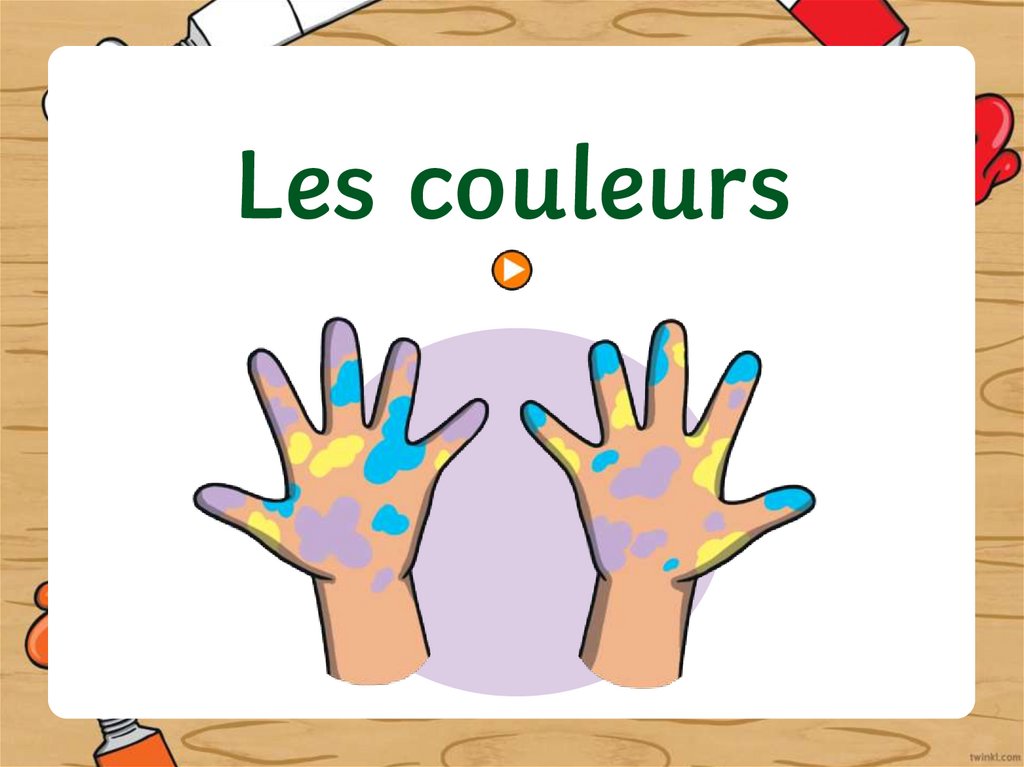
Les couleurs5.
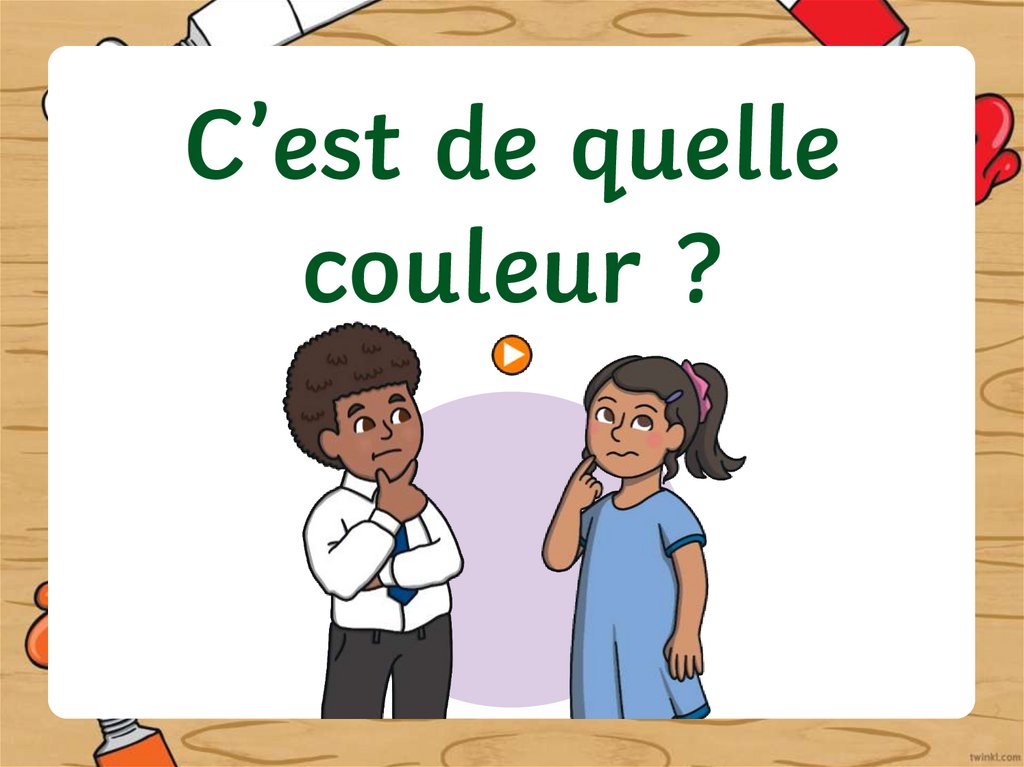
C’est de quellecouleur ?