 internet
Similar presentations:




Technical Facilities of Information
1.
TechnicalFacilities of
Information
Prepared & Presented by: Mirlan Nurbekov, Lecturer
Office hours: Friday 9:00–17:00
AlaToo IT & Business College
Fall 2025
1
2.
This presentation and all demonstration materials are providedsolely for educational purposes to teach defensive cybersecurity
practices, system hardening, and safe incident awareness. The
content is intended to help students recognize threats and protect
systems — not to instruct how to develop, deploy, or exploit
malware. By participating in this class, students agree to use the
information responsibly. The instructor and the institution do not
authorize, condone, or accept responsibility for any unlawful,
unethical, or unsafe actions taken by students based on
information in this course. Any misuse of course content is the sole
responsibility of the individual and may result in disciplinary
and/or legal consequences.
If you are unsure whether an activity is permitted, stop and consult
the instructor or your institution’s IT/security team before
proceeding.
2
3.
Understanding systemvulnerabilities and cyber threats
3
4.
System vulnerabilities4
5.
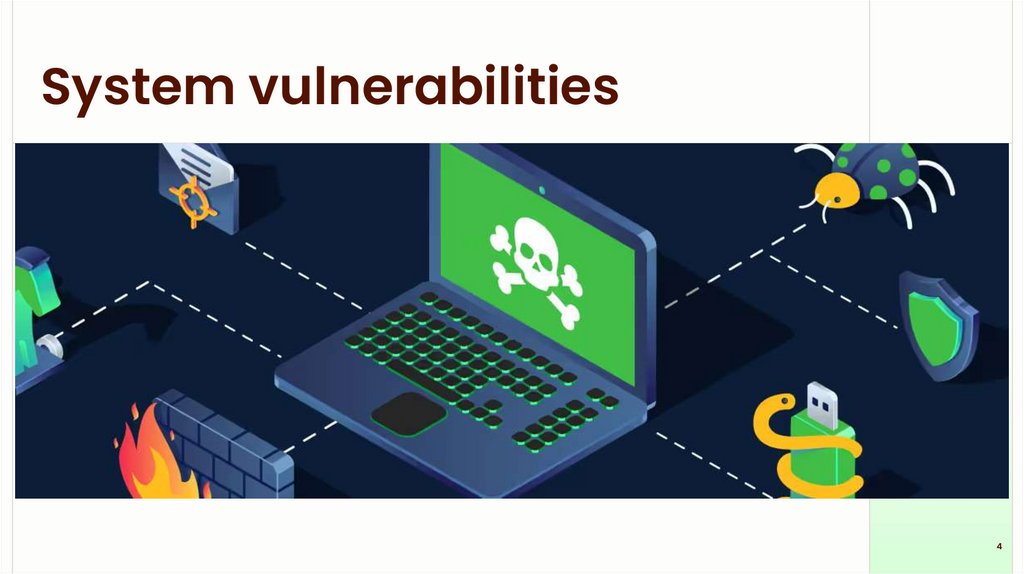
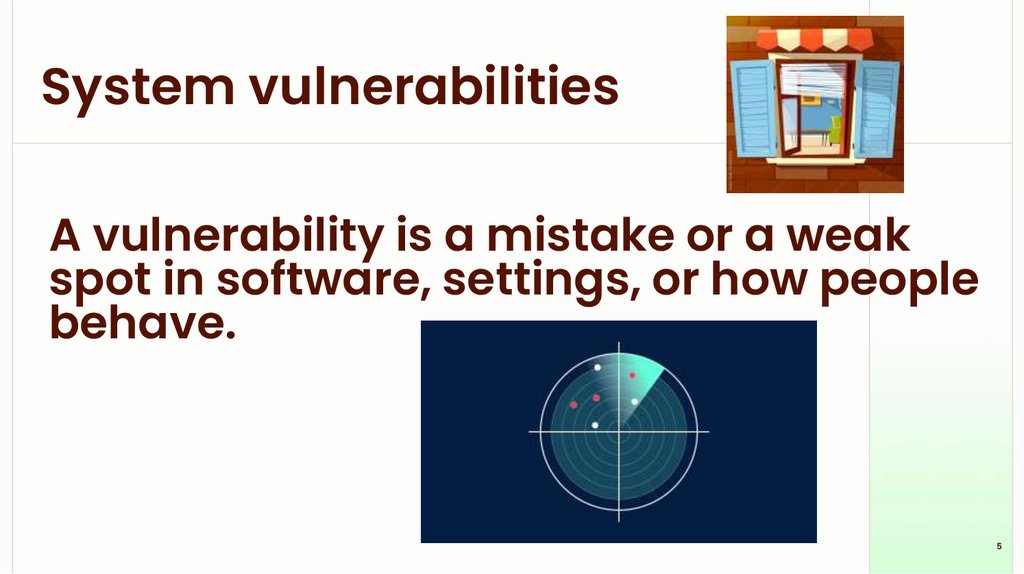
System vulnerabilitiesA vulnerability is a mistake or a weak
spot in software, settings, or how people
behave.
5
6.
Why vulnerabilities exist6
7.
Why vulnerabilities existComplex software: lots of code → mistakes
happen.
Human mistakes: weak passwords, wrong
settings, or clicking bad links.
Old/unpatched software: updates fix bugs, but
people delay installing them.
Third-party code: apps use libraries or packages
that may have bugs.
7
8.
How to use vulnerabilities?Find a weakness (scan or guess).
Gain a tiny foothold (run code, open a backdoor,
steal credentials).
Expand control (get higher privileges, move to
other machines).
Harm or steal data (encrypt files, copy secrets,
spy).
8
9.
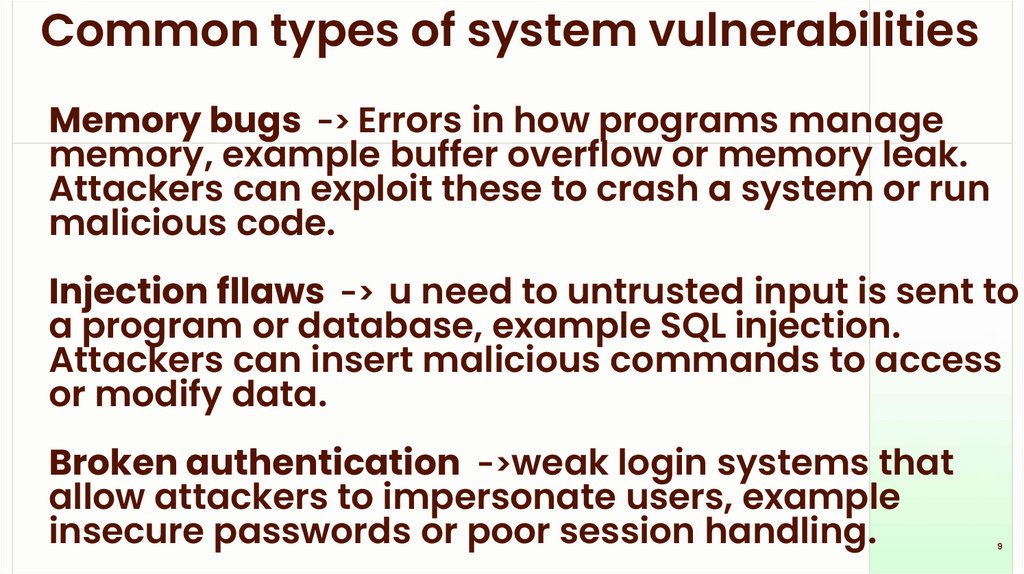
Common types of system vulnerabilitiesMemory bugs -> Errors in how programs manage
memory, example buffer overflow or memory leak.
Attackers can exploit these to crash a system or run
malicious code.
Injection fllaws -> u need to untrusted input is sent to
a program or database, example SQL injection.
Attackers can insert malicious commands to access
or modify data.
Broken authentication ->weak login systems that
allow attackers to impersonate users, example
insecure passwords or poor session handling.
9
10.
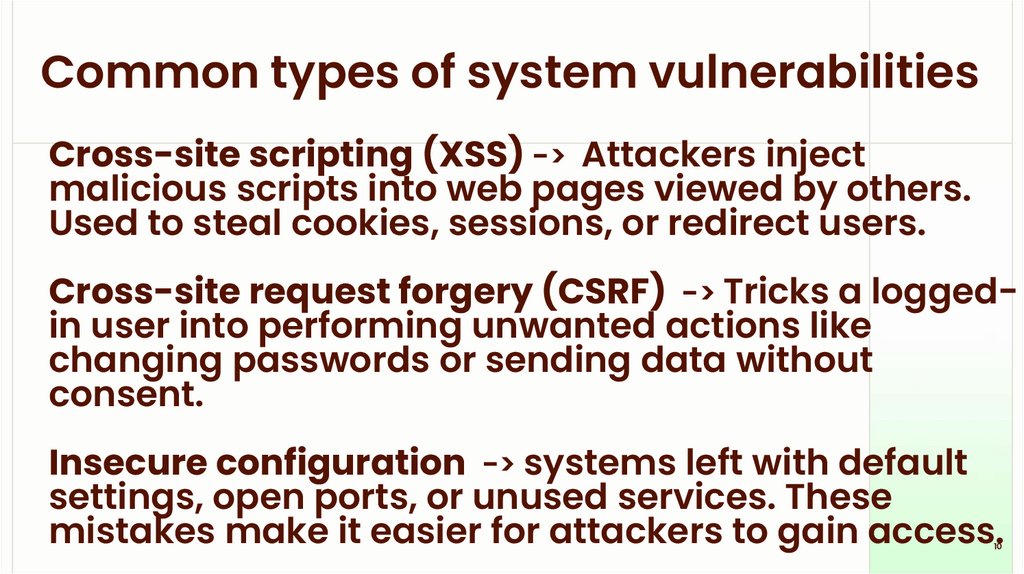
Common types of system vulnerabilitiesCross-site scripting (XSS) -> Attackers inject
malicious scripts into web pages viewed by others.
Used to steal cookies, sessions, or redirect users.
Cross-site request forgery (CSRF) -> Tricks a loggedin user into performing unwanted actions like
changing passwords or sending data without
consent.
Insecure configuration -> systems left with default
settings, open ports, or unused services. These
mistakes make it easier for attackers to gain access.
10
11.
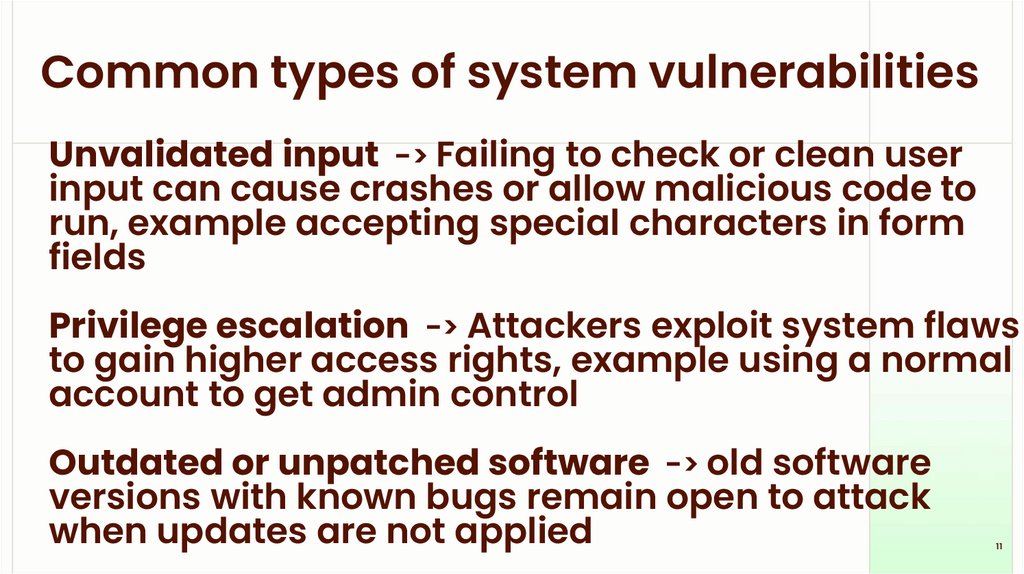
Common types of system vulnerabilitiesUnvalidated input -> Failing to check or clean user
input can cause crashes or allow malicious code to
run, example accepting special characters in form
fields
Privilege escalation -> Attackers exploit system flaws
to gain higher access rights, example using a normal
account to get admin control
Outdated or unpatched software -> old software
versions with known bugs remain open to attack
when updates are not applied
11
12.
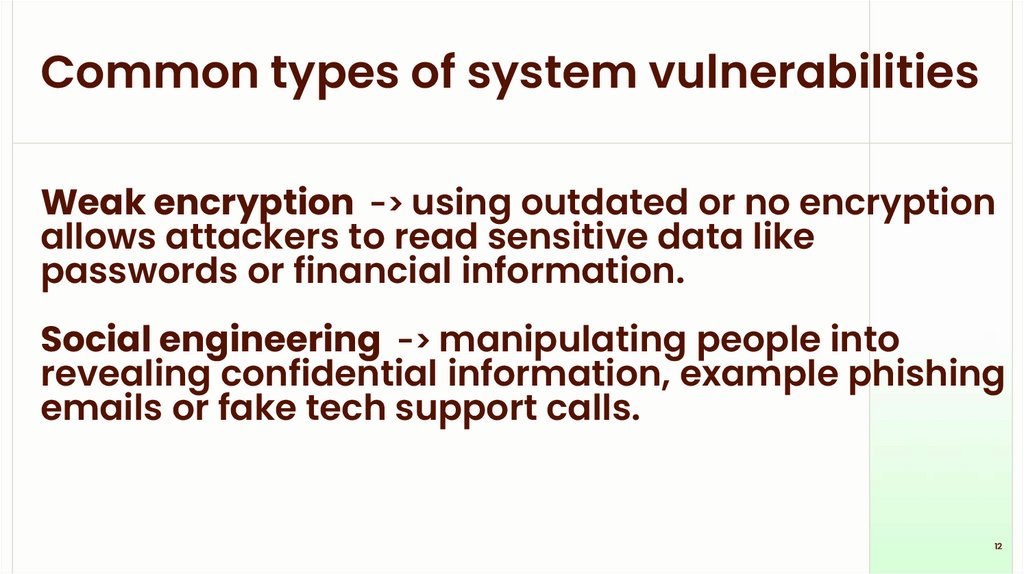
Common types of system vulnerabilitiesWeak encryption -> using outdated or no encryption
allows attackers to read sensitive data like
passwords or financial information.
Social engineering -> manipulating people into
revealing confidential information, example phishing
emails or fake tech support calls.
12
13.
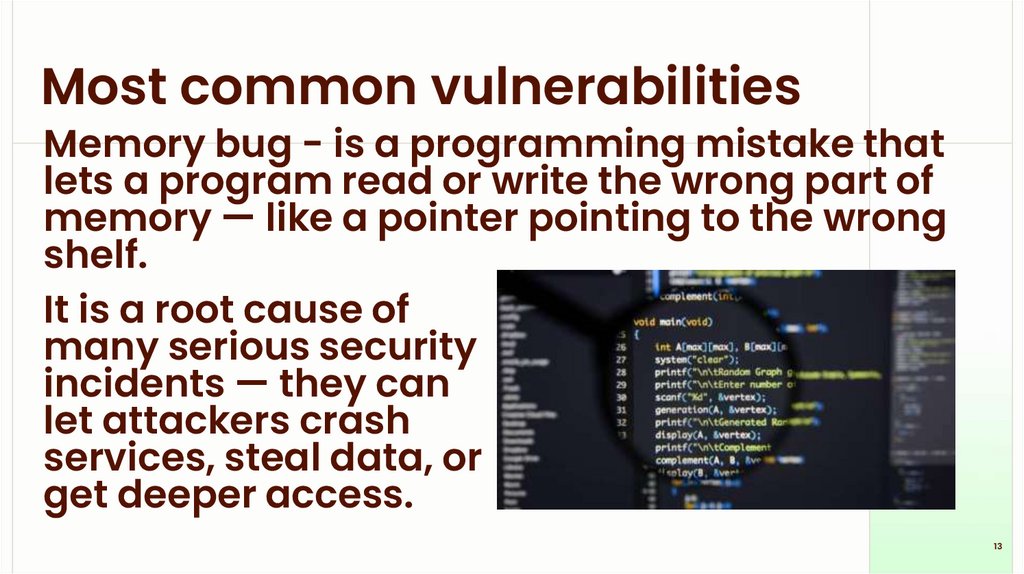
Most common vulnerabilitiesMemory bug - is a programming mistake that
lets a program read or write the wrong part of
memory — like a pointer pointing to the wrong
shelf.
It is a root cause of
many serious security
incidents — they can
let attackers crash
services, steal data, or
get deeper access.
13
14.
Memory bugPrograms store data in memory (variables,
lists, program code)
A memory bug happens when the program
accesses memory it shouldn’t — too far, too
little, or after it’s freed.
Common names you might hear: buffer
overflow, use-after-free, null pointer
dereference (don’t worry about the jargon —
focus on the idea).
14
15.
Why memory bugs occur?- Complex code: many lines, many edge
cases; mistakes slip in.
- Unsafe languages: languages like C/C++
give direct access to memory and require
the programmer to manage it carefully.
- Missing checks: program assumes input fits,
but attackers supply unexpected sizes or
timing.
- Legacy code: old code written before modern
protections, still running today.
15
16.
How attackers generally takeadvantage (conceptual only)
- Look for a program that accepts input (file,
network, user) and has a memory bug.
- Craft input that triggers the bug so the
program behaves in an unexpected way.
- If unchecked, that unexpected behavior can
be turned into control over the program.
16
17.
For defence - mitigationsThink of memory like labeled boxes. A memory bug is
when a program puts something into the wrong box
or reads a box that’s already been thrown away. That
sounds small, but attackers can sometimes turn that
tiny mistake into a big problem. We defend against
these with safer coding practices, automatic
protections built into modern OSes, and by keeping
software patched.
17
18.
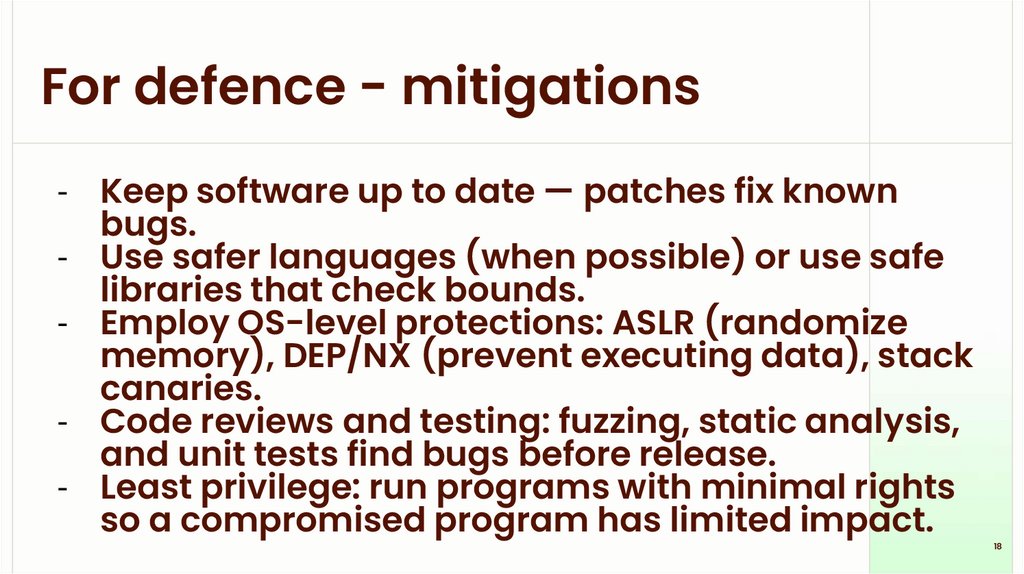
For defence - mitigations- Keep software up to date — patches fix known
bugs.
- Use safer languages (when possible) or use safe
libraries that check bounds.
- Employ OS-level protections: ASLR (randomize
memory), DEP/NX (prevent executing data), stack
canaries.
- Code reviews and testing: fuzzing, static analysis,
and unit tests find bugs before release.
- Least privilege: run programs with minimal rights
so a compromised program has limited impact.
18
19.
Privilege escalationPrivilege escalation is when a user or program gains
higher access rights than they should have — for
example, a regular user getting administrator
(Windows) or root (Linux) powers.
Computers separate what different accounts and
programs are allowed to do. If something or someone
can "level up" their permissions, they can do more
damage or access sensitive data.
If an attacker or a buggy program gets higher
privileges, they can change system files, install
persistent tools, or read private data.
19
20.
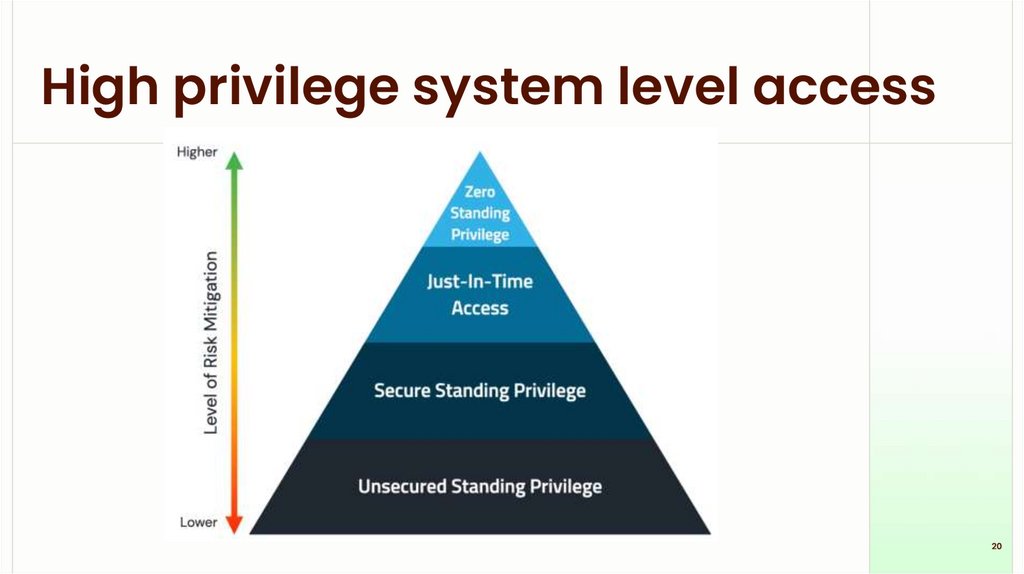
High privilege system level access20
21.
Antivirus21
22.
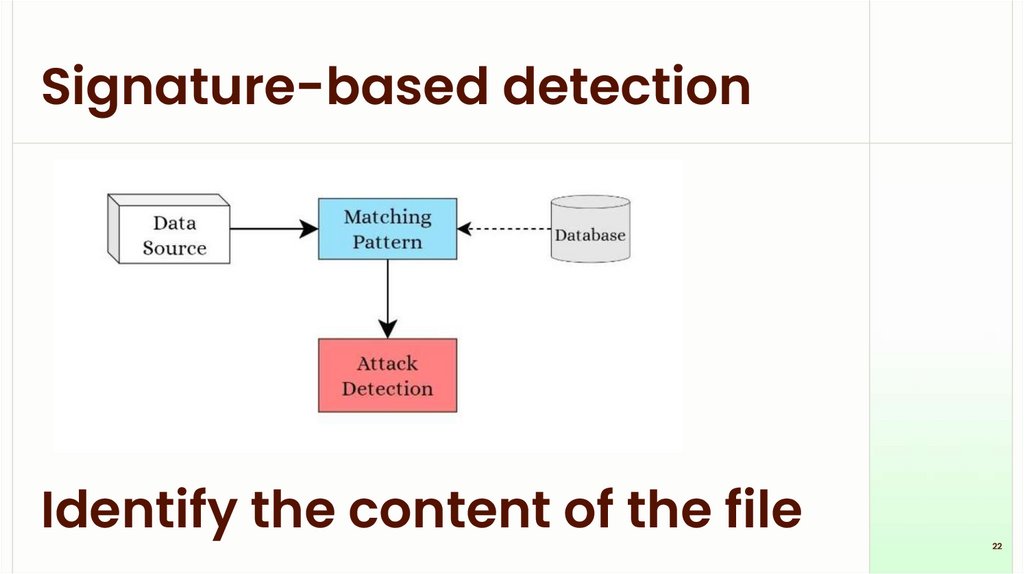
Signature-based detectionIdentify the content of the file
22
23.
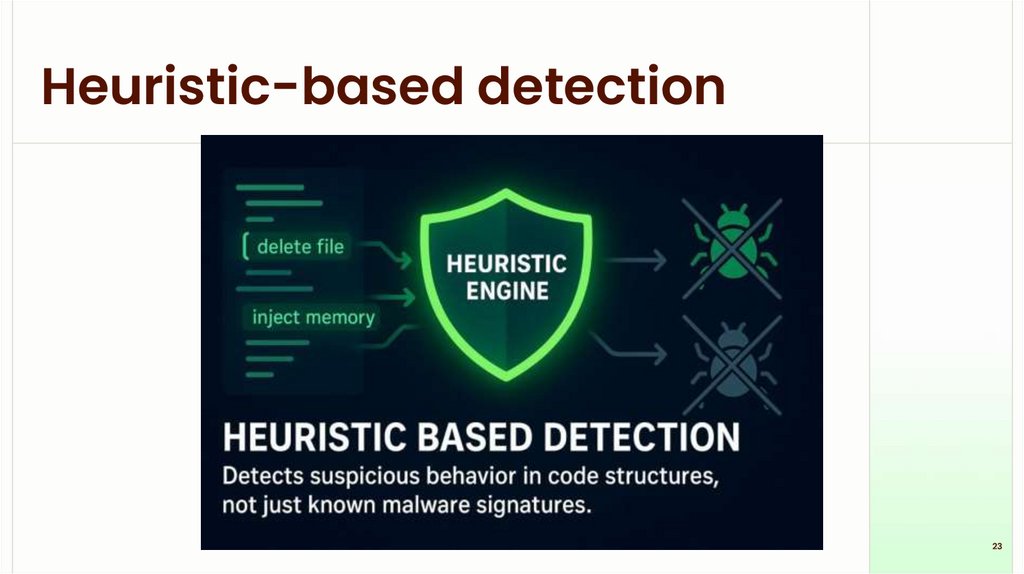
Heuristic-based detection23
24.
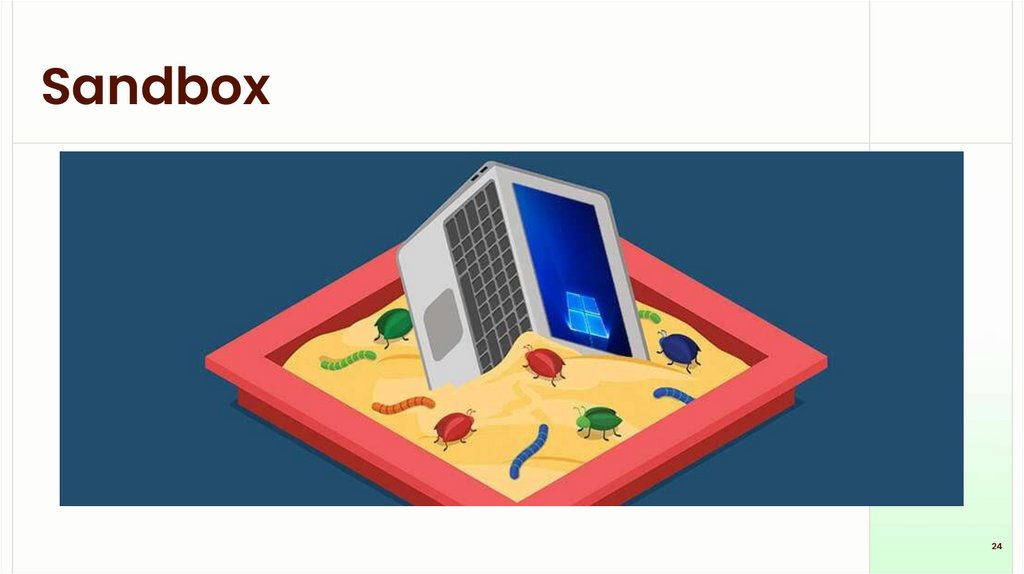
Sandbox24
25.
Techniques for attacks25
26.
Techniques for attacksPhishing -> sending fake emails or messages that look
legitimate to trick users into revealing passwords or clicking
malicious links. Example: a fake bank email asking you to
“verify” your account.
Spear phishing -> targeted phishing aimed at a specific
person or organization using personal details to appear more
convincing. Example: an email that uses a colleague’s name
and job details.
Man-in-the-Middle (MitM) -> Intercepting and possibly
altering communication between two parties without their
knowledge. Example: an attacker on public Wi-Fi capturing
login credentials.
26
27.
Techniques for attacksBrute-force attack -> try every possible password or key
until one works. Works when passwords are short or weak.
Dictionary attack -> trying a list of common
words/passwords (a “dictionary”) against an account to
guess the password faster than a pure brute-force.
Keylogging -> installing software or hardware that records
keystrokes to capture passwords and messages. Example: a
malicious program logging everything typed.
Malware delivery (trojan/ransomware/worm) -> send
malicious software that gives attackers control, encrypts
files, or spreads across systems. Example: ransomware
encrypting files and demanding payment.
27
28.
Techniques for attackssupply-chain - compromising a trusted third-party vendor
or update so malware reaches many users through
legitimate software or hardware. Example: a malicious
update pushed through a vendor.
Distributed denial of service (DDoS) -> flooding a server or
network with traffic from many sources to make it
unavailable. Example: botnet-generated traffic taking a
website offline.
Watering hole -> compromising websites frequently visited
by a target group so visitors get infected. Example: infecting
an industry forum to reach employees of target companies.
28