 electronics
Similar presentations:






Comprehensive Overview of Output Devices: Printers
1.
Comprehensive Overview of Output Devices:Printers
Гаджиев Азамат. ИБ-21.
2.
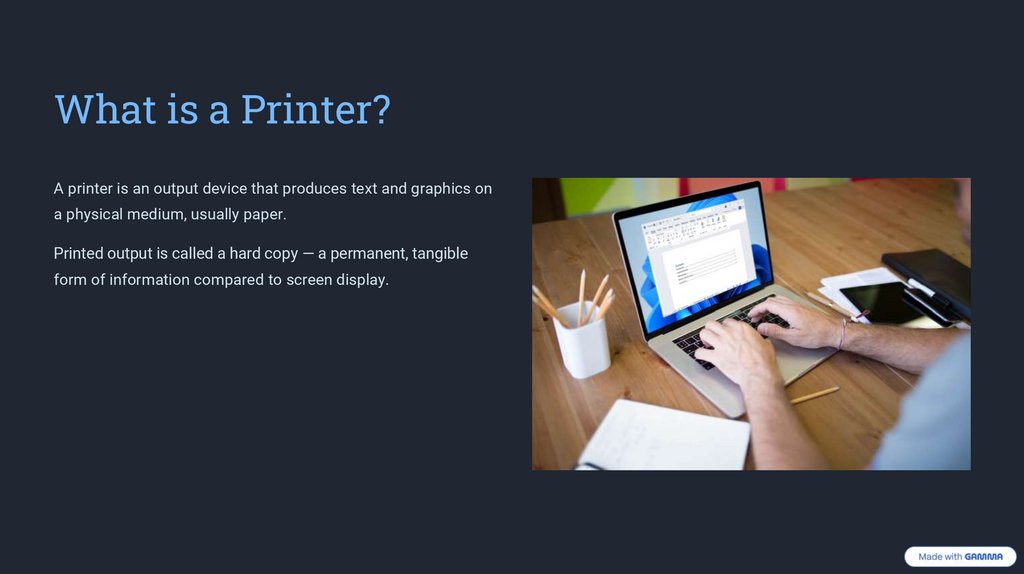
What is a Printer?A printer is an output device that produces text and graphics on
a physical medium, usually paper.
Printed output is called a hard copy — a permanent, tangible
form of information compared to screen display.
3.
Printer Categories: Impactvs Non-Impact
Impact Printers
Print by physically striking an ink ribbon against paper (e.g., Dot-matrix,
Daisy wheel, Line printers).
Noisy but can print multipart forms.
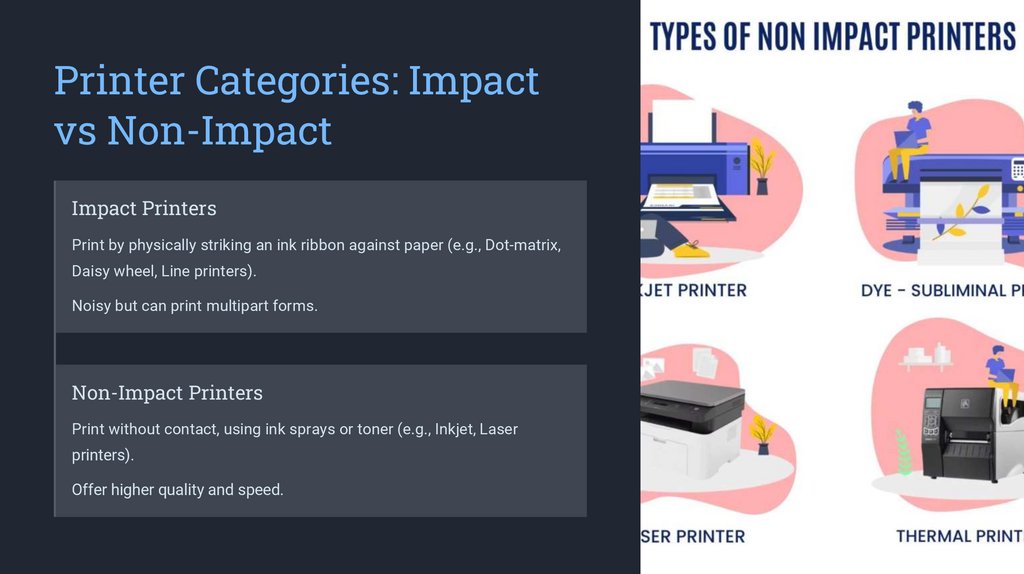
Non-Impact Printers
Print without contact, using ink sprays or toner (e.g., Inkjet, Laser
printers).
Offer higher quality and speed.
4.
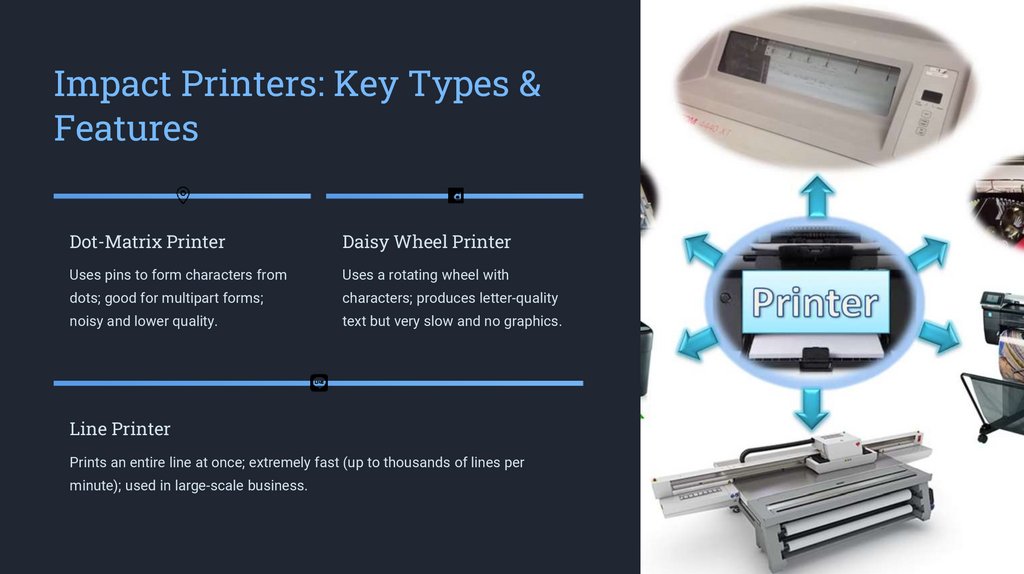
Impact Printers: Key Types &Features
Dot-Matrix Printer
Daisy Wheel Printer
Uses pins to form characters from
Uses a rotating wheel with
dots; good for multipart forms;
characters; produces letter-quality
noisy and lower quality.
text but very slow and no graphics.
Line Printer
Prints an entire line at once; extremely fast (up to thousands of lines per
minute); used in large-scale business.
5.
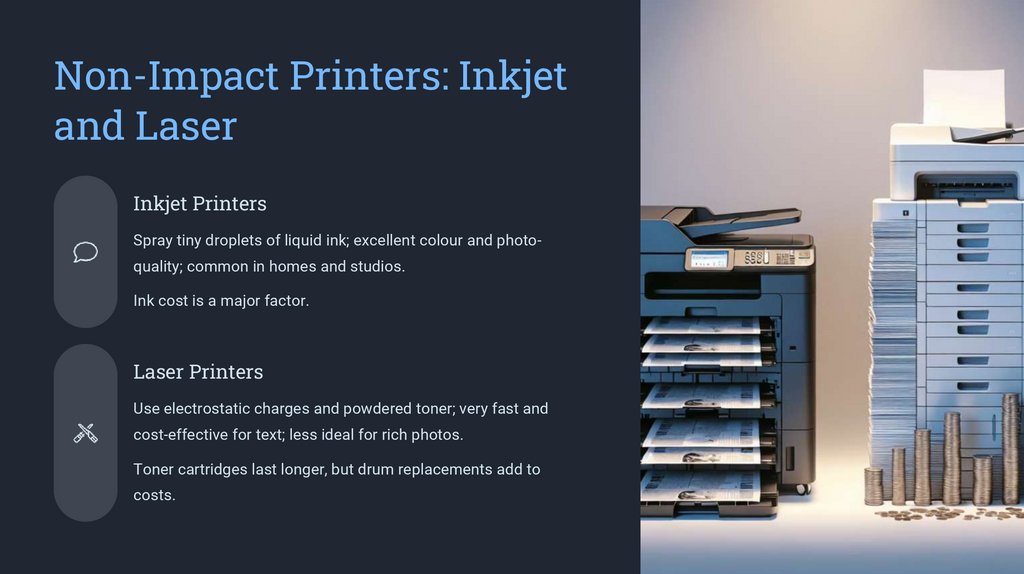
Non-Impact Printers: Inkjetand Laser
Inkjet Printers
Spray tiny droplets of liquid ink; excellent colour and photoquality; common in homes and studios.
Ink cost is a major factor.
Laser Printers
Use electrostatic charges and powdered toner; very fast and
cost-effective for text; less ideal for rich photos.
Toner cartridges last longer, but drum replacements add to
costs.
6.
How Inkjet Printers WorkInk Droplets
Propelled onto paper.
Photo Printing
Ideal for rich colour and fine detail.
Thermal Bubble
Heats ink to form bubbles, forcing ink out.
Piezoelectric Crystal
Vibrates to eject precise ink droplets.
7.
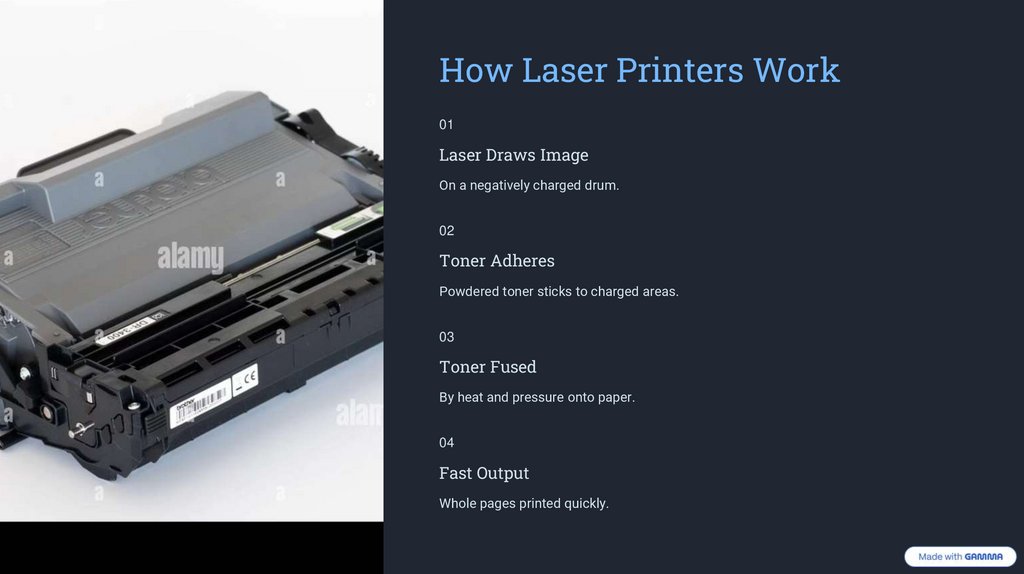
How Laser Printers Work01
Laser Draws Image
On a negatively charged drum.
02
Toner Adheres
Powdered toner sticks to charged areas.
03
Toner Fused
By heat and pressure onto paper.
04
Fast Output
Whole pages printed quickly.
8.
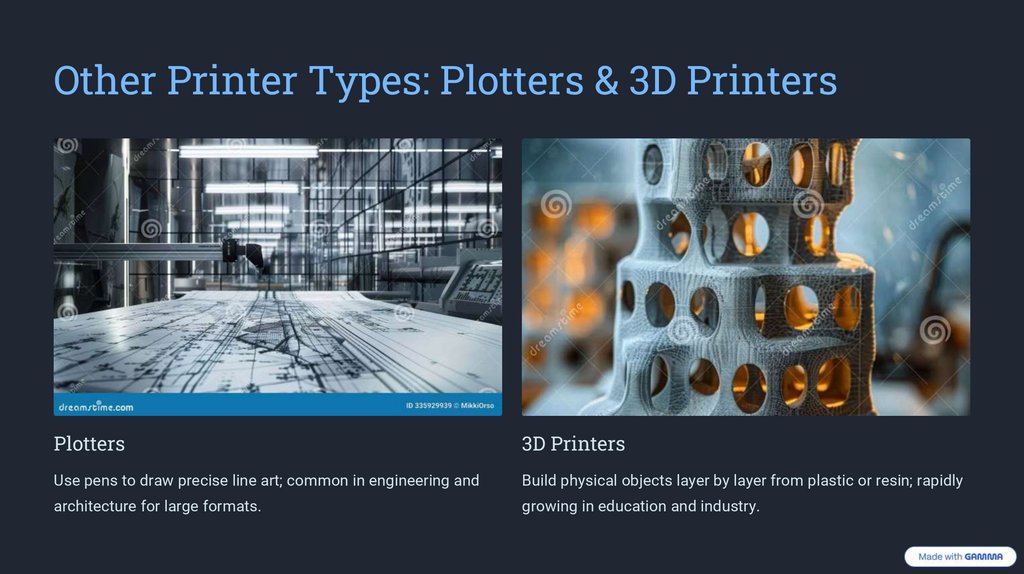
Other Printer Types: Plotters & 3D PrintersPlotters
3D Printers
Use pens to draw precise line art; common in engineering and
Build physical objects layer by layer from plastic or resin; rapidly
architecture for large formats.
growing in education and industry.
9.
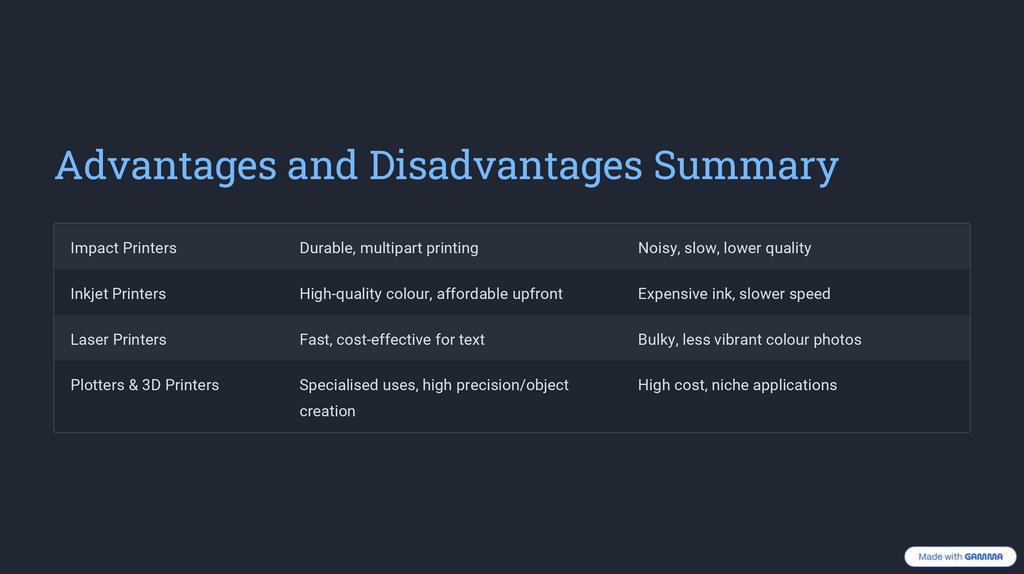
Advantages and Disadvantages SummaryImpact Printers
Durable, multipart printing
Noisy, slow, lower quality
Inkjet Printers
High-quality colour, affordable upfront
Expensive ink, slower speed
Laser Printers
Fast, cost-effective for text
Bulky, less vibrant colour photos
Plotters & 3D Printers
Specialised uses, high precision/object
High cost, niche applications
creation
10.
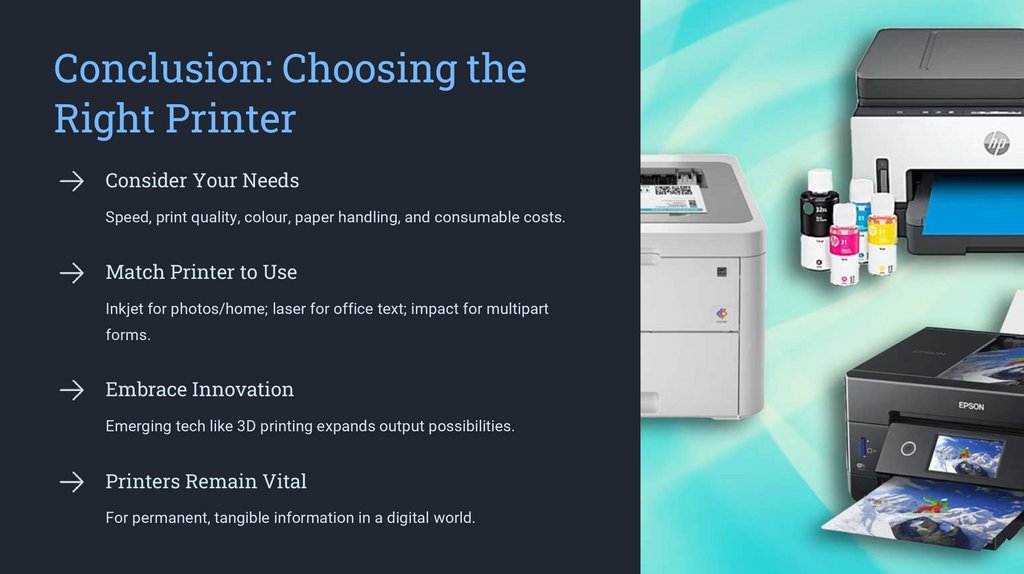
Conclusion: Choosing theRight Printer
Consider Your Needs
Speed, print quality, colour, paper handling, and consumable costs.
Match Printer to Use
Inkjet for photos/home; laser for office text; impact for multipart
forms.
Embrace Innovation
Emerging tech like 3D printing expands output possibilities.
Printers Remain Vital
For permanent, tangible information in a digital world.