

 electronics
Similar presentations:






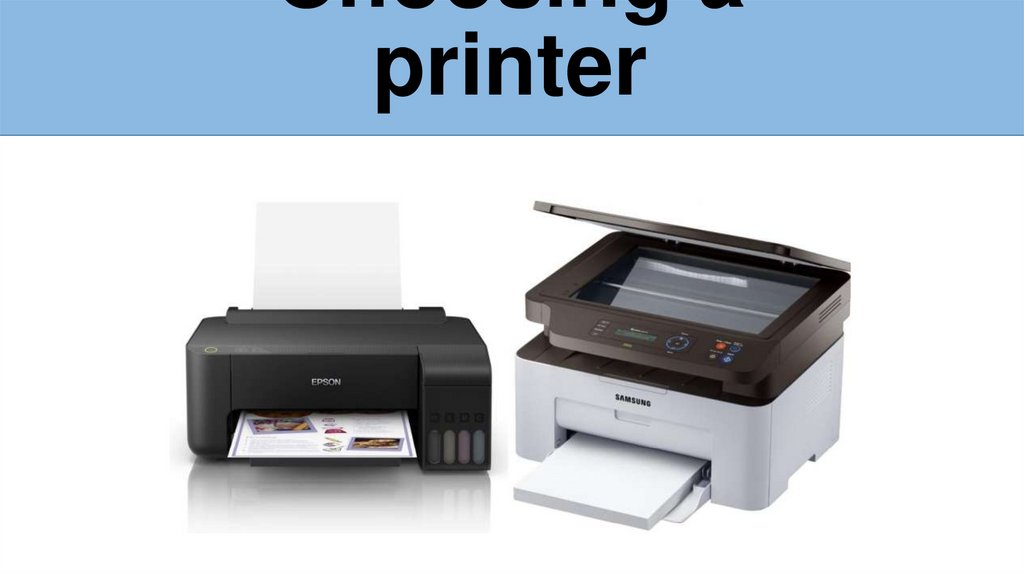
Choosing a printer
1.
Choosing aprinter
2.
IntroductionChoosing the right printer can save
you time, money, and frustration.
Different printers are designed for
different needs, so understanding your
requirements is key.
3.
Types ofPrinters
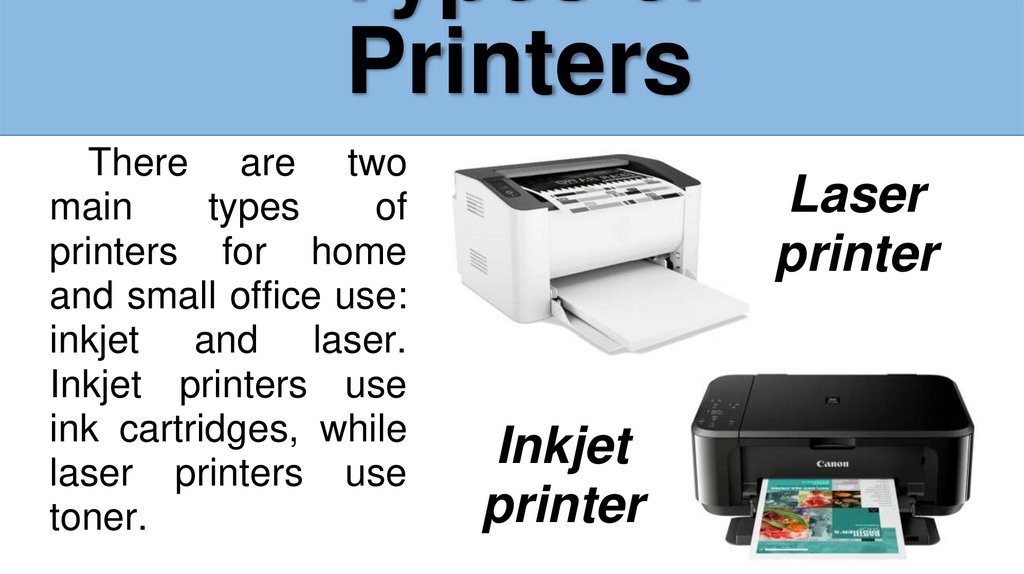
There are two
main
types
of
printers for home
and small office use:
inkjet and laser.
Inkjet printers use
ink cartridges, while
laser printers use
toner.
Laser
printer
Inkjet
printer
4.
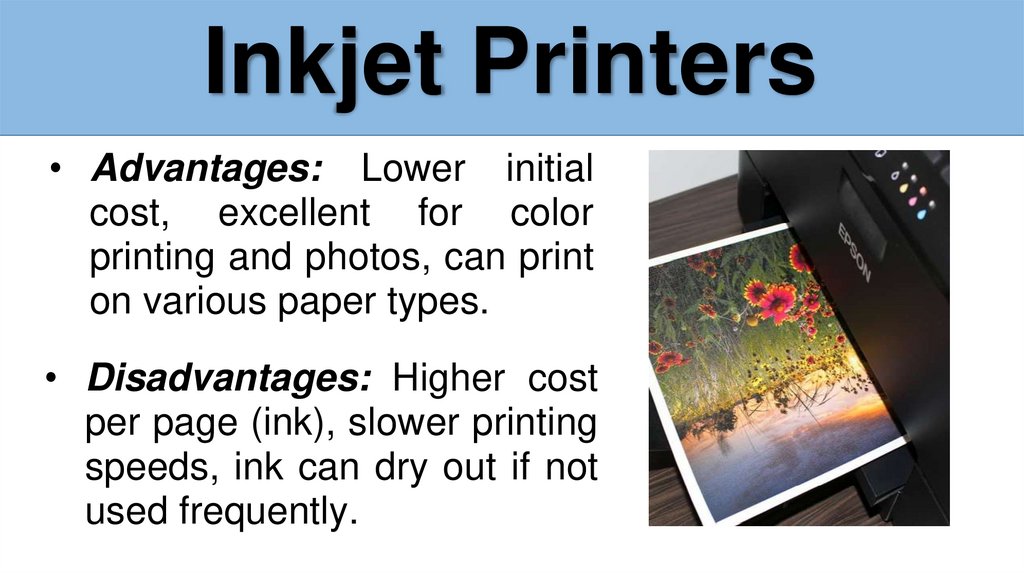
Inkjet Printers• Advantages: Lower initial
cost, excellent for color
printing and photos, can print
on various paper types.
• Disadvantages: Higher cost
per page (ink), slower printing
speeds, ink can dry out if not
used frequently.
5.
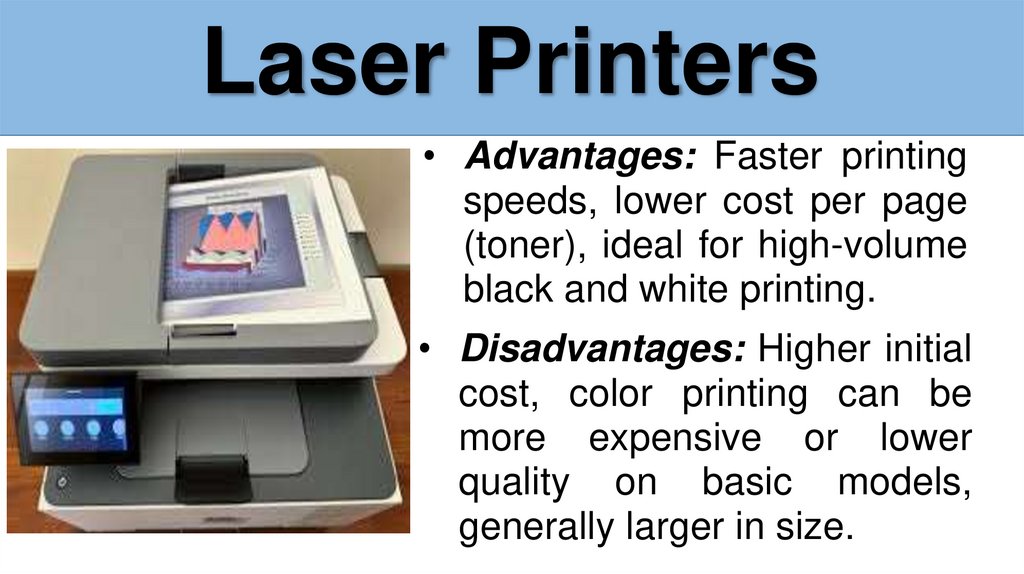
Laser Printers• Advantages: Faster printing
speeds, lower cost per page
(toner), ideal for high-volume
black and white printing.
• Disadvantages: Higher initial
cost, color printing can be
more expensive or lower
quality on basic models,
generally larger in size.
6.
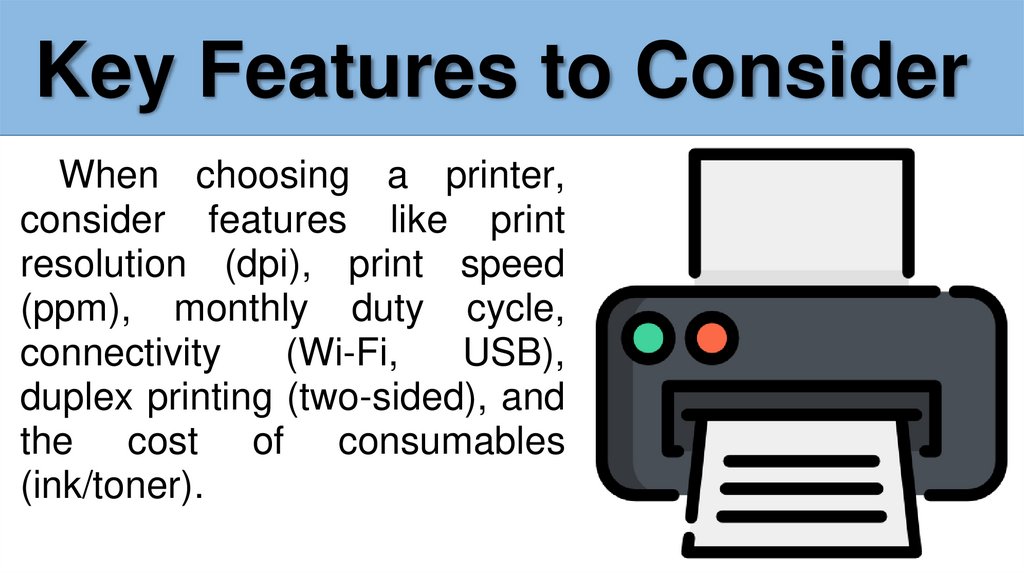
Key Features to ConsiderWhen choosing a printer,
consider features like print
resolution (dpi), print speed
(ppm), monthly duty cycle,
connectivity
(Wi-Fi,
USB),
duplex printing (two-sided), and
the cost of consumables
(ink/toner).
7.
Choosing the Right Printerfor Your Needs
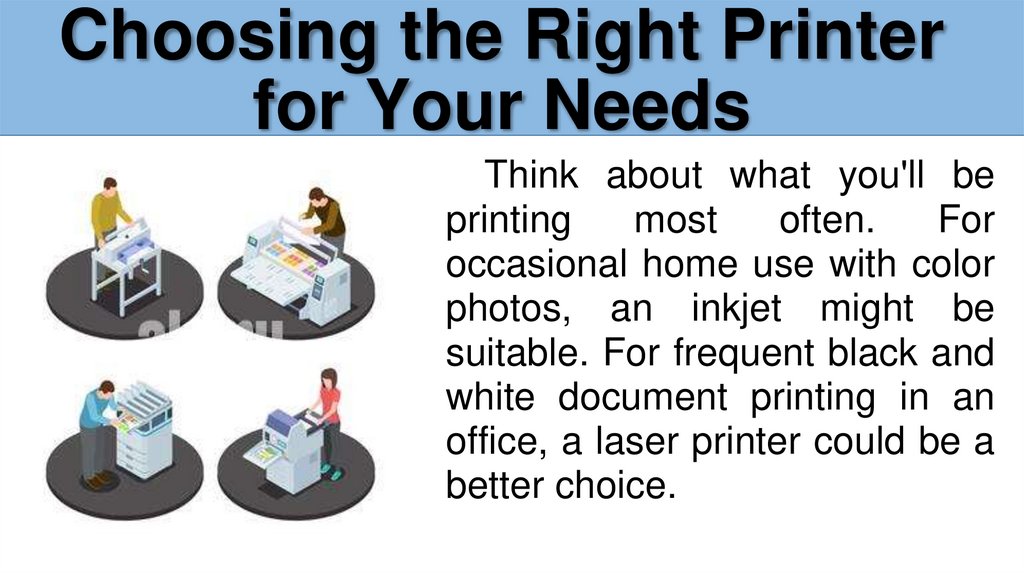
Think about what you'll be
printing
most
often.
For
occasional home use with color
photos, an inkjet might be
suitable. For frequent black and
white document printing in an
office, a laser printer could be a
better choice.
8.
Conclusion - Summary ofkey points
Consider your budget,
printing needs, and the
long-term costs of ink or
toner when choosing a
printer. Inkjet for color
and photos, laser for
speed and volume.
9.
Thank you for yourattention!