







 english
Similar presentations:










Technology (lesson)
1. Technology
TECHNOLOGY2.
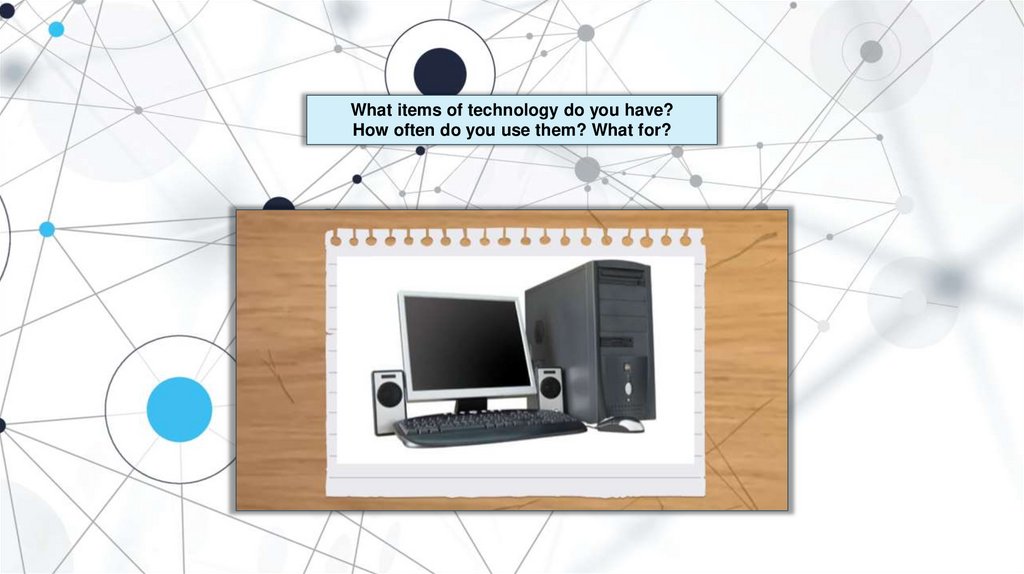
What items of technology do you have?How often do you use them? What for?
3.
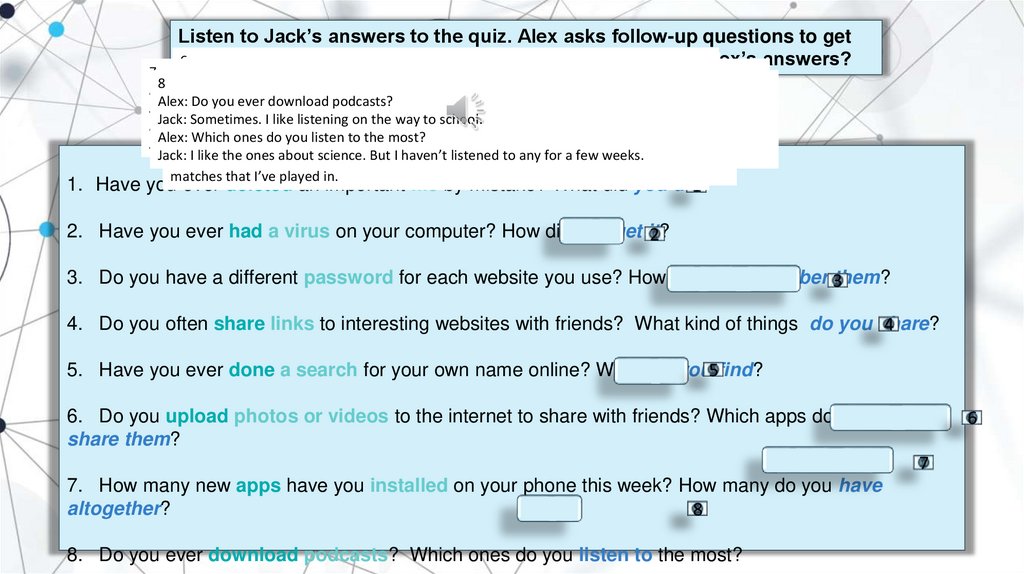
Listen to Jack’s answers to the quiz. Alex asks follow-up questions to getmore
6
2 details. Complete the questions. Do you remember Alex’s answers?
7
Do you
upload
photos
oravideos
to your
the internet
to share with friends?
4 Alex:
815 Alex:
Have
you
ever
had
virus on
computer?
Alex:
How
many
new
apps
have
you
installed
on
your
phone
this week?
3
Jack:
Yes,Do
I Only
upload
photos
several
times
a day.
Alex:
Have
you
ever
deleted
an
important
file
by mistake,
Jack?
Alex:
you
often
share
links
to
interesting
websites
with friends?
Alex:
Do
you
ever
download
podcasts?
Jack:
once
but
yes,
I
have.
Alex:
Have
you
ever
done
a
search
for
your
own
name
online?
Jack: IProbably
about
ten.
There
are
hundreds
of
apps
on
my
phone.
I love
Alex:
Do
you
have
a
different
password
for
each
website
you
use?finding interesting stuff.
love
taking
photos
of interesting
things
and
sharing
them.
Jack:
Yes,
I
have.
I
was
working
late
one
night
and
I
deleted
a
school
project.
Jack:
Yes,
all
the
time.
I
often
share
links
on
social
networking
websites
or in messages.
Jack:
Sometimes.
I
like
listening
on
the
way
to
school.
Alex:
How
did
you
get
it?
Jack:
Yes.
Lots
ofyou
times!
Alex:
How
many
do
have
altogether?
Jack:
Always.
Each
website
has
a different
one!
Alex:
Which
apps
do
you
use
to
share
them?
Alex:
What
did
you
do?
Alex:
What
kinds
oflisten
things
do
share?
Alex:
Which
ones
do
theyou
most?
Jack:
Theyou
virus
was
in atogame
that
I downloaded.
Alex:
What
did
find?
Jack:
Over
two
hundred,
I’m
sure.
But
Ithem?
probably
only use five regularly!
Alex:
How
doyou
you
remember
Jack:
I
mainly
use
Instagram.
Jack:
really
stressed
about
it.
Fortunately,
my Anything
dadare
managed
to
get
itweeks.
Jack:
They’re
usually
funny
videos
ormy
photos.
thatme
makes
me
smile,
really.
Jack:
I Ilike
the
ones
about
science.
But
I
haven’t
to
any
a few
I
installed
the
game
and
suddenly
computer
warned
that
Iback.
had
afootball
virus.
Jack:
Igot
found
my
name
on
our
school
website.
There
reports
of
important
Jack: I write them down! There’s a reallylistened
long list
on
myfor
desk
at home!
matches that I’ve played in.
1. Have you ever deleted an important file by mistake? What did you do?
1
2. Have you ever had a virus on your computer? How did you get it?
2
3. Do you have a different password for each website you use? How do you remember 3them?
4. Do you often share links to interesting websites with friends? What kind of things do you share?
4
5. Have you ever done a search for your own name online? What did you5find?
6. Do you upload photos or videos to the internet to share with friends? Which apps do you use to
share them?
7
7. How many new apps have you installed on your phone this week? How many do you have
altogether?
8
8. Do you ever download podcasts? Which ones do you listen to the most?
6
4.
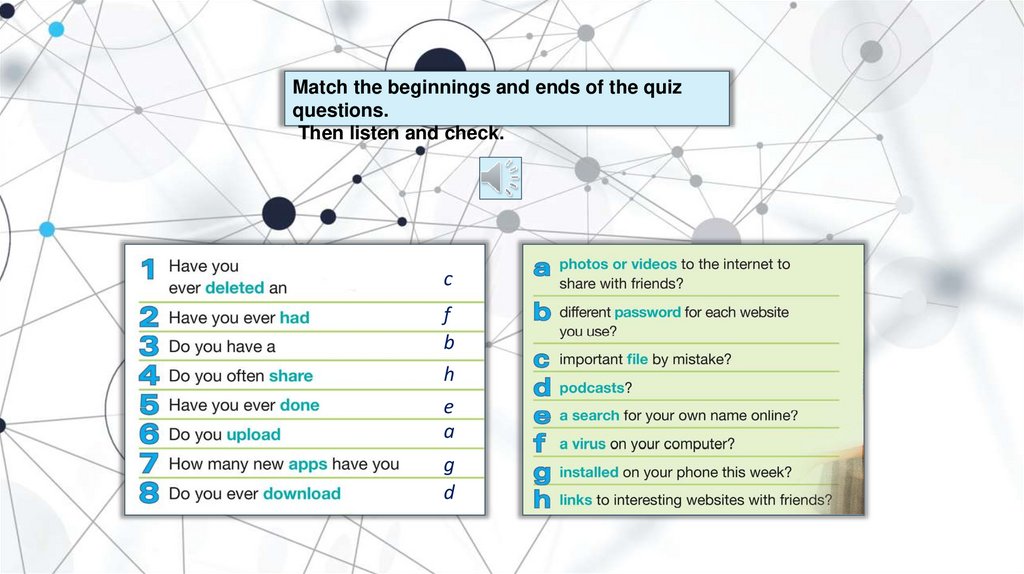
Match the beginnings and ends of the quizquestions.
Then listen and check.
c
f
b
h
e
a
g
d
5.
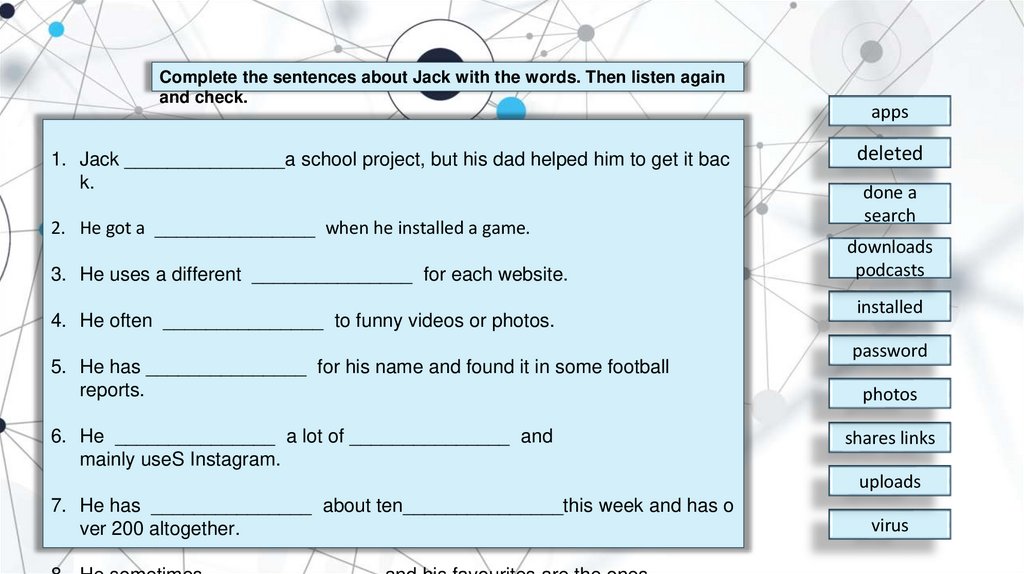
Complete the sentences about Jack with the words. Then listen againand check.
1. Jack _______________a school project, but his dad helped him to get it bac
k.
2. He got a _______________ when he installed a game.
3. He uses a different _______________ for each website.
4. He often _______________ to funny videos or photos.
5. He has _______________ for his name and found it in some football
reports.
6. He _______________ a lot of _______________ and
mainly useS Instagram.
apps
deleted
done a
search
downloads
podcasts
installed
password
photos
shares links
uploads
7. He has _______________ about ten_______________this week and has o
ver 200 altogether.
virus
6.
In pairs. Take turns to answer the quizquestions.
Then tell the class about your partner.
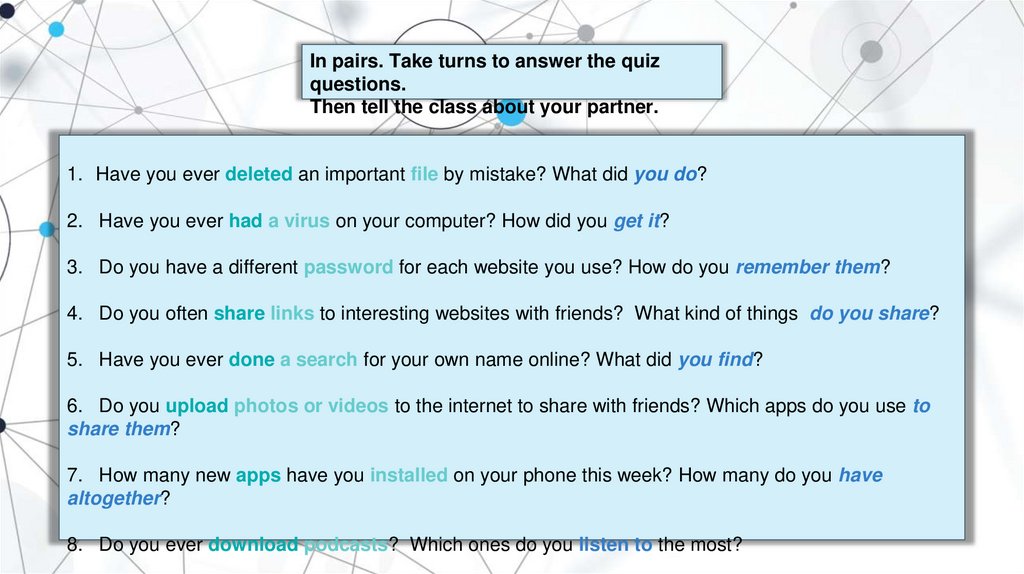
1. Have you ever deleted an important file by mistake? What did you do?
2. Have you ever had a virus on your computer? How did you get it?
3. Do you have a different password for each website you use? How do you remember them?
4. Do you often share links to interesting websites with friends? What kind of things do you share?
5. Have you ever done a search for your own name online? What did you find?
6. Do you upload photos or videos to the internet to share with friends? Which apps do you use to
share them?
7. How many new apps have you installed on your phone this week? How many do you have
altogether?
8. Do you ever download podcasts? Which ones do you listen to the most?
7.
1. Read the descriptions of the three apps(A–C).
2. Find two apps that do these things:
1. mention difficult practiceA B
2. practise listening skillsB C
3. are suitable for use on short journeys
AC
A WordPowr is all about learning words – nouns, verbs, everything. There are eight games, which are very
enjoyable, but the best part is that you can also play online against other users. At less than the price of a
coffee, the app is great value for money. Games last just a few minutes, so it’s perfect for a bus ride. Turn down
the annoying music, though!
B Although EnglishScene is expensive, the app is often given awesome reviews by its users. As soon as you
use it, you can understand why. Everything about this app is professional, from the high-quality and interesting
video stories, with challenging activities to support students in understanding them, to the simple, but attractive
design
C Newscast is a professional-looking app that helps you understand the news in English. You listen to and
read stories, do some typical exercises about new words, even a little grammar, and then answer the
questions. Each activity takes between five and ten minutes and is surprisingly hard.
8.
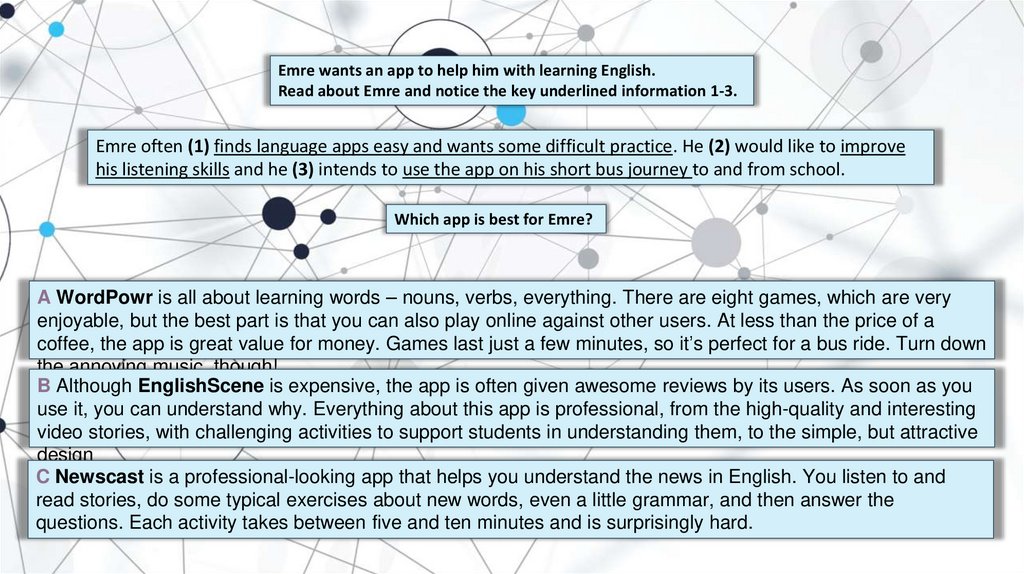
Emre wants an app to help him with learning English.Read about Emre and notice the key underlined information 1-3.
Emre often (1) finds language apps easy and wants some difficult practice. He (2) would like to improve
his listening skills and he (3) intends to use the app on his short bus journey to and from school.
Which app is best for Emre?
A WordPowr is all about learning words – nouns, verbs, everything. There are eight games, which are very
enjoyable, but the best part is that you can also play online against other users. At less than the price of a
coffee, the app is great value for money. Games last just a few minutes, so it’s perfect for a bus ride. Turn down
the annoying music, though!
B Although EnglishScene is expensive, the app is often given awesome reviews by its users. As soon as you
use it, you can understand why. Everything about this app is professional, from the high-quality and interesting
video stories, with challenging activities to support students in understanding them, to the simple, but attractive
design
C Newscast is a professional-looking app that helps you understand the news in English. You listen to and
read stories, do some typical exercises about new words, even a little grammar, and then answer the
questions. Each activity takes between five and ten minutes and is surprisingly hard.
9.
Read the descriptions of five moreapps.
Which of them do you find the most
interesting / useful? Why?
D Practise the 3000 most frequent words in English with PassWords3000. This app is for low-level students working by
themselves and includes a very common range of activity types. It’s free, so sometimes you have to watch video
advertisements to continue using it. New questions are added every month.
E LanguageLab costs nothing, but will be of limited interest to anyone except high-level language learners. The
grammar reference for each topic is full of important details but the practice that follows is fairly typical. The app also
allows you to compare your progress with friends on social networks
F The design of VidEnglish isn’t always clear and it seems to be mainly links to very high-level video clips from
documentaries. The clips aren’t downloaded with the app, so it’s best to use when you have free wi-fi. There is a basic
dictionary and the app is completely free, with no advertisements.
G The first thing you notice with GrammarWise is its professional-looking design. Everything about this app is easy to
use. There are fun, animated grammar presentations and a huge choice of practice activities, with over 50 different
grammar topics per level. You can try one topic for free but it costs to get access to the whole app.
H Themez is a fresh and unusual app. It uses games to teach grammar and vocabulary through topics like science and
history. The app is perfect for when you only have a few minutes to practise, but at the moment you can only play by
yourself.
10.
Read about four more teenagers who want apps to help them with learningEnglish. Underline three key pieces of information about each person.
1. Anna enjoys all subjects but she needs more help with English vocabulary and
grammar. She is bored of doing traditional exercises and is looking for an app with activities
that are quick to complete.
2. Luis would like to get better at understanding movies and TV shows in English. He expects
apps to look good and is prepared to spend money on the right one.
3. Evie’s interested in developing and revising her vocabulary. She likes fun activities and she
really enjoys competing against friends.
4. Filipe is an advanced level student and he would like an app to help him revise grammar.
He doesn’t want to pay for an app.
11.
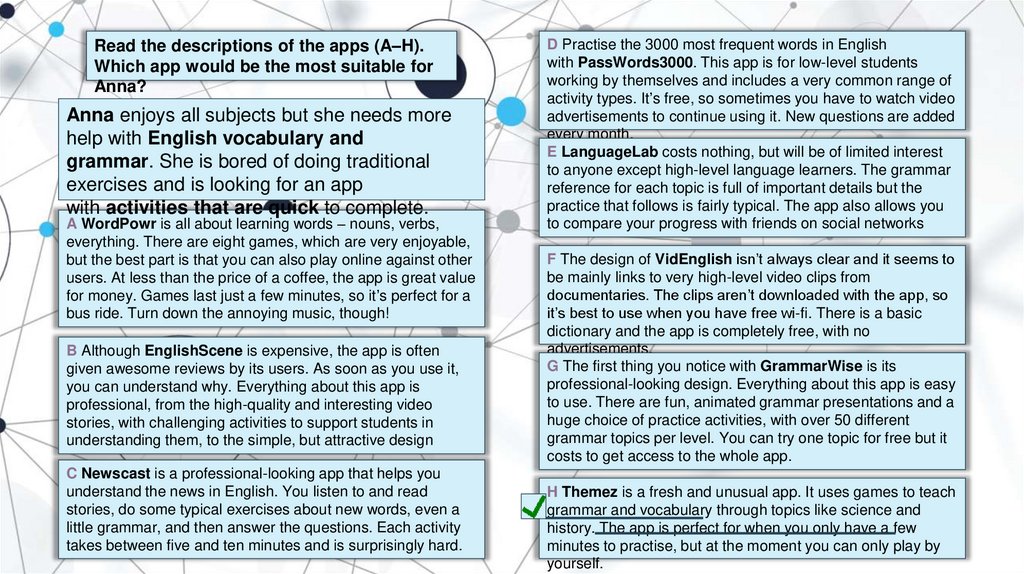
Read the descriptions of the apps (A–H).Which app would be the most suitable for
Anna?
Anna enjoys all subjects but she needs more
help with English vocabulary and
grammar. She is bored of doing traditional
exercises and is looking for an app
with activities that are quick to complete.
A WordPowr is all about learning words – nouns, verbs,
everything. There are eight games, which are very enjoyable,
but the best part is that you can also play online against other
users. At less than the price of a coffee, the app is great value
for money. Games last just a few minutes, so it’s perfect for a
bus ride. Turn down the annoying music, though!
B Although EnglishScene is expensive, the app is often
given awesome reviews by its users. As soon as you use it,
you can understand why. Everything about this app is
professional, from the high-quality and interesting video
stories, with challenging activities to support students in
understanding them, to the simple, but attractive design
C Newscast is a professional-looking app that helps you
understand the news in English. You listen to and read
stories, do some typical exercises about new words, even a
little grammar, and then answer the questions. Each activity
takes between five and ten minutes and is surprisingly hard.
D Practise the 3000 most frequent words in English
with PassWords3000. This app is for low-level students
working by themselves and includes a very common range of
activity types. It’s free, so sometimes you have to watch video
advertisements to continue using it. New questions are added
every month.
E LanguageLab costs nothing, but will be of limited interest
to anyone except high-level language learners. The grammar
reference for each topic is full of important details but the
practice that follows is fairly typical. The app also allows you
to compare your progress with friends on social networks
F The design of VidEnglish isn’t always clear and it seems to
be mainly links to very high-level video clips from
documentaries. The clips aren’t downloaded with the app, so
it’s best to use when you have free wi-fi. There is a basic
dictionary and the app is completely free, with no
advertisements.
G The first thing you notice with GrammarWise is its
professional-looking design. Everything about this app is easy
to use. There are fun, animated grammar presentations and a
huge choice of practice activities, with over 50 different
grammar topics per level. You can try one topic for free but it
costs to get access to the whole app.
H Themez is a fresh and unusual app. It uses games to teach
grammar and vocabulary through topics like science and
history. The app is perfect for when you only have a few
minutes to practise, but at the moment you can only play by
yourself.
12.
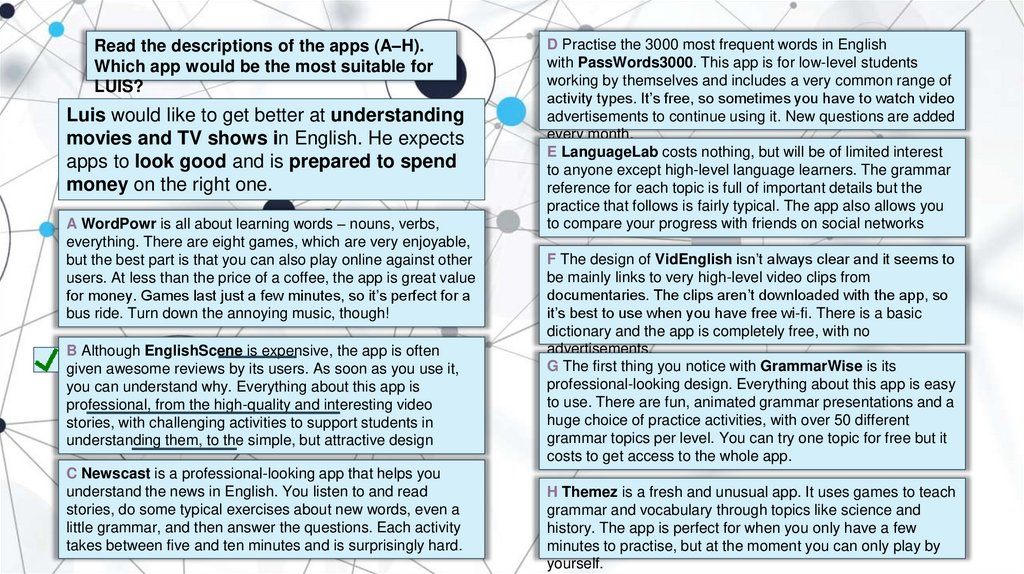
Read the descriptions of the apps (A–H).Which app would be the most suitable for
LUIS?
Luis would like to get better at understanding
movies and TV shows in English. He expects
apps to look good and is prepared to spend
money on the right one.
A WordPowr is all about learning words – nouns, verbs,
everything. There are eight games, which are very enjoyable,
but the best part is that you can also play online against other
users. At less than the price of a coffee, the app is great value
for money. Games last just a few minutes, so it’s perfect for a
bus ride. Turn down the annoying music, though!
B Although EnglishScene is expensive, the app is often
given awesome reviews by its users. As soon as you use it,
you can understand why. Everything about this app is
professional, from the high-quality and interesting video
stories, with challenging activities to support students in
understanding them, to the simple, but attractive design
C Newscast is a professional-looking app that helps you
understand the news in English. You listen to and read
stories, do some typical exercises about new words, even a
little grammar, and then answer the questions. Each activity
takes between five and ten minutes and is surprisingly hard.
D Practise the 3000 most frequent words in English
with PassWords3000. This app is for low-level students
working by themselves and includes a very common range of
activity types. It’s free, so sometimes you have to watch video
advertisements to continue using it. New questions are added
every month.
E LanguageLab costs nothing, but will be of limited interest
to anyone except high-level language learners. The grammar
reference for each topic is full of important details but the
practice that follows is fairly typical. The app also allows you
to compare your progress with friends on social networks
F The design of VidEnglish isn’t always clear and it seems to
be mainly links to very high-level video clips from
documentaries. The clips aren’t downloaded with the app, so
it’s best to use when you have free wi-fi. There is a basic
dictionary and the app is completely free, with no
advertisements.
G The first thing you notice with GrammarWise is its
professional-looking design. Everything about this app is easy
to use. There are fun, animated grammar presentations and a
huge choice of practice activities, with over 50 different
grammar topics per level. You can try one topic for free but it
costs to get access to the whole app.
H Themez is a fresh and unusual app. It uses games to teach
grammar and vocabulary through topics like science and
history. The app is perfect for when you only have a few
minutes to practise, but at the moment you can only play by
yourself.
13.
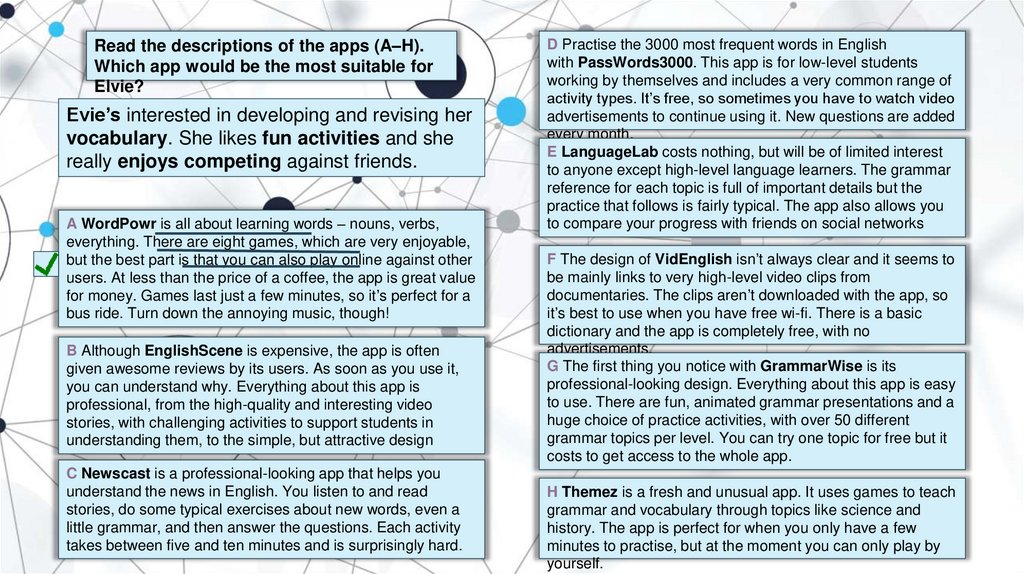
Read the descriptions of the apps (A–H).Which app would be the most suitable for
Elvie?
Evie’s interested in developing and revising her
vocabulary. She likes fun activities and she
really enjoys competing against friends.
A WordPowr is all about learning words – nouns, verbs,
everything. There are eight games, which are very enjoyable,
but the best part is that you can also play online against other
users. At less than the price of a coffee, the app is great value
for money. Games last just a few minutes, so it’s perfect for a
bus ride. Turn down the annoying music, though!
B Although EnglishScene is expensive, the app is often
given awesome reviews by its users. As soon as you use it,
you can understand why. Everything about this app is
professional, from the high-quality and interesting video
stories, with challenging activities to support students in
understanding them, to the simple, but attractive design
C Newscast is a professional-looking app that helps you
understand the news in English. You listen to and read
stories, do some typical exercises about new words, even a
little grammar, and then answer the questions. Each activity
takes between five and ten minutes and is surprisingly hard.
D Practise the 3000 most frequent words in English
with PassWords3000. This app is for low-level students
working by themselves and includes a very common range of
activity types. It’s free, so sometimes you have to watch video
advertisements to continue using it. New questions are added
every month.
E LanguageLab costs nothing, but will be of limited interest
to anyone except high-level language learners. The grammar
reference for each topic is full of important details but the
practice that follows is fairly typical. The app also allows you
to compare your progress with friends on social networks
F The design of VidEnglish isn’t always clear and it seems to
be mainly links to very high-level video clips from
documentaries. The clips aren’t downloaded with the app, so
it’s best to use when you have free wi-fi. There is a basic
dictionary and the app is completely free, with no
advertisements.
G The first thing you notice with GrammarWise is its
professional-looking design. Everything about this app is easy
to use. There are fun, animated grammar presentations and a
huge choice of practice activities, with over 50 different
grammar topics per level. You can try one topic for free but it
costs to get access to the whole app.
H Themez is a fresh and unusual app. It uses games to teach
grammar and vocabulary through topics like science and
history. The app is perfect for when you only have a few
minutes to practise, but at the moment you can only play by
yourself.
14.
Read the descriptions of the apps (A–H).Which app would be the most suitable for
Filipe?
Filipe is an advanced level student and he
would like an app to help him revise grammar.
He doesn’t want to pay for an app.
A WordPowr is all about learning words – nouns, verbs,
everything. There are eight games, which are very enjoyable,
but the best part is that you can also play online against other
users. At less than the price of a coffee, the app is great value
for money. Games last just a few minutes, so it’s perfect for a
bus ride. Turn down the annoying music, though!
B Although EnglishScene is expensive, the app is often
given awesome reviews by its users. As soon as you use it,
you can understand why. Everything about this app is
professional, from the high-quality and interesting video
stories, with challenging activities to support students in
understanding them, to the simple, but attractive design
C Newscast is a professional-looking app that helps you
understand the news in English. You listen to and read
stories, do some typical exercises about new words, even a
little grammar, and then answer the questions. Each activity
takes between five and ten minutes and is surprisingly hard.
D Practise the 3000 most frequent words in English
with PassWords3000. This app is for low-level students
working by themselves and includes a very common range of
activity types. It’s free, so sometimes you have to watch video
advertisements to continue using it. New questions are added
every month.
E LanguageLab costs nothing, but will be of limited interest
to anyone except high-level language learners. The grammar
reference for each topic is full of important details but the
practice that follows is fairly typical. The app also allows you
to compare your progress with friends on social networks
F The design of VidEnglish isn’t always clear and it seems to
be mainly links to very high-level video clips from
documentaries. The clips aren’t downloaded with the app, so
it’s best to use when you have free wi-fi. There is a basic
dictionary and the app is completely free, with no
advertisements.
G The first thing you notice with GrammarWise is its
professional-looking design. Everything about this app is easy
to use. There are fun, animated grammar presentations and a
huge choice of practice activities, with over 50 different
grammar topics per level. You can try one topic for free but it
costs to get access to the whole app.
H Themez is a fresh and unusual app. It uses games to teach
grammar and vocabulary through topics like science and
history. The app is perfect for when you only have a few
minutes to practise, but at the moment you can only play by
yourself.
15.
Do you understand the highlighted words?A WordPowr is all about learning words – nouns, verbs,
everything. There are eight games, which are very enjoyable,
but the best part is that you can also play online against other
users. At less than the price of a coffee, the app is great value
for money. Games last just a few minutes, so it’s perfect for a
bus ride. Turn down the annoying music, though!
B Although EnglishScene is expensive, the app is often
given awesome reviews by its users. As soon as you use it,
you can understand why. Everything about this app is
professional, from the high-quality and interesting video
stories, with challenging activities to support students in
understanding them, to the simple, but attractive design
C Newscast is a professional-looking app that helps you
understand the news in English. You listen to and read
stories, do some typical exercises about new words, even a
little grammar, and then answer the questions. Each activity
takes between five and ten minutes and is surprisingly hard.
D Practise the 3000 most frequent words in English
with PassWords3000. This app is for low-level students
working by themselves and includes a very common range of
activity types. It’s free, so sometimes you have to watch video
advertisements to continue using it. New questions are added
every month.
E LanguageLab costs nothing, but will be of limited interest
to anyone except high-level language learners. The grammar
reference for each topic is full of important details but the
practice that follows is fairly typical. The app also allows you
to compare your progress with friends on social networks.
F The design of VidEnglish isn’t always clear and it seems to
be mainly links to very high-level video clips from
documentaries. The clips aren’t downloaded with the app, so
it’s best to use when you have free wi-fi. There is a basic
dictionary and the app is completely free, with no
advertisements.
G The first thing you notice with GrammarWise is its
professional-looking design. Everything about this app is easy
to use. There are fun, animated grammar presentations and a
huge choice of practice activities, with over 50 different
grammar topics per level. You can try one topic for free but it
costs to get access to the whole app.
H Themez is a fresh and unusual app. It uses games to teach
grammar and vocabulary through topics like science and
history. The app is perfect for when you only have a few
minutes to practise, but at the moment you can only play by
yourself.
16.
17.
1. Which electronic devices do you use every day ?2. What do you use them for?
3. Which electronic device is the most
important to you?
18.
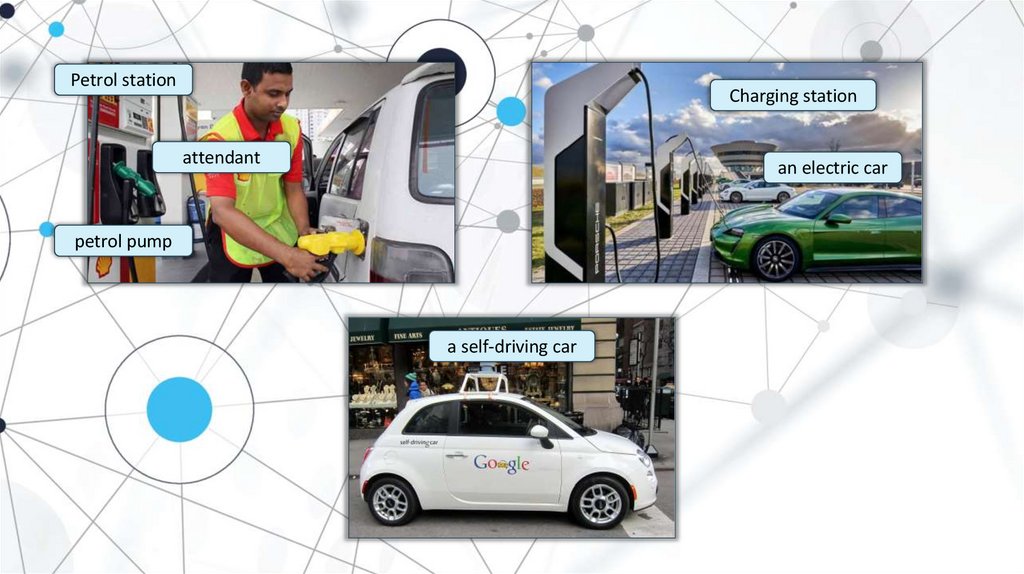
Petrol stationCharging station
attendant
an electric car
petrol pump
a self-driving car
19.
This week's quiz is about driverless cars.Can you answer these questions in less than one minute?
Guess the meaning of any new words.
1 When did engineers begin to think about
self-driving cars?
A in the 1920s
B in the 1930s
C in the 1980s
4 These cars will run on
A electricity -just like your phone.
B petrol.
C а fuel made from vegetables.
2 What does autonomous mean?
5 Which feature does not appear in some
driverless cars ?
A The car will choose your music.
B You only need to tell the car when to turn.
C The car drives itself.
A a computer
B a display
C an internet connection
3 The licence you'll need for a driverless car
A will be the same as for any other car.
B won't exist - you won't need one.
C will be a special licence.
20.
Complete the sentences with the words in the box.Then listen to the podcast again and check.
charge connection display experiments fuel
nvention plug in
power pump
satellite
i
invention ?
1 You can get a self-driving car. What exactly is this _______________
pump
2 Does it mean no more stops at the petrol _______________
on a long journey?
fuel
3 You will of course have to stop for some kind of _______________
, and for these cars it's electricity.
Plug
charge he battery so that it gets the ______________
power
4 Like an electric car, you __________
it __________ to __________
in
it needs to continue.
satellite signals and that will show up
5 Just like the map app on your phone, it will get directions from GPS _______________
display in the car.
on the _______________
connectionto the internet because of safety concerns.
6 But many autonomous cars will not have a _______________
experiments
7 At the moment, companies are carrying out a lot of safety tests and _______________
on these cars.
21.
1. Do you think everyone will have driverless cars in thefuture?
2. How do you feel about driverless
cars?
3. Do inventions interest you?
Why? / Why not?
22.
Do you think a computer could know how you're feeling?If so, how? If not, why not?
Doyou think a machine could display
different emotions? If so, how?
If not, why not?
23.
Watch the video again. Complete the sentenceswith one word or a number.