







 software
Similar presentations:










Software testing: Basics
1. Software testing: Basics
Sergey Safronov,2025
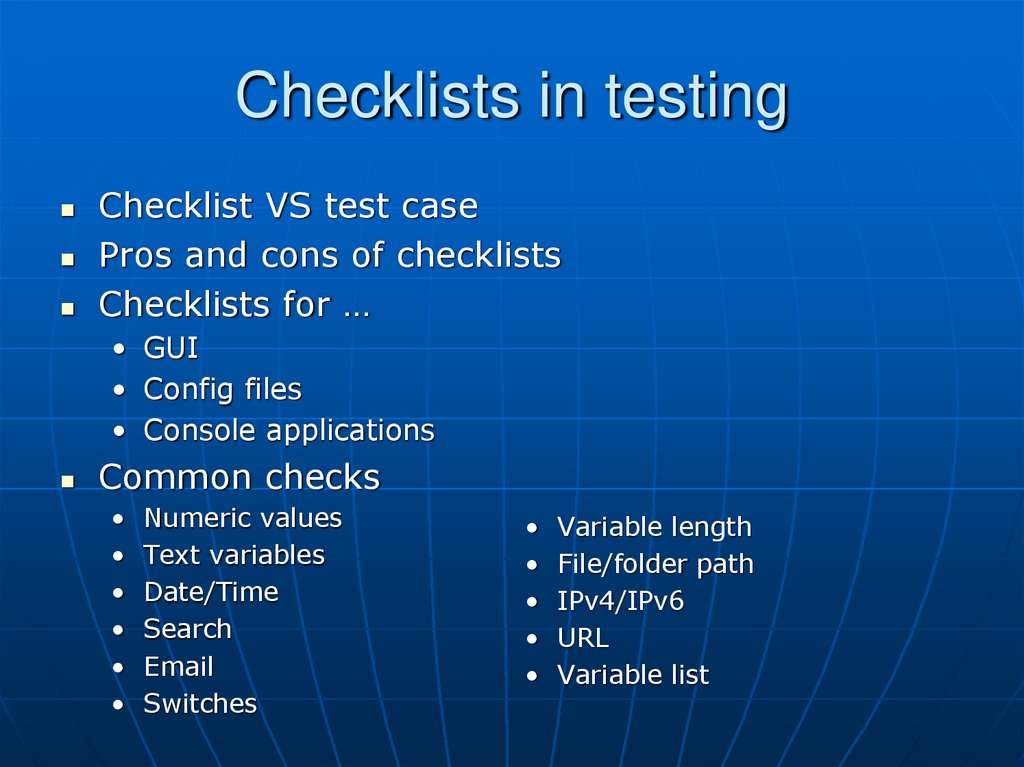
2. Checklists in testing
Checklist VS test casePros and cons of checklists
Checklists for …
• GUI
• Config files
• Console applications
Common checks
Numeric values
Text variables
Date/Time
Search
Switches
Variable length
File/folder path
IPv4/IPv6
URL
Variable list
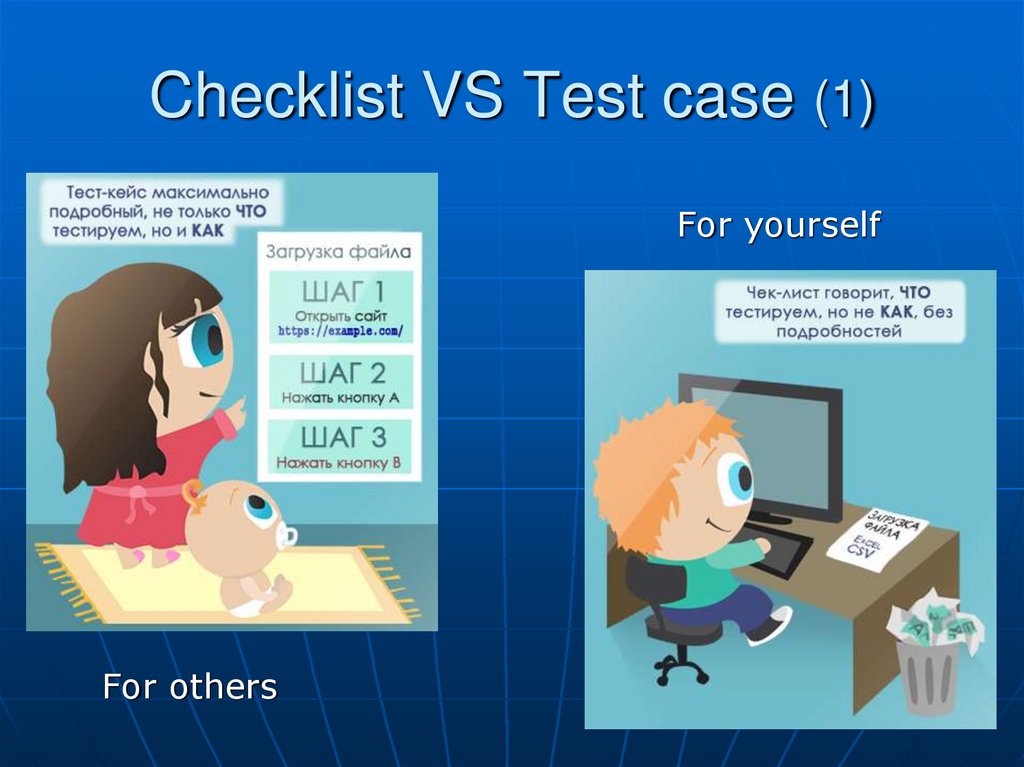
3. Checklist VS Test case (1)
For yourselfFor others
4. Checklist VS Test case (2)
Specify tested variable orexpected result
Step-by-step instruction
5. Advantages of checklists
Remove “Effect of the pesticide” in regressiontesting
Extent test coverage due to different variable
values usage on test runs
Decrease test maintains costs due to shorter
descriptions
Decrease the scope of routine work which
qualified testers really hate
Ability to organize test runs in different ways
based on the personal preferences of the person
who performs testing
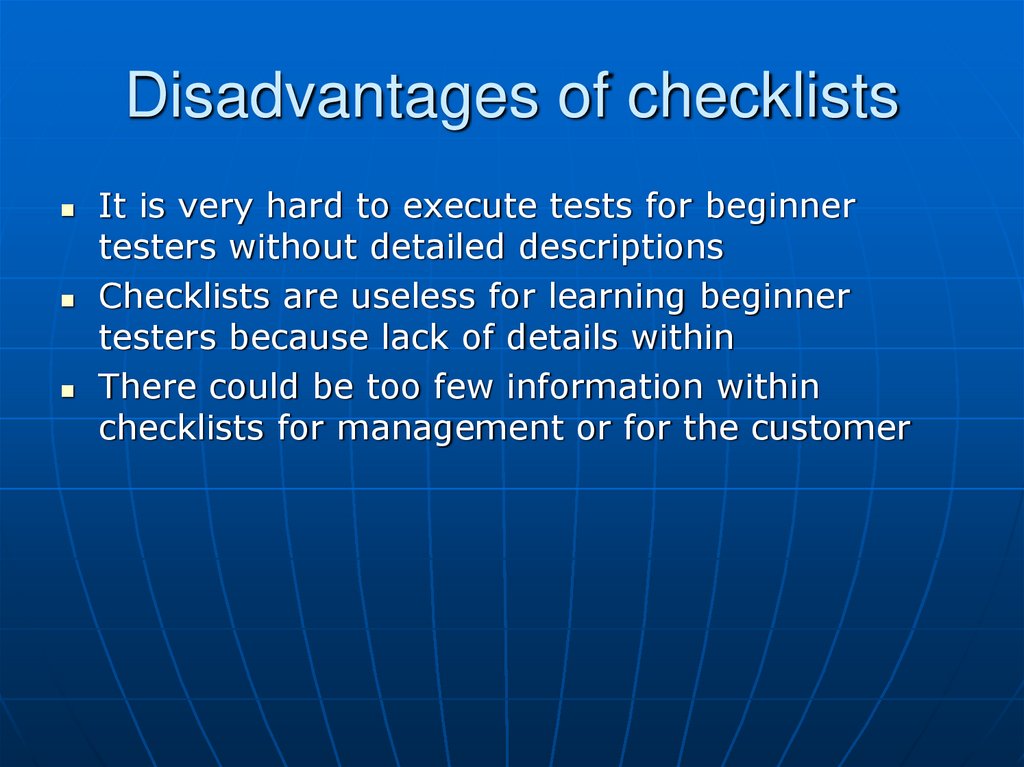
6. Disadvantages of checklists
It is very hard to execute tests for beginnertesters without detailed descriptions
Checklists are useless for learning beginner
testers because lack of details within
There could be too few information within
checklists for management or for the customer
7. Checklist examples
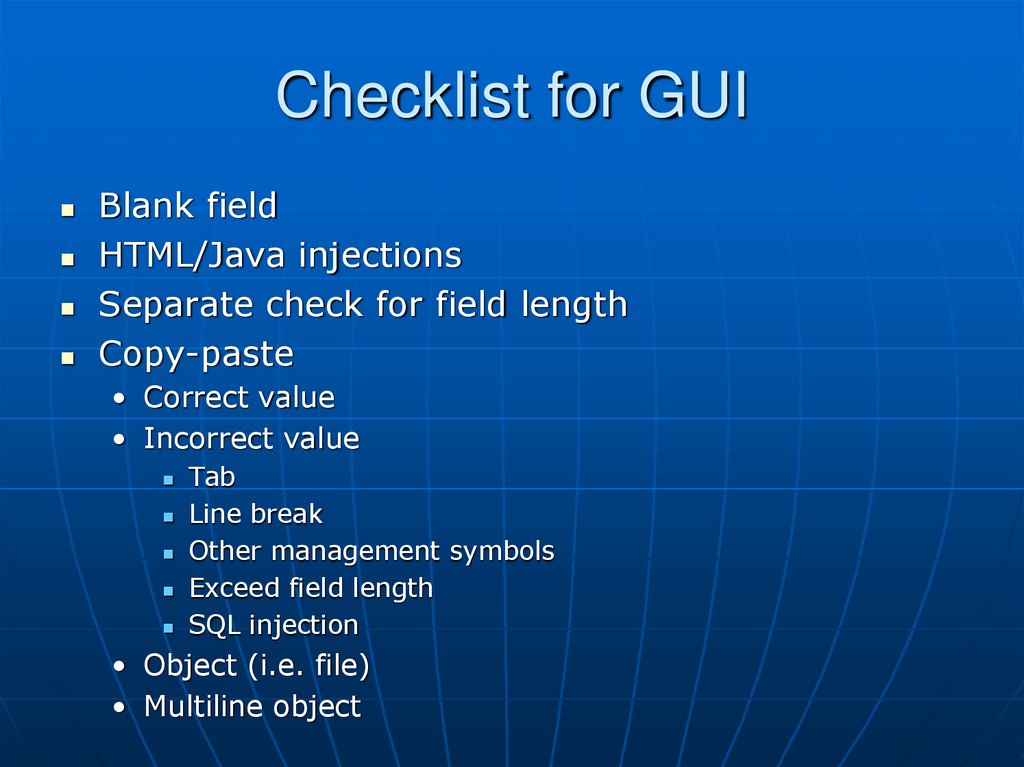
8. Checklist for GUI
Blank fieldHTML/Java injections
Separate check for field length
Copy-paste
• Correct value
• Incorrect value
Tab
Line break
Other management symbols
Exceed field length
SQL injection
• Object (i.e. file)
• Multiline object
9. Checklist for configuration files
Parameter is missedParameter is used twice
Parameter outside expected section
Empty value
Attributes
• Is required
• Is optional
• If it should not be used
Service characters
• Outside CDATA tag
• Outside CDATA tag in amp-sequence form
• Inside CDATA tag
10. Checklist for console application
Short parameter name (-<param>)Long parameter name (--<param_full_name>
Upper/lower case symbols in parameter name
Parameter name with space(s) within
Parameter name with tab within
• NB: impossible in some cases
Environment variables usage
Parameter is used twice (with same or with
different value)
Extended parameter parsers checks
• Using parameter without value
In the end of parameter list
In the middle of parameter list
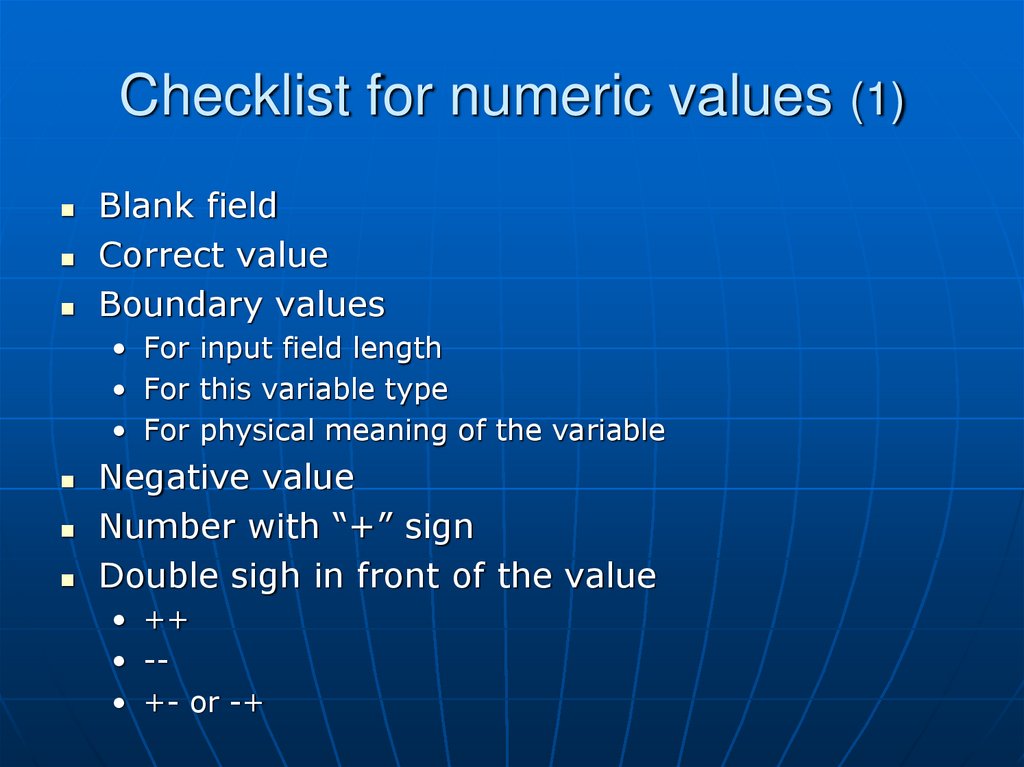
11. Checklist for numeric values (1)
Blank fieldCorrect value
Boundary values
• For input field length
• For this variable type
• For physical meaning of the variable
Negative value
Number with “+” sign
Double sigh in front of the value
• ++
• -• +- or -+
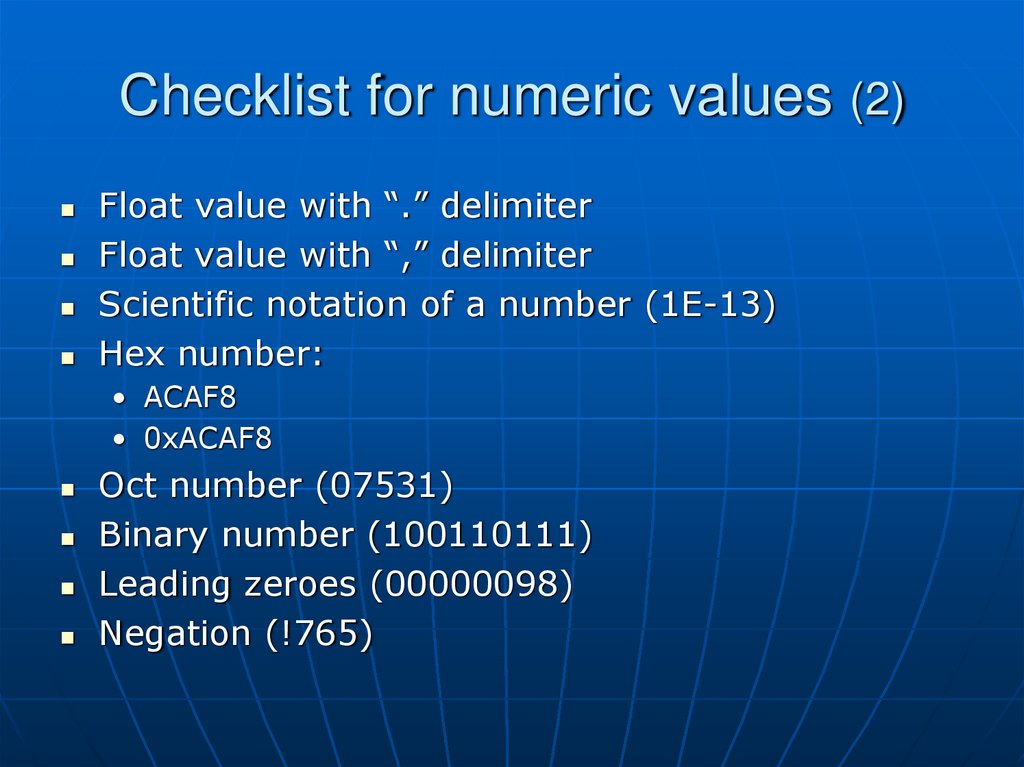
12. Checklist for numeric values (2)
Float value with “.” delimiterFloat value with “,” delimiter
Scientific notation of a number (1Е-13)
Hex number:
• ACAF8
• 0xACAF8
Oct number (07531)
Binary number (100110111)
Leading zeroes (00000098)
Negation (!765)
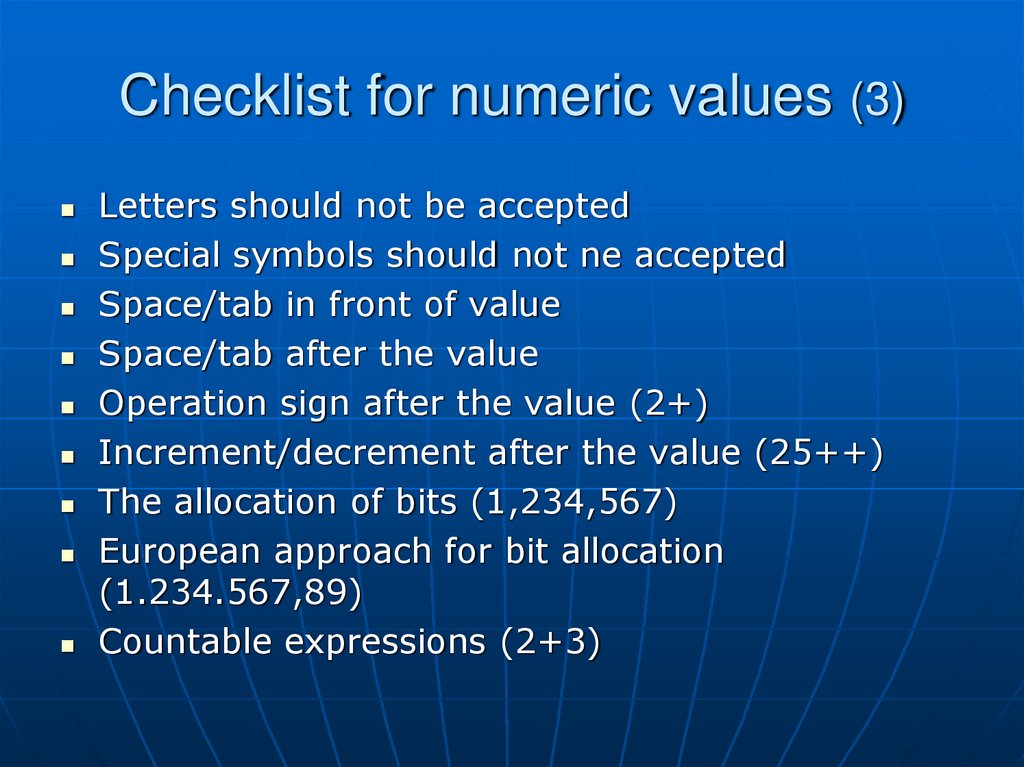
13. Checklist for numeric values (3)
Letters should not be acceptedSpecial symbols should not ne accepted
Space/tab in front of value
Space/tab after the value
Operation sign after the value (2+)
Increment/decrement after the value (25++)
The allocation of bits (1,234,567)
European approach for bit allocation
(1.234.567,89)
Countable expressions (2+3)
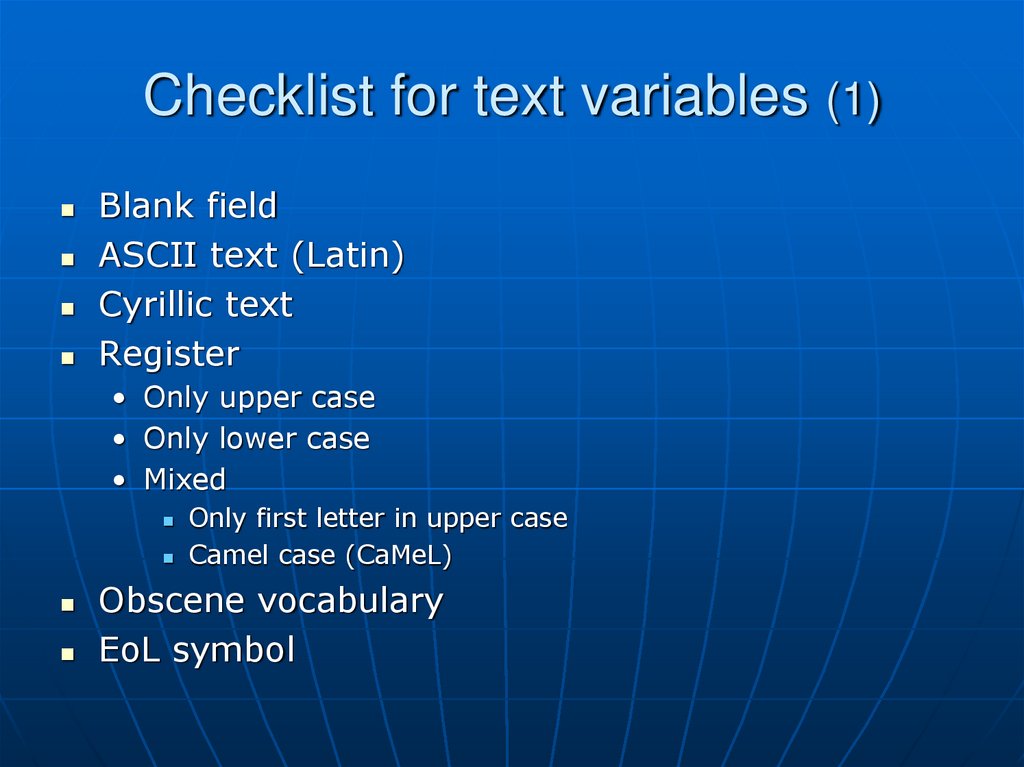
14. Checklist for text variables (1)
Blank fieldASCII text (Latin)
Cyrillic text
Register
• Only upper case
• Only lower case
• Mixed
Only first letter in upper case
Camel case (CaMeL)
Obscene vocabulary
EoL symbol
15. Checklist for text variables (2)
Special symbols: ~`!@#$%^&*()_+?:"{}[];’Pseudo graphics (╦, ╧, etc)
Numbers
Long strings: 255, 256, 257, 1000, 1024, 2000,
2048 or more symbols
Spaces/tabs
• Start with 1 or more space/tab
• Finish with 1 or more space or tab
• Start and finish with spaces/tabs
• Include only space and tabs
Include symbols from other locales: ö, ä, β etc.
Symbols: ▲,♦, ♥, ©, ®, Euro sign
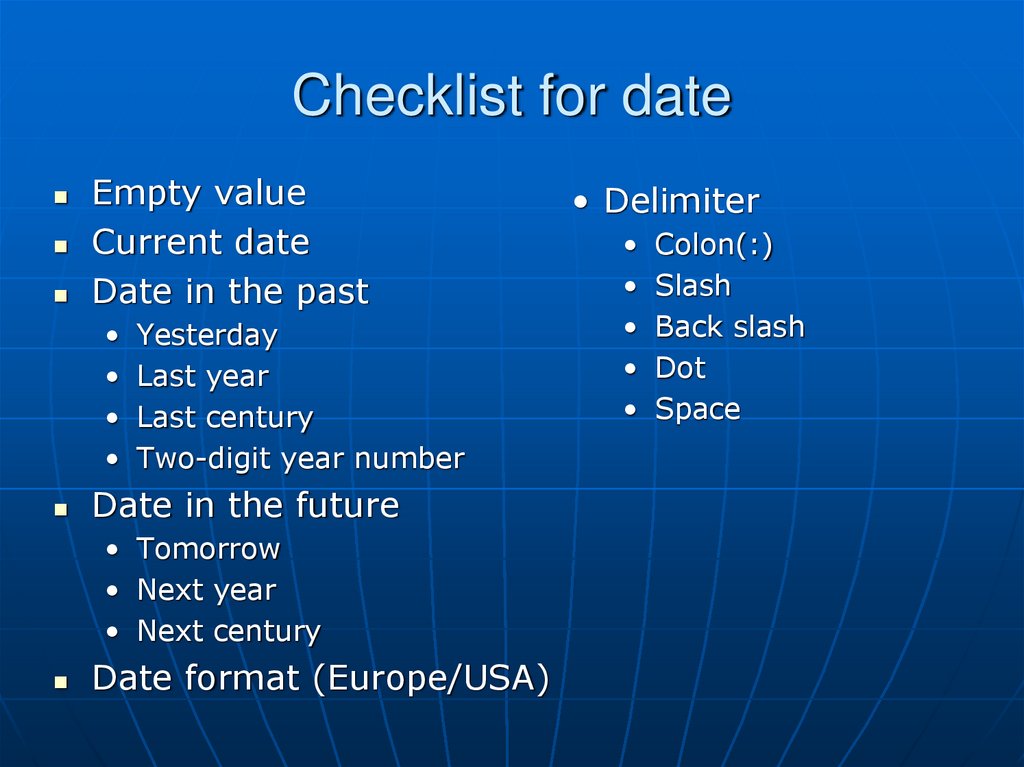
16. Checklist for date
Empty valueCurrent date
Date in the past
• Yesterday
• Last year
• Last century
• Two-digit year number
Date in the future
• Tomorrow
• Next year
• Next century
Date format (Europe/USA)
• Delimiter
• Colon(:)
• Slash
• Back slash
• Dot
• Space
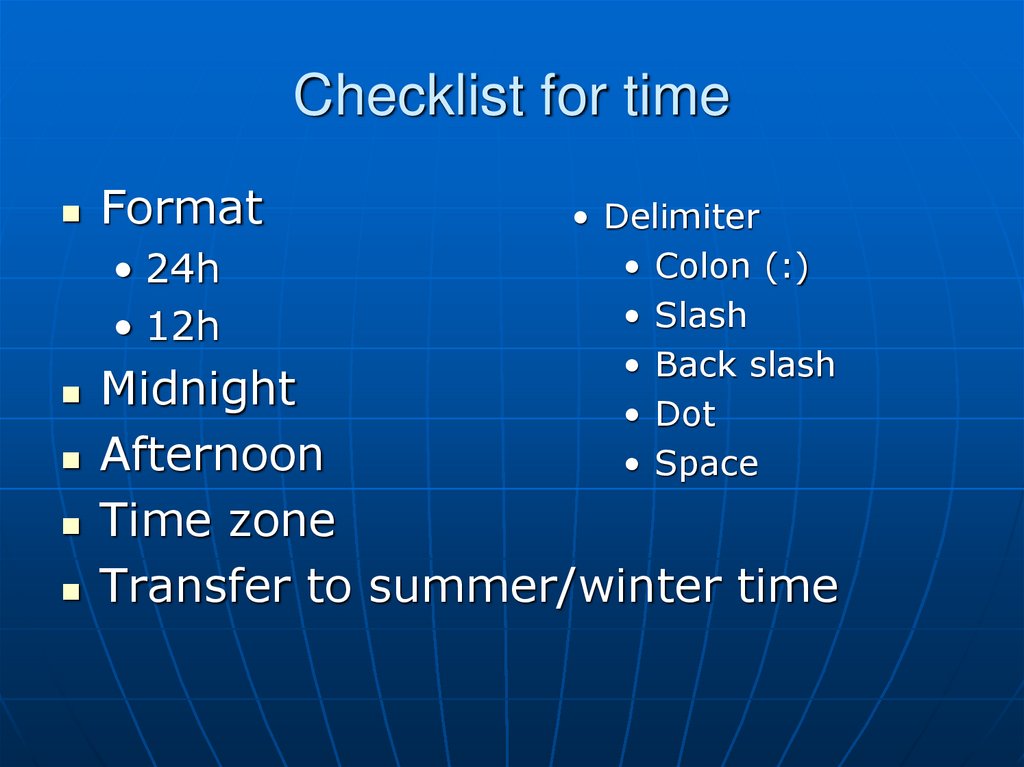
17. Checklist for time
Format• 24h
• 12h
• Delimiter
• Colon (:)
• Slash
• Back slash
• Dot
• Space
Midnight
Afternoon
Time zone
Transfer to summer/winter time
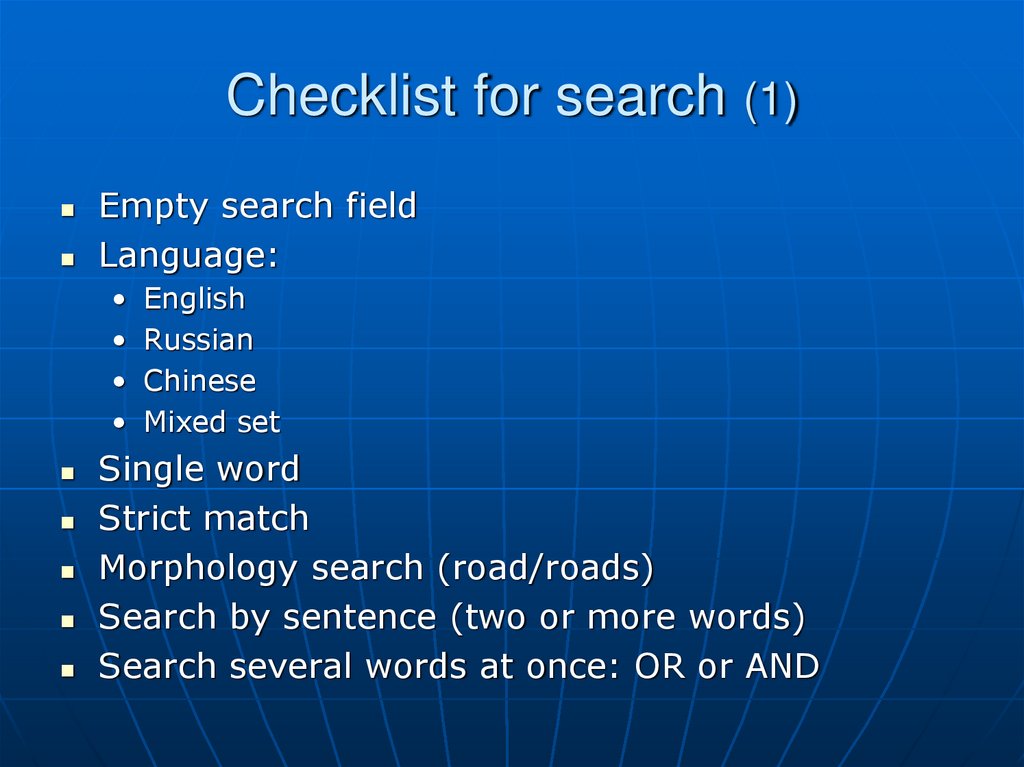
18. Checklist for search (1)
Empty search fieldLanguage:
• English
• Russian
• Chinese
• Mixed set
Single word
Strict match
Morphology search (road/roads)
Search by sentence (two or more words)
Search several words at once: OR or AND
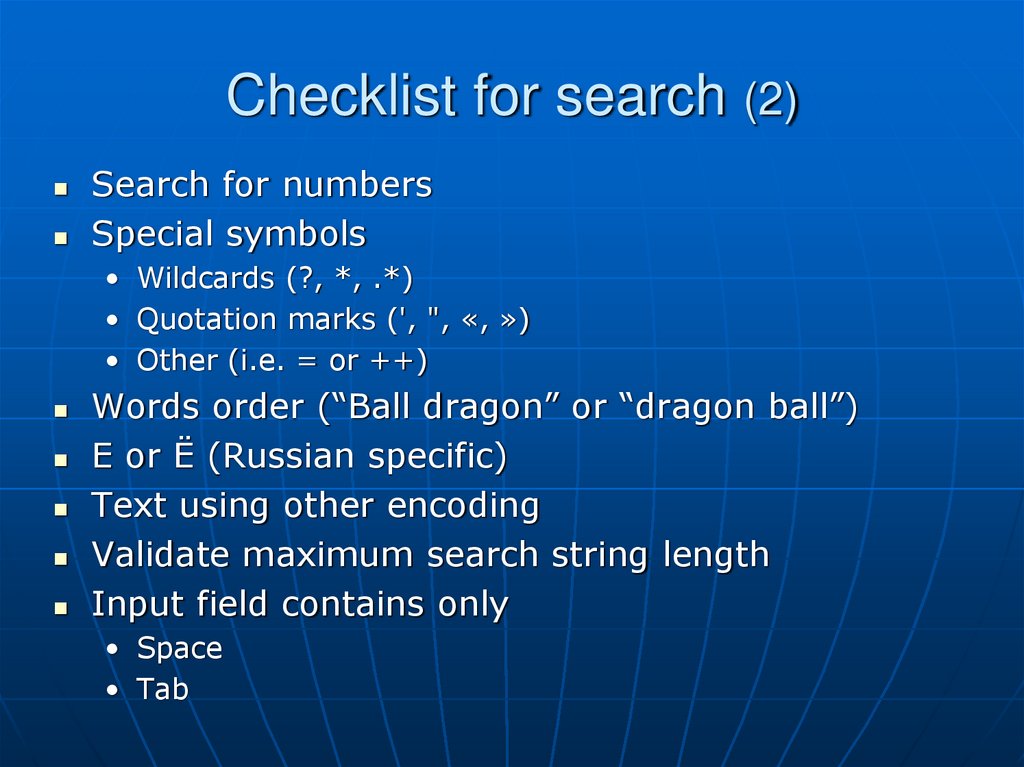
19. Checklist for search (2)
Search for numbersSpecial symbols
• Wildcards (?, *, .*)
• Quotation marks (', ", «, »)
• Other (i.e. = or ++)
Words order (“Ball dragon” or “dragon ball”)
Е or Ё (Russian specific)
Text using other encoding
Validate maximum search string length
Input field contains only
• Space
• Tab
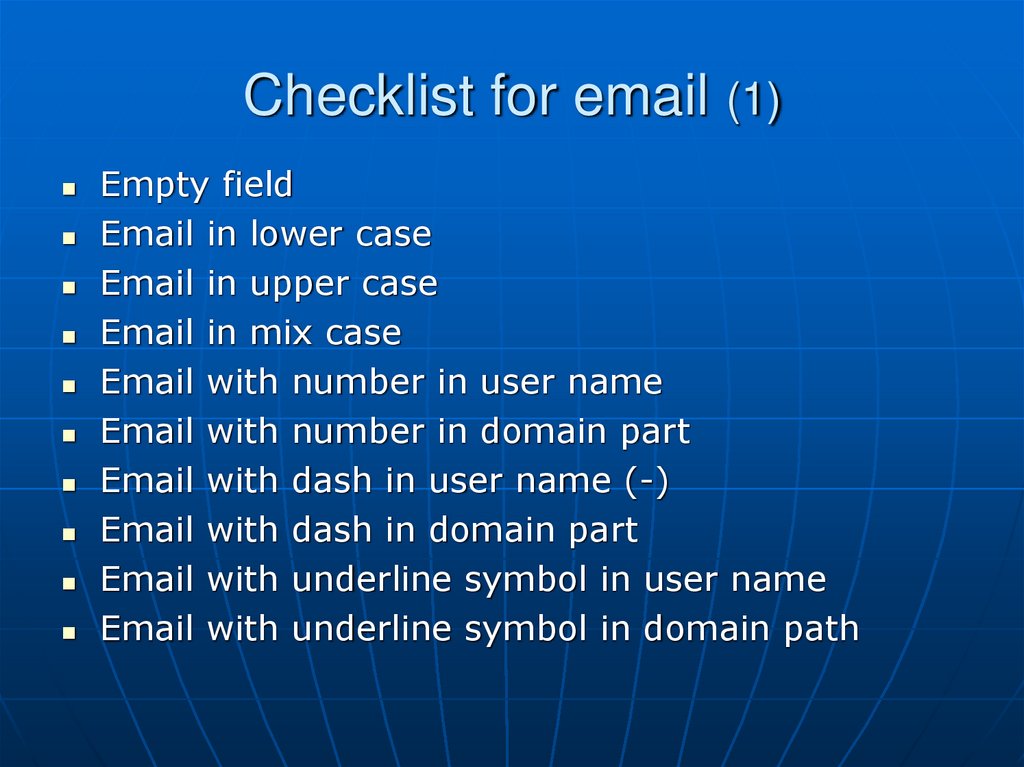
20. Checklist for email (1)
Empty fieldEmail in lower case
Email in upper case
Email in mix case
Email with number in user name
Email with number in domain part
Email with dash in user name (-)
Email with dash in domain part
Email with underline symbol in user name
Email with underline symbol in domain path
21. Checklist for email (2)
Email with dots in user name• At the beginning
• Single dot in the middle
• Several dots in a row
• Several dots not in a row
• Dot before @
Email with several dots in a row in domain part
Email without dots in domain part
Domain part include [IP]
Special symbols in user name (! # $ % & ' * + / = ? ^ _ ` { | } ~)
Two-byte symbols on user name (Unicode)
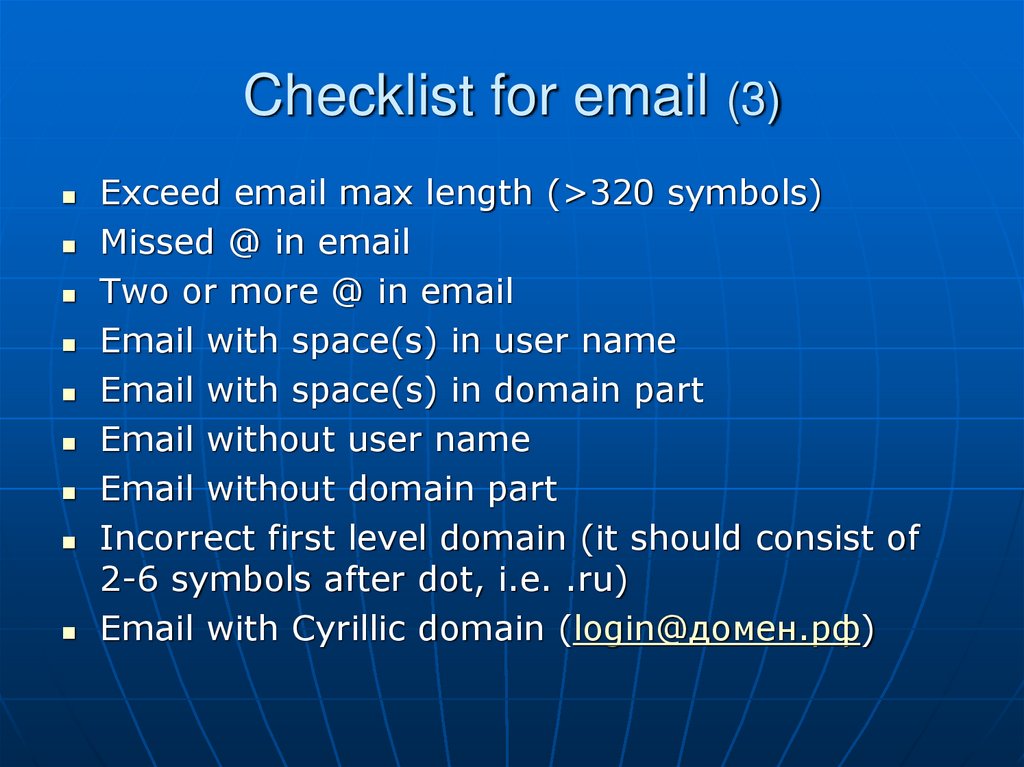
22. Checklist for email (3)
Exceed email max length (>320 symbols)Missed @ in email
Two or more @ in email
Email with space(s) in user name
Email with space(s) in domain part
Email without user name
Email without domain part
Incorrect first level domain (it should consist of
2-6 symbols after dot, i.e. .ru)
Email with Cyrillic domain (login@домен.рф)
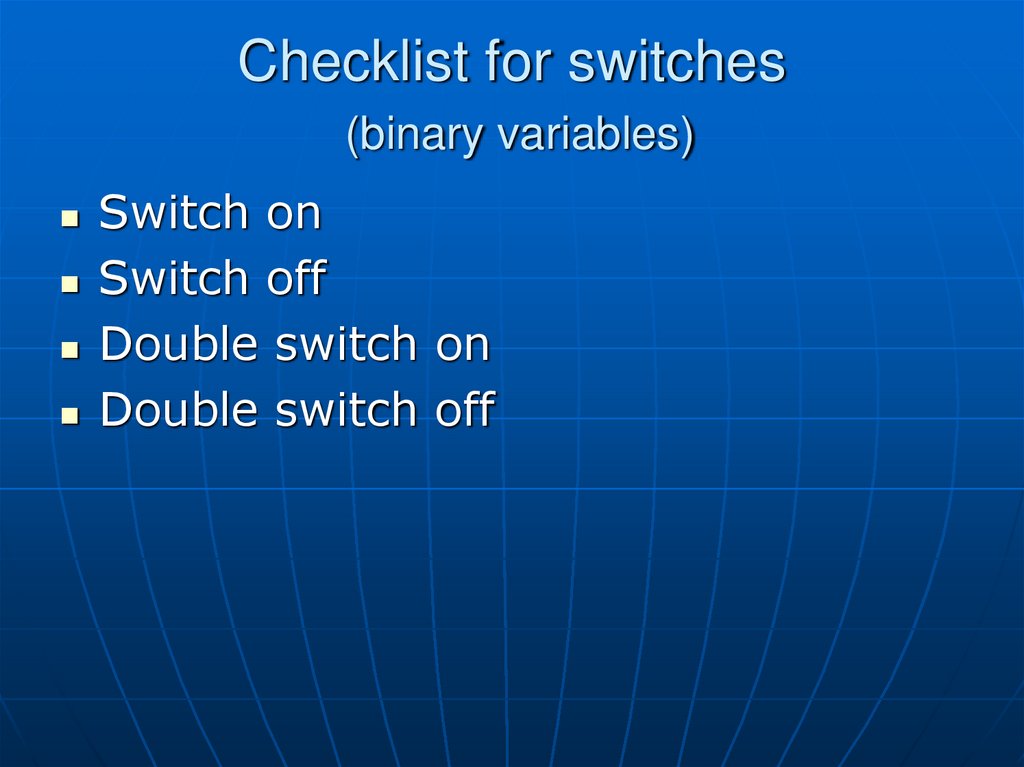
23. Checklist for switches (binary variables)
Switch onSwitch off
Double switch on
Double switch off
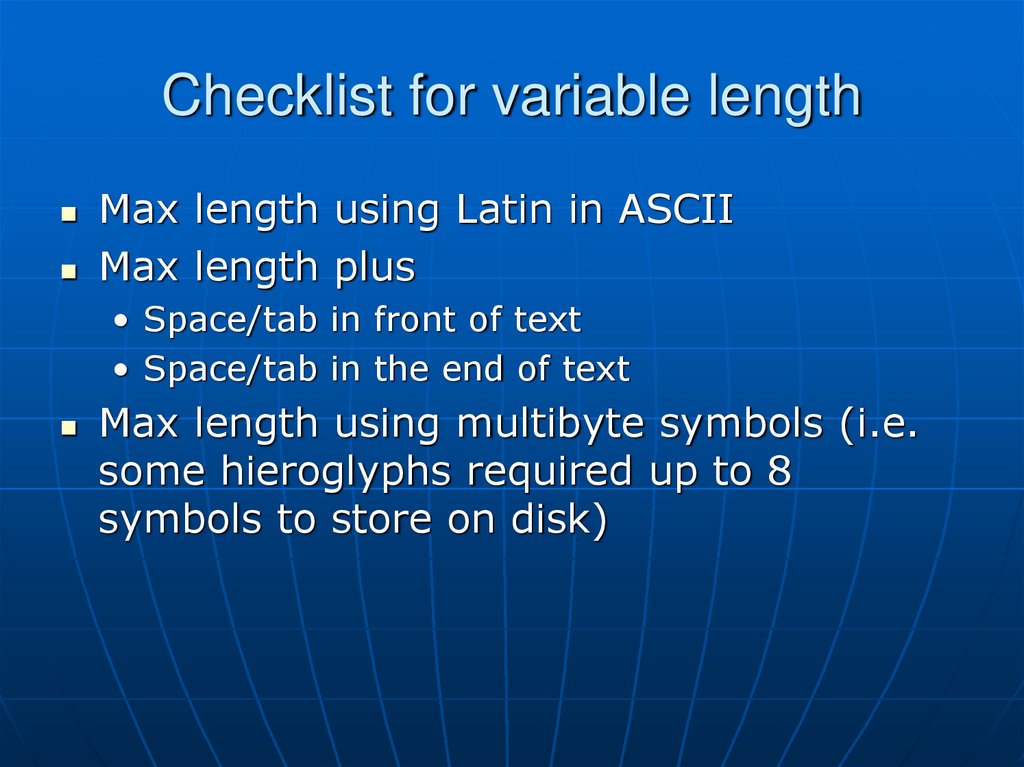
24. Checklist for variable length
Max length using Latin in ASCIIMax length plus
• Space/tab in front of text
• Space/tab in the end of text
Max length using multibyte symbols (i.e.
some hieroglyphs required up to 8
symbols to store on disk)
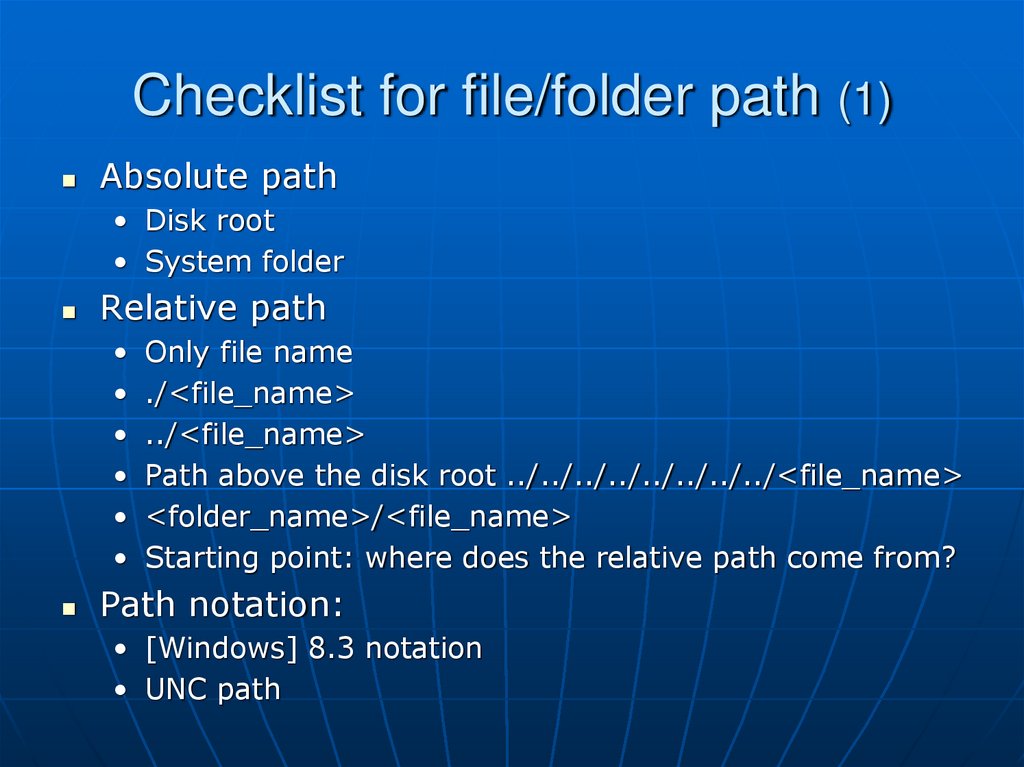
25. Checklist for file/folder path (1)
Absolute path• Disk root
• System folder
Relative path
• Only file name
• ./<file_name>
• ../<file_name>
• Path above the disk root ../../../../../../../../<file_name>
• <folder_name>/<file_name>
• Starting point: where does the relative path come from?
Path notation:
• [Windows] 8.3 notation
• UNC path
26. Checklist for file/folder path (2)
Symbols and encoding• Latin/ASCII
• Unicode symbols using current system encoding
• Unicode in a different encoding from the current locale
• Forbidden symbols for current OS
• Space symbol(s) within file name
• Space symbol(s) within folder path
[Windows] Disk letter
• Disk with letter assigned
• Disk without letter assigned
• Disk path without finishing slash (С:)
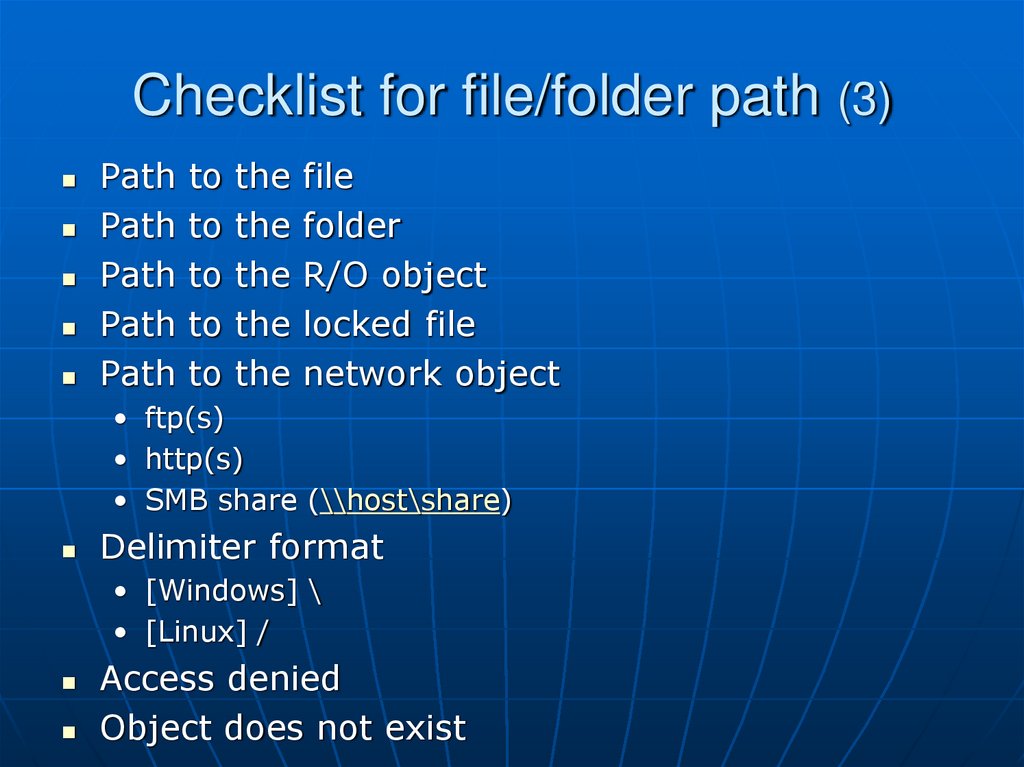
27. Checklist for file/folder path (3)
Path to the filePath to the folder
Path to the R/O object
Path to the locked file
Path to the network object
• ftp(s)
• http(s)
• SMB share (\\host\share)
Delimiter format
• [Windows] \
• [Linux] /
Access denied
Object does not exist
28. Checklist for file/folder path (4)
Links:• [Windows]
.lnk (shortcut)
Junction point (folder only)
Hardlink (file only)
Symbolic link (file & folder)
• [*nix]
Softlink
Hardlink
OS/Application specific path length limitations
File length limitations (255)
No space left on device
Path to the corrupted object
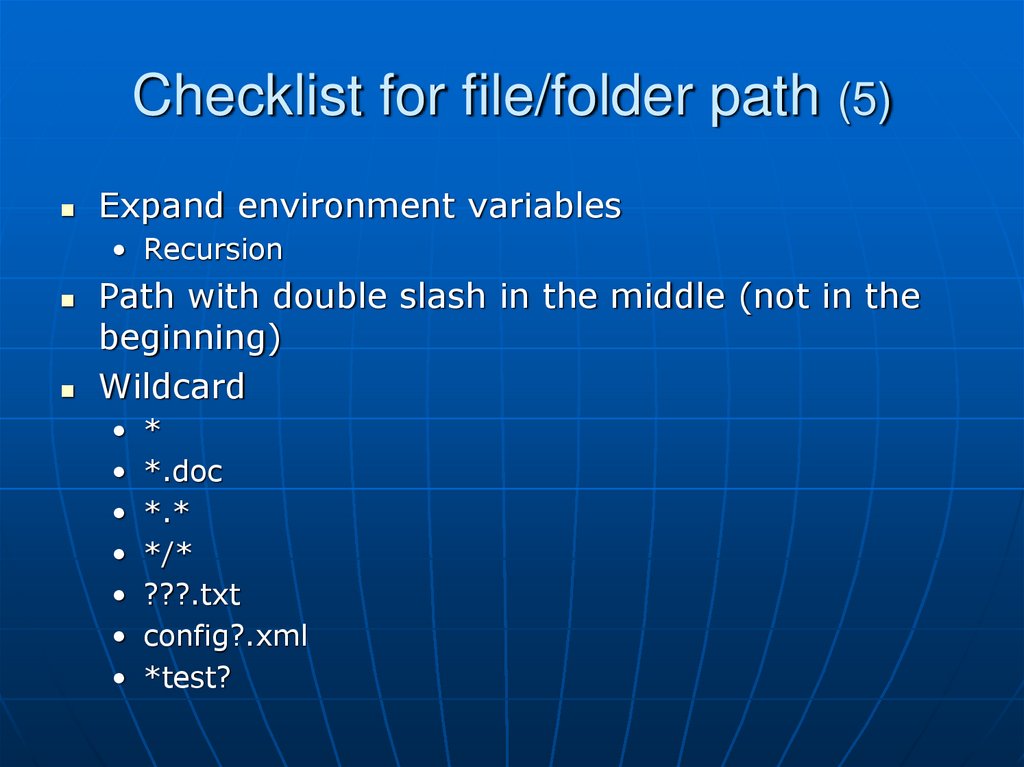
29. Checklist for file/folder path (5)
Expand environment variables• Recursion
Path with double slash in the middle (not in the
beginning)
Wildcard
• *
• *.doc
• *.*
• */*
• ???.txt
• config?.xml
• *test?
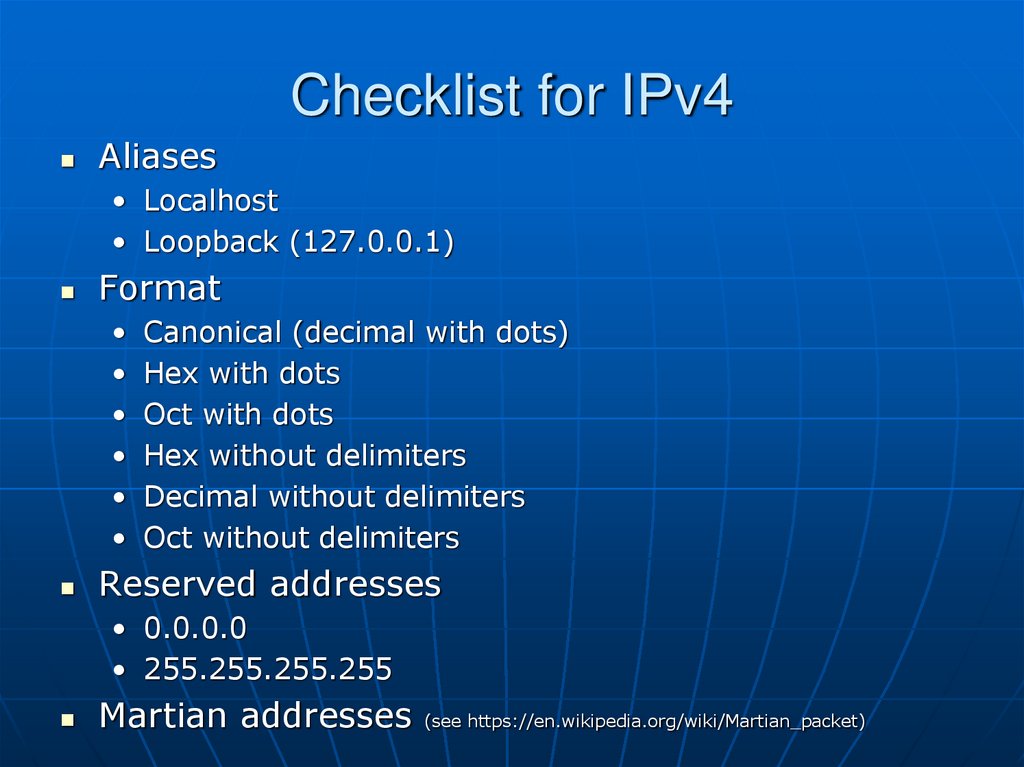
30. Checklist for IPv4
Aliases• Localhost
• Loopback (127.0.0.1)
Format
• Canonical (decimal with dots)
• Hex with dots
• Oct with dots
• Hex without delimiters
• Decimal without delimiters
• Oct without delimiters
Reserved addresses
• 0.0.0.0
• 255.255.255.255
Martian addresses (see https://en.wikipedia.org/wiki/Martian_packet)
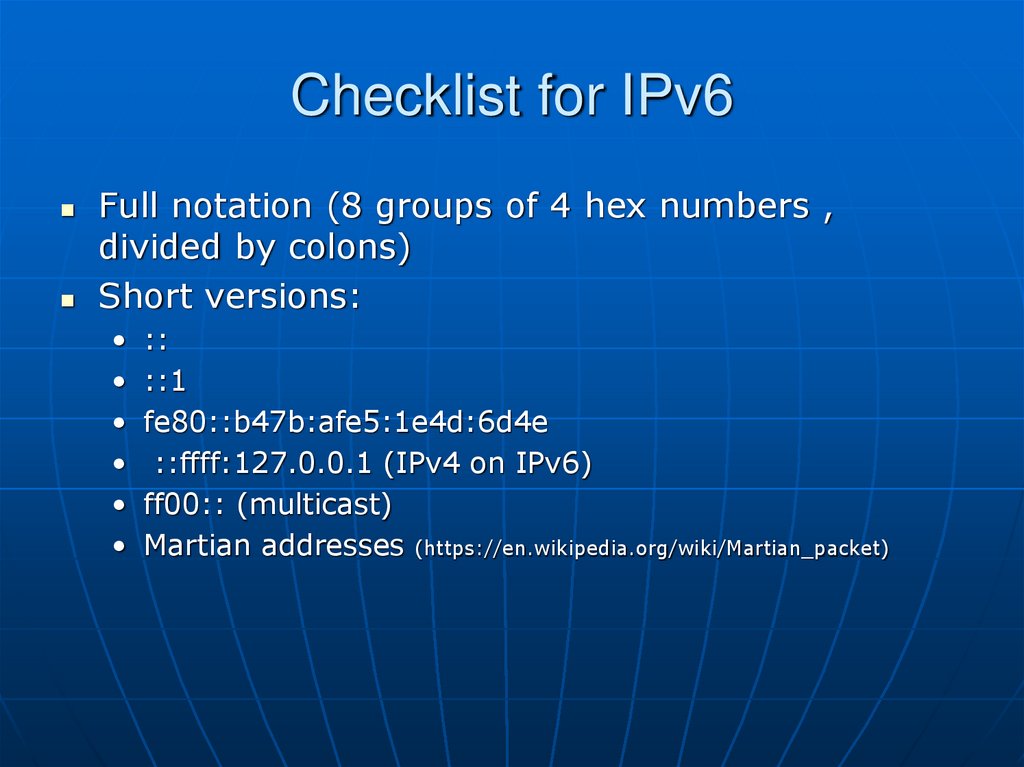
31. Checklist for IPv6
Full notation (8 groups of 4 hex numbers ,divided by colons)
Short versions:
• ::
• ::1
• fe80::b47b:afe5:1e4d:6d4e
• ::ffff:127.0.0.1 (IPv4 on IPv6)
• ff00:: (multicast)
• Martian addresses (https://en.wikipedia.org/wiki/Martian_packet)
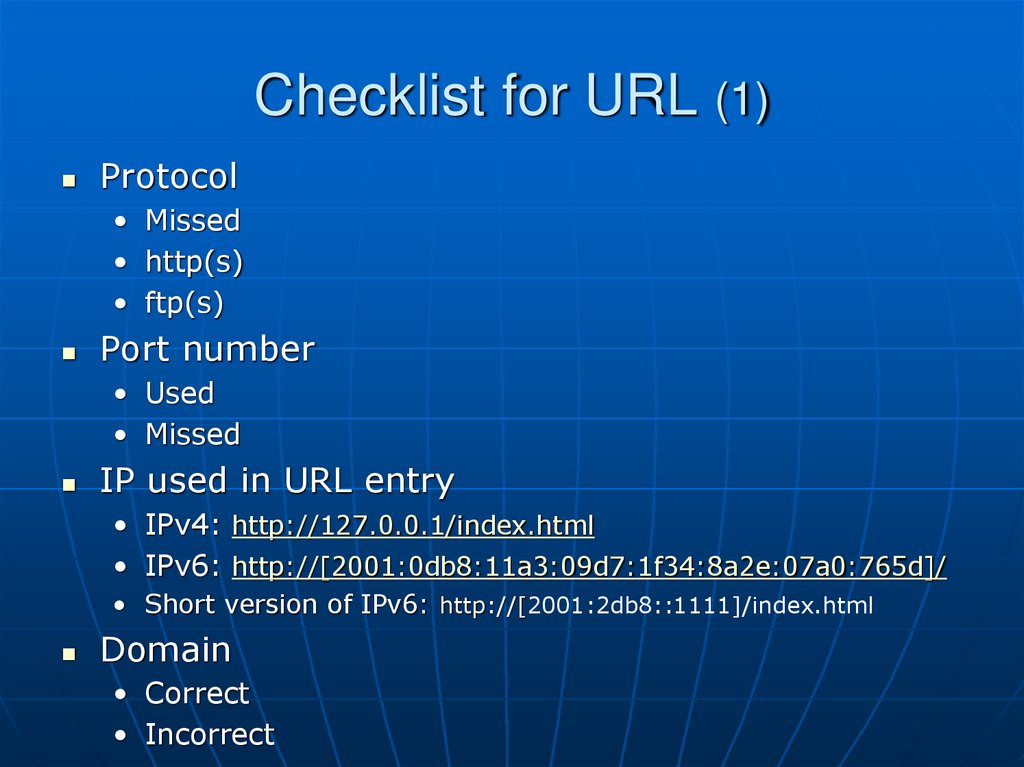
32. Checklist for URL (1)
Protocol• Missed
• http(s)
• ftp(s)
Port number
• Used
• Missed
IP used in URL entry
• IPv4: http://127.0.0.1/index.html
• IPv6: http://[2001:0db8:11a3:09d7:1f34:8a2e:07a0:765d]/
• Short version of IPv6: http://[2001:2db8::1111]/index.html
Domain
• Correct
• Incorrect
33. Checklist for URL (2)
Punycode url (дом.рф => xn--d1aqf.xn--p1ai)Cyrillic domain(http://дом.рф)
Credentials in the URL (user:pass@abc.com)
%-encoding in path part of the URL
Unicode symbols in path part of the URL (I.e.
Cyrillic symbols)
Several dots in a row within path part of the URL
(http://domain.com/date/../test/index.html)
Spaces within the URL
URL with redirect to the other URL
(domain.com/script/tt?id=www.domain.ru)
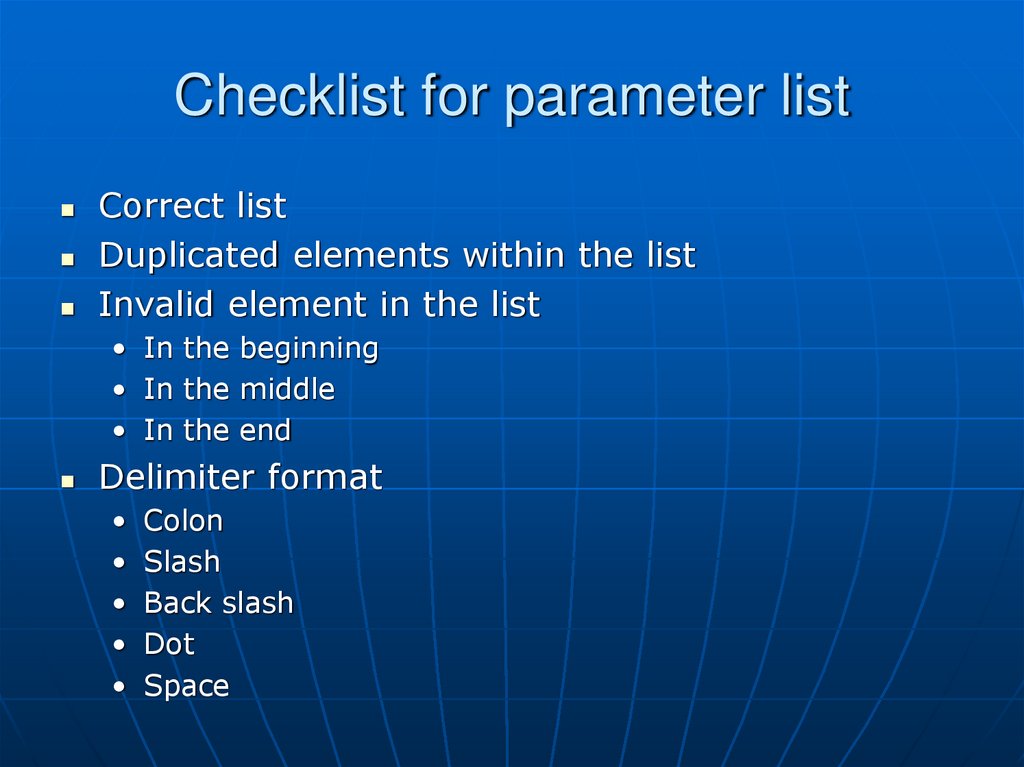
34. Checklist for parameter list
Correct listDuplicated elements within the list
Invalid element in the list
• In the beginning
• In the middle
• In the end
Delimiter format
• Colon
• Slash
• Back slash
• Dot
• Space
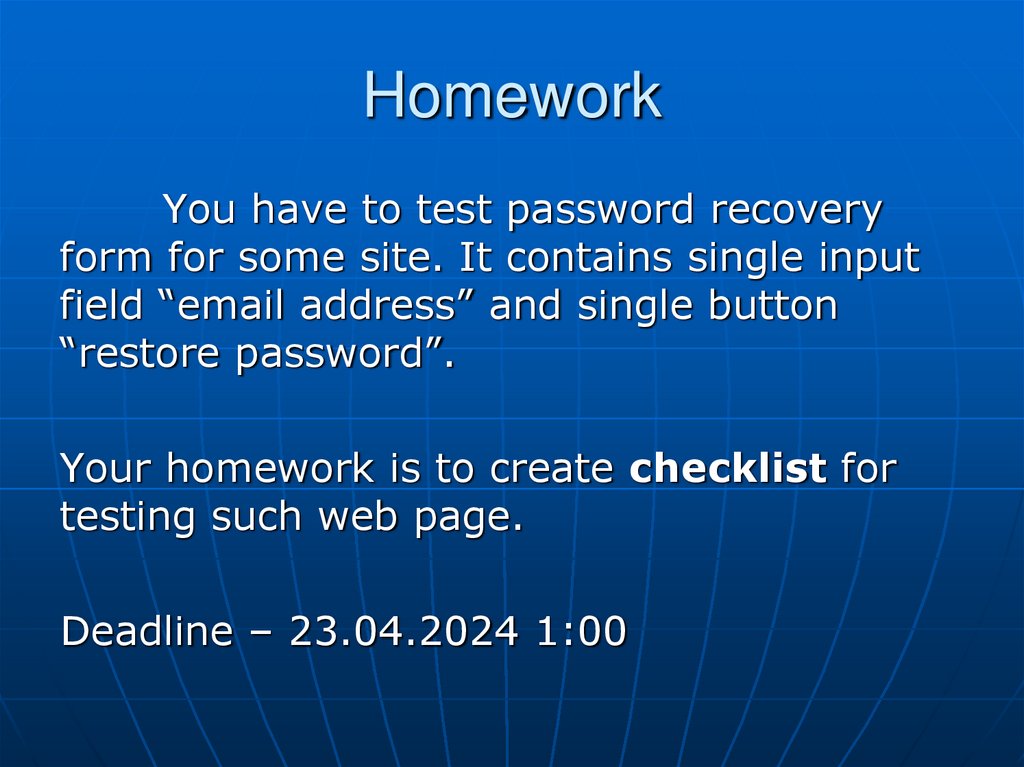
35. Homework
You have to test password recoveryform for some site. It contains single input
field “email address” and single button
“restore password”.
Your homework is to create checklist for
testing such web page.
Deadline – 23.04.2024 1:00