
 internet
Similar presentations:

Veb ilovalar xavfsizligi
1.
MUHAMMAD AL-XORAZMIY NOMIDAGITOSHKENT AXBOROT TEXNOLOGIYALARI UNIVERSITETI
Veb ilovalar xavfsizligi
SPEE-16TBK
0X
Veb serverlarga hujumlar
MAVZU
NURIDDIN SAFOEV
Kiberxavfsizlik va kriminalistika
kafedrasi katta o’qituvchisi
1
2. Maqsad
• Ushbu mavzu natijasida, siz quyidagilarni bilib olasiz:• Describe Web applications
• Explain Web application vulnerabilities
• Describe the tools used to attack Web servers
V E B I L OVAL AR X AV F S I Z L I G I
2
3. Understanding Web Applications
• Xatosiz(bugs) dastur yozish — deyarli imkonsiz• Ba’zi xatolar xavfsizlik zaifliklarini yuzaga keltiradi.
• Veb-ilovalarda ham xatolar mavjud.
• Ular mustaqil (standalone) ilovalarga nisbatan kengroq foydalanuvchi
bazasiga ega.
• Shu sababli xatolar veb-ilovalarda yanada jiddiy muammo hisoblanadi.
V E B I L OVAL AR X AV F S I Z L I G I
3
4. Web Applications Components
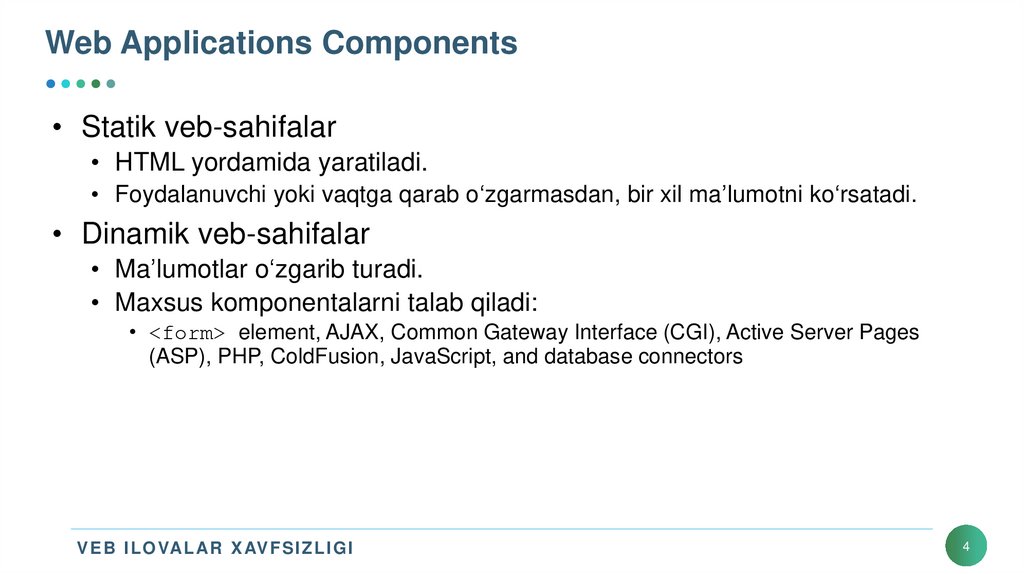
• Statik veb-sahifalar• HTML yordamida yaratiladi.
• Foydalanuvchi yoki vaqtga qarab o‘zgarmasdan, bir xil ma’lumotni ko‘rsatadi.
• Dinamik veb-sahifalar
• Ma’lumotlar o‘zgarib turadi.
• Maxsus komponentalarni talab qiladi:
• <form> element, AJAX, Common Gateway Interface (CGI), Active Server Pages
(ASP), PHP, ColdFusion, JavaScript, and database connectors
V E B I L OVAL AR X AV F S I Z L I G I
4
5. Web Applications Components
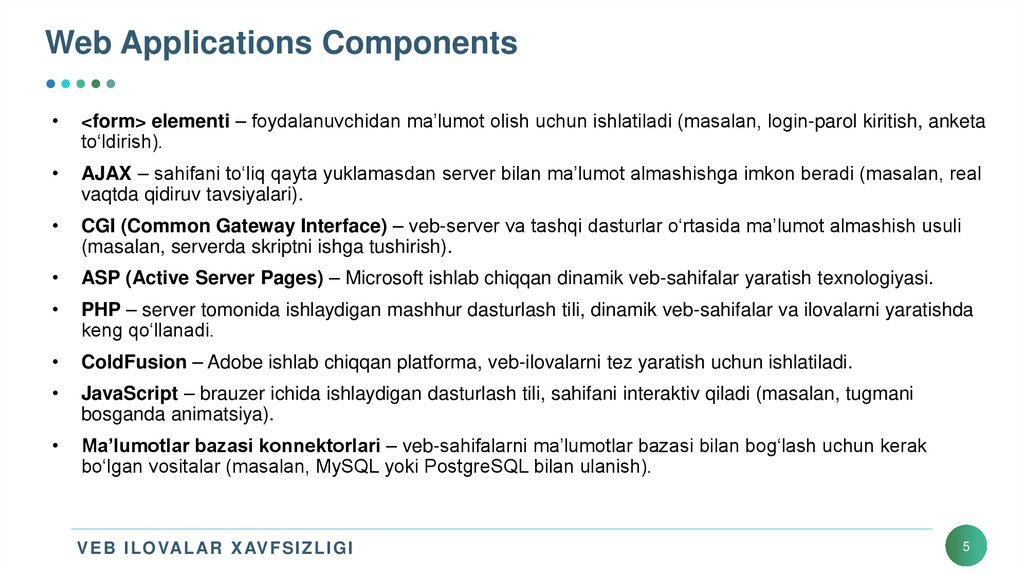
<form> elementi – foydalanuvchidan ma’lumot olish uchun ishlatiladi (masalan, login-parol kiritish, anketa
to‘ldirish).
AJAX – sahifani to‘liq qayta yuklamasdan server bilan ma’lumot almashishga imkon beradi (masalan, real
vaqtda qidiruv tavsiyalari).
CGI (Common Gateway Interface) – veb-server va tashqi dasturlar o‘rtasida ma’lumot almashish usuli
(masalan, serverda skriptni ishga tushirish).
ASP (Active Server Pages) – Microsoft ishlab chiqqan dinamik veb-sahifalar yaratish texnologiyasi.
PHP – server tomonida ishlaydigan mashhur dasturlash tili, dinamik veb-sahifalar va ilovalarni yaratishda
keng qo‘llanadi.
ColdFusion – Adobe ishlab chiqqan platforma, veb-ilovalarni tez yaratish uchun ishlatiladi.
JavaScript – brauzer ichida ishlaydigan dasturlash tili, sahifani interaktiv qiladi (masalan, tugmani
bosganda animatsiya).
Ma’lumotlar bazasi konnektorlari – veb-sahifalarni ma’lumotlar bazasi bilan bog‘lash uchun kerak
bo‘lgan vositalar (masalan, MySQL yoki PostgreSQL bilan ulanish).
V E B I L OVAL AR X AV F S I Z L I G I
5
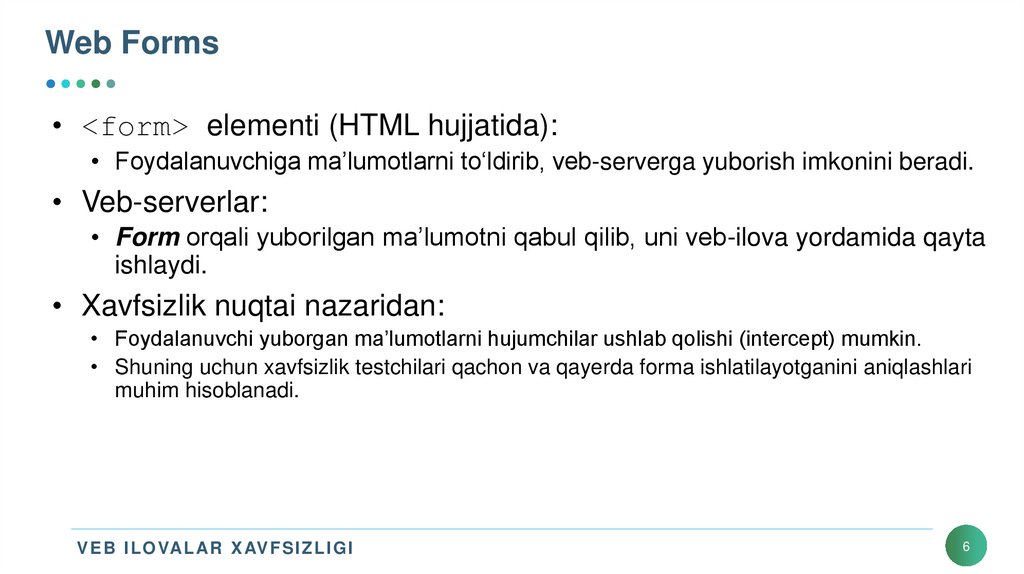
6. Web Forms
• <form> elementi (HTML hujjatida):• Foydalanuvchiga ma’lumotlarni to‘ldirib, veb-serverga yuborish imkonini beradi.
• Veb-serverlar:
• Form orqali yuborilgan ma’lumotni qabul qilib, uni veb-ilova yordamida qayta
ishlaydi.
• Xavfsizlik nuqtai nazaridan:
• Foydalanuvchi yuborgan ma’lumotlarni hujumchilar ushlab qolishi (intercept) mumkin.
• Shuning uchun xavfsizlik testchilari qachon va qayerda forma ishlatilayotganini aniqlashlari
muhim hisoblanadi.
V E B I L OVAL AR X AV F S I Z L I G I
6
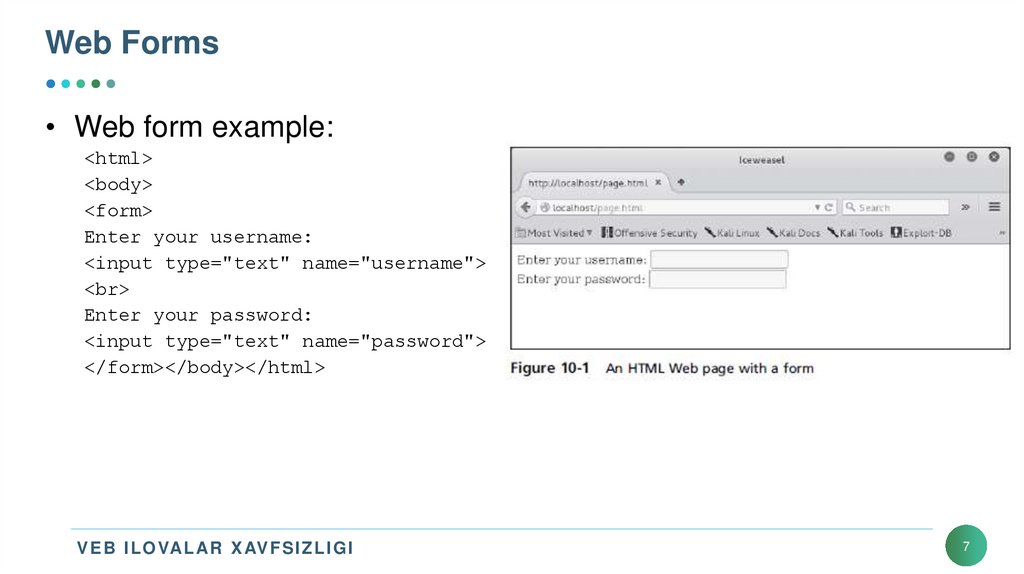
7. Web Forms
• Web form example:<html>
<body>
<form>
Enter your username:
<input type="text" name="username">
<br>
Enter your password:
<input type="text" name="password">
</form></body></html>
V E B I L OVAL AR X AV F S I Z L I G I
7
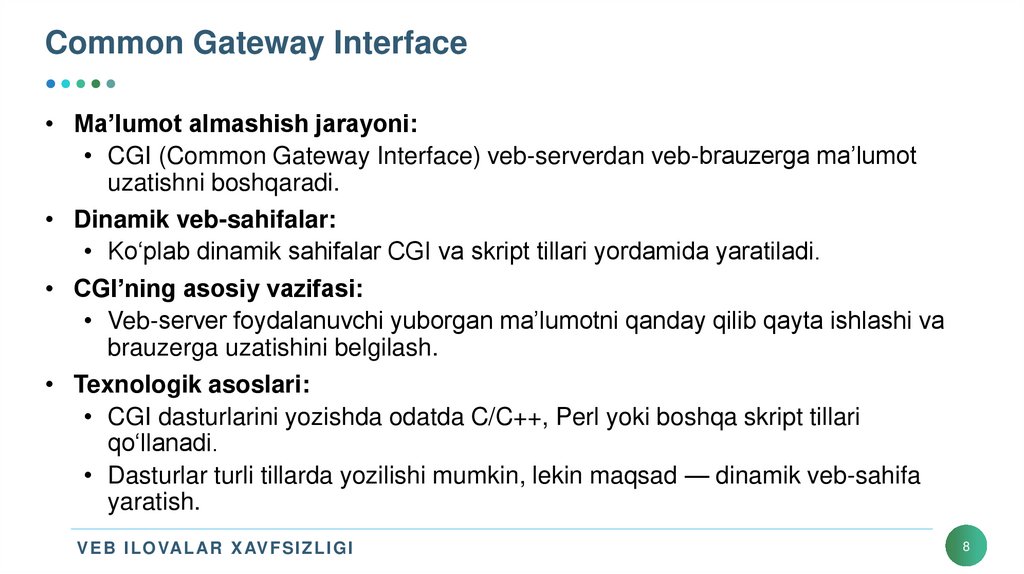
8. Common Gateway Interface
• Ma’lumot almashish jarayoni:• CGI (Common Gateway Interface) veb-serverdan veb-brauzerga ma’lumot
uzatishni boshqaradi.
• Dinamik veb-sahifalar:
• Ko‘plab dinamik sahifalar CGI va skript tillari yordamida yaratiladi.
• CGI’ning asosiy vazifasi:
• Veb-server foydalanuvchi yuborgan ma’lumotni qanday qilib qayta ishlashi va
brauzerga uzatishini belgilash.
• Texnologik asoslari:
• CGI dasturlarini yozishda odatda C/C++, Perl yoki boshqa skript tillari
qo‘llanadi.
• Dasturlar turli tillarda yozilishi mumkin, lekin maqsad — dinamik veb-sahifa
yaratish.
V E B I L OVAL AR X AV F S I Z L I G I
8
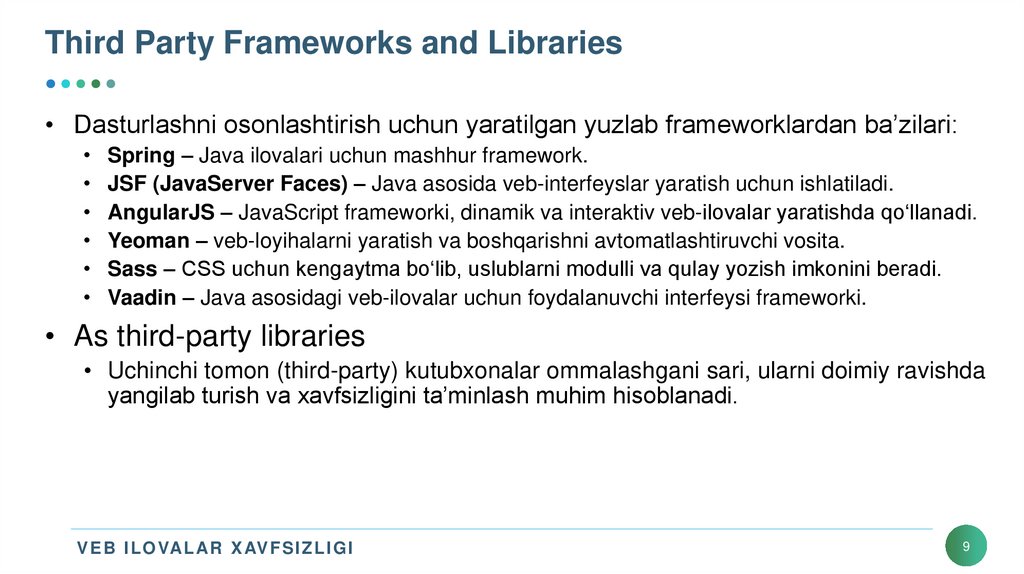
9. Third Party Frameworks and Libraries
• Dasturlashni osonlashtirish uchun yaratilgan yuzlab frameworklardan ba’zilari:Spring – Java ilovalari uchun mashhur framework.
JSF (JavaServer Faces) – Java asosida veb-interfeyslar yaratish uchun ishlatiladi.
AngularJS – JavaScript frameworki, dinamik va interaktiv veb-ilovalar yaratishda qo‘llanadi.
Yeoman – veb-loyihalarni yaratish va boshqarishni avtomatlashtiruvchi vosita.
Sass – CSS uchun kengaytma bo‘lib, uslublarni modulli va qulay yozish imkonini beradi.
Vaadin – Java asosidagi veb-ilovalar uchun foydalanuvchi interfeysi frameworki.
• As third-party libraries
• Uchinchi tomon (third-party) kutubxonalar ommalashgani sari, ularni doimiy ravishda
yangilab turish va xavfsizligini ta’minlash muhim hisoblanadi.
V E B I L OVAL AR X AV F S I Z L I G I
9
10. Active Server Pages
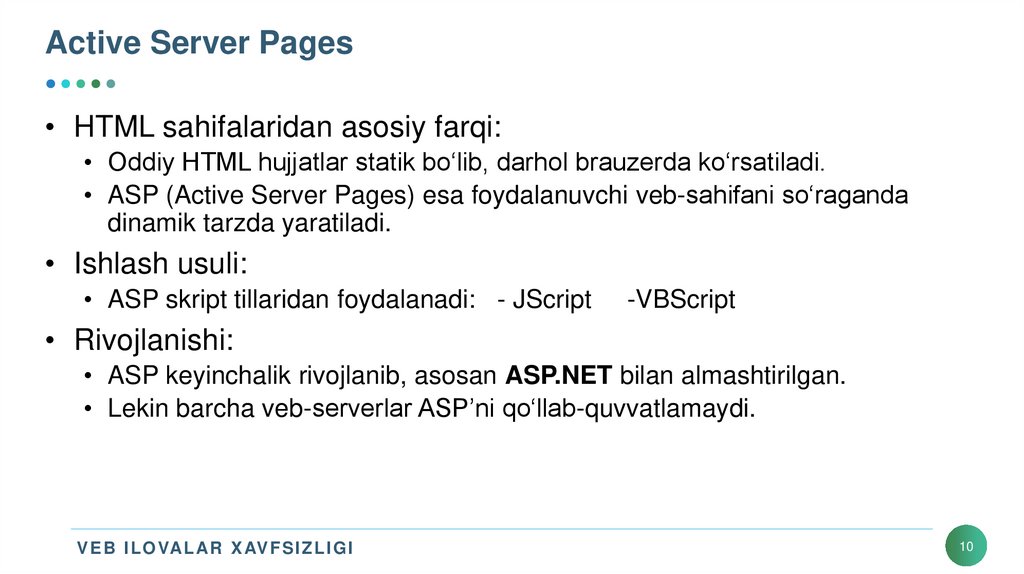
• HTML sahifalaridan asosiy farqi:• Oddiy HTML hujjatlar statik bo‘lib, darhol brauzerda ko‘rsatiladi.
• ASP (Active Server Pages) esa foydalanuvchi veb-sahifani so‘raganda
dinamik tarzda yaratiladi.
• Ishlash usuli:
• ASP skript tillaridan foydalanadi: - JScript
-VBScript
• Rivojlanishi:
• ASP keyinchalik rivojlanib, asosan ASP.NET bilan almashtirilgan.
• Lekin barcha veb-serverlar ASP’ni qo‘llab-quvvatlamaydi.
V E B I L OVAL AR X AV F S I Z L I G I
10
11. Active Server Pages
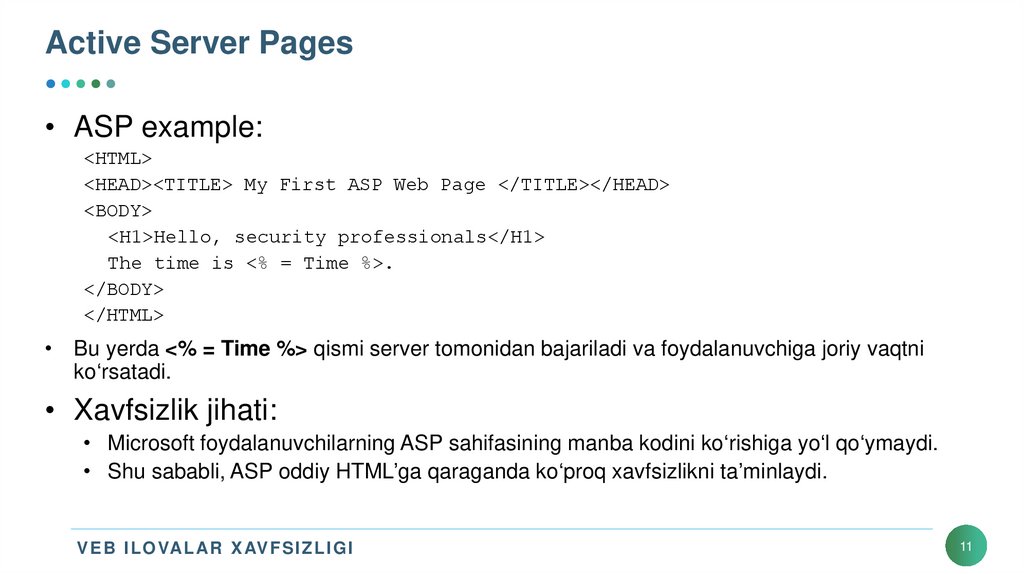
• ASP example:<HTML>
<HEAD><TITLE> My First ASP Web Page </TITLE></HEAD>
<BODY>
<H1>Hello, security professionals</H1>
The time is <% = Time %>.
</BODY>
</HTML>
• Bu yerda <% = Time %> qismi server tomonidan bajariladi va foydalanuvchiga joriy vaqtni
ko‘rsatadi.
• Xavfsizlik jihati:
• Microsoft foydalanuvchilarning ASP sahifasining manba kodini ko‘rishiga yo‘l qo‘ymaydi.
• Shu sababli, ASP oddiy HTML’ga qaraganda ko‘proq xavfsizlikni ta’minlaydi.
V E B I L OVAL AR X AV F S I Z L I G I
11
12. Apache Web Server
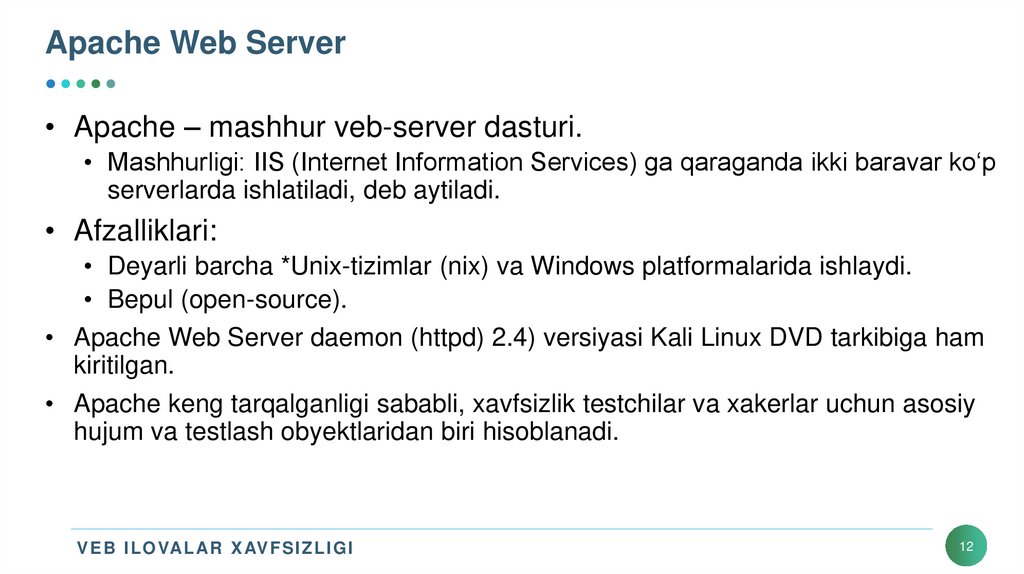
• Apache – mashhur veb-server dasturi.• Mashhurligi: IIS (Internet Information Services) ga qaraganda ikki baravar ko‘p
serverlarda ishlatiladi, deb aytiladi.
• Afzalliklari:
• Deyarli barcha *Unix-tizimlar (nix) va Windows platformalarida ishlaydi.
• Bepul (open-source).
• Apache Web Server daemon (httpd) 2.4) versiyasi Kali Linux DVD tarkibiga ham
kiritilgan.
• Apache keng tarqalganligi sababli, xavfsizlik testchilar va xakerlar uchun asosiy
hujum va testlash obyektlaridan biri hisoblanadi.
V E B I L OVAL AR X AV F S I Z L I G I
12
13. Using Scripting Languages
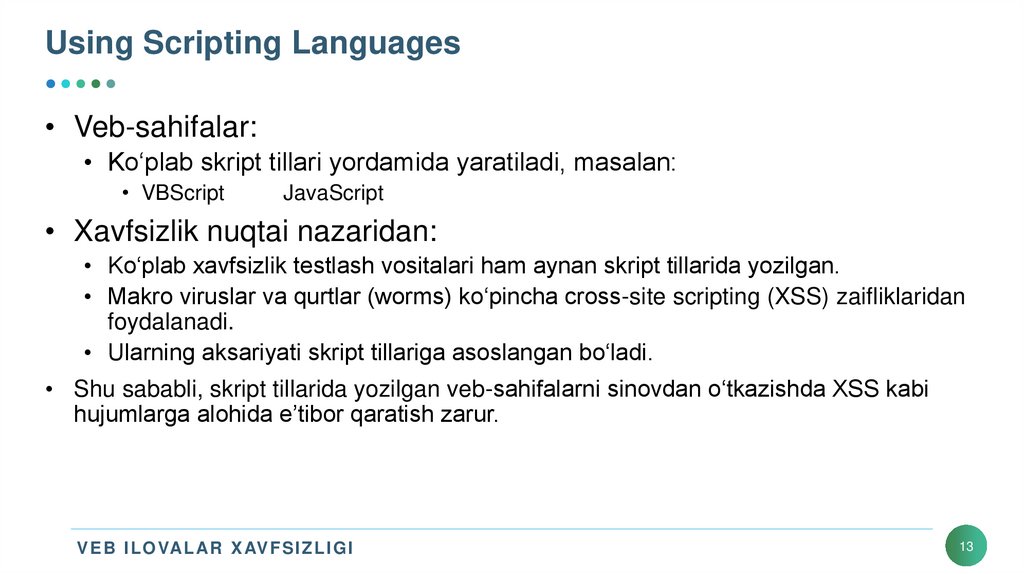
• Veb-sahifalar:• Ko‘plab skript tillari yordamida yaratiladi, masalan:
• VBScript
JavaScript
• Xavfsizlik nuqtai nazaridan:
• Ko‘plab xavfsizlik testlash vositalari ham aynan skript tillarida yozilgan.
• Makro viruslar va qurtlar (worms) ko‘pincha cross-site scripting (XSS) zaifliklaridan
foydalanadi.
• Ularning aksariyati skript tillariga asoslangan bo‘ladi.
• Shu sababli, skript tillarida yozilgan veb-sahifalarni sinovdan o‘tkazishda XSS kabi
hujumlarga alohida e’tibor qaratish zarur.
V E B I L OVAL AR X AV F S I Z L I G I
13
14. PHP Hypertext Processor
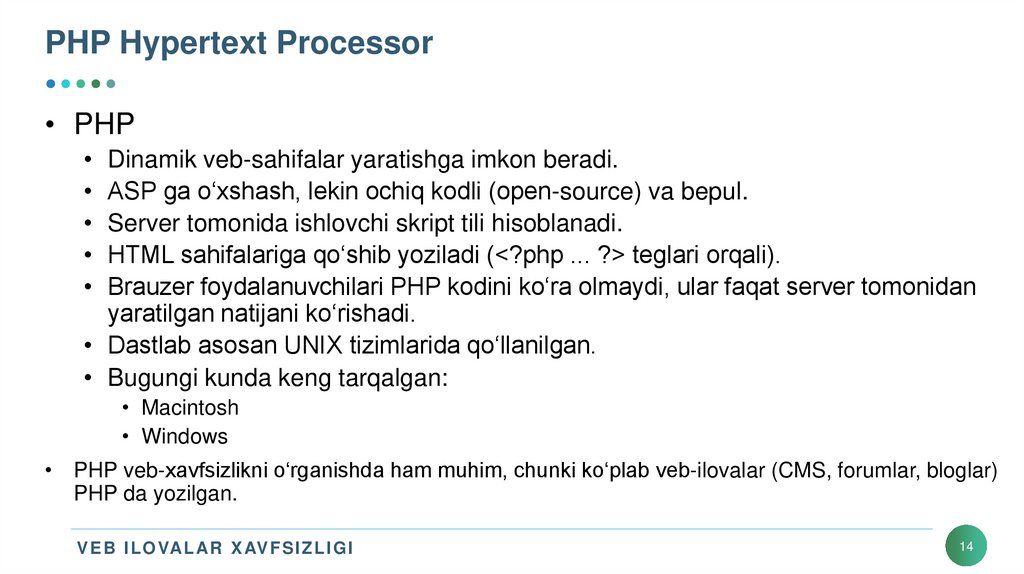
• PHP• Dinamik veb-sahifalar yaratishga imkon beradi.
• ASP ga o‘xshash, lekin ochiq kodli (open-source) va bepul.
• Server tomonida ishlovchi skript tili hisoblanadi.
• HTML sahifalariga qo‘shib yoziladi (<?php ... ?> teglari orqali).
• Brauzer foydalanuvchilari PHP kodini ko‘ra olmaydi, ular faqat server tomonidan
yaratilgan natijani ko‘rishadi.
• Dastlab asosan UNIX tizimlarida qo‘llanilgan.
• Bugungi kunda keng tarqalgan:
• Macintosh
• Windows
• PHP veb-xavfsizlikni o‘rganishda ham muhim, chunki ko‘plab veb-ilovalar (CMS, forumlar, bloglar)
PHP da yozilgan.
V E B I L OVAL AR X AV F S I Z L I G I
14
15. PHP Hypertext Processor
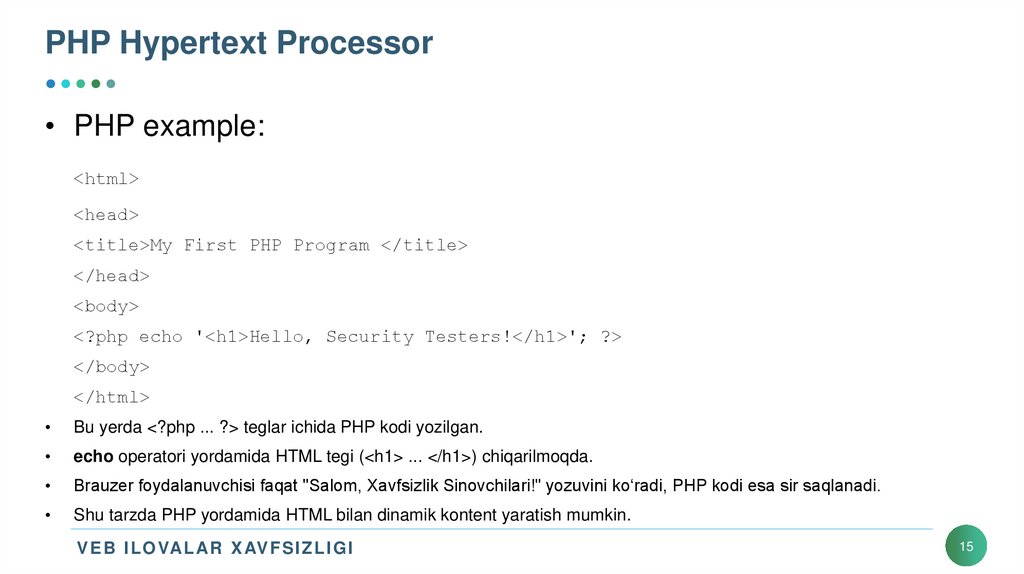
• PHP example:<html>
<head>
<title>My First PHP Program </title>
</head>
<body>
<?php echo '<h1>Hello, Security Testers!</h1>'; ?>
</body>
</html>
Bu yerda <?php ... ?> teglar ichida PHP kodi yozilgan.
echo operatori yordamida HTML tegi (<h1> ... </h1>) chiqarilmoqda.
Brauzer foydalanuvchisi faqat "Salom, Xavfsizlik Sinovchilari!" yozuvini ko‘radi, PHP kodi esa sir saqlanadi.
Shu tarzda PHP yordamida HTML bilan dinamik kontent yaratish mumkin.
V E B I L OVAL AR X AV F S I Z L I G I
15
16. Cold Fusion
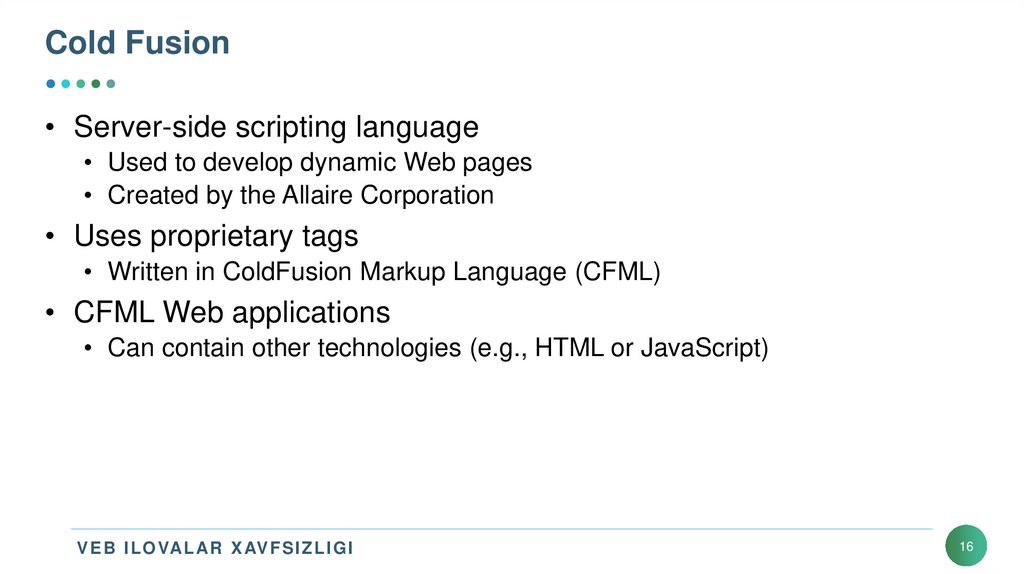
• Server-side scripting language• Used to develop dynamic Web pages
• Created by the Allaire Corporation
• Uses proprietary tags
• Written in ColdFusion Markup Language (CFML)
• CFML Web applications
• Can contain other technologies (e.g., HTML or JavaScript)
V E B I L OVAL AR X AV F S I Z L I G I
16
17. Cold Fusion
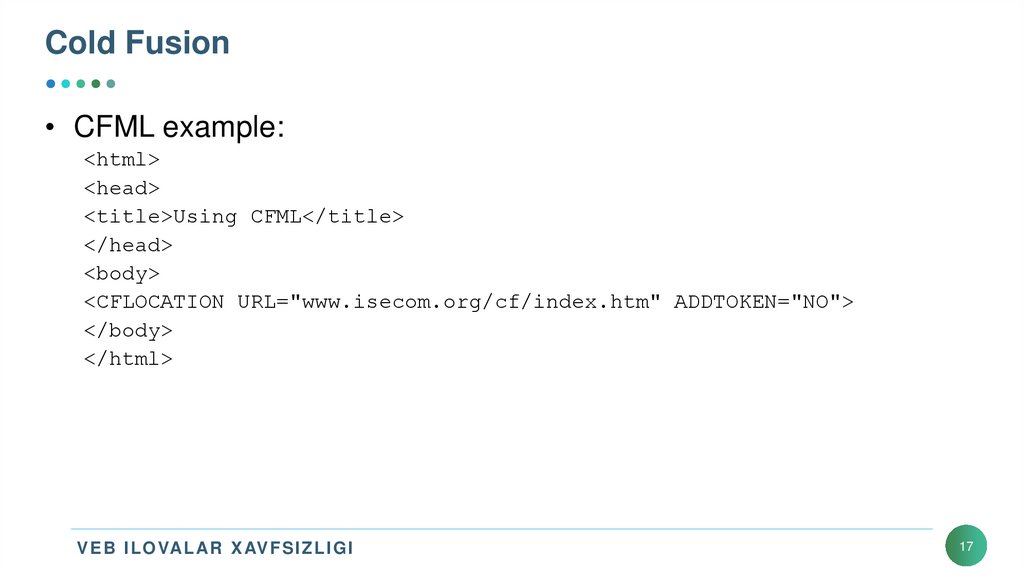
• CFML example:<html>
<head>
<title>Using CFML</title>
</head>
<body>
<CFLOCATION URL="www.isecom.org/cf/index.htm" ADDTOKEN="NO">
</body>
</html>
V E B I L OVAL AR X AV F S I Z L I G I
17
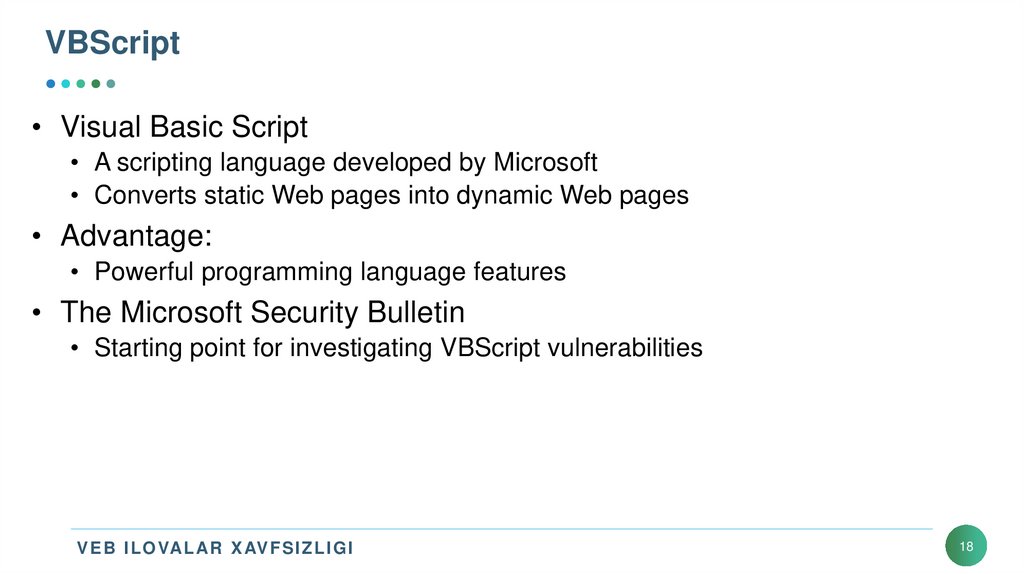
18. VBScript
• Visual Basic Script• A scripting language developed by Microsoft
• Converts static Web pages into dynamic Web pages
• Advantage:
• Powerful programming language features
• The Microsoft Security Bulletin
• Starting point for investigating VBScript vulnerabilities
V E B I L OVAL AR X AV F S I Z L I G I
18
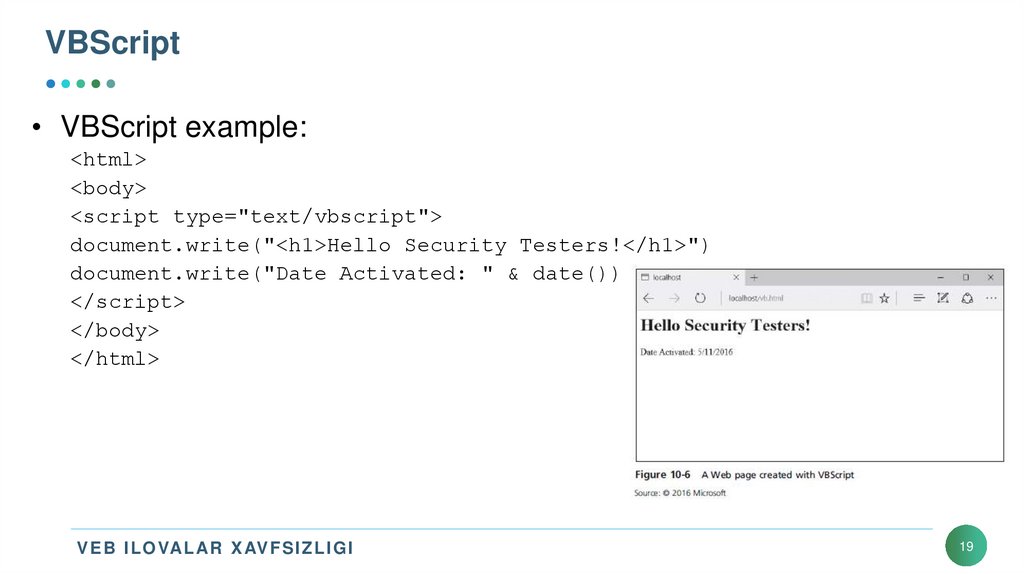
19. VBScript
• VBScript example:<html>
<body>
<script type="text/vbscript">
document.write("<h1>Hello Security Testers!</h1>")
document.write("Date Activated: " & date())
</script>
</body>
</html>
V E B I L OVAL AR X AV F S I Z L I G I
19
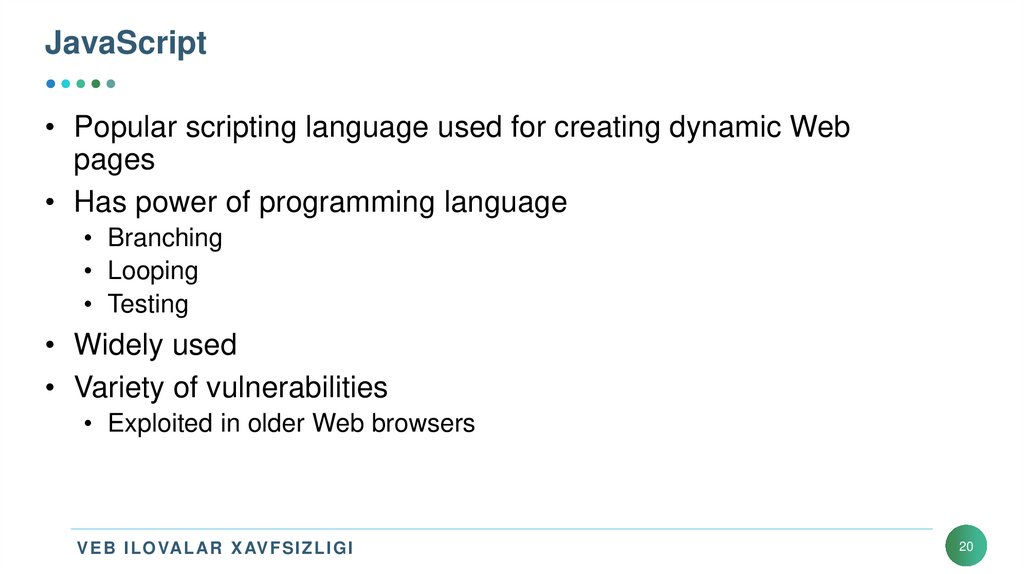
20. JavaScript
• Popular scripting language used for creating dynamic Webpages
• Has power of programming language
• Branching
• Looping
• Testing
• Widely used
• Variety of vulnerabilities
• Exploited in older Web browsers
V E B I L OVAL AR X AV F S I Z L I G I
20
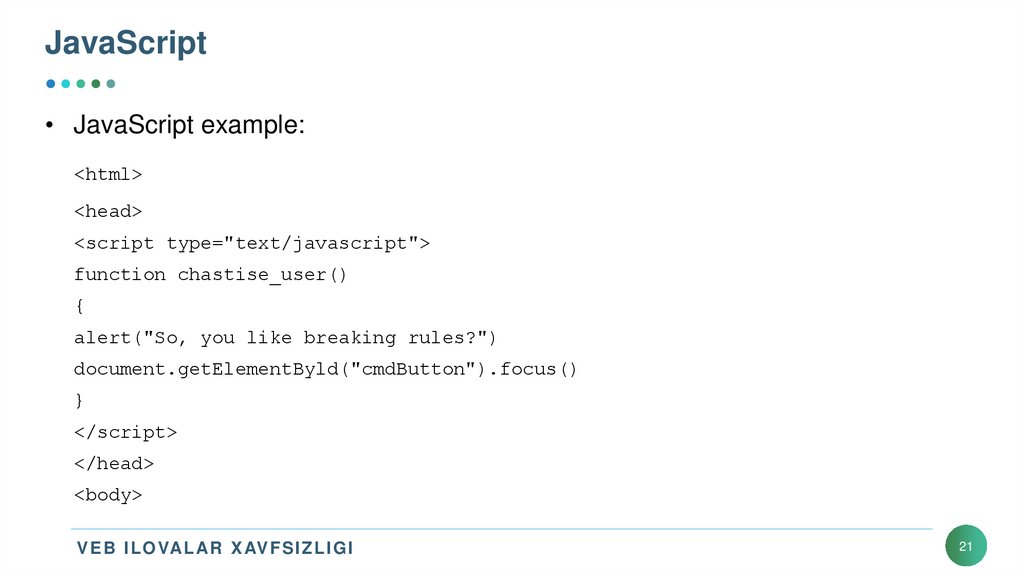
21. JavaScript
• JavaScript example:<html>
<head>
<script type="text/javascript">
function chastise_user()
{
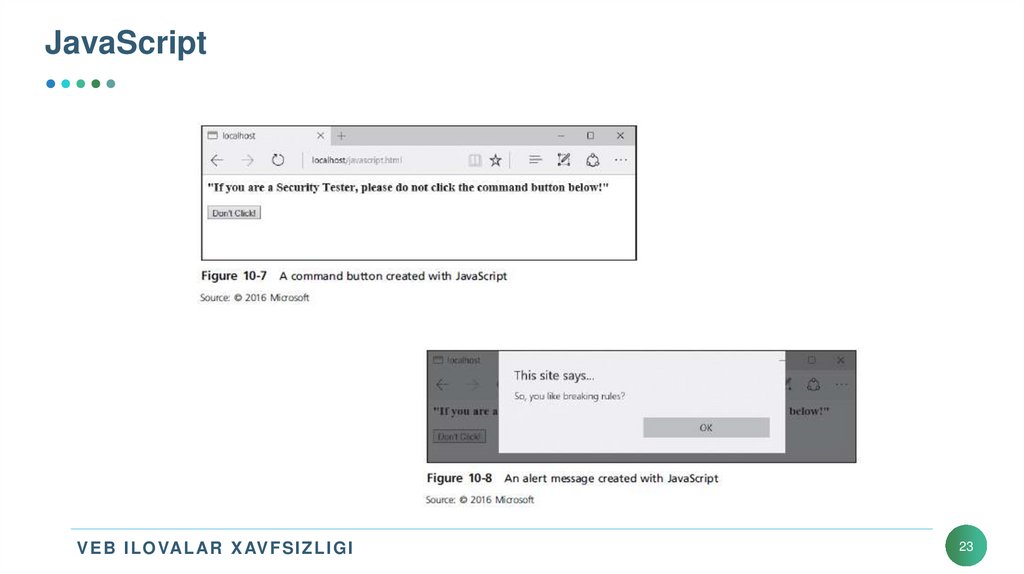
alert("So, you like breaking rules?")
document.getElementByld("cmdButton").focus()
}
</script>
</head>
<body>
V E B I L OVAL AR X AV F S I Z L I G I
21
22. JavaScript
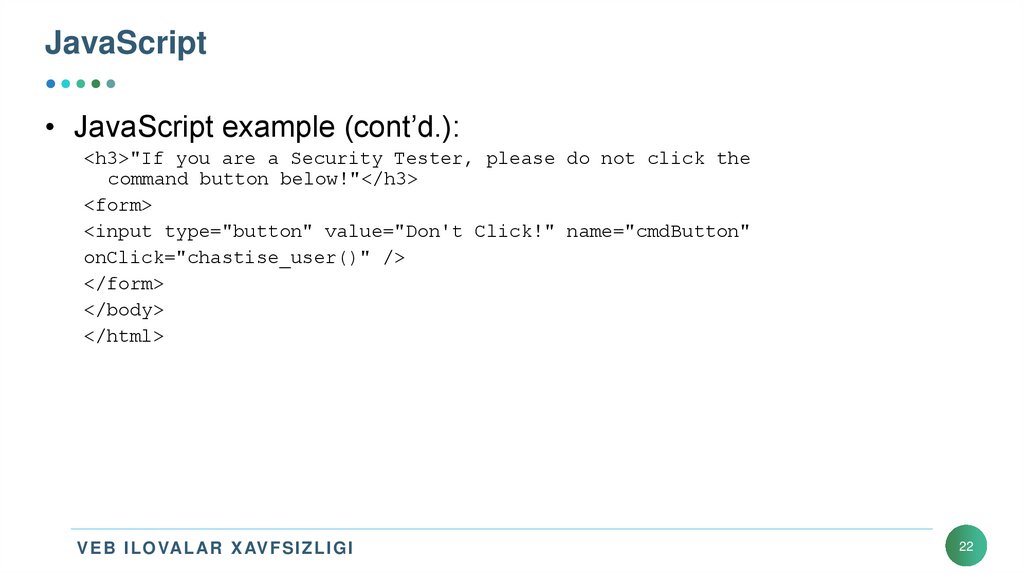
• JavaScript example (cont’d.):<h3>"If you are a Security Tester, please do not click the
command button below!"</h3>
<form>
<input type="button" value="Don't Click!" name="cmdButton"
onClick="chastise_user()" />
</form>
</body>
</html>
V E B I L OVAL AR X AV F S I Z L I G I
22
23. JavaScript
V E B I L OVAL AR X AV F S I Z L I G I23
24. Connecting to Databases
• Most Web pages can display information stored on a databaseserver
• The technology used to connect Web applications to database
servers
• Depends on the OS
• Theory is the same
V E B I L OVAL AR X AV F S I Z L I G I
24
25. Open Database Connectivity
• Open Database Connectivity (ODBC)• A standard database access method
• ODBC interface
• Allows application to access data stored in a database management system,
or any system that can understand and issue ODBC commands
• Interoperability is accomplished by defining:
• Standardized representation for data types
• Library of ODBC function calls
• Standard method of connecting to and logging on
V E B I L OVAL AR X AV F S I Z L I G I
25
26. Object Linking and Embedding Database
• OLE DB• Set of interfaces that enable applications to access data stored in DBMS
• Designed by Microsoft
• Faster, more efficient, and more stable than ODBC
• Relies on connection strings
• Allow the application to access data stored on external device
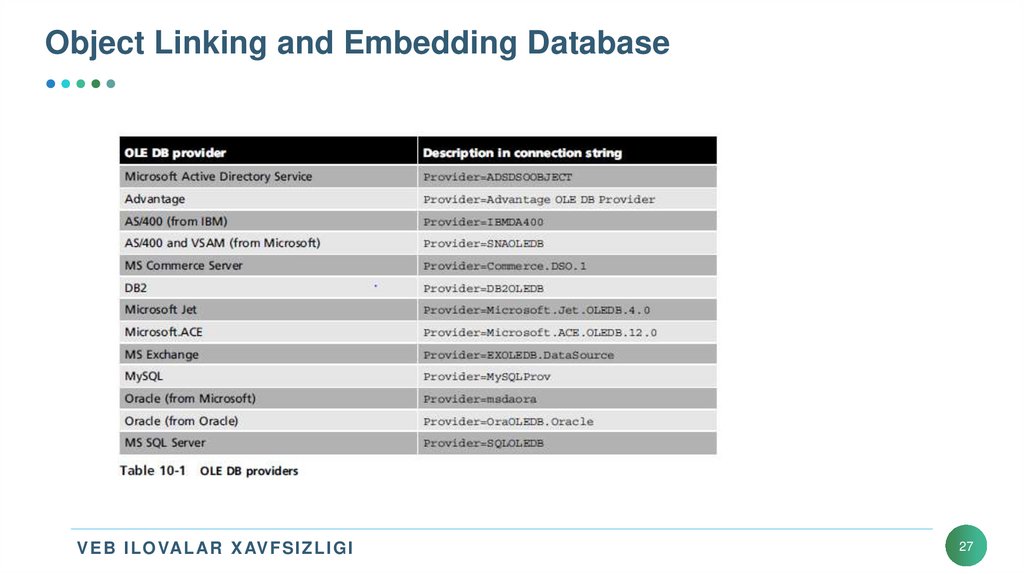
• Different providers can be used
• Depends on data source
V E B I L OVAL AR X AV F S I Z L I G I
26
27. Object Linking and Embedding Database
V E B I L OVAL AR X AV F S I Z L I G I27
28. ActiveX Data Objects
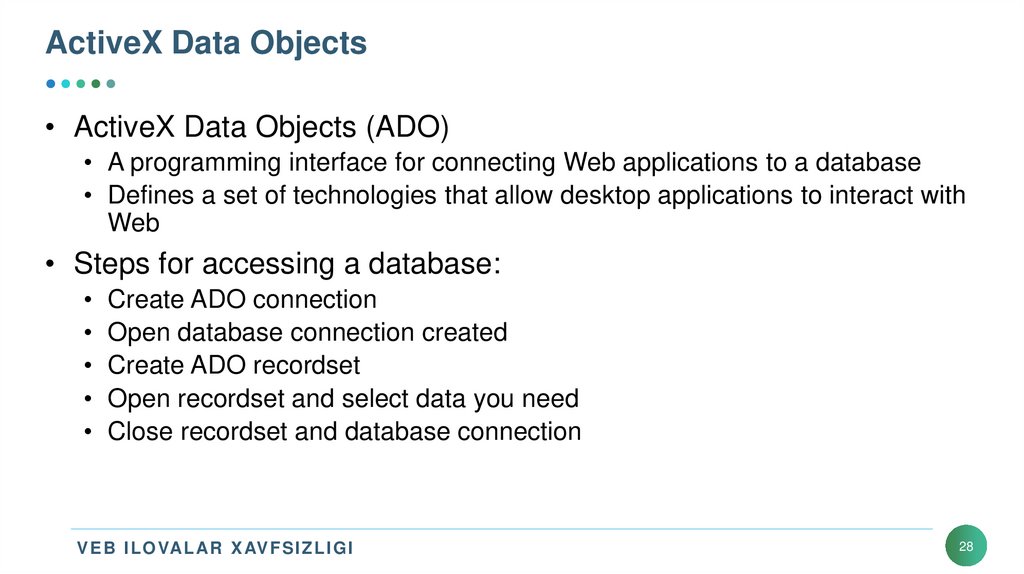
• ActiveX Data Objects (ADO)• A programming interface for connecting Web applications to a database
• Defines a set of technologies that allow desktop applications to interact with
Web
• Steps for accessing a database:
• Create ADO connection
• Open database connection created
• Create ADO recordset
• Open recordset and select data you need
• Close recordset and database connection
V E B I L OVAL AR X AV F S I Z L I G I
28
29. Understanding Web Application Vulnerabilities
• Many platforms and programming languages can be used to designa Web site
• Application security
• As important as network security
• Attackers controlling a Web server can:
• Deface the Web site
• Destroy the application’s database or sell contents
• Gain control of user accounts
• Perform secondary attacks
• Gain root access to other application servers
V E B I L OVAL AR X AV F S I Z L I G I
29
30. Application Vulnerabilities and Countermeasures
• Open Web Application Security Project (OWASP)• Not-for-profit organization
• Finds and fights Web application vulnerabilities
• Publishes Ten Most Critical Web Application Security Risks
• Built into Payment Card Industry (PCI) Data Security Standard (DSS)
V E B I L OVAL AR X AV F S I Z L I G I
30
31. Application Vulnerabilities and Countermeasures
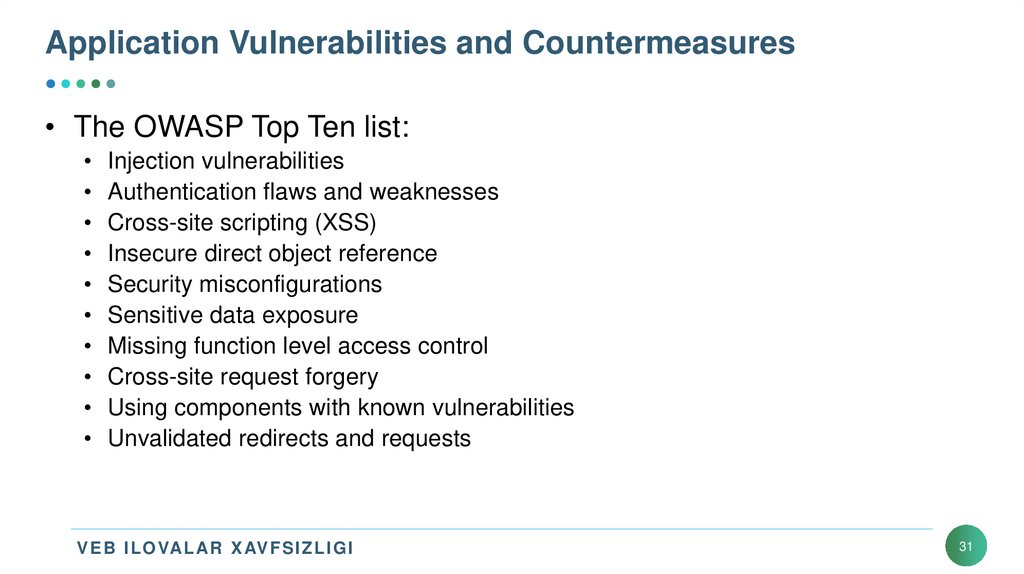
• The OWASP Top Ten list:• Injection vulnerabilities
• Authentication flaws and weaknesses
• Cross-site scripting (XSS)
• Insecure direct object reference
• Security misconfigurations
• Sensitive data exposure
• Missing function level access control
• Cross-site request forgery
• Using components with known vulnerabilities
• Unvalidated redirects and requests
V E B I L OVAL AR X AV F S I Z L I G I
31
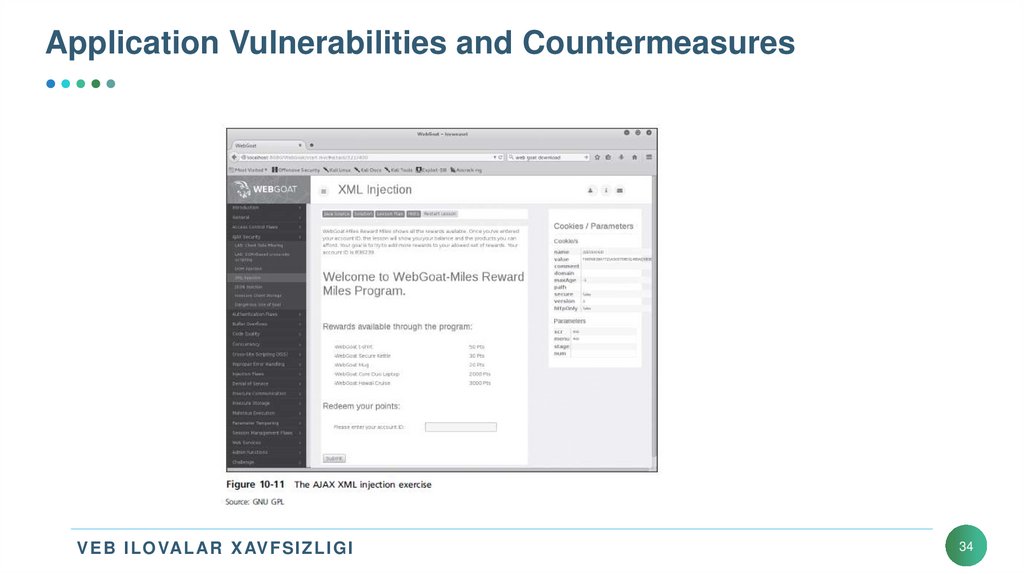
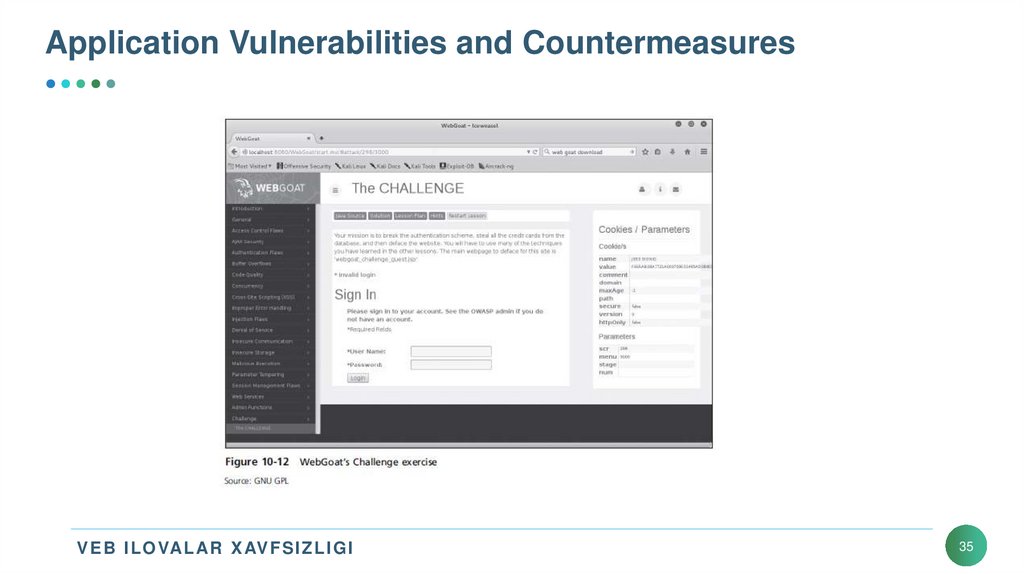
32. Application Vulnerabilities and Countermeasures
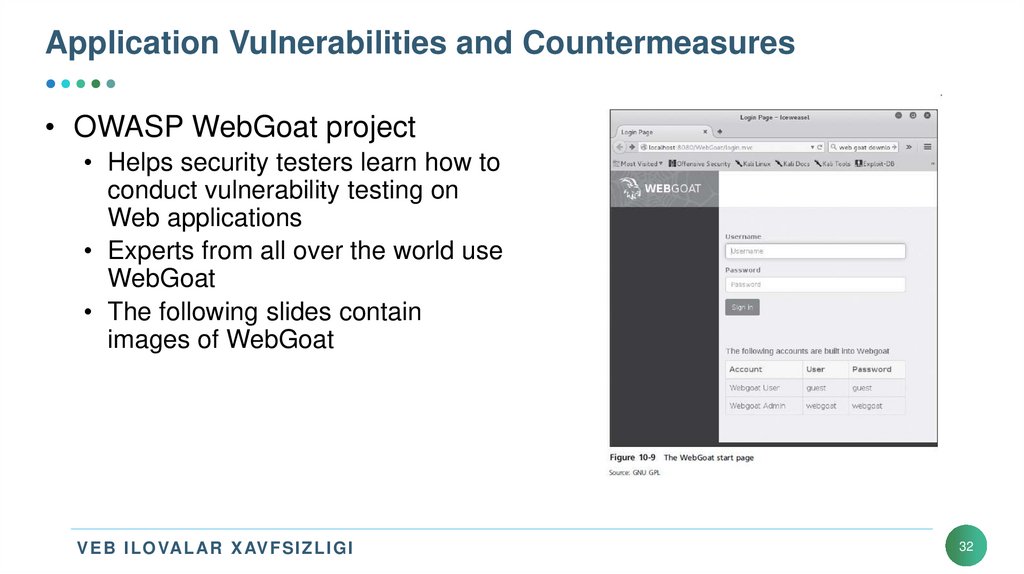
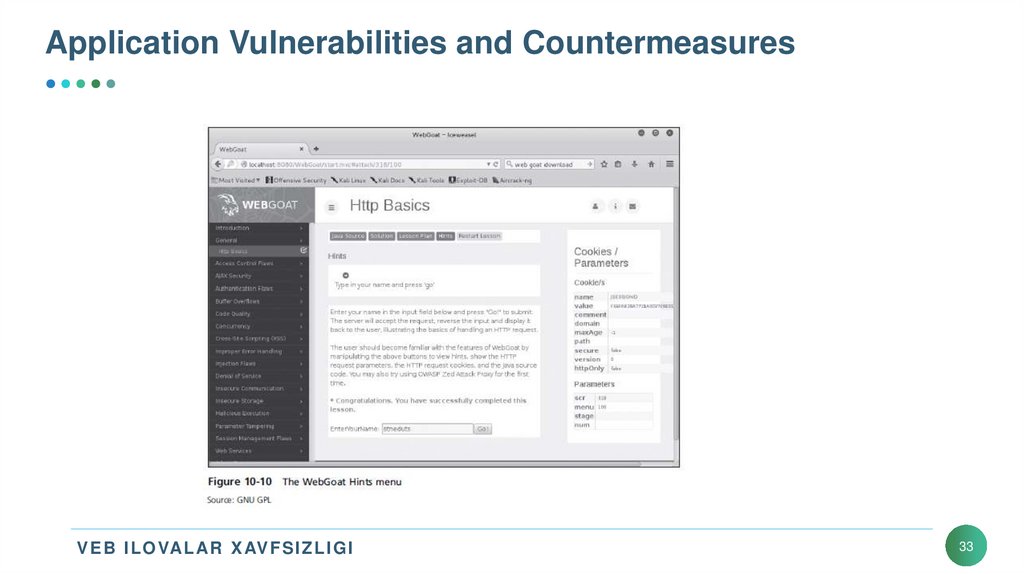
• OWASP WebGoat project• Helps security testers learn how to
conduct vulnerability testing on
Web applications
• Experts from all over the world use
WebGoat
• The following slides contain
images of WebGoat
V E B I L OVAL AR X AV F S I Z L I G I
32
33. Application Vulnerabilities and Countermeasures
V E B I L OVAL AR X AV F S I Z L I G I33
34. Application Vulnerabilities and Countermeasures
V E B I L OVAL AR X AV F S I Z L I G I34
35. Application Vulnerabilities and Countermeasures
V E B I L OVAL AR X AV F S I Z L I G I35
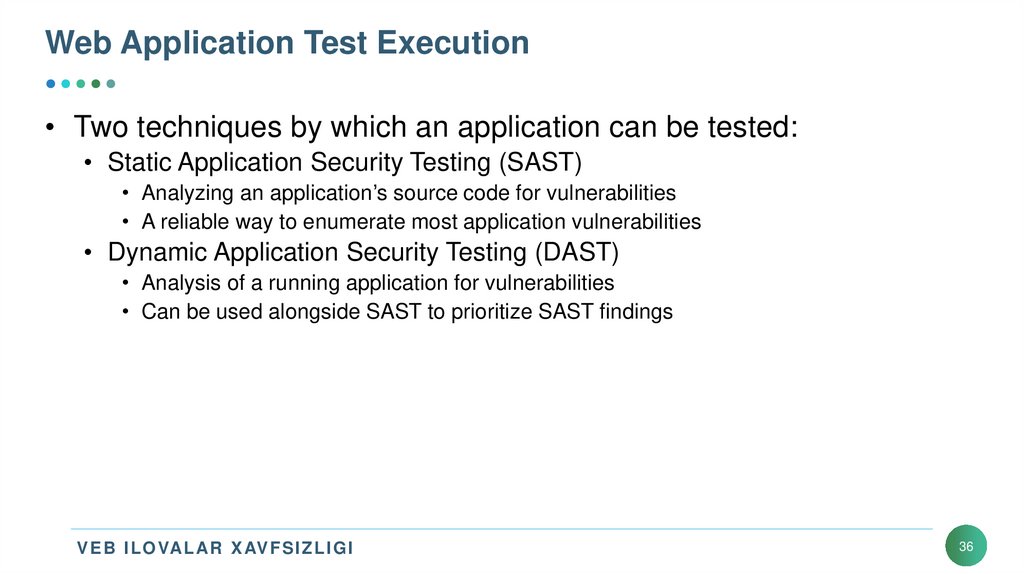
36. Web Application Test Execution
• Two techniques by which an application can be tested:• Static Application Security Testing (SAST)
• Analyzing an application’s source code for vulnerabilities
• A reliable way to enumerate most application vulnerabilities
• Dynamic Application Security Testing (DAST)
• Analysis of a running application for vulnerabilities
• Can be used alongside SAST to prioritize SAST findings
V E B I L OVAL AR X AV F S I Z L I G I
36
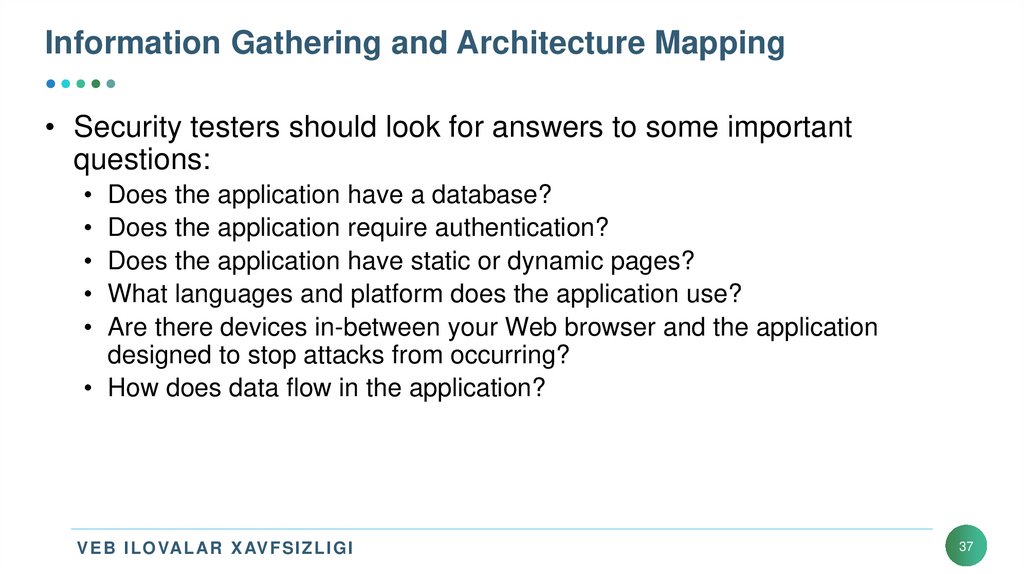
37. Information Gathering and Architecture Mapping
• Security testers should look for answers to some importantquestions:
• Does the application have a database?
• Does the application require authentication?
• Does the application have static or dynamic pages?
• What languages and platform does the application use?
• Are there devices in-between your Web browser and the application
designed to stop attacks from occurring?
• How does data flow in the application?
V E B I L OVAL AR X AV F S I Z L I G I
37
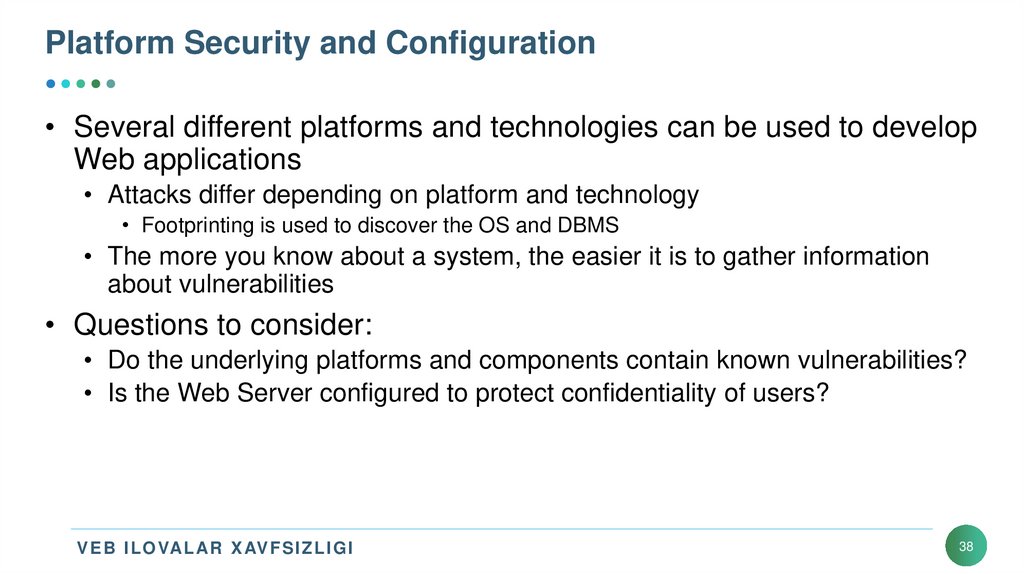
38. Platform Security and Configuration
• Several different platforms and technologies can be used to developWeb applications
• Attacks differ depending on platform and technology
• Footprinting is used to discover the OS and DBMS
• The more you know about a system, the easier it is to gather information
about vulnerabilities
• Questions to consider:
• Do the underlying platforms and components contain known vulnerabilities?
• Is the Web Server configured to protect confidentiality of users?
V E B I L OVAL AR X AV F S I Z L I G I
38
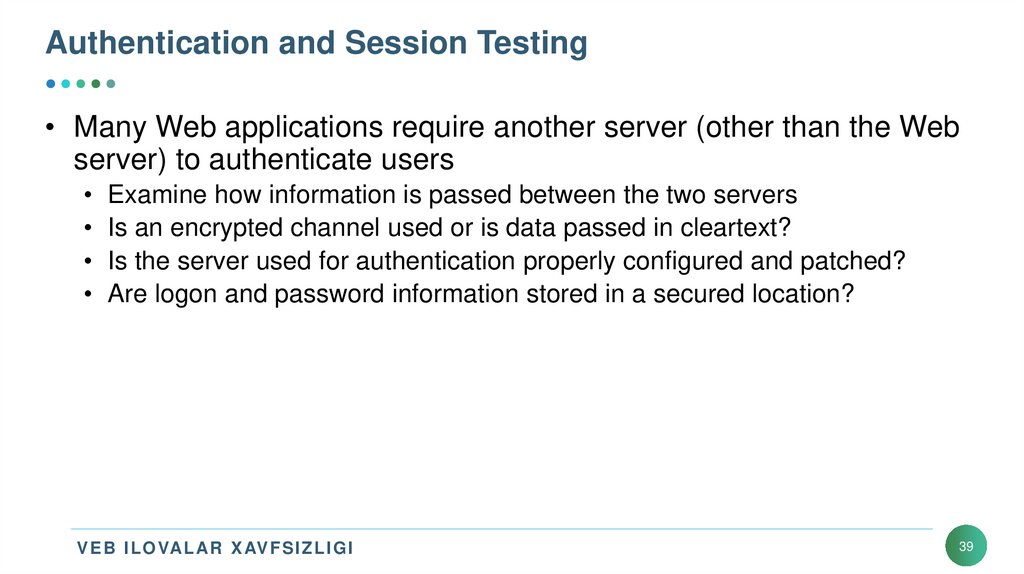
39. Authentication and Session Testing
• Many Web applications require another server (other than the Webserver) to authenticate users
• Examine how information is passed between the two servers
• Is an encrypted channel used or is data passed in cleartext?
• Is the server used for authentication properly configured and patched?
• Are logon and password information stored in a secured location?
V E B I L OVAL AR X AV F S I Z L I G I
39
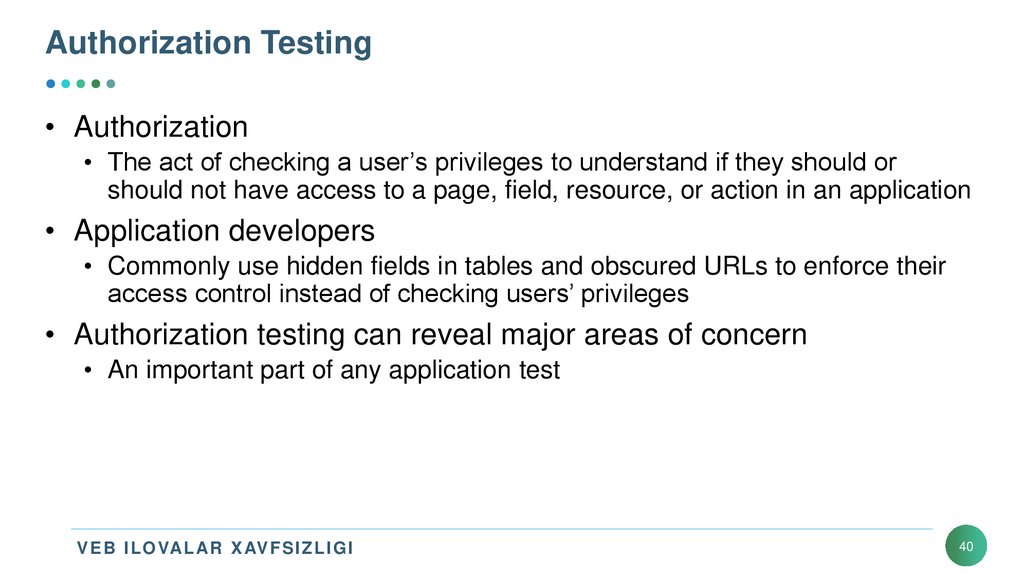
40. Authorization Testing
• Authorization• The act of checking a user’s privileges to understand if they should or
should not have access to a page, field, resource, or action in an application
• Application developers
• Commonly use hidden fields in tables and obscured URLs to enforce their
access control instead of checking users’ privileges
• Authorization testing can reveal major areas of concern
• An important part of any application test
V E B I L OVAL AR X AV F S I Z L I G I
40
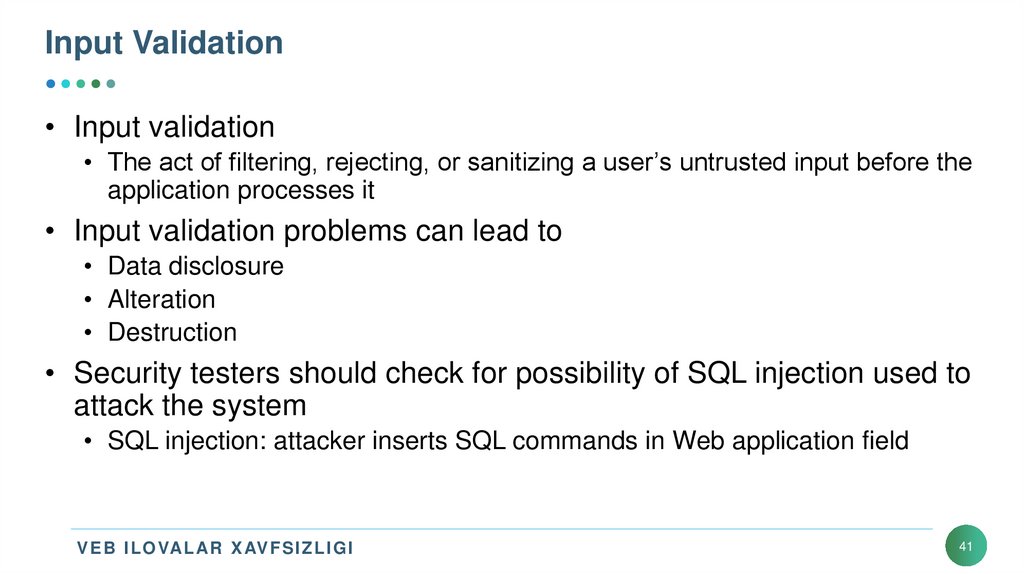
41. Input Validation
• Input validation• The act of filtering, rejecting, or sanitizing a user’s untrusted input before the
application processes it
• Input validation problems can lead to
• Data disclosure
• Alteration
• Destruction
• Security testers should check for possibility of SQL injection used to
attack the system
• SQL injection: attacker inserts SQL commands in Web application field
V E B I L OVAL AR X AV F S I Z L I G I
41
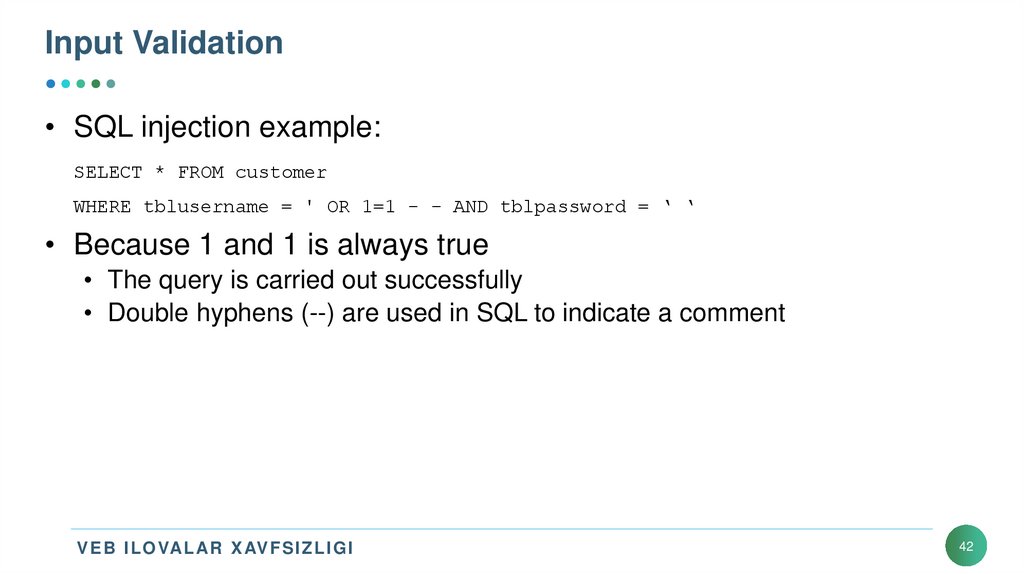
42. Input Validation
• SQL injection example:SELECT * FROM customer
WHERE tblusername = ' OR 1=1 - - AND tblpassword = ‘ ‘
• Because 1 and 1 is always true
• The query is carried out successfully
• Double hyphens (--) are used in SQL to indicate a comment
V E B I L OVAL AR X AV F S I Z L I G I
42
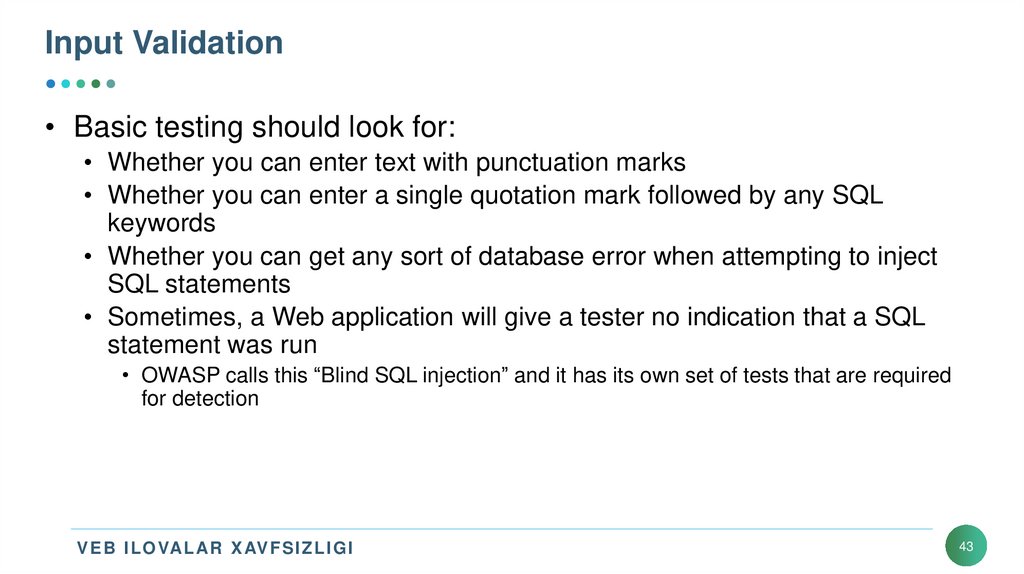
43. Input Validation
• Basic testing should look for:• Whether you can enter text with punctuation marks
• Whether you can enter a single quotation mark followed by any SQL
keywords
• Whether you can get any sort of database error when attempting to inject
SQL statements
• Sometimes, a Web application will give a tester no indication that a SQL
statement was run
• OWASP calls this “Blind SQL injection” and it has its own set of tests that are required
for detection
V E B I L OVAL AR X AV F S I Z L I G I
43
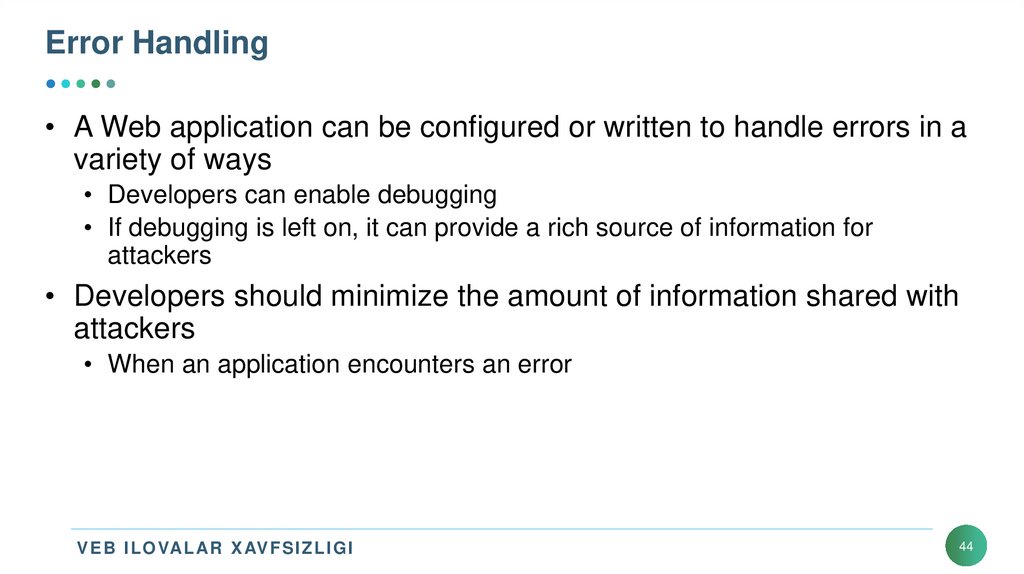
44. Error Handling
• A Web application can be configured or written to handle errors in avariety of ways
• Developers can enable debugging
• If debugging is left on, it can provide a rich source of information for
attackers
• Developers should minimize the amount of information shared with
attackers
• When an application encounters an error
V E B I L OVAL AR X AV F S I Z L I G I
44
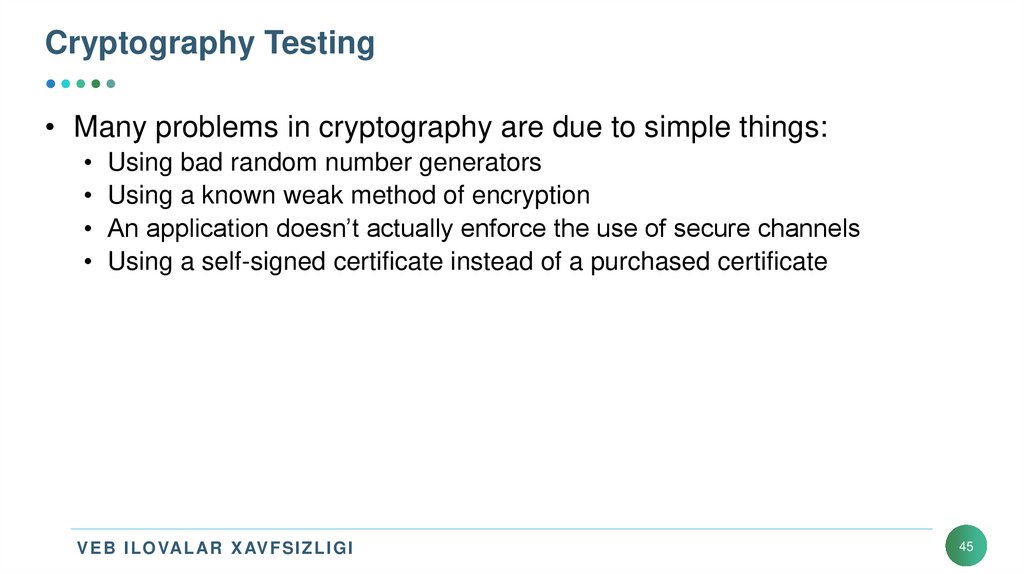
45. Cryptography Testing
• Many problems in cryptography are due to simple things:• Using bad random number generators
• Using a known weak method of encryption
• An application doesn’t actually enforce the use of secure channels
• Using a self-signed certificate instead of a purchased certificate
V E B I L OVAL AR X AV F S I Z L I G I
45
46. Business Logic Testing
• Business logic• Refers to the flow a user is expected to follow in an application to
accomplish a goal
• Example:
• Before a wire transfer, user must first satisfy the requirement of having at
least that amount of money in the transferring account
• If user doesn’t have funds, transfer is halted
• Business logic testing
• Involves utilizing creative ways to bypass these checks
V E B I L OVAL AR X AV F S I Z L I G I
46
47. Client-side Testing
• Client-side issues• Arise from code executing on the user’s machine
• Key areas to consider with a client-side test:
• Does the application store sensitive information on the client’s machine in an
insecure manner?
• Does the application allow for client browser redirection if the server is fed a
specially crafted request?
V E B I L OVAL AR X AV F S I Z L I G I
47
48. Tools for Web Attackers and Security Testers
• After vulnerabilities of a Web application or an OS platform arediscovered
• Security testers or attackers look for tools to test or attack the system
• All platforms and Web application components have vulnerabilities
• No matter which platform is used, there is a security hole and a tool capable
of breaking into it
V E B I L OVAL AR X AV F S I Z L I G I
48
49. Web Tools
• The Kali DVD• Is packed with free tools for hacking Web applications
• You can install new tools with a simple
• apt-get install packagename command
V E B I L OVAL AR X AV F S I Z L I G I
49
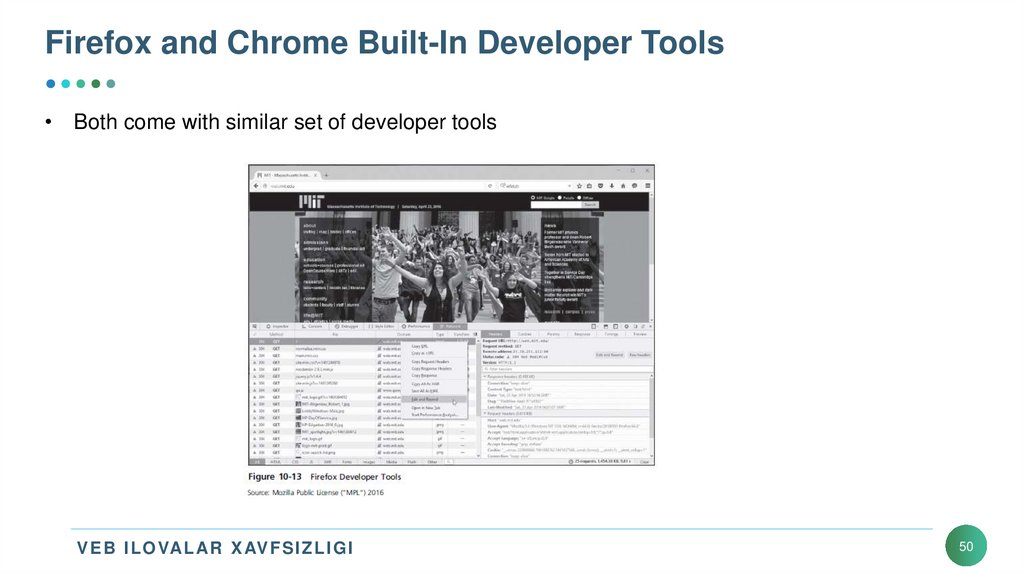
50. Firefox and Chrome Built-In Developer Tools
• Both come with similar set of developer toolsV E B I L OVAL AR X AV F S I Z L I G I
50
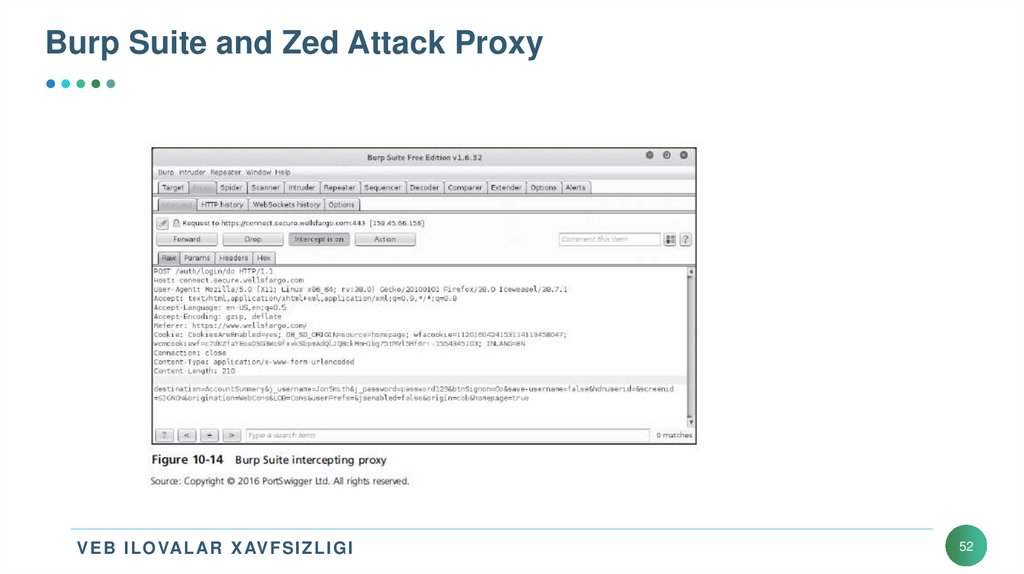
51. Burp Suite and Zed Attack Proxy
• Burp Suite• Included in Kali Linux
• Offers the tester a number of features for testing Web applications and Web
services
• Allows you to intercept traffic between the Web browser and the server to
inspect and manipulate requests before sending it to the server
• Zed Attack Proxy
• Can be used interchangeably with Burp Suite
V E B I L OVAL AR X AV F S I Z L I G I
51
52. Burp Suite and Zed Attack Proxy
V E B I L OVAL AR X AV F S I Z L I G I52
53. Wapiti
• Wapiti: Web application vulnerability scanner• Uses a black box approach
• Doesn’t inspect code
• Inspects by searching from outside
• Ways to take advantage of XSS, SQL, PHP, JSP, and file-handling vulnerabilities
• Uses “fuzzing”
• Trying to inject data into whatever will accept it
V E B I L OVAL AR X AV F S I Z L I G I
53
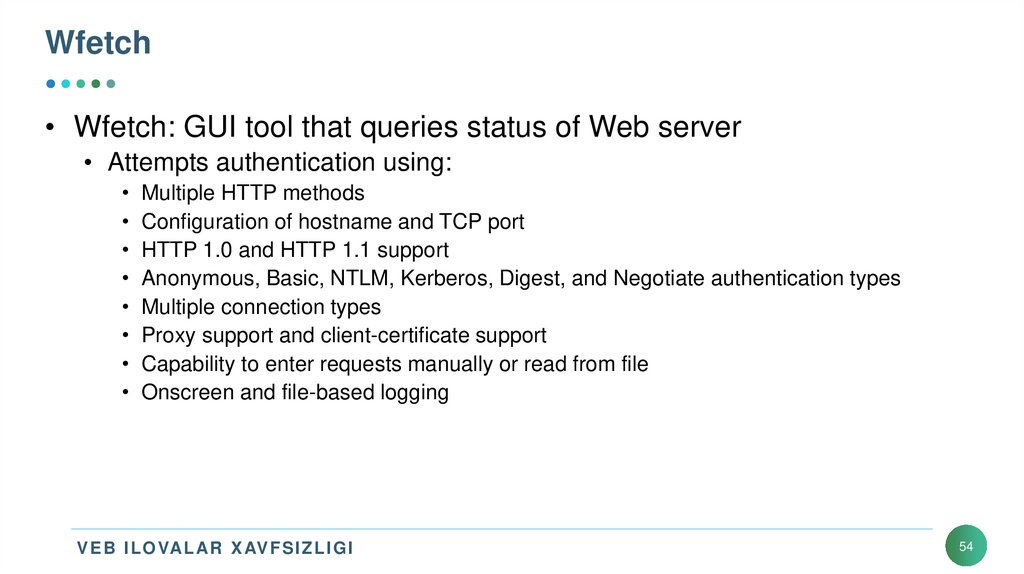
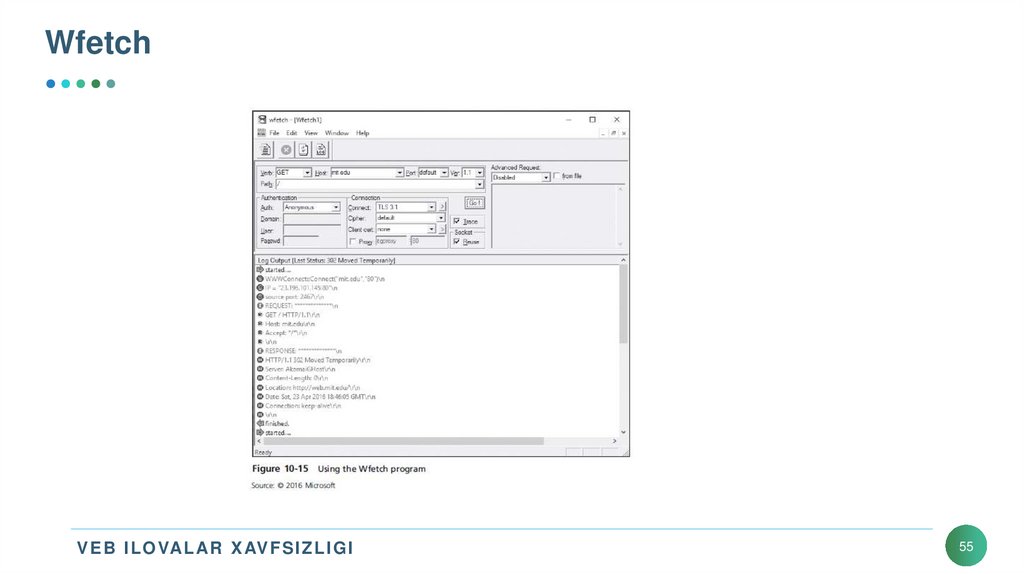
54. Wfetch
• Wfetch: GUI tool that queries status of Web server• Attempts authentication using:
• Multiple HTTP methods
• Configuration of hostname and TCP port
• HTTP 1.0 and HTTP 1.1 support
• Anonymous, Basic, NTLM, Kerberos, Digest, and Negotiate authentication types
• Multiple connection types
• Proxy support and client-certificate support
• Capability to enter requests manually or read from file
• Onscreen and file-based logging
V E B I L OVAL AR X AV F S I Z L I G I
54
55. Wfetch
V E B I L OVAL AR X AV F S I Z L I G I55
56. Xulosa
• Web applications• Can be developed on many platforms
• HTML pages can contain forms, ASP, CGI, and scripting languages
• Static Web pages
• Have been replaced by dynamic Web pages
• Dynamic Web pages are created using CGI, ASP, etc.
• Web forms
• Allow developers to create Web pages with which visitors can interact
V E B I L OVAL AR X AV F S I Z L I G I
56
57. Xulosa
• Web applications• Use a variety of technologies to connect to databases (e.g., ODBC, OLE
DB, and ADO)
• You can install IIS
• Test Web pages in Windows
• Web application vulnerabilities
• Can have damaging consequences
• When conducting security tests on Web applications
• Various considerations
V E B I L OVAL AR X AV F S I Z L I G I
57
58. Xulosa
• Web applications that interact with databases• Might be vulnerable to SQL injection exploits
• Many tools for testing Web application vulnerabilities are available
• Burp Suite
• Wapiti
• OWASP open-source software
V E B I L OVAL AR X AV F S I Z L I G I
58
59.
MUHAMMAD AL-XORAZMIY NOMIDAGITOSHKENT AXBOROT TEXNOLOGIYALARI UNIVERSITETI
E’TIBORINGIZ UCHUN RAXMAT!
NURIDDIN SAFOYEV
Kiberxavfsizlik va kriminalistika
kafedrasi katta o’qituvchisi
59