

 management
Similar presentations:









Elon Musk Changes Twitter Logo To X
1.
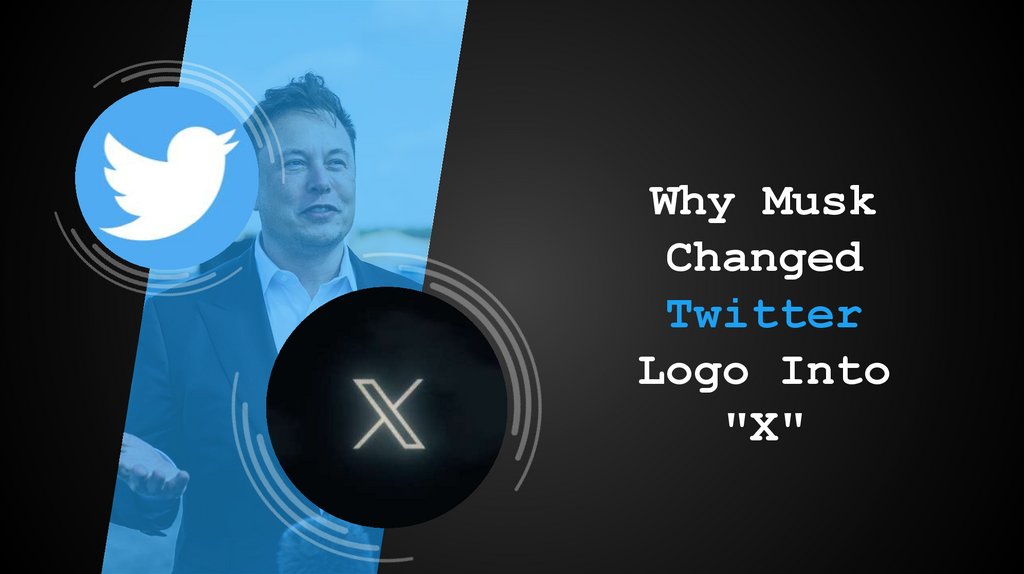
Why MuskChanged
Logo Into
"X"
2.
The decision to change Twitter's logo is asignificant one. The blue bird logo has been
around for over 15 years and is one of the
most recognizable logos in the world.
Blue Bird that's adored by countless people,
and tweeting has become a beloved pastime for
many.
Elon Musk is a visionary entrepreneur and
engineer who has founded or co-founded several
successful companies, including Tesla, SpaceX,
Neuralink, The Boring Company & Twitter.
He decided to change the logo of this famous
“Larry Bird” to a mysterious "X.“
Elon Musk has big plans for the future of this
brand "X." It is said that the "X" will
eventually take control of all the financial
aspects of this famous bird.
However, Elon Musk believes that the new X
logo is a better fit for the future of
Twitter.
Branding for
success: Why Musk
Changed Twitter
logo into "X".
3.
The Decision ToChange Twitter's
There
are a few reasons why Musk may
Logo
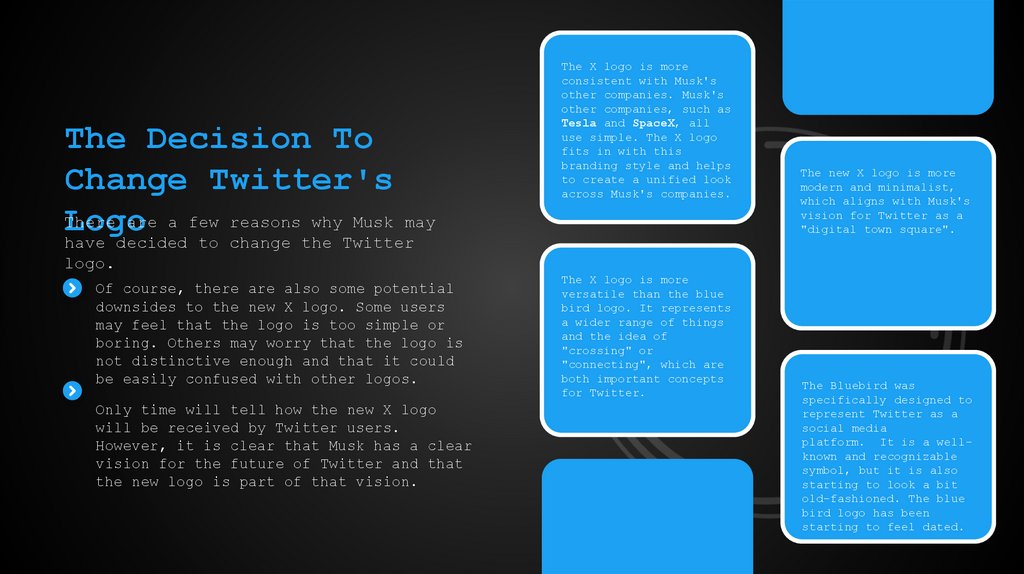
The X logo is more
consistent with Musk's
other companies. Musk's
other companies, such as
Tesla and SpaceX, all
use simple. The X logo
fits in with this
branding style and helps
to create a unified look
across Musk's companies.
have decided to change the Twitter
logo.
Of course, there are also some potential
downsides to the new X logo. Some users
may feel that the logo is too simple or
boring. Others may worry that the logo is
not distinctive enough and that it could
be easily confused with other logos.
Only time will tell how the new X logo
will be received by Twitter users.
However, it is clear that Musk has a clear
vision for the future of Twitter and that
the new logo is part of that vision.
The X logo is more
versatile than the blue
bird logo. It represents
a wider range of things
and the idea of
"crossing" or
"connecting", which are
both important concepts
for Twitter.
The new X logo is more
modern and minimalist,
which aligns with Musk's
vision for Twitter as a
"digital town square".
The Bluebird was
specifically designed to
represent Twitter as a
social media
platform. It is a wellknown and recognizable
symbol, but it is also
starting to look a bit
old-fashioned. The blue
bird logo has been
starting to feel dated.
4.
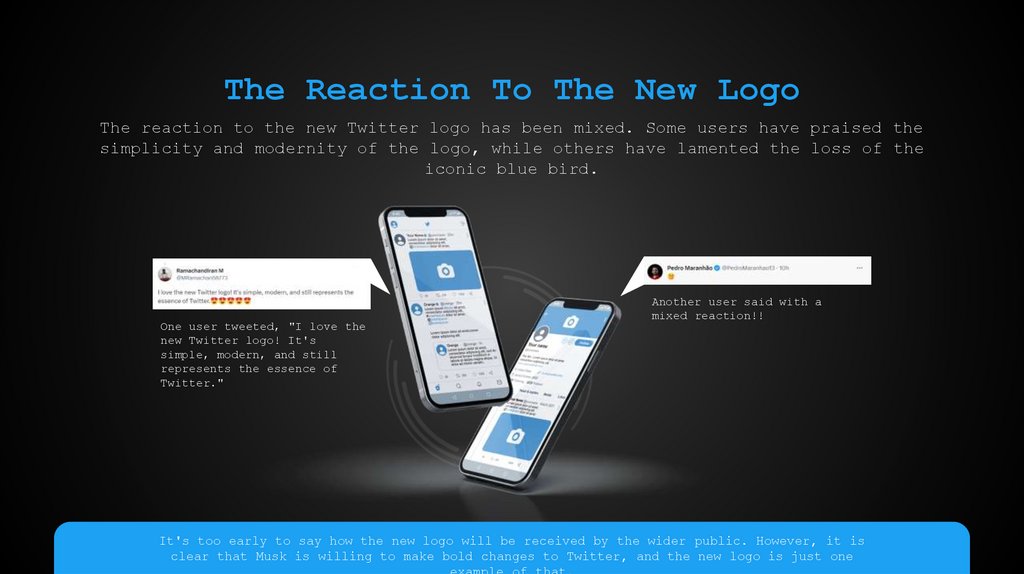
The Reaction To The New LogoThe reaction to the new Twitter logo has been mixed. Some users have praised the
simplicity and modernity of the logo, while others have lamented the loss of the
iconic blue bird.
One user tweeted, "I love the
new Twitter logo! It's
simple, modern, and still
represents the essence of
Twitter."
Another user said with a
mixed reaction!!
It's too early to say how the new logo will be received by the wider public. However, it is
clear that Musk is willing to make bold changes to Twitter, and the new logo is just one
example of that.
5.
The Future Of TwitterWhich logo do you
prefer the most?
The decision to change Twitter's
logo is just one of many changes
that Musk has made to the company
since he acquired it in October
2022. Musk has also made changes
to Twitter's policies and
moderation practices, and he has
hinted that he plans to make
further changes in the future.
It is still too early to say what
the future holds for Twitter.
However, it is clear that Musk is
determined to make the company a
more open and free platform for
speech. The new X logo is a symbol
of this new direction for Twitter,
and it will be interesting to see
how it is received by users in the
months and years to come.
Leave a comment below!
Typing…
6.
Thank You!7.
Icons8.
Icons9.
How To Edit ShapesYou can add and edit some shapes to your presentation to present your data in
a visual way.
Choose your favourite infographic and insert it in your presentation using
Ctrl C + Ctrl V or Cmd C + Cmd V in Mac.
Select one of the parts and ungroup it by right-clicking and choosing
“Ungroup”.
Change the color by clicking on the paint bucket.
Then resize the element by clicking and dragging one of the square-shaped
points of its bounding box (the cursor should look like a double-headed
arrow). Remember to hold Shift while dragging to keep the proportions.
Group the elements again by selecting them, right-clicking and choosing
“Group”.
Repeat the steps above with the other parts and when you’re done editing,
copy the end result and paste it into your presentation.
Remember to choose the “Keep source formatting” option so that it keeps
the design. For more info, please visit Slideegg (Tips & Tricks).
10.
Terms Of Use (Free Users)If you are a free subscriber, you should credit SlideEgg by keeping the
“Thank You” slide.
Kindly refer to the following slide for the Terms of Use for premium users.
You can:
Customize or edit this template
Use this template for both business and personal endeavors.
You can not:
Sell, rent, or second-license SlideEgg content or its altered version.
Promulgate, unless explicitly permitted, SlideEgg content, by SlideEgg.
Incorporate SlideEgg content in any database or file online or offline.
Obtain SlideEgg content’s copyright.
Kindly refer to our Tutorial page or FAQ for advanced slide modification guide
11.
Terms Of Use (Premium Users)Being a premium subscriber, you have the privilege of using this PPT template
without giving attribution to SlideEgg or keeping the “Thank You” slide.
You can:
Customize or edit this template.
Use this template for both business and personal endeavors.
Circulate or share the editable format of this template with anyone you want.
You can not:
Sell, rent or second-license SlideEgg content or the altered version of it.
Promulgate or include the templates in any other services database
that performs as distribution or resale platform, unless explicitly permitted,
by SlideEgg.
Incorporate the elements used in SlideEgg templates separately.
Obtain SlideEgg copyright for the elements used in this template as a logo or
trademark.
Kindly refer to our Tutorial page or FAQ for advanced slide
modification guidelines.
12.
Contact UsWe respect your valuable time with SlideEgg!
If you have any questions, please reach us
Do you have a design request, please visit our
redesign page.
CREDIT: SlideEgg created this PowerPoint template.
Let this slide be kept for attribution.
www.slideegg.com