











 english
Similar presentations:









Passive voice in English
1. Passive voice in English
Presentation by Nastya Sapronova2. What is passive voice
There are two voices in English: active voice and passive voice.3. Neptune
When do we use passive voice?- When the person who carries out the action is unknown,
unimportant or obvious from the context. My car was repaired two
days ago.
- When the action itself is more important than the person who
carries it out. The new meeting will be announced by president in a couple
of days.
-
When we do not want to say who/what is to blame. So, this vase has
been broken.
Also, they often use
passive voice in recipes.
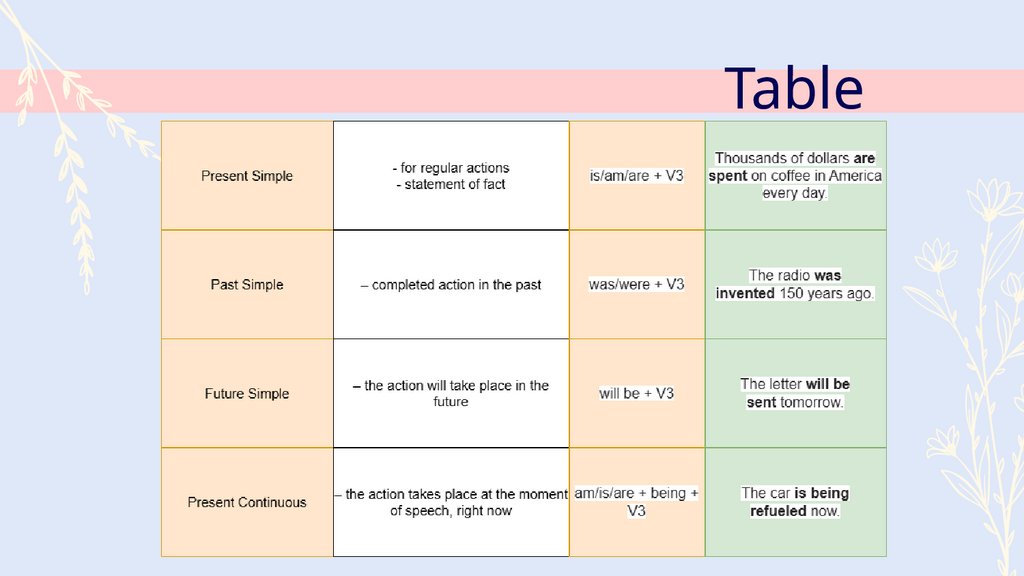
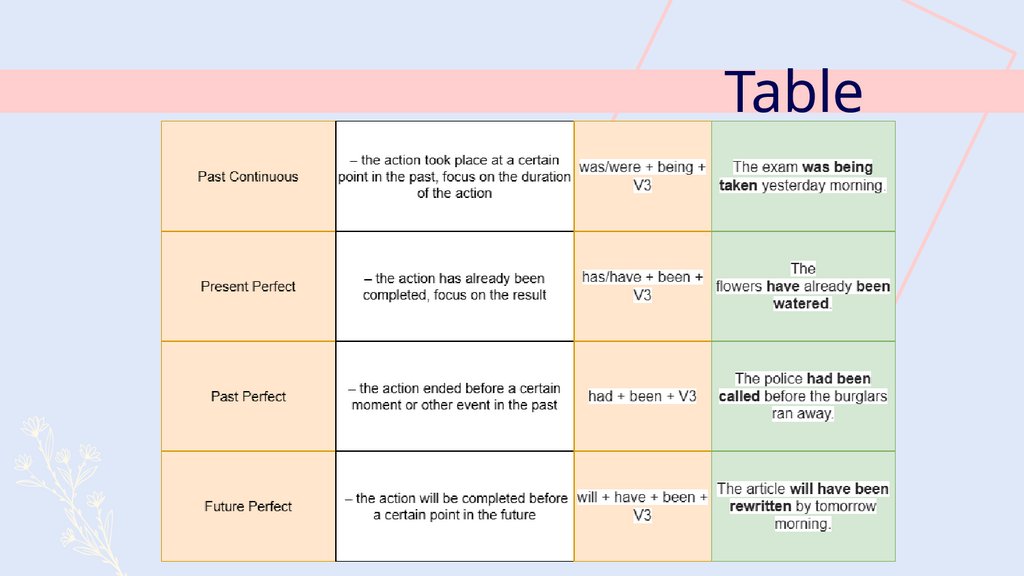
4. Table
5. Neptune
Table6. Thanks for your attention!
7. Whoa!
This can be the part of thepresentation where you can
introduce yourself, write
your email...
8. Introduction
Table of contents01 Introduction
02 Plants & flowers
03 Our team
04 Budget
You can describe the
topic of the section right
here
You can describe the
topic of the section right
here
You can describe the
topic of the section right
here
You can describe the
topic of the section right
here
9.
When do we usepassive voice?
You can enter a subtitle here if
you need it
10. —Someone Famous
This is a quote, words full of wisdomthat someone important said and can
make the reader get inspired.
—Someone Famous
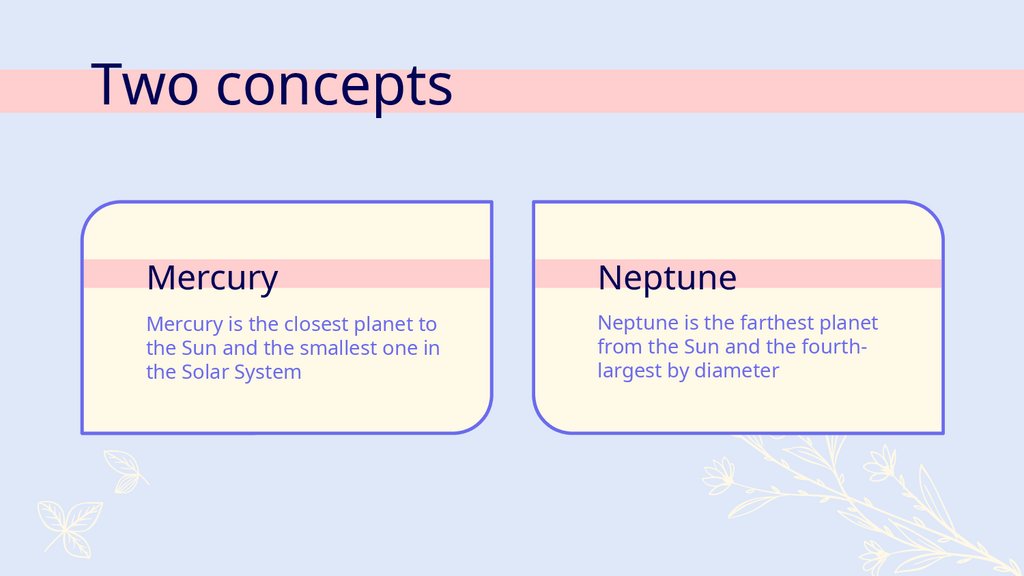
11. Two concepts
MercuryNeptune
Mercury is the closest planet to
the Sun and the smallest one in
the Solar System
Neptune is the farthest planet
from the Sun and the fourthlargest by diameter
12. Three cute flowers
MercuryVenus
Mars
It’s the closest planet
to the Sun and the
smallest in the Solar
System
Venus has a beautiful
name and is the
second planet from
the Sun
Despite being red,
Mars is actually a cold
place. It’s full of iron
oxide dust
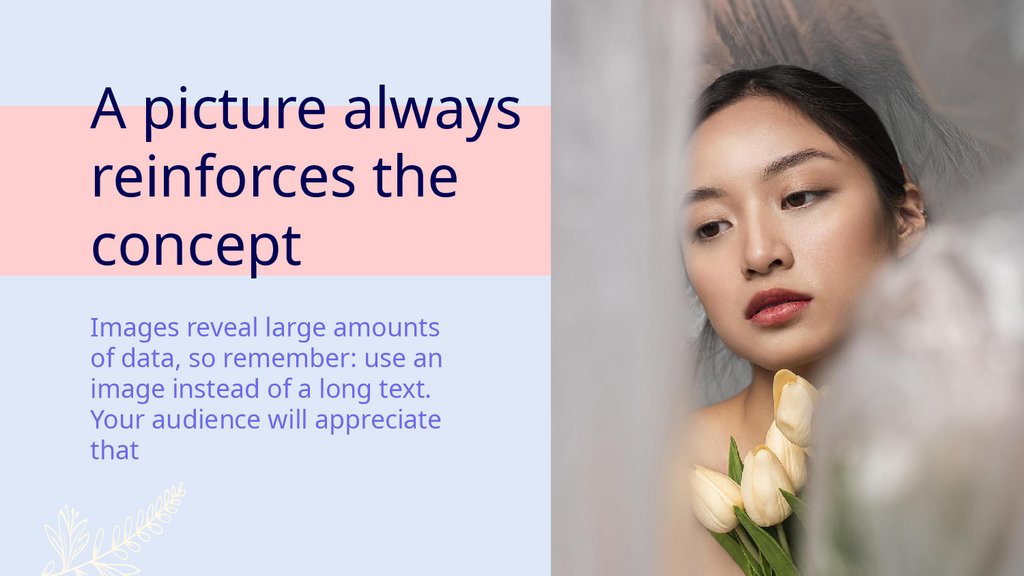
13. A picture always reinforces the concept
Images reveal large amountsof data, so remember: use an
image instead of a long text.
Your audience will appreciate
that
14. 150,000
Big numbers catch your audience’s attention15. A picture is worth a thousand words
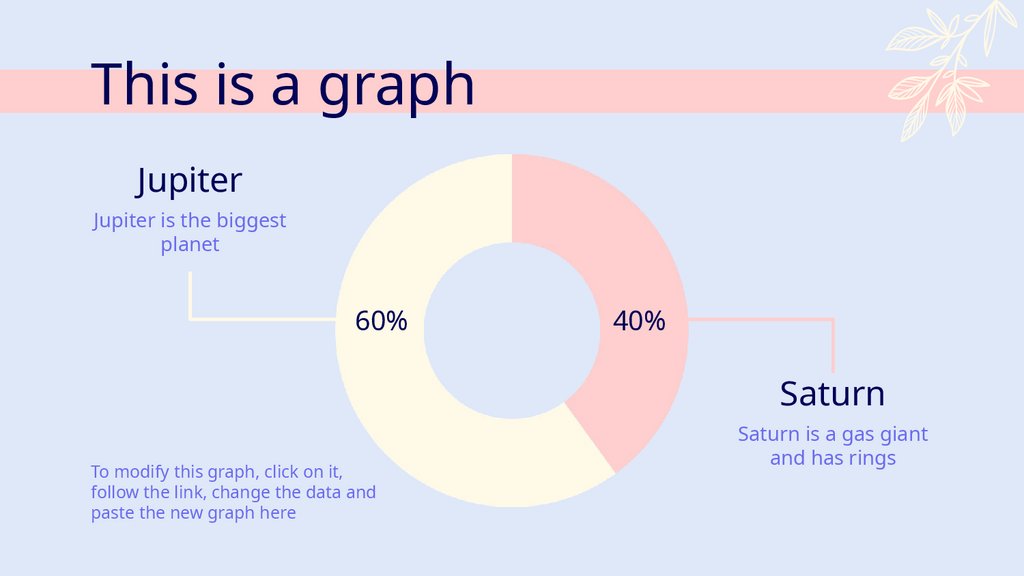
16. This is a graph
JupiterJupiter is the biggest
planet
60%
40%
Saturn
To modify this graph, click on it,
follow the link, change the data and
paste the new graph here
Saturn is a gas giant
and has rings
17.
The slide title goes here!Do you know what helps you make your point clear?
Lists like this one:
● They’re simple
● You can organize your ideas clearly
● You’ll never forget to buy milk!
And the most important thing: the audience won’t
miss the point of your presentation
18. Plants and Flowers
02
Plants and
Flowers
You can enter a subtitle here if
you need it
19. Our Services
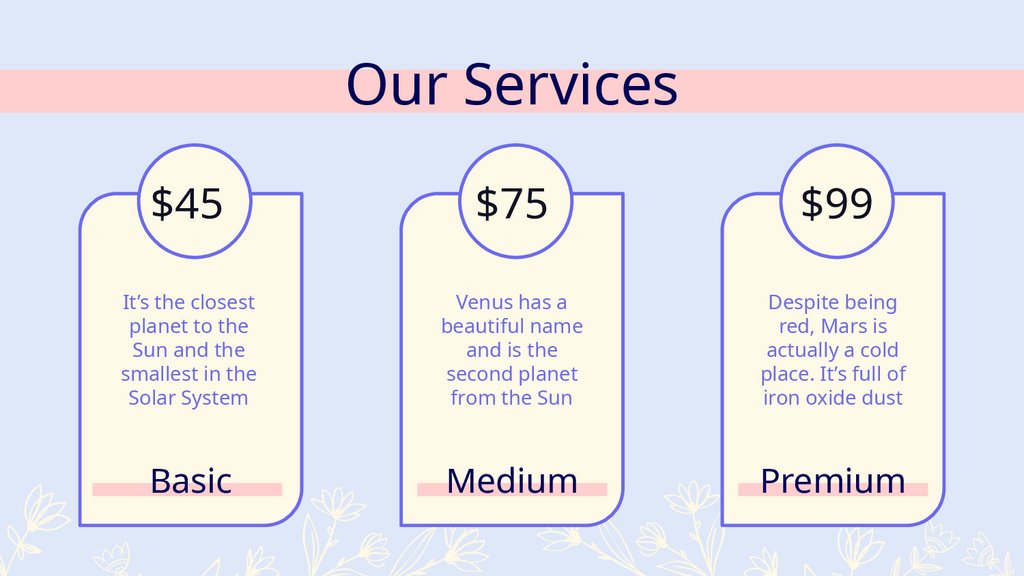
$45$75
$99
It’s the closest
planet to the
Sun and the
smallest in the
Solar System
Venus has a
beautiful name
and is the
second planet
from the Sun
Despite being
red, Mars is
actually a cold
place. It’s full of
iron oxide dust
Basic
Medium
Premium
20. Flowering process
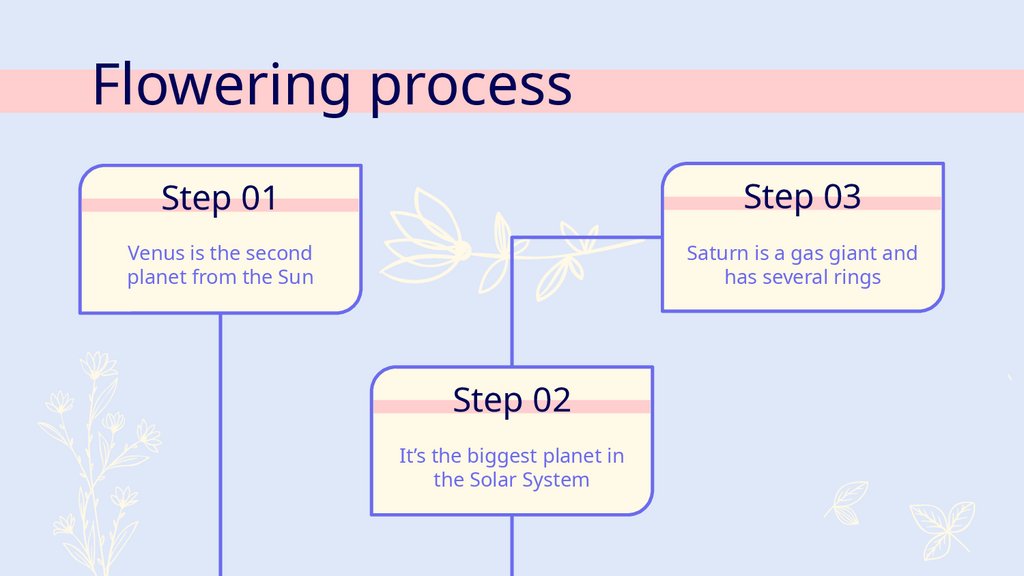
Step 01Step 03
Venus is the second
planet from the Sun
Saturn is a gas giant and
has several rings
Step 02
It’s the biggest planet in
the Solar System
21. 04
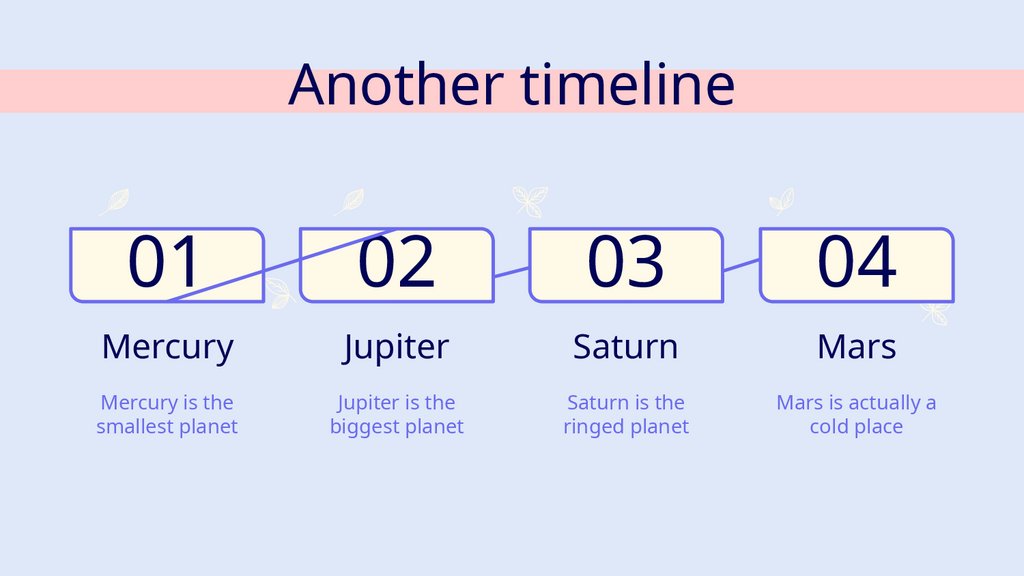
Another timeline01
02
03
04
Mercury
Jupiter
Saturn
Mars
Mercury is the
smallest planet
Jupiter is the
biggest planet
Saturn is the
ringed planet
Mars is actually a
cold place
22. Website
You can replace the imageon the screen with your
own work. Just right-click
on it and select “Replace
image”
23. Tablet app
You can replace the imageon the screen with your
own work. Just right-click
on it and select “Replace
image”
24. Mobile web
You can replace the imageon the screen with your
own work. Just right-click
on it and select “Replace
image”
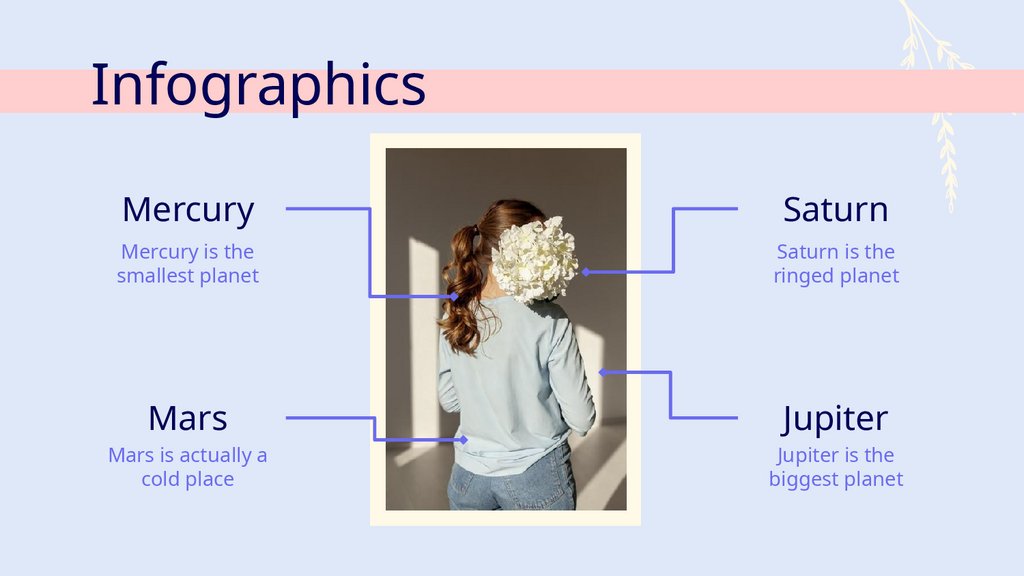
25. Infographics
MercurySaturn
Mercury is the
smallest planet
Saturn is the
ringed planet
Mars
Jupiter
Mars is actually a
cold place
Jupiter is the
biggest planet
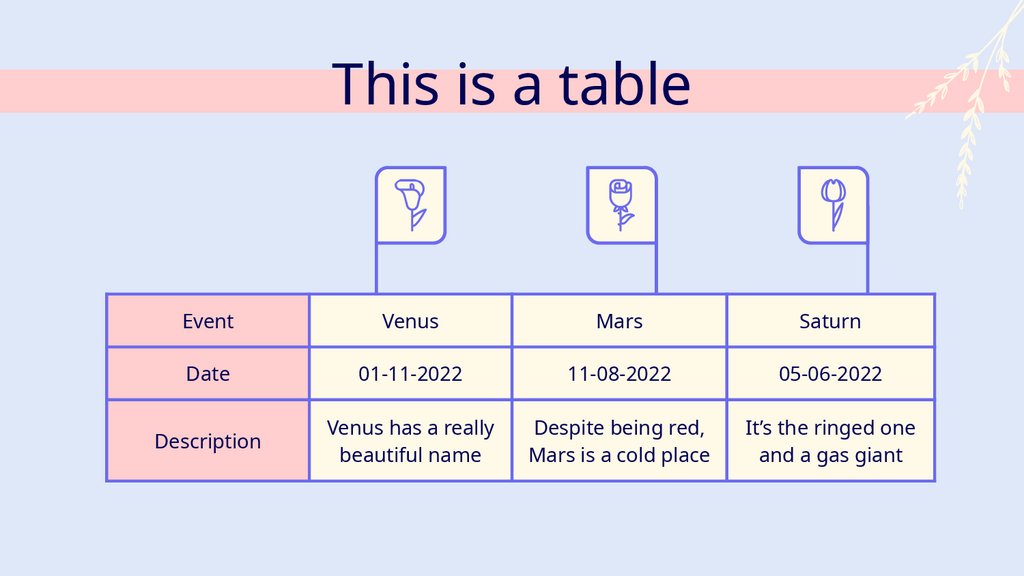
26. This is a table
EventVenus
Mars
Saturn
Date
01-11-2022
11-08-2022
05-06-2022
Description
Venus has a really
beautiful name
Despite being red,
Mars is a cold place
It’s the ringed one
and a gas giant
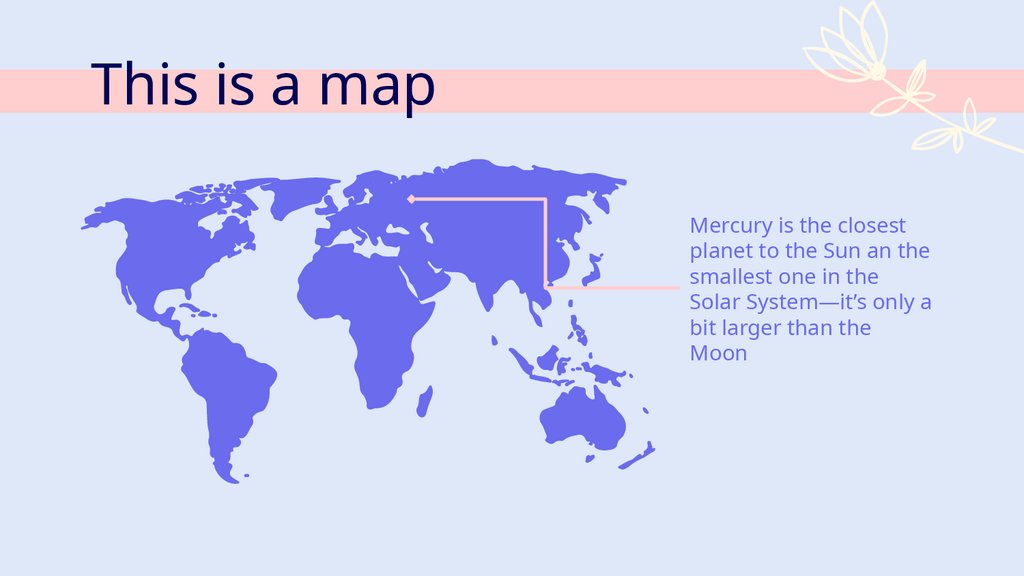
27. This is a map
Mercury is the closestplanet to the Sun an the
smallest one in the
Solar System—it’s only a
bit larger than the
Moon
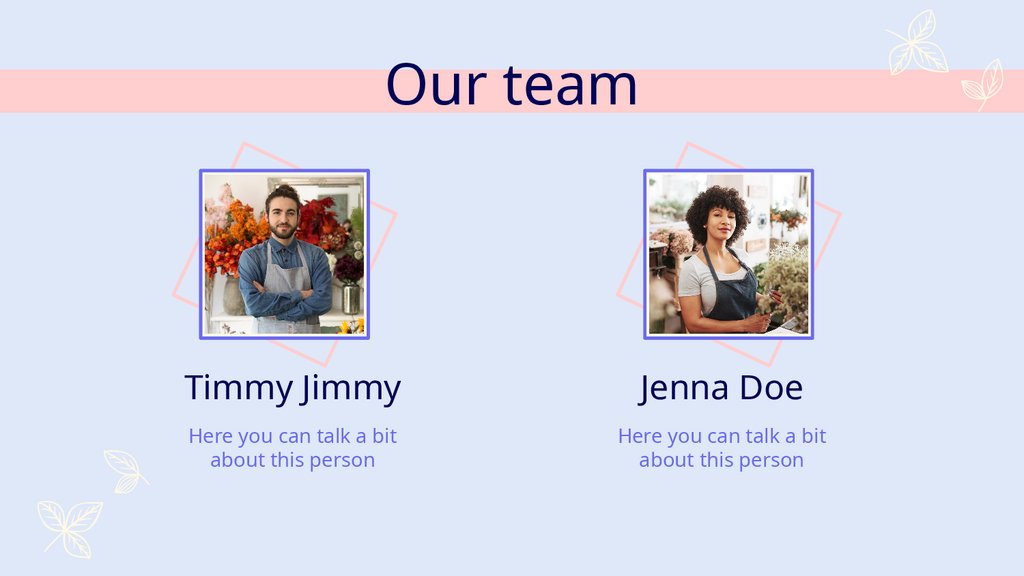
28. Our team
Timmy JimmyJenna Doe
Here you can talk a bit
about this person
Here you can talk a bit
about this person
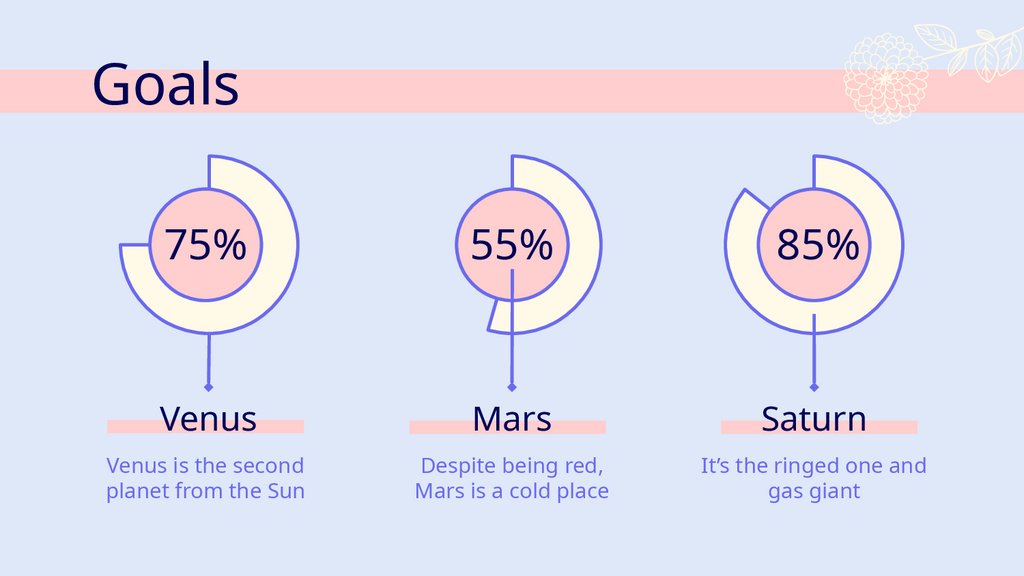
29. Venus
Goals75%
55%
85%
Venus
Mars
Saturn
Venus is the second
planet from the Sun
Despite being red,
Mars is a cold place
It’s the ringed one and
gas giant
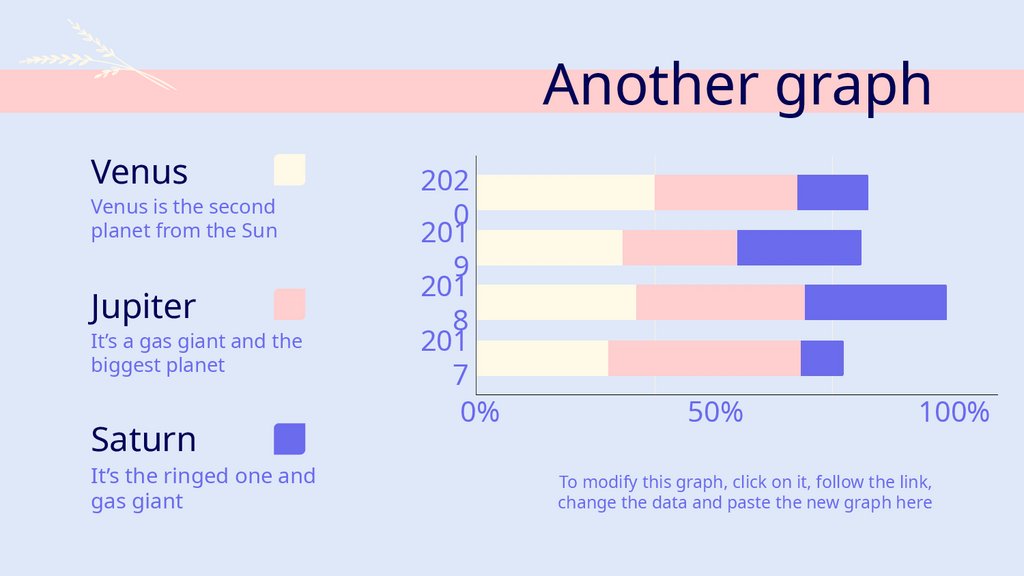
30. Another graph
VenusVenus is the second
planet from the Sun
Jupiter
It’s a gas giant and the
biggest planet
Saturn
It’s the ringed one and
gas giant
202
0
201
9
201
8
201
7
0%
50%
100%
To modify this graph, click on it, follow the link,
change the data and paste the new graph here
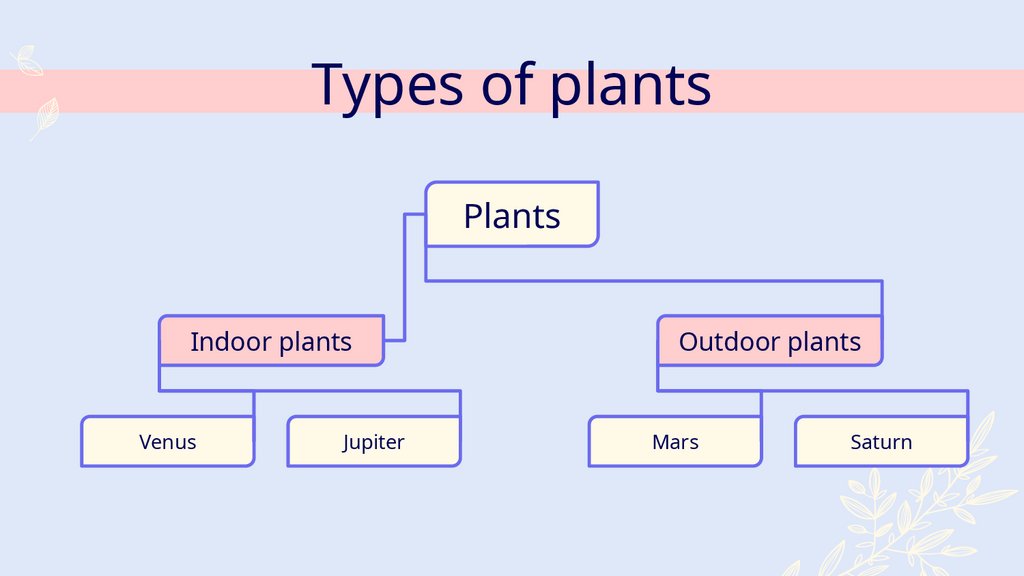
31. Types of plants
PlantsIndoor plants
Venus
Jupiter
Outdoor plants
Mars
Saturn
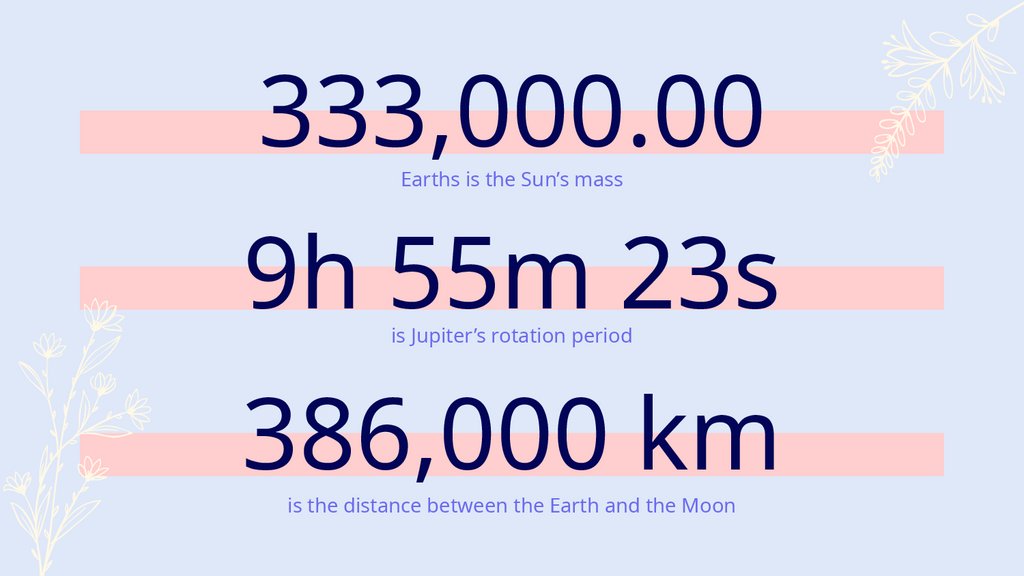
32. 333,000.00
Earths is the Sun’s mass9h 55m 23s
is Jupiter’s rotation period
386,000 km
is the distance between the Earth and the Moon
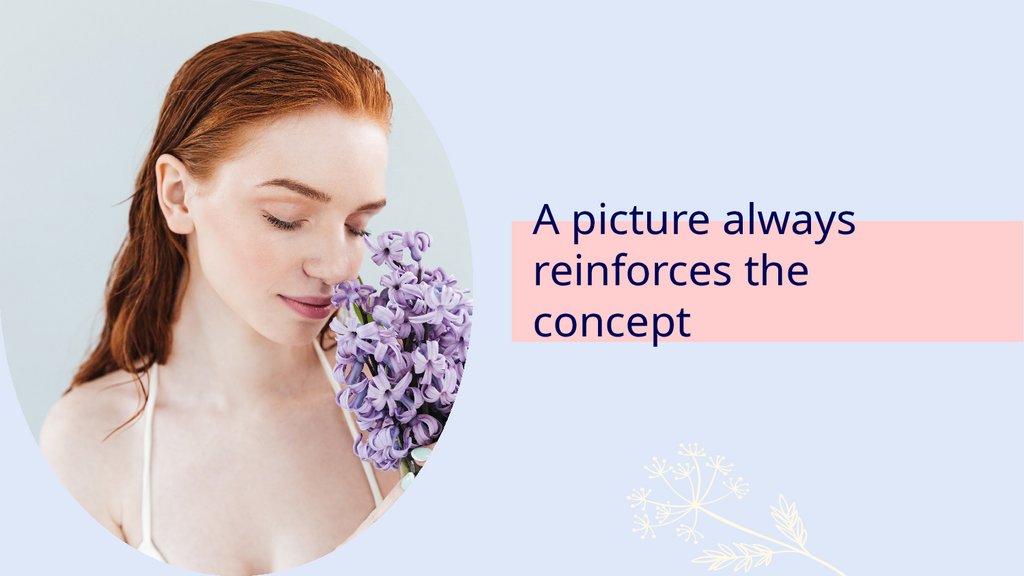
33. A picture always reinforces the concept
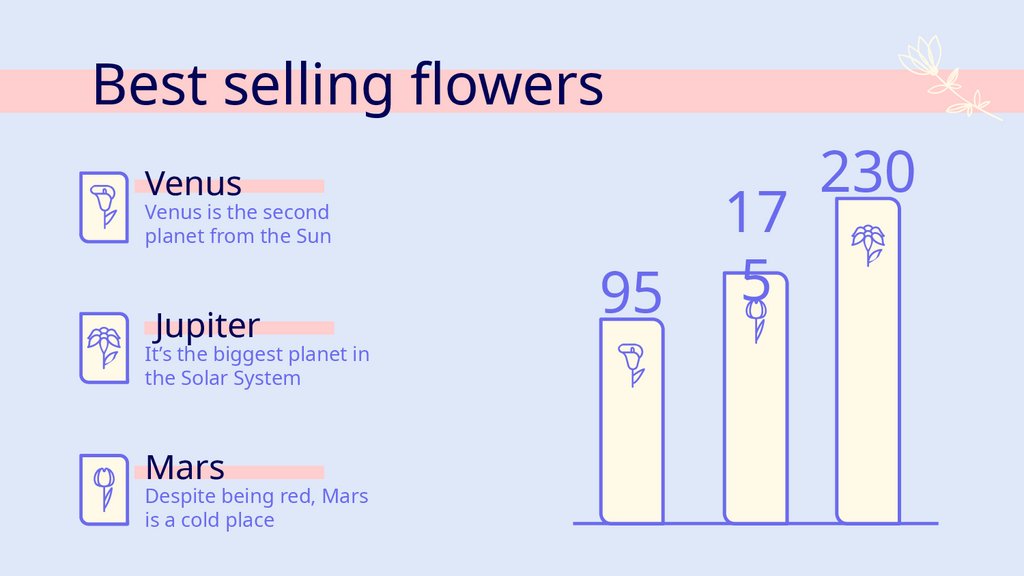
34. Best selling flowers
VenusVenus is the second
planet from the Sun
Jupiter
It’s the biggest planet in
the Solar System
Mars
Despite being red, Mars
is a cold place
95
17
5
230
35. Thanks
Do you have any questions?youremail@freepik.com
+91 620 421 838
CREDITS: This presentation template was created by Slidesgo, including
icons by Flaticon, and infographics & images by Freepik
Please keep this slide for attribution
36. Alternative resources
Here’s an assortment of alternative resources whose style fits this template37. Alternative resources
Here’s an assortment of alternatives resources whose style fits this template38. Resources
Did you like the resources on this template?Get them for free at our other websites:
Vectors:
● Hand drawn floral decorative elements
● Four colored dialog balloons
Photos:
Photos:
Elegant model holding beautiful bouquet
Elegant model holding flowers low angle
Close-up model posing with flowers
Woman holding flower side view
Asian woman covered in plastic holding a bouquet
of flowers
Front view of beautiful woman posing with spring f
lowers
Female model holding beautiful flowers
Confident smiling young male florist with colorful fl
owers in his shop
Portrait of an african woman with bunch of flowers
looking at camera
Beautiful woman posing with spring flowers and va
se
Close up portrait of a ginger woman smelling hyaci
nth flowers
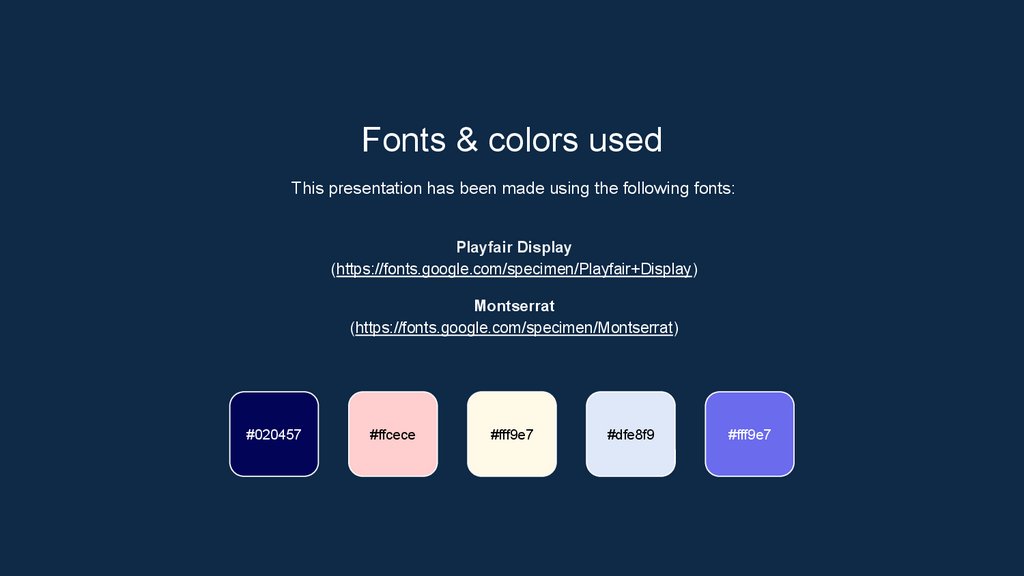
39. Fonts & colors used
Fonts & colors usedThis presentation has been made using the following fonts:
Playfair Display
(https://fonts.google.com/specimen/Playfair+Display)
Montserrat
(https://fonts.google.com/specimen/Montserrat)
#020457
#ffcece
#fff9e7
#dfe8f9
#fff9e7
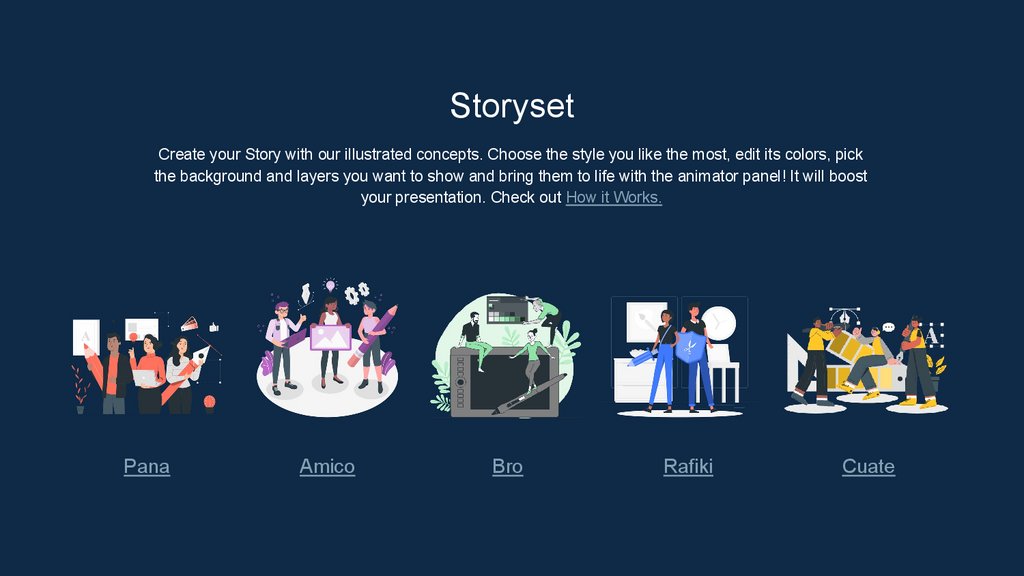
40. Storyset
Create your Story with our illustrated concepts. Choose the style you like the most, edit its colors, pickthe background and layers you want to show and bring them to life with the animator panel! It will boost
your presentation. Check out How it Works.
Pana
Amico
Bro
Rafiki
Cuate
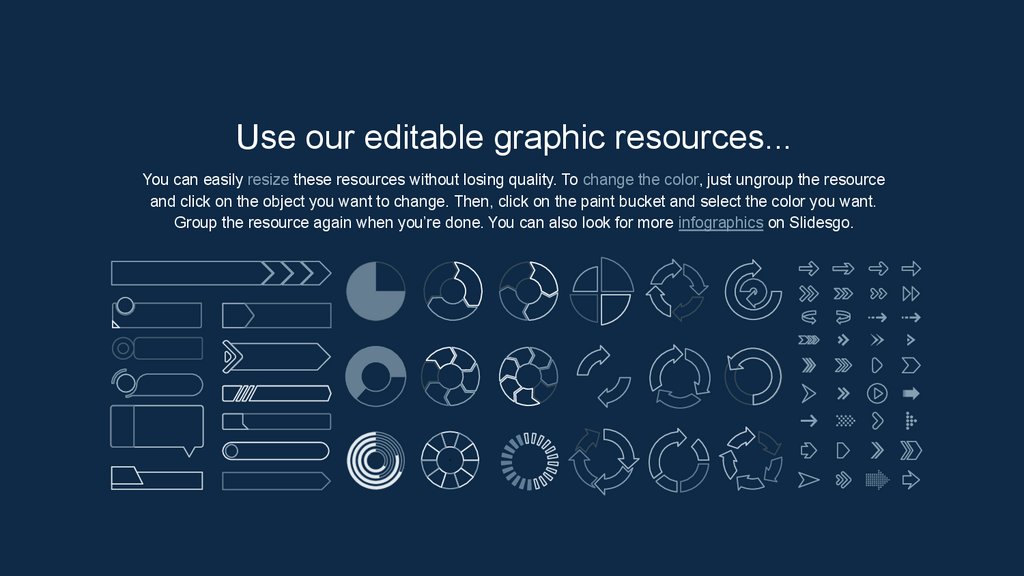
41. Use our editable graphic resources...
You can easily resize these resources without losing quality. To change the color, just ungroup the resourceand click on the object you want to change. Then, click on the paint bucket and select the color you want.
Group the resource again when you’re done. You can also look for more infographics on Slidesgo.
42.
43.
44.
JANUARYFEBRUARY
MARCH
APRIL
MAY
JUNE
PHASE 1
Task 1
Task 2
PHASE 2
Task 1
Task 2
JANUARY
PHASE 1
Task 1
Task 2
FEBRUARY
MARCH
APRIL
45.
46.
47. ...and our sets of editable icons
You can resize these icons without losing quality.You can change the stroke and fill color; just select the icon and click on the paint bucket/pen.
In Google Slides, you can also use Flaticon’s extension, allowing you to customize and add even more icons.
48. Educational Icons
Medical Icons49. Business Icons
Teamwork Icons50. Help & Support Icons
Help & Support IconsAvatar Icons