






 english
Similar presentations:






Get festive with your friends
1.
POWERPOINTPARTY
THEME
2.
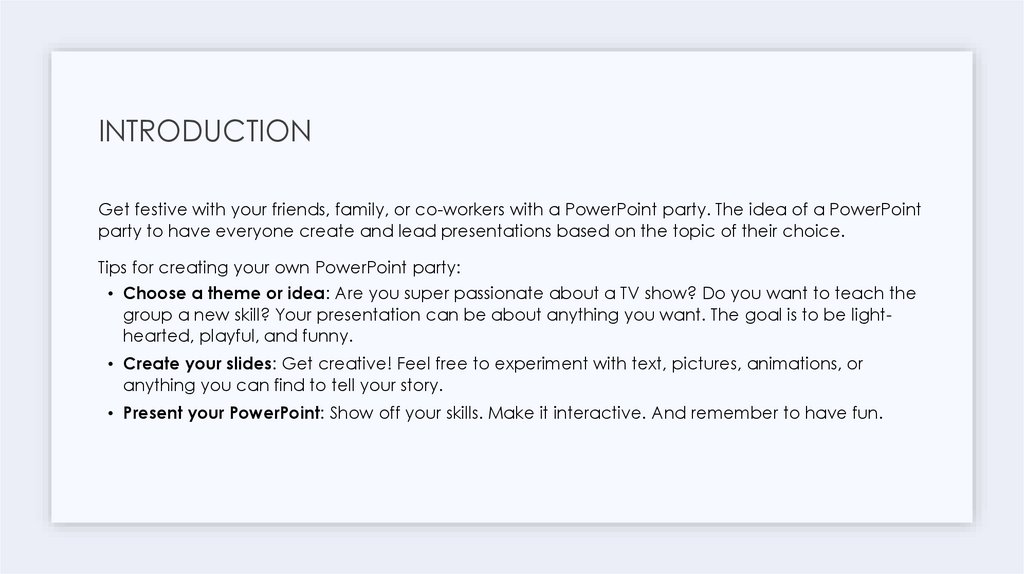
INTRODUCTIONGet festive with your friends, family, or co-workers with a PowerPoint party. The idea of a PowerPoint
party to have everyone create and lead presentations based on the topic of their choice.
Tips for creating your own PowerPoint party:
• Choose a theme or idea: Are you super passionate about a TV show? Do you want to teach the
group a new skill? Your presentation can be about anything you want. The goal is to be lighthearted, playful, and funny.
• Create your slides: Get creative! Feel free to experiment with text, pictures, animations, or
anything you can find to tell your story.
• Present your PowerPoint: Show off your skills. Make it interactive. And remember to have fun.
3.
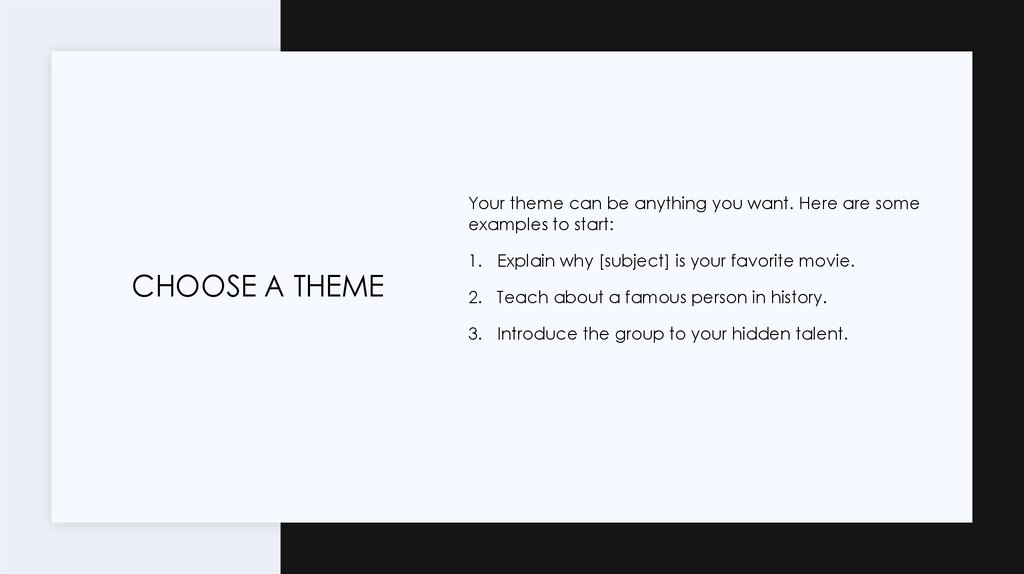
Your theme can be anything you want. Here are someexamples to start:
CHOOSE A THEME
1. Explain why [subject] is your favorite movie.
2. Teach about a famous person in history.
3. Introduce the group to your hidden talent.
4.
ADD A FUNNYQUOTE
“QUOTES…
5.
ABOUT YOUR THEMEYou can write about your theme here.
You can explain why you chose the
theme.
The goal is to be light-hearted, playful,
and funny
6.
ADD PICTURESPICTURE #1
PICTURE #2
PICTURE #3
7.
THEME INFOYou can write about your theme here.
You can explain why you chose the theme.
The goal is to be light-hearted, playful, and funny
8.
ADD VIDEO9.
Questions?Subtitle goes here