
 informatics
 management
Similar presentations:







Document Management
1.
2.
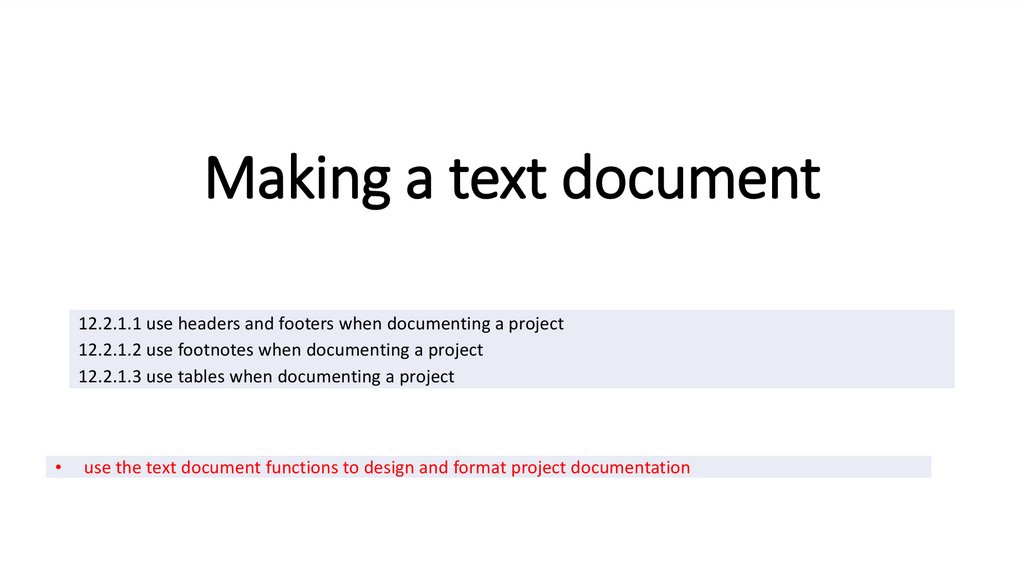
Making a text document12.2.1.1 use headers and footers when documenting a project
12.2.1.2 use footnotes when documenting a project
12.2.1.3 use tables when documenting a project
use the text document functions to design and format project documentation
3.
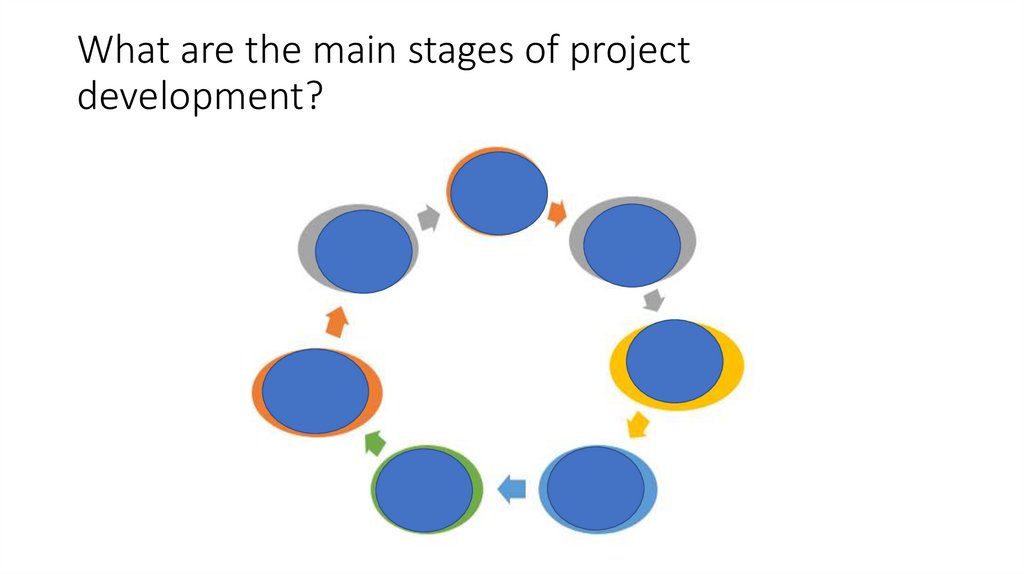
What are the main stages of projectdevelopment?
4.
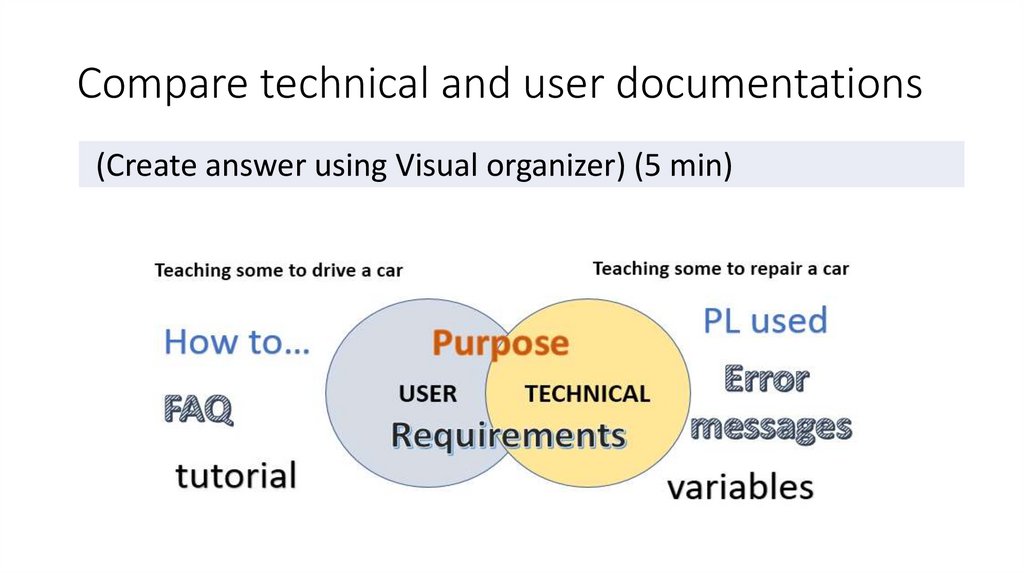
Compare technical and user documentations(Create answer using Visual organizer) (5 min)
5.
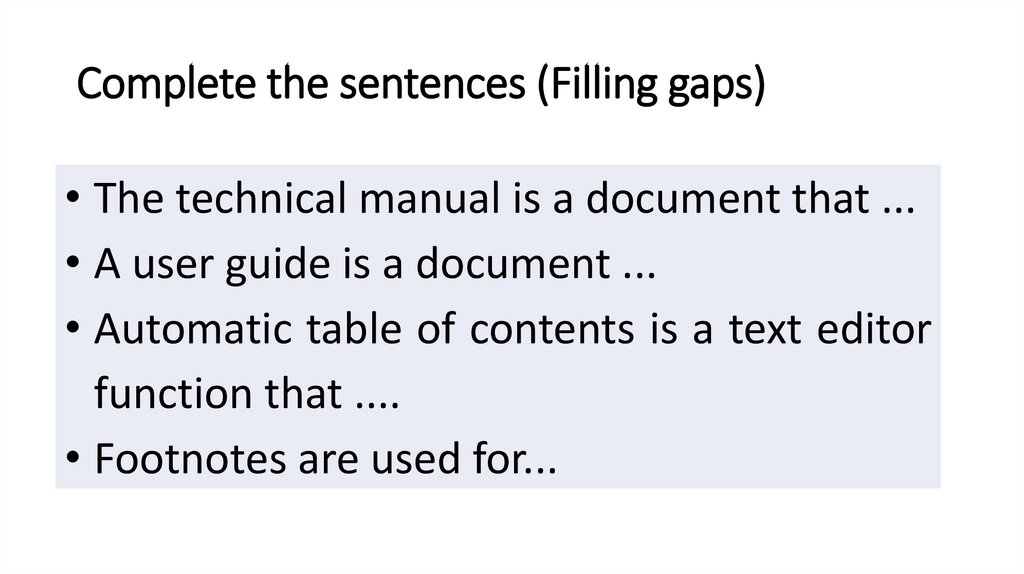
Complete the sentences (Filling gaps)• The technical manual is a document that ...
• A user guide is a document ...
• Automatic table of contents is a text editor
function that ....
• Footnotes are used for...
6.
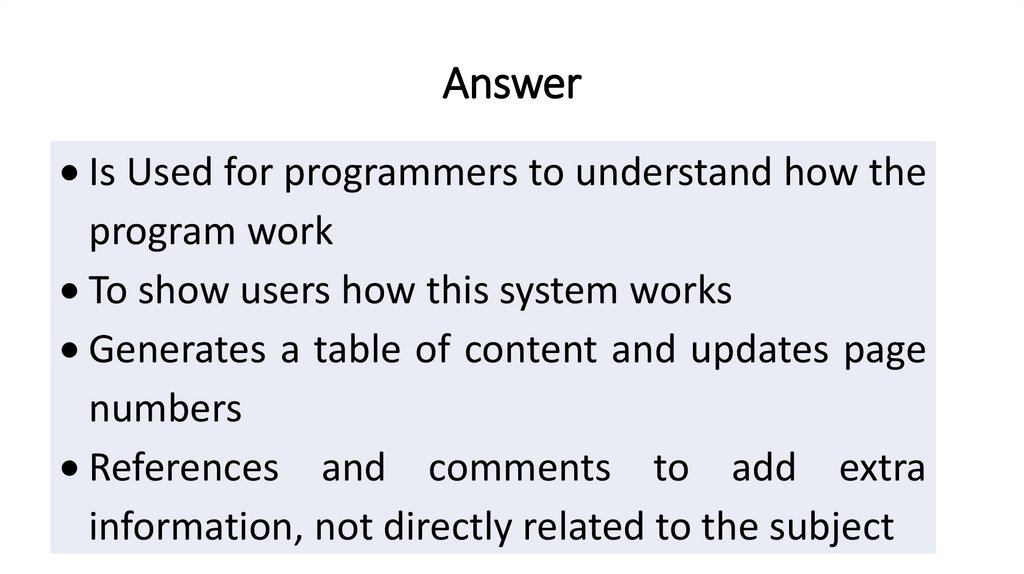
AnswerIs Used for programmers to understand how the
program work
To show users how this system works
Generates a table of content and updates page
numbers
References and comments to add extra
information, not directly related to the subject
7.
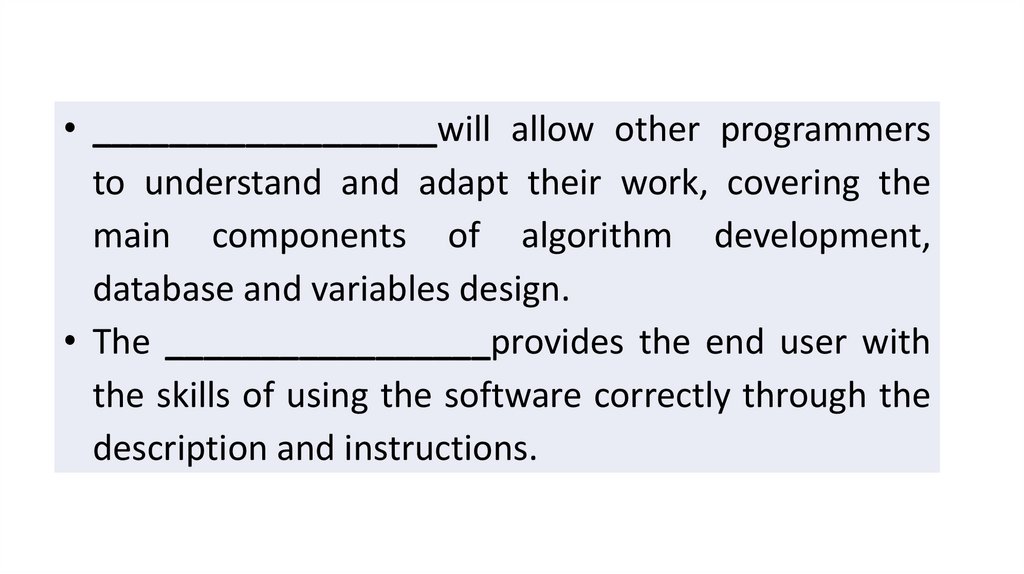
• __________________will allow other programmersto understand and adapt their work, covering the
main components of algorithm development,
database and variables design.
• The _________________provides the end user with
the skills of using the software correctly through the
description and instructions.
8.
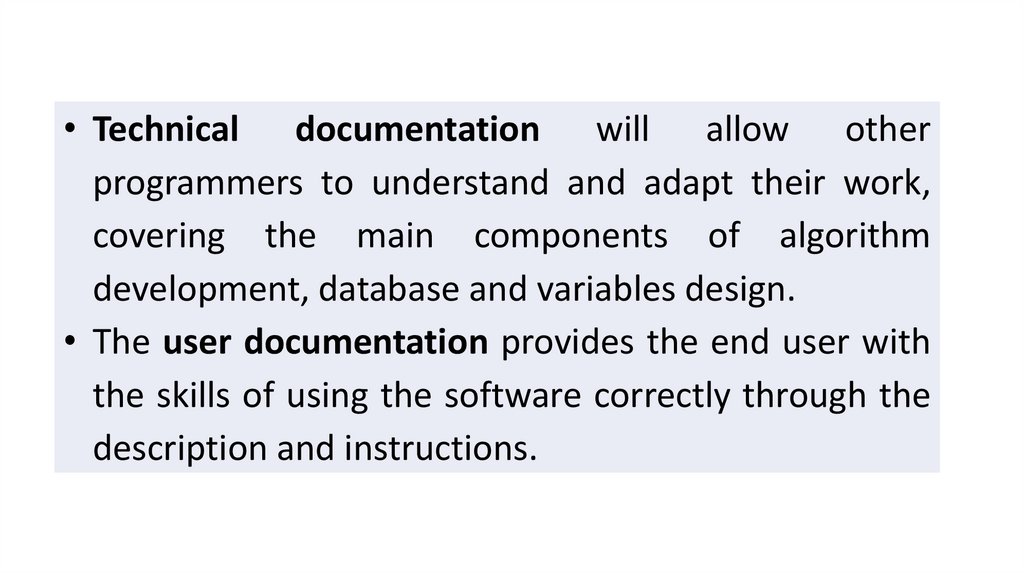
• Technical documentation will allow otherprogrammers to understand and adapt their work,
covering the main components of algorithm
development, database and variables design.
• The user documentation provides the end user with
the skills of using the software correctly through the
description and instructions.
9.
Documentation is quite simply is when we write about ournew system and that way we can tell people what our new
system is all about.
How many types of documentation we have? User
documentation which obviously is going to be for the users of
the system.
Technical documentation is more for programmers system
analysis, to somebody who understand how the system works
10.
Pair (5 min) Share (2 min)• discussion of the advantages of technical
documentation
• discussion of the properties of a good user guide
discussion of the advantages of technical documentation
discussion of the properties of a good user guide
11.
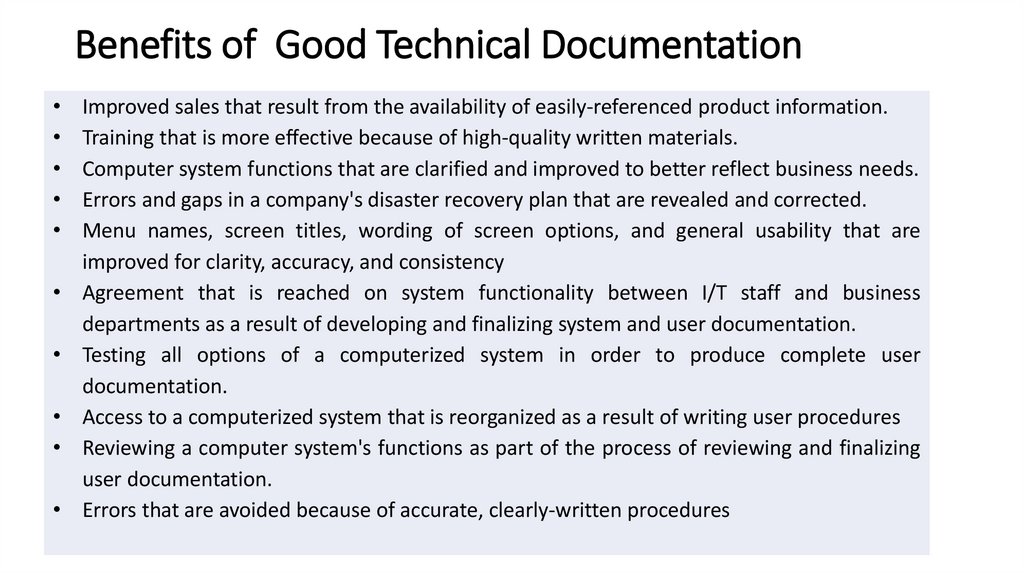
Benefits of Good Technical DocumentationImproved sales that result from the availability of easily-referenced product information.
Training that is more effective because of high-quality written materials.
Computer system functions that are clarified and improved to better reflect business needs.
Errors and gaps in a company's disaster recovery plan that are revealed and corrected.
Menu names, screen titles, wording of screen options, and general usability that are
improved for clarity, accuracy, and consistency
Agreement that is reached on system functionality between I/T staff and business
departments as a result of developing and finalizing system and user documentation.
Testing all options of a computerized system in order to produce complete user
documentation.
Access to a computerized system that is reorganized as a result of writing user procedures
Reviewing a computer system's functions as part of the process of reviewing and finalizing
user documentation.
Errors that are avoided because of accurate, clearly-written procedures
12.
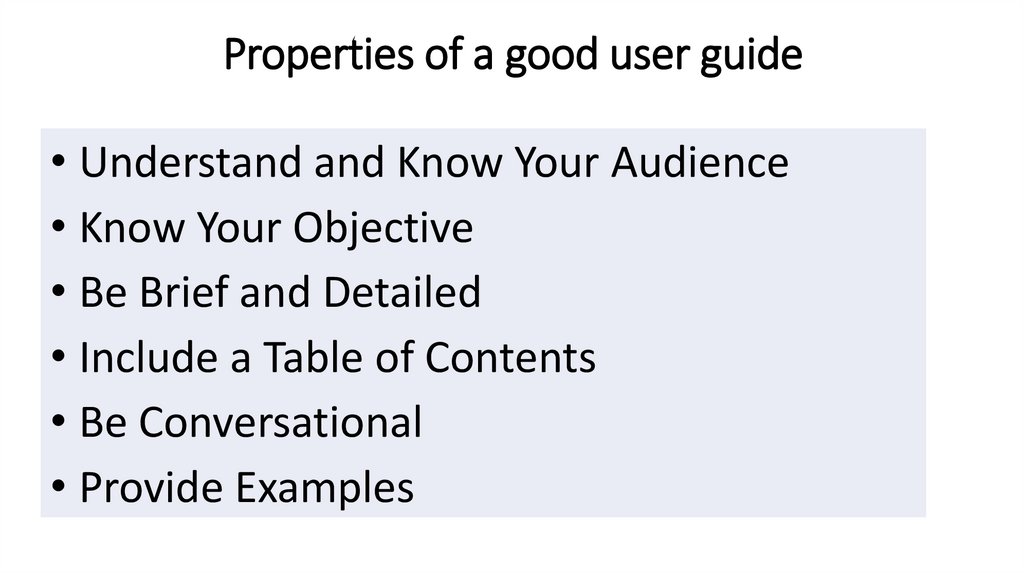
Properties of a good user guide• Understand and Know Your Audience
• Know Your Objective
• Be Brief and Detailed
• Include a Table of Contents
• Be Conversational
• Provide Examples
13.
Develop evaluation criteria for the• Technical manual
• User Guide
• Documentation layout